

Test Website On Different Browsers
Test websites on different browsers and devices, including Chrome, Safari, Firefox, and Edge across Windows, macOS, Android, and iOS.


Trusted by 3M+ users globally at




"We have tripled our tests and are now executing tests in less than 2 hours with 78% Faster Test Execution"


"We figured out a more efficient way to monitor system health and resolve failures earlier in lower environments."





"TestMu AI has significantly boosted our testing speed, is easy to implement, and provides exceptional support."


"With 70% faster test execution, TestMu AI helped us achieve faster time-to-market and enhanced CX."



Why Teams Choose TestMu AI to Test Different Browsers
Run your site on real browsers, debug with native DevTools, test with extensions loaded, and check localhost before it goes live.
 REAL BROWSER COVERAGE
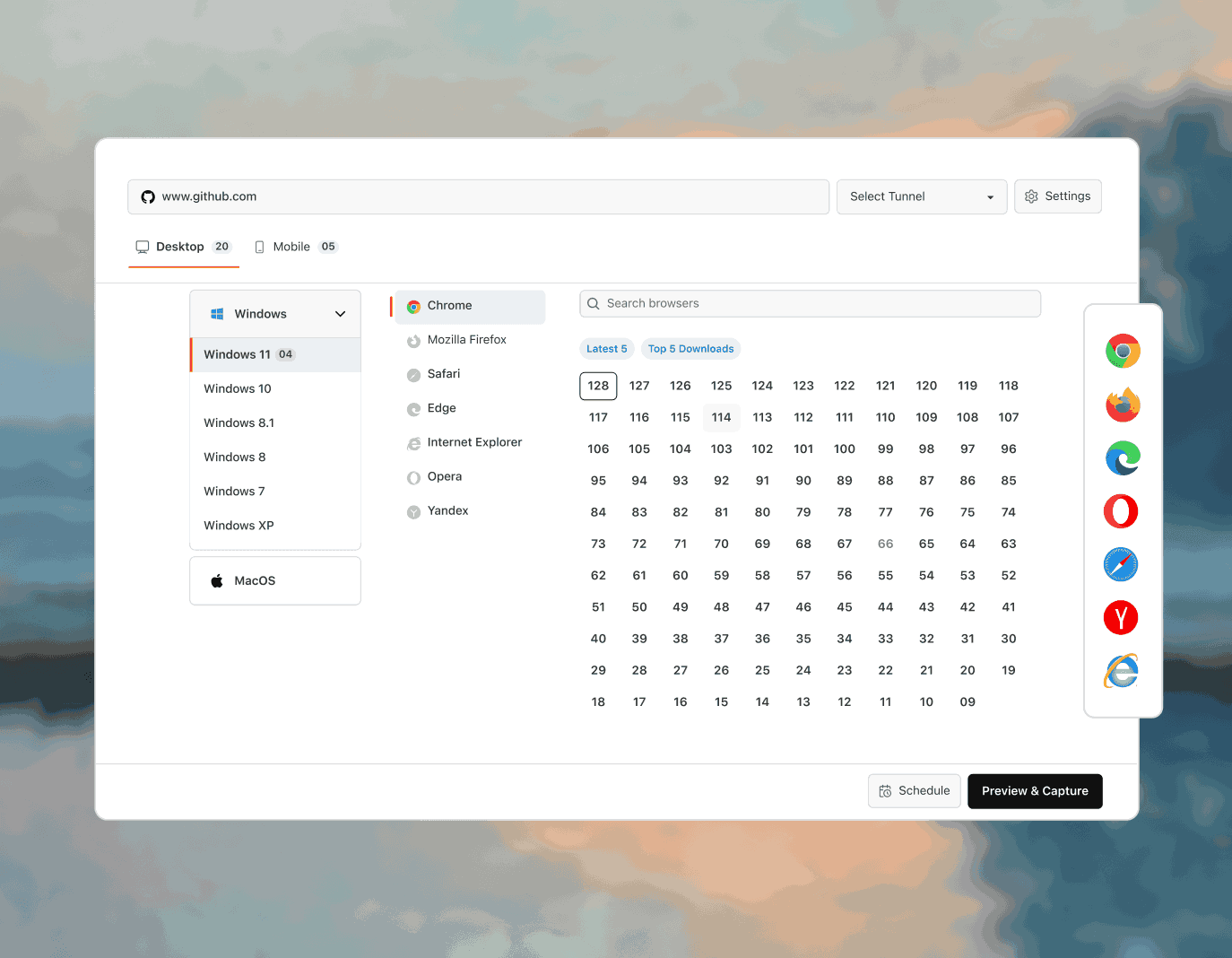
Test on Real Desktop and Mobile Browsers
Test your website on 3,000+ real browsers and OS combinations, without setting up VMs or managing browser installations locally.
Start Testing Free
- Chrome, Firefox, Safari, Edge, Opera, including legacy versions
- Windows, macOS, and Linux desktops, plus mobile web
- Test Safari on macOS and iOS without owning a Mac

 DEVELOPER TOOLS
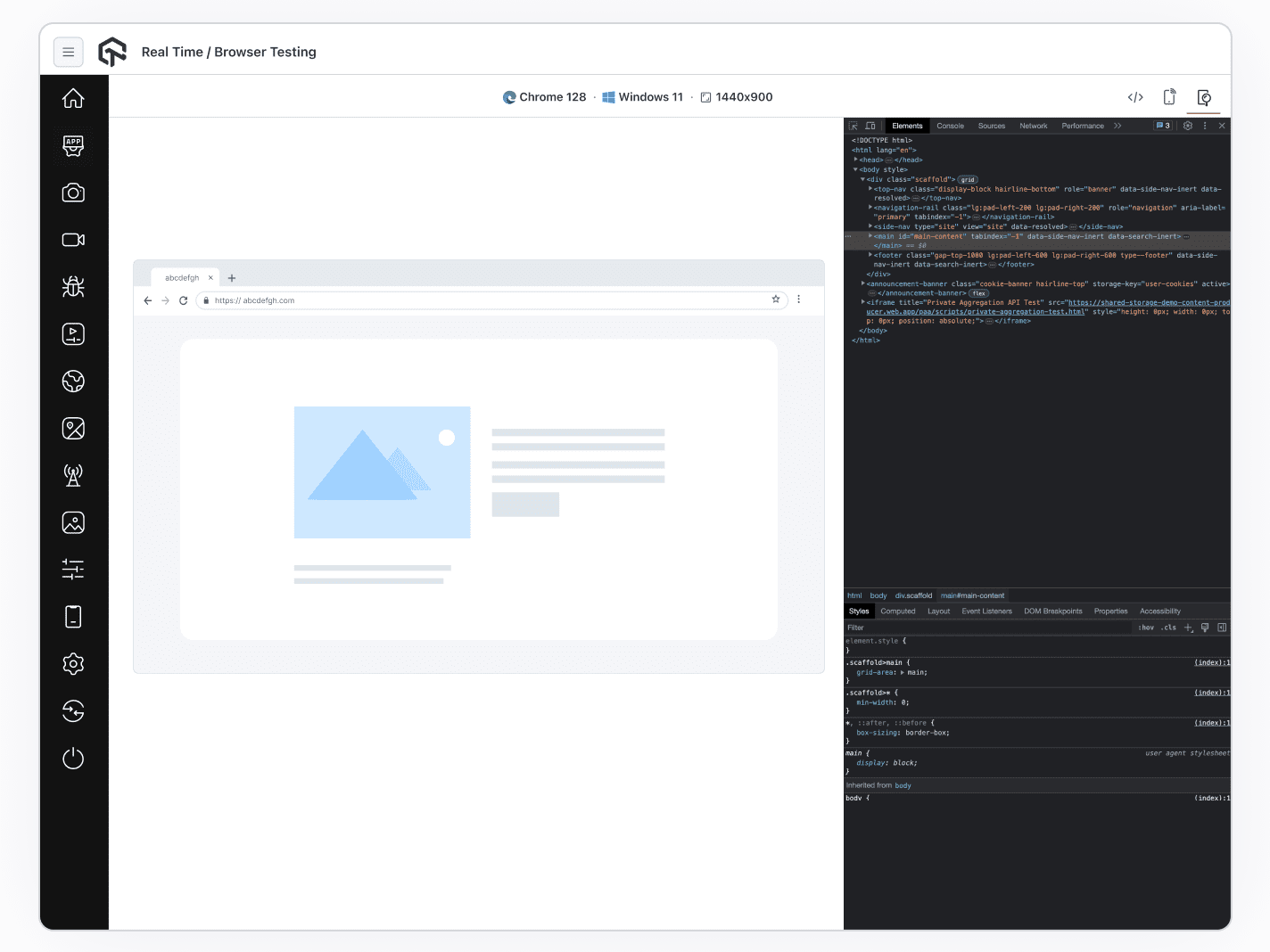
Debug Any Browser With Native DevTools
Debug layout and JavaScript issues on any browser using native DevTools, without switching between your local setup and the cloud.
Start Testing Free- Inspect and edit CSS live in Chrome, Firefox, Edge, Safari
- Capture network requests and payloads to trace API issues
- Set breakpoints and debug JavaScript, no local install
 CHROME EXTENSIONS
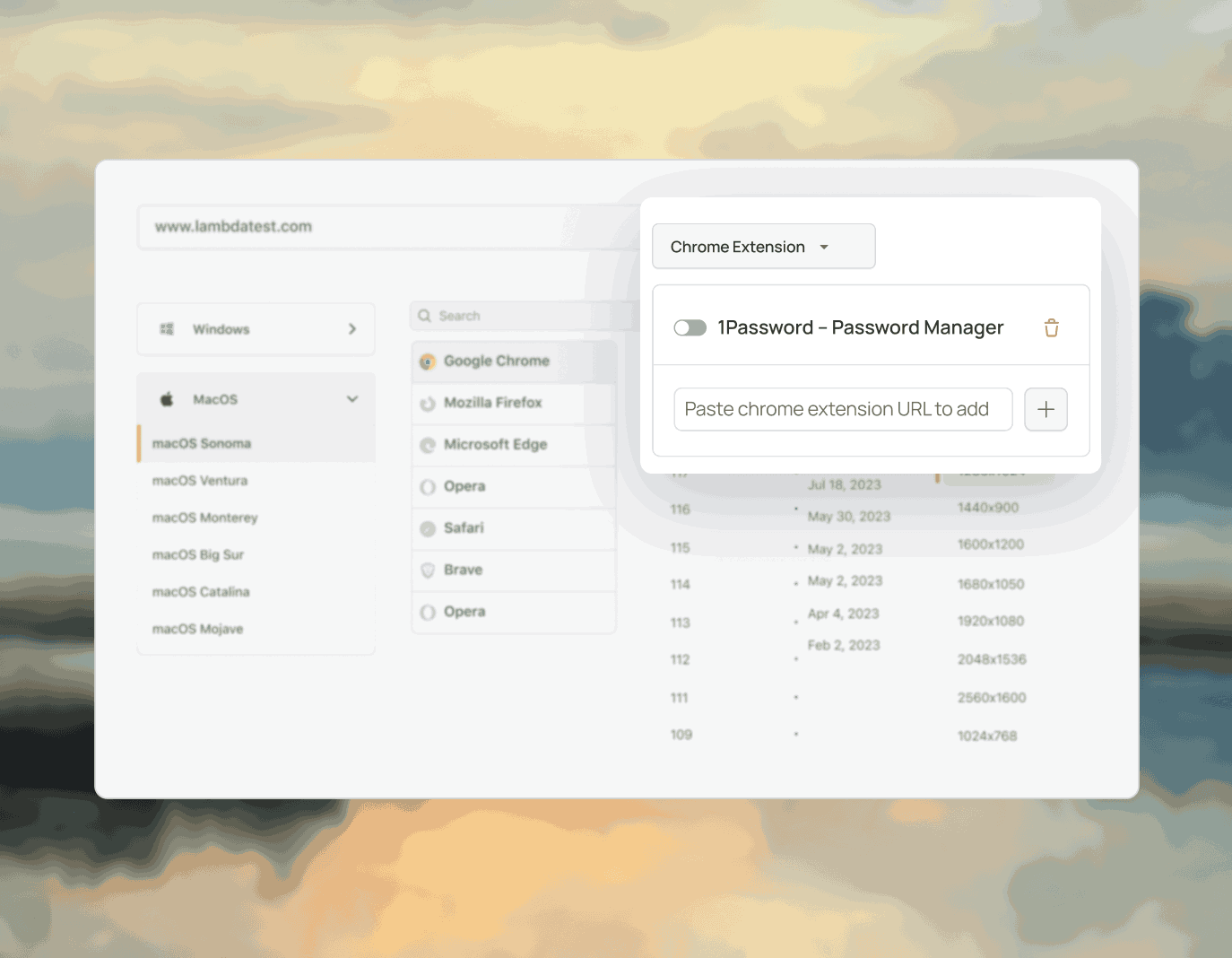
Test With Chrome Extensions Pre-Loaded
Test your website with Chrome extensions loaded, without re-authenticating or reinstalling them between sessions.
Start Testing Free- See how ad blockers hit analytics, paywalls, and checkout
- Verify login and checkout with password managers loaded
- Extensions stay signed in for the whole session
 LOCAL TESTING
Test Localhost Before It Goes Live
Test public and internal websites on development environments, without exposing your network or configuring a public URL.
Start Testing Free- Reach localhost and staging over an encrypted tunnel
- No public URL, port forwarding, or firewall changes
- Share the tunnel so teammates debug the same build
Everything You Need to Test Multiple Browsers

Screen Resolution
Change screen resolution mid-session to see how your layout responds across different sizes.

Nothing to Install
Every browser runs in the cloud and streams to your screen. No downloads, no VMs, no licenses.

Mark as Bug
Flag UI issues instantly and share them with your team without leaving the session.

Test From 180+ Countries
Load your site from 180+ countries to check region-specific redirects, pricing, and content.

120+ Integrations
Connect to your testing stack through 120+ integrations including Jira, Slack, and GitHub.

24/7 Support
Reach our support team anytime via in-app chat or email at support@testmuai.com.
LambdaTest is now TestMu AI
On January 12, 2026, LambdaTest evolved into TestMu AI, the same trusted testing cloud, upgraded for the AI era.
Now a full-stack agentic AI quality engineering cloud, it automates end-to-end testing across web, mobile, and AI apps. The platform is AI-native, with autonomous agents that plan, author, execute, analyze, and optimize tests.

The next era of the world's first fully Autonomous Agentic AI Quality Engineering Platform is here.

Asad Khan
Co-Founder & CEO






















Some Love from our Customers
As Best Egg expanded its product offerings and entered new markets, we knew our old testing infrastructure couldn’t keep up.
With support from Tenny Agustin, our Engineering Operations Lead, we modernized our approach with
TestMu AI

Best Egg
best-egg

Excited to Share My Learning Journey with Kane AI & Lambda Tool!
I'm pleased to announce that I've recently gained hands-on experience exploring Kane AI through the Lambda Tool and it’s been a fantastic journey of upskilling!
KaneAI

Suryateja Goud
suryateja-goud

See how is #Futureready to enable blazing-fast test orchestration seamlessly integrated with organizations' existing CI/CD platforms, using #Microsoft Azure.
TestMu AI

Microsoft India
MicrosoftIndia
More Reasons to LoveTestMu AI (formerly LambdaTest)
See how TestMu AI improves your testing with seamless integration, quicker results, and unmatched accuracy.
Users
3M+
Tests
1.5B+
Enterprises
18K+
Countries
132
TestMu AI Named a Challenger in the 2025 Gartner® Magic Quadrant™
Read ReportTestMu AI recognized in The Forrester Wave™: Autonomous Testing Platforms, Q4 2025
Read ReportWall of Fame
TestMu AI is the #1 choice for SMBs and enterprises across the globe.

Enterprise-Grade Security
We safeguard your data and AI systems with global security, privacy, responsible AI, and ESG standards.

Integrations
Works where you work, 120+ integrations with the tools your team relies on.




As Seen On
Success Stories of TestMu AI (Formerly LambdaTest)

50%
reduction in test execution time
“HyperExecute is a highly reliable test execution platform and has excellent customer support.”
Sagar Uday Kumar
Sr. Engineering Manager
Frequently asked questions
TestMu AI forEnterprise
Get access to solutions built on enterprise-grade
security, privacy, & compliance
- Advanced access controls
- Advanced data retention rules
- Advanced Local Testing
- Premium Support options
- Early access to beta features
- Private Slack Channel
- Unlimited Manual Accessibility DevTools Tests