
Cross browser testing tool for
desktop and mobile
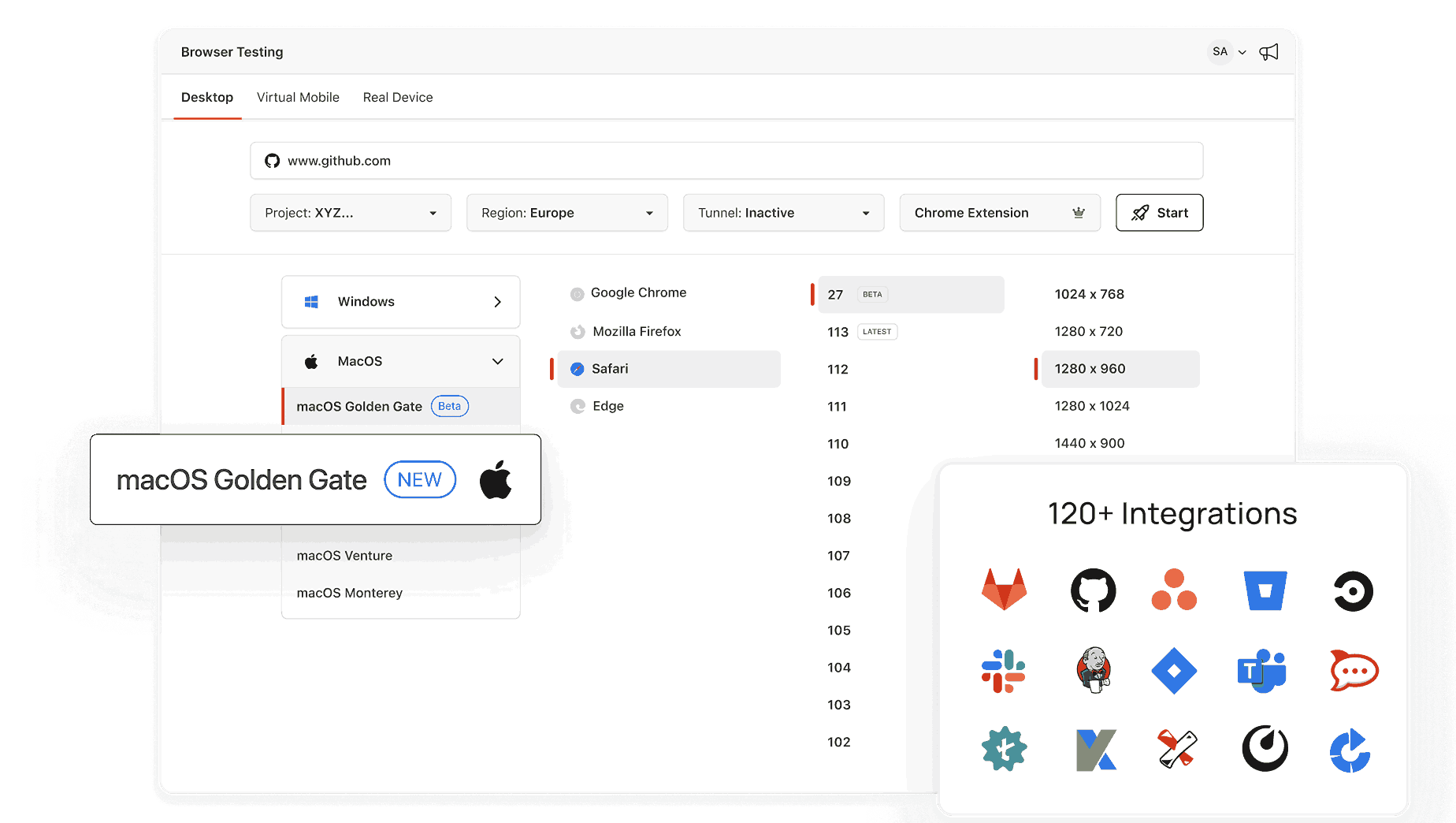
Open a live Chrome, Safari, Firefox, or Edge session in seconds with TestMu AI.


What Version of Windows? Check for Bug Reports
Some layout and font bugs only show up on certain Windows versions. Read the version this page detects from your browser and copy it into the report so the team can test on the same setup.
Categories



Why Should You Know Your Windows Version?
- Software Installation: Ensure the applications you download are compatible with your Windows version.
- System Requirements: Verify if your PC meets the requirements for upgrades or specific tools.
- Troubleshooting: Knowing your version simplifies getting support and resolving issues.
What is the Purpose of This Tool?
Our tool focuses on detecting and displaying the version of Windows installed on your system, such as Windows 10 or Windows 11. It’s designed to provide quick results without requiring any technical knowledge or manual steps.
How to Use the Tool?
Just visit this page, and the version will be displayed instantly.
How to Find Your Windows Version Manually?
If you prefer to check your Windows version without using the tool, follow these steps:
Option 1: Using Settings
- Press the Windows + I keys to open the Settings menu.
- Go to System > About.
- Under the "Windows Specifications" section, you’ll see your Windows version (e.g., Windows 10 or Windows 11).
Option 2: Using the Run Command
- Press Windows + R to open the Run dialog box.
- Type winver and hit Enter.
- A window will pop up displaying your Windows version.
Option 3: Using System Properties
- Right-click on This PC or My Computer on your desktop or File Explorer.
- Select Properties.
- Under the "Windows Edition" section, your version will be displayed.
Option 4: Using Command Prompt or PowerShell
- Press Windows + R, type cmd or PowerShell, and select Run as administrator.
- Enter the following command and press Enter:
- The output will display your Windows version and OS name.
systeminfo | findstr /B /C:"OS Name" /C:"OS Version"
How to Check Your Operating System Based on Your Windows Version?
The steps to check your operating system details may vary slightly depending on the Windows version you are using. Follow the method that matches your Windows version:
For Windows 11
- Click on the Start button and select Settings.
- Go to System > About.
- Under the Windows specifications section, you can find your Windows version, edition, and system type (32-bit or 64-bit).
For Windows 10
- Press Windows + I to open Settings.
- Click System, then select About from the left panel.
- Under Windows specifications, you’ll find the Windows version and edition.
- Under Device specifications, check System type to see if you have a 32-bit or 64-bit OS.
For Windows 8.1 and Windows 8
- Open the Charms bar by pressing Windows + C and select Settings.
- Click PC Info (for Windows 8.1) or PC and Devices > PC Info (for Windows 8).
- Under Windows edition, you’ll see your Windows version.
- Check System type to see whether your Windows is 32-bit or 64-bit.
For Windows 7
- Click the Start button and right-click Computer.
- Select Properties.
- Under Windows edition, you’ll find your Windows version.
- Under System type, check if your OS is 32-bit or 64-bit
Who Is This Tool For?
- Casual Users: Quickly check your Windows version for updates or software needs.
- Support Seekers: Provide accurate details when contacting tech support.
- Gamers & Developers: Confirm compatibility with games or development platforms.
Working with the What version of Windows do I have? often means reaching for nearby utilities: What version of Android do I have?, What version of Chrome do I have?, and What version of Firefox do I have?. Track the runs that depend on these numbers in TestMu AI Test Manager.
Frequently Asked Questions (FAQs)
Will this tool work on all the Windows & browser versions?
No, this tool will not be able to work with the below version
- This tool will not be able to detect Windows XP
- Chrome: Version 60 or below
- Firefox: Version 59 or below
- Edge: Version 94 or below
- Opera: Version 80 or below
Why do I need to know my Windows version?
Knowing your Windows version is important for installing compatible software, troubleshooting technical issues, and checking if your system meets specific hardware or software requirements.
How does this tool detect my Windows version?
Our tool uses browser-based technology to analyze your operating system and display the version of Windows you are using. It’s quick, secure, and requires no downloads or installations.
What should I do if I need more details about my system?
If you need more specific information about your Windows build, edition, or architecture, use the manual methods mentioned above or a dedicated system information tool.

Did you find this page helpful?
More Tools
TestMu AI forEnterprise
Get access to solutions built on Enterprise
grade security, privacy, & compliance
- Advanced access controls
- Advanced data retention rules
- Advanced Local Testing
- Premium Support options
- Early access to beta features
- Private Slack Channel
- Unlimited Manual Accessibility DevTools Tests