
Cross browser testing tool for
desktop and mobile
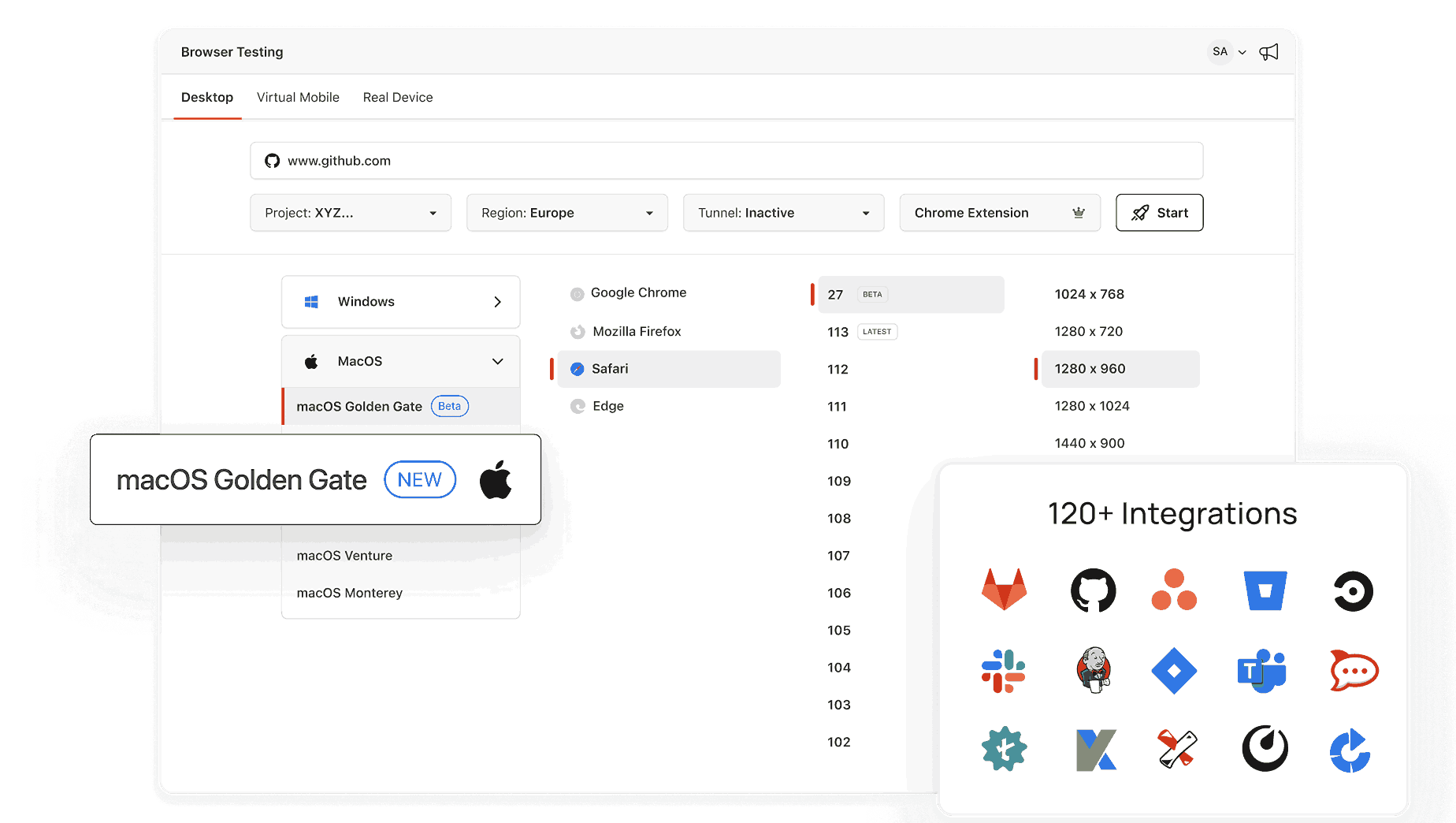
Open a live Chrome, Safari, Firefox, or Edge session in seconds with TestMu AI.


What OS Do I Have? OS Check for Bug Reports
Your OS name and version appear as soon as the page loads on the machine or phone you test on. Copy the result into the bug ticket so a developer can set up the same environment to reproduce it.
Categories



What Is an Operating System?
An operating system is the software that manages your computer's hardware and software. It provides a user-friendly interface to interact with the device and run applications. Popular operating systems include:
- Windows (e.g., Windows 11, Windows 10)
- macOS (e.g., macOS Ventura, macOS Monterey)
- Linux (e.g., Ubuntu, Fedora)
- Android
- iOS
How to Find Out What OS Version You Have?
Automatically: You can simply visit this page and it will tell you about the OS your device is currently using.
Manually: You can follow the steps below to find the details about the OS.
On a Windows PC
- Press Win + R to open the Run dialog box.
- Type winver and press Enter.
- A window will appear showing your Windows version and build number. Alternatively:
- Go to Settings > System > About
- Scroll down to find your OS version under "Windows Specifications".
On a macOS Device
- Click the Apple logo in the top-left corner.
- Select About This Mac.
- The name and version of your macOS will be displayed (e.g., macOS Ventura 13.1).
On an Android Device
- Open Settings.
- Scroll down and tap About Phone or System.
- Look for Software Information or Android Version.
On an iPhone or iPad (iOS)
- Open Settings.
- Go to General > About.
- Find the Software Version listed on the screen.
On a Linux System
- Open a terminal.
- Type cat /etc/os-release and press Enter.
- Your Linux distribution and version will be displayed.
Why Knowing Your OS Matters?
- Software Compatibility: Ensure apps and programs are compatible with your OS.
- Troubleshooting: Identify specific OS-related issues for better support.
- Upgrades: Check if your device supports the latest OS updates for security and performance improvements.
Limitations of This Tool
This tool will not work/show accurate results with following versions of
- Chrome: Version 60 or below
- Firefox: Version 59 or below
- Edge: Version 94 or below
- Opera: Version 80 or below
Frequently Asked Questions (FAQs)
Why is it important to know my operating system?
Knowing your OS is essential for downloading compatible software, troubleshooting technical issues, and ensuring your device is secure and up to date.
How can I tell if I’m running Windows 10 or Windows 11?
To check, press Win + R, type winver, and press "Enter". Alternatively, go to Settings > System > About to find the version under ‘Windows Specifications’.
How do I check the operating system on my smartphone?
- Android: Go to Settings > About Phone or System > Software Information.
- iPhone (iOS): Open Settings > General > About and find the ‘Software Version’.
What should I do if my operating system is outdated?
Check for updates via your device's settings. For example:
- On Windows: Go to Settings > Update & Security > Windows Update.
- On macOS: Open the Apple Menu > System Preferences > Software Update.
How do I know if I have a 32-bit or 64-bit operating system?
- Windows: Go to Settings > System > About, and look for "System Type."
- Linux: Open a terminal and type uname -m. If it says "x86_64," you're running a 64-bit OS.

Did you find this page helpful?
More Tools
TestMu AI forEnterprise
Get access to solutions built on Enterprise
grade security, privacy, & compliance
- Advanced access controls
- Advanced data retention rules
- Advanced Local Testing
- Premium Support options
- Early access to beta features
- Private Slack Channel
- Unlimited Manual Accessibility DevTools Tests