
Cross browser testing tool for
desktop and mobile
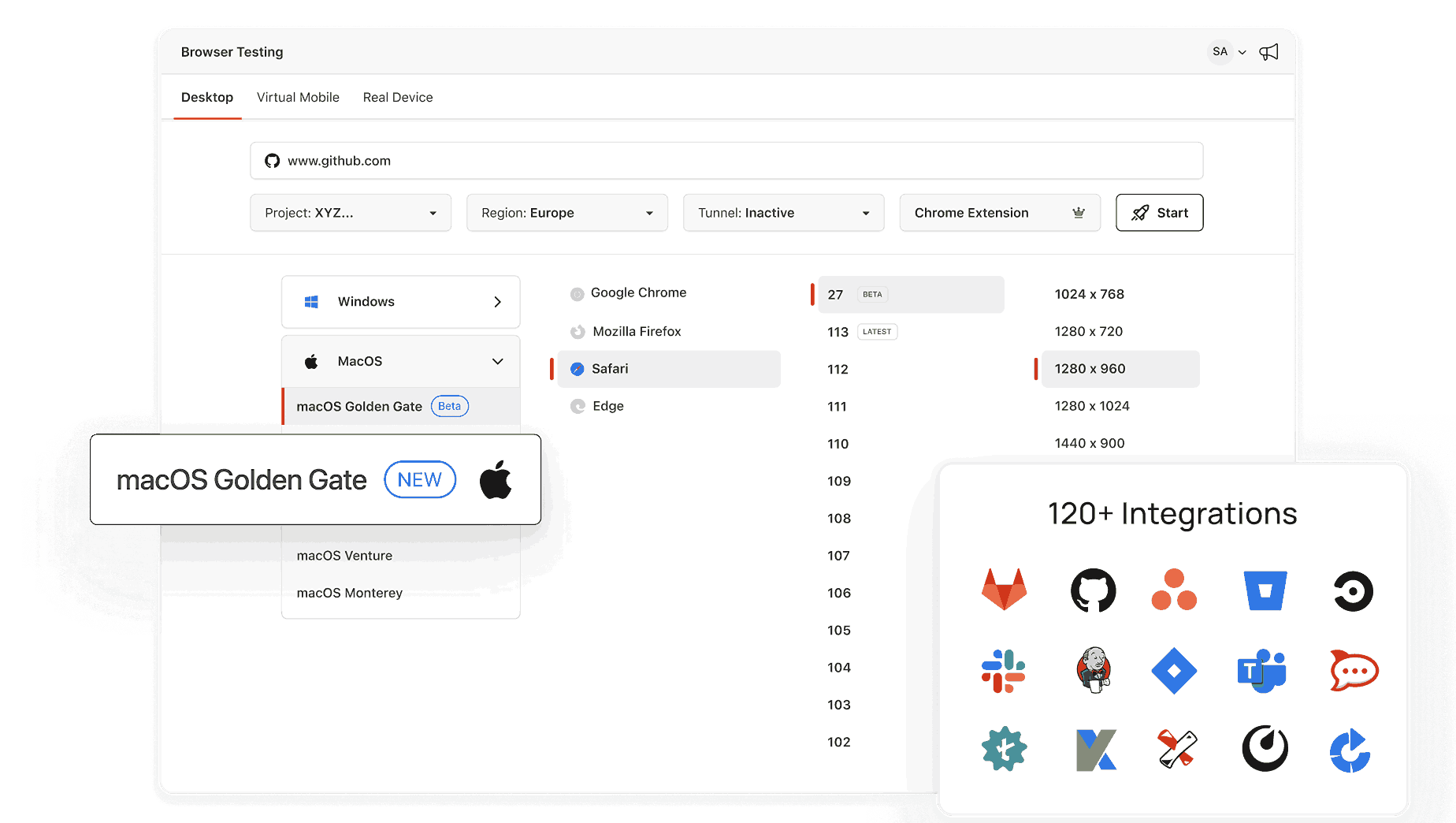
Open a live Chrome, Safari, Firefox, or Edge session in seconds with TestMu AI.


What Is My IP Address? IPv4 and IPv6 for Devs
Your public IPv4, and IPv6 when available, loads with the page along with ISP and city. Copy the IP into a staging firewall allowlist or a rate limit bug report so developers can trace your requests.
Categories



Checking IP Address details...
What Is My IP Address?
An IP address is an identification number that is given to your device whenever you or it communicates on the Internet. Imagine it as your device’s Internet ID, which helps it to transmit and receive data on the Internet. Without an IP address, your device cannot connect with websites, applications, or other devices on the network.
Types of IP Addresses
- Public IP Address:
- Assigned by your Internet Service Provider (ISP).
- It is visible to websites and services you interact with online.
- Public IP addresses can be either dynamic (changing periodically) or static (remaining constant).
- Private IP Address:
- Used within your home or local network.
- Assigned to devices like your phone, computer, or smart TV by your router.
- Ensures devices within the same network can communicate with each other.
IPv4 vs. IPv6
There are two versions of IP addresses:
- IPv4:
- Format: Four sets of numbers separated by dots (e.g., 192.168.1.1).
- Limited to about 4.3 billion unique addresses.
- IPv6:
- Format: Eight groups of hexadecimal numbers separated by colons (e.g., 2001:0db8:85a3:0000:0000:8a2e:0370:7334).
- Provides a vastly larger pool of addresses to accommodate the growing number of internet-connected devices.
Why Is Your IP Address Important?
Your IP address plays a critical role in connecting you to the internet. It:
- Identifies your device to websites and services.
- Helps websites deliver region-specific content.
- Allows you to connect securely to networks and services.
However, your IP address can also reveal some basic information about your location (such as your city or region) and your ISP. This is why many people use VPNs (Virtual Private Networks) to mask their IP address and enhance online privacy.
How to Find Your IP Address?
- For Public IP Address:
- Use an online tool like this one.
- Simply open the page, and it will display your public IP address instantly.
- For Private IP Address:
- Windows: Go to Command Prompt, type ipconfig, and look for “IPv4 Address.”
- Mac: Open System Preferences > Network, select your network, and find your IP address.
- Mobile: Check your device’s Wi-Fi settings for the connected network.
Need to Protect Your IP Address?
To maintain privacy and protect your online activities, consider:
- Using a VPN to mask your IP address.
- Avoiding public Wi-Fi without secure connections.
- Regularly checking your IP address to ensure it matches your expected location.
Closely related tools include the IP Address Lookup, MAC Address Lookup and What Is My Local IP Address.
Frequently Asked Questions (FAQs)
Can someone track me using my IP address?
Your IP address can reveal your general location and ISP, but it doesn’t provide precise personal details. To enhance privacy, consider using a VPN.
What’s the difference between a static and dynamic IP address?
A static IP address doesn’t change over time, while a dynamic IP address is periodically reassigned by your ISP.
Do all devices in my home share the same IP address?
All devices share the same public IP address when connected to the internet via your router, but each device has a unique private IP address within the local network.
Why does my IP address keep changing?
If you have a dynamic IP address, your ISP may reassign it periodically for network management purposes.
Can I change my IP address?
Yes, you can request a new IP address from your ISP, restart your router (for a dynamic IP), or use a VPN to temporarily mask it.
Did you find this page helpful?
More Tools
TestMu AI forEnterprise
Get access to solutions built on Enterprise
grade security, privacy, & compliance
- Advanced access controls
- Advanced data retention rules
- Advanced Local Testing
- Premium Support options
- Early access to beta features
- Private Slack Channel
- Unlimited Manual Accessibility DevTools Tests