
Deque Axe Alternatives: 7 Tools Compared for 2026
TestMu AI runs the same axe-core rules inside your test suites, on hosted browsers and 50,000+ real devices, at a published price. Here is how it and six other Deque axe alternatives compare.

Trusted by 3M+ users globally at




"We have tripled our tests and are now executing tests in less than 2 hours with 78% Faster Test Execution"


"We figured out a more efficient way to monitor system health and resolve failures earlier in lower environments."





"TestMu AI has significantly boosted our testing speed, is easy to implement, and provides exceptional support."


"With 70% faster test execution, TestMu AI helped us achieve faster time-to-market and enhanced CX."



What Is Deque Axe?
Deque's axe is a family of accessibility testing products built on axe-core, Deque's open-source rules engine under the MPL 2.0 license. The Axe DevTools Extension checks pages in the browser, Axe DevTools Pro and Axe DevTools for Web add guided tests and checks inside Selenium, Playwright, Cypress, Puppeteer and WebdriverIO tests, and Axe DevTools for Mobile covers native iOS and Android apps. Axe Monitor scans whole sites and PDFs, and Axe Auditor guides manual and screen reader tests and produces ACRs and VPATs.
Why Do Teams Look for a Deque Axe Alternative?
Each reason below comes from Deque's own product pages, pricing page and docs.
Most prices are not published. Axe DevTools Pro is bought online after signing in, while the Axe DevTools for Web bundle, Axe DevTools for Mobile, Axe Monitor and Axe Auditor are sold through a demo or a contact form.
Tests run on infrastructure you provide. Axe DevTools checks run on your own browser drivers, and Deque's device cloud page describes running mobile tests on your existing device cloud.
The free extension checks one page at a time. The Axe DevTools Extension Free plan runs basic automated tests page by page, and Axe DevTools Pro drops back to Free after its 14-day trial unless you upgrade.
Site scans run once, weekly or monthly. Axe Monitor schedules scans once, weekly or monthly, from a spider, start URLs or a CSV file.
Which Axe Product Are You Replacing?
Teams leave different axe products for different reasons, so start from the one you use.
| Axe product | What it is | What a replacement must cover | Where TestMu AI fits |
|---|---|---|---|
| Axe DevTools Extension (Free) | What it isBasic automated tests in the browser, one page at a time | What a replacement must coverA free in-browser check | Where TestMu AI fitsThe free Accessibility DevTools Chrome extension, with Full Page, Partial Page, Multi-Page, Workflow and Keyboard scans |
| Axe DevTools Pro and Axe DevTools for Web | What it isGuided tests, and axe checks inside Selenium, Playwright, Cypress, Puppeteer and WebdriverIO tests | What a replacement must coverWCAG checks on every build | Where TestMu AI fitsaxe-core checks in Selenium, Playwright, Cypress and Appium tests, on real Chrome and Edge in the TestMu AI cloud |
| Axe DevTools for Mobile | What it isNative iOS and Android checks through XCUITest, Espresso, UI Automator and Appium | What a replacement must coverNative app checks without running your own devices | Where TestMu AI fitsApp Scanner and Appium scans on 50,000+ hosted real devices, with VoiceOver and TalkBack |
| Axe Monitor | What it isSite scans from a spider, start URLs or CSV, plus PDF scanning | What a replacement must coverScheduled scans of the whole site | Where TestMu AI fitsScheduled scans from a sitemap, CSV or URL list, daily, weekly or monthly, with PDF and CSV reports |
| Axe Auditor | What it isGuided manual and screen reader tests, and ACRs and VPATs | What a replacement must coverManual audits and conformance documents | Where TestMu AI fitsScreen reader testing on real devices; TestMu AI does not write ACRs or VPATs, so keep Auditor or a services firm for those |
Why Choose TestMu AI Over Deque Axe?

Top Choice
Features

Deque
Pricing & access
Published pricing
Free browser extension
Accessibility testing core
Rules engine
WCAG targets
Checks in your tests
Where web tests run
Signed-in and staging pages
Site scans
PDFs
Issue tracking
AI coding tools
Mobile apps & compliance
Native app devices
App frameworks
Screen readers
VPAT and ACR
Training
Best Deque Axe Alternatives Compared in 2026
TestMu AI Accessibility Testing is the Deque axe alternative for teams that want the same axe-core rules inside their test suites, native apps on hosted real devices and a price they can check. Teams that want expert audits and VPATs look at Level Access, content teams look at Siteimprove, and teams after a free single-page check use WAVE or Accessibility Insights.
| Alternative | Price | Free tool | Test-suite checks | Site scans | Native apps | Manual and screen reader | Issue tracking |
|---|---|---|---|---|---|---|---|
| 1. TestMu AI Accessibility Testing | PriceFrom $159 a month, billed annually | Free toolAccessibility DevTools Chrome extension | Test-suite checksSelenium, Playwright, Cypress and Appium | Site scansURLs, CSV or sitemap; daily, weekly or monthly | Native appsApp Scanner on 50,000+ hosted real devices | Manual and screen readerVoiceOver and TalkBack on real devices | Issue trackingJira or GitHub |
| 2. BrowserStack Accessibility Testing | PriceListed on its pricing page | Free toolFree plan, on-demand scans of up to 5 pages | Test-suite checksSelenium, Playwright, Cypress, WebdriverIO, Appium, Espresso, XCUITest | Site scansWebsite Scanner, one-time or scheduled | Native appsReal iOS and Android devices | Manual and screen readerNVDA, VoiceOver and TalkBack | Issue trackingJira or Azure DevOps |
| 3. Siteimprove Accessibility | PriceNot published; request a demo | Free toolBrowser extension, page checker and PDF checker | Test-suite checksAlfa for Cypress, Playwright and Selenium, labelled experimental | Site scansCrawls at most once every 7 days | Native appsAndroid app and iOS tool, customers only | Manual and screen readerExpert testing with screen readers | Issue trackingJira |
| 4. Level Access | PriceNot published | Free toolNot stated | Test-suite checksLevel CI for Selenium, Playwright, Puppeteer and Cypress | Site scansScheduled scanning and monitoring | Native appsSDK with Appium on your own or cloud devices | Manual and screen readerExpert audits, including testers with disabilities | Issue trackingJira and Azure DevOps |
| 5. WAVE by WebAIM | PriceFree tool; API credits from $0.025 | Free toolOnline tool and Chrome, Firefox and Edge extensions | Test-suite checksStand-alone API in Selenium, Puppeteer and CI | Site scansStand-alone API audits, or a $500 AIM scan | Native appsNot stated | Manual and screen readerAIM expert check of 4 pages | Issue trackingNot stated |
| 6. Accessibility Insights by Microsoft | PriceFree and open source | Free toolWeb extension and Windows app | Test-suite checksNot stated | Site scansNo; the crawler is Microsoft-internal | Native appsNo; Android was retired June 1, 2023 | Manual and screen readerGuided WCAG 2.2 AA Assessment | Issue trackingGitHub or Azure Boards |
| 7. Evinced | PriceNot published; trial or demo | Free toolNot stated | Test-suite checksPlaywright, Selenium, Cypress, WebdriverIO, XCUITest, Espresso, Appium | Site scansSite Scanner crawls a whole site | Native appsMobile Flow Analyzer, real or virtual devices | Manual and screen readerNot stated | Issue trackingJira and Azure DevOps |
7 Deque Axe Alternatives and Who Each One Fits
1. TestMu AI Accessibility Testing
TestMu AI, which publishes this page, runs axe-core scans covering 37 WCAG success criteria inside Selenium, Playwright, Cypress and Appium tests on real Chrome and Edge in its cloud. It adds scheduled site scans by URL list, CSV or sitemap, native app scans with App Scanner on 50,000+ real devices, VoiceOver and TalkBack on those devices, and Jira or GitHub issues from any violation. Plans start at $159 a month, billed annually, and the Accessibility DevTools Chrome extension is free.
Best for: Teams that want axe-core checks inside their existing test suites and native apps on hosted real devices, at a published price.
Trade-off: It does not write VPATs or ACRs, and hosted web scans run on Chrome and Edge.
2. BrowserStack Accessibility Testing
BrowserStack runs its own Spectra rule engine and states coverage of WCAG 2.0, 2.1 and 2.2 at A, AA and AAA. Its SDK adds checks to Selenium, Playwright, Cypress, WebdriverIO, Appium, Espresso and XCUITest tests, and its Website Scanner runs one-time or scheduled scans from a sitemap, URL list or crawler. It tests native apps on real iOS and Android devices, offers NVDA, VoiceOver and TalkBack screen readers, scans PDFs and files bugs into Jira or Azure DevOps.
Best for: Teams already testing on BrowserStack that want web and app accessibility checks in the same account.
Trade-off: Spectra is not axe-core, so results will not line up rule for rule with your Axe DevTools history.
3. Siteimprove Accessibility
Siteimprove runs its own open-source Alfa engine, which powers its platform, free browser extension and free single-page checker; a free PDF checker covers files up to 5 pages. Scheduled crawls run at most once every 7 days, Alfa packages for Cypress, Playwright and Selenium are labelled experimental, and native app testing, an Android app and an iOS command-line tool, is for customers only. Siteimprove adds expert testing with screen readers, VPAT support and a Jira connector.
Best for: Content and web teams that want site-wide monitoring, PDF checks and CMS fixes from one platform.
Trade-off: No published price, and its test-suite packages are still experimental.
4. Level Access
Level Access combines scheduled scanning and monitoring, Level CI for Selenium, Playwright, Puppeteer and Cypress tests, and an SDK that runs native iOS and Android checks with Appium on your own or cloud devices. Its experts run manual audits, including testers with disabilities, and deliver VPATs, ACRs and conformance statements, and it integrates with Jira and Azure DevOps.
Best for: Accessibility programs that want a platform plus expert audits and VPATs or ACRs from one vendor.
Trade-off: No published price, and Level CI is stated for WCAG 2.0 and 2.1.
5. WAVE by WebAIM
WAVE is a free community service from WebAIM: the online tool and the Chrome, Firefox and Edge extensions use WebAIM's own engine and check against Section 508 and WCAG 2.2, without naming a level. For scale, the Subscription API costs from $0.025 to $0.04 a credit, the Stand-alone API costs $4,000 to $12,000 a year and runs in Selenium, Puppeteer and CI with scheduled audits, and AIM is a $500 one-time scan of up to 20,000 pages with an expert check of four of them.
Best for: Developers and content authors who want a free, visual check of one page at a time.
Trade-off: WebAIM states no native app testing or issue tracker integration.
6. Accessibility Insights by Microsoft
Accessibility Insights is free and open source. Its web extension runs axe-core automated checks in FastPass and step-by-step guided tests for WCAG 2.2 AA in Assessment, and the Windows app checks desktop applications; both file issues to GitHub or Azure Boards.
Best for: Developers who want free, guided manual checks in Chrome or Edge, or for Windows desktop apps.
Trade-off: Accessibility Insights for Android was retired on June 1, 2023, and the Azure DevOps extension and site crawler are for Microsoft internal teams only.
7. Evinced
Evinced's SDKs run the axe engine alongside its own Evinced engine in Playwright, Selenium, Cypress, WebdriverIO, XCUITest, Espresso and Appium tests, with Jenkins and CircleCI named for CI. Site Scanner crawls a whole site, and Mobile Flow Analyzer scans Android and iOS apps on real or virtual devices without an SDK. Its Unit Tester checks WCAG 2.1 AA keyboard and screen reader issues automatically, and it files issues into Jira and Azure DevOps.
Best for: Engineering teams that want automated checks in test suites and flow-based scans of web and mobile apps.
Trade-off: No published price; Evinced offers a trial or a demo.
How to Choose a Deque Axe Alternative
Check these six points before your next Deque renewal.
1. Same Engine or a New One: TestMu AI, Accessibility Insights and Evinced use axe-core, so results line up with your Axe DevTools history. BrowserStack, Siteimprove and WAVE run their own engines.
2. Where Tests Run: Axe DevTools runs on your own drivers and device cloud. TestMu AI and BrowserStack host the browsers and real devices for you.
3. Native Apps: TestMu AI, BrowserStack, Level Access and Evinced test native iOS and Android apps; Siteimprove offers it to customers only, and Accessibility Insights retired Android.
4. Manual Audits and VPATs: If you need ACRs or VPATs prepared for you, Level Access delivers them and Siteimprove offers VPAT support. TestMu AI gives you the scan evidence and you write the document.
5. A Price You Can Check: TestMu AI and BrowserStack list prices on their pricing pages, and WAVE and Accessibility Insights are free. Deque, Siteimprove, Level Access and Evinced quote through sales.
6. Pilot Before You Commit: Run the same test suite and the same 20 pages through two tools for one release, then compare the issues each one finds.
From Scan to Fix in TestMu AI Accessibility Testing
 Planning
 AI Test Case Generator & Test DeduplicationTwo-Way Jira & ADO Sync, Link Linear Issues1-Click Migration from Other Platforms
 Authoring


 Execute
 AnalysisAI-powered error classificationSmart auto-healingSmart flakiness detection


Accessibility Checks That Run Where Your Tests Run
Scans Inside Your Test Suites
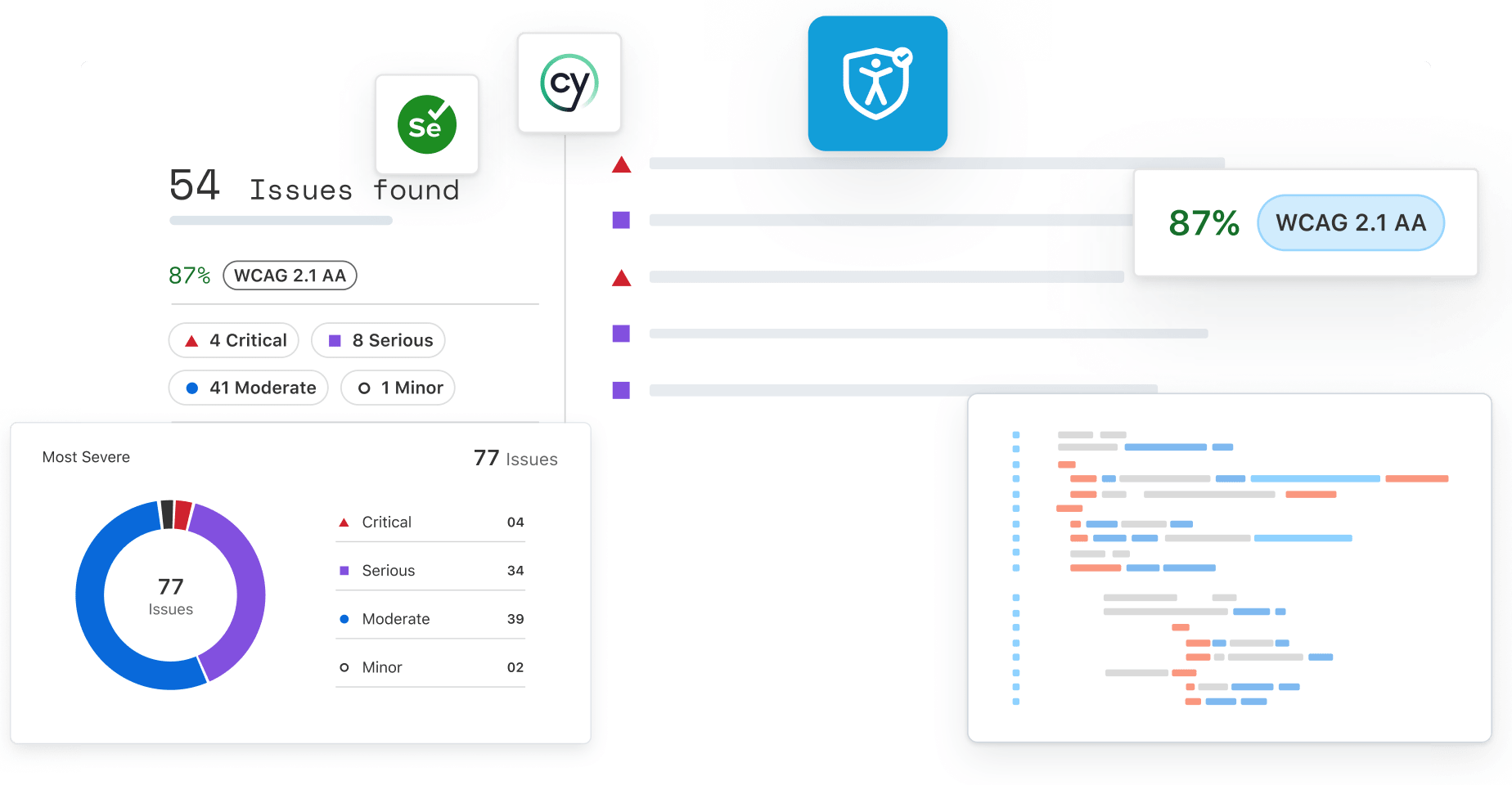
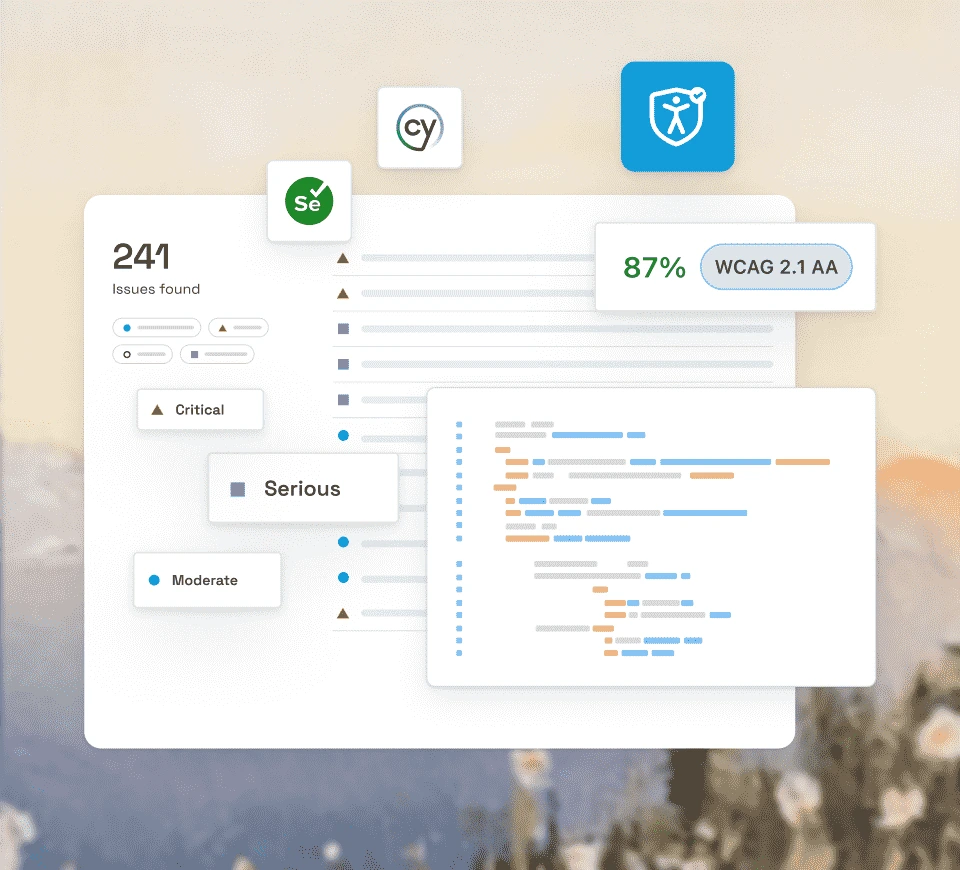
Add axe-core WCAG checks to the Selenium, Playwright and Cypress tests you already run, on real Chrome and Edge in the TestMu AI cloud, so every build reports accessibility issues.
Explore Accessibility Automation
Accessibility DevTools Extension
Run Full Page, Partial Page, Multi-Page, Workflow and Keyboard scans from a free Chrome extension while you build or review a page.
Explore the Extension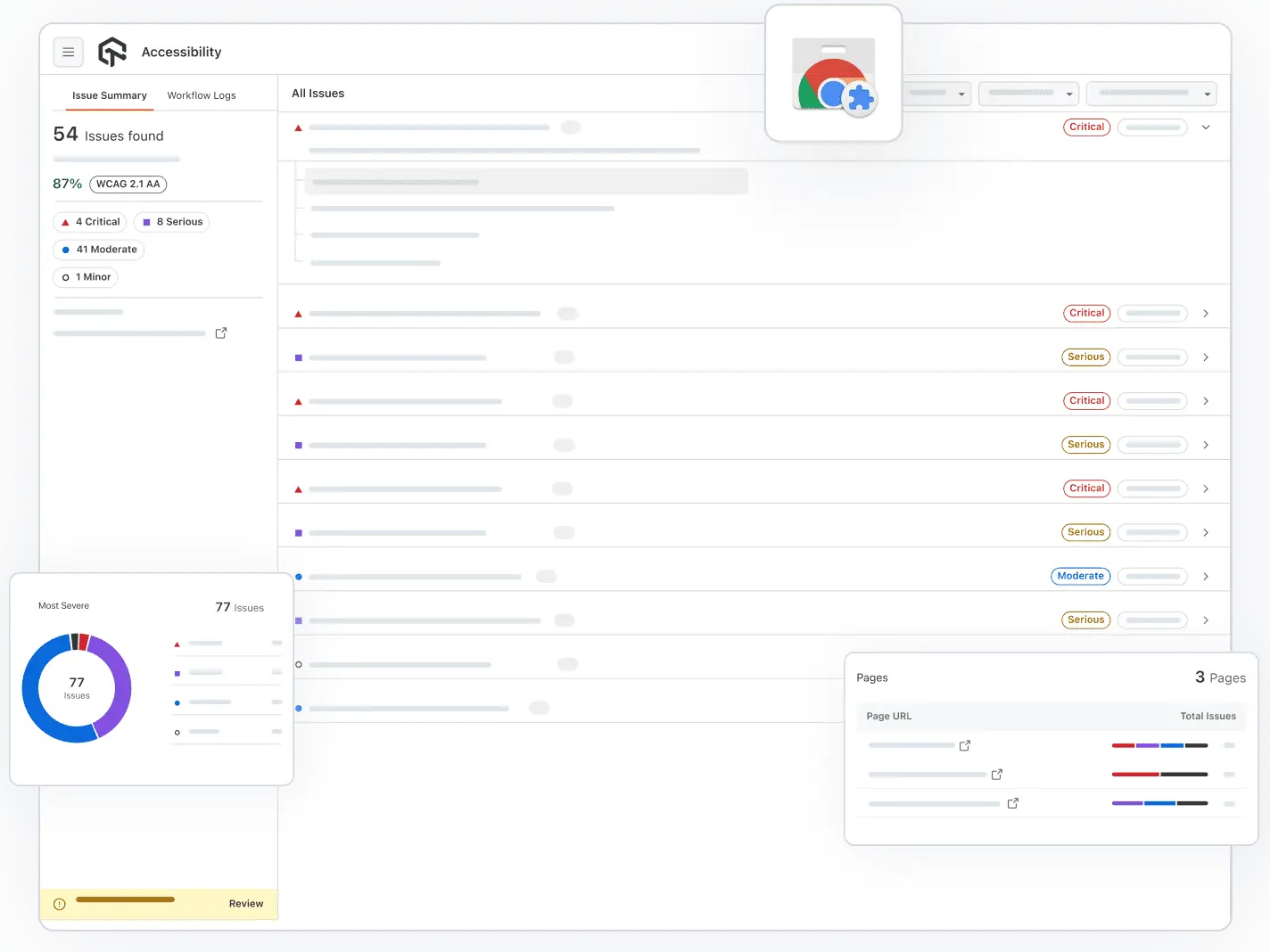
Scheduled Site Scans
Find pages by sitemap, CSV import or crawler and scan them daily, weekly or monthly, then export each report as PDF or CSV.
Explore Scheduling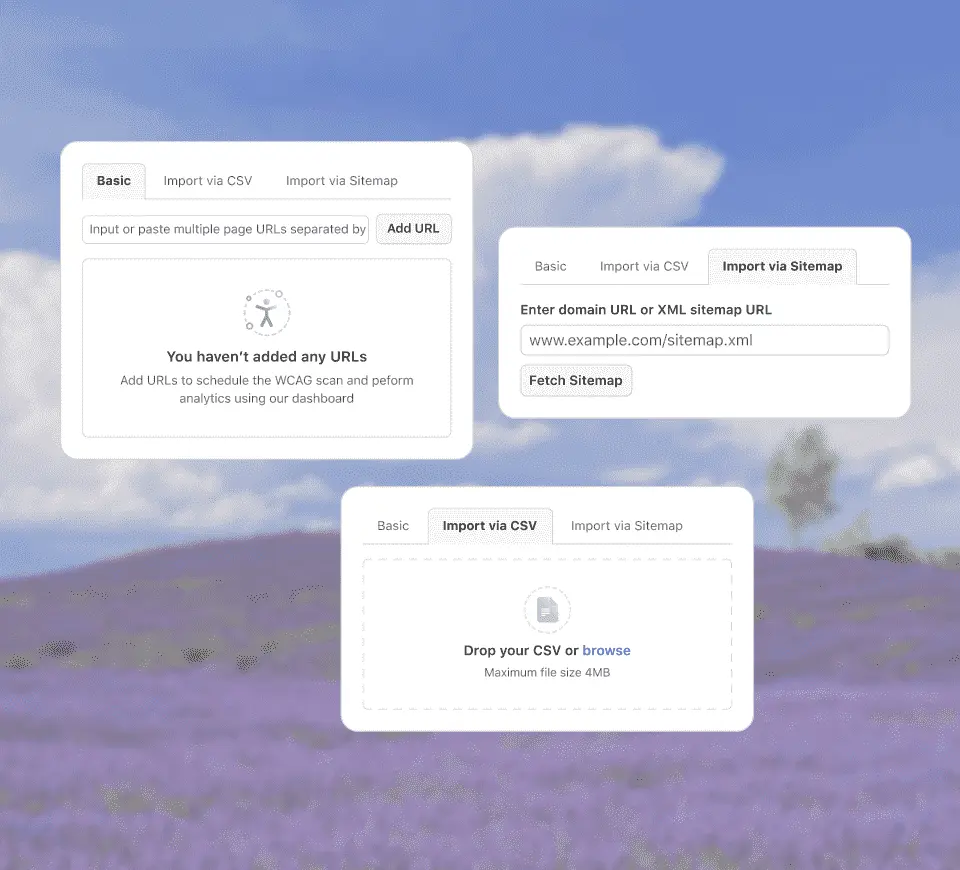
Native Apps on 50,000+ Real Devices
Scan native Android and iOS apps with App Scanner or Appium, then check what VoiceOver and TalkBack announce on the same real devices.
Explore App Accessibility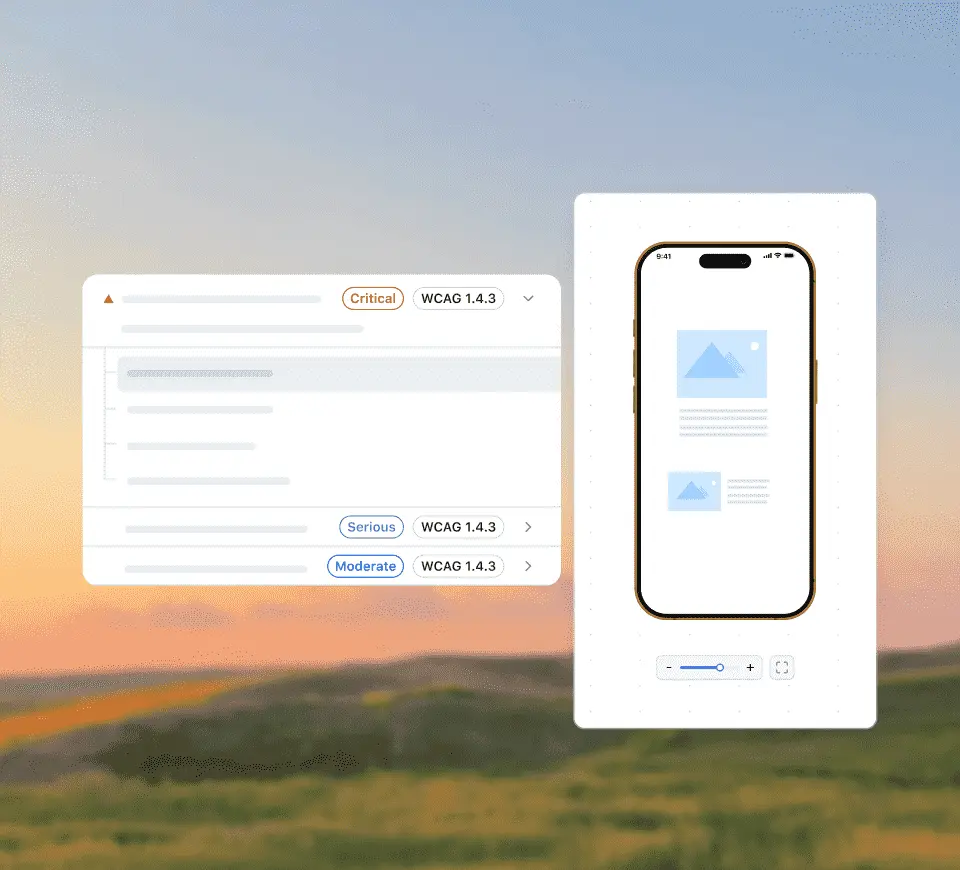
Migrate From Deque Axe to TestMu AI
Both tools scan with axe-core, so the rules stay the same. Start with automated accessibility testing in one suite, then move site scans and apps.
Move One Test Suite First
Add TestMu AI's axe-core checks to one Selenium, Playwright or Cypress suite and compare the results with your Axe DevTools run.
Recreate Your Axe Monitor Scans
Set up each site scan as a scheduled scan from your sitemap, a CSV import or a URL list, daily, weekly or monthly.
Bring Native Apps Across
Upload your build to App Scanner or run your Appium tests on hosted real devices, then check VoiceOver and TalkBack.
Keep Your Conformance Records
Export the Axe Monitor and Axe Auditor reports you need before the licence ends, and keep Axe Auditor for ACRs if you still need it.
What Does Moving Off Deque Axe Cost?
Beyond the licence, three costs decide whether the move works.
| Cost | Why it matters | How to contain it |
|---|---|---|
| Scan history | Why it mattersPast Axe Monitor reports show progress to auditors and buyers. | How to contain itExport the reports you must keep, and run both tools side by side for the first few scans. |
| Test-suite wiring | Why it mattersAxe DevTools checks sit inside your existing test code. | How to contain itMove one suite at a time; both tools use axe-core, so the rules stay the same. |
| ACR and VPAT work | Why it mattersTestMu AI does not write ACRs or VPATs. | How to contain itKeep Axe Auditor or a services firm for the documents, and use TestMu AI scan exports as the evidence. |
More Reasons to Love TestMu AI
TestMu AI is a leading agentic AI quality engineering platform, trusted globally, that assures your AI deployments work as intended, safely and securely, across enterprise and real-world conditions.

Users
3M+
Tests
1.5B+
Enterprises
18K+
Countries
132
TestMu AI positioned as a Leader in the 2026 Gartner® Magic Quadrant™
Read ReportTestMu AI recognized in The Forrester Wave™: Autonomous Testing Platforms, Q4 2025
Read ReportWall of Fame
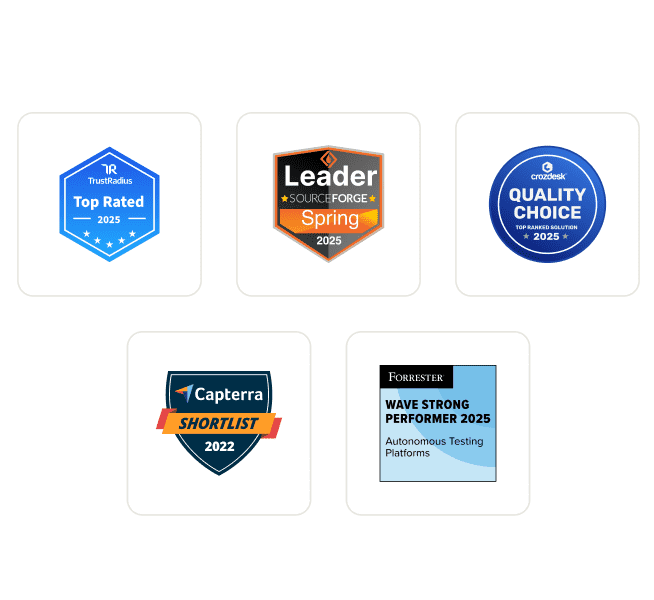
TestMu AI is the #1 choice for SMBs and enterprises across the globe.
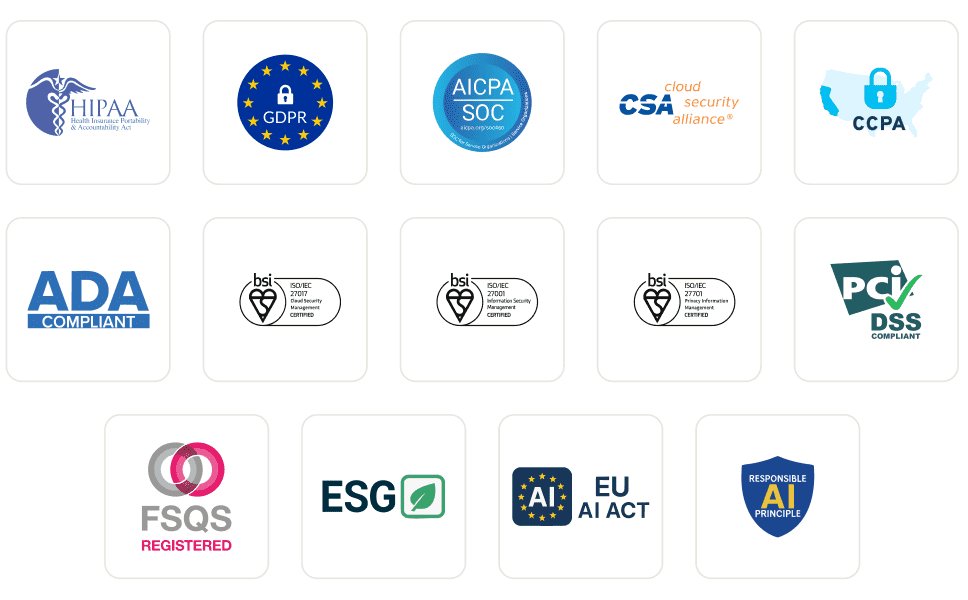
Enterprise-Grade Security
We safeguard your data and AI systems with global security, privacy, responsible AI, and ESG standards.
Integrations
Works where you work, 120+ integrations with the tools your team relies on.



As Seen On
TestMu AI Reviews From QA and Engineering Teams

As Best Egg expanded its product offerings and entered new markets, we knew our old testing infrastructure couldn’t keep up.
With support from Tenny Agustin, our Engineering Operations Lead, we modernized our approach with
TestMu AI

Best Egg
best-egg

Excited to Share My Learning Journey with Kane AI & Lambda Tool!
I'm pleased to announce that I've recently gained hands-on experience exploring Kane AI through the Lambda Tool and it’s been a fantastic journey of upskilling!
KaneAI

Suryateja Goud
suryateja-goud

See how is #Futureready to enable blazing-fast test orchestration seamlessly integrated with organizations' existing CI/CD platforms, using #Microsoft Azure.
TestMu AI

Microsoft India
MicrosoftIndia
Methodology
How Deque Axe and Its Alternatives Were Compared
Each tool earned one point per capability its vendor's own pages described on November 4, 2026. We did not score claims from review sites or third-party lists, and we did not rate quality. TestMu AI, which publishes this page, is listed first; the rest are in score order, with ties listed alphabetically. The seven capabilities:
- Price published: a price or a free licence listed on the vendor's own site.
- Free tool: a free extension, checker or plan anyone can use.
- Test-suite checks: accessibility checks that run inside Selenium, Playwright, Cypress or Appium tests, or in CI.
- Site scans: crawled or scheduled scans across a whole site.
- Native apps: testing of native iOS or Android apps.
- Manual and screen reader: guided manual tests, screen reader testing or expert audits.
- Issue tracking: filing issues into Jira, GitHub or Azure DevOps.
Deque facts come from deque.com, docs.deque.com and dequeuniversity.com, checked on October 27, 2026. TestMu AI facts come from the Accessibility Testing product pages and the pricing page.
Last updated
November 5, 2026
What we compared
Price, free tools, test-suite checks, site scans, native apps, screen readers and issue tracking
Sources
deque.com and Deque docs, each vendor's own pages, TestMu AI docs and pricing
Other Accessibility Tools Compared With TestMu AI
Teams leaving Deque axe often compare these tools as well.
Siteimprove
Siteimprove runs its own Alfa engine with site-wide monitoring, PDF checks and a free browser extension.
Siteimprove AlternativeLevel Access
Level Access pairs a scanning platform with expert audits and VPATs or ACRs.
Level Access AlternativeBrowserStack
BrowserStack runs its own Spectra engine on real iOS and Android devices.
BrowserStack AlternativeAccessibility Testing Tools
A wider roundup of free and paid accessibility testing tools.
Accessibility Testing ToolsDeque Axe Alternative FAQs
Move Your Deque Scans to TestMu AI
Talk to our team about moving your Axe DevTools and Axe Monitor scans: WCAG checks in your test suites, scheduled site scans and native app checks on real devices.
- axe-core WCAG checks in your test suites
- Scheduled site scans
- 50,000+ hosted real devices
- VoiceOver and TalkBack testing
- Jira and GitHub issues
- Published pricing