

Next-Gen App & Browser Testing Cloud
Trusted by 2 Mn+ QAs & Devs to accelerate their release cycles


37 Top Website Creation Tools For 2025
Best Website Creation Tools 2025 – No Coding Needed, Choose templates, drag-and-drop features and create a stunning online presence effortlessly.

Nazneen Ahmad
December 19, 2025
Website creation has become a way to develop a digital environment that gives an online presence and face to any organization, business, and even your small venture. In this current time of digitalization, having your website is the first point of communication with potential clients, users, and customers. If we look at the statistics, 75% of the users judge the organization’s credibility based on its website design.
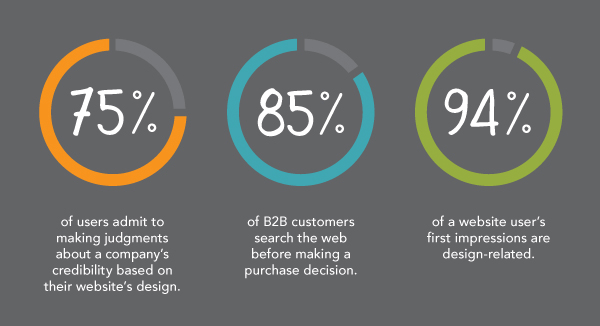
Creating a good website is essential for businesses today. Many use tools that don’t require coding skills. So, having a website that looks good and works well is crucial. It’s all about making sure it’s reliable and easy to use.
Website creation tools are the software that enables you to create visually stunning and user-friendly websites without any coding experience. We all know that earlier, creating a website required a lot of coding effort. However, with the advance of website creation tools, you can build your website within minutes. You can create your website in the comfort of your location, eliminating the need for external help from developers.
In 2023, the market for website creation tools is at the forefront, with a CAGR of 28% in the global market. It has reached a revenue of US$ 3754.2 million in 2023 and will exceed US$ 44322.2 million by 2033. This tool is convenient for anyone looking to establish a website quickly without substantial time or financial investments. Featuring an intuitive drag-and-drop interface, these tools offer user-friendly navigation, providing ample flexibility and customization.
This blog will list the top website creation tools, their purposes, and the features they bring to the online world. Reading this listicle, you can choose the right website creation tool. So, let us get started.
What are Website Creation Tools?
A website creation tool is a web-based tool that allows you to build a website without coding. It gives pre-designed templates and user-friendly drag-and-drop features, simplifying the website-building process. This tool will enable you to add specific elements and develop a well-designed and functional website for your business, allowing you to create and publish it online with diverse features based on your requirements.
With a website creation tool, you can independently handle all necessary tasks without relying on a designer or developer. Such tools allow you to select from various templates and personalize them according to your brand vision.
There are two types of website creation tools:
- Offline website creation tools
- Online website creation tools
Offline website creation tools necessitate installation before utilization. These tools function as downloadable software programs installed on your computer. You develop and store your website files locally. Upon completion, you simply upload your local files over the Internet by using any hosting services to make it public for the audience. Creating offline websites is the same as creating online websites. The only difference is that your locally built site must be accessible through your computer or local network.
In contrast, online website creation tools operate within a web application, eliminating the need for software installation. They are web-based and work on the provider’s service. Unlike offline website creation tools, there’s no downloading or installing required on your computer; all that is necessary is a web browser (such as Chrome, Firefox, or Internet Explorer) and an Internet connection. This flexibility allows you to work on your website from any location and device.
Now that we have learned what website creation tools are, let’s learn more about how website creation tools work in the following section.

How Does the Website Creation Tool Work?
The working of a website creation tool is straightforward. It changes your drag-and-drop commands into code, offering the choice of being hosted by the company or connecting to your hosting provider. Most website creation tools provide a range of themes or templates suitable for various website types. You start by selecting a template or a theme defining your requirements and the look and feel of the website. After choosing a template or a theme, you can customize various features, such as typeface, layout, and the size of text and images, depending on the website creation tool’s capabilities.
In addition to the above, you can include contact forms and embed videos. Following that, you use a drag-and-drop editor to develop your website by editing the template, adding content, and creating new pages. The drag-and-drop method involves simply dragging components and content into your workspace. You can easily add elements like headings, texts, images, videos, and other components.
The visual representation during the editing process accurately reflects how your website will appear once it is live. Web developers can enhance this process by effectively leveraging website creation and web development tools that can help them build and deliver quality websites, considering the latest web development trends and techniques.
List of Top Website Creation Tools
Here is the list of top website creation tools that can be used to develop high-quality and visually appealing websites.
Wix
Wix stands out as a leading website creation tool, offering diverse needs. You can opt for the free plan, which lets you create a website with a subdomain that displays Wix ads. However, Wix needs more inventory tracking, and certain e-commerce features require an upgrade to the top-tier plan. The Wix ADI, a web design intelligence system, allows you to quickly develop a website with minimal business information.
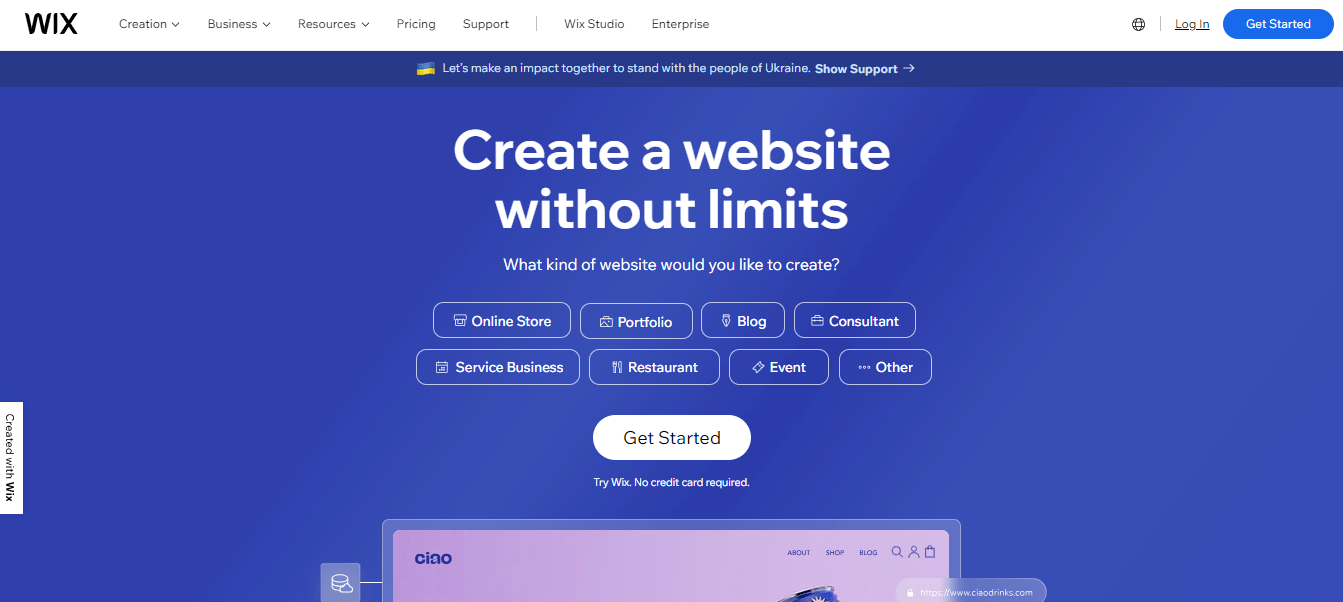
Here are the key features of Wix:
- Diverse Templates: You can choose from over 500 professionally designed templates suitable for any business.
- Drag-and-Drop Builder: You can easily add site elements and craft your desired website layout with intuitive drag-and-drop features.
- Mobile Optimization: This tool automatically develops a mobile-optimized website, ensuring a perfect look on any mobile device.
- Font Variety: This tool offers a choice of up to 100 fonts to enhance your website’s visual appeal, allowing you to upload your own for brand expression.
- Scrolling Effects: You can enhance your site with engaging parallax, reveal, zoom-in, or fade-in scrolling effects.
- Wix Bookings: Utilize features like Wix bookings for user-friendly service selling, efficient scheduling, and secure payments.
- Advanced SEO Tools: This tool provides advanced SEO tools that include customizable meta tags and use Wix SEO Wiz for efficient website analysis and a personalized SEO plan.
- Visual Enhancements: Add animation, video backgrounds, and scroll effects to your site to make it look exciting and interactive.
- Analytics Integration: This tool effortlessly monitors your website’s performance using Wix’s in-house analytics tools. Further enhance insights by seamlessly integrating external tools such as Google Analytics, Google Ads, and Facebook Pixel.
Squarespace
Squarespace is another website creation tool that offers a starting point with its flexible designer templates or allows you to create your website templates. Customize your website effortlessly to align with your unique style and professional needs using Squarespace’s user-friendly drag-and-drop website builder.
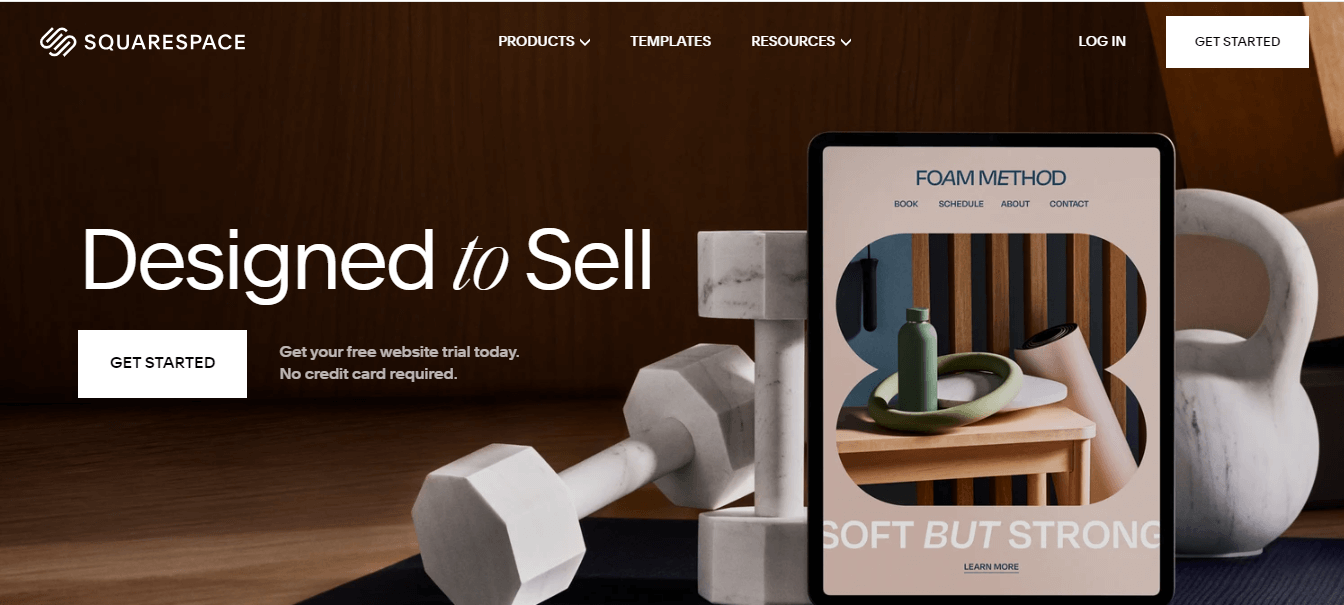
Here are the key features of Squarespace:
- Comprehensive Template Designs: Each template design includes major content types like pages, galleries, blogs, commerce, calendars, and more.
- Versatile Page Construction: You can construct pages using pre-designed structures for specific purposes, such as Contact, About, Blog, Portfolio, Products, etc. The look can be customized by adding or removing blocks.
- Easy Content Management: This website creation tool allows you to manage text, photos, videos, audio, galleries, products, newsletter sign-ups, appointments, calendars, tour dates, reservations, menus, forms, maps, links, files, social links, buttons, quotes, custom code, charts, and more effortlessly.
- Duplication for Efficiency: It allows you to duplicate pages and content easily for testing or to expedite the website-building process.
- Varied Design Options: This website creation tool offers various design options, including flexible layouts, custom color palettes, Google and TypeKit fonts, free high-quality images via Unsplash, built-in photo editing, video and background banners, animation options, and more.
- Effortless Asset Management: With this tool, you can seamlessly upload or replace assets throughout their site.
- Unique Mobile Experience: You can benefit from an amazing mobile experience automatically incorporated into every design.
- Custom CSS Capability: It is possible to apply custom CSS to any site using the built-in editor, which also provides storage for CSS assets like images and fonts.
WordPress.com
This website creation tool seamlessly facilitates the creation and growth of your website through WordPress. Its rapid hosting service, coupled with an array of essential tools, is designed for the seamless expansion of your site, ensuring effective outreach to your audience.
This versatile website creation tool is popular among developers, startups, and businesses of all sizes. Its appeal lies in its ease of customization, allowing you to adapt your website according to your unique requirements. Additionally, the extensive selection of WordPress plugins further enhances the simplicity of the website creation process, making it accessible and efficient for users.
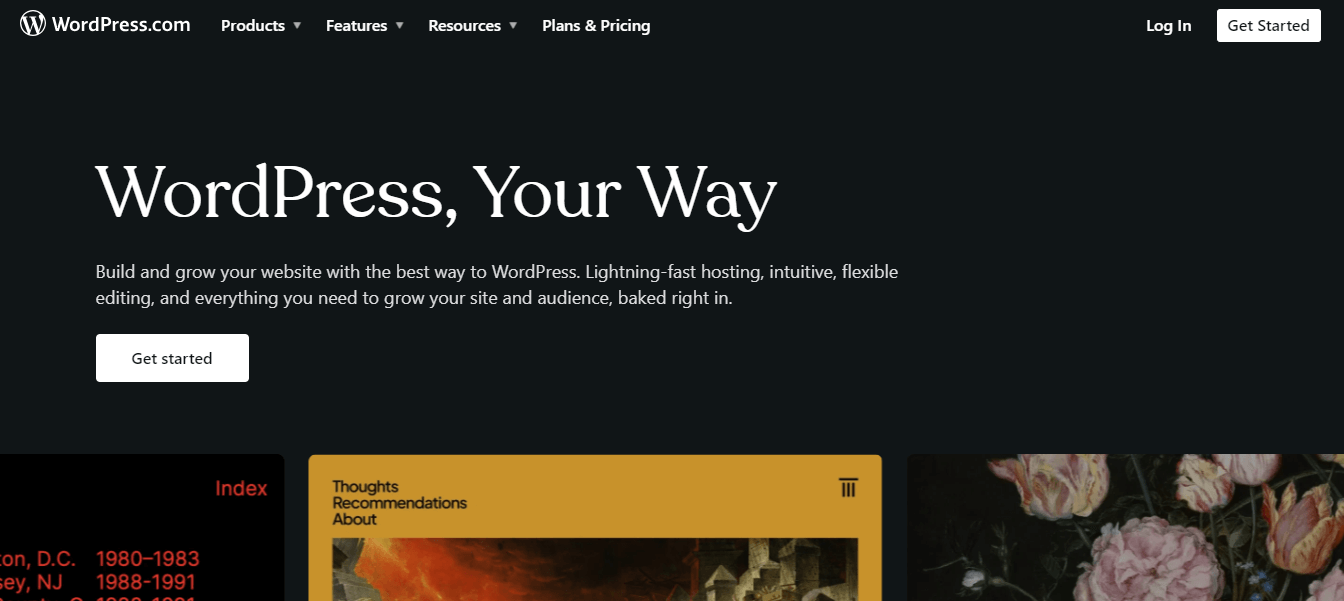
Here are the key features of WordPress:
- User-Friendly Interface: With WordPress, users can benefit from a user-friendly interface that ensures a quick online presence and efficient content dissemination.
- Plugin Variety: As a versatile source platform, WordPress provides a variety of complimentary plugins, enhancing your website’s functionality.
- Design Freedom: This website creation tool allows users to design any website they envision, whether a personal blog, photoblog, business site, professional portfolio, government portal, magazine, news platform, online community, or even a network of interconnected websites.
- Intuitive Content Creation: It is easy for anyone to generate posts and pages and format them effortlessly, allowing you to embed media and make content live on the web with a simple click.
- Effortless Content Management: One of the fantastic features of WordPress is effortless content management. Users can draft creation, schedule publication, and track post revisions.
- Code Compliance: All code generated by WordPress aligns fully with the standards set by the W3C. This ensures websites function optimally in today’s browsers while maintaining compatibility with future browsers.
- APIs for Plugin Development: The WordPress APIs make it easy for users to develop plugins that extend their capabilities.
- Theme Flexibility: It offers the flexibility to create themes of varying simplicity or complexity, providing users with specific preferences.
- Multilingual Support: It is available in over 70 languages. WordPress accommodates diverse linguistic preferences. Users can easily switch to a language other than English for themselves or the intended user.
Performing thorough testing of your WordPress application and WordPress plugin to ensure your application works perfectly over different browsers and OS platforms is essential. It is important to perform WordPress testing that helps you ensure that your website meets your customers’ requirements. To do so, use software testing tools to help you check out every aspect of your website, from its functionality to its performance and visual appearance over various browsers. One such platform is TestMu AI. TestMu AI is an AI-native test orchestration and execution platform that lets you run manual and automated tests at scale with over 3000+ browsers and 5000+ real devices OS combinations.
It’s not just all!. TestMu AI’s WordPress plugin can be a powerful addition to your testing toolkit. It seamlessly integrates with the WordPress admin panel, allowing you to take full-page screenshots of posts and pages. Whether managing pages and posts or editing content, TestMu AI’s integration enables you to capture screenshots effortlessly. What sets it apart is the ability to perform this across up to 25 different browser and operating system configurations simultaneously. This streamlined testing process proves invaluable for fast-tracking cross-browser compatibility testing of web pages and websites hosted on WordPress.
Bluehost
Bluehost is a well-established website hosting service founded in 2003 by Danny Ashworth and Matt Heaton in Provo, Utah. Seven years later, it became a part of the Endurance International Group (EIG), a larger parent company that owns various other hosting entities, including HostGator, FatCow, and iPage. Bluehost is widely recognized for hosting solutions for individuals and businesses, offering services to facilitate website creation and management.
This is primarily known for its web hosting services rather than being a standalone website creation tool. However, Bluehost does offer a website builder as part of its hosting packages. Here are some features of the website builder provided by Bluehost:
Here are some of the critical features of Bluehost:
- Ease of Use: Its website builder is designed to be user-friendly, allowing individuals with varying technical expertise to create a website.
- Templates: It offers a selection of templates that users can choose from based on their website needs. These templates provide a starting point for customization.
- Customization Options: You can customize the selected templates by adjusting colors, fonts, layouts, and other design elements to match their brand or preferences.
- Drag-and-Drop Editor: The website builder includes a drag-and-drop editor, making it easy to add and arrange elements on the page without the need for coding skills.
- Responsive Design: Any websites created using Bluehost’s builder are designed to be mobile-friendly, ensuring a consistent and optimized experience across different devices.
- Integration with Bluehost Services: The website builder is integrated into Bluehost’s hosting platform, simplifying connecting your domain, hosting, and website creation in one place.
While Bluehost’s website builder may not be as feature-rich as standalone website creation tools, it provides a convenient option for users looking to build a website within the Bluehost hosting environment.
Hostinger
It is one of the most popular web hosting companies offering website creation tools. Hostinger Website Builder provides a user-friendly approach to developing a website without the need for extensive technical knowledge.
Here are some of the critical features of Hostinger:
- Drag-and-Drop Interface: The tool typically includes a drag-and-drop interface, allowing users to customize the layout and design of their websites easily.
- Templates and Themes: It often comes with various templates and themes, enabling users to choose a design that suits their needs.
- Integration with Hosting Platform: One of the advantages of using Hostinger’s website creation tool is its integration with the hosting platform, streamlining the website’s launch process.
- Integrated Malware Scanner: It has integrated a malware scanner in hPanel that automatically scans and eliminates malicious files to keep the website secure.
- Free WHOIS Privacy Protection: When you purchase a domain, it has free WHOIS privacy protection that keeps your sensitive data secure.
- Efficient File Management: Using Hostinger, you can create, import, edit, move, and delete documents without issues. In addition to this, it also gives information about the files that take up huge space and cause poor website performance.
- Easy Website Migration: Migrating your current website to Hostinger is easy. Just access hPanel and give your WordPress admin URL, login credentials, and details of your previous web host.
GoDaddy Website Builder
GoDaddy is well known for its domain names and web hosting services, and it’s no surprise that it also provides website builder software. Despite being more widely recognized as a domain seller, remember that a domain isn’t included in its monthly price plan— you’ll have to add that separately.
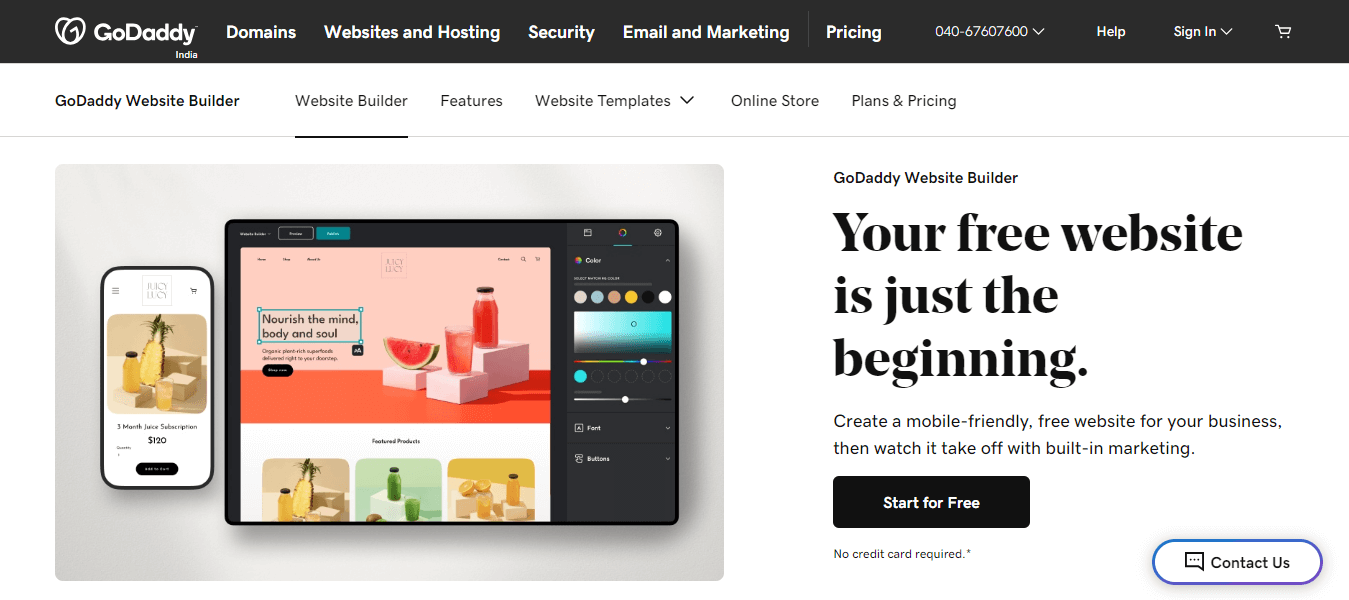
Here are some critical features of the GoDaddy website builder:
- Pre-Designed Templates: It provides pre-designed templates for a simplified website creation experience. It has a customizable 20+ themes filter that allows you to change layouts, fonts, and colors.
- HTML Customization: With HTML-savvy administrators, GoDaddy allows code input for a uniquely customized website.
- Drag-and-Drop Interface: Users can easily customize their site’s appearance by dragging and dropping items and content.
- Domain Name Purchase: Customers can purchase a distinctive domain name.
- SEO Insights: Using GoDaddy provides insights into words that can enhance search engine optimization.
- Analytics: It enables visibility into unique pageviews, subscriber counts, and the geographical location of viewers.
- Free Website Features: Its free website offers email and social marketing, one-time appointments, PayPal payments, an SSL certificate to keep the site secure, and 24/7 customer support.
- E-Commerce Capabilities: It enables you to transform your website into an online store by incorporating e-commerce capabilities.
- Email Feature: It provides an email feature for users to manage communication within their website builder.

Note: Test your GoDaddy websites across multiple browsers and operating systems. Try TestMu AI Today!
Webflow
Webflow is a website creation tool that eliminates the need for coding when developing websites. It proves to be an excellent platform for website building, particularly if you want to avoid involving yourself in coding. The drag-and-drop feature allows you to incorporate site elements and create a personalized design layout easily.
Here are the key features of Webflow:
- Comprehensive CMS and Web Hosting: The Webflow platform includes a complete Content Management System (CMS) and offers web hosting services.
- Smooth Transition from Other Platforms: Suppose you’ve initiated the website-building process on platforms like Squarespace or Wix and wish to transition to the Webflow platform. In that case, you can connect with approved website-building experts endorsed by the Webflow team.
- Personalized Code Addition: Additional customization beyond what Webflow already provides, the option to add customized codes for an entire site, a specific page, or a page section is available. You can effortlessly incorporate custom code for your site, a particular page, or a designated section.
- Robust Layout Construction: Webflow provides a powerful and user-friendly method to construct adaptable, responsive layouts using CSS3’s flexible boxes.
- Audit Panel for ID Duplication: Utilize the audit panel to identify instances of duplicated IDs within symbols, minimizing the risk of potential bugs.
- Slider Component: With Webflow’s slider component, creating a beautiful carousel featuring images, content, and more becomes easy.
- CSS Filters for Visual Appeal: Enhance the visual appeal of your Webflow websites within the Designer by applying one or more of the 8 CSS filters to create beautiful effects.
Weebly
Weebly is another website creation tool that provides access to customizable web page designs, allowing users to create a website tailored to their business needs. You can easily leverage Weebly’s powerful free website builder to create and design their websites, promoting business growth. This tool is now part of the Square product suite, ensuring users never miss a sale. The integration allows flexible payment options at a pop-up shop or online store.

Here are some of the key features of Weebly:
- Versatile Website Builder: Weebly is a fundamental website builder ideal for personal websites, including blogs, freelancer portfolios, or uncomplicated shopping carts for product sales. Should you decide to upgrade, Weebly provides cost-effective plans that are user-friendly.
- Ease of Setup and Customization: You can easily set up and customize a website on Weebly, as it requires no prior technical expertise.
- Drag-and-Drop Builder: Weebly’s drag-and-drop website builder simplifies the creation of a robust, professional website without the need for technical skills.
- Real-time Website Creation: You can create a website directly from your web browser in real time. This means installation is unnecessary, and you don’t have to worry about upgrades.
- Effortless Content Addition: Content elements such as text, photos, maps, and videos are effortlessly added to your website through a simple drag-and-drop mechanism.
- Free Video Library and Upload: You can leverage Weebly’s free video library or upload your distinctive videos to enhance header images and sections.
- Modern Design Options: Creating unique, contemporary modern web designs using customizable images and color backgrounds is easy.
Dorik
Dorik is a comprehensive website creation tool that simplifies creating a stunning website in minutes, accessible to everyone, even those without any design or coding experience. Whether you require a landing page or a comprehensive website for your business or clients, Dorik ensures the swift setup of your website without sacrificing quality. As the most cost-effective and adaptable white-label platform, it empowers you to actualize and launch your dream website.
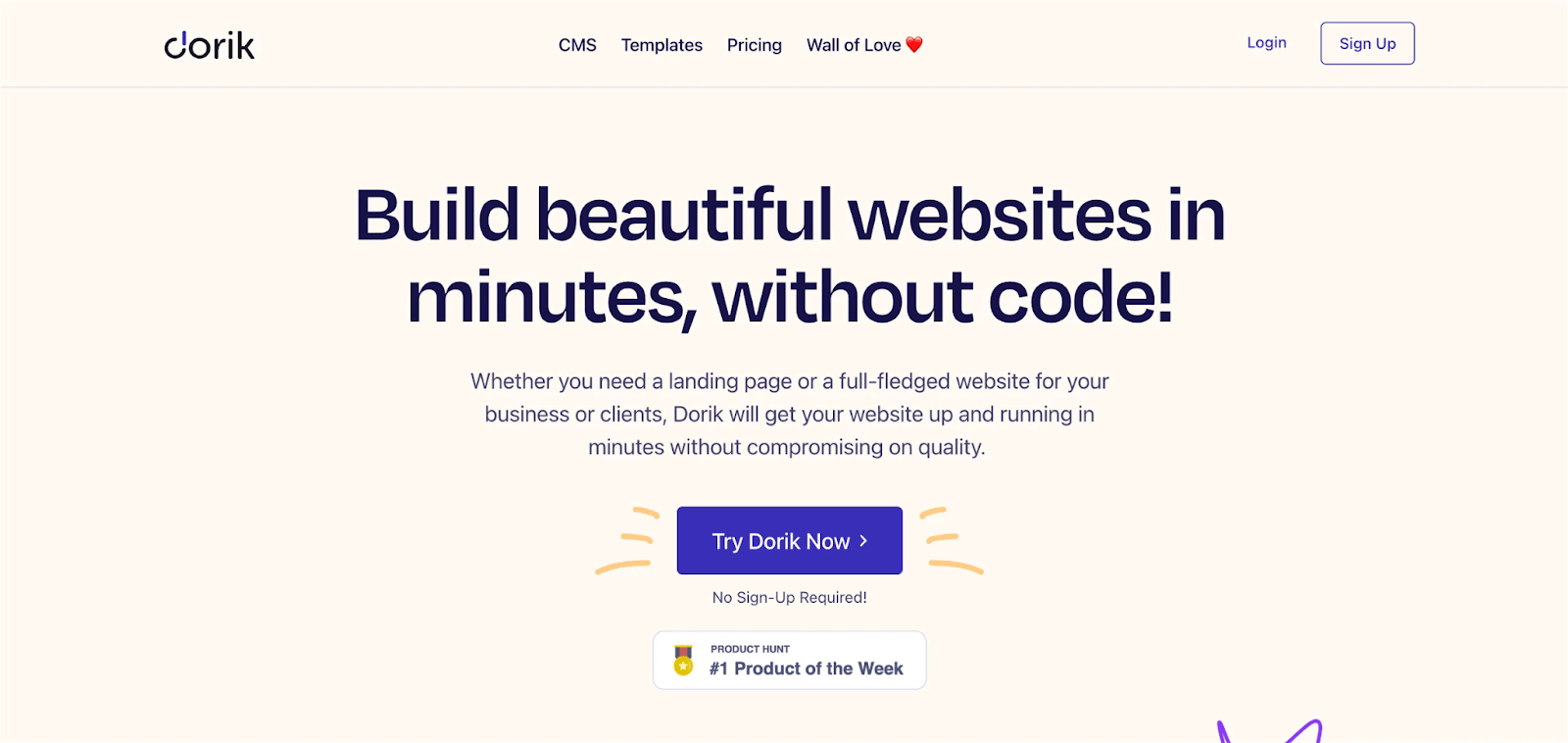
Here are some of the critical features of Dorik:
- Code-Free Website Development: You can develop your website effortlessly using a step-by-step approach through a visual interface, eliminating the need for code.
- Rich Template Library: Dorik allows you to access 80+ pre-built templates along with 250+ stunning UI blocks and 20+ elements. Now, you can customize your site by adding new sections and inserting pre-built blocks.
- Responsive Design: Dorik guarantees a visually appealing website across all devices, providing a seamless experience on desktops, laptops, tablets, and smartphones.
- White-Label Dashboard: The White-Label Dashboard is a distinctive feature that establishes your branding.
- Automatic Hosting: Once your site is created on Dorik, it is automatically hosted. Leveraging AWS (Amazon Web Services) & DigitalOcean web hosting services and serving static content from its Global CDN ensures a flawless user experience.
- SSL/HTTPS Certificate: Prioritizing website security, Dorik includes a free SSL/HTTPS certificate, offering peace of mind.
- Integration Capabilities: Dorik supports integration with marketing, analytics, and payment tools, allowing for data collection, sending, and organization. Supported integrations include Zapier, MailChimp, Integromat, Google Analytics, Google Tag Manager, Facebook Pixel, Airtable, PayPal, Stripe, Gumroad, and more.
SITE123
SITE123 is recognized as the most intuitive and user-friendly website builder. It efficiently manages everything, from website structures to design, allowing users to focus solely on their content.
The editor provided by SITE123 surpasses the efficiency of traditional drag-and-drop website builders, offering a streamlined and effective platform for individuals or businesses to establish their online presence. Users can experience the simplicity of creating a free website with SITE123’s content management system. The platform enables easy sharing of websites on social media, making it a convenient choice for those looking to initiate their online journey.
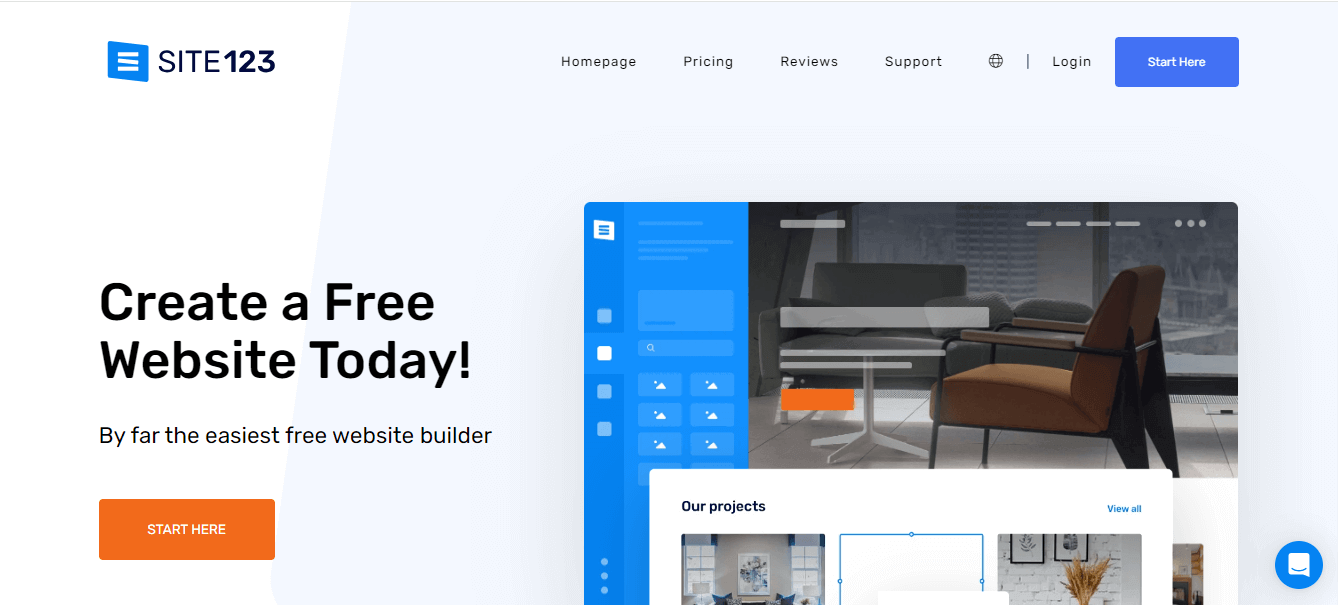
Here are some of the critical features of SITE123:
- Responsive Web Design: You can have a responsive web design and a mobile-friendly website.
- Free Web Hosting: It offers free web hosting.
- SEO Tools for Optimization: Utilize SITE123’s SEO tools to optimize your website, enhancing visibility and driving increased traffic.
- User-Friendly Blog Building: Effortlessly build your blog with the user-friendly features offered by SITE 123.
- Diverse Plugins and Integrations: Explore the diverse plugins and integrations provided by SITE 123, allowing you to implement various enhancements for a top-tier website.
Ensuring your website’s responsiveness across different browsers and operating systems, whether on mobile or web, is crucial. Using tools to assess responsiveness proves beneficial, helping you achieve a consistent and smooth appearance for your website. As mentioned earlier, TestMu AI is one such platform designed for this purpose. This allows developers and testers to test their mobile and web applications over 3000+ browsers and OS configurations. It offers LT Browser to help you perform responsive testing using 50+ pre-installed device viewports for devices like mobiles, tablets, desktops, and laptops.
LT Browser introduces valuable features such as side-by-side view, scroll sync, instant debugging, network throttling, and hot reloading. It goes a step further by generating performance reports powered by Google Lighthouse. The tool seamlessly integrates with popular project management platforms like Jira and Asana, providing developers and testers a streamlined approach to their development processes.
In summary, LT Browser simplifies mobile web testing, offering developers and testers a hassle-free way to ensure websites and web applications are responsive across various devices, delivering optimal user experiences.
You can also subscribe to our TestMu AI YouTube Channel for more information on software testing tools and tutorials around Selenium testing, Playwright, Appium, etc.
Strikingly
Strikingly stands out as an intuitive website builder that prioritizes simplicity and efficiency. With a user-friendly interface, anyone can edit and publish their website effortlessly, requiring no coding or design experience.
The platform’s streamlined approach allows users to create a stunning website in under 30 minutes. Strikingly also excels in e-commerce integration, providing a built-in Simple Store that connects seamlessly to payment gateways like PayPal or Stripe.
Whether selling a single product or managing a diverse inventory, Strikingly ensures a smooth selling experience with features such as shipping, coupons, and membership log-ins, making online entrepreneurship accessible.
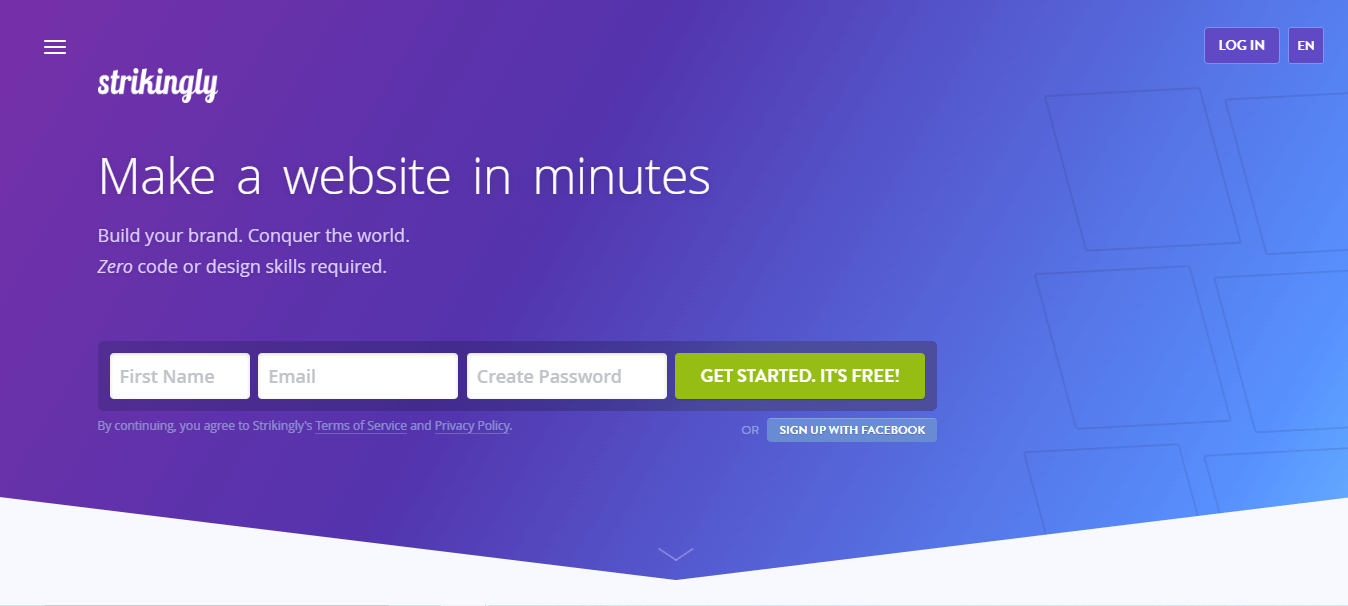
Here are some of the critical features of Strikingly:
- Domain Names and Built-in HTTPS: Strikingly is recognized for its simplicity and elegance; it offers features such as domain names and built-in HTTPS, allowing you to register a new domain or utilize an existing one with the added benefit of free HTTPS.
- Effortless E-commerce: It allows you to sell products effortlessly; hence, Strikingly provides a straightforward eCommerce solution for a fully functioning online store.
- User-Friendly Blogging Feature: The simplicity of Strikingly blogging feature enables you to keep your visitors informed and engaged easily.
- Built-in Analytics: All Strikingly websites include built-in analytics, present visitor data through easy-to-read charts, and offer insights into your site’s performance.
- Sign-Up Forms and Contact Us Page: Strikingly allows you to add a sign-up form or create a Contact Us page or form on your website.
- Social Media Integration: It directly shows your social media feed on your site.
Jimdo
Founded in February 2007, Jimdo is a prominent German website creation tool and hosting platform presenting two distinct services: Creator and Dolphin. The former represents their original drag-and-drop website creation tool, while the latter signifies their innovative AI website builder.
Jimdo serves primarily small businesses, self-employed artists, freelancers, aspiring entrepreneurs, and individuals looking to harness the power of a website creation tool without requiring technical expertise or coding skills. The platform offers a user-friendly experience for those seeking to establish an online presence.
In addition to its website creation tool services, Jimdo goes beyond by providing comprehensive solutions, including hosting, domain registration, and e-commerce functionality. This holistic approach ensures users have a robust website creation tool and access to the necessary components for a successful online venture.
Jimdo’s commitment to simplicity and inclusivity makes it an excellent choice for those navigating the world of website creation without needing advanced technical know-how.
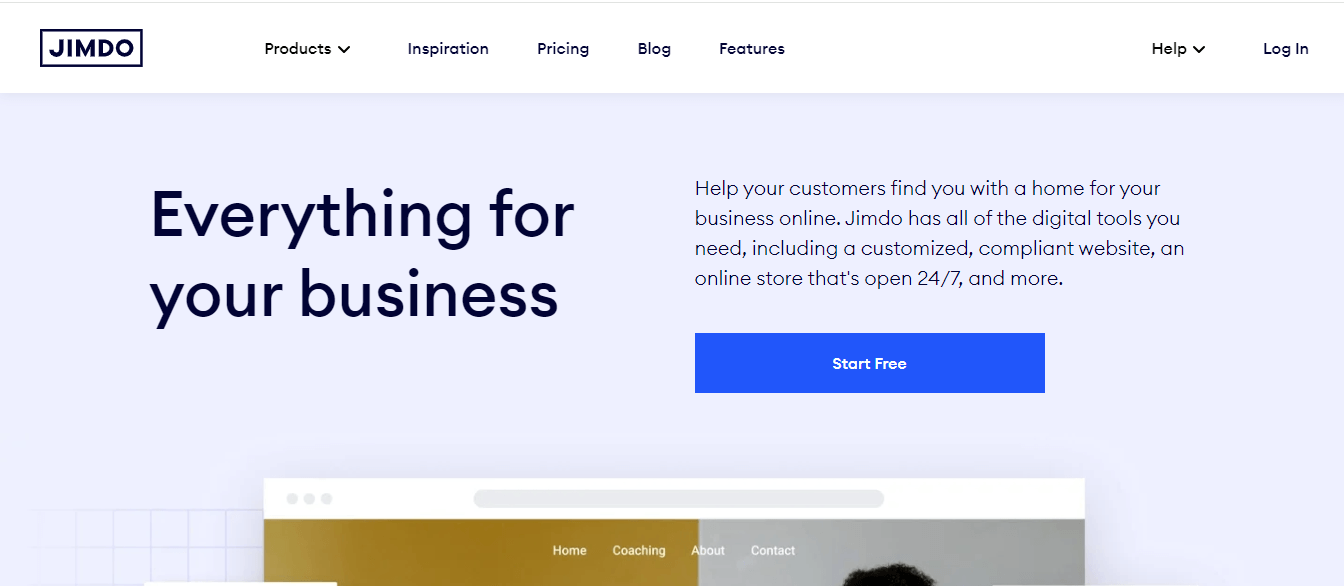
Here are some of the critical features of Jimdo:
- Mobile-Friendly Design: Recognizing the significant growth of mobile users, Jimdo has designed a mobile-friendly website, allowing users to seamlessly access, edit, and use Jimdo from devices like desktops.
- Logo Creation Tool: Jimdo offers a logo creation tool that provides new business owners the resources to create business branding elements. Users can use the tool’s icons, fonts, borders, and colors to create their logo.
- Online Store Builder: With Jimdo’s online store builder, users can create an e-commerce website. The platform offers premium plans categorized into primary, business, and VIP.
CMS Hub
HubSpot is well known for its CRM, marketing, and sales tools. It has added the website creation tool to its name, introducing HubSpot CMS Hub in 2020. This web content management system quickly emerged as an alternative to Wix, especially for developers and marketers seeking to create visually appealing websites with an excellent user experience.
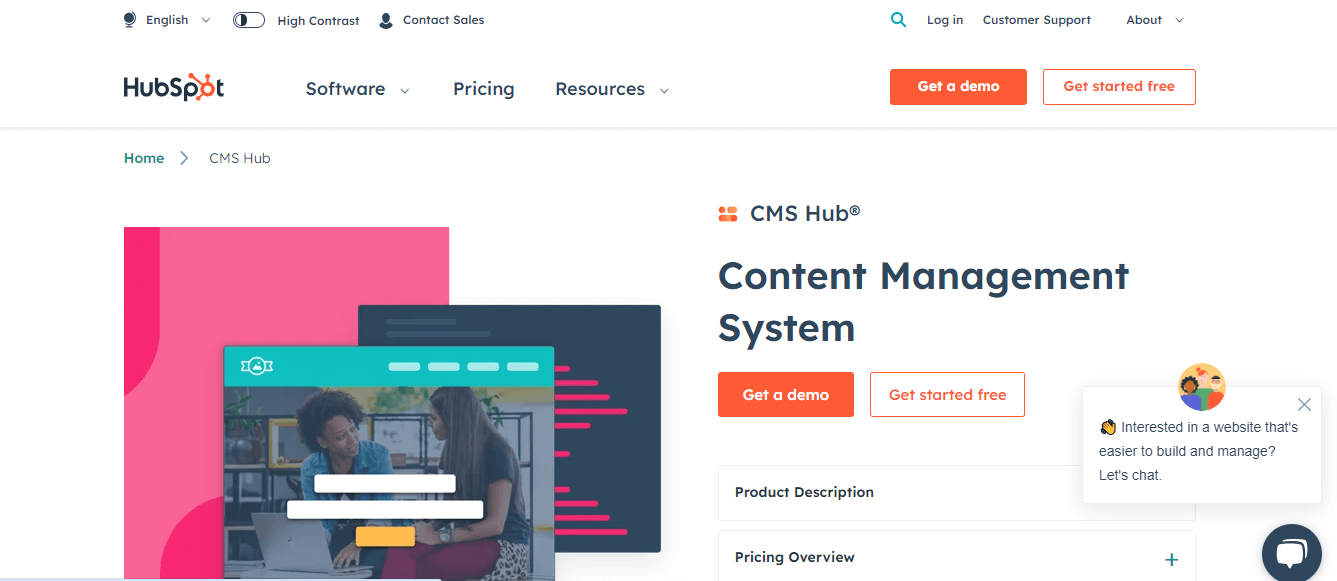
Users can maximize the website builder by integrating it with HubSpot’s CRM tools, leveraging a robust platform for client management and marketing.
Here are the key features of CMS Hub:
- CRM Integration Strength: The strength of HubSpot CMS Hub lies in its integration with the CRM platform, known for its client management and marketing capabilities.
- User-Friendly Drag-and-Drop Builder: Besides CRM integration, this offers familiar features such as a drag-and-drop builder, providing users with a user-friendly site-building experience.
- Pre-Built Templates and Themes: HubSpot provides pre-built templates and themes, streamlining the website-building process and offering customization options.
- Fully Integrated CRM Tools: Fully Integrated CRM Tools allow users to consolidate visitor tracking and utilize CRM data to create personalized digital experiences, contributing to the growth of businesses.
- Blog Maker: The inclusion of a Blog Maker provides blogging software for creating and editing blog posts, accompanied by themes and a convenient visual editor.
- Secured Hosting with SSL: HubSpot ensures secure hosting with premium cloud hosting for all websites under premium plans, including a free SSL certificate for enhanced site security.
- Custom Domain Connection: Users can connect a custom domain, enabling the publication of their site with a personalized domain in all premium plans of HubSpot CMS.
Weblium
Weblium is a top-tier website creation tool offering a user-friendly platform for individuals and businesses to develop professional websites. Its intuitive drag-and-drop interface is an exceptional website creation tool, enabling users to customize their websites quickly and efficiently. The platform’s commitment to user-friendly design and robust features makes it a preferred choice for those seeking a comprehensive and accessible website creation tool.
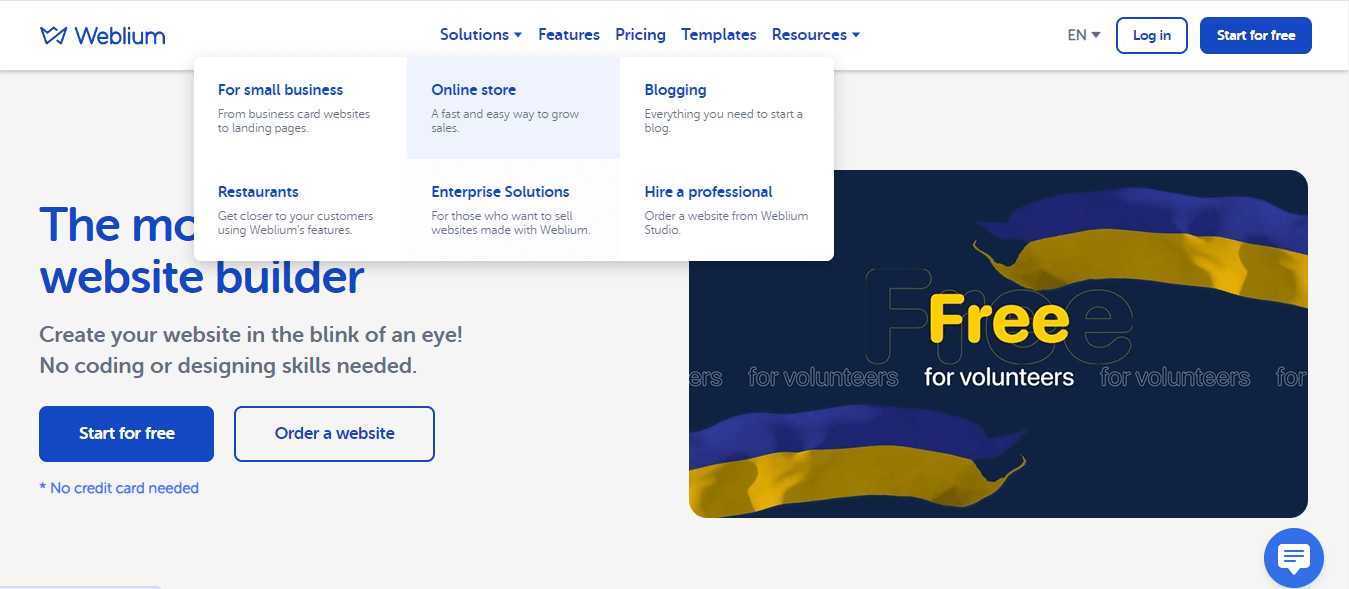
A notable feature of Weblium is its impressive collection of responsive templates, offering stunning design options.
Here are the key features of Weblium:
- User-Friendly Drag-and-Drop Editor: The drag-and-drop website editor from Weblium is a user-friendly tool that enables the easy construction and customization of websites without the need for coding.
- Professionally Designed Templates: It features 300+ professionally designed and responsive templates and covers various industries and website types.
- Blogging Capabilities: Weblium supports blogging capabilities, allowing users to create and manage blog content, complete with post creation, categorization, and commenting functionality.
- E-commerce Functionality: Offering e-commerce functionality, Weblium facilitates the creation of online stores, enabling users to set up product listings and shopping carts and secure payment integrations for selling products or services, with support for up to 10,000 goods and items.
- CRM Functionality: The CRM functionality allows users to manage fully functioning customers and accounting in one place, with a separate personal account for each online store.
- Built-in SEO Tools: Weblim has built-in SEO tools and features that ensure websites are optimized for search engines, incorporating elements like Tags, “breadcrumbs,” schema.org markup, 301 redirects, and unique 404-page setups.
- Customizable Contact Forms: Weblium provides customizable contact forms to facilitate lead generation and communication efforts.
Google Sites
Google Sites Launched in 2008, it serves as a web page-building platform and is an integral part of G-suite. Ideal for individuals, small businesses, and organizations, Google Sites enables the creation and publication of websites without requiring extensive technical knowledge or coding skills.
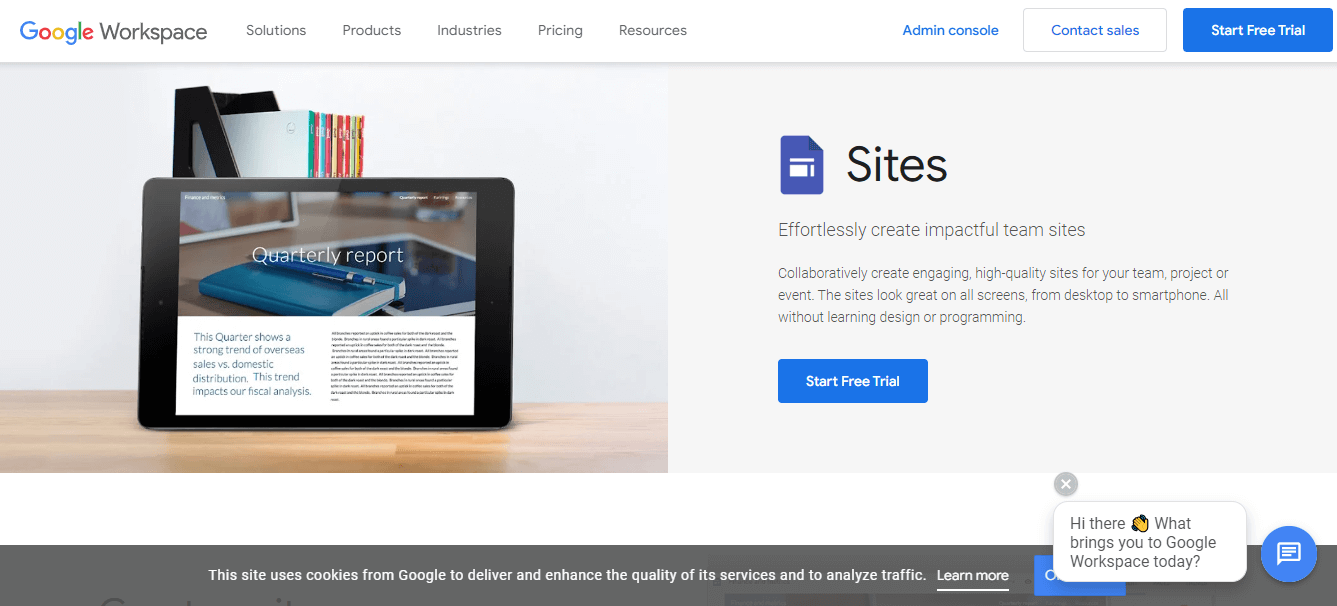
Here are the key features of Google Sites:
- Section Layout Templates: Google Sites offers section layout templates that, while essential, provide a polished appearance. Users can effortlessly combine text and photos on a page using these section layout templates.
- Collapsible Text Boxes: The platform allows users to incorporate collapsible text boxes, a valuable feature for saving space on their Google Site. These collapsible text boxes can be edited or deleted as needed, and users have the flexibility to turn them on or off at their convenience.
- Announcement Banners: Google Sites includes announcement banners, which display essential information at the upper part of the header. Users can maintain and edit an announcement banner on their site, ensuring flexibility and timely updates.
Bubble
Bubble stands out as a visual programming platform and one of the premier website creation tools that allows users to create web applications like SaaS platforms, CRMs, marketplaces, social media sites, and service websites without coding. Since 2012, Bubble has been a go-to solution, recognized as a powerful website creation tool, helping non-technical individuals automate their business processes.
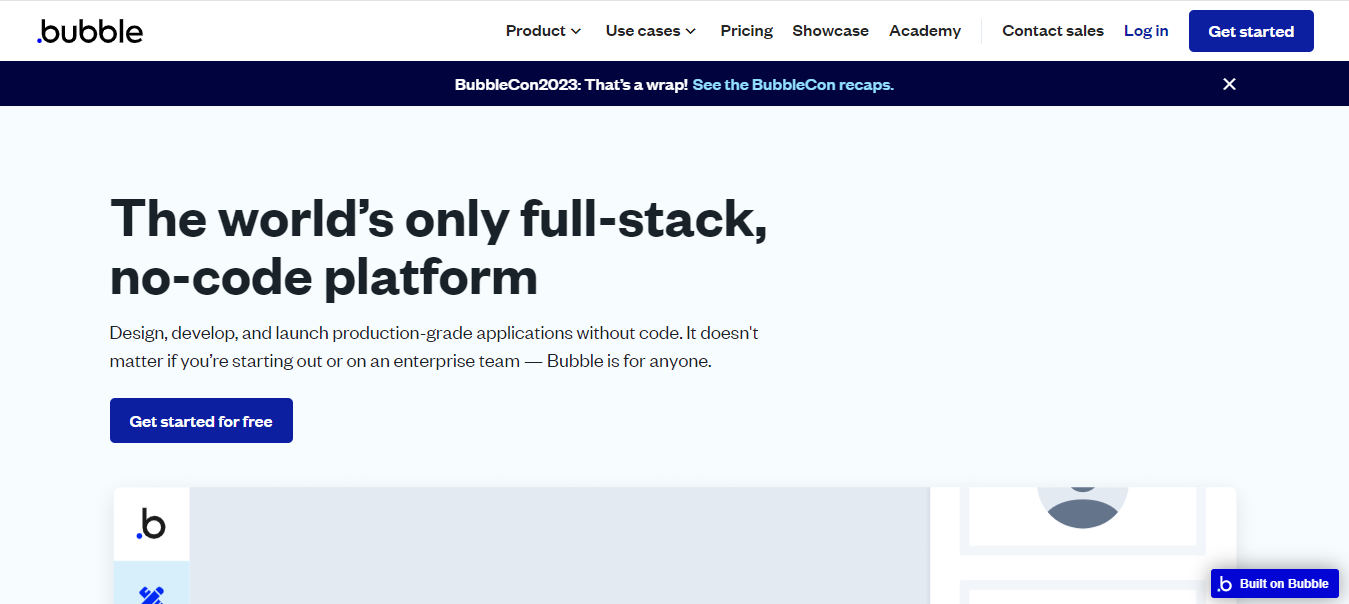
Here are the key features of Bubble:
- Drag-and-Drop Editor: The drag-and-drop editor from Bubble allows you to develop pixel-perfect and fully responsive designs without writing HTML or CSS coding.
- Custom Domain Incorporation: Bubble allows you to incorporate a custom domain name, providing a white-label appearance for their app.
- Automatic Data Backups: With automatic data backups, Bubble ensures the security of your information. You can use the version history to test changes, and restoring any previous version is hassle-free.
- Integrated Database System: Featuring an integrated database system, Bubble enables you to store and manage data seamlessly within your application.
- Convenient Integrations: Bubble offers convenient integrations with various tools and services, including Mixpanel, Google Analytics, Segment, Stripe, Braintree, and more.
- Streamlined Collaboration: Collaboration is streamlined, allowing up to 40 collaborators to work on the same application. This develops an environment where teams can easily collaborate and work together.
Carrd
Carrd Introduced in 2016, it stands out as a user-friendly website creation tool for non-technical users aiming to easily create fully responsive one-page websites. Carrd serves as an excellent website creation tool, allowing users, with minimal effort, to develop a professional-looking and responsive website quickly.
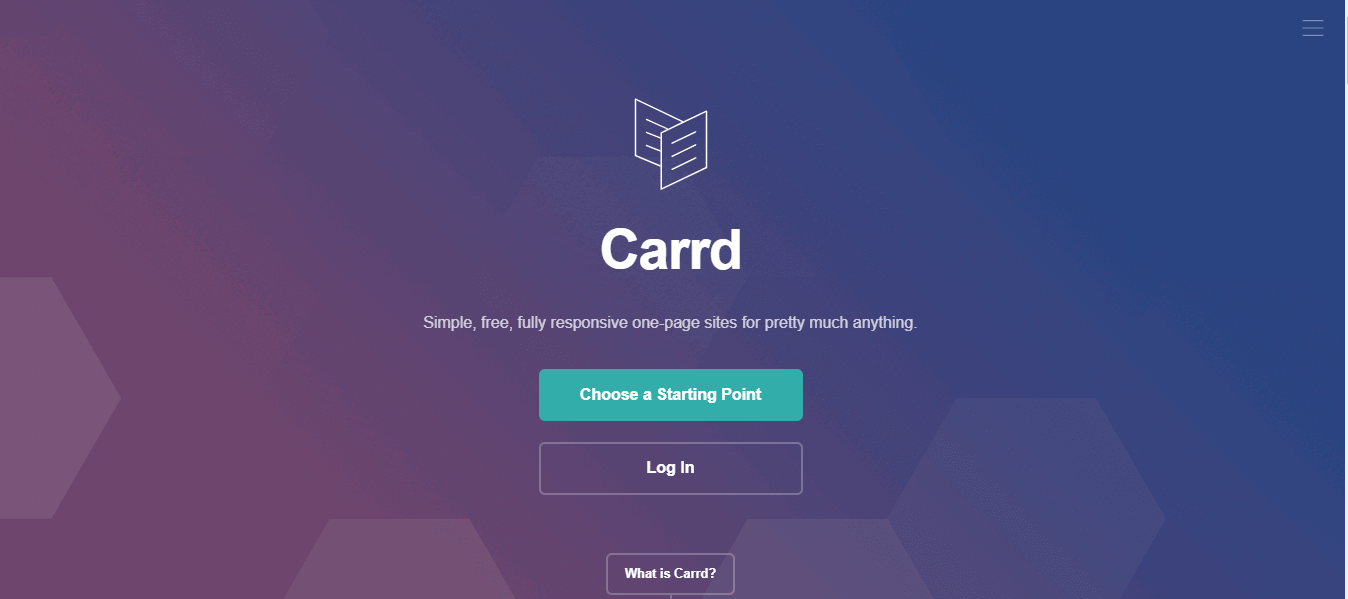
Here are the key features of Carrd:
- Rich Template Collection: Carrd has a rich collection of 75+ templates, ensuring you find a suitable option that aligns with your style. This is because various niches conveniently categorize templates.
- Drag-and-Drop Editor: The drag-and-drop editor allows you to edit elements seamlessly, removing complexity from the process.
- Free Subdomain and Custom Domain Support: With the free plan, you can receive a free subdomain upon site creation, and if you opt for the PRO plan, custom domain support is also included.
- Incorporation of Widgets: It enables the incorporation of widgets from popular third-party services such as PayPal, Stripe, Gumroad, Typeform, etc. Additionally, you can embed custom code to add a unique touch to your website.
Shopify
Shopify is an inclusive subscription-based e-commerce tool for website development for all sizes and stages. It is an effective tool that better understands your business, provides assistance in securing a custom domain name, offers reliable web hosting services, and features generous storage and bandwidth allowances. Furthermore, it presents complimentary marketing tools for social media, email marketing, website chat, and more. Shopify also facilitates sales through various online platforms, expanding your reach and boosting sales.
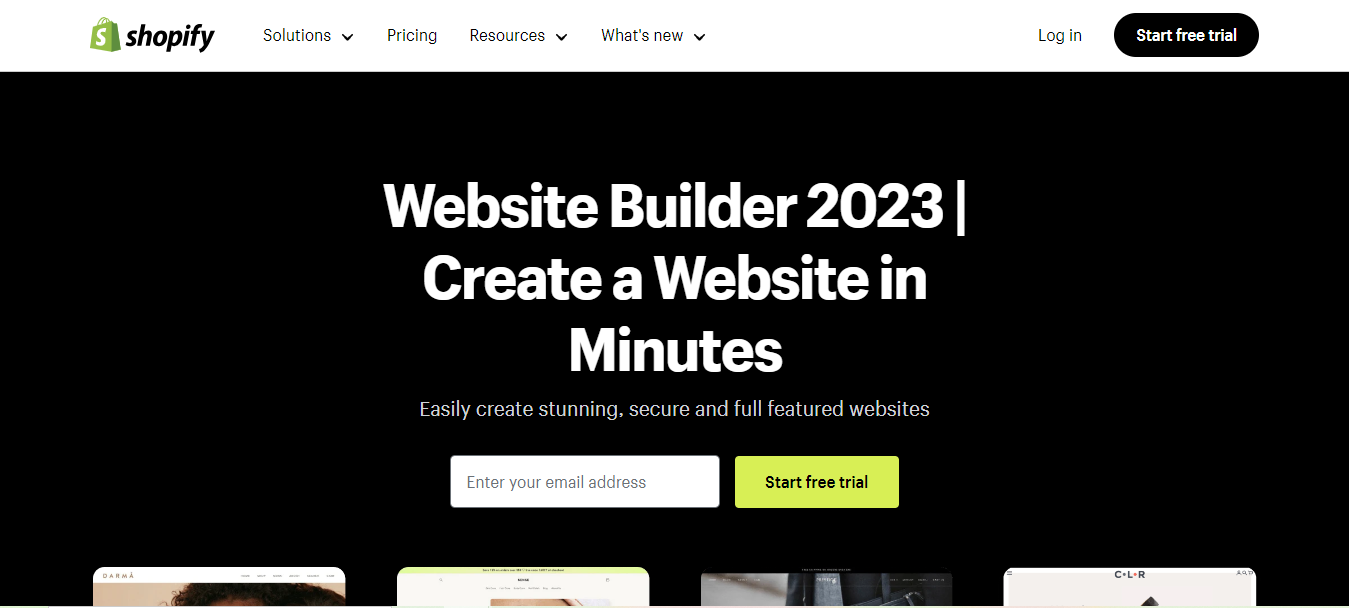
Here are some of the key features of Shopify:
- User-Friendly for All Skill Levels: Shopify is user-friendly for beginners and maintains ease of use as you grow. Whether delving into the technical details or managing, customizing, and expanding your store without coding knowledge, Shopify accommodates various skill levels.
- Efficient Website-Building Technology: Shopify’s website-building technology ensures rapid load times and boasts the most efficient checkout performance on the web.
- Integrated Hosting and Checkout Tool: You do not need distinct web hosting for your domain. In addition, you don’t have to integrate a third-party checkout tool.
- Multi-Platform Selling: Shopify’s website creation tool allows you to sell across diverse platforms, with recent additions like the TikTok sales channel, Shop Pay, and partnerships with Facebook and Instagram. Extensive add-ons or plugins are unnecessary.
- Robust Support Options: The intuitive website-building tools provided by Shopify are complemented by robust support options, including an extensive help center, forum, and 24/7 customer support. It offers exceptional customer support around the clock through live chat, phone, and email.
- Beautifully Designed Mobile-Friendly Themes: With over 100 beautifully designed mobile-friendly themes, Shopify includes search engine optimization and efficient inventory management.
- Customizability: Each Shopify website template is easily customizable, and for those desiring complete control, access to the HTML and CSS of the site is always available.
IONOS
IONOS website creation tool provides an accessible site editor designed for beginners. It simplifies the website creation process without requiring prior experience or coding knowledge. The platform is suitable for e-commerce, as it provides to those interested in establishing an online store, and its plans include essential website elements, including a domain name, SSL certificate, and email hosting.
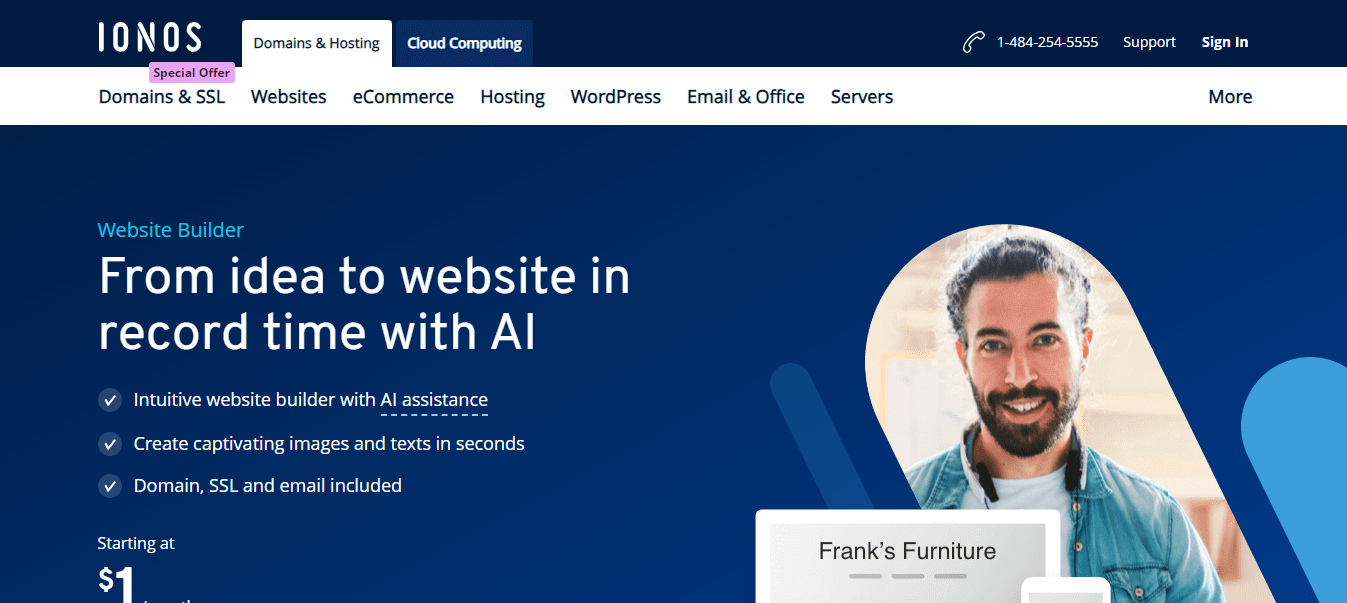
Here are the key features of IONOS:
- User-Friendly Interface: The standout feature of the IONOS website creation tool is its user-friendly interface, making it a compelling choice for individuals with no prior website building or web design experience.
- E-commerce Plans: For those involved in online selling, It offers e-commerce plans, however, with a somewhat limited feature set for online sellers.
- Complimentary Wildcard SSL Certificate: This website creation tool plan includes a complimentary Wildcard SSL certificate, ensuring a secure online environment.
- Competitive Pricing for Email Hosting: It provides quality plans at a highly competitive price, particularly for those seeking affordable email hosting. The entry-level email hosting plan starts at INR 83.17 ($1) monthly, offering 2GB of storage.
- 24/7 Customer Support: It distinguishes itself with 24/7 customer support accessible via phone and live chat.
Webydo
Webydo creation tool is designed for web designers, experienced graphic designers, and agencies aiming to produce top-tier website designs for their clients. Its inception dates back to 2010, positioning it as a reliable website creation tool that empowers designers to develop personalized white-label websites without delving into code.
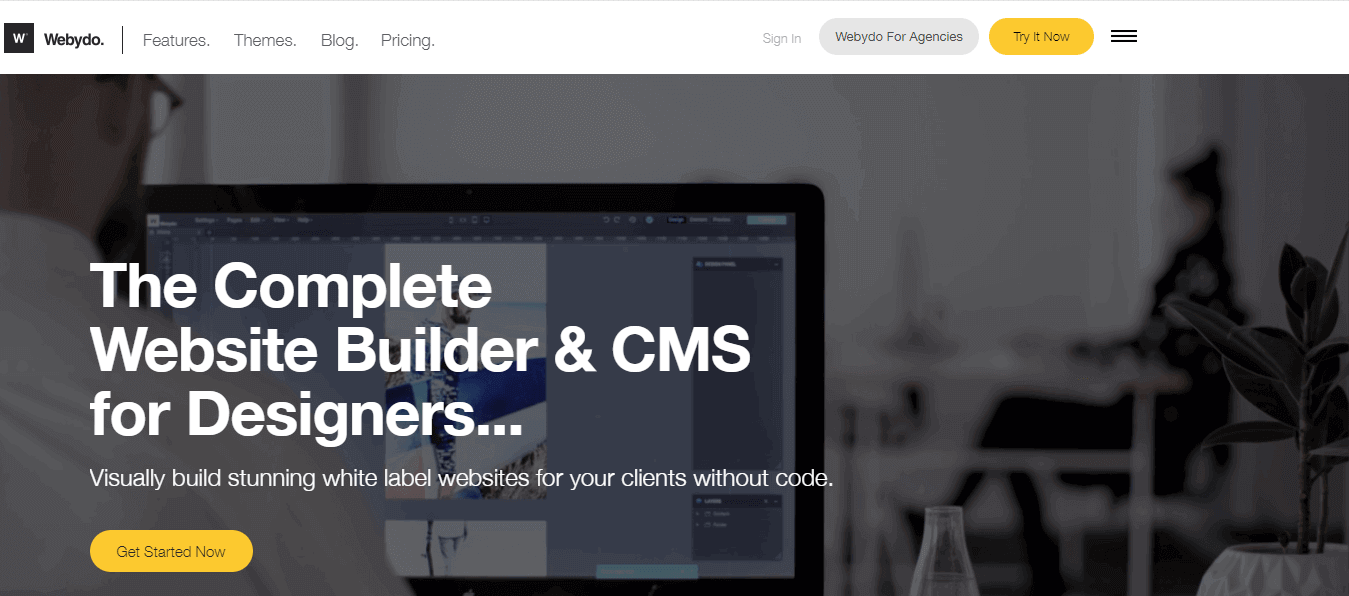
Here are the key features of Webydo:
- Drag-and-Drop Interface for Design: It helps create high-quality designs effortlessly using the drag-and-drop interface.
- Centralized Content Management System (CMS): The CMS provided by Webydo streamlines content management and website updates through a centralized dashboard.
- Collaboration Tools: This website creation tool equips designers with tools to smoothly interact with clients and teams on website projects, allowing up to 10 designers to work concurrently on different projects.
- White-Label Website Generation: Generate websites discreetly, concealing the builder’s identity, enabling you to present them to clients as your exclusive product—an indispensable element for any web design business.
- Client Billing System: Implement a client billing system on your site to streamline payment reception from clients and maintain organized documentation.
- Mobile Optimization: It ensures that all websites created are fully optimized for mobile devices and other platforms, ensuring smooth performance across diverse screens.
Duda
Duda stands out as a web design platform for web professionals, agencies, and organizations of different sizes. Its robust collaboration and client management features make it an ideal choice for creating and managing websites on a large scale. As a website creation tool, Duda is a robust platform that facilitates the development of websites with features optimized for diverse devices, including desktops, tablets, and mobile phones, ensuring adherence to Google PageSpeed optimization standards.
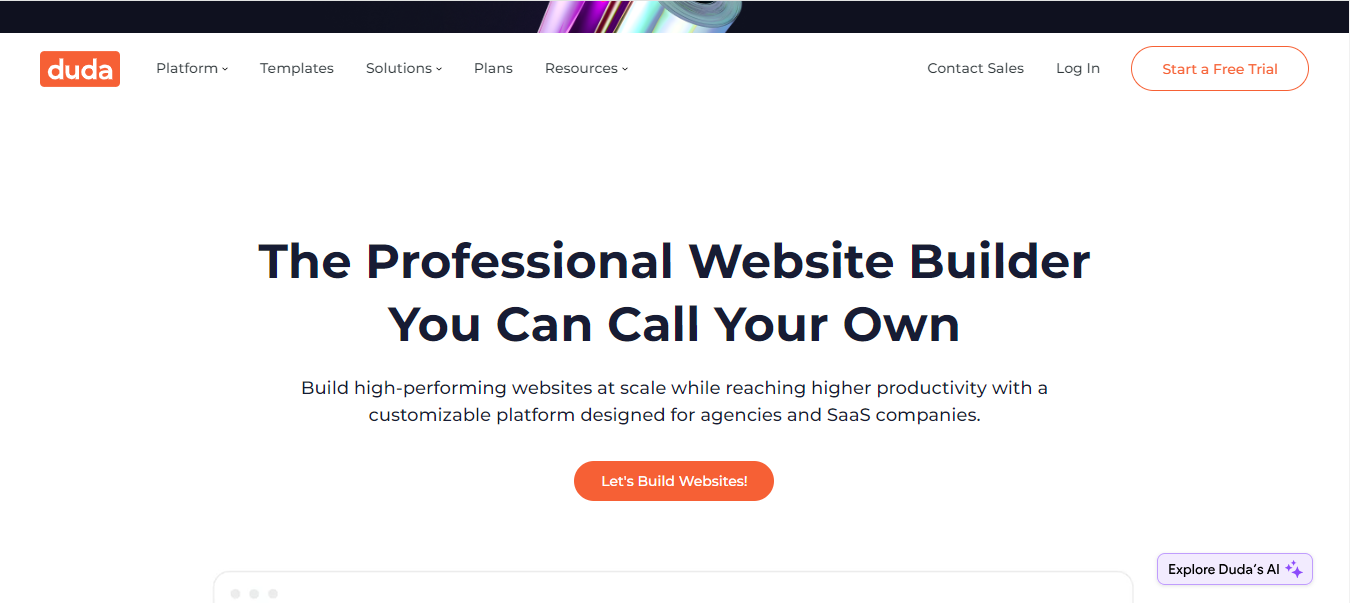
Here are the key features of Duda:
- Data-Driven Website Creation: It enables users to create websites based on existing customer data effortlessly, streamlining the process with just a few clicks. This feature simplifies the utilization of customer information for website development.
- Extensive API Integration: It allows you to integrate over 100 APIs to customize various website creation flows, whether DIY, DIFM, or DIWM.
- Collaborative Project Management: It allows up to 10 members to seamlessly collaborate on a project, sharing assets and setting permissions for enhanced teamwork.
- Pre-Built Sections and Templates: It provides pre-built sections and templates for quick website development with pixel-perfect design. Users can create and share custom designs with their teams, facilitating the reuse of designs across multiple projects for consistency.
- Exceptional SEO Performance: Duda ensures exceptional SEO performance for all websites built on the platform. This feature is crucial for enhancing the visibility and search engine ranking of the created websites, contributing to their overall success.
Web.com
Founded in 1999, Web.com has established itself as a prominent player in the website creation tool space with its user-friendly interface. It offers around 150 professionally designed templates comparable to Hostinger, solidifying its position as a versatile website creation tool.
This website builder empowers individuals to create a website effortlessly, even without coding expertise, positioning itself as an efficient and accessible website creation tool. It provides an intuitive drag-and-drop interface, pre-designed templates, and customization options for a seamless website development experience. By handling technical aspects, the user-friendly platform allows you to focus on crafting compelling content and visually appealing designs without any worries, making Web.com a comprehensive website creation tool for users of all levels.
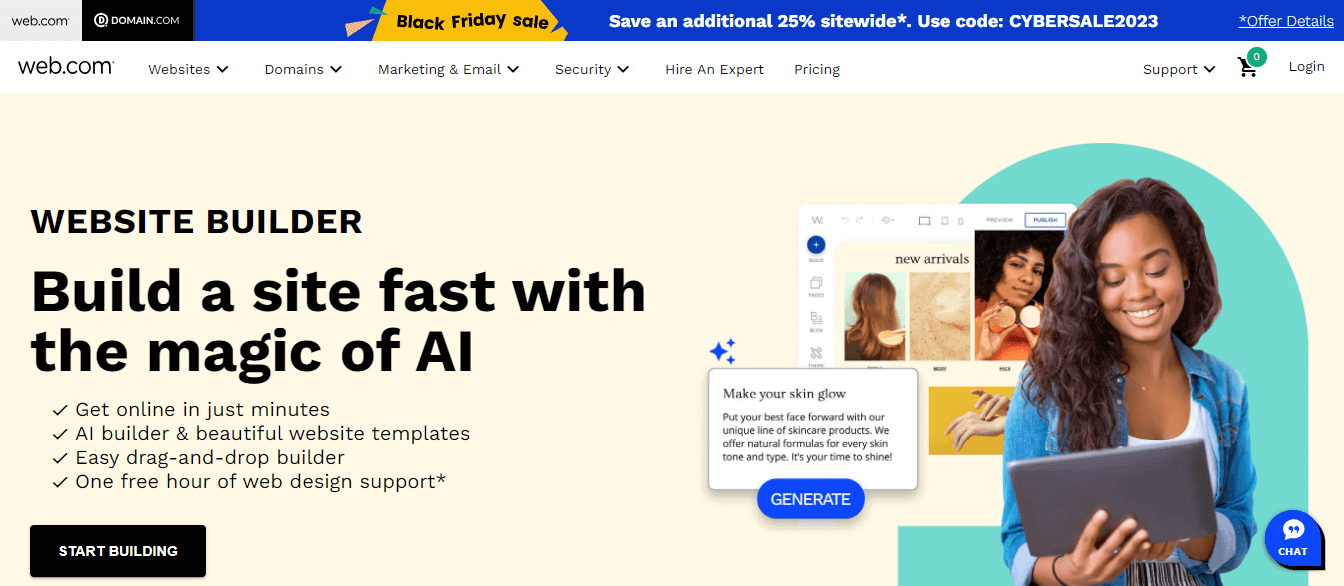
Here are the key features of Web.com:
- High-Traffic Handling: This tool is well-suited for demanding websites, demonstrating its capability to handle high-traffic scenarios effectively.
- Block-Based Interface: Its intuitive interface allows users to work with blocks—pre-assembled elements like navigation bars—facilitating easy insertion when needed for streamlined website development.
- Free Design Support: Users benefit from one hour of complimentary website design support, enhancing the overall design process with professional assistance.
- E-commerce Functionality: It provides dedicated e-commerce functionality with a separate plan from the basic package, allowing you to set up an online store with expected features.
- Performance Monitoring: You can monitor your website performance during tests using Web.com’s simplified data dashboard, featuring real-time traffic statistics, trend charts, and integration with Google Analytics.
Unstacked
Unstacked has operated since 2019 and is a comprehensive website creation tool and marketplace development platform. It eliminates the need for coding expertise, empowering various entities like business owners (startups, e-commerce ventures, or established enterprises), Shopify vendors, marketing agencies, marketers, and developers to generate websites, storefronts, and landing pages promptly.
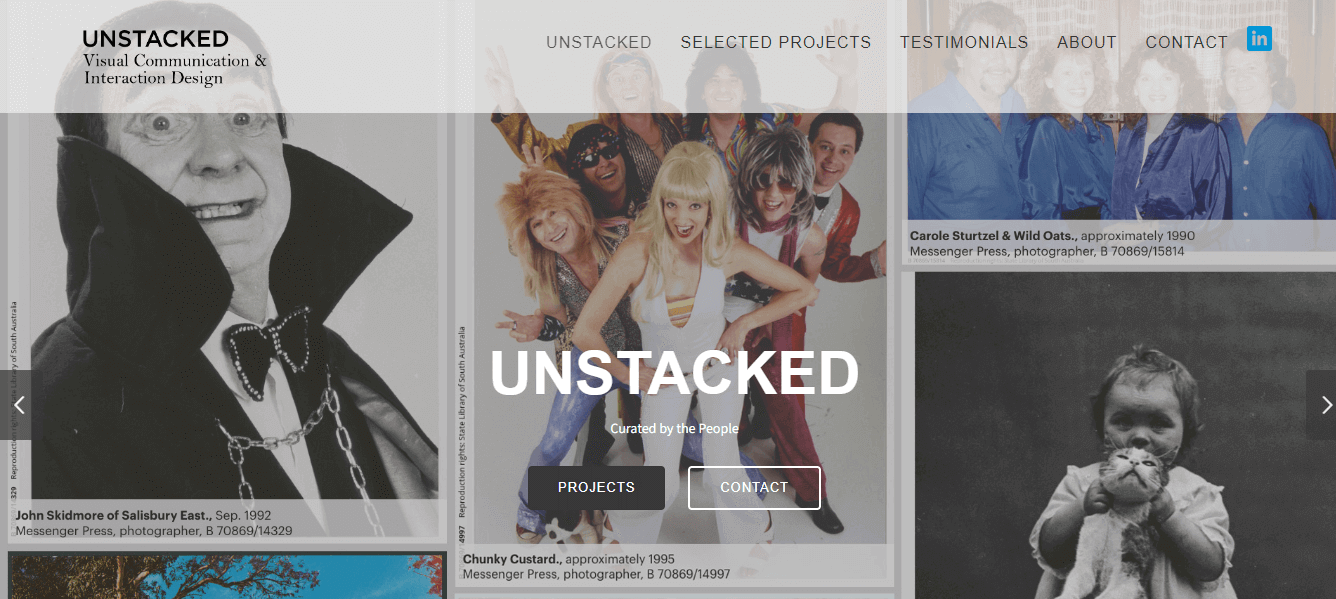
Even without a background in design or technology, Unstacked enables individuals to construct and launch a website, execute A/B tests, and transform visitors into potential leads. This is why SaaS startups find no-code platforms like Unstacked the optimal choice.
Here are the key features of Unstacked:
- Shopify Integration for Shoppable Pages: It dedicates a specific section to construct shoppable landing pages tailored to its clientele. By seamlessly integrating your Shopify store with Unstacked, you can effortlessly transfer product details while maintaining add-to-cart and purchase options.
- No-Code Content Management System: Its no-code content management system empowers the marketing team, eliminating the necessity for professional developers to oversee site maintenance.
- Drag-and-Drop: UI builder and customizable content layouts facilitated by content blocks within the platform.
- Integrated Marketing Tools: The platform offers support through various integrated marketing tools, enhancing your marketing capabilities.
- SEO Optimization: You get enhanced SEO performance through fast page loading speed, SSL-certified site security encryption, mobile device optimization, and dynamic XML sitemaps.
- Seamless Integrations: It seamlessly integrates your website with over 30+ platforms and tools, including social media marketing tools, with a simple click to foster business growth.
Elementor
Elementor is the top WordPress website builder, offering a user-friendly drag-and-drop interface for crafting professional and flawless websites. It provides complete control over website creation without requiring any coding skills. This website builder has introduced Elementor AI, an integrated AI solution designed exclusively for Elementor users.
This innovative AI integration revolutionizes the website-building experience, allowing users to instantly generate entire sections, original text, code, and images. It’s a powerful tool that transforms how websites are crafted, making the process more efficient and dynamic.
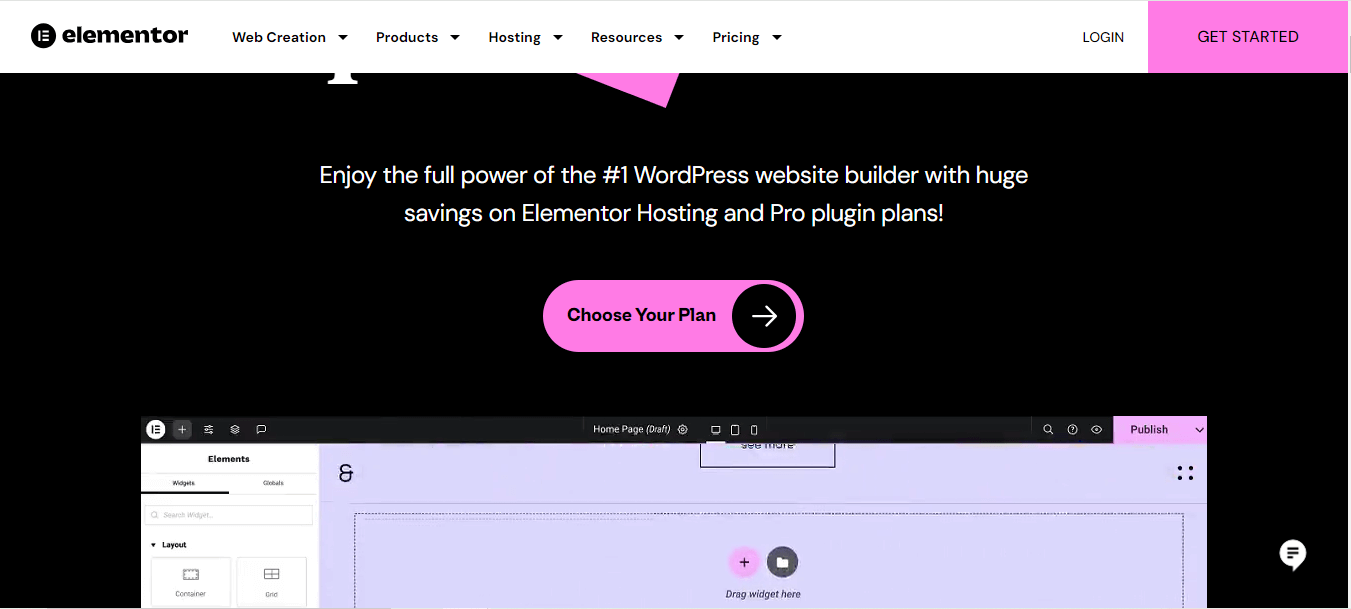
Here are the key features of Elementor:
- Drag-and-Drop Editing: Visually drag and drop and customize every aspect of your website without coding.
- Extensive Template Collection: You can access a collection of 300+ website templates, which offers the flexibility to choose and customize as per your requirements.
- Versatile Widgets for Design: It is now easy to use the 100+ widgets provided by Elementor to create and design every part of your page, including complex designs.
- E-commerce Capabilities: You can leverage the platform to build your e-commerce website and establish user connections.
- Streamlined Workflow Management: Elementor consolidates management and site settings, providing an efficient and accessible platform to streamline your workflow and enhance overall site control.
Ucraft
Ucraft is a user-friendly website creation tool featuring a drag-and-drop interface that serves individuals across various roles, from small business owners and entrepreneurs to artists and bloggers. It simplifies the website creation process, particularly for those without coding expertise. Users can enjoy the advantages of fast and secure website hosting on the reputable Google Cloud platform.
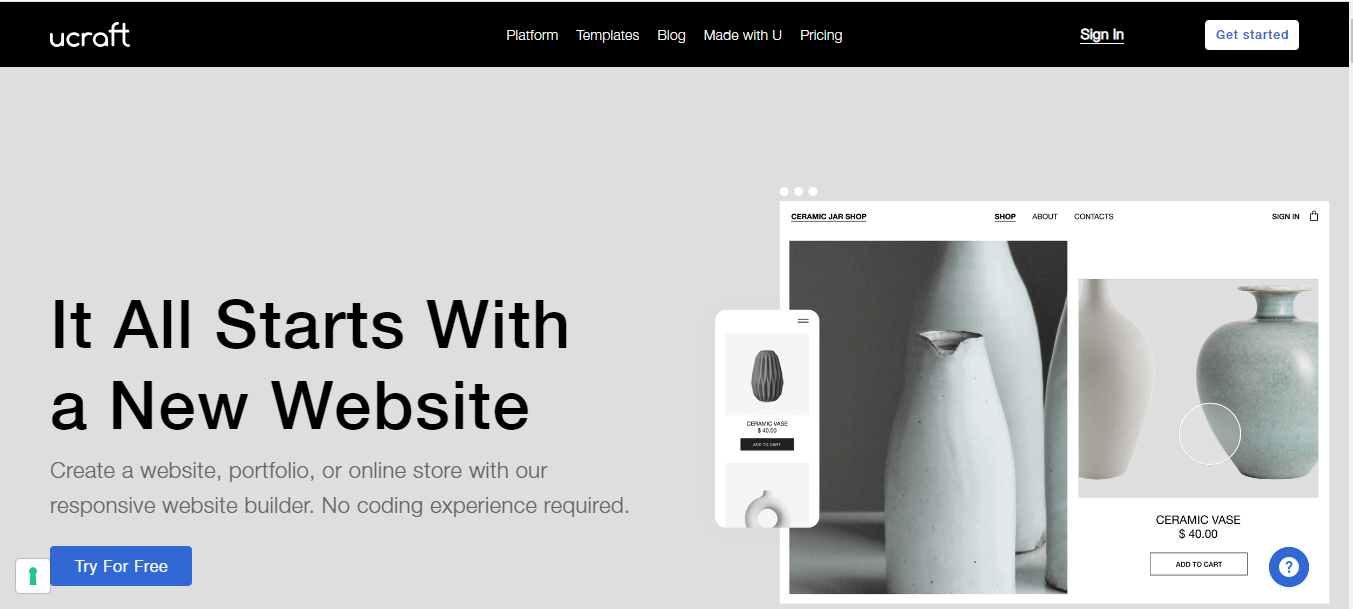
Here are the key features of Ucraft:
- Language Detection: When initially opened, it automatically detects visitors’ language preferences based on their IP address, browser language, or the website’s default language.
- User Permissions and Access Control: It provides flexible access control, allowing team members different roles with specific permissions such as editor, marketer, designer, admin, billing admin, or owner.
- Billing Ownership Transfer: For freelance designers or web admins, transferring billing ownership is very simple with Ucraft. You can assign a new billing admin to manage payments and subscriptions.
- Store Account Creation: You can enable users to create store accounts for order management and address information storage, facilitating quicker checkouts.
- Font Customization Options: You can choose from free fonts in the Google Font library or upload a font.
- Responsive Design Preview: It allows users to preview how their site appears on different devices and screen resolutions, ensuring a consistent and optimized user experience across various platforms
- Privacy Protection: Maintain privacy and control by password-protecting the entire website or specific pages. This ensures that only authorized users can access restricted content, adding an extra layer of security.
Webnode
Webnode, a user-friendly website creation tool launched in 2008, has empowered over 45 million users to create their websites effortlessly. Whether establishing a professional website for your company, showcasing a beautiful portfolio, or setting up a user-friendly online store, Webnode offers the ideal tool for crafting your website perfectly.
Here are the key features of Webnode:
- Content Addition: You can add various types of content anywhere on your page by simply clicking on the plus sign and selecting the desired content.
- Page Templates for Quick Expansion: If your website requires an additional page, choose one from Webnode’s preformatted page templates and seamlessly integrate it into your site.
- Diverse Domain Options: Choose from a wide selection of local and special domains to personalize your website’s address.
- Mobile-Friendly Editing: Effortlessly create and update your website using your tablet or phone from any location.
- Secure Hosting: All Webnode websites are securely hosted on safe servers. As your online presence expands, you can acquire more space for content and increased bandwidth to accommodate a growing number of visitors.
- Email Integration: Set up your Webnode mailbox with Outlook, Gmail, or other email clients to send and receive emails in the familiar way you are accustomed to.
Blocs
Blocs stands out as the ultimate website creation tool for Mac and iPad users, offering a code-free approach to building stunning websites. Elevating the user experience, the Plus version of Blocs introduces four notable features: a WordPress theme builder, empowering users to craft dynamic themes; an image editor for seamless visual customization; a built-in SEO helper for optimizing website visibility; and a class library manager for efficient design organization.
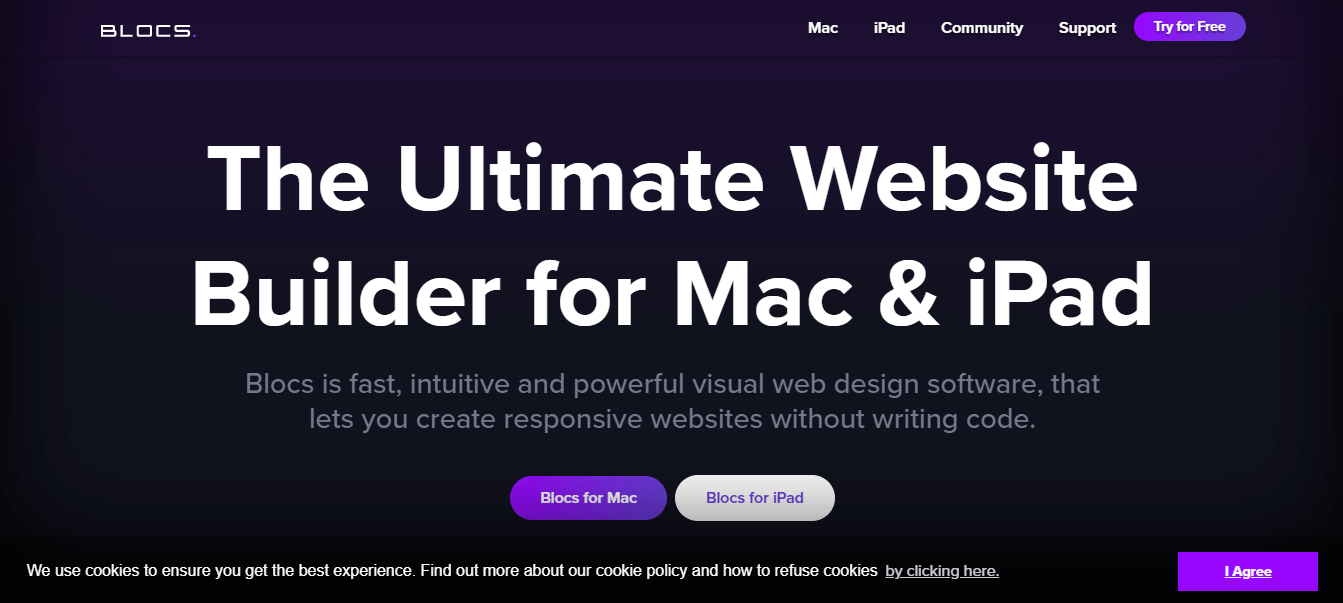
Here are the key features of Blocs:
- User-Friendly Drag-and-Drop Interface: The Blocs website creation tool serves as a comprehensive website design tool featuring a user-friendly drag-and-drop interface. It allows easy creation of professional-looking websites, landing pages, and WordPress themes within minutes.
- Native Mac App with Offline Functionality: Operating as a native Mac app, Blocs allows offline work, providing the flexibility to create websites from anywhere.
- Stacking Pre-Built Sections: The platform is built on stacking pre-built sections to construct fully coded, responsive websites.
- Streamlined Design Workflow: Blocs follows a simplified design workflow that gives you a blank canvas in the center, a layer tree, a page navigator in the left sidebar, and an inspector in the right sidebar.
- Combination of Blocs and Brics: The design process involves a combination of Blocs and Brics, where Brics represent individual design elements like buttons, images, and text.
Before delving into other website creation tools, let’s address a critical aspect after development: testing. Once a website or web application is developed, it’s essential to ensure various facets like functionality, usability, security, performance, and ensuring the application meets customer requirements is crucial for its success.
Bonus Tools:
Some additional website creation tools you can consider using are as follows:
HostGator

The HostGator website creation tool offers a simple point-and-click website editor, enabling you to launch a professional-looking website within minutes. This user-friendly platform includes features like a blog, shopping cart, and payment gateway, eliminating the need for coding or web development expertise.
Format
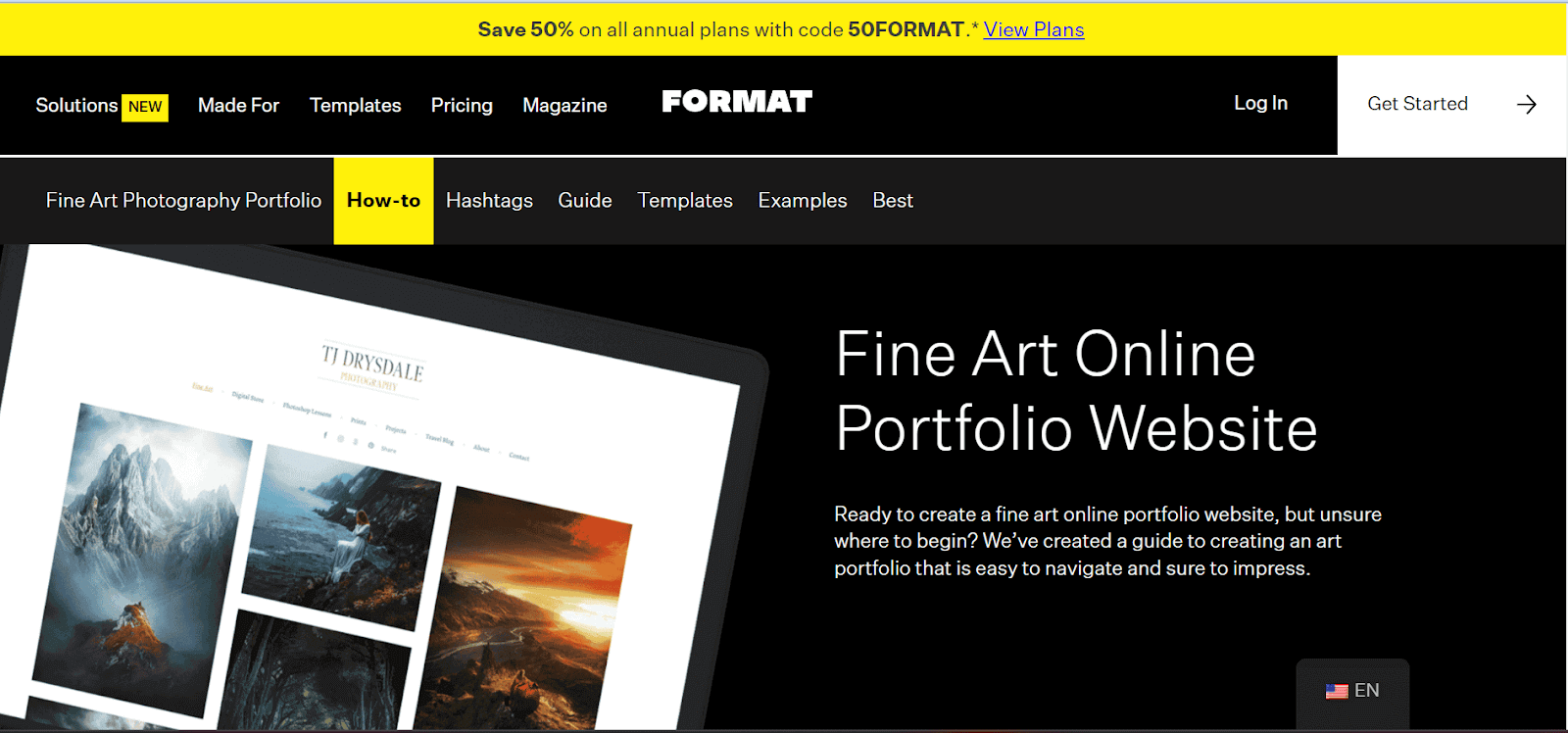
Format is the ideal website creation tool for showcasing your artwork online, offering a range of designs for both mobile and desktop audiences. Experience the platform with a 14-day free trial, allowing you to test its edited features before opting for premium plans. With this tool, you can ensure brand consistency across all platforms by seamlessly integrating custom fonts from Google and Adobe into the Format design editor.
BigCommerce
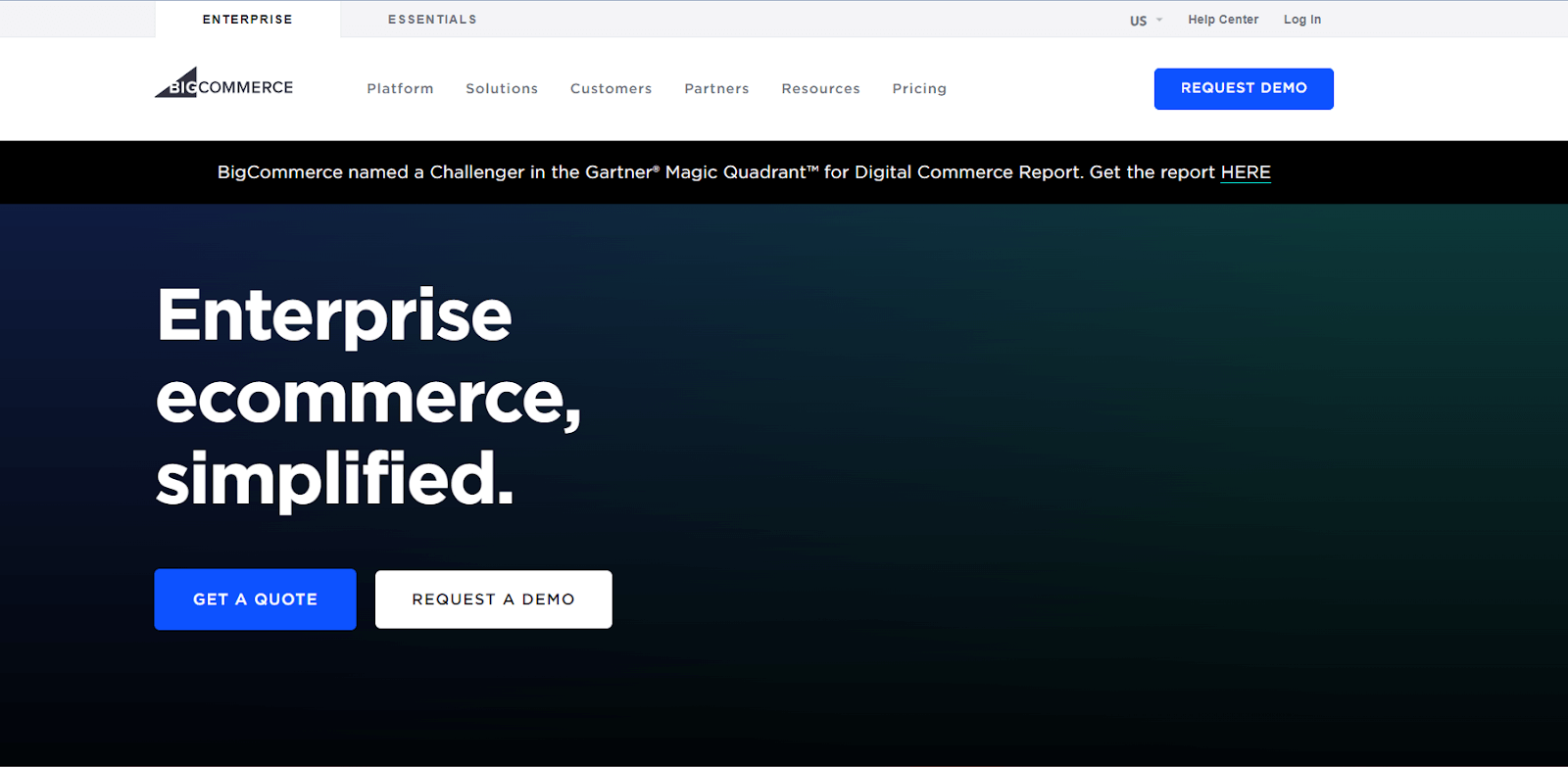
BigCommerce is the optimal choice for expanding an organization. It prioritizes e-commerce, allowing small business proprietors and traders to develop websites effortlessly without doing any coding.
Providing a range of features like adaptable templates, tools for website design, product, order management, and seamless integrated payment processing, BigCommerce ensures a comprehensive solution. Moreover, it extends sturdy security measures and round-the-clock support, enhancing businesses’ online visibility and facilitating a seamless shopping journey for customers.
Friday
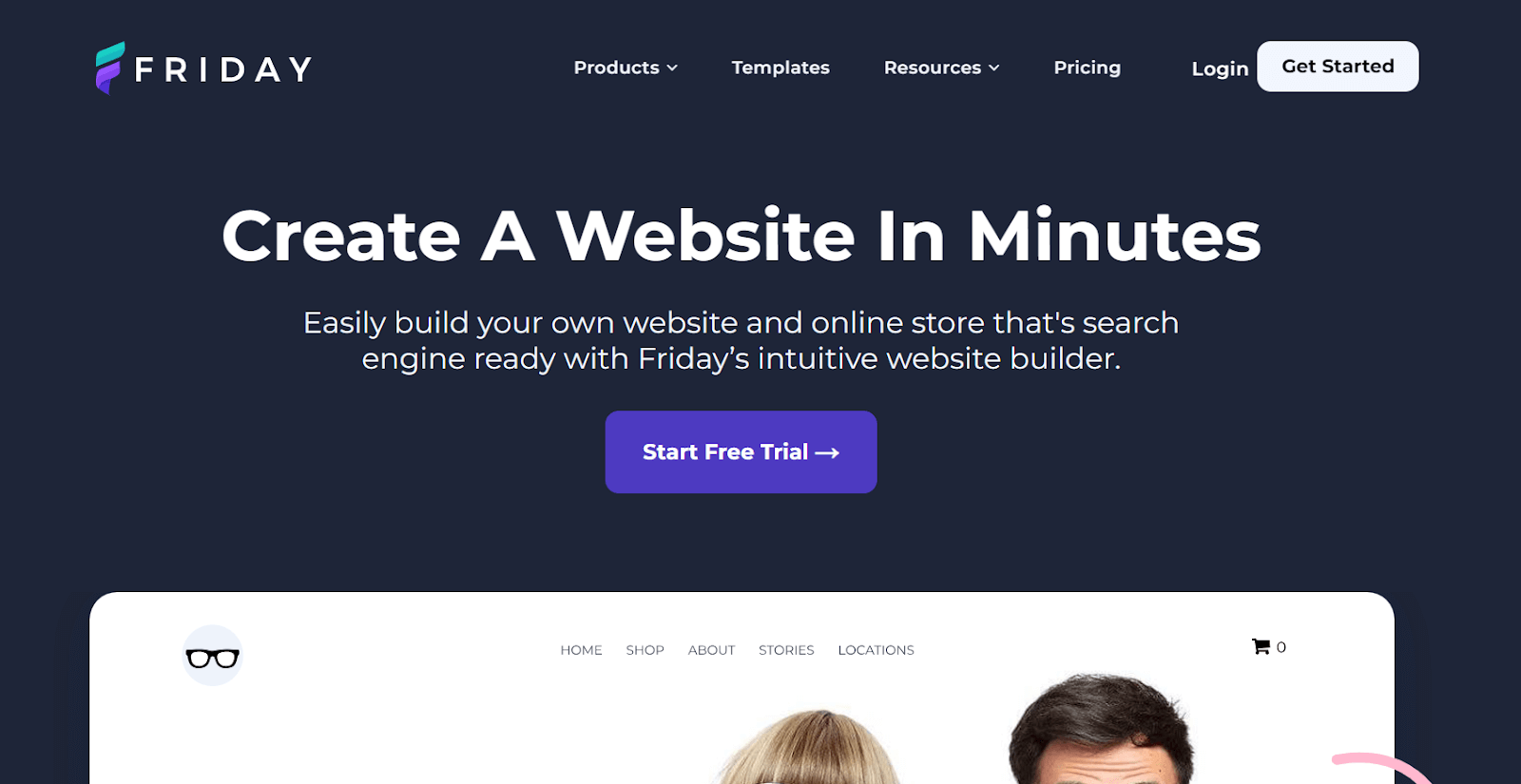
It is one of the best website creation tools that help develop a website using Artificial Intelligence. You can get started on Friday. It is straightforward as it has only one website creation tool package to choose from, which saves you lots of time.
The features of Friday include WS website hosting, a global CDN, a custom domain, unlimited bandwidth, SEO tools, SSL security, web analytics, and a photo editor. Moreover, it includes image optimization, a stock image library, an AI content assistant, customizable forms, support for multi-language websites, blogging tools, and over 40 payment gateways.
ClickFunnels

ClickFunnels is a website creation tool designed for consulting, e-commerce, marketing, and automation businesses aiming to convert website visitors into customers. Positioned as an all-in-one package, it benefits aspiring entrepreneurs and creators.
Universe
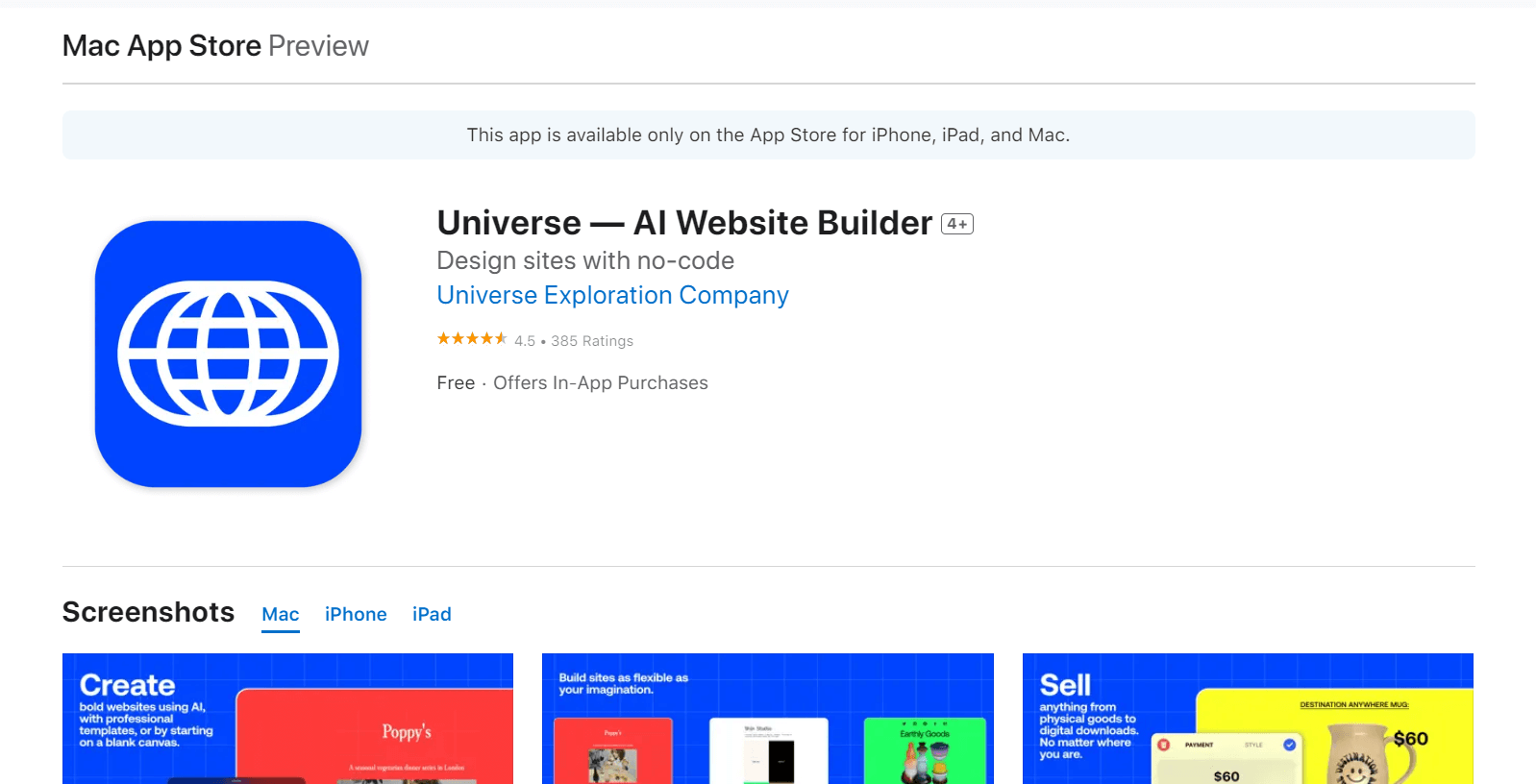
Introduced in 2014, is a no-code website creation tool for Apple devices. This platform enables the creation of professional-looking websites using iPhone, iPad, or Mac, enhancing efficiency and convenience. It serves diverse purposes, from developing personal websites like portfolios and blogs to developing direct-to-consumer-focused e-commerce sites with stores and product showcases.
Constant Contact
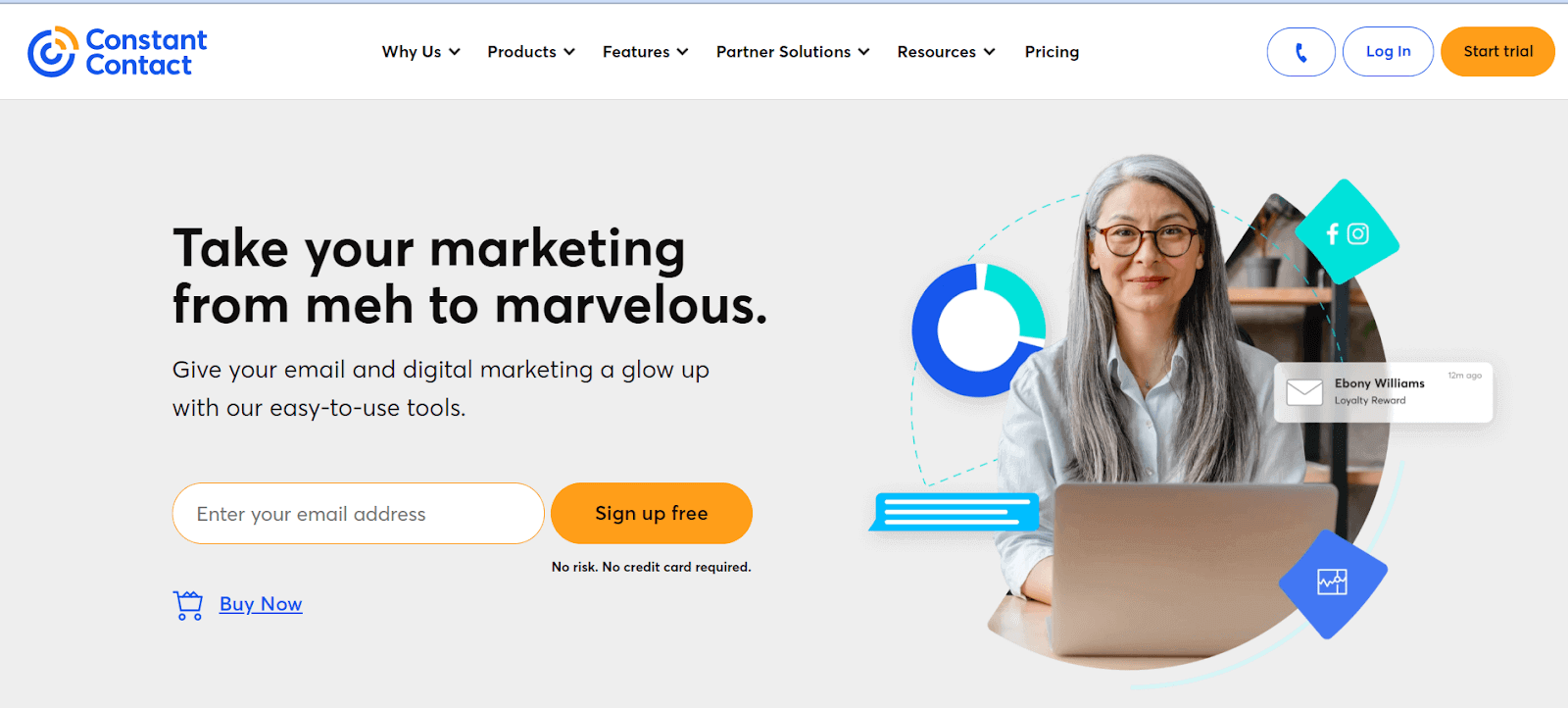
Constant Contact, established in 1995 by Randy Parker, is more than just an email marketing and online survey platform. It’s also a website creation tool offering marketing, design, and landing page-building services. Its user base includes small businesses, non-profits, and individuals.
Zoho Sites
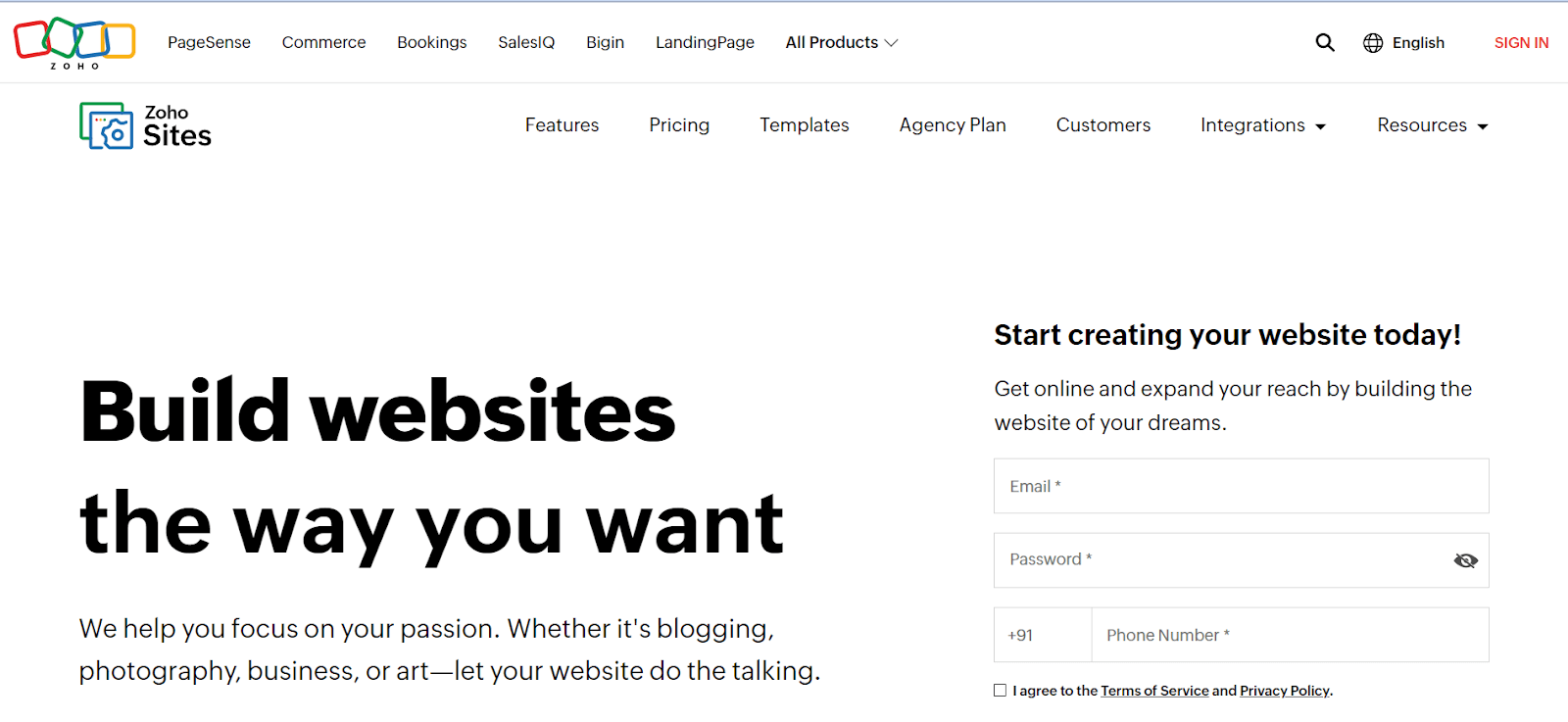 Launched in 2005, Zoho Sites stands out as a top website creation tool. It provides an intuitive drag-and-drop editor, various free templates, seamless integrations, and more, facilitating users in effortlessly creating and managing their websites to foster business growth.
Pixpa
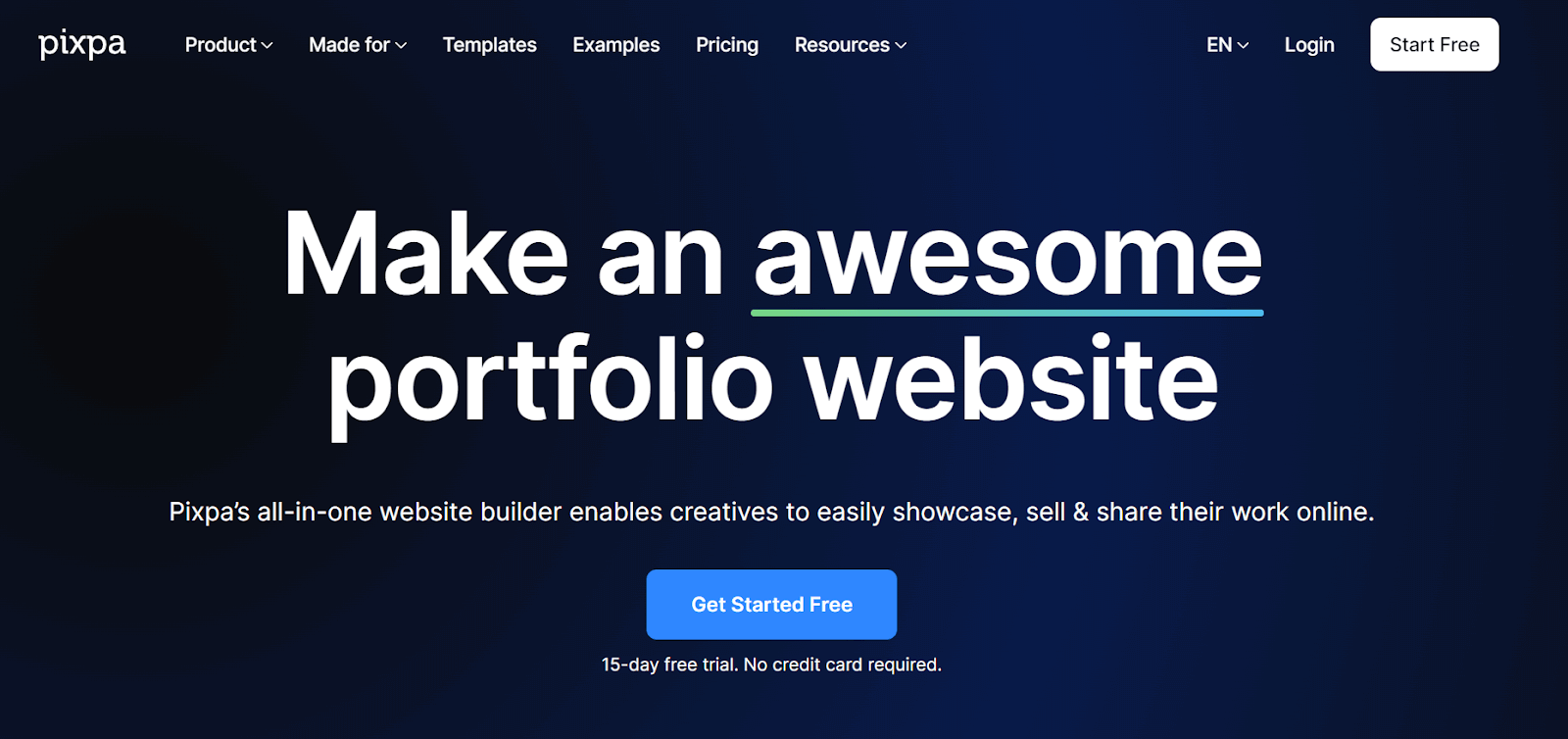
Pixpa is a no-code website creation tool for photographers, artists, and designers. It allows you to build and manage a beautiful, professional website with a built-in online store, blog, and client galleries. You do not need coding skills; connect your custom domain name and be ready.
The platform also provides built-in SEO tools to enhance your website’s search engine ranking, ensuring easy discoverability by potential customers.
Siter.io
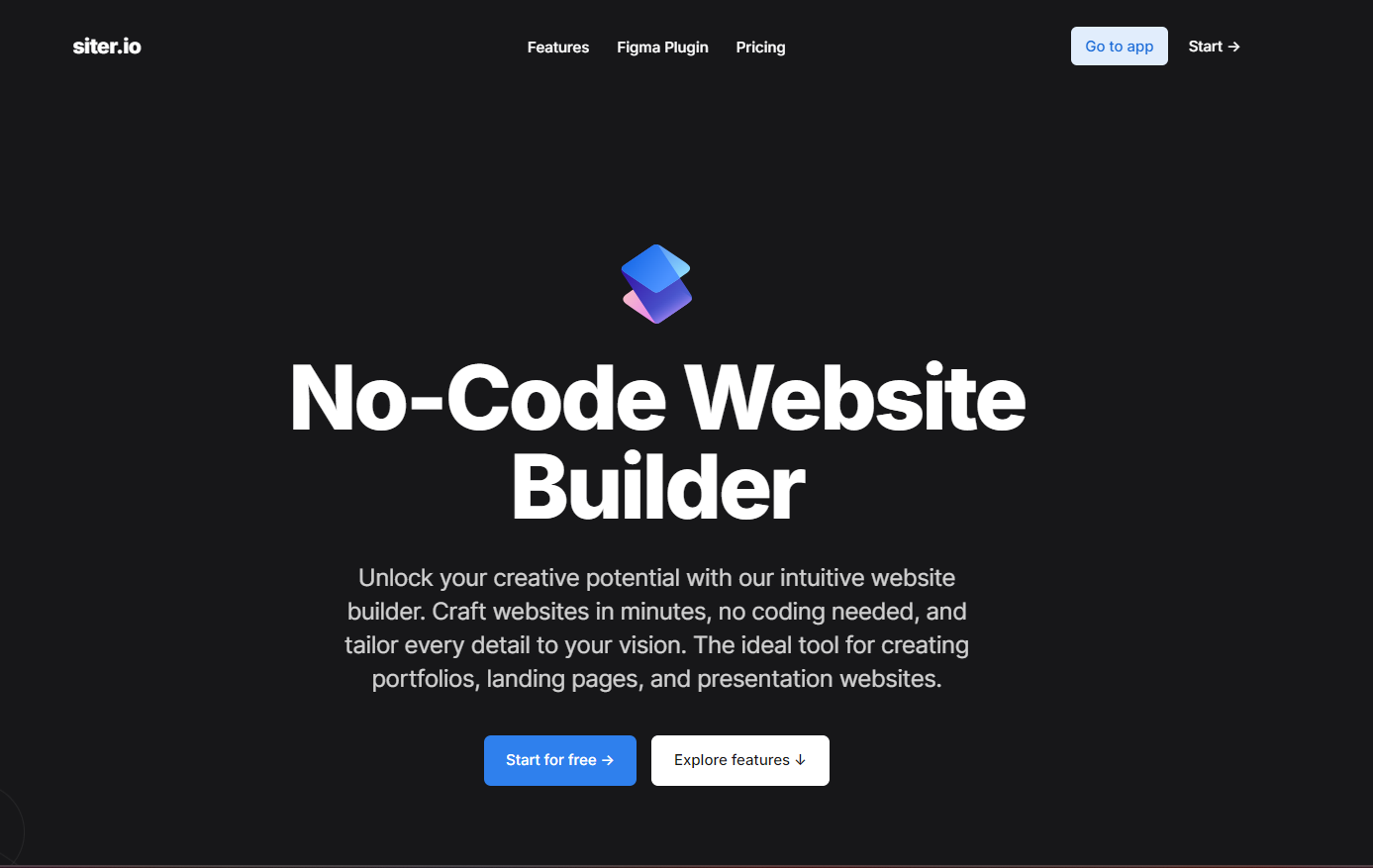
Siter.io is a no-code website creation tool that allows you to create and publish websites without the need to write any code. The platform allows you to design directly in the browser using familiar tools, offering a freehand approach. It provides a wide range of free icons, including links to social media pages and decorative icons. Users can add custom code for embedding tweets, maps, or comment sections. Siter.io is designed with a user-friendly interface, and anyone willing to use this tool requires minimal knowledge.
Thorough testing becomes essential, covering all aspects of the website or web applications. While automation testing can speed up the process, it’s crucial to acknowledge that not everyone who builds a website can adapt to automation testing. In such cases, using the TestMu AI platform becomes invaluable. This AI-Native test orchestration and execution platform offers a user-friendly solution for testing, streamlining the process even for those unfamiliar with automation testing and helping check the responsiveness of the website.
This platform enables you to perform real-time and cross browser testing, ensuring your website is consistent and functional across different browsers and operating systems so that any inconsistencies found can be easily identified and fixed.
This platform extends its capabilities beyond web application testing to offer a comprehensive web and mobile app testing solution. With TestMu AI, you gain access to a real device cloud, which means you can test your applications on smartphones and tablets, ensuring a realistic evaluation of performance, responsiveness, and overall user experience.
Additionally, TestMu AI provides emulators and simulators, allowing you to simulate different devices and environments for a more thorough testing process. This versatility ensures that your applications are rigorously tested across various platforms, minimizing the risk of issues when deployed to a broader audience.
Conclusion
Website creation tools are the optimal solution for freelancers, small businesses, and organizations aiming for a cost-effective way to develop a website. However, there is no one-size-fits-all choice regarding website creation tools. In this blog, we have curated a list of top website creation tools and highlighted their key features. Reading this blog must have helped you to choose the right tool for developing a website. To identify the most suitable website creation tool for your needs, start by outlining your expectations and intended use. Then, compare these criteria with the features of the website creation tools in our list to pinpoint a suitable match.
Upon completing website development, it is essential to evaluate its functionality and features through testing. This process enables developers to deliver fully functional prototypes of the product.
Consequently, once websites are developed, it is advisable to perform tests for various functionalities such as cross-browser compatibility, cross-device testing, visual testing, and more. Cross-browser testing ensures that the website functions seamlessly across all browsers and devices. For such cases, you can use a cloud-based platform like TestMu AI.
TestMu AI provides a comprehensive solution with over 3000 devices, browsers, and operating systems for web application testing. The TestMu AI real device cloud is preferred for more accurate results than testing on emulators or simulators. Moreover, testing can be performed instantly on the cloud without extensive configurations. This allows testing across mobile browsers like Chrome, Firefox, Safari, Edge, etc., on real iOS and Android devices.


Frequently asked questions
Did you find this page helpful?
More Related Hubs
TestMu AI forEnterprise
Get access to solutions built on Enterprise
grade security, privacy, & compliance
- Advanced access controls
- Advanced data retention rules
- Advanced Local Testing
- Premium Support options
- Early access to beta features
- Private Slack Channel
- Unlimited Manual Accessibility DevTools Tests