

Power Your Software Testing with AI Agents and Cloud
The Native AI-Agentic Cloud Platform to Supercharge Quality Engineering. Test Intelligently and Ship Faster.


- TestMu AI (Formerly LambdaTest)
- /
- Blog
- /
- Setting up an iOS Simulator for Testing: A Comprehensive Guide
Setting up an iOS Simulator for Testing: A Comprehensive Guide
Learn how to set up an iOS simulator for testing your web and mobile apps with this step-by-step guide. Install, configure, and optimize for testing.
Last Updated on:
An iOS simulator can run multiple device profiles side by side, letting a developer test an iPhone and a WatchOS simulator together, and it exposes real Apple APIs like Game Center and HealthKit, though it suppresses the onscreen keyboard whenever a physical Mac keyboard stays connected. See this Android emulator: Test your websites and mobile apps from your desktop guide.
For any app developer working with iOS, it is extremely important to stay updated. With iOS 12 making its debut, developers can expect a new version every few weeks until the bugs are fixed. This makes setting up a simulator all the more important.
Also Read – Android emulator: Test your websites and mobile apps from your desktop

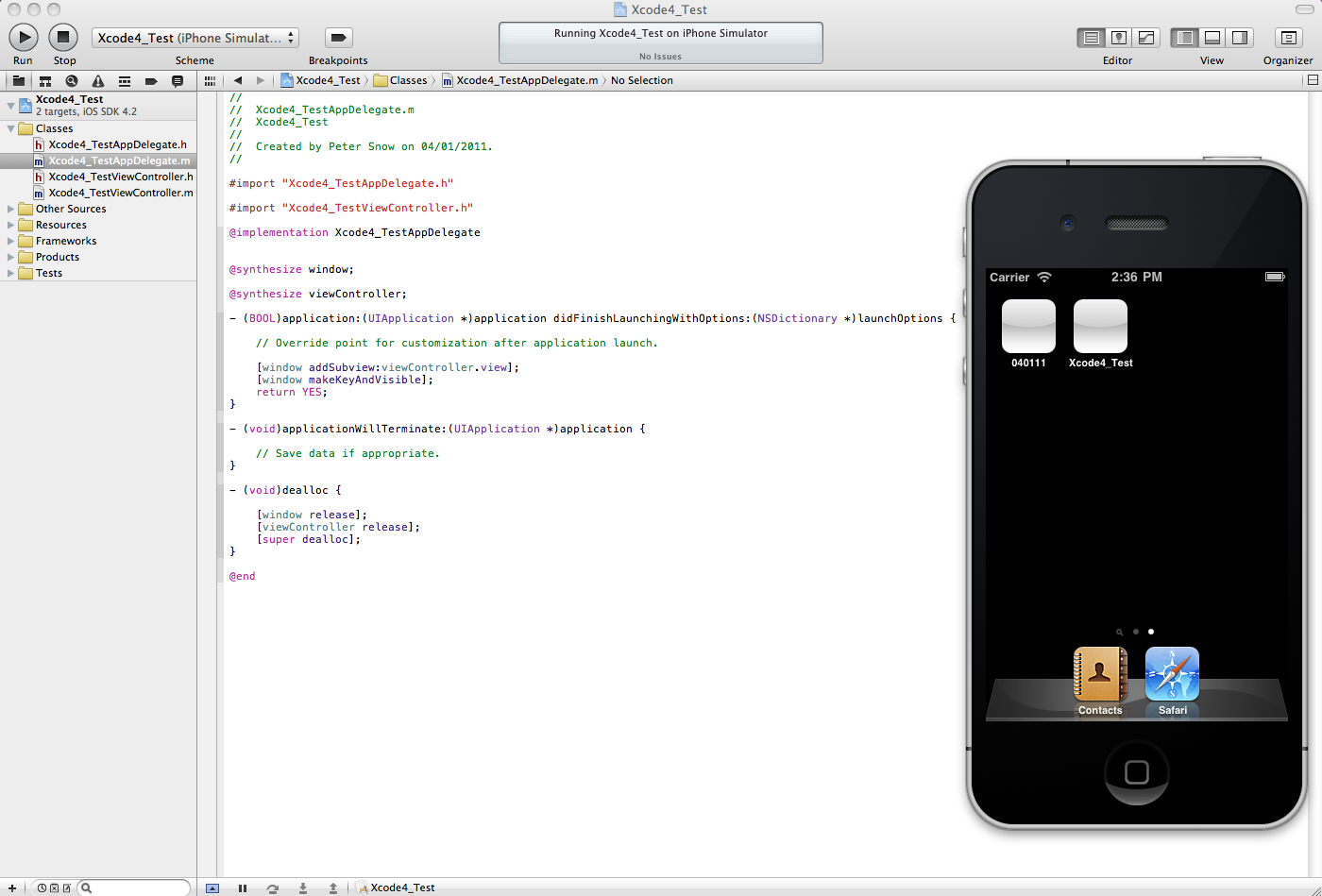
Xcode Simulator
So let’s have a look at the process of setting up an iOS simulator. This will enable you to test any iOS compatible app and/or browser eg. iPhone browser simulator for browser compatibility testing.
- Apple does not offer a standalone simulator on the App Store. Rather, look for and download Xcode which is freely available on the store. Xcode is an integrated development environment (IDE). It enables the development of applications for all Apple operating systems including iOS, MacOS, tvOS, and WatchOS. Xcode has been developed by Apple.
- Technically, you have downloaded the simulator, but, there are still a couple of steps. These will get you to the iOS simulator.
- After downloading Xcode, you will need to download the iOS simulator environment. To do this, open Xcode and navigate to preferences. ( Xcode-> Preferences) Here in ‘Components’ download the iOS version as per your requirement.
- After obtaining the desired iOS version, go to Xcode-> Open Developer Tools-> Simulator. This will open the iOS simulator online which can be used for testing.
- You have the option to select your desired device by going into Hardware-> iOS-> ‘Desired Device’.
A virtual macOS online session covers compatibility across latest and legacy macOS browsers. You can also run an iOS Simulator For Mac to test your apps and websites on iOS without a physical device.
Benefits of using the in-built simulator
The most important feature is the ability to use multiple simulators enabling cross-testing. So, you could use an iPhone simulator and a WatchOS simulator simultaneously to test certain app features requiring both. In addition, the Xcode simulator is the best option for small teams.
It also offers accessibility to core APIs. These include development for Game Centre and Healthkit. While no amount of accessibility can match a real device, Xcode offers an extremely close experience without any associated costs. One gap worth knowing is the software keyboard, which the simulator suppresses while your Mac keyboard is connected, so keyboard-dependent layout work such as setting up IQKeyboardManager in iOS needs checking on real hardware.
Now start your free website testing on iPhone simulators.
Now run your app testing on iPad simulator!!!

Austin Siewert
Co-Founder, Steadfast Systems
Discovered @TestMu AI yesterday. Best browser testing tool I've found for my use case. Great pricing model for the limited testing I do 👏
2M+ Devs and QAs rely on TestMu AI
Deliver immersive digital experiences with Next-Generation Mobile Apps and Cross Browser Testing Cloud

Other simulator options
While Xcode is provided by Apple, free of cost, there are several other options in the market who have gained attention from the developers.
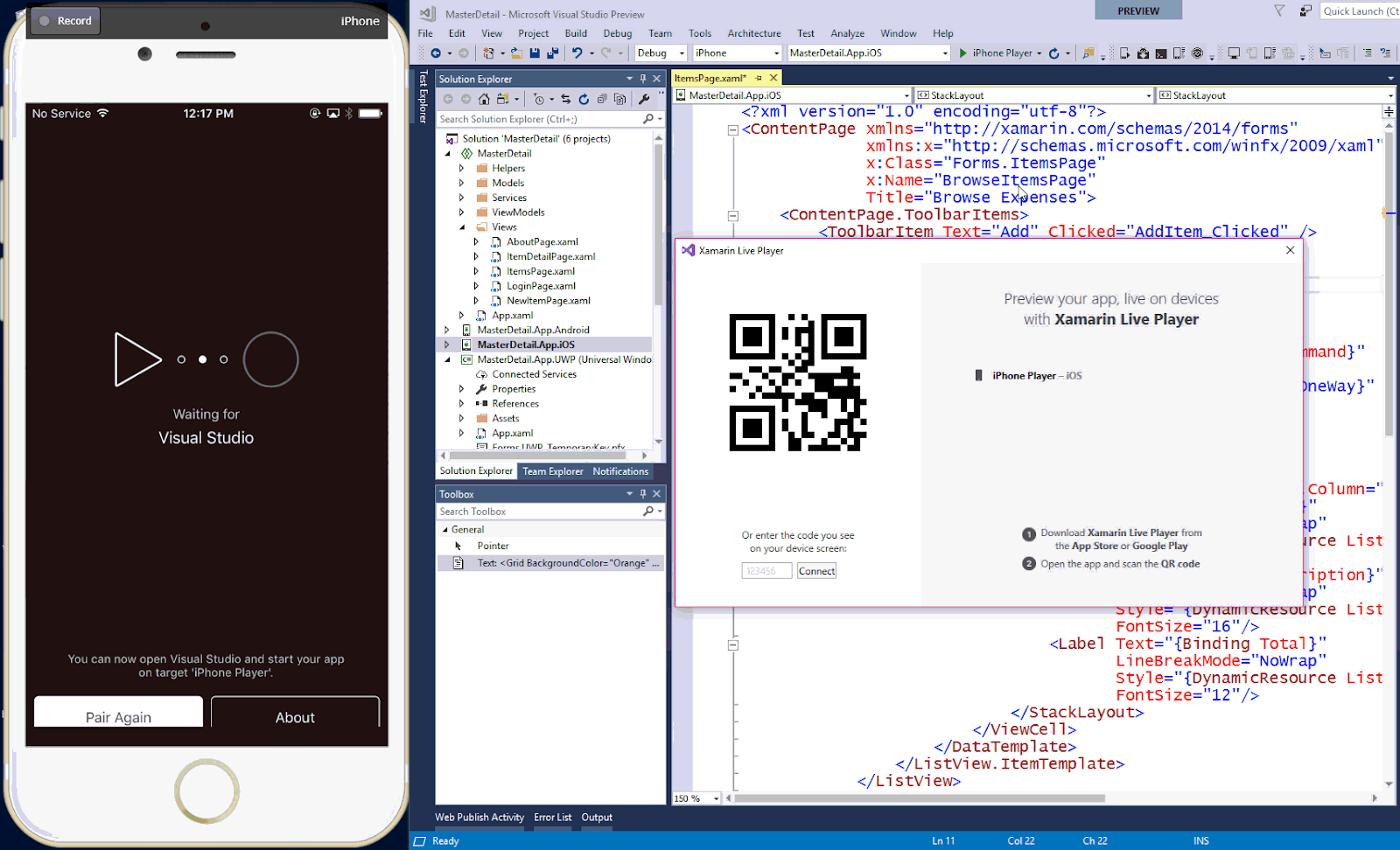
Visual Studio (With Xamarin Live for Mac)
Xamarin Live, an iOS app was launched in May 2017 and has gained popularity with the C# Developers. Unlike Xcode, it does not offer multiple simulations, yet it has upped the game for the C# developers using Visual Studio. The niche audience includes those users of Visual studio who seek to build and deploy iOS apps. Along with Visual Studio Enterprise Edition, you will also need a Xamarin Basic plan. The cost starts at $99 per month.
Hey, now you can test on iOS Simulator For Linux
Visual Studio (With Xamarin and a Mac)
Unlike Visual Studio with Xamarin Live, this version is a little complicated to set up. While the development is done over the Visual Studio and Xamarin Live, the only difference is the simulations which are sent to the Mac over the network and then streamed to the user in return.
This version needs the latest version of Xcode installed and an updated Xamarin.iOS SDK file. Following the is the developer needs to ensure that the Xamarin has been configured to push the apps over to the Xcode.
Most developers use this to avail the benefits of Visual Studio without missing out on any functionality of the Xcode. Priced same as the Xamarin Live, the user needs Microsoft Visual Studio Enterprise and Apple hardware, making it an expensive affair.
Appetize.io (Browser-based)
A browser-based solution, appetize.io allows users to perform mobile application testing through simulation for testing purposes. The application can be uploaded via appetize.io. A dedicated API can also be used.
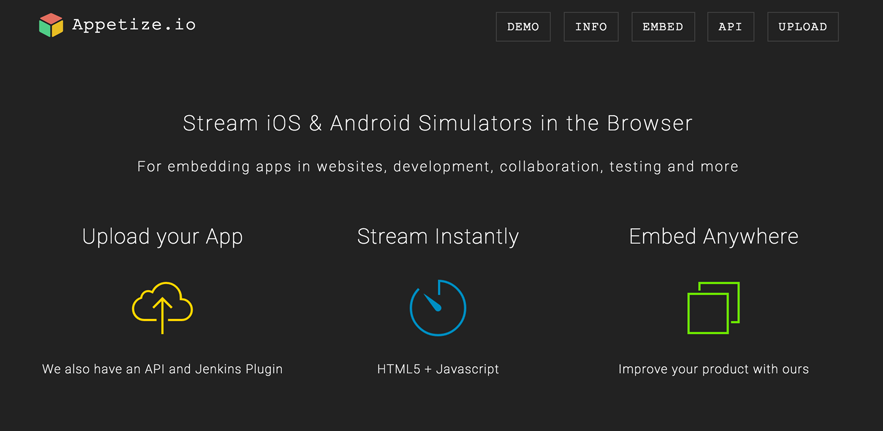
Post uploading, the apps are run through the browser. This is an ideal platform for not only testing but to embed using an iFrame for demonstration purposes. While this is a good alternative, it does not perform as good as the previous options and lacks certain features of a development environment.
So, while setting up an iPhone simulator is a simple process, the above-mentioned features will help you get a better insight and set-up accordingly.
Test your iOS app and website on an iOS simulator online.

Author

Suraj Kumar
Blogs: 5

Suraj Kumar is a community contributor whose software testing articles appear on TestMu AI (formerly LambdaTest). He has authored guides on how to decide what to automate, JavaScript cross-browser compatibility, iOS simulator setup, and the best books for testers. An early team member at TestMu AI, he works across revenue and strategy operations and brings 8+ years of experience.


Did you find this page helpful?
More Related Blogs
TestMu AI forEnterprise
Get access to solutions built on Enterprise
grade security, privacy, & compliance
- Advanced access controls
- Advanced data retention rules
- Advanced Local Testing
- Premium Support options
- Early access to beta features
- Private Slack Channel
- Unlimited Manual Accessibility DevTools Tests