

Test Websites on Official iPhone simulators
Test your site on the latest iPhone browsers. Access iPhone browser simulator from your own machine.

Trusted by 3M+ users globally at




"We have tripled our tests and are now executing tests in less than 2 hours with 78% Faster Test Execution"


"We figured out a more efficient way to monitor system health and resolve failures earlier in lower environments."





"TestMu AI has significantly boosted our testing speed, is easy to implement, and provides exceptional support."


"With 70% faster test execution, TestMu AI helped us achieve faster time-to-market and enhanced CX."



Run Appium Tests On iOS Browsers
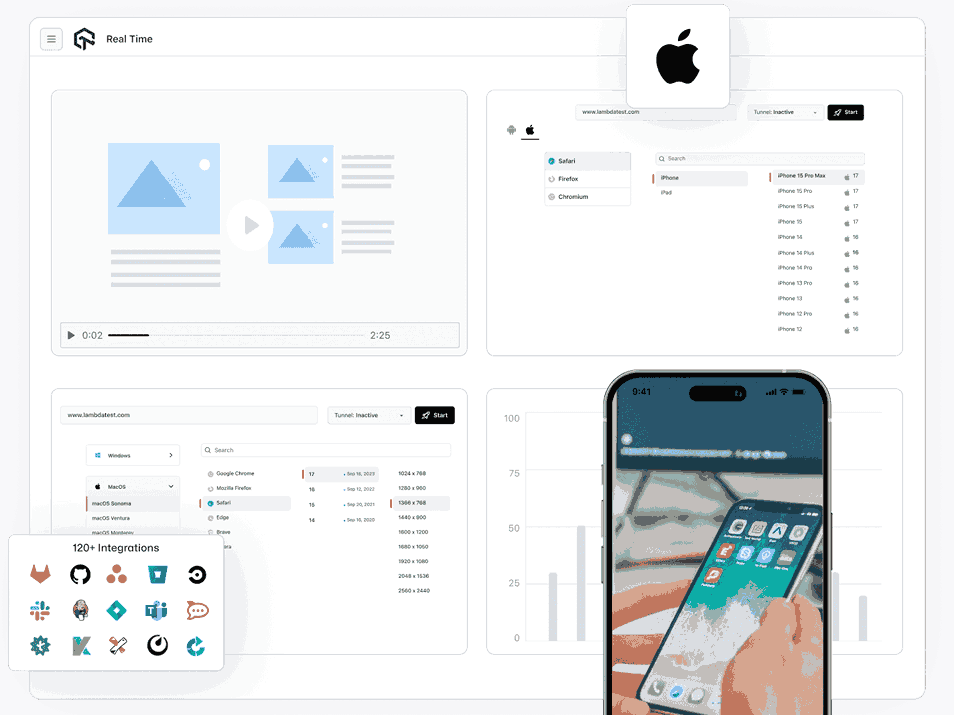
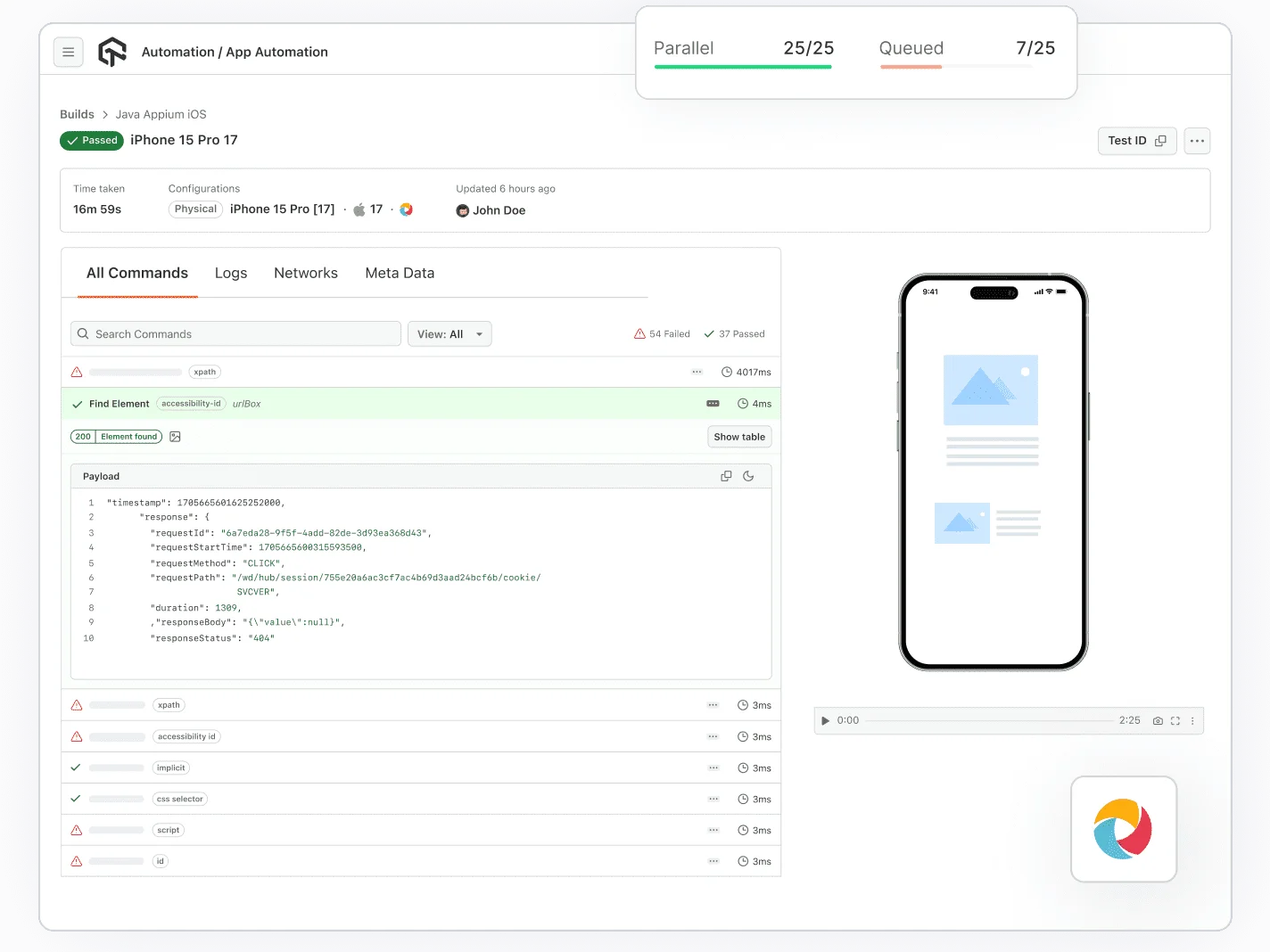
LambdaTest allows you to run Appium tests on a grid of iPhone simulators running different versions of iOS. You can view your website under multiple versions of iOS in different browsers with cross-browser testing. LambdaTest's parallel testing capabilities help reduce test execution time.
Get Started For Free
Test On Real Safari, Chromium, And Firefox Browsers
The majority of iPhone users use Safari, Chrome, and Firefox browsers. Make sure your websites are compatible with these browsers to provide the best user experience for your users on iPhones. LambdaTest helps you do just that by providing a wide range of iPhone browser simulator online.
Get Started For Free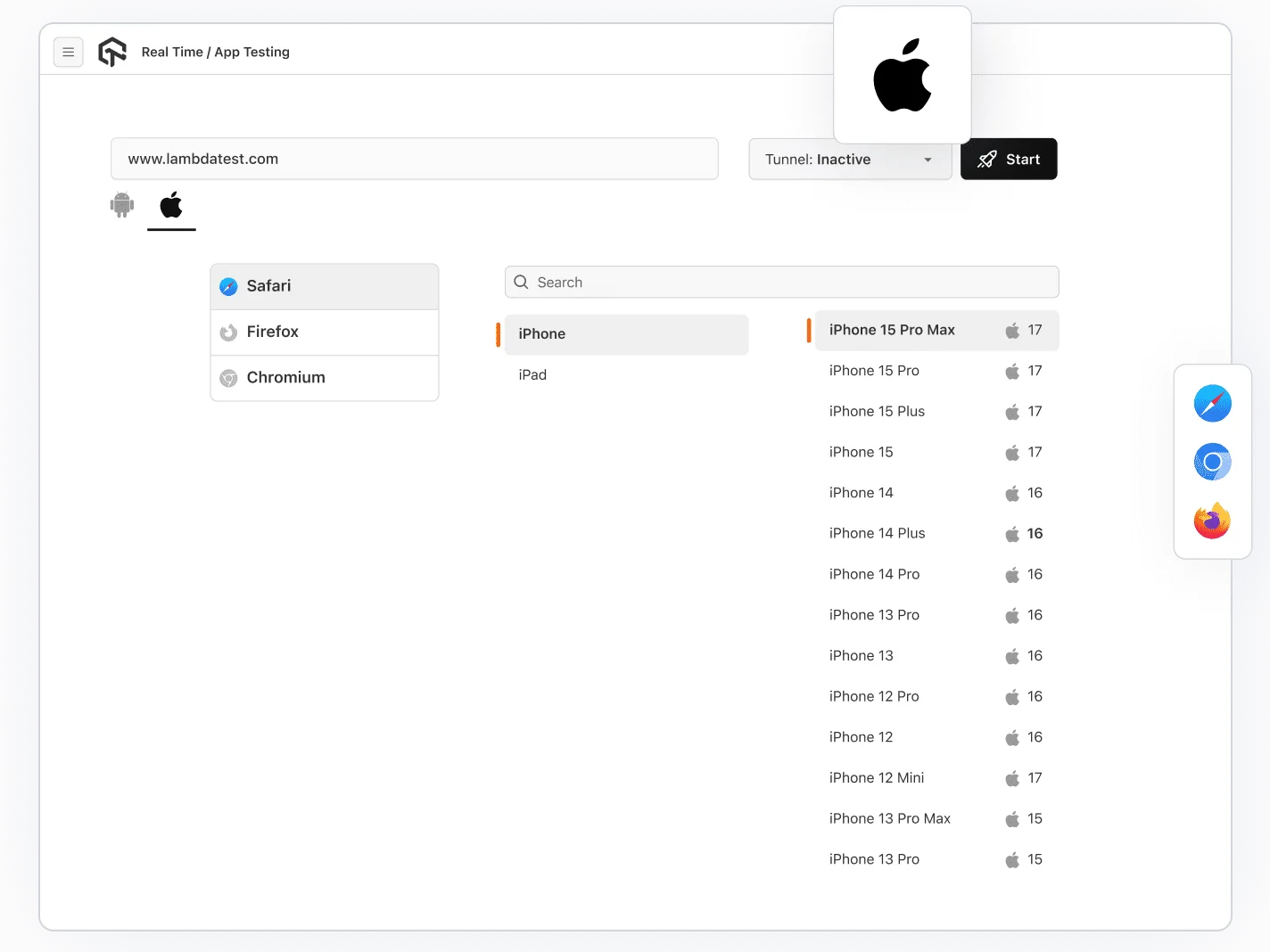
One Click to Test Local Code Online
No need to manually launch a tunnel server through the command line anymore. UnderPass will do this for you when you are testing locally hosted pages on LambdaTest.
Get Started For Free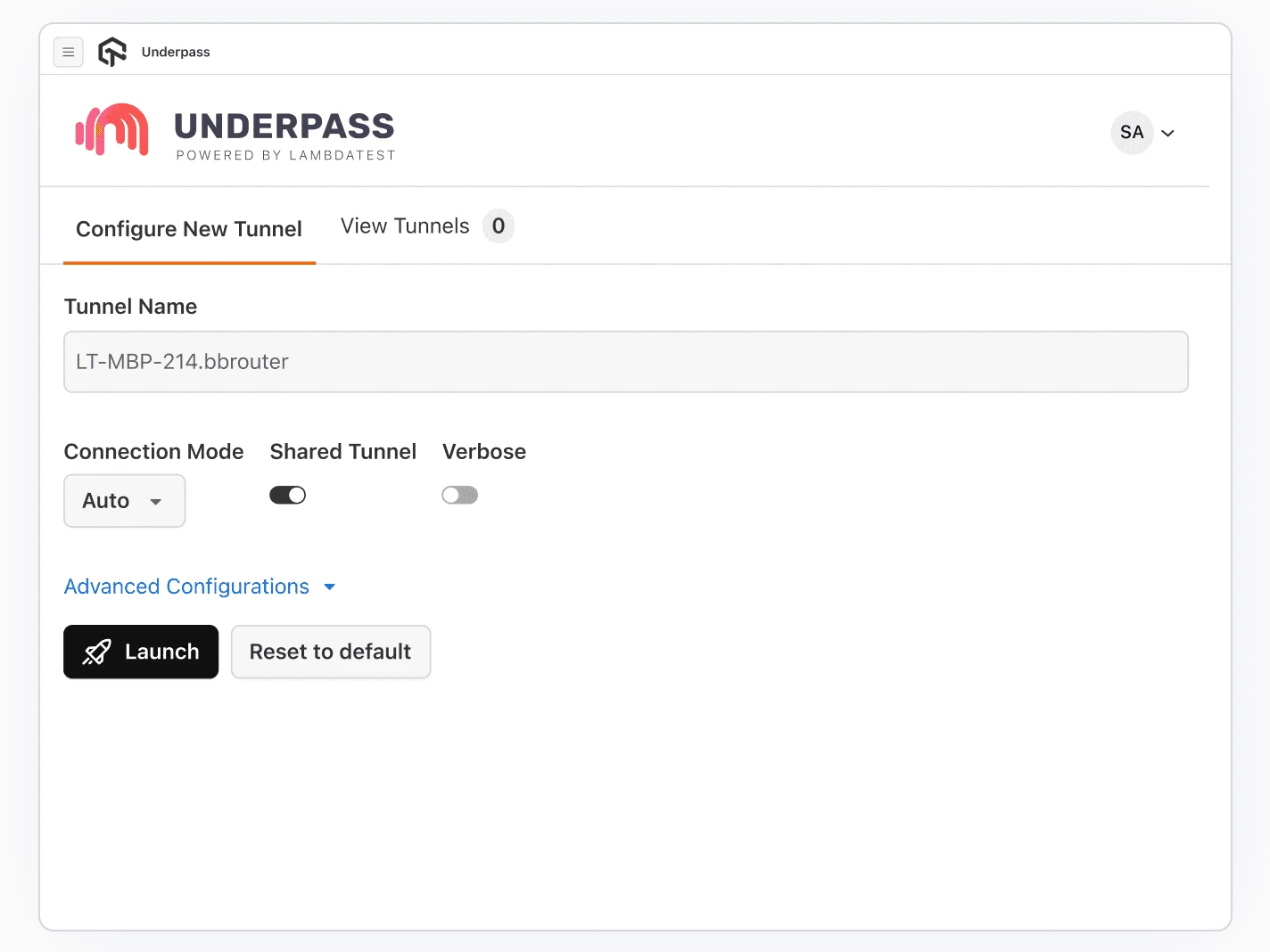
Mark As A Bug
While testing your iOS app with LambdaTest, you can mark your bug directly within our platform to any bug management tool like: JIRA, Asana, Trello or move it to GitHub, GitLab or communicate over Slack. and more.
Get Started For Free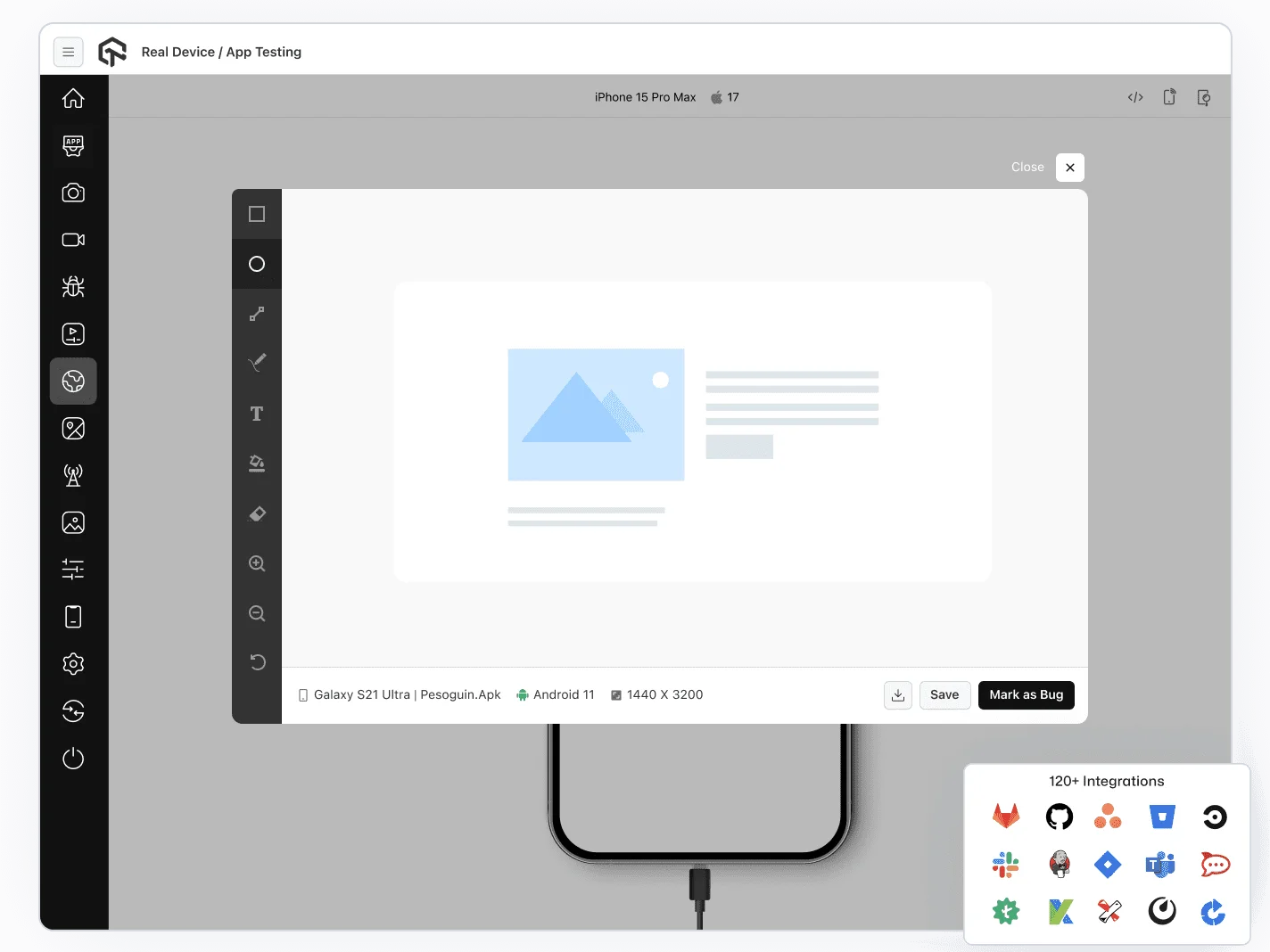
Responsive Testing 101
Download LT Browser to speed up your UI testing. Or take a deeper dive into mobile responsive development with full-page screenshot testing on hundreds of virtual iPhone devices.
Get Started For Free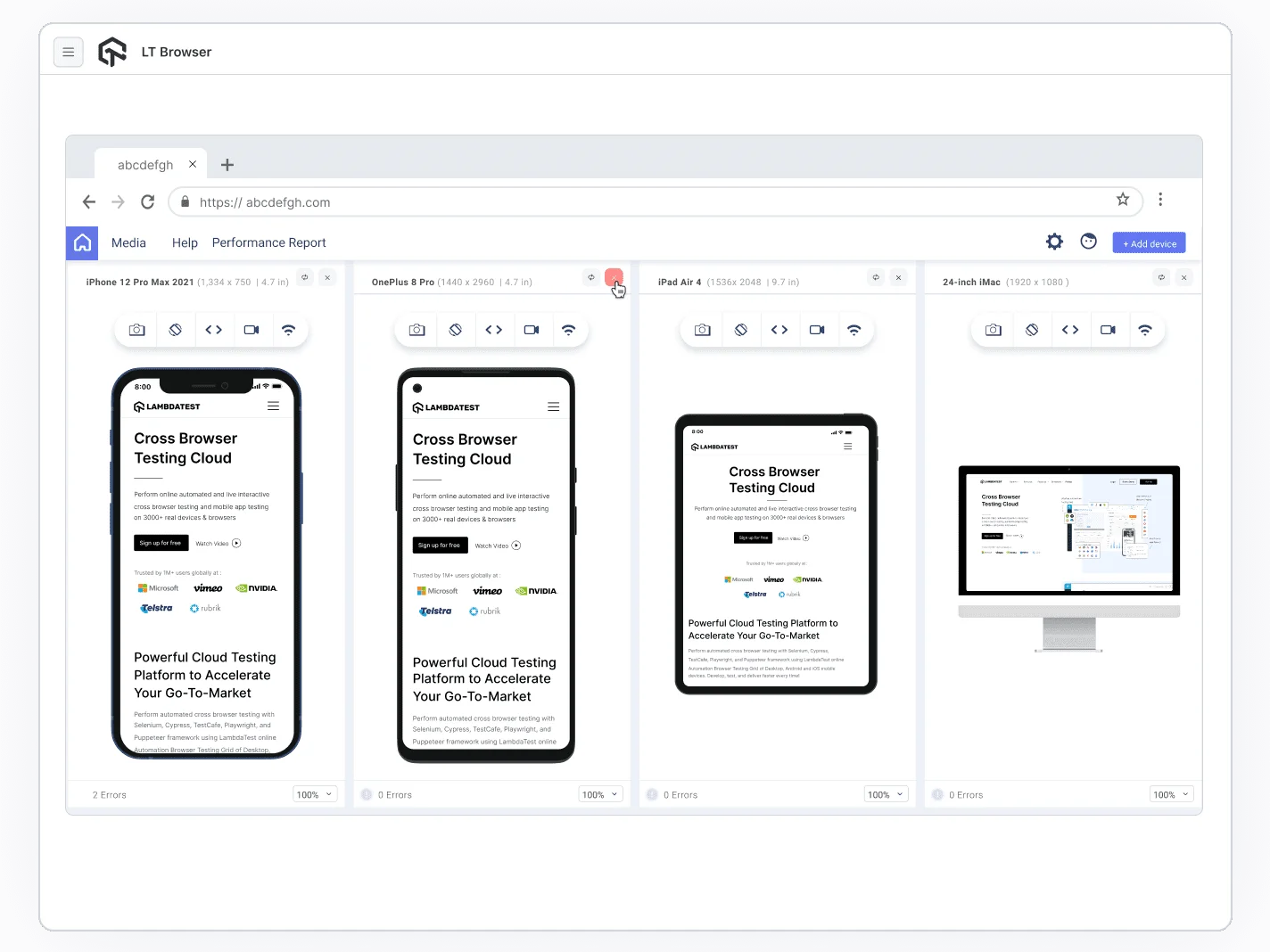
AI-Agentic Quality Engineering
Test AI agents such as chatbots and voice assistants to ensure efficiency, relevancy, and performance.More about Agent Testing

More Reasons to LoveTestMu AI (formerly LambdaTest)
See how TestMu AI improves your testing with seamless integration, quicker results, and unmatched accuracy.
Users
3M+
Tests
1.5B+
Enterprises
18K+
Countries
132
TestMu AI Named a Challenger in the 2025 Gartner® Magic Quadrant™
Read ReportTestMu AI recognized in The Forrester Wave™: Autonomous Testing Platforms, Q4 2025
Read ReportWall of Fame
TestMu AI is the #1 choice for SMBs and enterprises across the globe.

Enterprise-Grade Security
We safeguard your data and AI systems with global security, privacy, responsible AI, and ESG standards.

Integrations
Works where you work, 120+ integrations with the tools your team relies on.




As Seen On
Some Love from our Customers
As Best Egg expanded its product offerings and entered new markets, we knew our old testing infrastructure couldn’t keep up.
With support from Tenny Agustin, our Engineering Operations Lead, we modernized our approach with
TestMu AI

Best Egg
best-egg

Excited to Share My Learning Journey with Kane AI & Lambda Tool!
I'm pleased to announce that I've recently gained hands-on experience exploring Kane AI through the Lambda Tool and it’s been a fantastic journey of upskilling!
KaneAI

Suryateja Goud
suryateja-goud

See how is #Futureready to enable blazing-fast test orchestration seamlessly integrated with organizations' existing CI/CD platforms, using #Microsoft Azure.
TestMu AI

Microsoft India
MicrosoftIndia