

Next-Gen App & Browser Testing Cloud
Trusted by 2 Mn+ QAs & Devs to accelerate their release cycles


21 Free Test Management Tools And Their Features [2026]
Explore 21 free test management tools for 2026. Compare free tier limits, key features, pros, cons, and best use cases to find the right fit for your QA team.

Nazneen Ahmad
March 18, 2026
Free test management tools help QA teams organize test cases, plan test runs, track defects, and monitor release progress without a paid license. Choosing the wrong one wastes onboarding time and forces a migration later. This guide covers 21 free test management tools available in 2026, with free tier limits, key features, pros, and cons for each so you can pick the right fit before committing.
Overview
Which Are the Top Free Test Management Tools in 2026?
- TestMu AI: AI-native test management with unified authoring, execution, and reporting.
- Qase: Free for up to 3 users with Jira integration and API access included.
- Testomat.io: Automation-first test management, free for up to 3 users with unlimited test cases.
- TestLink: Open-source, self-hosted, unlimited users and test cases.
- Tuskr: Free for up to 5 users, 5 projects, and 1,000 test cases.
- Testiny: Free for up to 3 users, strong for manual testing workflows.
What Should You Check Before Choosing a Free Tool?
- User and project limits: Most free plans cap at 2 to 5 users.
- Automation support: Not all free tiers include API access or CI/CD integration.
- Reporting depth: Coverage reports are often paywalled on free plans.
- Integration availability: Verify Jira and CI/CD integrations are on the free tier, not paid only.
What is Test Management?
Test management is the process of organizing, controlling, tracking, and monitoring all testing activities during software development, from initiation through completion. The goal is a structured process that produces bug-free software by keeping every stage of the test process visible and accountable.
Software projects fail for several predictable reasons: poor documentation, premature release, limited resources, and inadequate test management. When testing is unstructured, bugs slip through, timelines slip, and releases become reactive rather than planned.
The benefits of structured test management include:
- Faster testing cycles with earlier defect detection, reducing the cost of fixes.
- Detailed alignment between testing activities and actual business requirements.
- Effective resource planning, covering people, testing tools, and testing environments.
- Visibility for stakeholders into progress, bottlenecks, and release readiness, especially for larger projects.
- Higher likelihood of catching bugs in the testing stage rather than production.
Test management also supports test planning: allocating the right resources at the right time so the team is not scrambling when release dates tighten.
What Are Test Management Tools?
Test management tools are software platforms that provide structured capabilities for arranging, performing, and monitoring testing procedures. They give both software development and quality assurance teams a centralized place to manage test cases, defects, and progress reporting.
The key advantages of using test management tools are:
- User-friendly interfaces that reduce onboarding time for new QA team members.
- Multi-user access with role-based permissions per project.
- Full visibility and traceability of the testing process end-to-end.
- Integration with automation frameworks and CI/CD tools like Jenkins and Bamboo.
- Support for Agile and Waterfall methodologies.
- Centralized monitoring of overall project progress and QA metrics.
- A single platform for all phases of testing, from planning to closure.
Free Test Management Tools: Quick Comparison Table [2026]
The table below compares the 21 free test management tools covered in this guide across free tier limits, automation support, and key integration availability. Use it as a starting filter before reading each tool's full section.
| Tool | Free Users | Test Cases | Automation Support | Hosting |
|---|---|---|---|---|
| TestMu AI | Unlimited | Unlimited | Yes | Cloud |
| Qase | 3 | Unlimited | Yes | Cloud |
| Testomat.io | 3 | Unlimited | Yes | Cloud |
| QATouch | 2 | 100 | Limited | Cloud |
| QACoverage | 3 | Unlimited | No | Cloud |
| TestCollab | 3 | Unlimited | Limited | Cloud |
| TestLink | Unlimited | Unlimited | Yes | Self-hosted |
| Tuskr | 5 | 1,000 | Limited | Cloud |
| Testiny | 3 | Unlimited | Limited | Cloud |
| Kiwi TCMS | Unlimited | Unlimited | Yes | Self-hosted |
| Squash TM | Unlimited | Unlimited | Yes | Self-hosted |
| PractiTest | Trial only | Trial only | Yes | Cloud |
| Testpad | 1 | Unlimited | No | Cloud |
| Tuleap | Unlimited | Unlimited | Yes | Self-hosted |
| TestRail | Trial only | Trial only | Yes | Cloud |
| MantisBT | Unlimited | Unlimited | Yes | Self-hosted |
| SpiraTest | Trial only | Trial only | Yes | Cloud |
| TestLodge | Trial only | 25 | No | Cloud |
| Kualitee | 3 | Unlimited | Limited | Cloud |
| Testmo | 3 | Unlimited | Yes | Cloud |
| aqua ALM | 3 | Unlimited | Yes | Cloud |
Free Test Management Tools [2026]
The 21 free test management tools below are selected based on the availability of a genuinely usable free tier, active development and maintenance as of 2026, and relevance to both manual and automated software testing workflows. Each entry includes free tier limits, key features, and honest pros and cons.
1. TestMu AI
TestMu AI is an AI-native test orchestration and execution platform built for running manual and automated tests at scale across 5000+ real devices, browsers, and OS combinations. It provides a free test management solution that allows developers and testers to streamline test authoring, management, triggering, and reporting through its Test Manager, covering all stages of the testing cycle from a single dashboard.
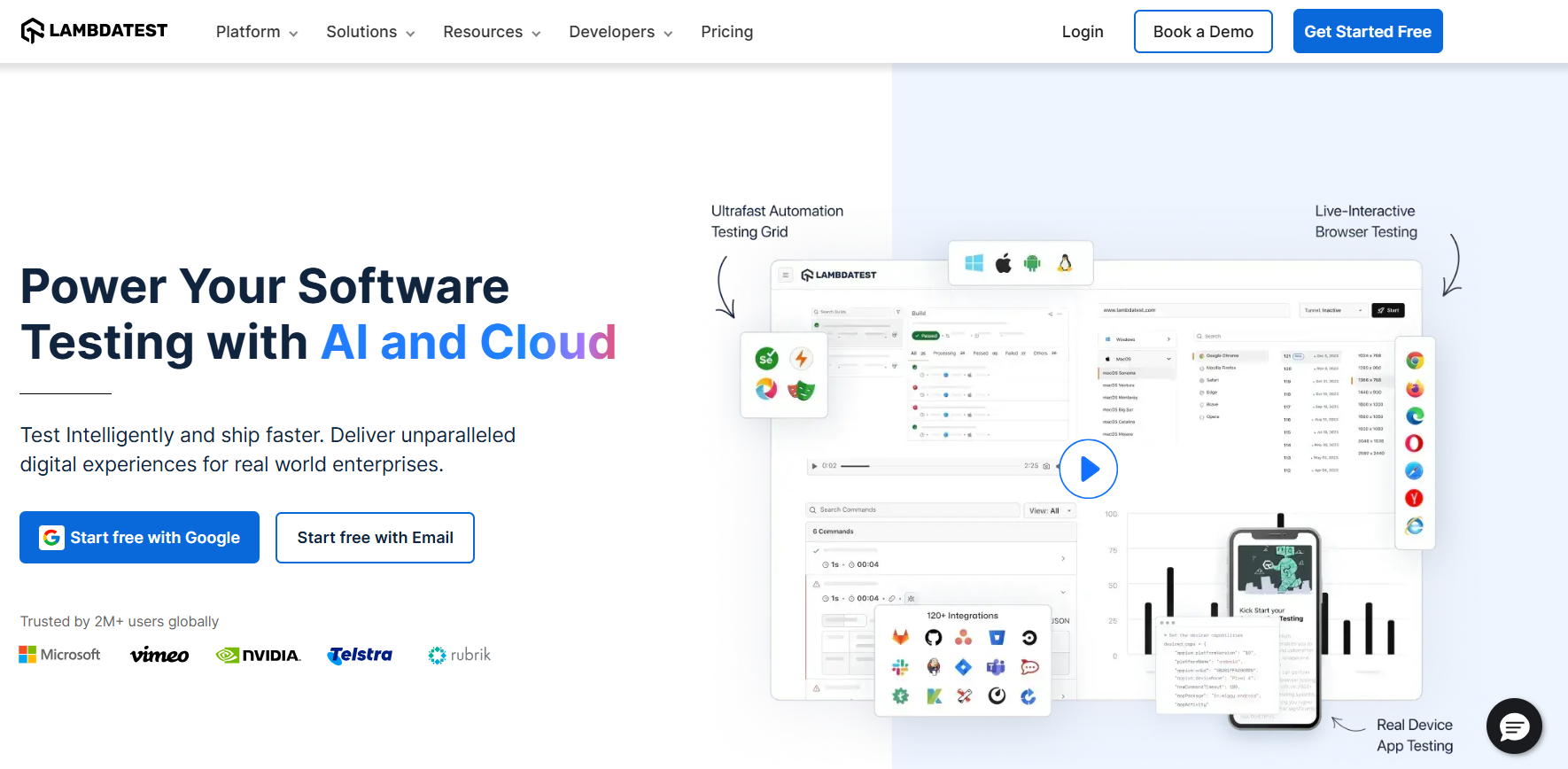
Free tier: Unlimited users, unlimited test cases, free tier available as part of the TestMu AI platform.
Key features:
- Create and manage test cases using Test Manager's intuitive hotkeys, with detailed steps, actions, and custom workflow fields.
- Generative AI test step generation: the system suggests the next step based on existing test steps and cases.
- Import existing test cases via API or CSV with automated field mapping.
- Advanced search and filtering for fast access across large test case libraries.
- Build targeted test plans by selecting test cases, assigning configurations, and tracking build history.
- Track test plan performance with comprehensive pass, fail, and skip status tracking, with evidence attachment for screenshots and videos.
- Live step tracking and manual test duration monitoring with automatic evidence creation.
Pros: AI-native test authoring reduces manual effort significantly; strong integration with automation frameworks like Selenium, Cypress, and Playwright; unified platform covers both management and execution.
Cons: Best value when used with the broader TestMu AI execution platform; teams using other execution environments may not use all features.
To learn more about this platform, watch the detailed video tutorial and get started with TestMu AI.
2. Qase
Qase is a modern free test management tool that covers both manual and automated testing needs. It allows tracking and reporting, and supports integration with automated tests via REST API on the free plan. Results post directly to the application without requiring a paid upgrade for API access.

Free tier: Up to 3 users, unlimited test cases, 2 concurrent test runs, 500 MB storage, Jira integration included.
Key features:
- Native integrations with leading automated testing frameworks and tools.
- Third-party integrations with Jira, GitHub, and Slack available on the free plan.
- Real-time test execution results reported up to 60x faster than traditional tools.
- AI capabilities to convert manual tests to automated ones, supporting ten languages and frameworks.
- Custom fields for test cases, defects, and test runs.
- Shareable reports covering every phase of the testing cycle for stakeholder communication.
Pros: API access on the free plan is a standout feature; Jira integration works out of the box without a paid upgrade; clean interface with fast onboarding.
Cons: 2 concurrent test runs on the free plan is restrictive for active teams; 500 MB file storage fills quickly with screenshot and video evidence.
3. Testomat.io
Testomat.io is one of the more widely used free test management tools among teams that prioritize automation testing efficiency. It serves as both a manual and automated test management platform, with a focus on keeping automation-first workflows structured and visible.
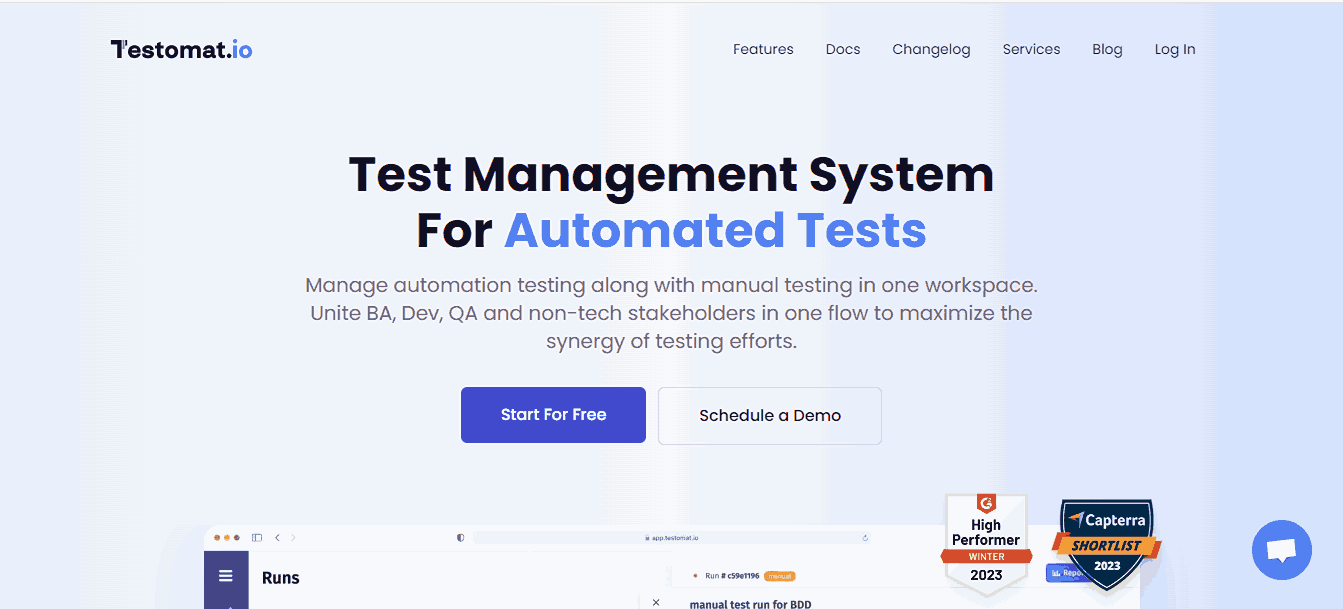
Free tier: Up to 3 users, unlimited test cases, unlimited projects.
Key features:
- Built-in importer for fast loading of existing test suites.
- Real-time reporter presenting manual and automated test results in a unified view.
- Integrations with Selenium, Cypress, Playwright, Jest, Mocha, Cucumber, WebdriverIO, TestCafe, Codecept, and major CI/CD platforms.
- Integration with popular automation testing frameworks and bug-tracking tools like Jira.
- User-friendly interface for initiating new projects and managing regression testing plans.
Pros: Automation-first architecture makes it the strongest free option for teams already using Cypress or Playwright; real-time reporter reduces the gap between CI output and test visibility.
Cons: Free plan is limited to 3 users; teams focused primarily on manual testing may find the interface less intuitive than simpler alternatives.
4. QATouch
QATouch is a modern and rapidly growing free test management tool designed specifically for managing test cases with a clean, user-friendly interface. Its free plan is the most restricted on this list in terms of limits, making it best suited for individual contributors or very small teams running a single project.
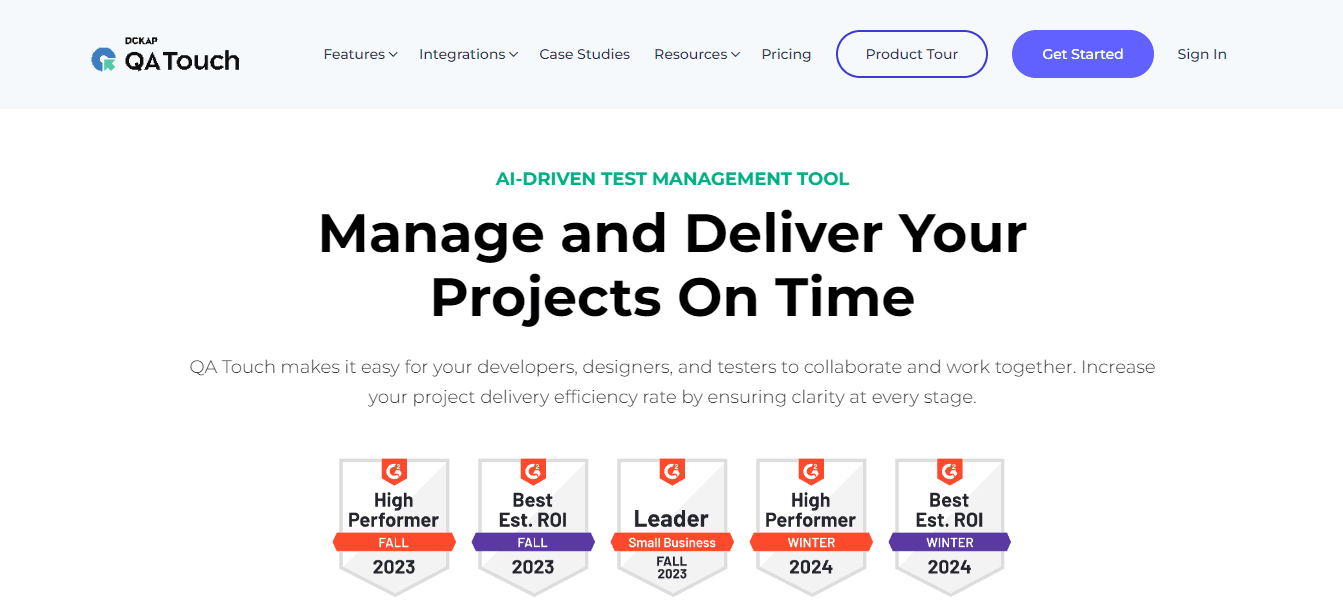
Free tier: 2 users, 3 projects, 100 test cases, 25 test runs, 10 reports, 2 custom fields.
Key features:
- Manages projects, releases, test cases, and issues in a single structured repository.
- Built-in enterprise defect module to log, categorize, and track each bug from detection to closure.
- General overview of testing progress across the software project lifecycle.
- Distinct general and managerial reports covering test cases to releases, with email delivery to stakeholders.
- Integration hooks linking requirements and defects.
- Organization-specific roles for team members with project-based and feature-based visibility levels.
Pros: Clean, intuitive interface that requires minimal training; good defect management module even on the free plan; role-based access works well for mixed teams.
Cons: 100 test case limit on the free plan is too restrictive for any real project beyond a basic prototype; no CI/CD integration on the free tier.
5. QACoverage
QACoverage is a SaaS test management software platform that offers project management solutions alongside testing workflows, including test design, test execution, reporting, requirement management, and Agile modules. Its free plan stands out for allowing unlimited test cases, which is rare at zero cost.
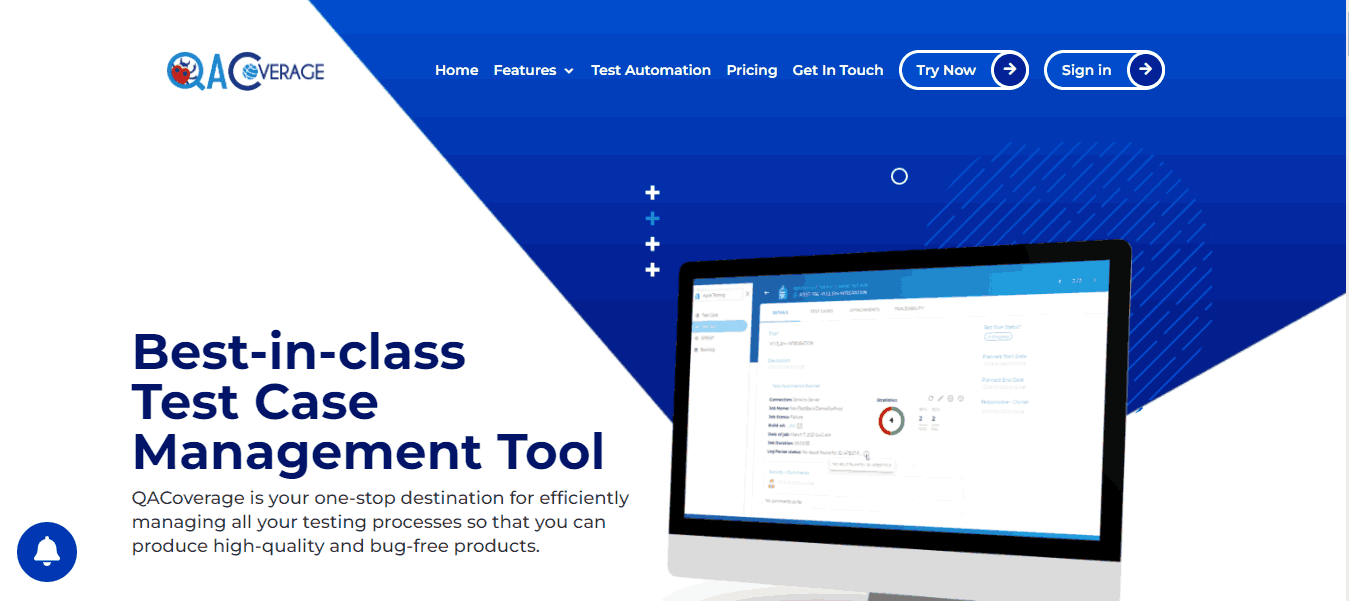
Free tier: 3 users, 3 projects, unlimited test cases and test runs, 100 MB storage.
Key features:
- Focuses on manual testing; automation features and CI/CD integrations are not available on the free version.
- Built-in ticket repository for defect tracking without requiring an external tool.
- Unlimited test cases and test runs with filters, test reports, and run groups.
- Test case reuse across multiple software projects.
Pros: Unlimited test cases on the free plan is a genuine differentiator; good for manual-heavy QA teams that do not need automation integration.
Cons: No automation or CI/CD support on the free tier; 100 MB storage fills fast; 3-project limit restricts use across multiple teams.
6. TestCollab
TestCollab is a free test management tool built to organize QA processes and improve collaboration within QA teams. It supports up to 3 team members on the free plan and handles test plan assignments without requiring manual test case assignment for each individual test run.
Free tier: 3 users, unlimited projects, unlimited test cases.
Key features:
- Team member task lists for organizing daily testing work alongside formal test plans.
- Test assignments through test plans rather than per-test case, reducing setup overhead.
- Email notifications for all QA activities by default, keeping team members informed without manual follow-up.
- Integration with Jira for defect tracking and issue linking.
- Test case reuse and shared step libraries.
Pros: Simple, no-overhead onboarding; task list feature bridges the gap between test management and daily work tracking; Jira integration available on free plan.
Cons: Limited to 3 users on the free plan; automation integration is minimal compared to tools like Testomat.io or Qase.
7. TestLink
TestLink is a widely used open-source test management tool that has been active for over a decade. It runs on your own infrastructure, which removes all user, project, and test case limits but requires your team to manage installation and maintenance.
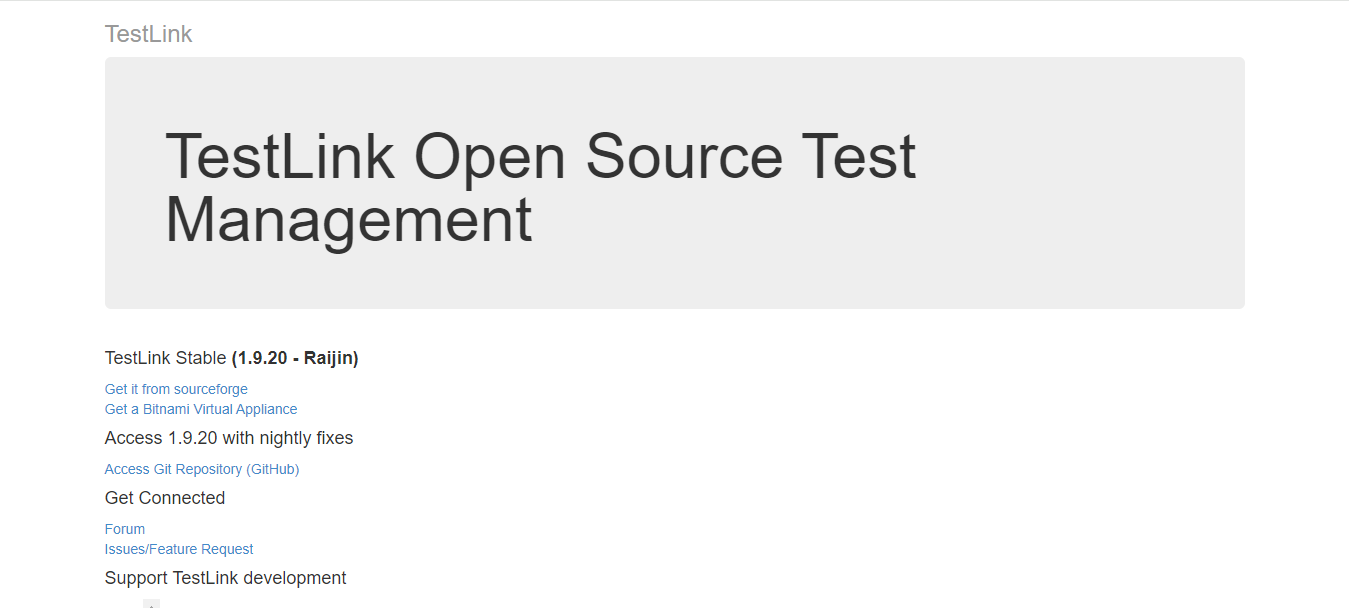
Free tier: Unlimited (open source, self-hosted). No cloud version available.
Key features:
- Full test plan creation, test case organization, and execution result tracking.
- Requirement management with traceability linking requirements to test cases.
- Detailed reporting including pass/fail matrices and coverage metrics.
- REST API for integration with automated testing tools and external systems.
- Role-based access control with project-level permissions.
- Integrates with multiple defect management tools, including Selenium, Jira, TeamForge, and Visual Studio.
Pros: No user, project, or test case limits; strong requirement traceability; trusted by large engineering teams for many years.
Cons: Interface is dated compared to modern cloud tools; requires server setup and ongoing maintenance; no native cloud hosting option.
8. Tuskr
Tuskr is a cloud-based free test management tool known for its simple interface and scalable test organization. It handles structured test runs with customizable result fields and supports large project management efficiently, even under the free tier.
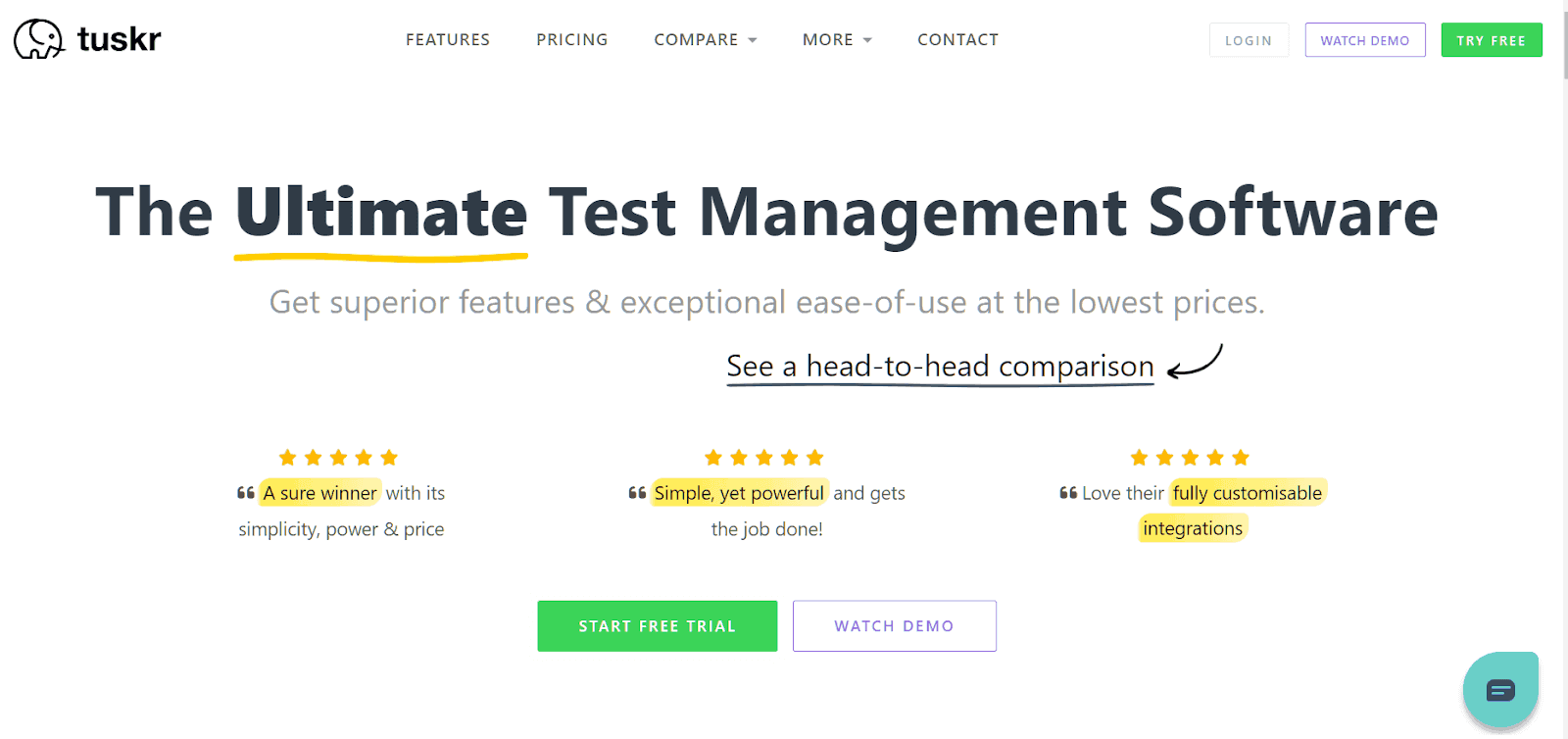
Free tier: Up to 3 users, unlimited projects, unlimited test cases.
Key features:
- Structured test run creation with customizable result status fields beyond standard pass/fail.
- Clean hierarchical test case organization for managing large test repositories.
- Jira integration for defect linking on the free plan.
- Step-level evidence attachment for screenshots and other artifacts.
- Test case import via CSV for migrating from other tools.
Pros: One of the cleanest interfaces in this category; good for teams migrating from spreadsheet-based test tracking; unlimited test cases with no project limit on the free tier.
Cons: Automation framework integration is limited; free plan caps at 3 users; less suitable for teams running fully automated pipelines.
9. Testiny
Testiny is a lightweight and modern test management platform designed to simplify manual testing and QA workflows without the overhead of feature-heavy enterprise tools. It centralizes test cases and runs while offering clean execution tracking and collaboration features for growing QA teams.
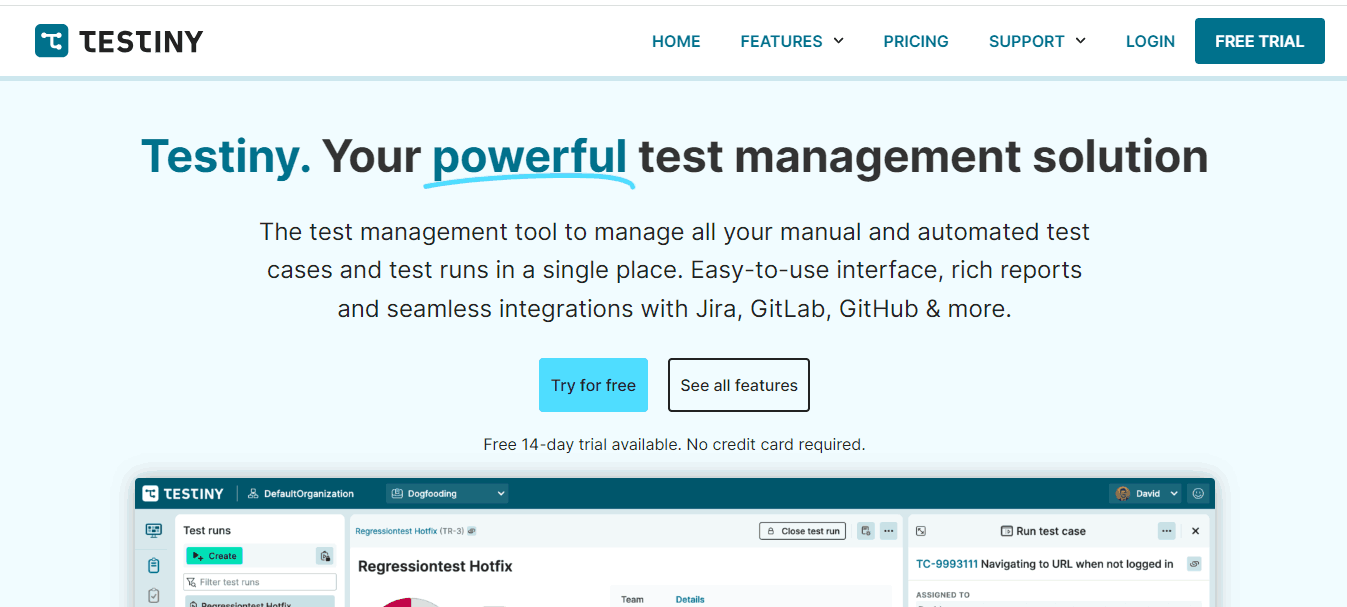
Free tier: Up to 3 users, unlimited test cases and projects.
Key features:
- Tree-structured test case organization with folders and nested suites.
- Clean execution tracking with pass, fail, blocked, and skipped status options.
- Jira and GitHub integration for defect and issue linking.
- Team collaboration features including comments and shared test runs.
- CSV export for reporting and external stakeholder sharing.
Pros: Fastest onboarding on this list; genuinely usable for manual testing workflows within minutes; clean interface with no learning curve.
Cons: Limited automation integration; 3-user cap on the free plan; lacks advanced reporting and requirement traceability features.
10. Kiwi TCMS
Kiwi TCMS is an open-source test case management system with a focus on Django-based architecture and strong integration with automated testing frameworks. It is actively maintained and well-suited for teams comfortable running self-hosted infrastructure.
Free tier: Unlimited (open source, self-hosted). A hosted cloud version is also available with a free tier.
Key features:
- Full test plan, test case, and test run management with requirement linking.
- Integration with Selenium, Nose, and other automation frameworks via XML-RPC API.
- Bug tracker integration with Jira, Bugzilla, GitHub, and GitLab.
- Role-based access control and team management.
- Active open-source community with regular releases.
Pros: Fully open source with no user or case limits; strong API for automation integration; actively maintained unlike some older open-source alternatives.
Cons: Self-hosted setup requires technical expertise; interface is functional but not as polished as modern SaaS tools.
11. Squash TM
Squash TM is an open-source test management platform with a focus on requirement coverage and traceability. It supports integration with automated test execution tools and is designed for teams that need strong visibility between requirements and test outcomes.
Free tier: Unlimited (open source, self-hosted).
Key features:
- Test repository management with requirement-to-test traceability.
- Integration with Selenium, Robot Framework, and other automation tools.
- Jira integration for defect and requirement linking.
- Campaign management for organizing large test execution cycles.
- Dashboard with execution metrics and coverage reporting.
Pros: Strong requirement traceability makes it useful for regulated environments; automation integration is mature; no user limits.
Cons: Self-hosted setup; steeper learning curve than modern cloud tools; interface is dated.
12. PractiTest
PractiTest is a full-featured test management platform used by enterprise QA teams. It does not offer a permanent free tier but provides a trial period that covers all features, making it worth evaluating if your team is assessing premium options before committing to a paid plan.
Free tier: Trial only (no permanent free plan).
Key features:
- End-to-end test management covering requirements, test cases, test sets, and runs.
- Integration with Jira, Jenkins, Selenium, and other major tools.
- Customizable dashboards and reporting for different stakeholder audiences.
- Traceability matrix linking requirements to tests to defects.
- REST API for automation integration and custom workflow builds.
Pros: Comprehensive feature set; strong requirement traceability; good enterprise reporting capabilities.
Cons: No permanent free tier; pricing is enterprise-level; overkill for small or early-stage teams.
13. Testpad
Testpad takes a checklist-based approach to test management, which makes it one of the fastest tools to get started with. It is designed for teams that want to get through manual testing quickly without setting up elaborate test case hierarchies.
Free tier: 1 user, unlimited projects and checklists.
Key features:
- Checklist-style test plans that are faster to create and run than traditional test case formats.
- Guest tester access so non-registered team members can run tests without an account.
- Jira integration for defect linking.
- Test run history and basic progress reporting.
- Simple import from text and CSV for quick migration.
Pros: Fastest tool to start using on this list; guest tester access is unique and useful for small cross-functional teams; no test case setup overhead.
Cons: Free plan is limited to 1 user; no automation framework integration; checklist approach lacks structure for complex test suites.
14. Tuleap
Tuleap is an open-source platform that combines project management, agile tracking, and test case management in a single system. It is a strong choice for teams that want to consolidate their tooling rather than maintain separate systems for different workflows.
Free tier: Unlimited (open source, self-hosted). A cloud-hosted version is also available.
Key features:
- Test case management module with execution tracking and pass/fail reporting.
- Agile project management with sprint tracking and backlog management.
- Jira integration and bidirectional synchronization.
- Role-based access control with fine-grained project permissions.
- Full audit trail and traceability from requirement to test result.
Pros: All-in-one platform reduces tool sprawl; strong for teams that want agile project management and test management in one place; no user limits on self-hosted.
Cons: Complex setup; the breadth of features makes initial configuration time-consuming; interface is dense.
15. TestRail
TestRail is one of the most widely recognized test management tools in the industry. It does not offer a permanent free plan but provides a 30-day trial covering all features, which is sufficient to evaluate whether it fits your team's workflows.
Free tier: 30-day trial, no permanent free plan.
Key features:
- Comprehensive test case management with milestone and version tracking.
- Strong CI/CD integration with Jenkins, GitHub Actions, and Azure DevOps.
- Customizable test case templates and shared step libraries.
- Detailed reporting including activity timelines and coverage metrics.
- REST API for full automation integration.
Pros: Industry-standard tool trusted by large QA teams; excellent reporting and milestone tracking; strong documentation and community support.
Cons: No permanent free tier; pricing is on the higher end for smaller teams; can be heavy for simple projects.
16. MantisBT
MantisBT is primarily a bug-tracking tool but includes test management capabilities through its plugin ecosystem. It is open source, self-hosted, and has been actively maintained for over two decades, making it a reliable choice for teams that prioritize defect management.
Free tier: Unlimited (open source, self-hosted).
Key features:
- Full defect lifecycle management from submission to resolution.
- Test case management via plugins for teams that need both bug tracking and test organization.
- REST API and SOAP API for integration with automation tools and CI/CD pipelines.
- Email notifications and workflow automation.
- Custom fields and filters for project-specific defect tracking.
Pros: Mature, stable, and well-documented; no user limits; strong defect tracking that pairs well with test management plugins.
Cons: Test management is secondary to bug tracking; interface is dated; requires self-hosting and plugin management.
17. SpiraTest
SpiraTest by Inflectra is a purpose-built test management platform covering requirements, test cases, defects, and reports in a single system. It targets regulated industries and teams that need full traceability. Like PractiTest, it does not offer a permanent free plan.
Free tier: Trial only.
Key features:
- End-to-end traceability from requirements through test cases to defects.
- Integration with Selenium, JUnit, NUnit, and other testing frameworks via the RemoteLaunch agent.
- Risk-based testing support for compliance-heavy environments.
- Customizable workflow and role-based access control.
- Detailed audit trail for regulated industry requirements.
Pros: Strong traceability for regulated environments; good automation integration; covers requirements management alongside testing.
Cons: No permanent free plan; complex setup; pricing is not suitable for small teams.
18. TestLodge
TestLodge is a simple, cloud-based test case management tool aimed at teams that want a clean, minimal interface without the complexity of enterprise platforms. Its free plan is heavily restricted, making it best for individual testers evaluating the tool before upgrading.
Free tier: 30-day trial, 1 project, 25 test cases.
Key features:
- Simple test case creation with minimal required fields.
- Test run management with basic pass/fail tracking.
- Jira integration for defect linking.
- CSV import and export for test case migration.
- Clean, distraction-free interface focused on manual testing.
Pros: Extremely simple to use; good for teams that want minimal overhead; Jira integration available.
Cons: 25 test case limit on the free plan is not usable for real projects; no automation support; very limited free tier.
19. Testmo
Testmo is a unified test management platform that brings manual, exploratory, and automated testing into a single interface. It is designed for modern development teams that need visibility across all three testing types without switching between tools. The free tier supports up to 3 users, making it accessible for small QA teams evaluating a consolidated approach.
Free tier: Up to 3 users, unlimited projects and test cases.
Key features:
- Unified management of manual test cases, exploratory test sessions, and automated test results in one platform.
- Jira integration for defect linking and bidirectional issue synchronization.
- CI/CD integration with GitHub Actions, GitLab CI, Jenkins, and other pipelines for posting automation results.
- Structured exploratory testing with session-based test management and note capture.
- Customizable test case fields, milestones, and test run configurations.
Pros: Strongest unified view across manual, exploratory, and automated testing on this list; Jira integration included on the free plan; clean, modern interface with fast onboarding.
Cons: Free plan limited to 3 users; relatively newer tool with a smaller community compared to established alternatives; advanced reporting features are gated behind paid tiers.
20. Kualitee
Kualitee is a cloud-based test management and defect tracking platform designed for QA teams that need structured test case management with built-in defect workflows. It offers a free plan for up to 3 users with Jira integration included, and paid plans starting from $15/user/month for teams that need to scale.
Free tier: Up to 3 users, unlimited projects and test cases, Jira integration included. Paid plans from $15/user/month.
Key features:
- Built-in defect management with full lifecycle tracking from submission to resolution.
- Jira integration for bidirectional defect syncing on the free plan.
- Test case management with reusable test steps and folder-based organization.
- Test execution tracking with pass, fail, blocked, and not-run statuses.
- Dashboard and reporting with execution summary and defect trend views.
Pros: Jira integration available on the free plan; built-in defect management removes the need for a separate bug tracker; clear upgrade path with affordable paid tiers.
Cons: Automation framework integration is limited compared to tools like Testomat.io or Qase; free plan capped at 3 users; reporting depth on the free tier is basic.
21. aqua ALM
aqua ALM is an application lifecycle management platform that includes test management, requirements management, and defect tracking in a single system. Its free tier supports up to 3 users with 1 project, making it suitable for small teams evaluating an ALM-based approach to QA.
Free tier: 3 users, 1 project, unlimited test cases.
Key features:
- End-to-end ALM covering requirements, test cases, test execution, and defect management.
- AI-powered test case generation and maintenance suggestions.
- Integration with Jira, Selenium, Jenkins, and other tools.
- Capture tool for recording manual test steps with screenshots.
- Customizable workflows and role-based access control.
Pros: Full ALM coverage in one platform; AI-powered features available even on the free tier; good for regulated industries needing traceability.
Cons: 1-project limit on the free plan is restrictive; steeper learning curve than simpler test management tools; interface can feel heavy for small teams.

Which Tool Is Right for Your Use Case?
With 21 tools to evaluate, narrowing down the right one depends on your team's size, testing approach, and integration needs. Below are recommendations based on common use cases.
Small teams (1-3 people) focused on manual testing:
Testiny and Tuskr offer the cleanest interfaces with no learning curve. Testpad is the fastest to start with if your team prefers checklist-style test plans over structured test cases.
Automation-first teams running CI/CD pipelines:
Testomat.io is purpose-built for automation workflows with Cypress, Playwright, and Selenium integration. Qase provides API access on the free plan for posting automated results. TestMu AI's Test Manager is the strongest option if you also need cross-browser and cross-device execution.
Teams already using Jira:
For Jira-native teams, Kualitee is the strongest genuinely free option with Jira integration on the free plan. If your team needs a unified view of manual, exploratory, and automated results, Testmo is worth evaluating as a standalone alternative that also connects to Jira.
Teams with infrastructure resources (self-hosting):
TestLink, Kiwi TCMS, Squash TM, and Tuleap are all open-source with no user limits. TestLink is the most established. Squash TM has the strongest requirement traceability. Tuleap combines test management with agile project management. Kiwi TCMS is the most actively maintained modern option.
Regulated industries needing traceability:
Squash TM, SpiraTest, and aqua ALM all offer end-to-end traceability from requirements to test cases to defects. SpiraTest includes risk-based testing. aqua ALM adds AI-powered features. For open-source options, Squash TM is the strongest choice.
Enterprise teams evaluating before purchase:
TestRail and PractiTest offer trial periods with full feature access. Both are widely used in enterprise QA and worth evaluating if you anticipate needing paid features long-term.
How to Select the Right Free Test Management Tool
Follow these steps to evaluate and choose the right free test management tool for your QA team.
Step 1: Define your team size and project scope
Check how many users and projects each free tier supports. Most free plans cap at 2 to 5 users. If you exceed that, you will need a paid plan sooner than expected.
Step 2: Identify your testing type
Decide whether you primarily run manual tests, automated tests, or both. Automation-first teams should prioritize tools like Testomat.io or TestMu AI. Manual-heavy teams may find QATouch or Testiny more straightforward.
Step 3: Check integration requirements
List the tools your team already uses: issue trackers like Jira, CI/CD platforms like Jenkins or GitHub Actions, and communication tools like Slack. Verify that the test management tool integrates with these on the free plan, not just paid tiers.
Step 4: Evaluate reporting and traceability
A good test management tool should let you generate pass/fail execution reports, trace test cases back to requirements, and export results. Check whether these are available on the free plan or gated.
Step 5: Run a trial on a real project
Import a sample of your existing test cases, set up a test run, and execute a small suite. The onboarding friction, speed of execution tracking, and quality of the report output will tell you more than any feature list.
A free test management tool with integration capability can save much testing time. However, many test cases can complicate the test management process in complex applications where the issue needs to be mimicked in real-world conditions on various platforms.
According to the Future of Quality Assurance survey, 18.09% of testers spend time maintaining test infrastructure and managing other testing tools. The primary challenge software testers and teams encounter is selecting the right test management tool for their software project. This challenge can be mitigated through the right tooling, such as TestMu AI, which helps cut down test execution times, thereby reducing test monitoring requirements and eliminating time spent on maintaining testing tools and scaling up test infrastructure.
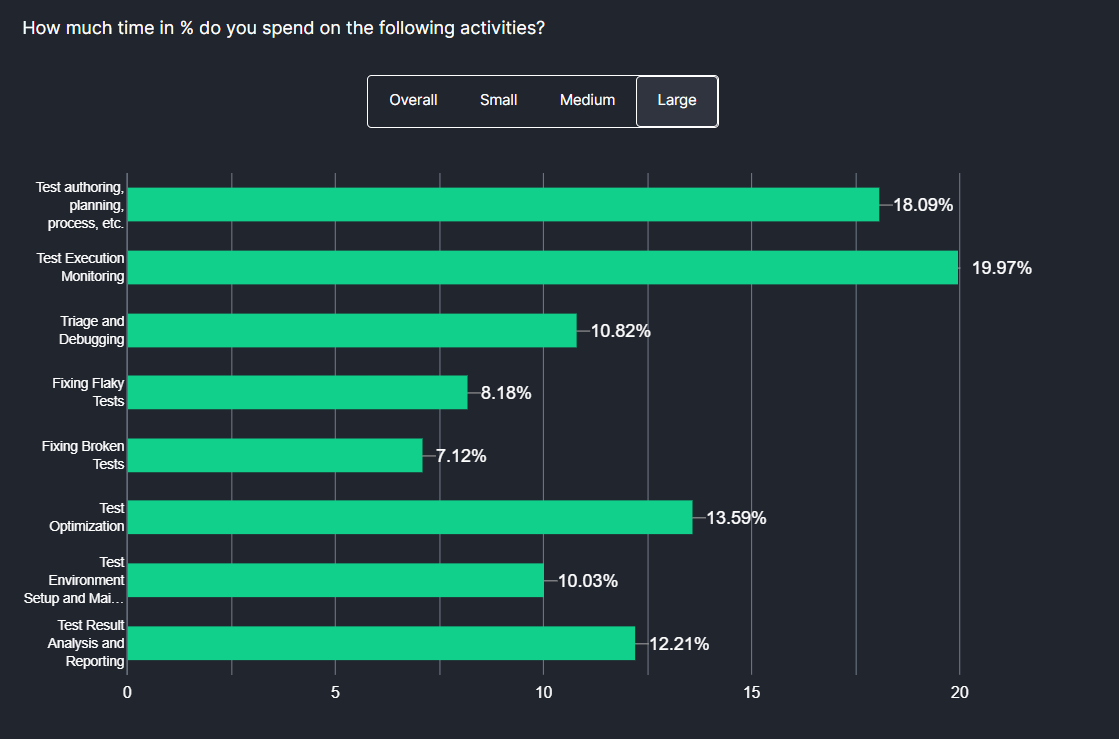
To address this challenge of running tests on various cloud-based platforms, TestMu AI is one of the best options. With this platform, you can also integrate the other test management tools, which allows you to export test results and view them in a unified platform.
Organizations can achieve quicker developer feedback and expedite their go-to-market strategies by utilizing the potential of cloud-based test execution. Additionally, users can leverage the power of the online Selenium Grid for automated browser testing across various browsers and OS configurations for websites and web applications.
Conclusion
The right free test management tool depends on your team size, testing approach, and integration requirements. For teams running automated tests at scale, TestMu AI's Test Manager provides AI-native test management with unified execution and reporting. Qase and Testomat.io are strong choices for small teams needing API access and automation framework integration on the free plan. TestLink remains the most capable open-source option for self-hosting teams.
Before committing, define your user count, check free tier limits against your actual project needs, and run a trial with real test cases. The comparison table and use-case recommendations in this guide should help you narrow down the shortlist quickly so you can spend less time evaluating tools and more time testing.


Frequently asked questions
Did you find this page helpful?
More Related Hubs
TestMu AI forEnterprise
Get access to solutions built on Enterprise
grade security, privacy, & compliance
- Advanced access controls
- Advanced data retention rules
- Advanced Local Testing
- Premium Support options
- Early access to beta features
- Private Slack Channel
- Unlimited Manual Accessibility DevTools Tests