

Power Your Software Testing with AI Agents and Cloud
The Native AI-Agentic Cloud Platform to Supercharge Quality Engineering. Test Intelligently and Ship Faster.


- TestMu AI (Formerly LambdaTest)
- /
- Blog
- /
- 13 Best AI Agent Builders in 2026 [Compared]
13 Best AI Agent Builders in 2026 [Compared]
We compared 13 AI agent builders across no-code, developer, and enterprise tiers on verified June 2026 pricing, free plans, and real practitioner feedback.
Last Updated on:
The best AI agent builders include Zapier Agents and Gumloop for no-code business users, n8n and LangGraph for developers, and Microsoft Copilot Studio for Microsoft 365 enterprises. Deloitte mentioned 25% of companies using gen AI launched agentic AI pilots in 2025, growing to 50% in 2027.[1]
This guide covers what an AI agent builder is, 13 builders ranked on verified pricing, how builders work, what to look for, how to choose, no-code versus open-source frameworks, and how to test agents before production.
Key Takeaways
To build AI agents, use n8n for technical teams needing self-hosted control, or choose Zapier Agents for non-technical business automation with extensive app integrations. These platforms allow you to design, deploy, and manage software agents that use large language models to complete tasks with limited human input.
- Best for technical teams: n8n - This fair-code platform offers a visual editor, custom JavaScript or Python code nodes, and a free self-hosted Community Edition for technical teams wanting complete data control.
- Best for app coverage: Zapier Agents - This no-code builder connects to over 9,000 app integrations to automate business tasks, though testing on its free plan counts against your monthly activity quota.
- Best for AI-native workflows: Gumloop - This no-code platform features a drag-and-drop multi-agent canvas supporting all major models, with credit-based pricing that varies run costs by step type.
- Best for sales and support: Lindy - This no-code assistant builder specializes in sales and support tasks, dropping to a paid plan after a seven-day trial with opaque usage-based tiers.
- Best for human-in-the-loop approvals: Relay.app - This builder is designed for small teams, offering human-in-the-loop approvals and a free tier of 200 steps per month.
- Best for OpenAI-committed teams: OpenAI AgentKit - This toolkit provides a free, open-source Agents SDK with parallel input validation and persistent memory, though its visual canvas will shut down in November 2026.
- Best for multi-agent frameworks: CrewAI - This MIT-licensed, open-source Python framework allows developers to build teams of AI agents by defining roles, goals, and backstories with low boilerplate code.
- Best for stateful agents: LangGraph - This free, MIT-licensed framework is built for long-running agents, featuring built-in memory, checkpointing to survive crashes, and human-in-the-loop gates.
- Best for Microsoft 365: Microsoft Copilot Studio - This enterprise suite integrates agents directly into the Microsoft 365 ecosystem, using credit-based billing where costs vary by step type.
- Best for Google Cloud: Gemini Enterprise Agent Platform - This enterprise suite is designed for deploying production agents on Google Cloud, utilizing the free, open-source Agentic Design Kit.
- Best for CRM-native agents: Salesforce Agentforce - This enterprise ecosystem suite allows organizations to build and deploy CRM-native agents directly within Salesforce, with custom pricing available via sales.
- Best for regulated industries: Stack AI - This enterprise builder is designed for regulated deployments, offering 500 free runs per month and custom enterprise pricing.
- Best for chat and voice: Voiceflow - This specialist platform is designed for building customer-facing chat and voice agents, offering a free trial and usage-based pricing.
- Set retry caps, persistent state, and decision logs, and run scenario-based tests before launch, as agents can fail in production and run up high API bills without proper guardrails.
- Review free-plan and credit terms carefully, as some builders count tests against quotas, drop to paid tiers after short trials, or use variable credit billing based on step types.
What Is an AI Agent Builder?
An AI agent builder is a platform for designing, deploying, and managing software agents that use a large language model to plan steps, call tools, and complete tasks with limited human input. Builders span 3 styles: no-code visual platforms, code-first open-source frameworks, and enterprise suites tied to 1 ecosystem.
A builder produces the agent. If you want examples of finished agents rather than the platforms that create them, see this roundup of the best AI agents.
Which Are the Best AI Agent Builders in 2026?
The best AI agent builders in 2026 are n8n for technical teams, Zapier Agents and Gumloop for no-code automation, Microsoft Copilot Studio, Gemini Enterprise Agent Platform, and Salesforce Agentforce for enterprise ecosystems, CrewAI and LangGraph for open-source code, and Voiceflow for conversational agents. All 13 ranked:
- n8n: Best overall for technical teams and self-hosted control
- OpenAI AgentKit: Best for teams committed to OpenAI models
- CrewAI: Best open-source multi-agent framework
- LangGraph: Best code-first framework for stateful agents
- Zapier Agents: Best for app coverage across 9,000+ integrations
- Gumloop: Best AI-native no-code agent builder
- Lindy: Best for sales and support AI assistants
- Relay.app: Best for small teams and human-in-the-loop approvals
- Stack AI: Best for regulated industries
- Microsoft Copilot Studio: Best for the Microsoft 365 ecosystem
- Gemini Enterprise Agent Platform: Best for production agents on Google Cloud
- Salesforce Agentforce: Best for CRM-native enterprise agents
- Voiceflow: Best for chat and voice agent design
The table below compares all 13 at a glance. Every price was checked on the vendor's live pricing page or repository in June 2026, and the source is linked inside each entry.
| Builder | Best For | Free Plan | Starting Price (June 2026) |
|---|---|---|---|
| n8n | Technical teams, self-hosting | Free self-hosted Community Edition | Cloud from 20 euros/month (2,500 executions) |
| Zapier Agents | Widest app coverage | 400 activities/month | Paid add-on to Zapier plans (1,500 activities/month on Pro) |
| Gumloop | AI-native no-code workflows | 5,000 credits/month | Pro from $37/month |
| Lindy | Sales and support assistants | No free tier (7-day trial) | Plus at $49.99/month |
| Relay.app | Small teams, approvals | 200 steps/month | Professional at $19/month (annual) |
| Stack AI | Regulated industries | 500 runs/month | Enterprise custom |
| Microsoft Copilot Studio | Microsoft 365 enterprises | No free tier (Azure trial credit) | $200/month per 25,000-credit pack |
| Gemini Enterprise Agent Platform | Production agents on GCP | ADK open source, free | Pay-as-you-go on Google Cloud |
| Salesforce Agentforce | CRM-native enterprise agents | No public free tier | Custom, via Salesforce sales |
| OpenAI AgentKit | OpenAI-committed teams | Agents SDK free, open source | Pay per model usage |
| CrewAI | Open-source multi-agent crews | Free, MIT license | Free; enterprise platform via sales |
| LangGraph | Stateful, long-running agents | Free, MIT license | Free; LangSmith optional |
| Voiceflow | Chat and voice agents | Free trial | Usage-based; business via sales |
Developer Platforms and Frameworks
These 4 platforms fit engineering teams that want code-level control, self-hosting, and exportable agents. Each one runs from a free core, so the cost starts at your own infrastructure and model tokens.
1. n8n: Best Overall for Technical Teams and Self-Hosted Control
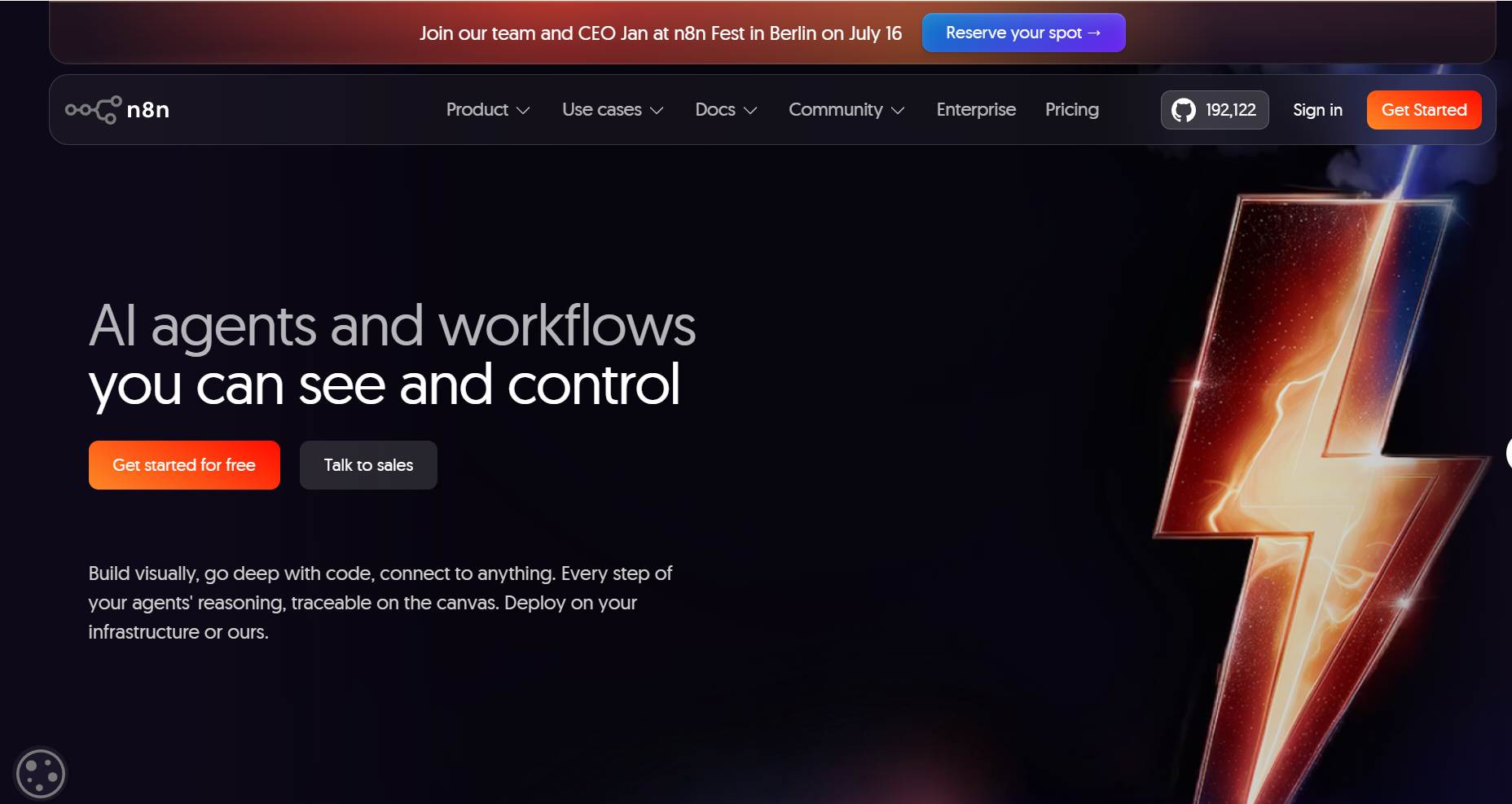
n8n is a workflow automation platform that lets you build AI agents on a visual canvas: connect 400+ apps, add an AI step that decides what happens next, and drop down to JavaScript or Python code when a step needs custom logic.[2] n8n tops this list because it matches how most production agent systems are shaped: fixed steps with 1 or 2 LLM decision points, self-hosted when data control matters.
Key capabilities:
- Execution-Based Pricing: A complete workflow run counts as 1 execution regardless of step count, which keeps agent costs predictable as flows grow.[3]
- Self-Hosting: The free Community Edition, with 192,000+ GitHub stars, runs on your own infrastructure for data-sensitive workloads.
- Custom Code Nodes: JavaScript and Python nodes handle the edge cases a visual canvas cannot, such as null responses from upstream APIs.
Limitations:
- License Fine Print: n8n is fair-code under the Sustainable Use License, source-available rather than OSI open source, which matters if you plan to embed or resell it.
- Silent Failures: Error branches must be built explicitly, or upstream failures pass through the workflow without stopping it.
Pricing: Cloud starts at 20 euros/month billed annually for 2,500 workflow executions, with Pro at 50 euros/month for 10,000. The self-hosted Community Edition is free. Pricing checked June 2026.

Is it a very deterministic process with AI 'at the leaves' --- if so, you should consider a traditional workflow engine like n8n which allows you to add AI steps. On the other hand, if it is primarily an AI process with some elements of determinism, then you need an AI-first agentic automation platform
- u/Mediocre-Abroad6083, "What are the best platforms for building AI agents without coding?", r/AI_Agents (Source)
2. OpenAI AgentKit: Best for Teams Committed to OpenAI Models
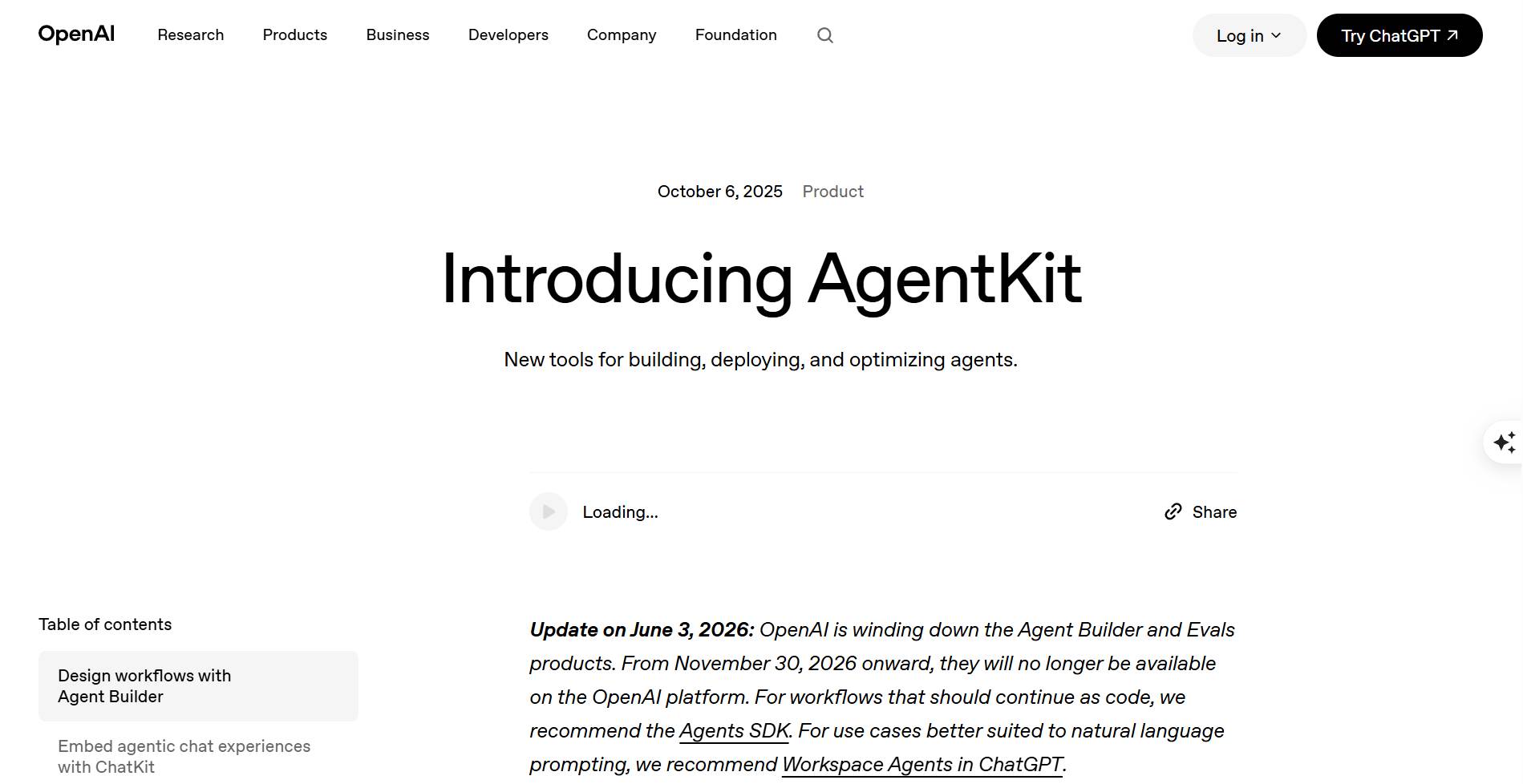
OpenAI AgentKit is the toolkit for building AI agents on OpenAI models, in 2 pieces: a drag-and-drop visual canvas and the Agents SDK, a framework for writing the same agents in code. AgentKit comes with a hard deadline: OpenAI is deprecating the visual Agent Builder canvas, which is "scheduled to shut down on November 30, 2026", so the durable piece is the Agents SDK.[4]
Key capabilities:
- Agents SDK: A lightweight, production-ready framework with guardrails that run input validation in parallel with execution, sessions for persistent memory, handoffs between agents, and built-in tracing.[5]
- Model Reach Beyond OpenAI: Third-party adapters for LiteLLM and Any-LLM open the SDK to 100+ LLMs, so the code is less locked in than the brand suggests.
- Visual Canvas Until Shutdown: Drag-and-drop nodes, typed inputs and outputs, and live preview runs remain available through the transition window.
Limitations:
- Platform Direction Risk: A visual builder deprecated about 1 year after its October 2025 launch is the clearest recent argument for building on the SDK, never the canvas.
- Ecosystem Pull: Tracing and evals work best inside OpenAI's platform, so platform-neutral teams usually pick LangGraph or ADK instead.
Pricing: The Agents SDK is open source and free; you pay for model usage through the OpenAI API. Pricing checked June 2026.
3. CrewAI: Best Open-Source Multi-Agent Framework
CrewAI is an open-source Python framework for building teams of AI agents: give each agent a role and a goal, hand the crew a task, and the framework manages how the agents work together. The project has 53,300+ GitHub stars and more than 100,000 developers certified through its community courses.[6] The company reports 450 million+ agentic workflow runs per month and adoption by 60% of the Fortune 500.[7]
Key capabilities:
- Role-Based Crews: Define agents by role, goal, and backstory, assign tasks, and the framework manages delegation between them.
- Low Boilerplate: A working crew takes far fewer lines than an equivalent LangGraph graph, the fastest route on this list to a working prototype of multi-agent AI systems.
Limitations:
- Hidden Prompts: The abstraction that makes CrewAI fast also hides the prompts it generates, so debugging a crew that misbehaves at the edges means digging under that abstraction.
- Unpublished Platform Pricing: The open-source core is MIT-licensed, while the hosted platform's pricing is not published and runs through sales.
Pricing: Free, MIT open source; enterprise platform via sales. Pricing checked June 2026.
4. LangGraph: Best Code-First Framework for Stateful Agents
LangGraph is the LangChain team's free, MIT-licensed framework for building agents in code, made for the long-running kind that must remember where they are in a task and survive a restart.[8] The 34,500-star project names Klarna, Replit, and Elastic among the companies building on it.[9]
Key capabilities:
- Persistence: Built-in memory and checkpointing keep agent state across sessions, crashes, and redeploys, which addresses the most reported production failure in this guide.
- Human-in-the-Loop Gates: Add checks to steer and approve agent actions before they execute, which matters when a wrong answer is expensive.
- Streaming and Observability: Native token-by-token streaming shows agent reasoning in real time, and LangSmith adds per-decision debugging and evals.
Limitations:
- Engineering Cost: Graphs, state schemas, and checkpoint stores are explicit code you write and maintain. LangGraph demands the most upfront work on this list.
- Rough for Non-Developers: A practitioner in r/AI_Agents put it plainly about the parent tooling: "LangChain is powerful, but if you're not a dev, it's rough."[10]
Pricing: Free, MIT-licensed; LangSmith and managed deployment are optional paid products. Pricing checked June 2026.
No-Code Builders
These 4 builders fit non-technical operators in ops, sales, and support who configure agents through chat or drag-and-drop, no programming required. Free tiers differ more than headline prices, so check what each plan counts.
5. Zapier Agents: Best for App Coverage Across 9,000+ Integrations
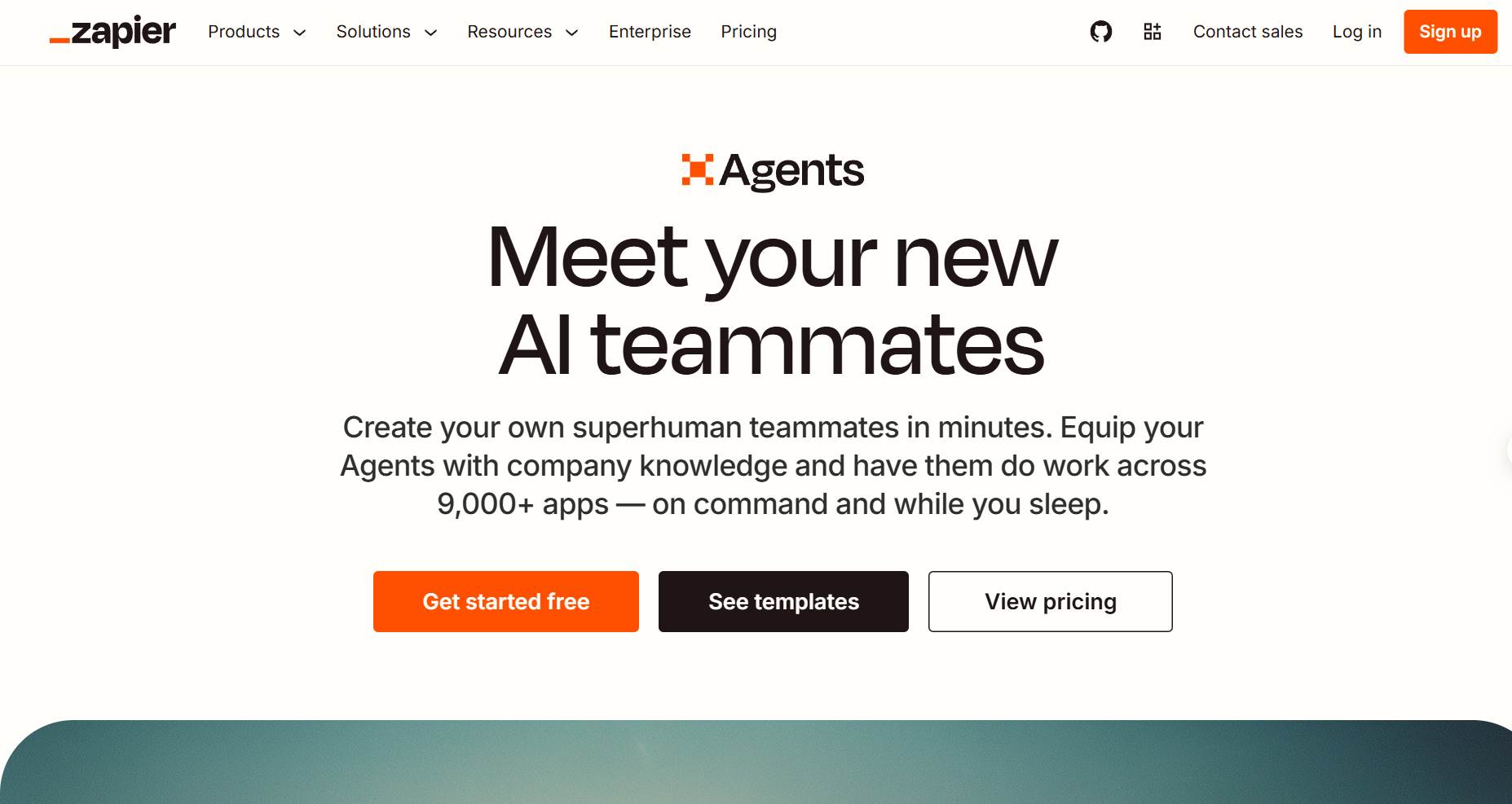
Zapier Agents is a no-code tool for creating AI assistants that work inside the apps your team already uses: they can draft replies, update CRM records, or route leads on their own, without you writing code. The agents run on Zapier's 9,000+ app catalog, the widest integration surface of any builder on this list, connect to your business data, and answer from attached knowledge sources.[11]
Key capabilities:
- App Coverage: 9,000+ integrations mean the agent can act in almost any SaaS tool your team already uses.
- Knowledge Grounding: Attach FAQs, documentation, and public links so the agent answers from your sources.
- Background and On-Command Work: Agents run on triggers and schedules or on demand in chat, with activity monitoring built in.
Limitations:
- Free-Tier Test Costs: On the free plan, testing an agent counts against the 400-activity monthly quota. Tests are free only on paid plans.[12]
- Activity Math: Every trigger, knowledge lookup, web search, and action bills 1 activity, and free-plan runs cap at 10 activities, so 1 complex task can hit the ceiling.
Pricing: Free plan includes 400 activities/month. Agents is billed as a paid add-on to Zapier plans, with 1,500 activities/month on the Pro tier. Pricing checked June 2026.
Practitioners in r/AI_Agents give non-technical builders blunt advice about this tier of tool: start with Zapier even if it is limited, because you ship something working and learn what you actually need.[10]
6. Gumloop: Best AI-Native No-Code Agent Builder
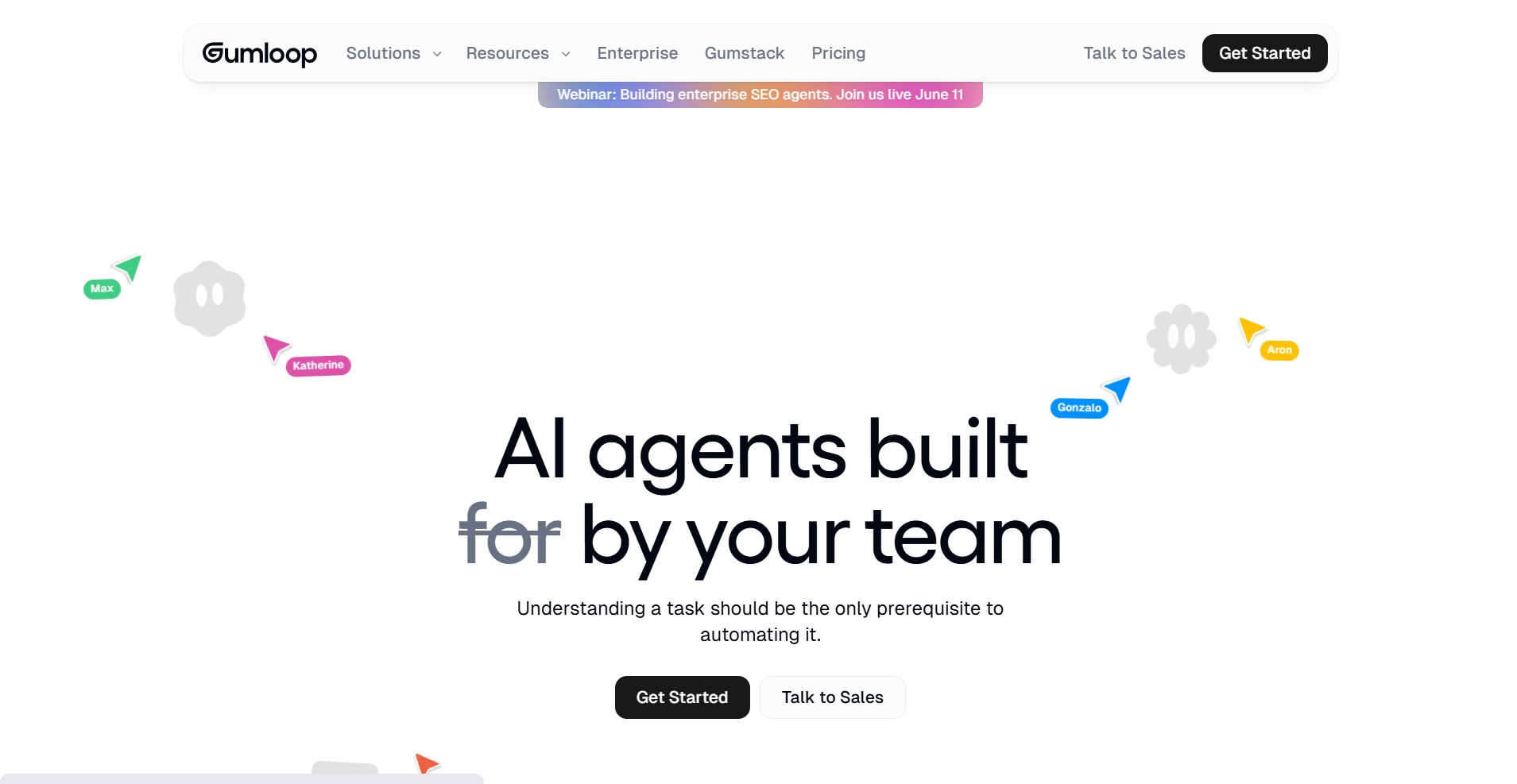
Gumloop is a no-code platform for building AI agents on a drag-and-drop canvas: connect Slack, Gmail, Salesforce, or BigQuery, then hand agents jobs like data analysis, support, CRM updates, and meeting prep, with every major model supported out of the box.[13] Customers include Instacart, Shopify, Webflow, and Ramp.
Key capabilities:
- Multi-Agent Canvas: Build and chain specialized agents for data analysis, support, CRM management, and meeting prep on 1 visual surface.
- Model Flexibility: Every major model works out of the box with no vendor lock-in, so you can switch LLM providers without rebuilding flows.
- Enterprise Security: SOC 2 Type II and GDPR compliance, role-based access control, VPC deployment, and zero data retention agreements with model providers.
Limitations:
- Free-Tier Triggers: The free plan allows 1 active trigger and 2 concurrent runs, so always-on automations need a paid tier.[14]
- Credit Budgeting: Credit-based pricing means run costs vary by step type, which makes monthly forecasting less predictable than n8n's per-execution model.
Pricing: Free plan includes 5,000 credits/month for 1 seat. Pro starts at $37/month with 20,000+ credits, and Enterprise adds SAML, audit logs, and VPC at custom pricing. Pricing checked June 2026.
7. Lindy: Best for Sales and Support AI Assistants
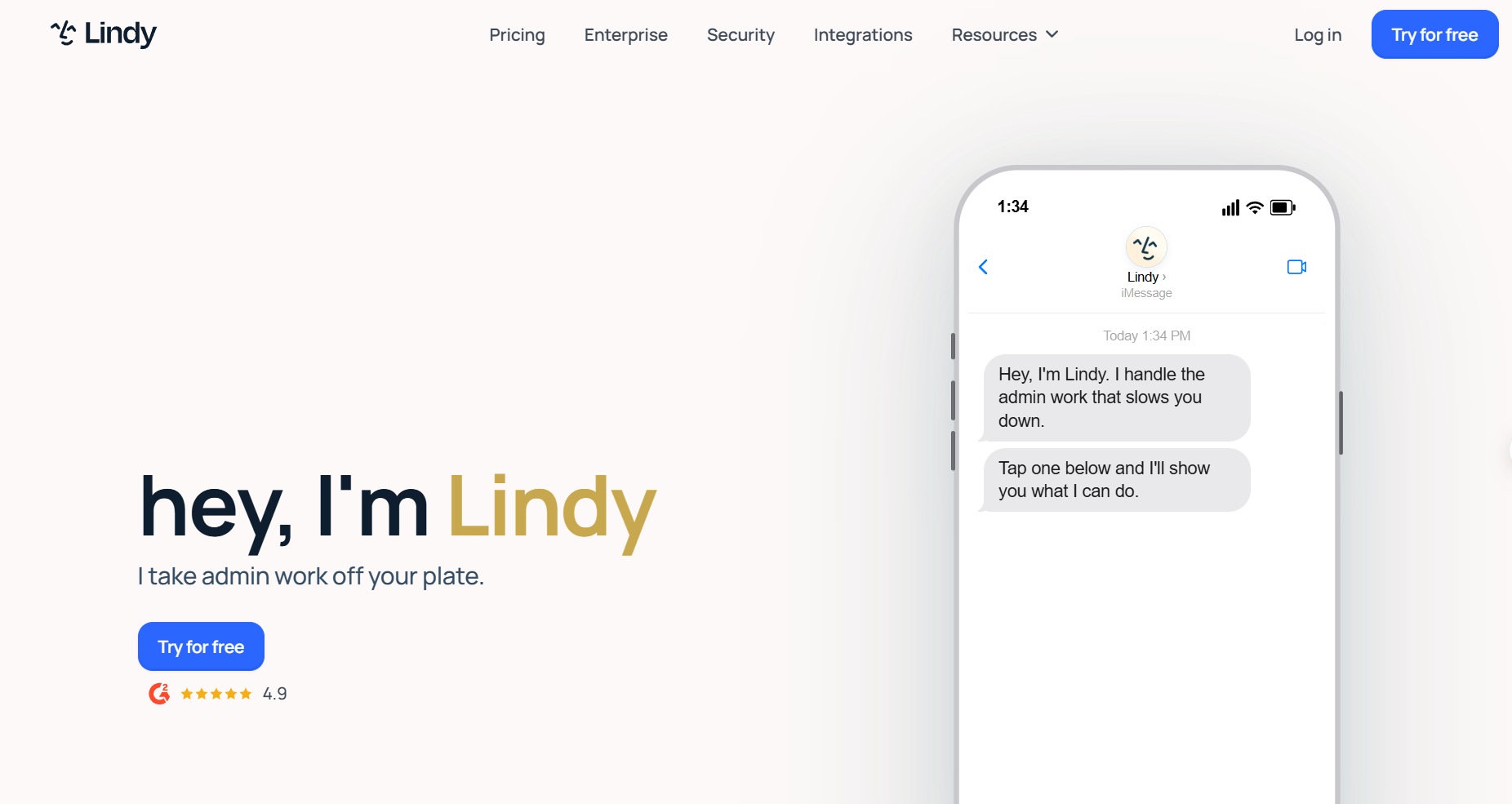
Lindy is a no-code builder for AI assistants that handle inbox and scheduling work: agents draft your email replies, book meetings, and on higher tiers control a web browser to complete tasks in tools that have no API. Before you let those assistants reply to customers, test your Lindy agents for hallucinations and edge cases.[15]
Key capabilities:
- Inbox-Centric Agents: The Plus tier connects up to 2 inboxes for email drafting and meeting scheduling, and Max handles up to 5 for heavy workloads.
- Computer Use: Pro and above add browser-based automation, which covers internal tools and sites that expose no API.
- 100+ Integrations: Core integrations ship on every tier, with SSO, SCIM, HIPAA compliance, and audit logs reserved for Enterprise.
Limitations:
- No Permanent Free Tier: Lindy offers a 7-day trial of Plus features with no credit card, and after that the floor is $49.99/month.
- Opaque Usage Units: Tiers are sized as "3x more usage than Plus" and "7x more usage than Plus", which makes cost-per-task comparisons hard before you commit.
Pricing: Plus at $49.99/month, Pro at $99.99/month, Max at $199.99/month, and Enterprise at custom pricing. Pricing checked June 2026.
8. Relay.app: Best for Small Teams and Human-in-the-Loop Approvals
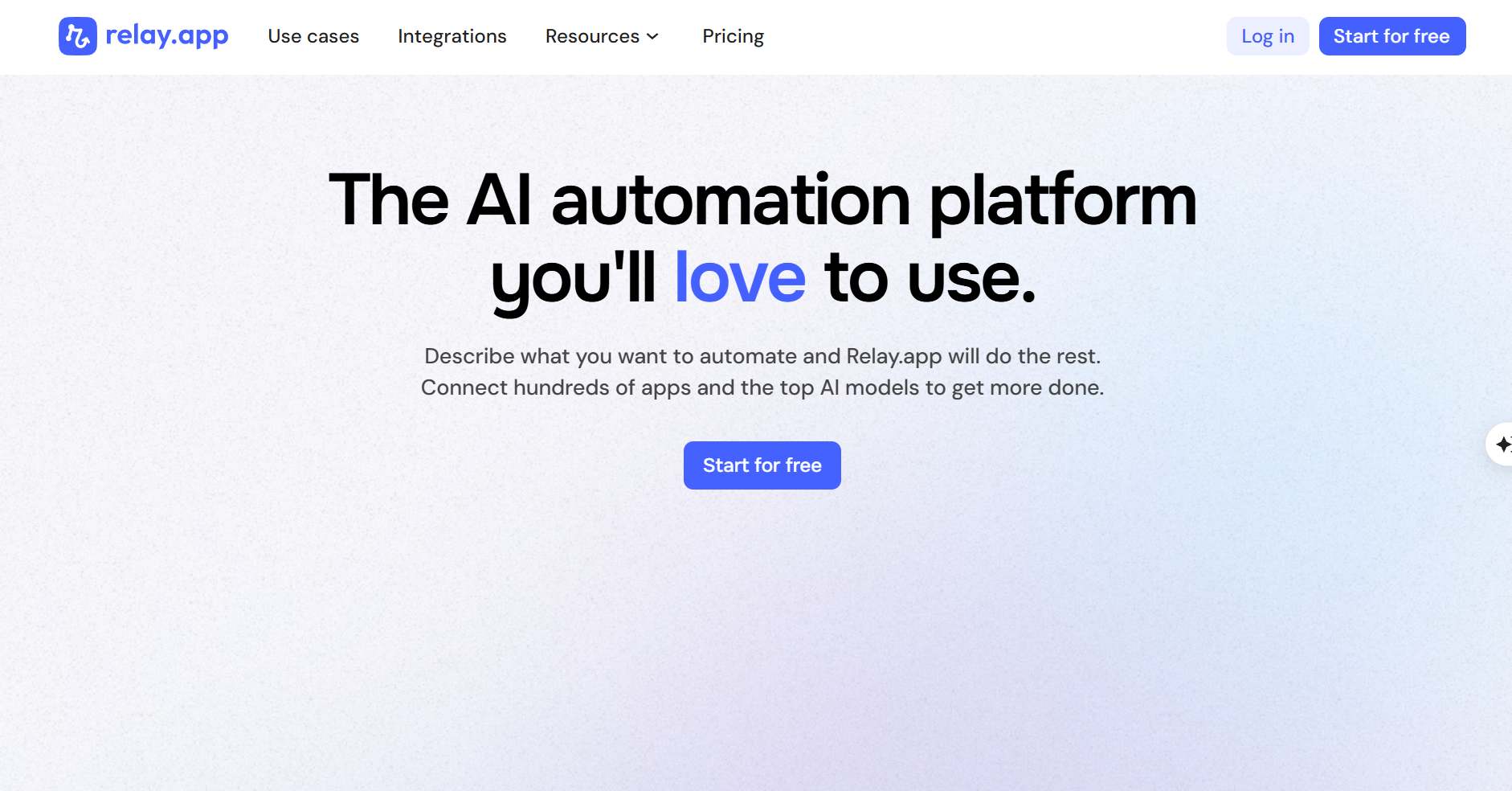
Relay.app is an automation builder for small teams: you describe a workflow in chat, the platform, powered by Claude Opus 4.8, builds it for you, and approval steps keep a human in control of consequential actions.[16]
Key capabilities:
- Human-in-the-Loop by Design: Approval steps, data input steps, and built-in AI reviews gate what agents do without supervision.
- Multi-Model Support: Mix Anthropic, OpenAI, and Gemini models in 1 workflow instead of committing to a single provider.
- Advanced Tooling: MCP servers, web scraping, tables, custom code execution, and PDF manipulation ship alongside the workflow builder.
Limitations:
- Smaller Catalog: Relay.app integrates 200+ apps, far fewer than the 9,000+ Zapier advertises, so check your stack before committing.
- Free Plan Ceiling: 200 steps/month runs out within days for any automation that fires daily.[17]
Pricing: Free plan covers 1 user, 200 steps, and 500 AI credits/month. Professional costs $19/month billed annually with 750 steps, and Team costs $59/month with 10 users and 1,500 steps. Pricing checked June 2026.
Enterprise Ecosystem Suites
These 4 suites fit enterprises that need governance, compliance, and distribution inside the stack where their data and identity already live: a regulated environment, Microsoft 365, Google Cloud, or Salesforce.
9. Stack AI: Best for Regulated Industries
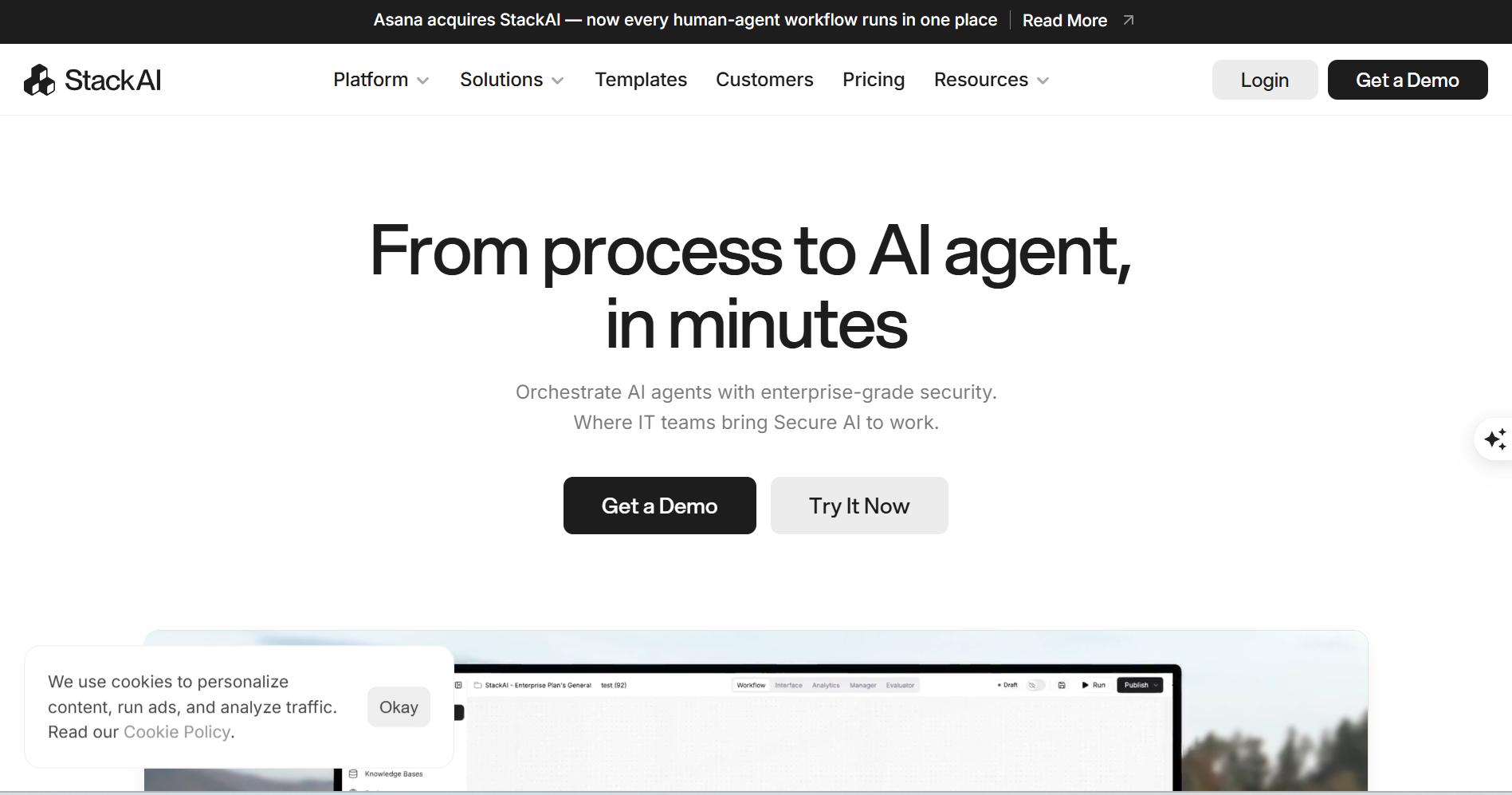
Stack AI is an enterprise platform for building AI agents in regulated industries such as healthcare and finance. SOC 2, HIPAA, and GDPR compliance, SSO, and on-premise or VPC installs are core plan features rather than add-ons.[18]
Key capabilities:
- Compliance Posture: SOC 2, HIPAA, and GDPR compliance with SSO and access control on the Enterprise plan.
- Deployment Control: On-premise and VPC deployment options keep agent data inside your own boundary, the requirement that disqualifies most no-code builders in healthcare and finance.
- Free Evaluation Tier: 500 runs/month, 2 projects, and 1 seat let you validate a use case before any sales conversation.
Limitations:
- Pricing Gap: The public page lists only a Free tier and custom Enterprise, so mid-market teams cannot budget without a sales call.
- Sales-Led Motion: Dedicated solution engineers are an Enterprise feature, which signals the product is aimed at large accounts rather than self-serve teams.
Pricing: Free at $0 with 500 runs/month; Enterprise at custom pricing with custom runs and seats. Pricing checked June 2026.
10. Microsoft Copilot Studio: Best for the Microsoft 365 Ecosystem
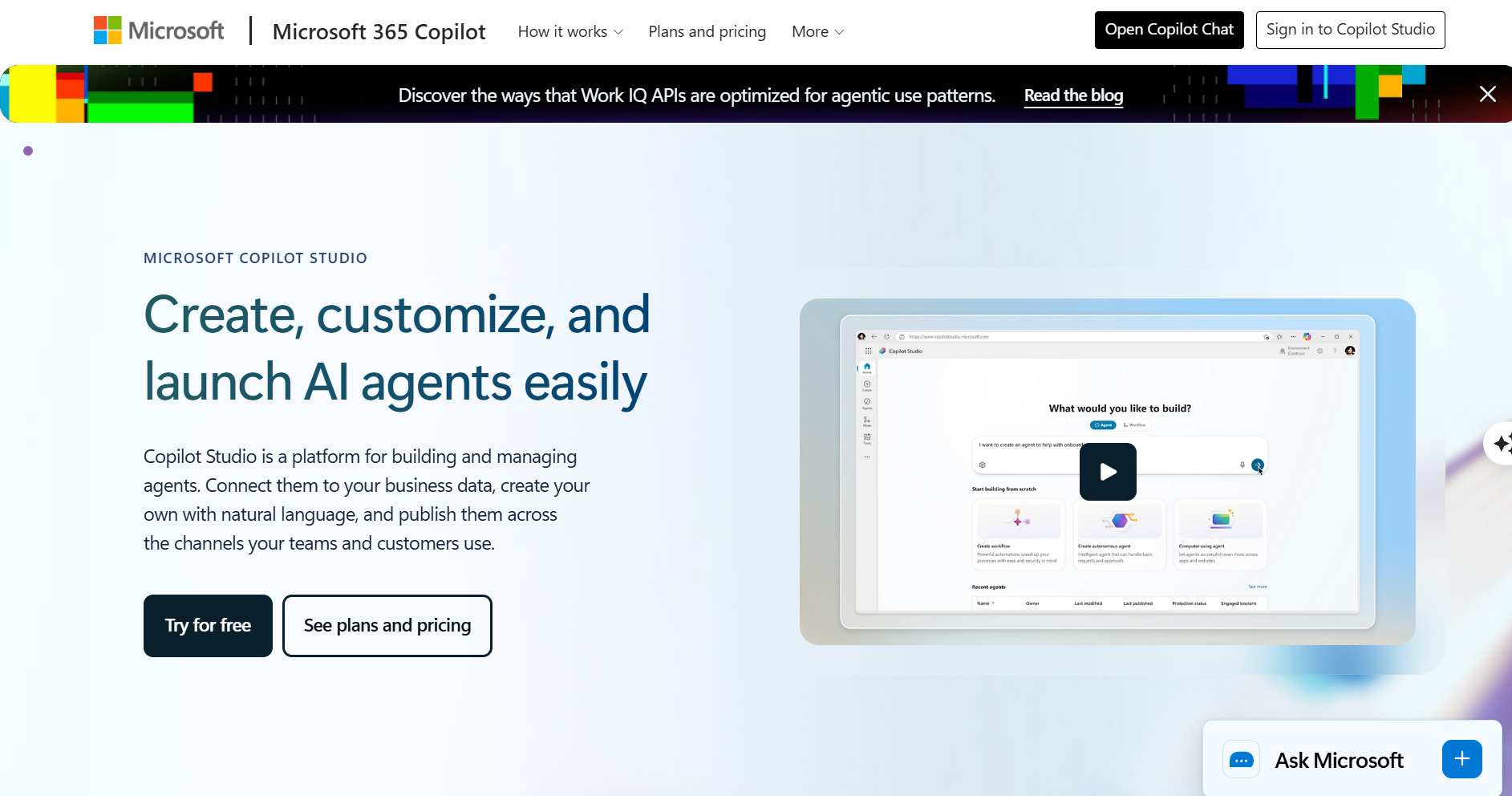
Microsoft Copilot Studio is Microsoft's platform for building AI agents that work inside the tools a Microsoft 365 company already runs: you build an agent once, ship it into Teams, SharePoint, and Microsoft 365 Copilot, and connect it to outside systems through more than 1,400 connectors.[19] Once built, you can test your Copilot agents before production to verify their behavior.
Key capabilities:
- Autonomous Agents With Governance: Agents plan and run business processes with escalation paths and admin control over what they touch.
- 1,400+ Connectors Plus Voice: Prebuilt connectors cover most enterprise systems, and the platform supports voice and phone-based agent design.
- Multi-Agent Orchestration: Several agents coordinate on 1 complex process instead of 1 monolithic agent owning everything.
Limitations:
- Credit Math: Copilot Credit consumption varies by action type, so high-volume agents need cost monitoring from day 1.
- Ecosystem Fit: Outside a Microsoft 365 stack the platform loses most of its distribution advantage.
Pricing: $200/month per pack of 25,000 Copilot Credits with automatic pay-as-you-go overflow, or pure pay-as-you-go on an Azure subscription. Microsoft 365 Copilot at $30/user/month includes Copilot Studio access. Pricing checked June 2026.
11. Gemini Enterprise Agent Platform (Formerly Vertex AI Agent Builder): Best for Production Agents on Google Cloud
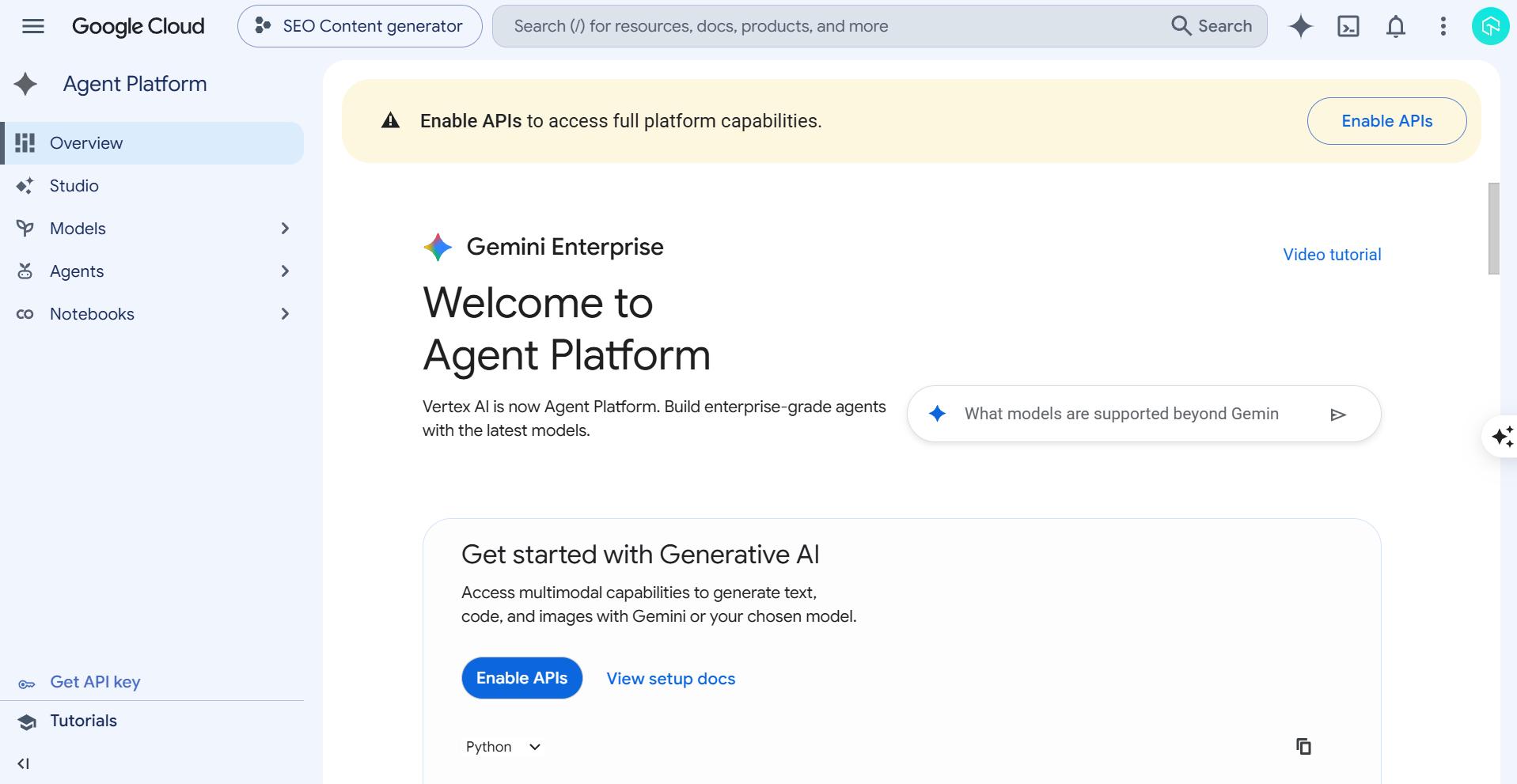
Gemini Enterprise Agent Platform, formerly Vertex AI Agent Builder, is Google's stack for building and running AI agents: you write agents in code with the open-source Agent Development Kit (ADK), then run them as managed services on Google Cloud.[20]
Key capabilities:
- 5-Language ADK: Python, TypeScript, Go, Java, and Kotlin, the broadest language support of any framework on this list.
- Graph Workflows: ADK 2.0 combines deterministic code with adaptive AI reasoning through explicit execution paths and predictable outcomes, which bounds what the model decides.
- Managed Context: ADK manages context instead of concatenating strings until the window fills, which controls token costs on long sessions.
Limitations:
- Naming Churn: Agent Builder, Vertex AI Agent Builder, and now Gemini Enterprise Agent Platform since the April 23, 2026 rename[21]; expect documentation and tutorials to lag the current branding.
- GCP Lock-In: ADK code is portable, but the managed runtime and integrations assume Google Cloud.
Pricing: ADK is open source and free; managed deployment bills pay-as-you-go on Google Cloud. Pricing checked June 2026.
12. Salesforce Agentforce: Best for CRM-Native Enterprise Agents
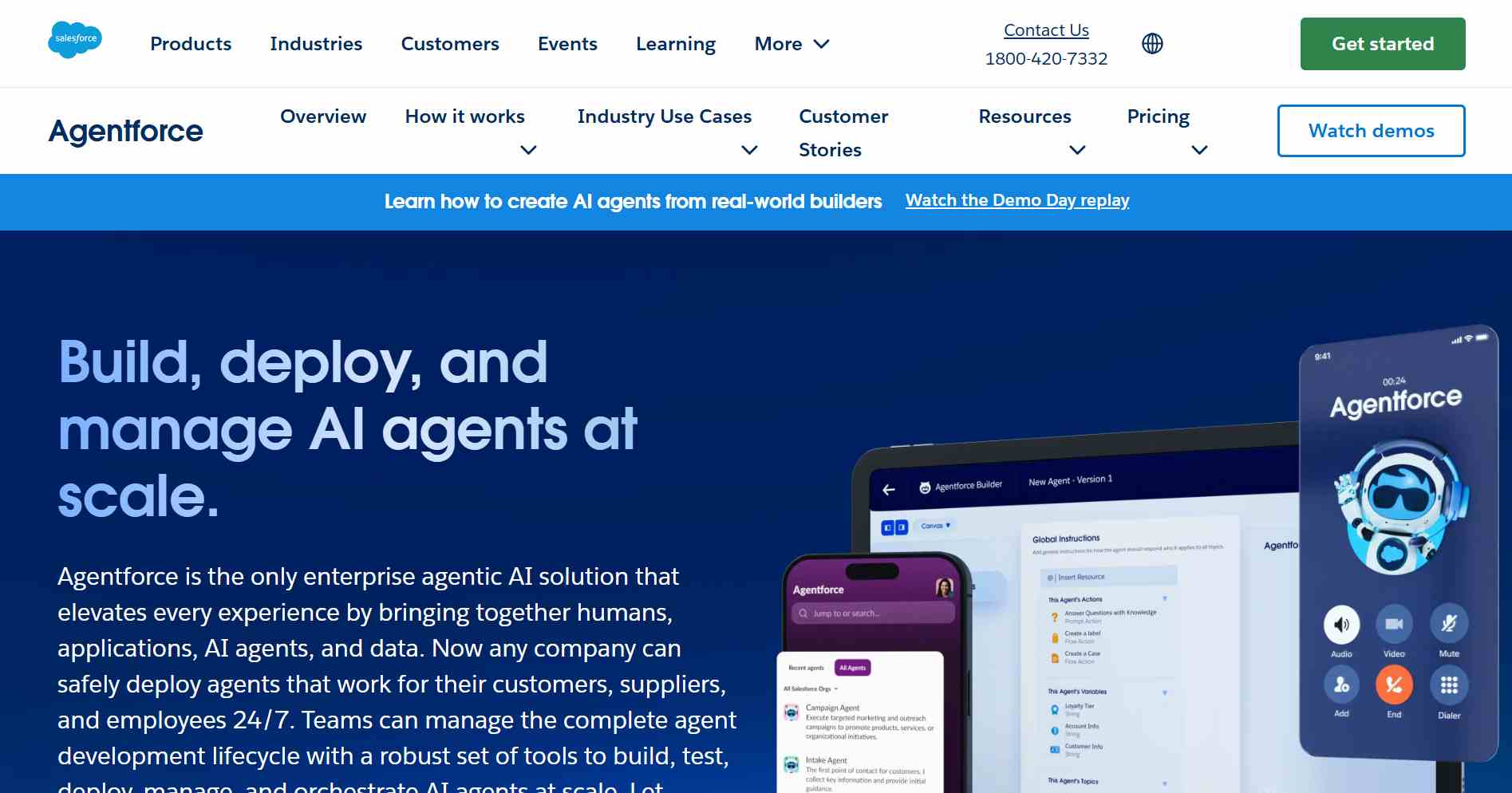
Salesforce Agentforce is the platform for building AI agents inside Salesforce: agents act directly on your CRM data across sales, service, and commerce, with the graph-based Atlas Reasoning Engine deciding each step they take.[22] For a deeper look at automating and testing Salesforce with AI agents, including Agentforce validation, see the dedicated guide.
Key capabilities:
- Agentforce Builder: A Canvas view for low-code natural-language configuration and a Script view (Agent Script) for code, with both views editing the same agent.[23]
- Subagents: Agents decompose work across subagents and actions, the building blocks the reasoning engine launches mid-conversation.
- Built-In Testing: Simulate mode validates configuration without touching live data, Live Test adds step-level tracing, and the Agentforce Testing Center generates probable inputs before deployment.
Limitations:
- Salesforce-Only Value: Agents act on Customer 360 data, so the platform has little to offer teams outside Salesforce.
- Pricing Access: Salesforce's pricing page blocks automated verification and rates run through a sales motion, so confirm current consumption pricing directly with Salesforce before budgeting.
Pricing: Custom, through Salesforce sales. Rates were not independently verifiable in June 2026; confirm with Salesforce.
Chat and Voice Specialist
This category is for support teams whose agents talk to customers in chat and voice channels rather than running back-office workflows.
13. Voiceflow: Best for Chat and Voice Agent Design
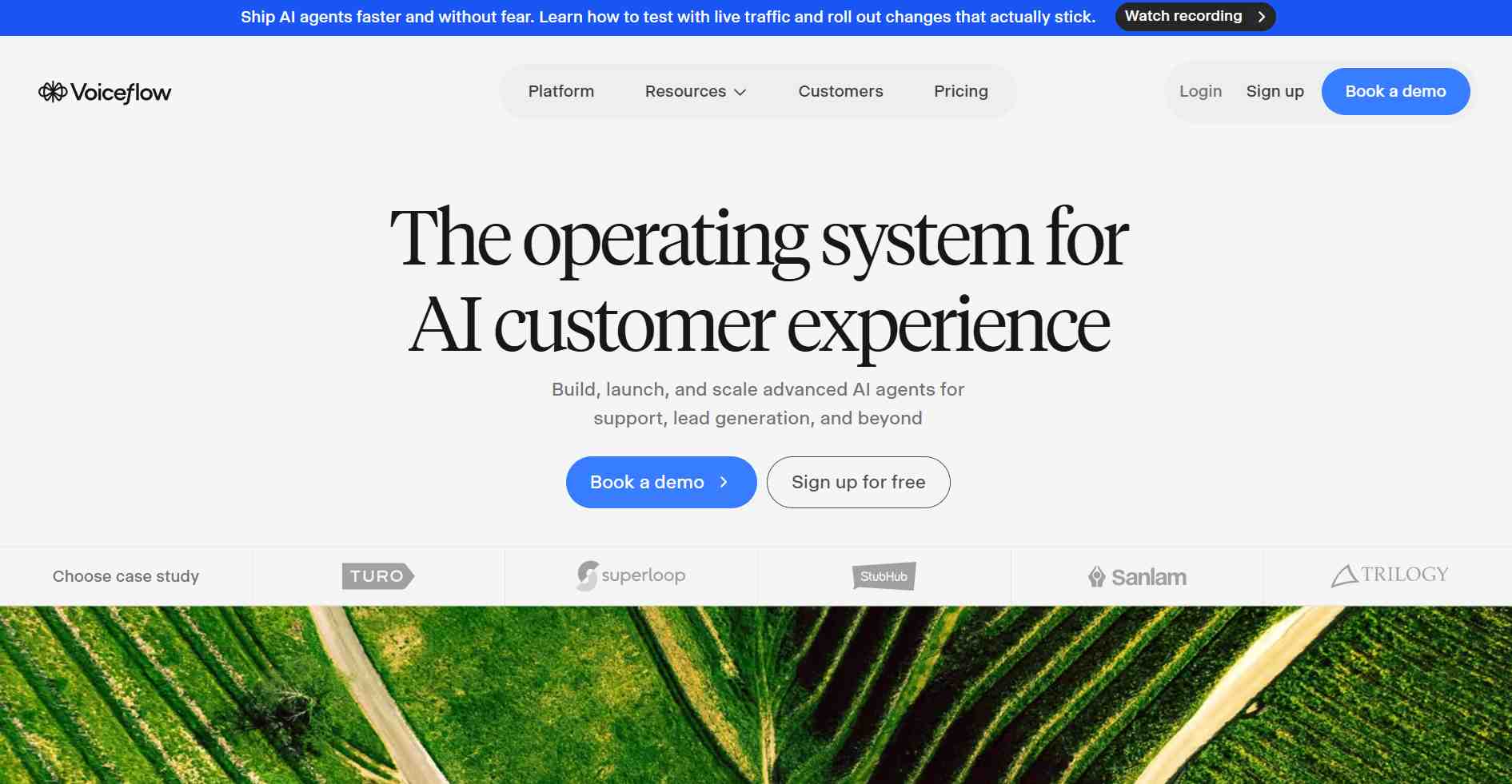
Voiceflow is a design-first platform for building the AI agents that talk to your customers: assemble a chat or voice agent visually, then deploy the same agent to a web widget, a phone system, or a mobile app via API. Voiceflow is the conversational specialist on this list, with 10,000+ live agents in production across 4,000+ customers.[24]
Key capabilities:
- Chat and Voice in 1 Designer: Build agentic playbooks balanced with deterministic workflows, then deploy the same agent across web, phone, and mobile channels.
- Model Flexibility: Choose from the biggest LLM providers or bring your own model.
- Built-In Evaluation: LLM-powered evaluations score conversations at scale, a head start on the testing work most builders leave entirely to you; for deeper validation, see how to run Voiceflow testing on your agents.
Limitations:
- Pricing Opacity: The pricing page describes usage-based billing with business pricing through a demo request, so there are no public per-tier dollars to budget against.[25]
- Conversation-Only Scope: For back-office or data workflows, the general-purpose builders above fit better.
Pricing: Free trial with no credit card; usage-based billing; business pricing via sales. Pricing checked June 2026.
Other AI agent builders worth a look: Make (visual automation with AI steps), Relevance AI (AI workforce for go-to-market teams), Botpress and Flowise (open-source chat-agent builders, though Flowise has since been archived and is covered in our guide to Flowise AI workflow testing), Dify and Vellum (LLM application platforms), Cofounder (early-stage AI-native builder), and AWS Bedrock Agents (agents on AWS infrastructure).
How Do AI Agent Builders Work?
AI agent builders work by wiring 4 components into a deployable system: a large language model that plans and decides, tools the agent can call, memory that carries state between steps, and guardrails that bound what the agent may do. The builder adds an interface for assembly plus monitoring for what runs.
- The Model: A large language model such as GPT, Claude, or Gemini reads the task context and decides the next step at runtime.
- Tools: Connectors, APIs, and Model Context Protocol (MCP) servers let the agent act, like sending an email, updating a CRM record, or querying a database.
- Memory: Session or persistent state carries facts between steps and between runs. Agents without persistent memory lose mid-task progress on every restart.
- Guardrails: Retry caps, approval gates, spend ceilings, and input validation bound what the agent may do when a decision goes wrong.
At runtime the agent loops: the model plans, calls a tool, observes the result, and plans again until the task completes or a guardrail stops it. Each autonomous decision in that loop adds failure probability, so production systems keep most steps deterministic and give the model 1 or 2 bounded decisions.
Most builders also ground answers with retrieval augmented generation (RAG) over your documents and knowledge sources, so the agent answers from your data instead of model memory.
What Should You Look for in an AI Agent Builder?
Look for 7 things in an AI agent builder: multi-LLM support, integration depth for your stack, human-in-the-loop controls, MCP support, an honest free plan, self-hosting or code export, and platform durability. Durability is the one most roundups skip, and OpenAI and Microsoft both pulled back agent products within the last year.
- Multi-LLM Support: Switching model providers without rebuilding flows protects you from price and quality shifts. Gumloop, Relay.app, and Voiceflow support multiple providers natively.
- Integration Depth: Count the connectors your stack actually needs. Coverage across this list ranges from a few hundred apps to several thousand, and a missing CRM connector means custom work.
- Human-in-the-Loop Controls: Approval steps before consequential actions. An agent that cannot pause for review is a liability in finance, healthcare, and customer-facing flows.
- MCP Support: The Model Context Protocol standardizes how agents call external tools. Builders adopting it, including Microsoft Copilot Studio, Gumloop, and Relay.app, reduce custom connector work.
- Free Plan Reality: Check what the free tier counts. Some platforms bill agent tests against the quota, others cap active triggers or monthly steps.
- Self-Hosting or Code Export: Open cores and exportable code survive vendor pivots. Proprietary canvases can disappear.
- Platform Durability: OpenAI is deprecating its visual Agent Builder, scheduled to shut down on November 30, 2026[4], and Microsoft moved AutoGen to maintenance mode.[26] Treat vendor commitment as a feature you evaluate.

How Do You Choose the Right AI Agent Builder for Your Team?
Choose an AI agent builder by answering 4 questions before comparing features: can the workflow be drawn as fixed steps, how many branches have unpredictable inputs, what does a wrong answer cost, and will compliance ever audit the system. The answers route you to a workflow tool, a bounded agent, or no agent at all.
These questions come from a builder who has shipped 40+ client projects, in a 1,600-upvote r/AI_Agents post arguing that most teams asking for agents need automations.[27] His working rules:
- Drawable Workflow: If you can draw the process as clear steps, build an automation with 1 LLM call. n8n, Zapier Agents, and Gumloop fit this case.
- Unpredictable Branching: If the workflow has more than 5 branches with genuinely unpredictable inputs, an agent earns its complexity. LangGraph, CrewAI, ADK, and the OpenAI Agents SDK fit here.
- Cost of a Wrong Answer: If the worst-case wrong answer is expensive, keep the flow deterministic and add human-in-the-loop gates, which Relay.app and LangGraph support natively.
- Compliance Exposure: If HIPAA or SOC 2 reviewers will examine the system, they need to know exactly what it does, in what order, every time. Stack AI, self-hosted n8n, and deterministic flows pass that review more easily than free-roaming agents.
Then map your team to a bucket: non-technical operators get the fastest results from Zapier Agents, Gumloop, Lindy, or Relay.app; engineering teams from n8n, LangGraph, CrewAI, or ADK; Microsoft 365, Google Cloud, and Salesforce shops from their matching suite; and voice-heavy support teams from Voiceflow.
In my experience building agent workflows on n8n with Anthropic Claude as the reasoning step, the costliest failure was an upstream HTTP node returning null where the prompt expected a string: the agent retried the same parse step until I added an explicit error branch and a hard cap of 3 retries. Whatever builder you pick, confirm it lets you set those caps.
Should You Use a No-Code Builder or an Open-Source Framework?
Use a no-code builder when the process is mostly deterministic and the team is non-technical; use an open-source framework when agents need custom logic, self-hosting, or deep control over memory and tool calling. Many production teams combine both: no-code for orchestration, code for the decision core.
The honest version of this trade-off comes from practitioners: the LangChain family is powerful but rough for anyone who is not a developer, and many no-code tools are workflow automation with an LLM step rather than autonomous agents.[10]
many 'no-code AI agent' tools are essentially visual workflow builders with an LLM layer. They work well for automation, but fully autonomous agents are still evolving across most platforms.
- u/No_Loquat_5131, "What are the best platforms for building AI agents without coding?", r/AI_Agents (Source)
That distinction helps you buy correctly: a visual workflow with an LLM layer is exactly what most business automations need, and it fails more predictably than a free-roaming agent. Reserve the framework tier for work that genuinely needs runtime decision-making, retries, and persistent memory.
If you go the framework route, pick from the living projects: LangGraph and CrewAI are active, ADK is expanding across 5 languages, and AutoGen is in maintenance mode with Microsoft directing new users to the Microsoft Agent Framework.[26] For a deeper comparison of this tier, see this guide to agentic AI frameworks.
How Do You Test AI Agents Before Production?
Test AI agents with scenario-based evaluation, because the same input produces different outputs between runs and fixed assertions cannot score that. Score hallucinations, bias, completeness, and context awareness across personas and edge cases, wire the suite into CI/CD, and keep decision logs so failures can be traced. AI agent testing is its own discipline with its own metrics.
The stakes are documented. Gartner predicts over 40% of agentic AI projects will be canceled by the end of 2027 due to escalating costs, unclear business value, or inadequate risk controls.[28]
A practitioner running about 30 production agents reported what those failures look like up close. One agent called the same tool 200 times in 4 minutes after receiving ambiguous downstream data, turning a $3 daily API bill into $400, with no audit trail to identify which agent did it. Overnight server reboots wiped every mid-task agent's memory.[29]
the honest problem with most no-code agent tools is they're built around the building experience. great for demos, but when something breaks in production they either stop or move on like nothing happened.
- u/SidLais351, "What are the best platforms for building AI agents without coding?", r/AI_Agents (Source)
The countermeasures practitioners converge on are specific and checkable before launch:
- Retry Caps and Circuit Breakers: A hard cap of 3 retries per tool call with exponential backoff, plus a monitor that kills any session whose token spend exceeds a threshold in a 5-minute window.
- Persistent State: Checkpointed memory that survives crashes and redeploys, so a restart does not erase mid-task progress.
- Decision Logs: An audit trail of every tool call and decision, so a complaint from 3 days ago can be traced instead of refunded.
- Scenario Coverage: Evaluation across personas, accents, edge cases, and adversarial inputs, because manual testing covers only a fraction of the response variations an LLM produces.
Every builder on this list ships an agent faster than it ships a way to validate that agent. Voiceflow and Agentforce include evaluation tooling for their own platforms; the rest leave testing to you, and a preview run covers 1 happy path out of the thousands of response variations an LLM produces.
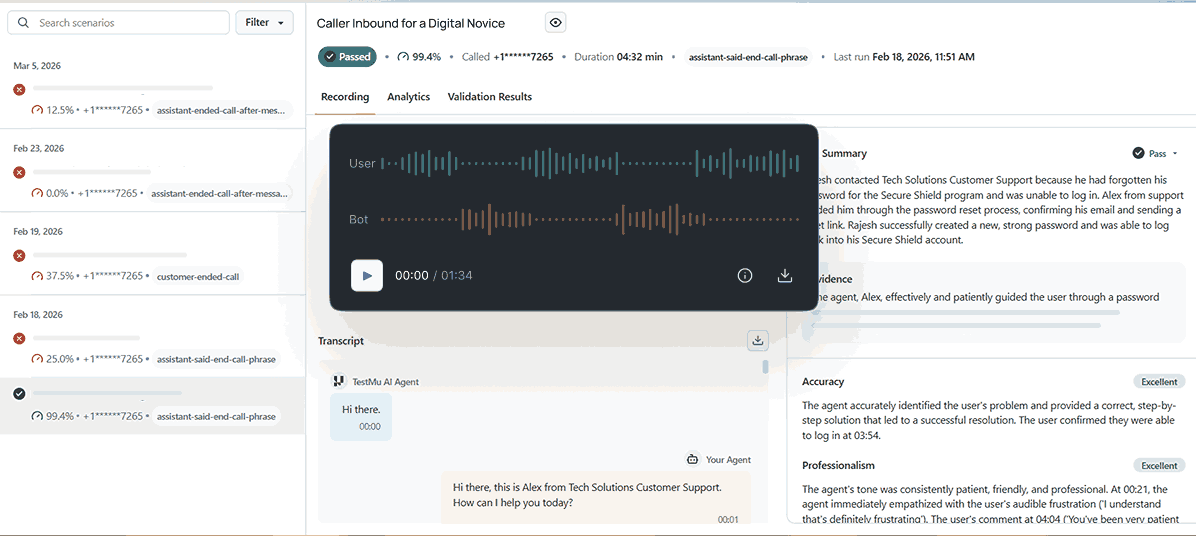
TestMu AI provides Agent Testing, a unified platform that uses specialized AI testing agents to autonomously test the agents you build, including chatbots, voice assistants, and phone caller agents. Key capabilities:
- Standardized Metrics: A unified scoring framework across chat, voice, and phone interactions measures hallucination detection, bias, toxicity, completeness, and context awareness.
- Real-World Simulation: 200+ voices, 20+ background sound environments, and diverse personas reproduce the accents, noise, and edge cases human testers cannot create manually.
- CI/CD Integration: Pipeline integration validates every pull request before production, so agent regressions surface at commit time instead of in customer conversations.
You can explore the official documentation to run a first scenario suite against an agent you built. For choosing what to measure, this guide to AI agent evaluation breaks the metrics down in depth.

Note: Catch runaway loops and hallucinations before your users do. Validate your AI agents for bias, toxicity, and completeness with TestMu AI. Try it free.
Which AI Agent Builder Should You Choose?
Choose n8n if you want 1 default answer: it is the best AI agent builder for technical teams because the visual editor, code nodes, and free self-hosting cover the widest range of real workloads. For everyone else, the verdict depends on your segment:
- Best No-Code: Zapier Agents for app reach, Gumloop for AI-native multi-agent canvases, Lindy for inbox and scheduling assistants, Relay.app for approval-gated automations on a budget.
- Best for Developers: LangGraph for stateful control and checkpointing, CrewAI for fast multi-agent prototypes, the OpenAI Agents SDK for OpenAI-standardized teams.
- Best Enterprise: Microsoft Copilot Studio for Microsoft 365, Gemini Enterprise Agent Platform for GCP, Salesforce Agentforce for CRM-native agents, Stack AI for regulated industries.
- Best Free Start: n8n self-hosted with no run limits, Stack AI with 500 runs/month, and Gumloop with 5,000 credits/month, per the June 2026 pricing checks above.
- Best for Voice: Voiceflow, the only design-first chat and voice specialist on the list.
Whichever builder you pick, the agent is the cheap part. The persistence, guardrail, and testing layers around it decide whether the project survives, and that work transfers between builders even when the canvas does not.
For the quality layer specifically, TestMu AI ships a purpose-built ecosystem of AI agents: KaneAI plans, authors, and runs test cases from natural language prompts (a testing layer, not an agent builder), Agent Testing validates the chatbots and voice agents you build, and a Visual Testing Agent and Auto Healing Agent cover regression work, all under 1 platform.
Shortlist 2 builders from this list, run the 4 decision questions against your workflow, and put scenario-based testing in place before the first customer conversation reaches your agent.
Citations
- [1] Autonomous Generative AI Agents: Still Under Development - Deloitte Insights, TMT Predictions 2025 (November 2024)
- [2] n8n: Fair-Code Workflow Automation Platform with Native AI Capabilities - GitHub (June 2026)
- [3] n8n Pricing: Plans and Workflow Execution Model - n8n (June 2026)
- [4] Agent Builder Guide, with Deprecation Notice for November 30, 2026 - OpenAI Developer Docs (June 2026)
- [5] OpenAI Agents SDK: Guardrails, Sessions, Handoffs, and Tracing - OpenAI (June 2026)
- [6] CrewAI: Framework for Orchestrating Role-Playing, Autonomous AI Agents - GitHub (June 2026)
- [7] CrewAI: The Open Platform That Accelerates Agent Adoption - CrewAI (June 2026)
- [8] LangGraph: Agent Runtime and Low-Level Orchestration Framework - LangChain (June 2026)
- [9] LangGraph: Build Resilient Agents - GitHub (June 2026)
- [10] What Are the Best Platforms for Building AI Agents Without Coding? - r/AI_Agents, Reddit (November 2025)
- [11] Build AI Teammates with Zapier Agents - Zapier (June 2026)
- [12] How Is Zapier Agents Usage Measured? - Zapier Help Center (June 2026)
- [13] Gumloop: AI Automation Platform for Specialized Agents - Gumloop (June 2026)
- [14] Gumloop Pricing: Free, Pro, and Enterprise Plans - Gumloop (June 2026)
- [15] Lindy Pricing: Plus, Pro, Max, and Enterprise Plans - Lindy (June 2026)
- [16] Relay.app: The AI Automation Platform with Human-in-the-Loop Steps - Relay.app (June 2026)
- [17] Relay.app Pricing: Free, Professional, Team, and Enterprise Plans - Relay.app (June 2026)
- [18] Stack AI Pricing: Free and Enterprise Plans with Compliance Features - Stack AI (June 2026)
- [19] Microsoft Copilot Studio: Pricing and Agent Capabilities - Microsoft (June 2026)
- [20] Agent Development Kit (ADK): Open-Source Agent Framework in 5 Languages - Google (June 2026)
- [21] Introducing Gemini Enterprise Agent Platform, Powering the Next Wave of Agents - Google Cloud Blog (April 2026)
- [22] Understanding Agentforce: Get to Know Agentforce Functionality - Salesforce Trailhead (June 2026)
- [23] Explore the New Agentforce Builder - Salesforce Trailhead (June 2026)
- [24] Voiceflow: The Operating System for AI Customer Experience - Voiceflow (June 2026)
- [25] Voiceflow Pricing: Usage-Based Billing for Agencies and Businesses - Voiceflow (June 2026)
- [26] AutoGen: A Programming Framework for Agentic AI, Maintenance Mode Notice - Microsoft, GitHub (June 2026)
- [27] Stop Building AI Agents - r/AI_Agents, Reddit (May 2026)
- [28] Gartner Predicts Over 40% of Agentic AI Projects Will Be Canceled by End of 2027 - Gartner (June 2025)
- [29] After 6 Months of Running AI Agents in Production - r/AI_Agents, Reddit (May 2026)
Author

Prince Dewani
Blogs: 28

Prince Dewani is a Community Contributor at TestMu AI specializing in AI agents, software testing, QA, and SEO. He is certified in Selenium, Cypress, Playwright, Appium, Automation Testing, and KaneAI, and presented academic research on AI agents at PBCON-01. At TestMu AI, he has also carried out extensive cross-browser research on the support of modern web technologies such as WebGPU, WebAssembly, WebXR, WebGL2 and other web technologies, validating their compatibility and feature parity across major browsers and rendering engines through rigorous hands-on testing. Prince has hands-on experience building AI agent workflows using Anthropic Claude, Google Antigravity, n8n, LangChain, and other agentic frameworks, and works regularly with MCP and A2A protocols. He shares his work with 5,500+ QA engineers, developers, DevOps experts, tech leaders, and AI agent practitioners on LinkedIn.


AI Agent Builder FAQs
Did you find this page helpful?
More Related Blogs
TestMu AI forEnterprise
Get access to solutions built on Enterprise
grade security, privacy, & compliance
- Advanced access controls
- Advanced data retention rules
- Advanced Local Testing
- Premium Support options
- Early access to beta features
- Private Slack Channel
- Unlimited Manual Accessibility DevTools Tests