Native App Accessibility Automation for Android & iOS
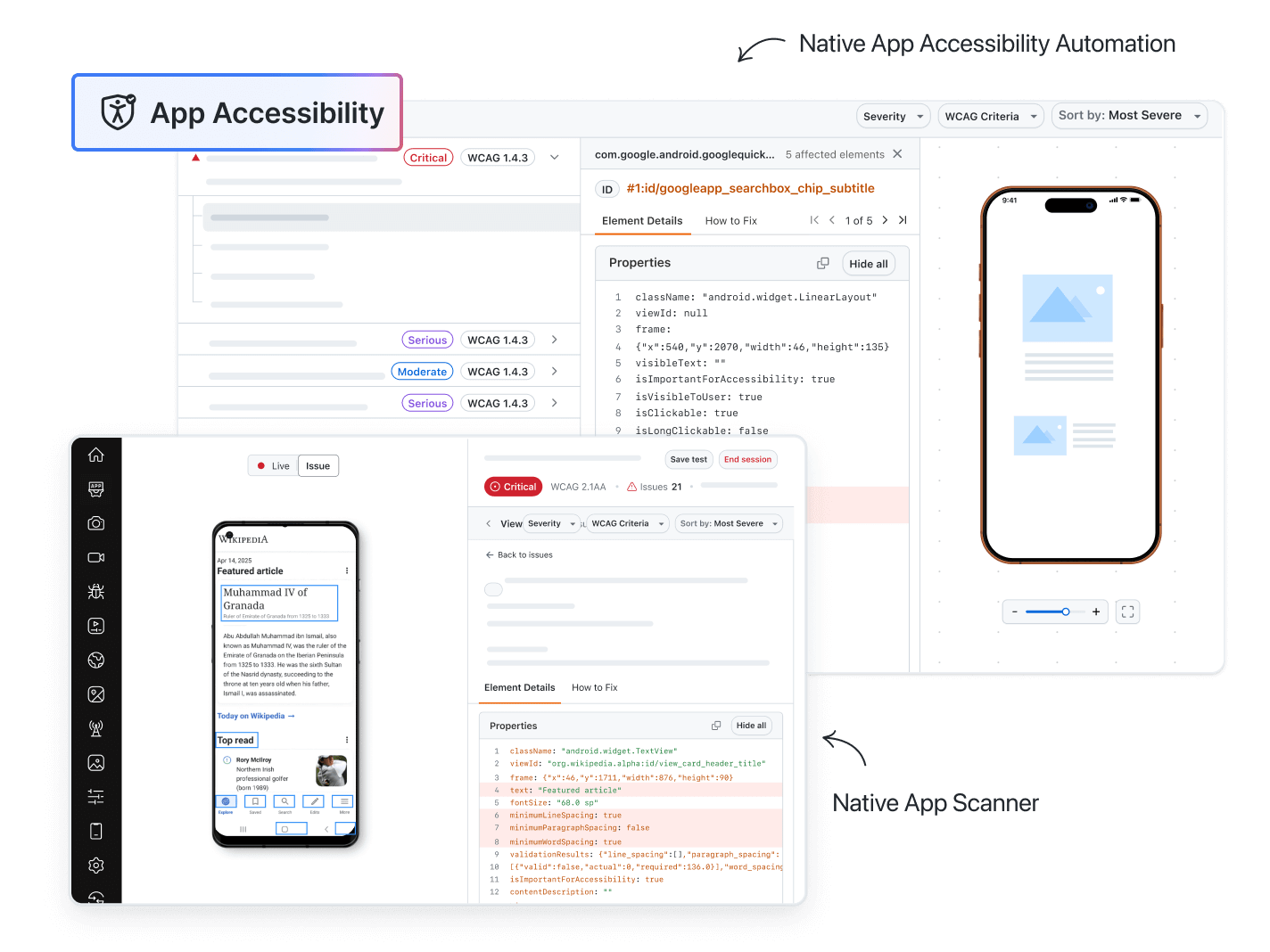
Add WCAG checks to your Appium tests on real Android and iOS devices with one scan hook or AutoScan, or add a scan step to a KaneAI test.


Trusted by 3M+ users globally at


"We have tripled our tests and are now executing tests in less than 2 hours with 78% Faster Test Execution"


"We figured out a more efficient way to monitor system health and resolve failures earlier in lower environments."


"TestMu AI has significantly boosted our testing speed, is easy to implement, and provides exceptional support."


"With 70% faster test execution, TestMu AI helped us achieve faster time-to-market and enhanced CX."


Automate App Accessibility in Every Test Run
Native app accessibility automation scans Android and iOS screens during the tests you already run, so each build reports new issues.
 APPIUM SCAN HOOK
Scan the Screens That Matter in Appium
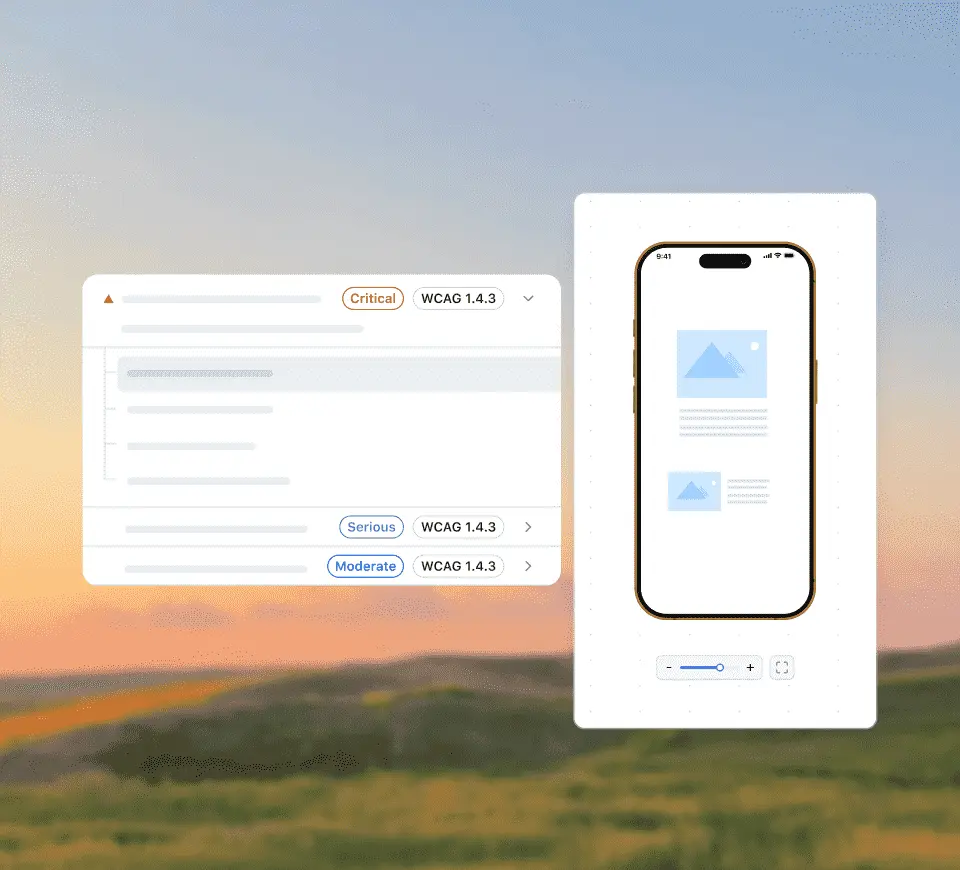
Turn on the accessibility capability and call lambda-accessibility-scan after each stable screen in your Appium test.
Automate App Scans
- One call per screen, after navigation waits complete
- Real Android and iOS devices on the TestMu AI grid
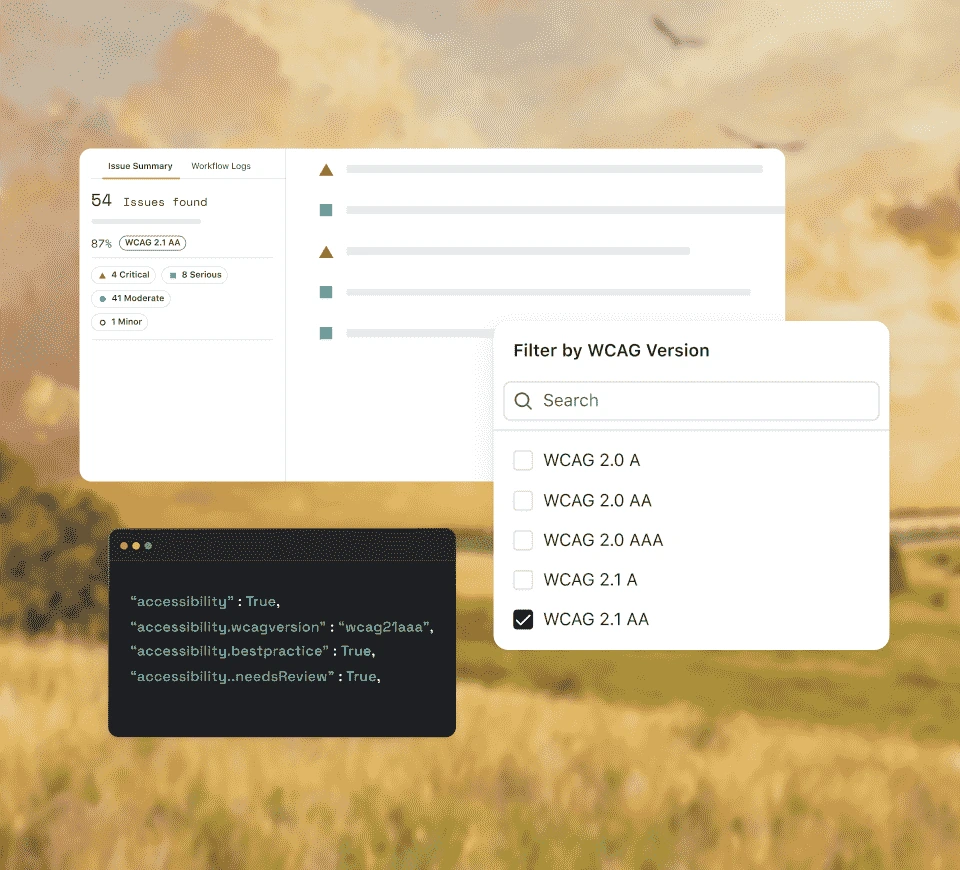
- Pick the WCAG target with accessibility.wcagVersion

 AUTOSCAN
Cover Whole Flows With AutoScan
Set accessibility.autoScan to true and every screen your test reaches is scanned, with repeat screens skipped.
Turn On AutoScanAdd accessibility.autoScan to the session. No hook calls are needed at each step.
Screens that match one already scanned are skipped, on by default at a 95% similarity threshold.
Call lambda-accessibility-scan in an AutoScan session for a one-off scan at a moment you choose.
WCAG target, rule groups, and rule exclusions apply to every AutoScan scan.
 KANEAI
Add a Scan Step in KaneAI Without Code
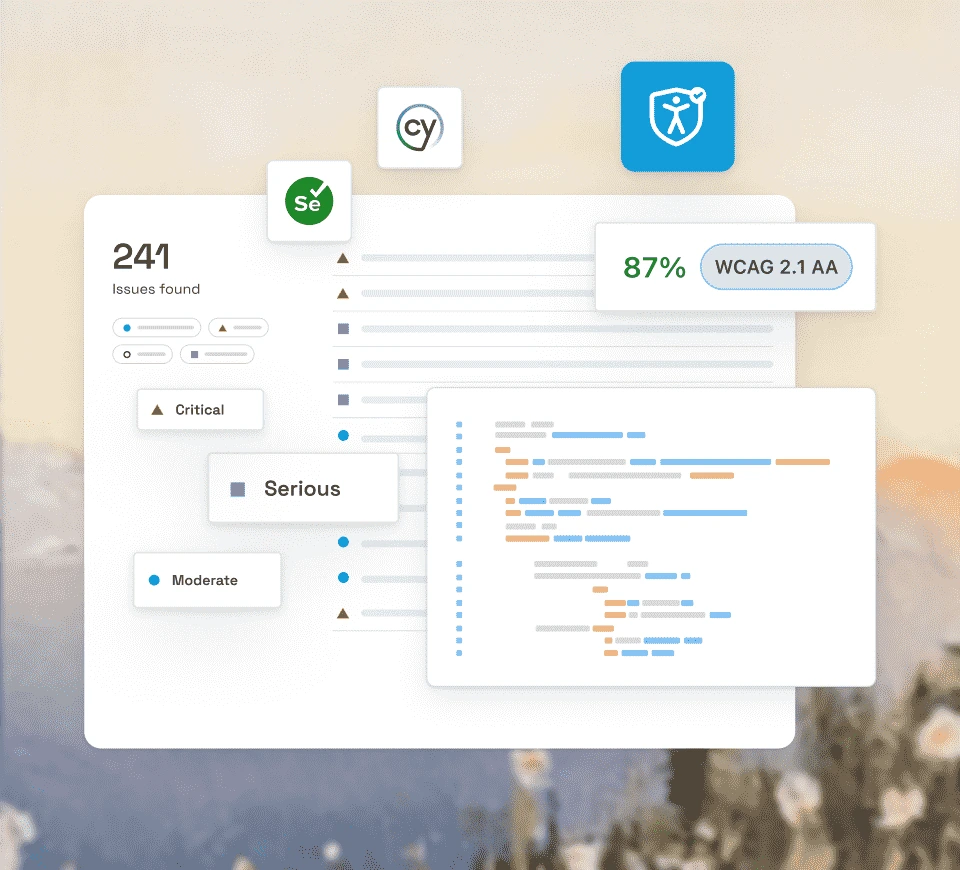
Type / while authoring a KaneAI mobile test and pick Accessibility scan. The step runs on that screen every time the test runs.
Try KaneAI Scans- Tests are tagged accessibility-scan for filtering
- Scan steps show in the test case summary
- All Android versions and iOS 17 and later
 BUILD REPORTS
See Accessibility Issues for Every Build
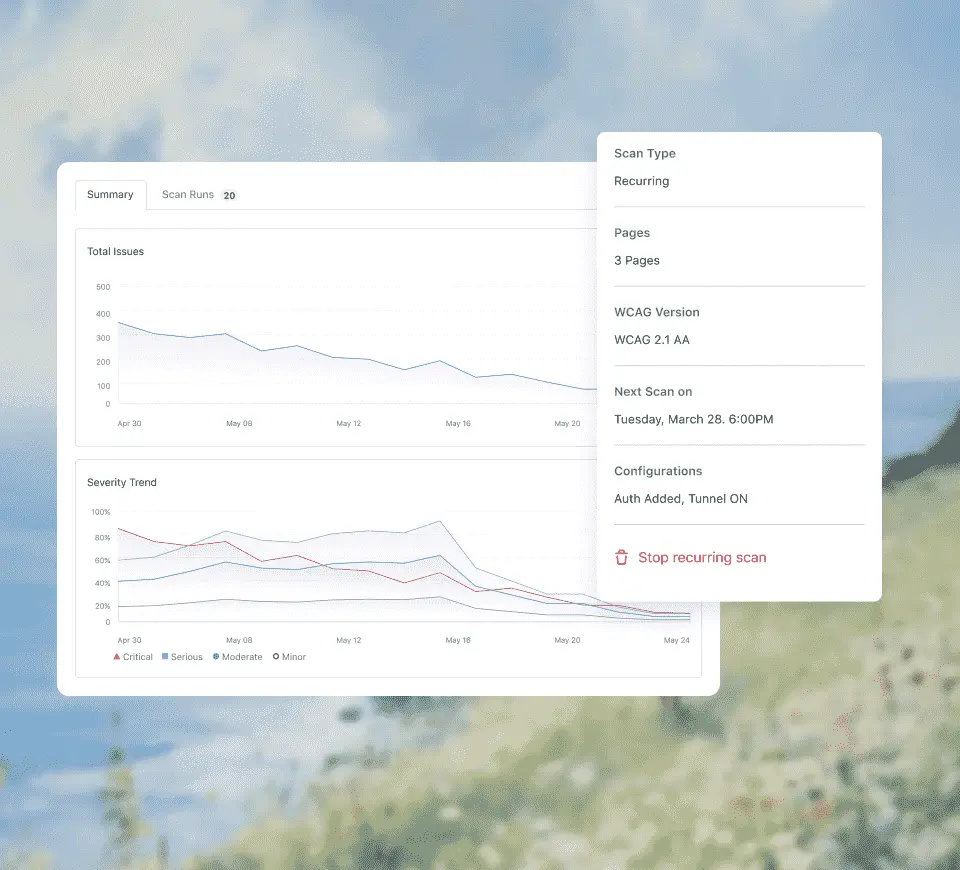
Each run produces an accessibility report for the build, with every issue linked to the WCAG criterion it fails.
See a Sample Report- Severity: Critical, Serious, Moderate, or Minor
- Tag scans by feature, sprint, or build
- File Jira or GitHub issues from any violation
Code Samples for Native App Accessibility Automation
Copy the capabilities for your setup. Results appear in the accessibility report for the build.
Setup, capabilities, and the hook are covered in the Appium guide. Check out our documentation
Scan Hook, AutoScan, or KaneAI
Start free with Google
All three run on real devices and report to the same dashboard. Many teams use AutoScan for coverage and the hook for screens that load late.
Scan Hook
AutoScan
KaneAI Scan Step
Best for
Exact control over when each scan runs
Full-flow coverage with no extra calls
Teams that author mobile tests in plain English
Setup
Capability plus a call after each screen
One capability on the session
Type / and pick Accessibility scan
Screens scanned
Only where you call the hook
Every screen the test reaches, repeats skipped
Each screen marked during authoring
Platforms
Android and iOS
Android and iOS native apps
All Android versions, iOS 17 and later
Scan Hook
Best for
Exact control over when each scan runs
Setup
Capability plus a call after each screen
Screens scanned
Only where you call the hook
Platforms
Android and iOS
AutoScan
Best for
Full-flow coverage with no extra calls
Setup
One capability on the session
Screens scanned
Every screen the test reaches, repeats skipped
Platforms
Android and iOS native apps
KaneAI Scan Step
Best for
Teams that author mobile tests in plain English
Setup
Type / and pick Accessibility scan
Screens scanned
Each screen marked during authoring
Platforms
All Android versions, iOS 17 and later
Built for Mobile Accessibility in CI

Real Devices
Scans run on real Android and iOS devices, where touch targets and font scaling behave as they do for users.

WCAG 2.0 to 2.2
Set the WCAG version and level per session, from WCAG 2.0 Level A to WCAG 2.2 Level AAA.

Rule Exclusion
Remove single rules or whole categories that do not apply to your app with one capability each.

Same Suite, Same Command
Accessibility checks ride along with the Appium tests you already run in CI. No separate pipeline.

Tags Across Builds
Tag scans by feature, sprint, or build to compare accessibility for one part of the app over time.

Screen Reader Automation
Pair scans with automated TalkBack and VoiceOver checks to cover what rules alone cannot judge.
Success Stories of TestMu AI (Formerly LambdaTest)

50%
reduction in test execution time
“HyperExecute is a highly reliable test execution platform and has excellent customer support.”
Sagar Uday Kumar
Sr. Engineering Manager
Customer Reviews of TestMu AI
As Best Egg expanded its product offerings and entered new markets, we knew our old testing infrastructure couldn’t keep up.
With support from Tenny Agustin, our Engineering Operations Lead, we modernized our approach with
TestMu AI

Best Egg
best-egg

Excited to Share My Learning Journey with Kane AI & Lambda Tool!
I'm pleased to announce that I've recently gained hands-on experience exploring Kane AI through the Lambda Tool and it’s been a fantastic journey of upskilling!
KaneAI

Suryateja Goud
suryateja-goud

See how is #Futureready to enable blazing-fast test orchestration seamlessly integrated with organizations' existing CI/CD platforms, using #Microsoft Azure.
TestMu AI

Microsoft India
MicrosoftIndia
More Reasons to Love TestMu AI
TestMu AI is a leading agentic AI quality engineering platform, trusted globally, that assures your AI deployments work as intended, safely and securely, across enterprise and real-world conditions.
Users
3M+
Tests
1.5B+
Enterprises
18K+
Countries
132
TestMu AI positioned as a Leader in the 2026 Gartner® Magic Quadrant™
Read ReportTestMu AI recognized in The Forrester Wave™: Autonomous Testing Platforms, Q4 2025
Read ReportWall of Fame
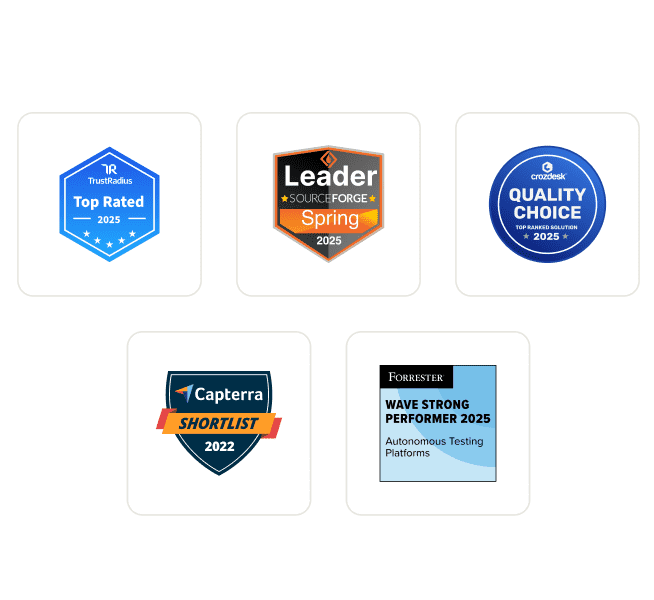
TestMu AI is the #1 choice for SMBs and enterprises across the globe.
Enterprise-Grade Security
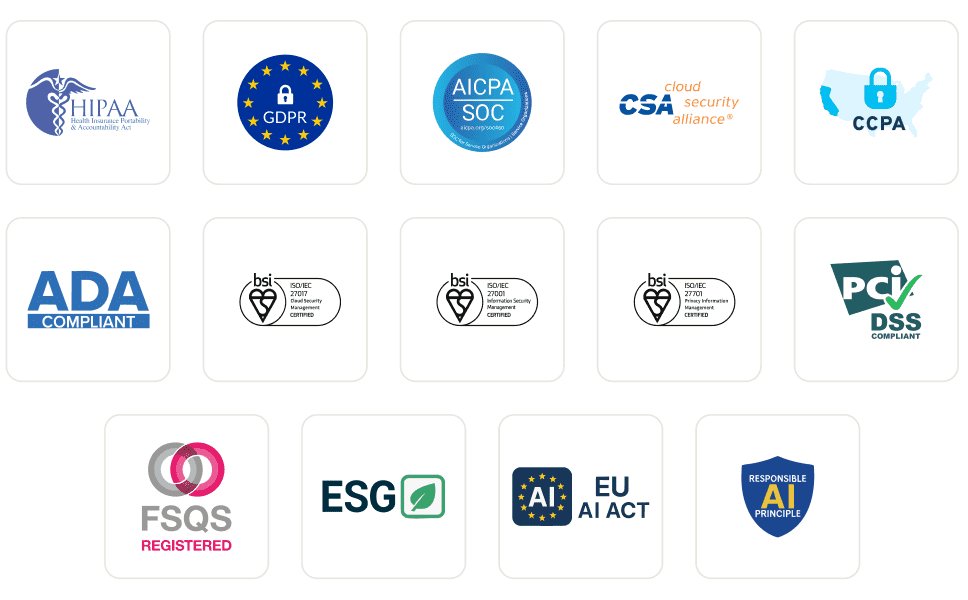
We safeguard your data and AI systems with global security, privacy, responsible AI, and ESG standards.
Integrations
Works where you work, 120+ integrations with the tools your team relies on.



As Seen On
Native App Accessibility Automation FAQs
TestMu AI for Enterprise
Get access to solutions built on enterprise-grade
security, privacy, & compliance
- Advanced access controls
- Advanced data retention rules
- Advanced Local Testing
- Premium Support options
- Early access to beta features
- Private Slack Channel
- Unlimited Manual Accessibility DevTools Tests