
Native App Accessibility Scanner for Android & iOS
Scan each screen of your Android or iOS app on a real device with no code. Every issue maps to a WCAG criterion, with severity and a suggested fix.


Trusted by 3M+ users globally at




"We have tripled our tests and are now executing tests in less than 2 hours with 78% Faster Test Execution"


"We figured out a more efficient way to monitor system health and resolve failures earlier in lower environments."





"TestMu AI has significantly boosted our testing speed, is easy to implement, and provides exceptional support."


"With 70% faster test execution, TestMu AI helped us achieve faster time-to-market and enhanced CX."



Scan Native Apps Screen by Screen
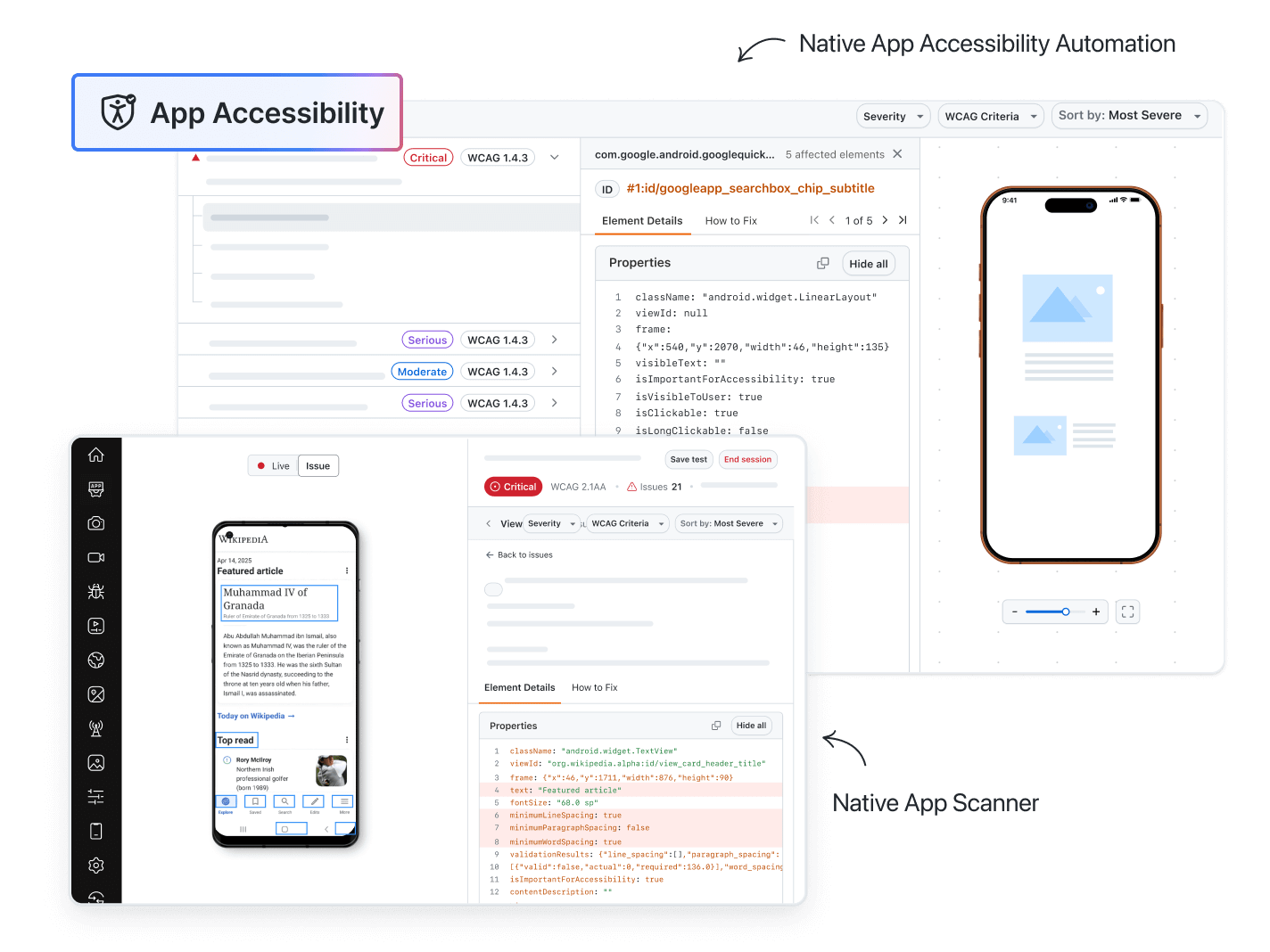
The Native App Scanner checks Android and iOS screens on real devices as you walk through your app, from labels and contrast to touch targets.
 NO-CODE SCANS
Scan Each App Screen on a Real Device
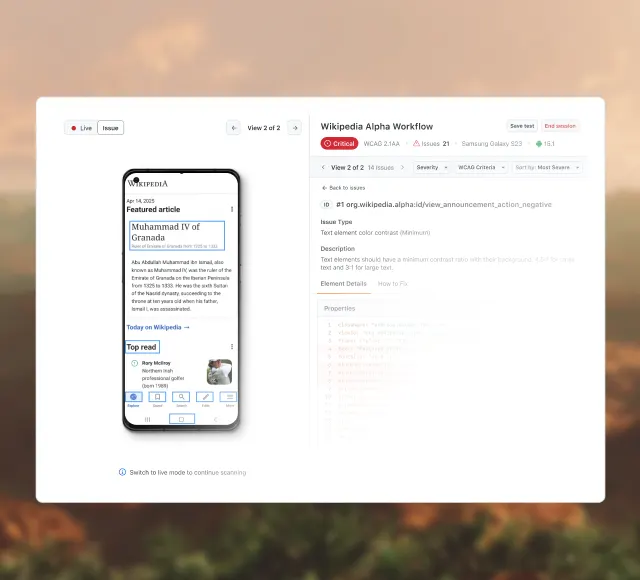
Upload your build, pick a real Android or iOS device, and scan each screen of your key flows as you move through the app.
Scan Your App
- Store builds, enterprise IPA or APK, or uploaded artifacts
- Pick a device by OS version, screen size, and locale
- Scan onboarding, login, checkout, and settings flows

 SCAN CONFIGURATIONS
Choose Exactly Which Rules Run
Pick a WCAG target, toggle rule groups, and switch single rules on or off. Your settings are pre-filled on the next scan.
Configure a ScanChoose WCAG 2.0, 2.1, or 2.2 at Level A, AA, or AAA. Higher targets include the rules of lower ones.
Toggle Best Practice, Beta, and AI-powered rules. Best Practice and Beta are on by default.
Switch one rule or a whole category off, such as Touch Target Size and Spacing.
Your last setup is saved per user and per platform, so Android and iOS stay separate.
 SCREEN READERS
Confirm Findings With TalkBack and VoiceOver
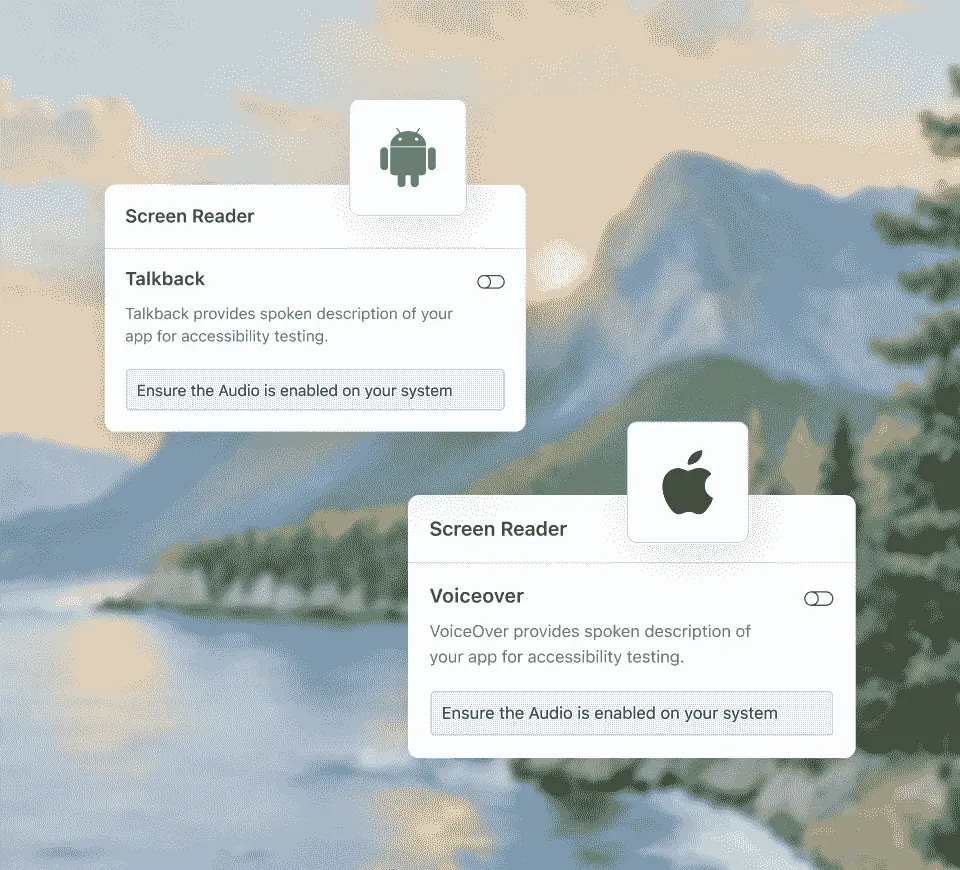
Run a screen reader pass on the same build to hear how labels and reading order sound to users.
Test With Screen Readers- TalkBack on real Android phones and tablets
- VoiceOver on real iPhones and iPads
- Check what rules cannot judge, like label meaning
 ISSUE REPORTS
Review Every Issue With Its Fix
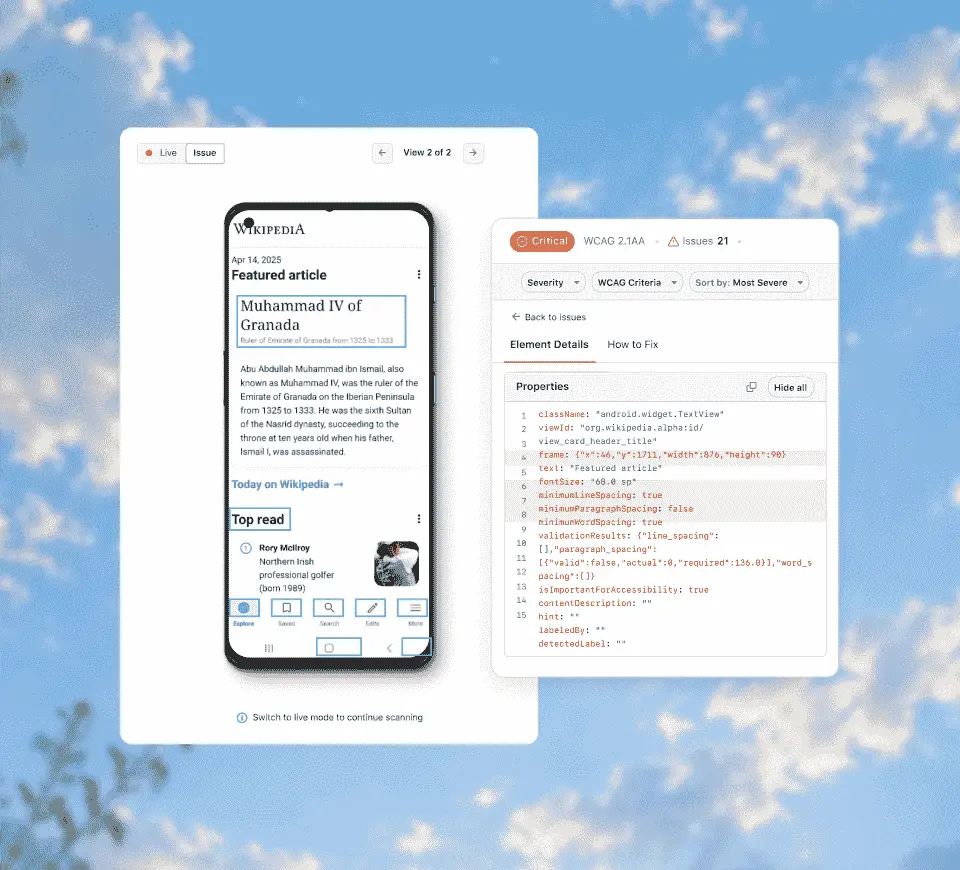
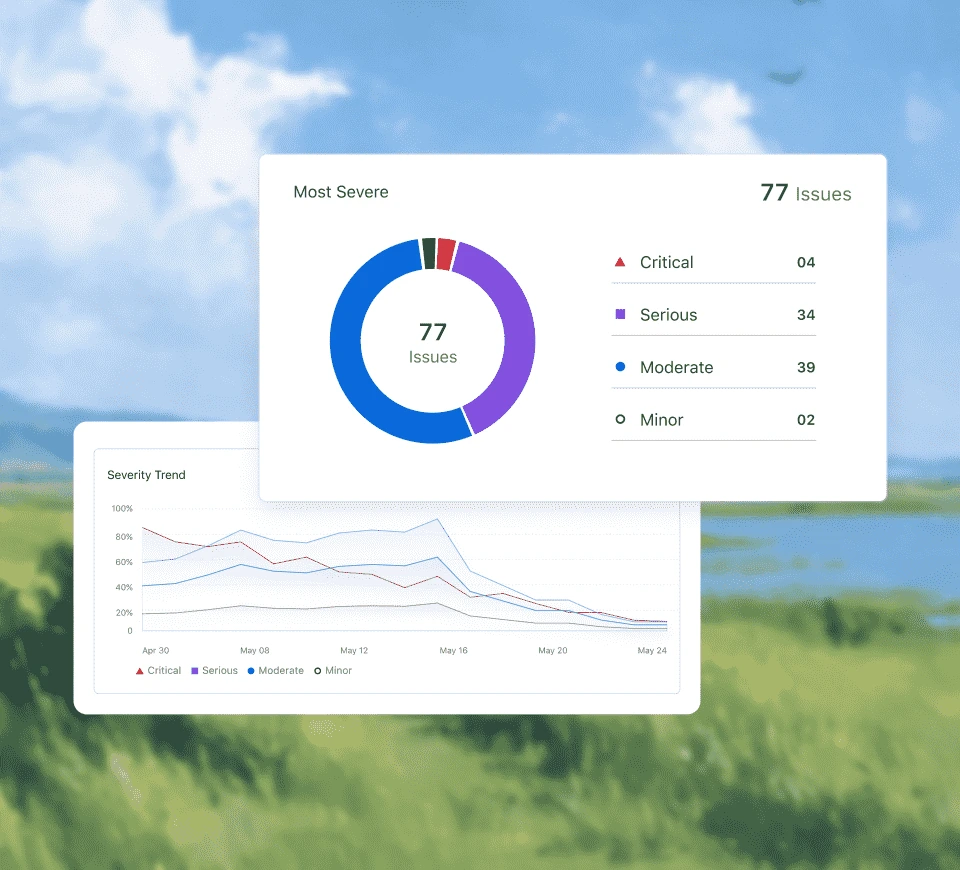
Open each issue to see the rule, the failing element, and a suggested fix, then save the session to your accessibility reports.
See Your Scan Reports- Severity: Critical, Serious, Moderate, or Minor
- Every issue linked to its WCAG success criterion
- Export PDF or CSV reports for audits
Native App Scanner, Appium, or KaneAI
All three scan native apps on real devices and report to the same dashboard. Pick the one that matches how your team tests.
Native App Scanner
Appium Automation
KaneAI
Best for
Exploratory passes, design reviews, and reproducing user reports
Teams that already run Appium tests
Teams that author mobile tests in plain English
Code needed
None
One scan hook or the AutoScan capability
None, type / and add a scan step
When scans run
When you scan a screen
At each checkpoint or every screen the test reaches
At each screen marked during authoring
Where results land
Accessibility reports
The Accessibility tab of the build
The test execution results
Native App Scanner
Best for
Exploratory passes, design reviews, and reproducing user reports
Code needed
None
When scans run
When you scan a screen
Where results land
Accessibility reports
Appium Automation
Best for
Teams that already run Appium tests
Code needed
One scan hook or the AutoScan capability
When scans run
At each checkpoint or every screen the test reaches
Where results land
The Accessibility tab of the build
KaneAI
Best for
Teams that author mobile tests in plain English
Code needed
None, type / and add a scan step
When scans run
At each screen marked during authoring
Where results land
The test execution results
What the Native App Scanner Checks

Labels and Elements
Missing labels on buttons, images, and fields, plus elements that assistive technology cannot reach.

Contrast and Text
Color contrast, readable text, and layouts that break when users enlarge the system font.

Touch Targets
Touch target size and spacing, so controls are easy to tap for people with limited dexterity.

Focus and Navigation
Focus order, content structure, and input purpose across the screens you scan.

Orientation
Screens locked to one orientation, which blocks users who mount their device in landscape or portrait.

Android and iOS Rules
18 baseline Android rules and 15 baseline iOS rules, plus 34 newer rules shared by both platforms.
Success Stories of TestMu AI (Formerly LambdaTest)

50%
reduction in test execution time
“HyperExecute is a highly reliable test execution platform and has excellent customer support.”
Sagar Uday Kumar
Sr. Engineering Manager
Customer Reviews of TestMu AI
As Best Egg expanded its product offerings and entered new markets, we knew our old testing infrastructure couldn’t keep up.
With support from Tenny Agustin, our Engineering Operations Lead, we modernized our approach with
TestMu AI

Best Egg
best-egg

Excited to Share My Learning Journey with Kane AI & Lambda Tool!
I'm pleased to announce that I've recently gained hands-on experience exploring Kane AI through the Lambda Tool and it’s been a fantastic journey of upskilling!
KaneAI

Suryateja Goud
suryateja-goud

See how is #Futureready to enable blazing-fast test orchestration seamlessly integrated with organizations' existing CI/CD platforms, using #Microsoft Azure.
TestMu AI

Microsoft India
MicrosoftIndia
More Reasons to Love TestMu AI
TestMu AI is a leading agentic AI quality engineering platform, trusted globally, that assures your AI deployments work as intended, safely and securely, across enterprise and real-world conditions.
Users
3M+
Tests
1.5B+
Enterprises
18K+
Countries
132
TestMu AI positioned as a Leader in the 2026 Gartner® Magic Quadrant™
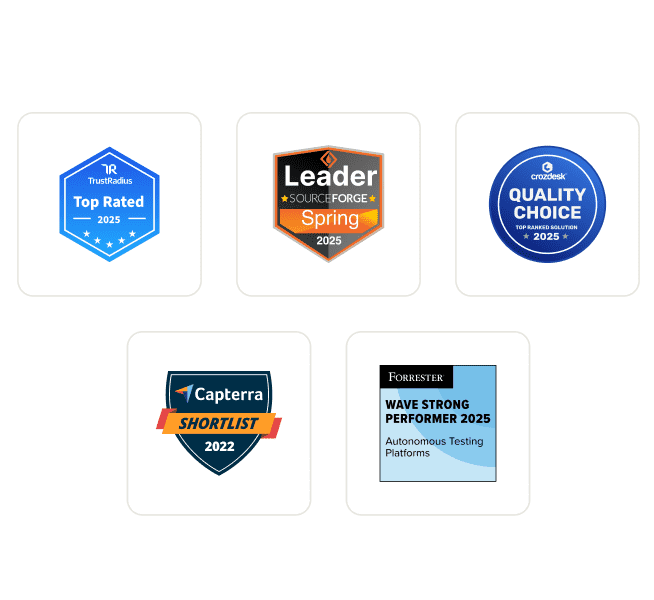
Read ReportTestMu AI recognized in The Forrester Wave™: Autonomous Testing Platforms, Q4 2025
Read ReportWall of Fame
TestMu AI is the #1 choice for SMBs and enterprises across the globe.
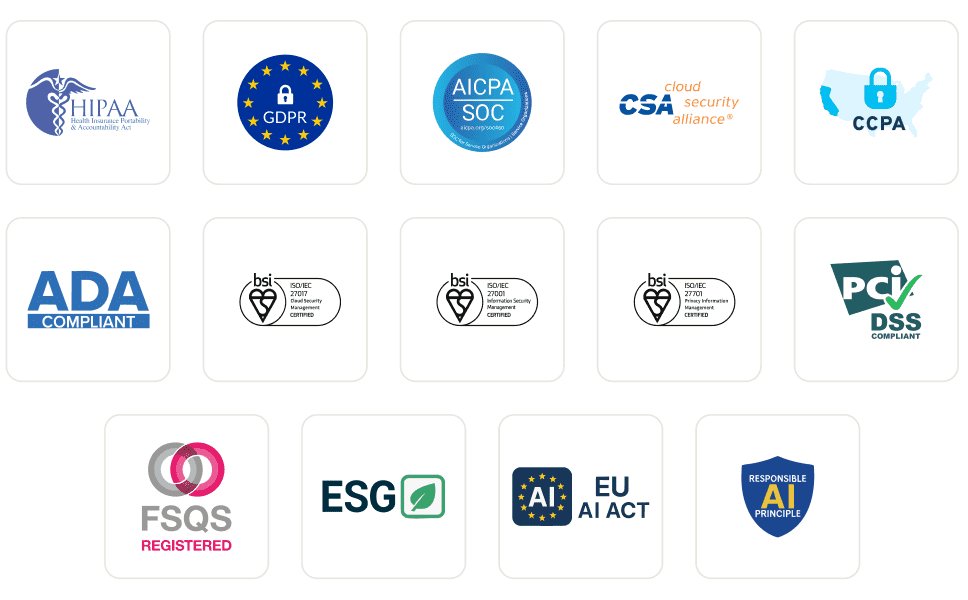
Enterprise-Grade Security
We safeguard your data and AI systems with global security, privacy, responsible AI, and ESG standards.
Integrations
Works where you work, 120+ integrations with the tools your team relies on.



As Seen On
Native App Accessibility Scanner FAQs
TestMu AI for Enterprise
Get access to solutions built on enterprise-grade
security, privacy, & compliance
- Advanced access controls
- Advanced data retention rules
- Advanced Local Testing
- Premium Support options
- Early access to beta features
- Private Slack Channel
- Unlimited Manual Accessibility DevTools Tests