

Run a Mobile Emulator Online, No Download
TestMu AI's mobile emulator online gives you browser-based access to iOS and Android emulators across every major OS version in under 60 seconds. Scale to 10,000+ real devices when hardware accuracy decides the release.

Trusted by 3M+ users globally at




"We have tripled our tests and are now executing tests in less than 2 hours with 78% Faster Test Execution"


"We figured out a more efficient way to monitor system health and resolve failures earlier in lower environments."





"TestMu AI has significantly boosted our testing speed, is easy to implement, and provides exceptional support."


"With 70% faster test execution, TestMu AI helped us achieve faster time-to-market and enhanced CX."



What is an Online Mobile Emulator?
An online mobile emulator is a cloud-based virtual mobile device you open in your browser. It replicates a real mobile OS, browser engine, and user interface via software, allowing you to test an app or website on a chosen iOS or Android device without buying physical hardware or configuring a local environment.
Use it for quick UI checks as a phone or tablet emulator, or install real .apk, .aab, and .ipa builds to test native and hybrid apps. The same session works as a mobile simulator for layout and flow testing across phones and tablets. For a deeper primer, read our guide to app testing on emulators and simulators.
TestMu AI runs the online mobile emulator free, with no credit card required, from any Windows or macOS machine. When you need to validate code against real-world hardware behavior before your release, easily scale your tests to 10,000+ real devices on the real device cloud. Testing Apple platforms specifically? Try the iOS Simulator Online, or the iOS simulator for browser testing for testing websites and web apps across iOS browsers.
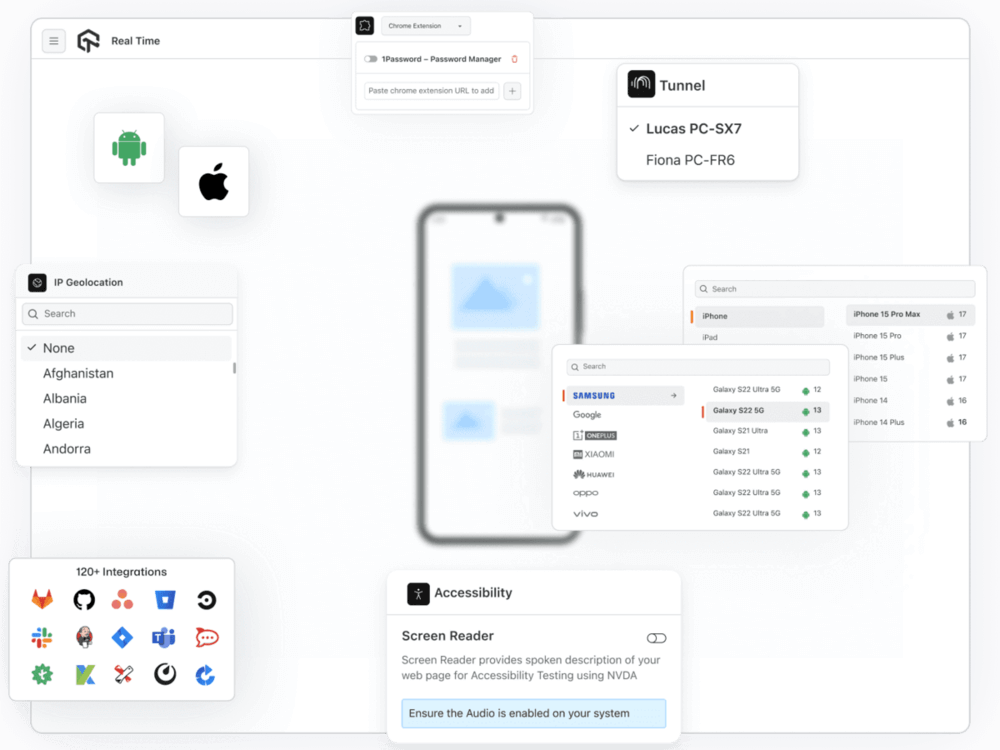
Everything you need to test on mobile, without touching a phone.
Run mobile browser, responsive layout, and automation tests across iOS and Android emulators straight from your browser.
 MOBILE BROWSER TESTING
See exactly how your website renders on any mobile browser, on any device.
Run your website inside an actual mobile browser rendering engine on the device configuration you select, so what you see matches what your users see.
Start a mobile browser session free
Mobile Safari on iOS uses WebKit, mobile Chrome on Android uses Blink. Each mobile browser handles CSS, touch events, and JavaScript differently from its desktop version, so test both.
Access Safari on any iOS version directly from a Windows or Linux machine. No Apple hardware, no local Xcode setup, no simulator downloads required.
Your users run everything from Android 8 to the latest release. TestMu AI gives you official Android emulators across major versions and device models, including Pixel, Samsung Galaxy, and OnePlus.
 RESPONSIVE LAYOUT TESTING
Your desktop layout passes every test. Your mobile layout is a different story.
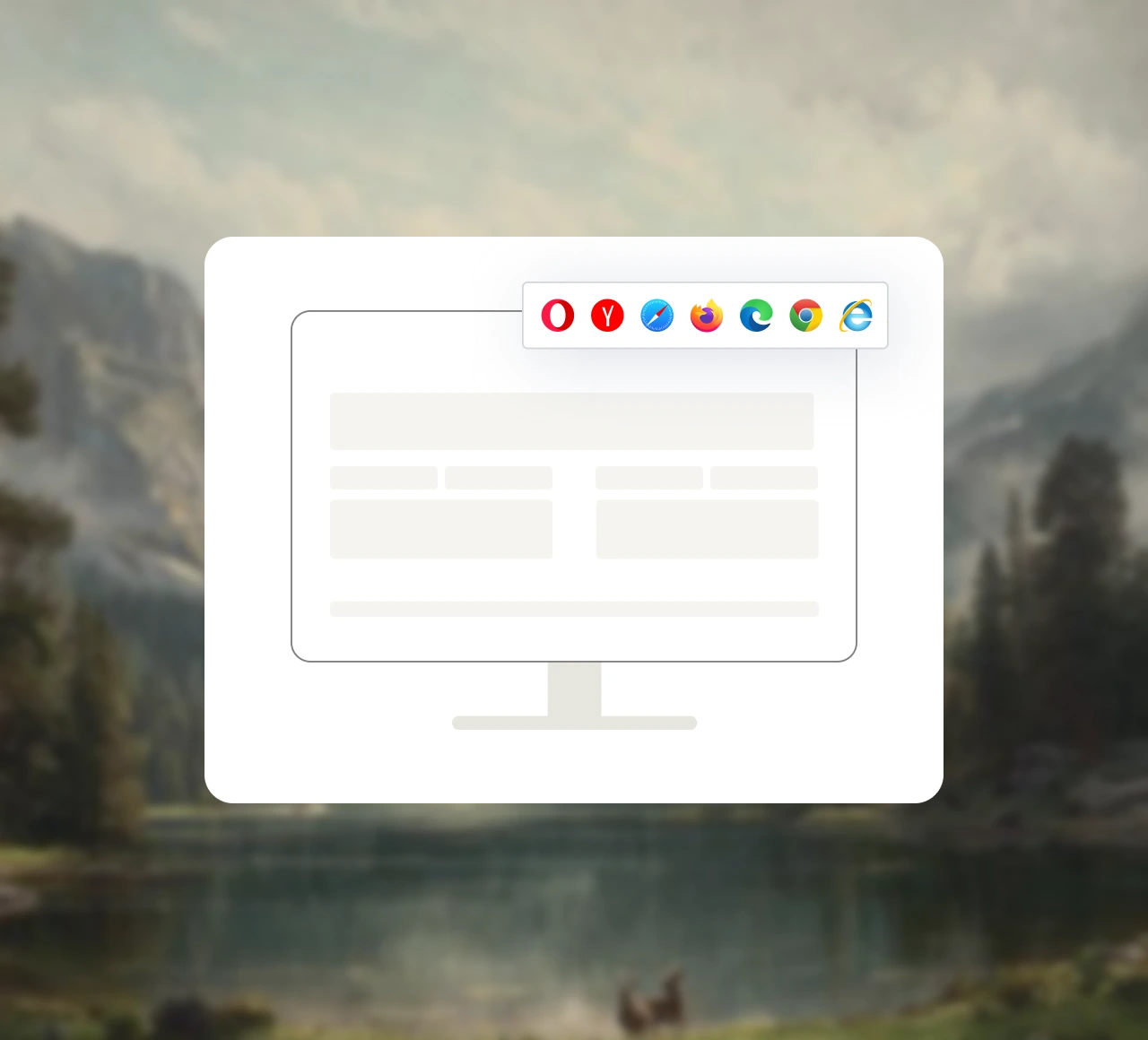
Test across every mobile screen size and orientation without resizing your local browser window.
Test your mobile layout freeMany layout bugs only appear in landscape mode, or when a user rotates their device mid-session. TestMu AI lets you switch orientation in any live session to catch them.
Chrome DevTools device emulation approximates mobile rendering with your desktop browser engine. TestMu AI runs actual mobile browser rendering engines, catching CSS behavior that desktop DevTools miss.
From the 320px width of older iPhones to the wide viewports of modern Android tablets, TestMu AI covers the mobile screen sizes your users have today.
 MOBILE TEST AUTOMATION
Stop running mobile tests one device at a time.
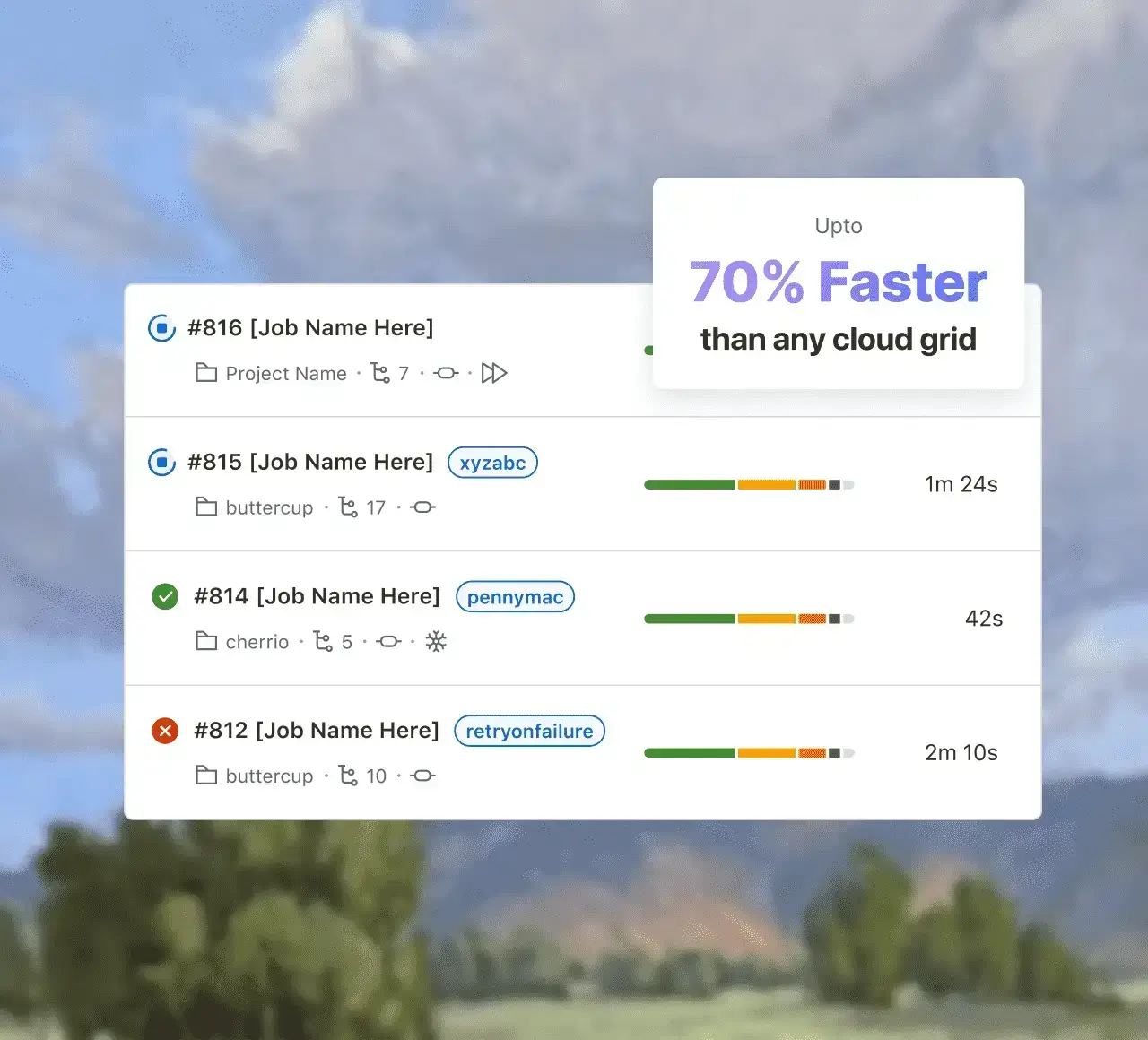
No changes to your test logic, no new frameworks to learn. Point your tests at TestMu AI's cloud grid and run across every device configuration in parallel.
Run your first parallel mobile test freeTestMu AI runs your existing mobile automation suite as written. Switching from a local emulator setup or another cloud provider means updating one configuration file, not your test code.
HyperExecute distributes your mobile test suite across hundreds of emulator configurations at once. Runs that take hours sequentially finish in minutes, with video recordings and logs for every session.
Native integrations with GitHub Actions, Jenkins, CircleCI, GitLab CI, Azure DevOps, and Bitbucket Pipelines run your mobile emulator tests automatically on every code change before it merges.
Built for every mobile testing scenario that matters.

Responsive layout testing
Test across 20+ screen resolutions from 320px to 768px on real mobile rendering engines, not scaled desktop views.

Network throttling
Simulate 3G, 4G, 5G, and offline conditions. Test how your site performs for users on slow or unstable connections.

Geolocation testing
Test from 170+ countries. Verify location-based features, regional content, and geo-restricted functionality work correctly worldwide.

Local and staging URL testing
Test locally hosted or staging environments using TestMu AI's encrypted tunnel. No public exposure required.

Built-in DevTools
Chrome DevTools and Safari Web Inspector built into every session. Inspect, debug, and trace without leaving the dashboard.

120+ integrations
Works with Jira, GitHub, Jenkins, Slack, Azure DevOps, and more. Log bugs with screenshots, video, and device metadata attached.
More coverage. Less cost. Zero maintenance.

60-second setup
Open the page, pick a device, and start testing immediately, no SDK downloads or emulator images.

Starts at $15/month
Full mobile emulator access, parallel execution, and KaneAI for no-code test authoring at less than half the price of others.

No hardware to buy or maintain
Access 3,000+ iOS and Android browser combinations instantly with no procurement and no OS updates to manage.
Broad coverage from day one
Test across every major iOS and Android version from a single dashboard - available immediately.
Mobile Emulators vs Real Devices
Pick real devices when hardware behavior decides the release. Pick emulators for fast, low-cost runs.
Run early UI and regression checks on mobile emulators online. Validate biometrics, camera, GPS, and sensors on the real device cloud before you ship.

Top Choice
Features
Real Devices
Mobile Emulators
Best for
Hardware accuracy
Sensors, biometrics, camera
GPS and cellular networks
Device and OS coverage






















Success Stories of TestMu AI (Formerly LambdaTest)

50%
reduction in test execution time
“HyperExecute is a highly reliable test execution platform and has excellent customer support.”
Sagar Uday Kumar
Sr. Engineering Manager
More Reasons to LoveTestMu AI (formerly LambdaTest)
See how TestMu AI improves your testing with seamless integration, quicker results, and unmatched accuracy.
Users
3M+
Tests
1.5B+
Enterprises
18K+
Countries
132
TestMu AI Named a Challenger in the 2025 Gartner® Magic Quadrant™
Read ReportTestMu AI recognized in The Forrester Wave™: Autonomous Testing Platforms, Q4 2025
Read ReportWall of Fame
TestMu AI is the #1 choice for SMBs and enterprises across the globe.
Enterprise-Grade Security
We safeguard your data and AI systems with global security, privacy, responsible AI, and ESG standards.

Integrations
Works where you work, 120+ integrations with the tools your team relies on.



As Seen On
Some Love from our Customers
As Best Egg expanded its product offerings and entered new markets, we knew our old testing infrastructure couldn’t keep up.
With support from Tenny Agustin, our Engineering Operations Lead, we modernized our approach with
TestMu AI

Best Egg
best-egg

Excited to Share My Learning Journey with Kane AI & Lambda Tool!
I'm pleased to announce that I've recently gained hands-on experience exploring Kane AI through the Lambda Tool and it’s been a fantastic journey of upskilling!
KaneAI

Suryateja Goud
suryateja-goud

See how is #Futureready to enable blazing-fast test orchestration seamlessly integrated with organizations' existing CI/CD platforms, using #Microsoft Azure.
TestMu AI

Microsoft India
MicrosoftIndia
Frequently asked questions
Test your website on every mobile device
your users are on.
Join 3 million developers and QA engineers who test on TestMu AI (formerly LambdaTest).
- Advanced access controls
- Advanced data retention rules
- Advanced Local Testing
- Premium Support options
- Early access to beta features
- Private Slack Channel
- Unlimited Manual Accessibility DevTools Tests