

Power Your Software Testing with AI Agents and Cloud
The Native AI-Agentic Cloud Platform to Supercharge Quality Engineering. Test Intelligently and Ship Faster.


- TestMu AI (Formerly LambdaTest)
- /
- Learning Hub
- /
- 13 Best Manual Testing Tools for QA Teams in 2026
13 Best Manual Testing Tools for QA Teams in 2026
Compare 13 manual testing tools for 2026, from free TestLink, Bugzilla, and Redmine to test management and live browser testing, with each tool's limitation.
Last Updated on:
On This Page
A release passes its automated regression suite on a Friday afternoon. On Monday morning, a tester opens the checkout on a mid-range Android phone, finds the promo code field hidden behind the on-screen keyboard, and files the bug with a screenshot and device details before the first customer complaint arrives.
That catch needed a place to plan the test, a device to run it on, and a tracker to report it in. The manual testing tools below are grouped by those three jobs, and each entry lists its free option and one real limitation. For the practice itself, see the guide to manual testing.
Key Takeaways
A manual testing setup usually combines a test management tool to plan and track test cases, a cloud platform such as TestMu AI to run those tests on real browsers and devices, and a bug tracker such as Jira to report what breaks, then adds API and security tools for the checks a browser session cannot make.
Best Manual Testing Tools by Job
- Best for free, self-hosted test case management: TestLink - the GPL-licensed tool organizes test cases into test plans, assigns them to testers, and links failures to Bugzilla, Mantis, Jira, or Redmine.
- Best for checklist-style exploratory testing: Testpad - test plans read like checklists that testers can edit mid-session, and guest testers can run tests without a login.
- Best for small teams starting structured test runs: TestLodge - it manages test plans, requirements, test cases, and test runs, with unlimited users and integrations for more than 20 issue trackers.
- Best for requirement-to-defect traceability: SpiraTest - Inflectra's platform runs manual tests step by step in an execution wizard and traces each requirement through to the defects it produced.
- Best for running manual tests on real browsers and devices: TestMu AI - live sessions cover 3,000+ browser and OS combinations, its device cloud adds 10,000+ real devices, and Test Manager tracks manual and automated runs together.
- Best for manual API exploration: Postman - the API client sends requests, shows response bodies, headers, and timing, and saves requests into collections that switch between environments.
- Best for manual security testing: ZAP - the free intercepting proxy lets testers pause, edit, and resend browser traffic, bypass client-side validation, and fuzz inputs.
- Best for visual bug reports from a live site: Marker.io - a website widget captures an annotated screenshot, console and network logs, and a session replay, then files the report into trackers such as Jira or GitHub.
- Best for teams already on Atlassian: Jira - its Free plan covers up to 10 users, and test management apps such as Xray and Zephyr add test cases on top of its bug tracking.
- Best for a mature open-source bug tracker: Bugzilla - the MPL-licensed tracker offers advanced saved searches, per-user email notifications, customizable workflows, and group-based permissions.
- Best for lightweight open-source defect tracking: MantisBT - it adds per-project role-based access, custom workflows, and notifications, and it shipped a security release in July 2026.
- Best for bug tracking inside project management: Redmine - issues sit alongside Gantt charts, calendars, wikis, and links to Git or Subversion commits, all self-hosted and free.
- Best for bug tracking with built-in Scrum and Kanban: FogBugz - IgniteTech's tracker plans work at project, sprint, and story level and supports Scrum, Kanban, and Scrumban.
How to Build the Setup
Pick the test management tool and bug tracker your team will actually keep updated, since those two hold the record of what was tested and what broke. Then give testers every browser and device customers use, a step TestMu AI's live testing handles without a device lab.
Why Do QA Teams Still Need Manual Testing Tools?
Automation repeats known checks, and a person supplies judgment about whether a layout looks broken, a label confuses, or a flow feels wrong on a phone. That share of testing is still large: Sembi, the Idera software-quality group that owns TestRail and Xray, surveyed nearly 4,000 QA, security, and engineering professionals for its 2026 Software Quality Pulse report and found that 57% of tests were automated on average, leaving nearly half of testing still manual.
Manual testing software makes that judgment traceable by turning a tester's session into results, screenshots, and bug reports someone else can act on.
- Catch what automation misses - a broken layout that passes every functional check, a confusing button label, or a flow that works but frustrates users.
- Give developers reproducible bugs - structured reports with steps, screenshots, and environment details cut the back-and-forth between QA and development.
- Test new features immediately - manual checks run the day a feature lands, before automation scripts exist or while the requirements are still moving.
- Cover environments without a lab - cloud platforms provide browsers, operating systems, and real devices on demand, so no one has to buy and maintain a shelf of hardware.
- Document compliance checks - accessibility audits against WCAG 2.2 and security reviews need human interpretation and a record that auditors can read.
How These Tools Were Selected
Each tool had to do a manual testing job directly, whether planning test cases, running tests, or reporting bugs, and show signs of active maintenance in 2025 or 2026, such as a release, changelog entry, or current documentation. The list follows that workflow in order, so the numbers describe sequence and carry no quality score.
- Workflow fit - the manual testing job the tool performs, whether planning, running, or reporting.
- Free option - whether it is open source, has a free plan, or offers a free trial, with prices left to each vendor's site.
- Integrations - whether results and bugs flow into the trackers and pipelines a team already uses.
- Verification - every capability below was checked against the vendor's own site or documentation in September 2026.
TestMu AI publishes this guide and appears at number five, in the running stage of the workflow.
Manual Testing Tools Compared
| Tool | Job | Free option | Best for |
|---|---|---|---|
| TestLink | Test case management | Free, open source (GPL-2.0), self-hosted | Free structured test plans linked to bug trackers |
| Testpad | Exploratory test planning | 30-day free trial | Checklist-style exploratory sessions |
| TestLodge | Test case management | 30-day free trial | Small teams starting structured test runs |
| SpiraTest | Test lifecycle management | 30-day free trial | Requirement-to-defect traceability |
| TestMu AI | Live browser and device testing, test management | Free plan with limited live sessions | Running manual tests on real browsers and devices |
| Postman | API testing | Free plan for one user | Manual API exploration |
| ZAP | Security testing | Free, open source (Apache-2.0) | Manual security testing through a proxy |
| Marker.io | Visual bug reporting | 15-day free trial | Bug reports from a live or staging site |
| Jira | Issue tracking | Free plan for up to 10 users | Teams already on Atlassian |
| Bugzilla | Bug tracking | Free, open source (MPL-2.0), self-hosted | Mature open-source bug tracking |
| MantisBT | Bug tracking | Free, open source (GPL), self-hosted | Lightweight defect tracking |
| Redmine | Issue tracking and project management | Free, open source (GPL), self-hosted | Bugs alongside project plans |
| FogBugz | Issue tracking | 14-day free trial | Bug tracking with Scrum and Kanban |
What Are the Best Manual Testing Tools?
Entries 1 to 4 plan and track test cases, entries 5 to 7 run the tests, and entries 8 to 13 are bug tracking tools for manual testing that capture and route what testers find. Version numbers, plan limits, and trial lengths come from each vendor's own site as of September 2026.
1. TestLink
TestLink is a free, open-source test management tool released under GPL-2.0 that teams host themselves. It organizes test cases into test plans, assigns them to testers, and records results build by build, and its README calls it 100% free with no hidden fee.
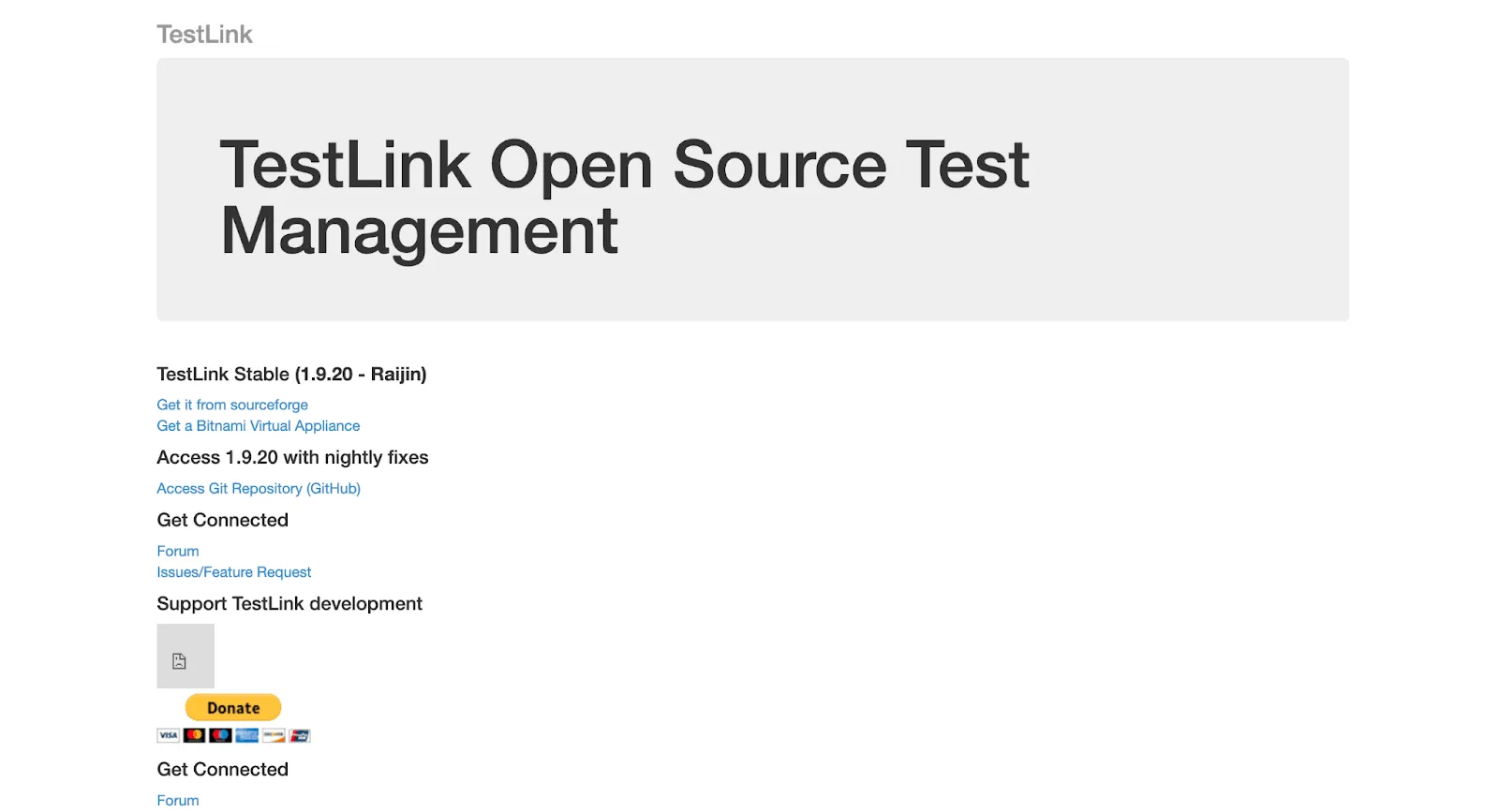
- Test plans and assignment - test cases are grouped into plans and allocated to individual testers, who record the result of each one.
- Requirements coverage - requirements sit beside test cases, so a lead can see which requirements still need tests.
- Bug tracker connectors - built-in integrations link failed cases to Bugzilla, Mantis, Jira, Redmine, GitHub, GitLab, and others.
The last full release is 1.9.20 from January 2020. Later fixes arrive as occasional commits and dated snapshot tags, most recently in December 2025, and the README jokingly calls its lead developer "the One Man Band". Plan for self-hosting and PHP upkeep, and try the current build before committing a large suite to it.
2. Testpad
Testpad is a commercial tool for planning and running manual tests as checklists, built by UK-based Testpad Limited. It starts with a 30-day free trial for up to 20 users, and there is no permanent free plan.
- Checklist test plans - plans read top to bottom, with indentation for structure and a column of results for each test run.
- Editable during testing - testers add a new line mid-session when an idea occurs, which suits exploratory testing.
- Guest testers - guests can run tests without a login and do not take a paid seat on the Team plan and above.
- Issue links - issue numbers from Jira, Pivotal, or GitHub can be recorded against test results.
Testpad does not create issues automatically when a test fails, and its own comparison page lists no audit trail and no per-user access control. Teams with compliance or permission requirements should confirm those gaps are acceptable before adopting it.
3. TestLodge
TestLodge is a hosted test management tool from TestLodge Limited, launched in 2013, for managing test plans, requirements, test cases, and test runs. It offers a 30-day free trial with no credit card, and every plan includes unlimited users.
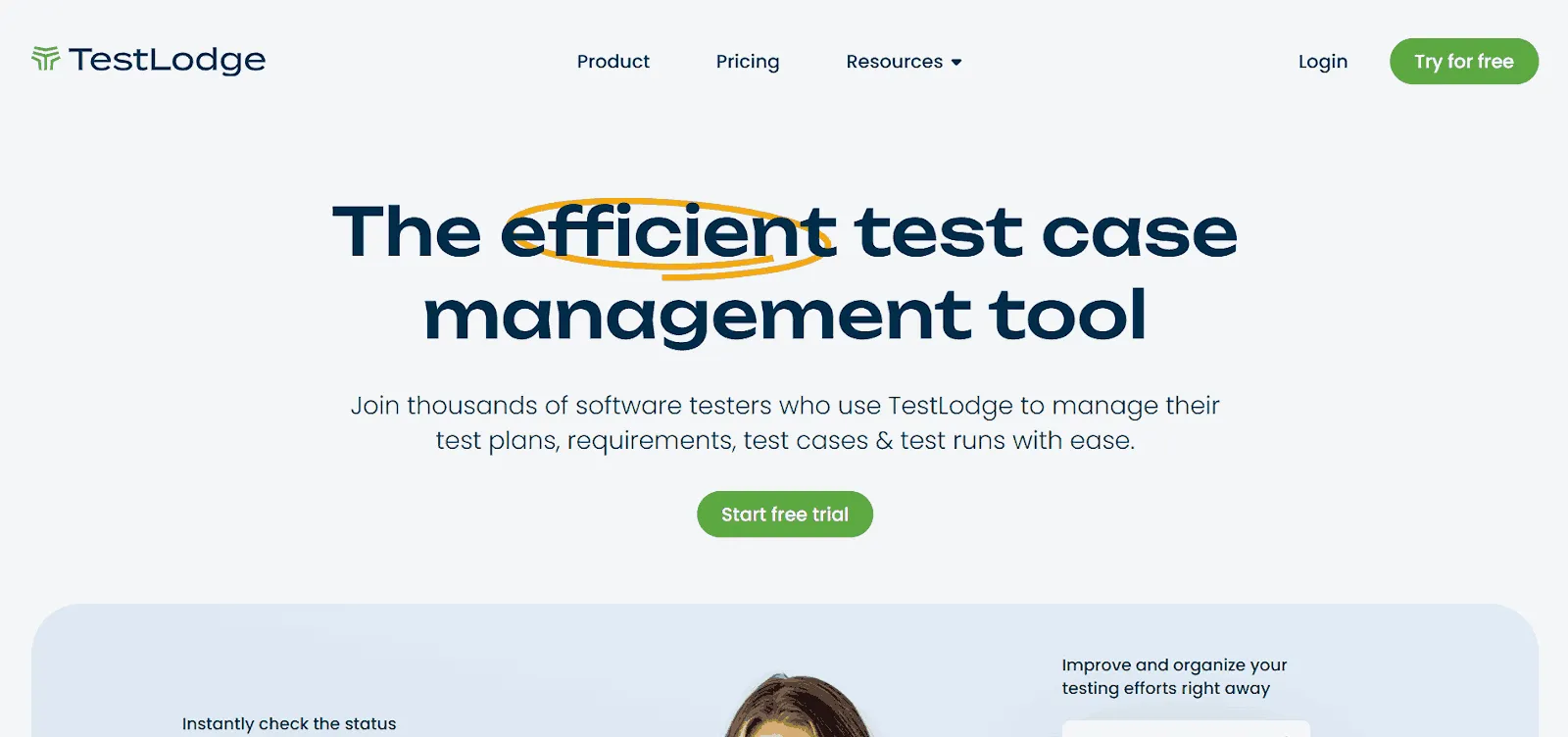
- Guided test runs - each run walks testers through the tests and records the actual result and a status for every one.
- Test configurations - one run can be executed against several configurations, such as Safari, iPhone, or Chrome.
- Requirements traceability - coverage views show which requirements have tests and where gaps remain.
- Issue tracker integrations - more than 20 trackers are supported, including creating Jira, Bugzilla, and Mantis issues from a test case.
Every plan caps stored test cases and test runs, and the smallest plan allows 200 test cases and 100 test runs. A team with a large regression library should check the tier limits before migrating.
4. SpiraTest
SpiraTest by Inflectra manages requirements, tests, and defects in one application, with traceability from a requirement through to the bugs found against it. It runs in the cloud or on premises and has a 30-day free trial.

- Test execution wizard - testers mark each step as pass or fail, optionally log a defect, and paste screenshots straight from the clipboard.
- Exploratory mode - a dedicated mode lets testers create and edit tests on the fly during a session.
- End-to-end traceability - each release shows which requirements were tested and which defects were fixed.
- Jira sync - a free plugin keeps data synchronized with Jira in both directions.
SpiraTest does not include task or risk management, which Inflectra's comparison page places in its larger Spira editions. On-premises installs also need Windows Server, IIS, and SQL Server.
5. TestMu AI (Formerly LambdaTest)
TestMu AI covers the running stage of manual testing: its real-time testing opens live, interactive sessions on 3,000+ browser and OS combinations with no local setup. For physical hardware, its real device cloud provides 10,000+ real Android and iOS devices.
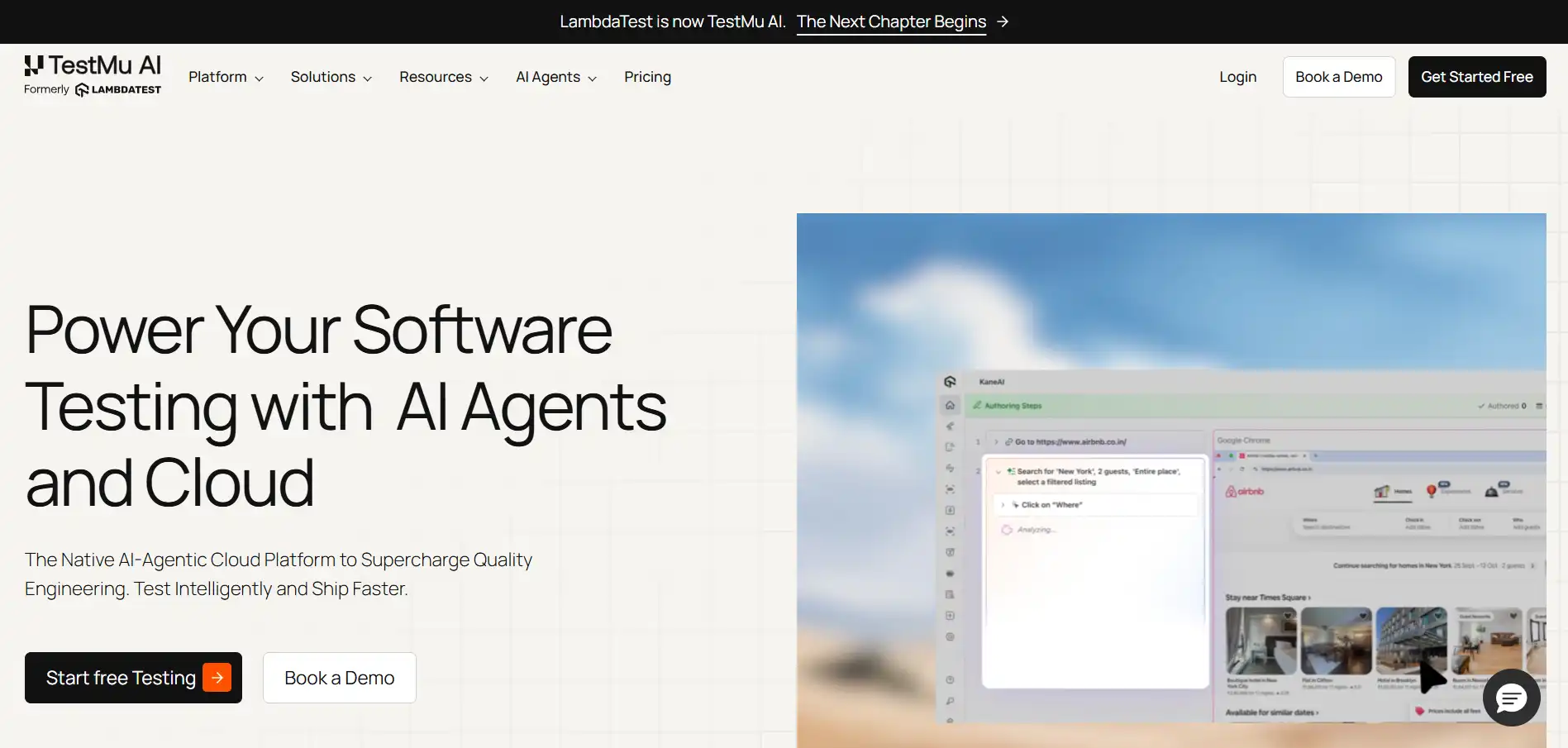
- Mark as Bug - testers push an annotated screenshot from inside a live session to trackers such as Jira, Asana, Trello, GitHub, GitLab, and Azure DevOps.
- DevTools and network profiles - sessions include browser developer tools and throttling to 3G, 4G, 5G, or offline, plus custom network profiles.
- Geolocation - IP geolocation in a live session checks localized content and region-specific behavior from other countries.
- Test Manager - Test Manager plans, organizes, executes, and reports on manual and automated testing in one workspace, with two-way Jira and Azure DevOps sync.
Mobile coverage in real-time testing runs on emulators and simulators, so physical hardware needs the separate real device cloud, and Test Manager relies on Jira or Azure DevOps for defect tracking. The free plan gives limited two-minute live sessions each month on 200+ desktop browsers and five two-minute real device sessions a month, enough to evaluate the workflow.
6. Postman
Postman is an API client that QA teams use to explore endpoints by hand before scripting automated API tests. Its Free plan is built for one person, and collaboration starts on the Team plan.
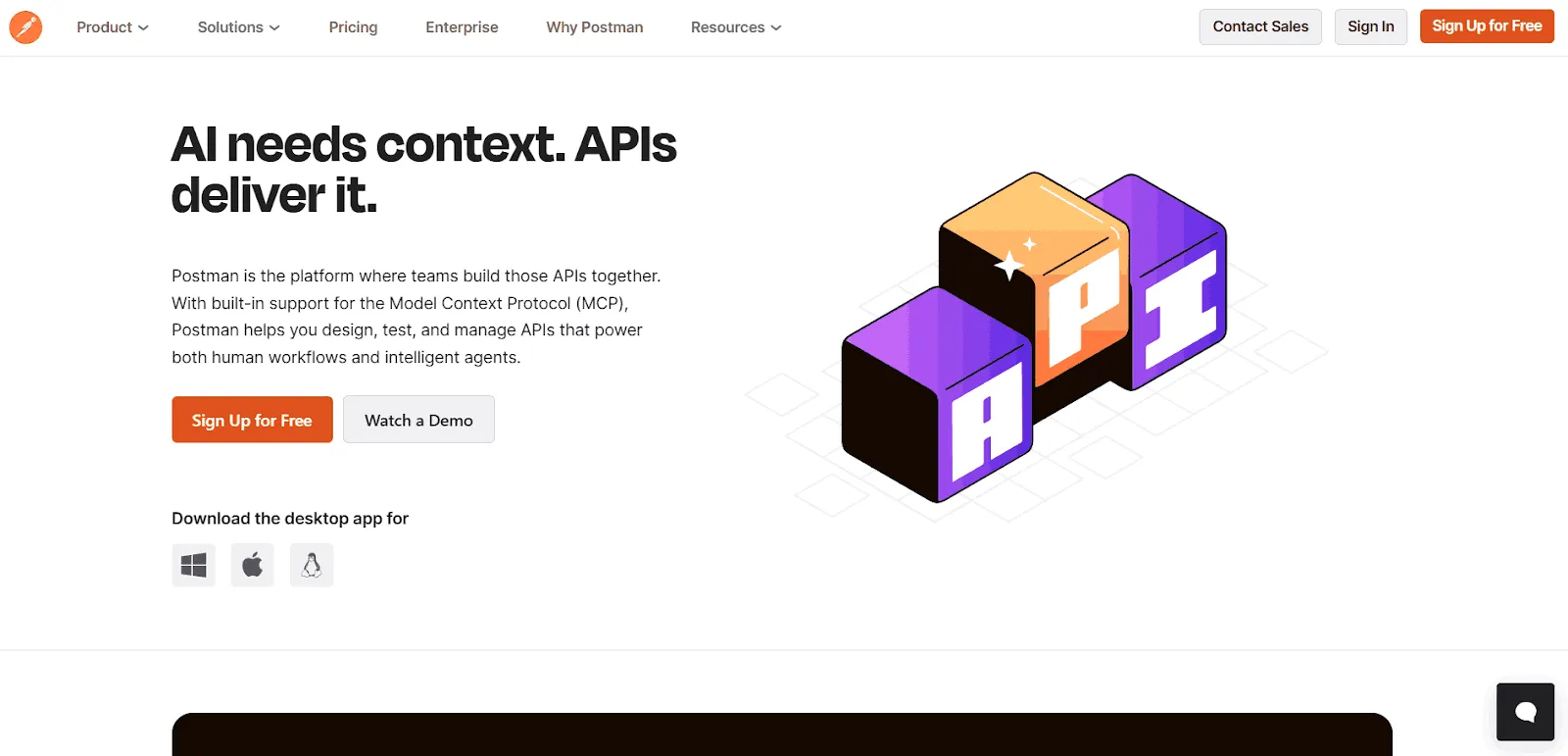
- Request builder - requests can retrieve, add, or delete data and carry parameters and authorization details, across REST, GraphQL, gRPC, WebSocket, and other protocols.
- Response viewer - bodies, headers, cookies, and test results are shown for each response, along with the time it took in milliseconds.
- Collections and environments - saved requests are grouped into collections and pointed at different servers, such as test and production, through environment variables.
- Scripts - JavaScript pre-request and post-response scripts add checks and pass data between requests.
The Free plan includes a single user, so a QA team that shares collections needs a paid plan.
7. ZAP
ZAP, now branded ZAP by Checkmarx, is a free, open-source penetration testing tool licensed under Apache-2.0. For manual testing it sits between the browser and the application as an intercepting proxy, so a tester can watch and change every request and response.
- Breakpoints - a request can be paused and edited before it reaches the application, which exposes hidden fields and bypasses client-side validation.
- Manual Request Editor - testers build an HTTP request from scratch or resend an existing one with changes.
- Fuzzer - any request can be sent repeatedly with built-in or custom payloads to find unexpected input handling.
- Manual Explore - a browser launched from ZAP is proxied automatically and ignores certificate errors, so no root certificate import is needed.
ZAP needs security knowledge to interpret its findings, and its own docs describe the in-browser HUD as early-stage, with only limited ZAP functionality available. Active scans are real attacks, so run them only against targets you have permission to test.
8. Marker.io
Marker.io is a website feedback tool from Belgium-based Marker.io SRL for bug reporting, QA, and user acceptance testing. It offers a 15-day free trial, and reporters are free and unlimited, with no account needed.
- Widget and extension - reports come from a widget embedded in the site or web app, or from a browser extension for internal users.
- Automatic context - each report carries an annotated screenshot plus the browser, OS, page, and screen size, without the reporter typing them.
- Console, network, and session replay - the widget records console errors, network requests, and the last three minutes of activity before the report.
- Tracker integrations - reports go to Jira, Trello, Asana, GitHub, GitLab, Linear, Azure DevOps, and other trackers, with full two-way sync of status, fields, and comments on Jira, GitHub, GitLab, and Asana.
Console logs, network requests, and session replay come only through the widget and not from the browser extension alone, and the network recorder skips WebSockets and server-sent events.
9. Jira
Jira is Atlassian's issue tracker, and QA teams use it to log bugs as work items with severity, screenshots, and version details next to the development work that fixes them. Its Free plan covers up to 10 users, and the Standard and Premium plans have a 7-day trial.
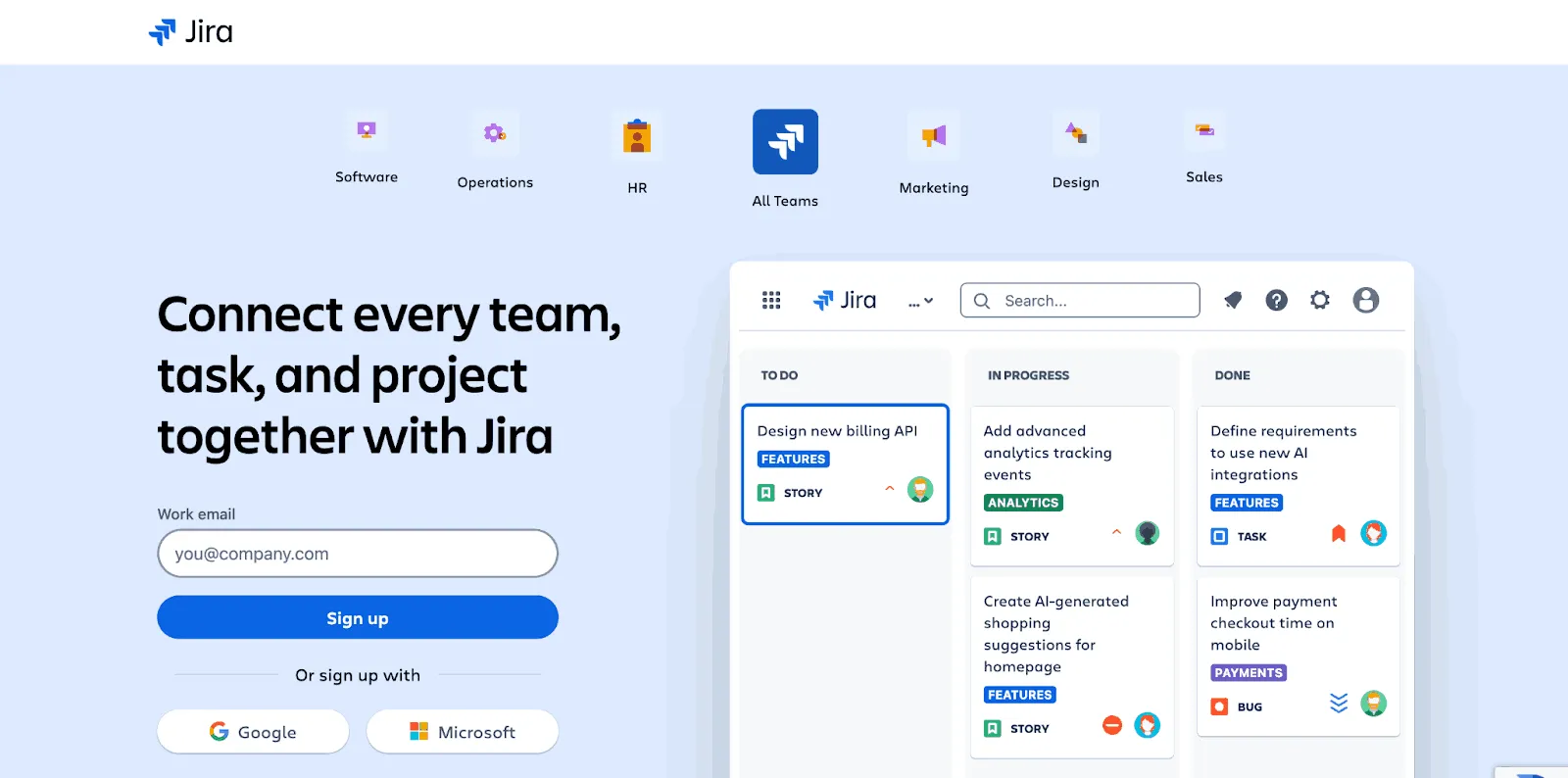
- Custom workflows - each work type can have its own workflow from report to verification.
- JQL - Jira Query Language builds saved searches for failed cases, regressions, or a single release.
- Kanban boards - testing work sits beside development tasks on the same board.
- Test management apps - Jira has no built-in test case management, so teams add apps such as Xray, from Idera's Sembi, or Zephyr, from SmartBear, or connect an external tool.
The Free plan caps outgoing email at 100 a day across the whole site, and it makes every user an admin because user roles and permissions start on the Standard plan, which matters once testers and developers need different access.
10. Bugzilla
Bugzilla is a mature open-source bug tracker, released under the Mozilla Public License 2.0 and managed since 2023 by Zarro Boogs Corporation, a non-profit founded by its core developers. It is free to use but runs on your own server.
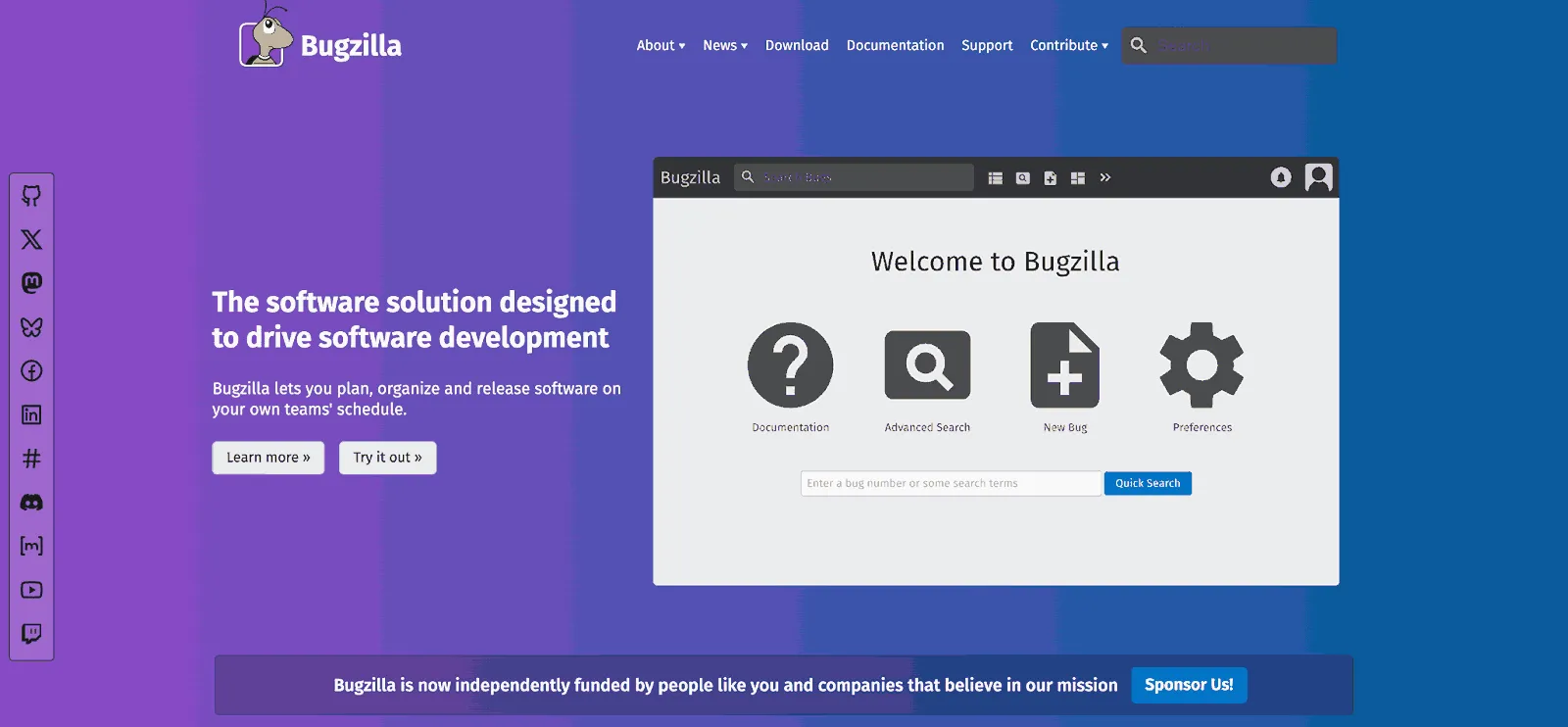
- Advanced search - saved searches can filter on any field, including time-based queries.
- Personal notifications - each user decides which changes and which bugs send them email.
- Custom workflow and fields - statuses, resolutions, and custom fields can be added or removed without code.
- Group permissions - groups control who can see or edit which bugs.
The last stable release, 5.2, shipped in September 2024, and development since then has continued through commits without a new stable version. Self-hosting also leaves upgrades and backups with the team, and the roundup of bug tracking tools compares hosted alternatives.
11. MantisBT
MantisBT is a free, open-source issue tracker released under the GPL, and its homepage pitches it as a balance between simplicity and power. Version 2.28.4 shipped on July 1, 2026 as a security release.
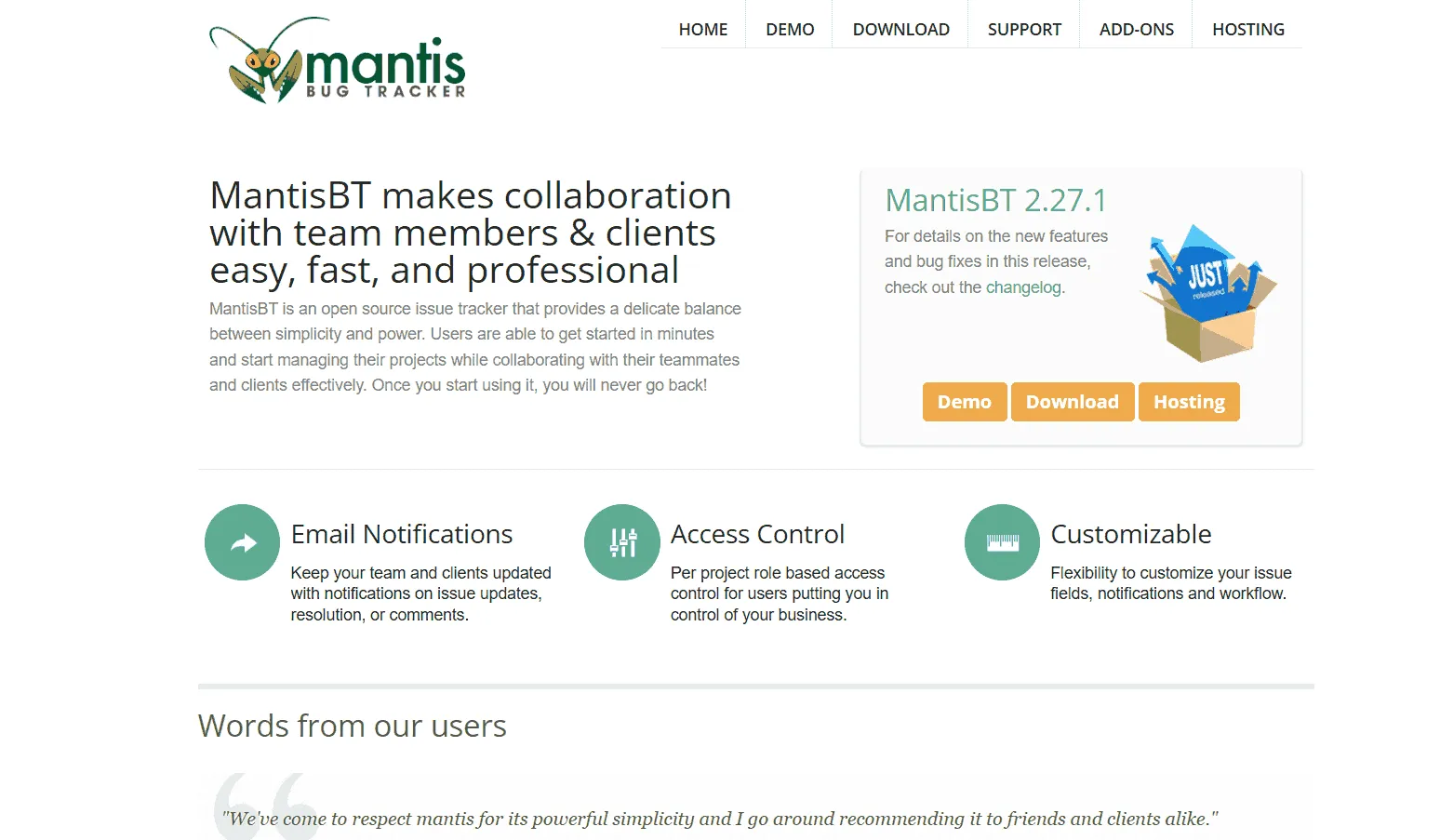
- Notifications - email updates go out on issue changes, resolutions, and comments.
- Per-project roles - role-based access control is set separately for each project.
- Custom workflow - teams define a workflow on top of their own custom statuses.
- Version control plugin - the Source Integration plugin connects commits from a version control system to issues.
The admin guide marks Microsoft SQL Server and Oracle support as experimental, which may need a skilled database administrator to finish the install.
12. Redmine
Redmine is a free, open-source project management application under GPL v2 that combines issue tracking with project planning, and teams host it themselves. Version 7.0.1 was released on August 26, 2026.
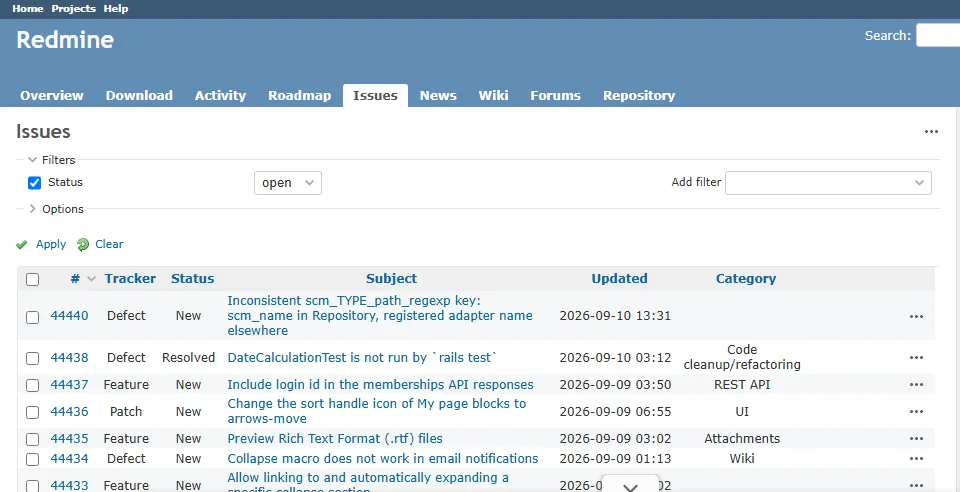
The Redmine project tracks its own development in Redmine. A session on the TestMu AI cloud, build 104492715, loaded the public tracker at redmine.org on September 10, 2026 and found 4,810 open issues across defects, features, and patches.
- Workflow per tracker and role - transitions are configured for each issue type and role in the admin interface.
- Gantt and calendar - schedules are built automatically from issue start and due dates.
- Roles and permissions - custom roles control what each member can do.
- Repository links - issues connect to Subversion, CVS, Mercurial, Bazaar, or Git.
Redmine's install guide marks SQLite as unsuitable for multi-user production use, so a team installation needs MySQL, PostgreSQL, or SQL Server, and Redmine does not run on JRuby.
13. FogBugz
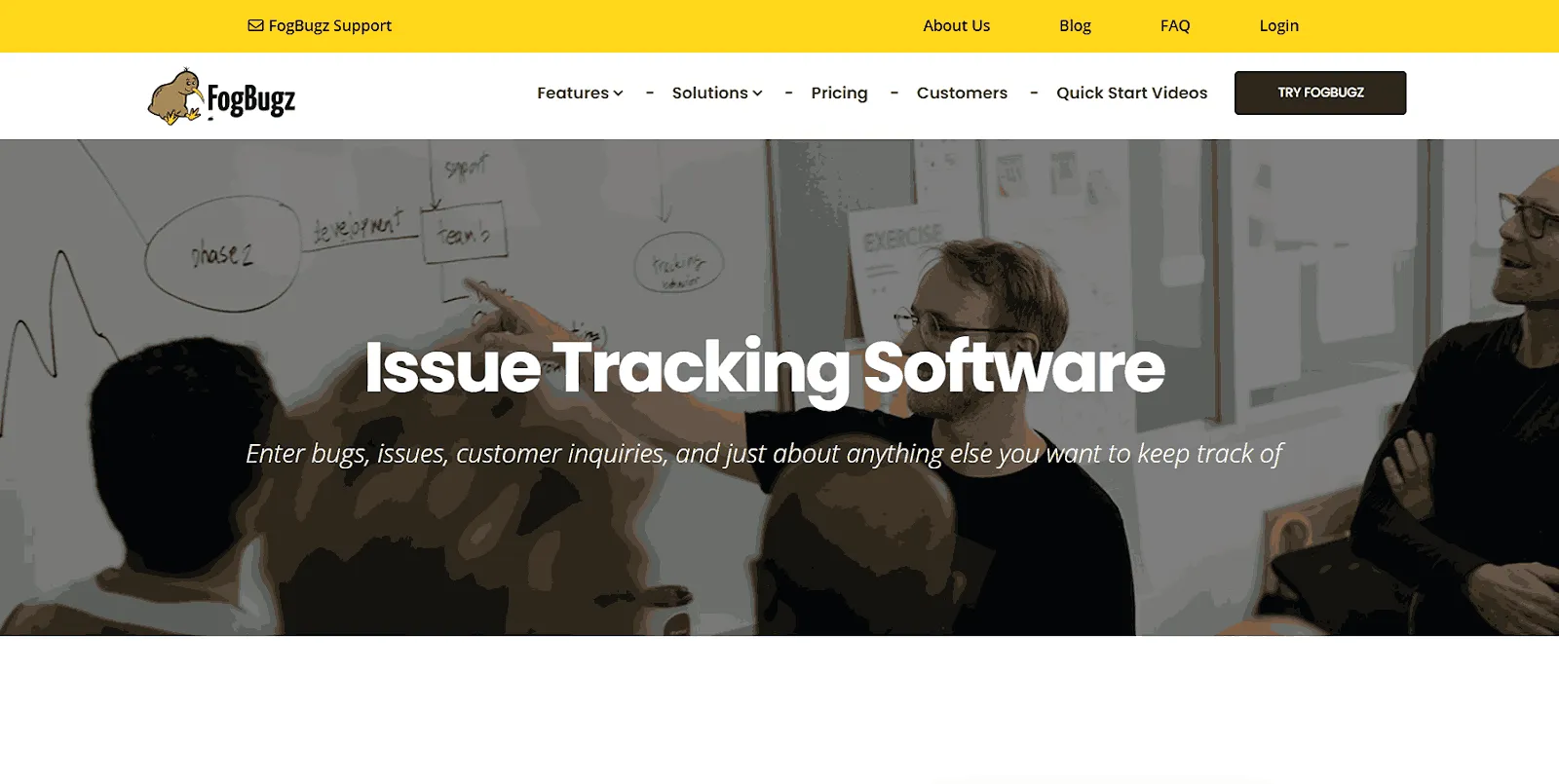
FogBugz is a commercial issue tracker owned by IgniteTech, available in the cloud or on premises, that keeps the project backlog and bug workflow in one place. New accounts start with a 14-day trial.
- Planning levels - work is planned at project, sprint, epic, user story, and task level.
- Methodology support - Scrum, Kanban, and Scrumban are all supported.
- Unified search - one search covers docs, wikis, code, issues, bugs, and discussions.
- Integrations - Slack, GitHub, Google Drive, and Trello connect to cases.
GitHub pull requests appear on a case only after they merge, and the trial caps email notifications at five a day, so a trial will not show the full notification flow.

What Is the Difference Between Manual and Automation Testing?
Manual testing uses a person's judgment to run and evaluate tests, while automation testing runs scripts that repeat the same checks without supervision. In practice the two overlap: TestMu AI's Future of Quality Assurance survey, which gathered 1,615 responses in 2023, found that 45% of organizations were triggering their automated tests manually and not from a CI/CD pipeline.
The table below compares the two approaches side by side, and the guide to manual vs automation testing covers each aspect in more depth.
| Aspect | Manual Testing | Automation Testing |
|---|---|---|
| Execution speed | Slower, since a person carries out every step. | Fast and consistent once scripts exist. |
| Best for | Exploratory, usability, ad-hoc, and visual checks that need human judgment. | Regression, performance, load, and repetitive checks that need speed. |
| Accuracy | Prone to human error on long, repetitive runs. | Repeats the same steps the same way every time. |
| Initial cost | Low setup cost, mainly testers and basic tools. | Higher upfront investment in tools, frameworks, and scripting. |
| Maintenance | Test cases and documentation need updates. | Scripts, frameworks, and CI/CD jobs need ongoing updates. |
| Skills | Domain knowledge and exploratory technique. | Programming or scripting skills. |
| Coverage | Limited by the time testers have. | Scales to thousands of test cases per run. |
| Choose Manual Testing When | Choose Automation Testing When |
|---|---|
| Exploring new or unstable features that change often | Running regression tests on every build |
| Validating UI, UX, and accessibility for real users | Running high-volume, performance, or load tests |
| Testing complex business rules and edge cases | Checking stable features where scripts save time |
| Running one-off checks or ad hoc exploratory sessions | Running tests in parallel across many environments |
Moving part of a manual suite into automation depends on test complexity, repeatability, return on investment, and team readiness, which the guide on how to move from manual testing to automation walks through.
How to Perform Manual Testing With TestMu AI
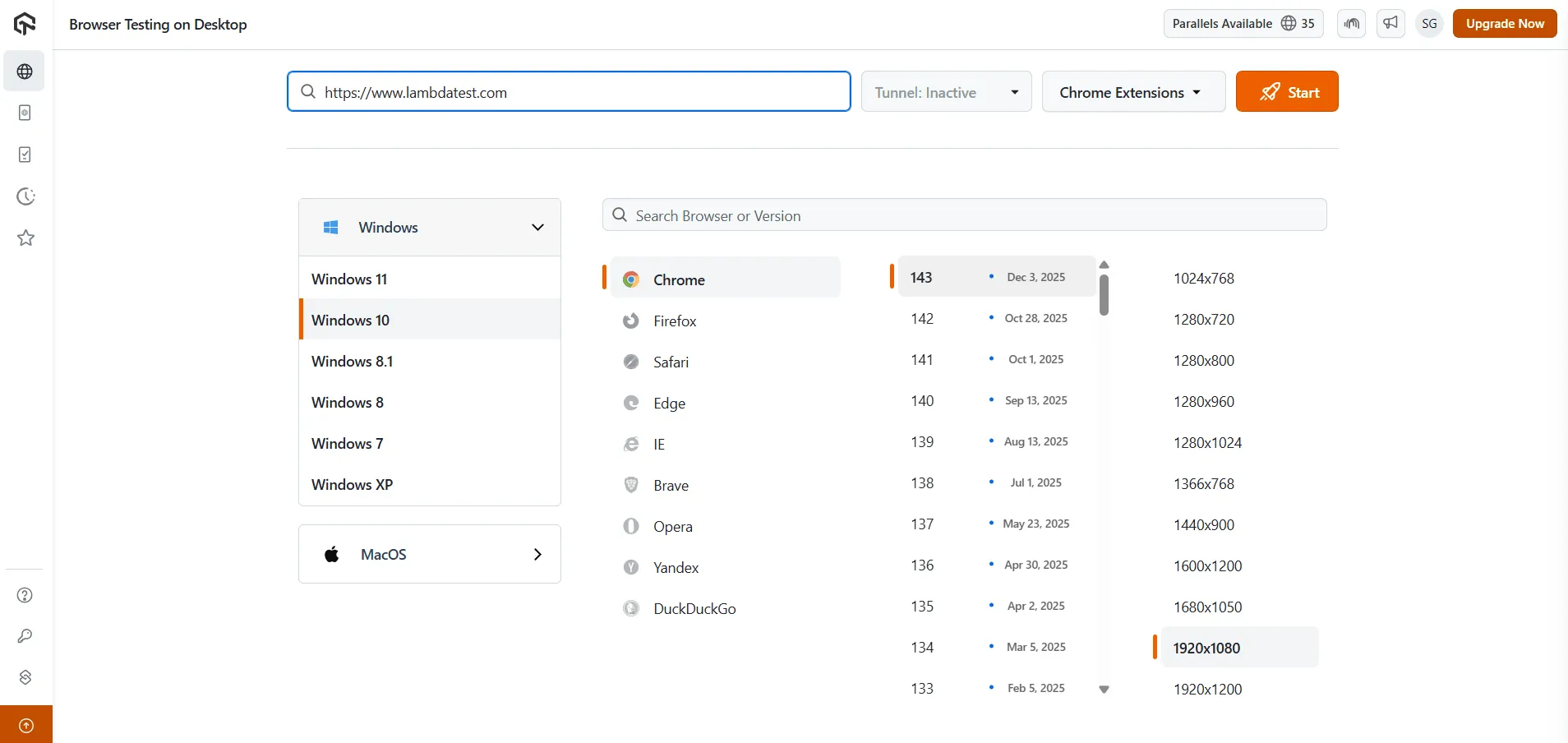
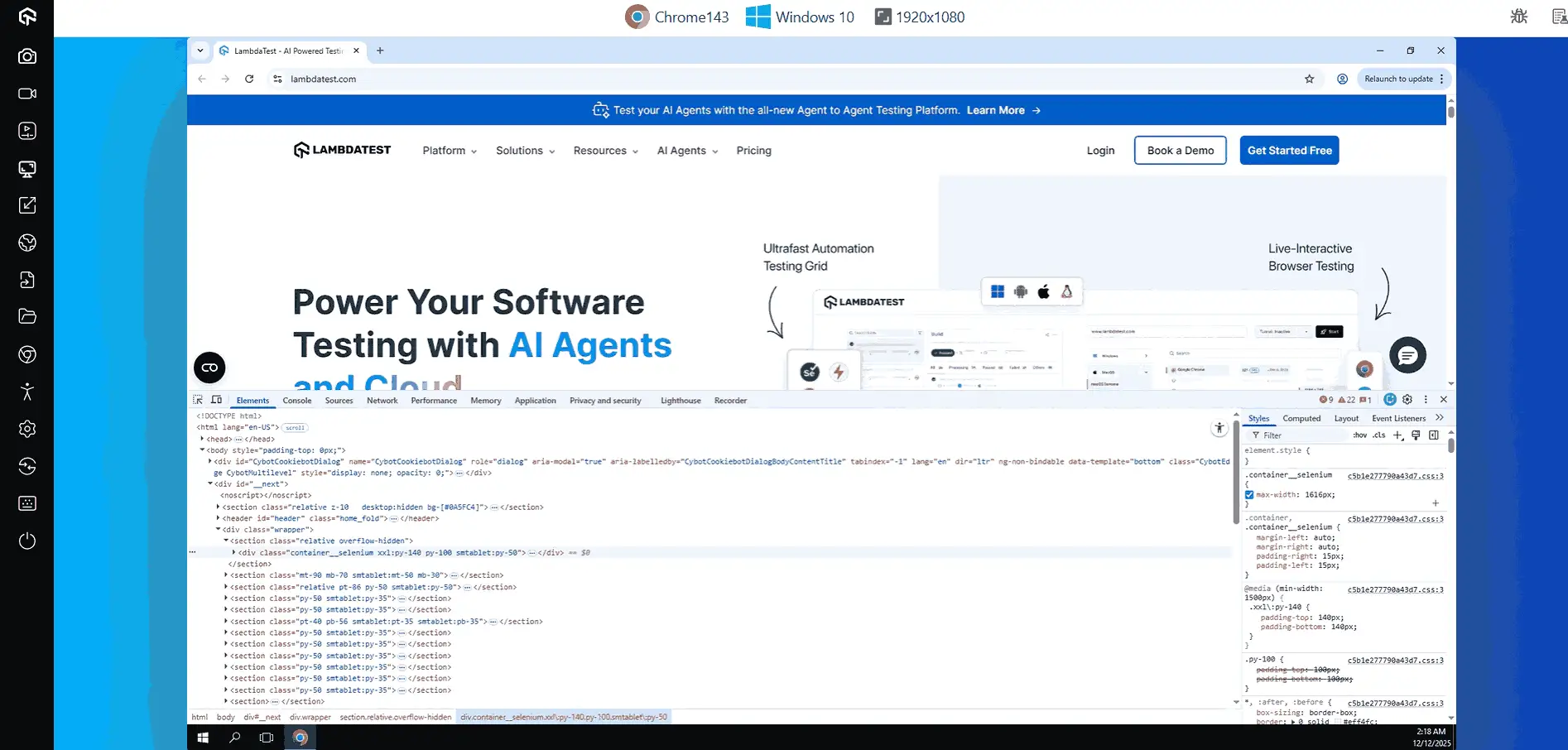
TestMu AI runs manual sessions in the same platform as its AI testing and automation, so a tester can open a live browser, virtual device, or real device without local setup. The desktop browser picker in the first screenshot below, captured in December 2025, lists Windows versions from XP to 11 and shows Chrome 133 to 143 on screen, each with its release date, alongside Firefox, Safari, Edge, IE, Brave, Opera, Yandex, and DuckDuckGo.
Manual Testing on Desktop Browsers
Live desktop testing opens a real browser in the cloud and hands control to the tester, which makes web testing across browsers possible without local installs. The Real Time Browser Testing documentation covers setup in detail.
- Open Real Time - sign in to TestMu AI and go to the Real Time section.
- Choose Desktop - select Browser Testing on Desktop to start a live cross-browser session.
- Enter the URL - type the full address of the site under test.
- Pick the environment - select the operating system, browser, browser version, and screen resolution.
- Start - launch the session and work with the site directly in the live browser.
During a session, the bug icon logs an issue straight to your tracker, and the side panel captures screenshots, records the session, and switches the browser or OS without restarting.
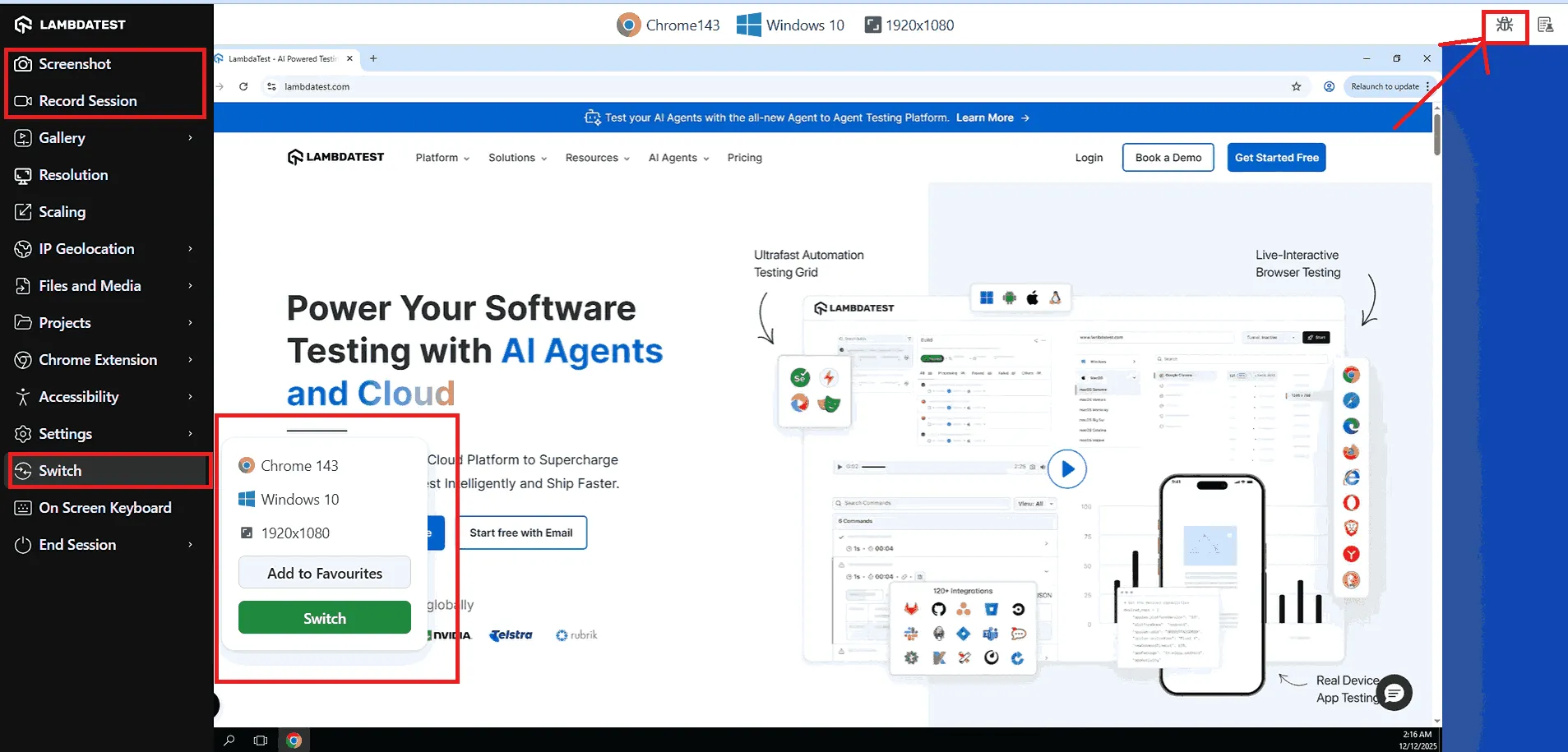
On Chrome, the same menu opens remote debugging, which the guide to Chrome remote debugging explains.
Manual Testing on Virtual Mobile Browsers
Virtual mobile sessions run a mobile browser on an emulated device, such as Chrome on a virtual Galaxy S25 Ultra, to check responsive layouts and touch flows. The workflow mirrors desktop testing, and physical hardware is available separately through the real device cloud.
- Choose Virtual Mobile - pick Virtual Mobile under web browser testing.
- Enter the URL - type the address of the site to test.
- Pick the device - select the operating system, device model, and OS version.
- Start - launch the session and use the site the way a mobile visitor would.
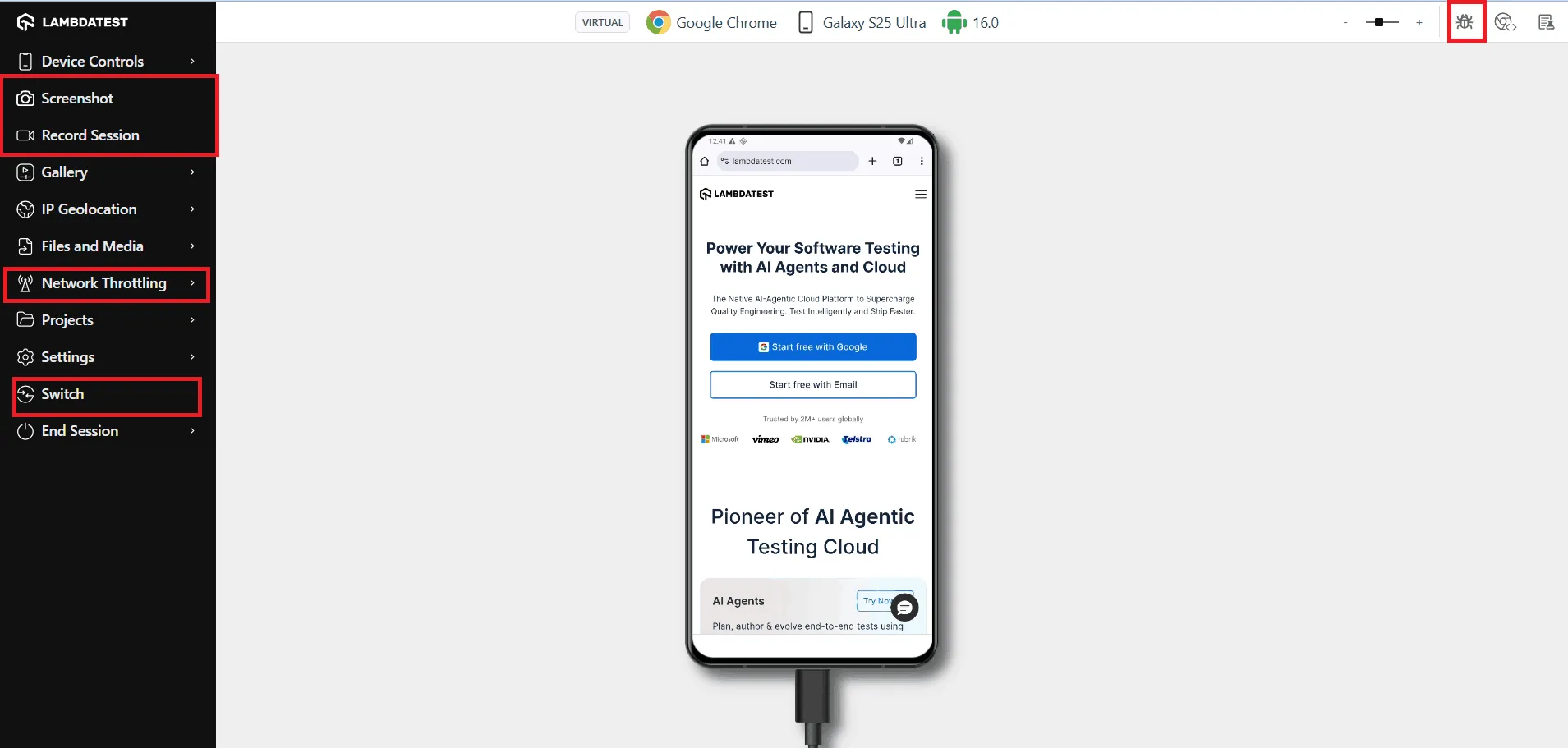
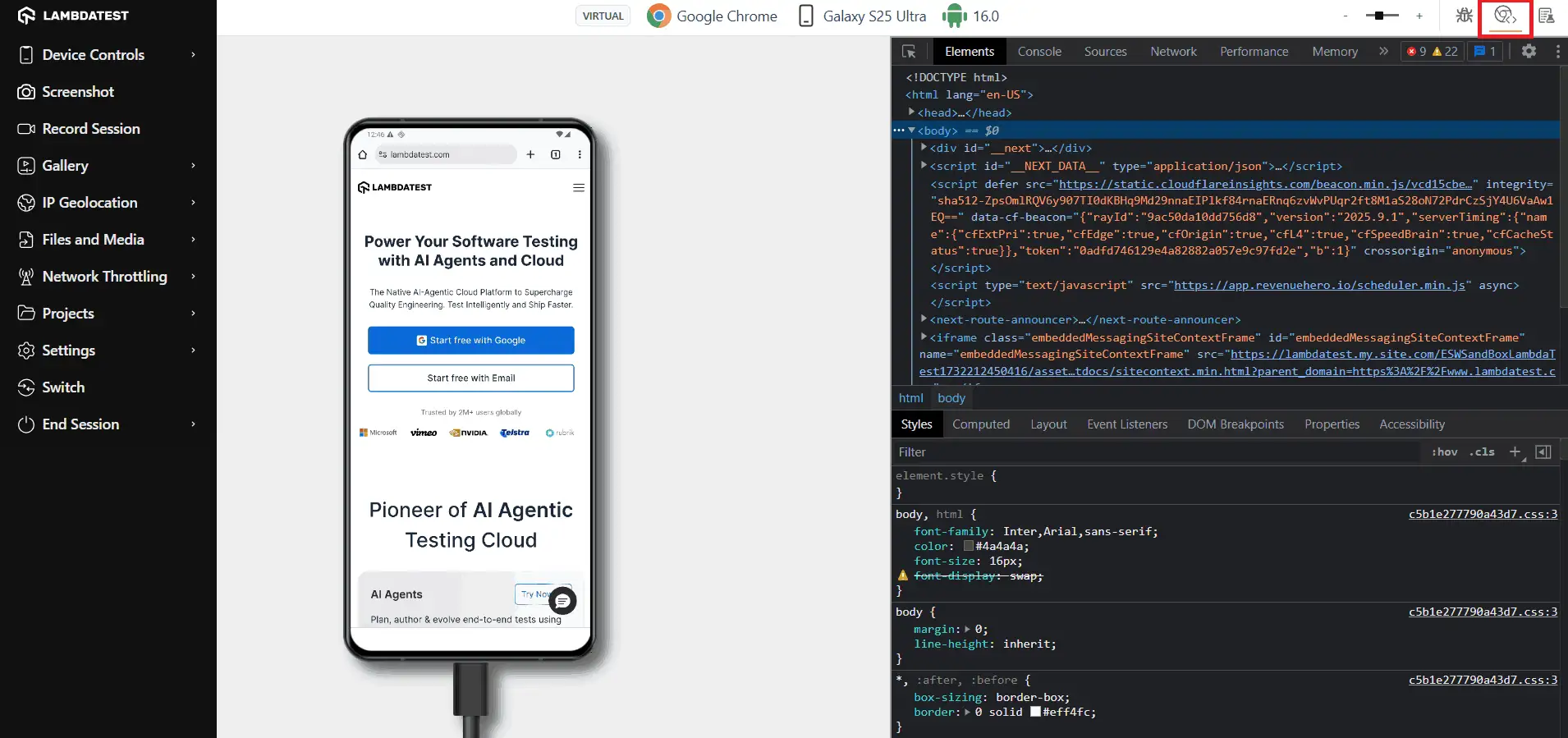
Device controls simulate gestures and rotation, network throttling slows the connection, and the debug option opens DevTools for the mobile page, as the guide to debugging on TestMu AI mobile devices shows.
Once manual sessions show which flows are worth automating, KaneAI, TestMu AI's GenAI-native testing agent, generates, runs, and maintains those tests from plain-English instructions. The KaneAI documentation covers the first test.

Note: Run live manual tests on 3,000+ browser and OS combinations and log bugs to your tracker from inside the session. Try TestMu AI free.
How to Choose a Manual Testing Tool
Start from the job that costs your team the most time today, then trial the matching tool with real test cases for a sprint. Check maintenance on open-source options as well: TestLink's last full release was 1.9.20 in January 2020, with only snapshot tags since, while Redmine and MantisBT both shipped releases in 2026.
- You need structure for the first time - start with TestLodge or Testpad for a hosted tool, or TestLink if you would rather self-host at no license cost.
- Auditors ask for traceability - SpiraTest or TestMu AI's Test Manager links requirements, test runs, and defects in one record.
- Bugs arrive without enough detail - Marker.io captures console output, network requests, and a session replay automatically with each report.
- Your team already lives in Jira - keep bugs in Jira and add a test management app, or pick a tool with two-way Jira sync.
- The budget is zero - TestLink for test cases and Bugzilla, MantisBT, or Redmine for bugs cost nothing in licenses, though someone has to host them, and the roundup of free test management tools lists more options.
- Customers use many browsers and phones - run manual sessions on a cloud platform instead of maintaining a device lab, and see the comparison of website testing tools for the automated side.

Free Online Tools for Manual Testers
TestMu AI offers 600+ free online tools that run in the browser, covering the data checks, formatting, and comparisons manual testers repeat every day without a local install.
Data Validation Tools
- JSON Validator - checks API responses for correct structure and valid syntax.
- XML Validator - confirms XML feeds, configurations, and integrations are well formed.
- CSV Validator - verifies test data files before bulk uploads.
Formatters
- JSON Prettify - makes JSON responses readable, or compacts them.
- XML Prettify - formats XML files for review or compression.
Data Comparison Tools
- JSON Compare - compares expected and actual JSON output.
- Excel Compare - finds differences in spreadsheet or tabular test data.
- Text Compare - spots mismatches in plain text files or logs.
Test Data Generators
- Random Password Generator - creates varied, secure input for login and signup tests.
- Lorem Ipsum Generator - fills layouts with placeholder text for UI checks.
Encoding and Decoding Tools
- Base64 Encode - converts data to and from Base64 for API tests.
- URL Encode - encodes or decodes URLs for requests and query strings.
- JWT Decoder - inspects JSON Web Tokens to verify payloads and claims.
Browser and Debugging Utilities
- What Is My Browser - identifies the browser and version for a compatibility report.
- What Is My IP Address - shows the device IP for network and environment troubleshooting.
- JavaScript Tester - runs snippets to check code behavior in the browser.
Conclusion
Pick one test management tool and one bug tracker from this list and route next sprint's manual tests through both before adding anything else. If you want planning, live sessions, and bug logging in one place, the Test Manager documentation covers organizing tests, planning runs, and syncing results with Jira on TestMu AI.
Author

Harshit Paul
Blogs: 93


Harshit Paul is Director of Product Marketing at TestMu AI (formerly LambdaTest), with over 8 years of experience in product and growth marketing for developer and QA tools, leading the Agentic AI in Quality Engineering space. He has authored 80+ technical articles for TestMu AI on software testing and automation, and hosted webinars on Selenium, automation testing, browser compatibility, DevOps, and continuous testing. He has led go-to-market and technical marketing initiatives across software testing products, contributing to SEO, content strategy, and developer marketing. He began his career as a certified Salesforce developer at Wipro Technologies, where he worked for 2 years before moving into marketing. Harshit holds a degree in computer programming from Vivekananda Institute of Professional Studies.
Reviewer

Abhishek Mishra
Reviewer
Abhishek Mishra is a Technical Product Manager at TestMu AI, where he owns Test Manager, the test management product. He has over 8 years of experience in product management and market analysis. His expertise spans across AI-native software testing, product strategy, and analytics. Previously, Abhishek served as the Product Lead at IndiaClan and co-founded Gartley618 Technologies, where he led innovative projects in quantitative trading and blockchain. He holds a B.Tech degree.


Manual Testing Tools FAQs
Did you find this page helpful?
More Related Learning Hubs
TestMu AI forEnterprise
Get access to solutions built on Enterprise
grade security, privacy, & compliance
- Advanced access controls
- Advanced data retention rules
- Advanced Local Testing
- Premium Support options
- Early access to beta features
- Private Slack Channel
- Unlimited Manual Accessibility DevTools Tests