
Kane Exploration maps and tests your web app
Start Kane Exploration from Kane CLI or KaneAI in the cloud, and up to 20 cloud browsers map every screen, control and flow of your web app.
npm install -g @testmuai/kane-cli
Trusted by 3M+ users globally at


"We have tripled our tests and are now executing tests in less than 2 hours with 78% Faster Test Execution"


"We figured out a more efficient way to monitor system health and resolve failures earlier in lower environments."


"TestMu AI has significantly boosted our testing speed, is easy to implement, and provides exceptional support."


"With 70% faster test execution, TestMu AI helped us achieve faster time-to-market and enhanced CX."


What is Kane Exploration?
Kane Exploration walks your web app on cloud browsers and maps every screen, control and flow, started from Kane CLI in your terminal or from KaneAI in the cloud.
Kane Exploration turns a URL into a map and tests
One command explores the app in the cloud, keeps a live map, ships evidence for each finding and writes tests from the map.

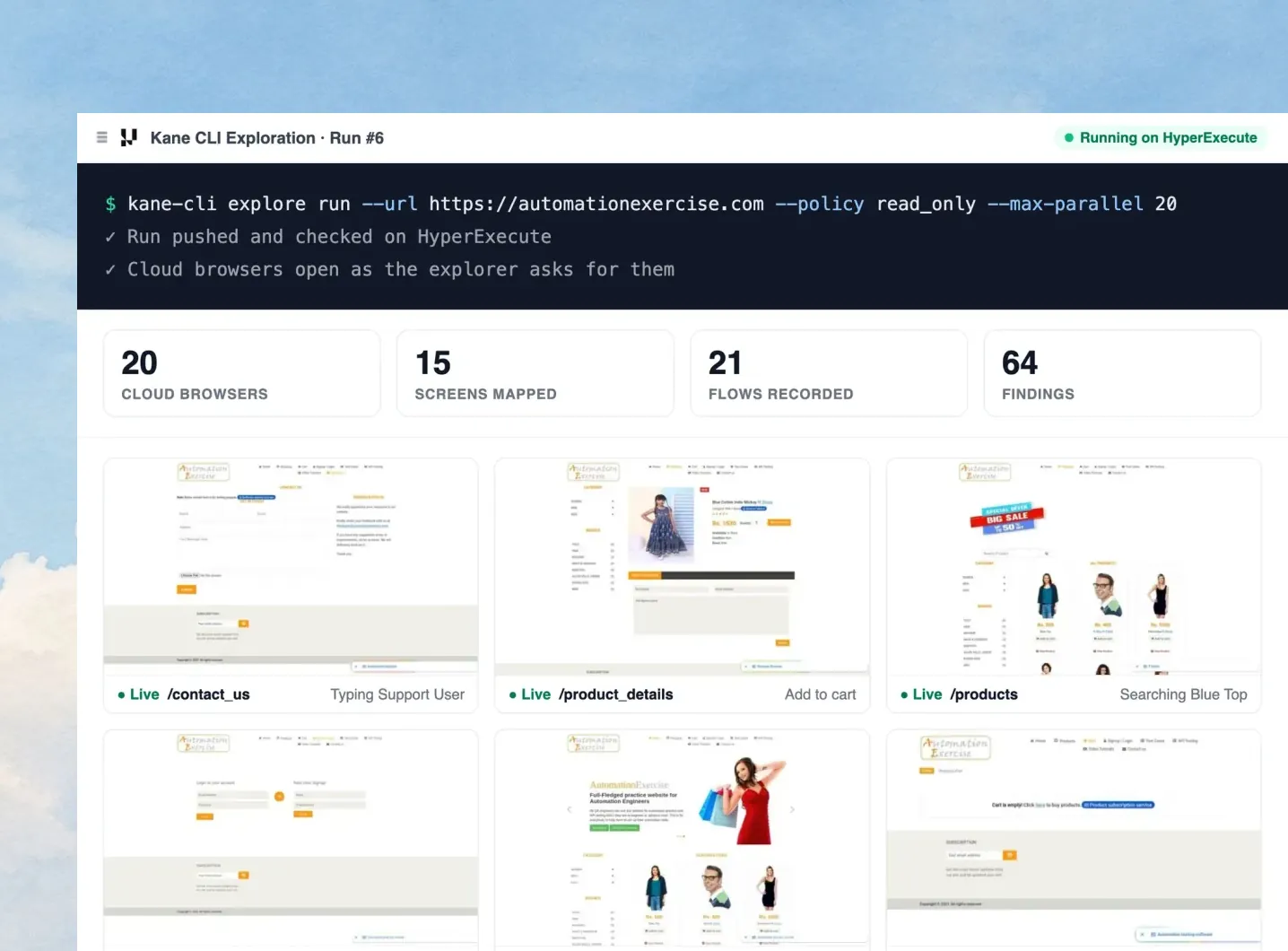
Explore your web app in up to 20 cloud browsers
The explore run command sends every exploration to HyperExecute by default, and HyperExecute opens a cloud Chrome browser only when the exploration agent asks for one.
Learn more
- Scope with --focus: The --focus flag starts an exploration from one screen of an existing map.
- Cap with --max-parallel: The --max-parallel flag raises a run from one cloud browser to 20.
- Stop with explore stop: The explore stop command ends a queued or running exploration cleanly.

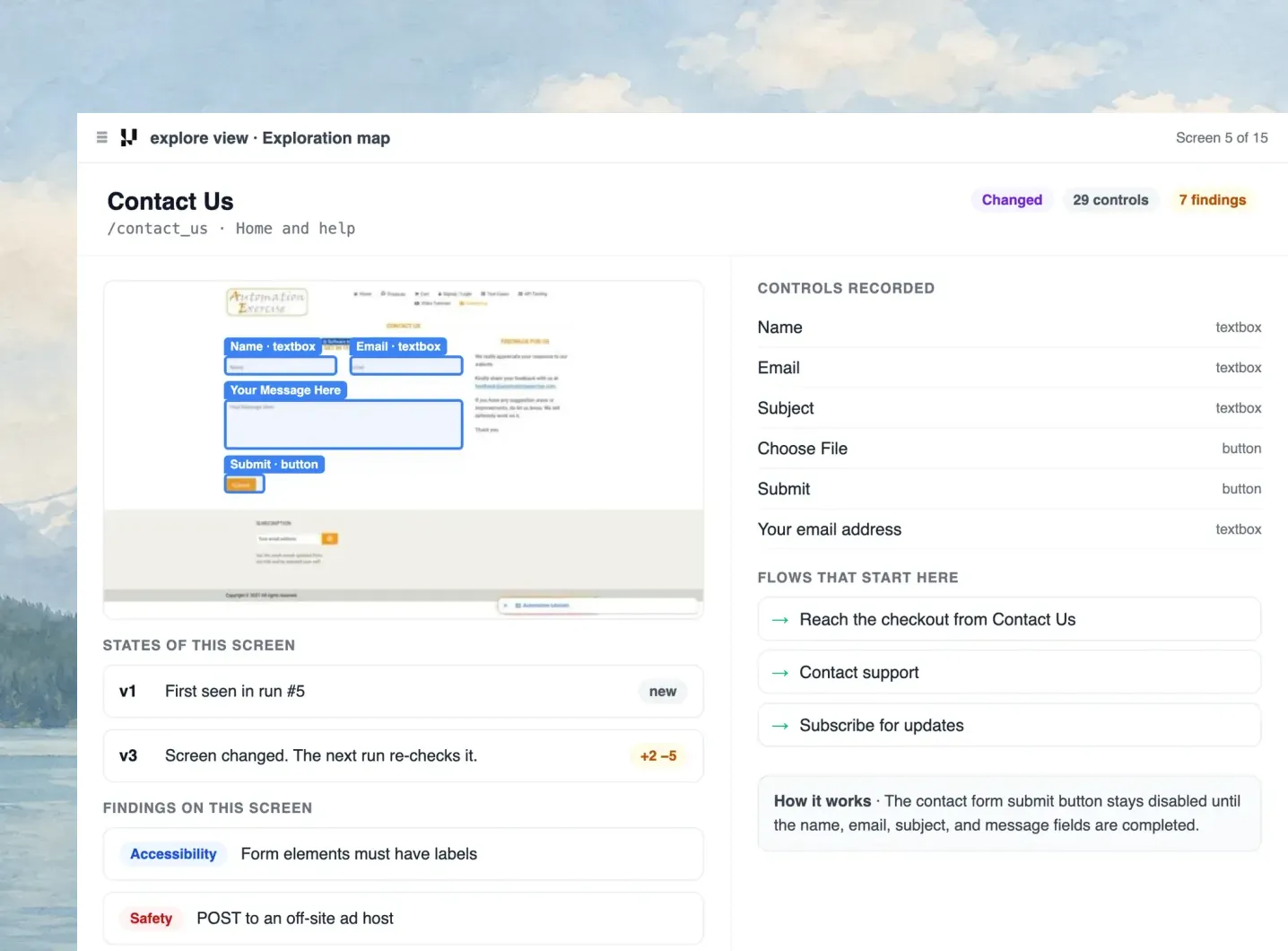
The exploration map shows every screen, control and flow
The explore view command draws the exploration map live, with each screen's controls, the flows in and out, and every state the screen has shown.
Learn more- Live view: Live view streams any cloud browser at up to 15 frames a second while the exploration runs.
- Built for big apps: Search, zoom and a legend keep exploration maps of thousands of screens easy to read.
- One map per project: Every re-explore adds to the project's existing exploration map instead of starting over.
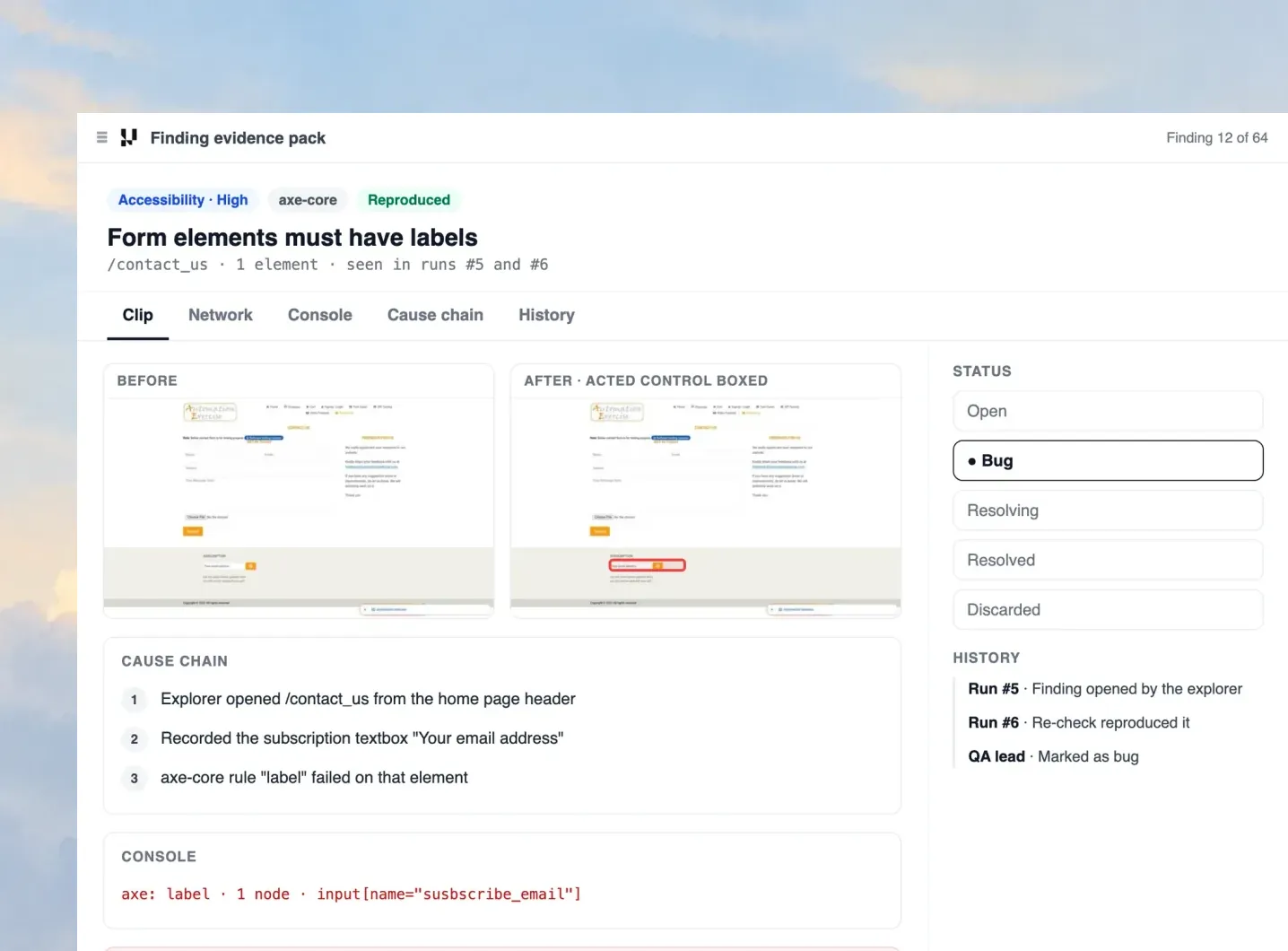
Every finding comes with screenshots, logs and a clip
Every exploration finding carries an Evidence Pack with a clip, Network and Console tabs, before and after screenshots, the cause chain and a verdict.
Learn more- Re-checked: Re-check leases run each finding again to confirm it reproduces.
- Tracked to resolved: A finding's status moves from open to bug, resolving, resolved or discarded.
- Full history: The finding history names who changed each status, and when.
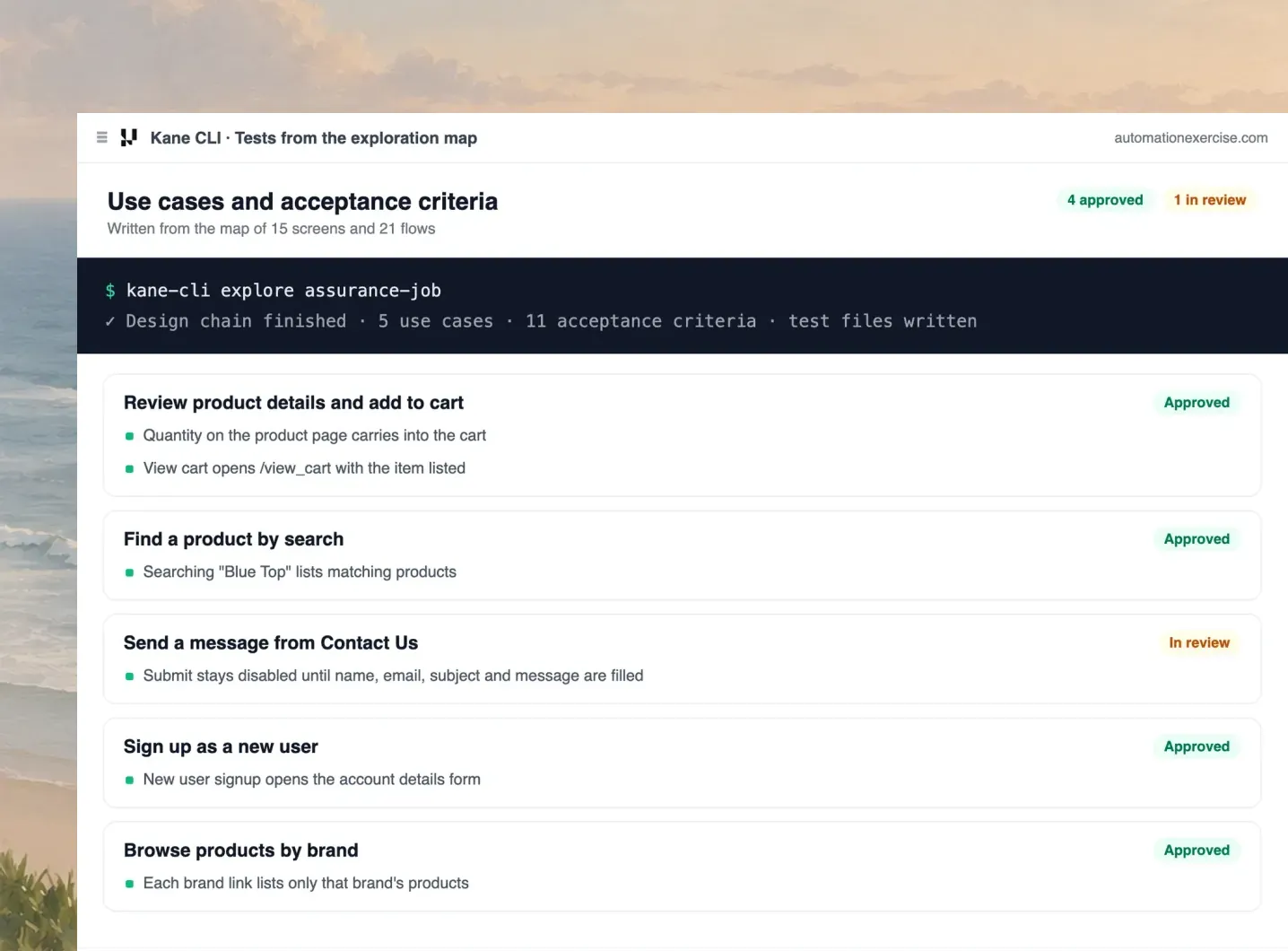
Kane CLI writes tests from the exploration map
Kane CLI reads the exploration map as context to design use cases and acceptance criteria, and a person approves the tests before they go into CI.
Learn more- Unattended design: The explore assurance-job command runs the test design chain unattended.
- Reviewed by a person: A person approves each test, because the map can include today's bugs.
- Runs in CI: Approved tests run in CI on every pull request, with an Evidence Pack.
Run your first Kane CLI exploration
Install Kane CLI, point the explore command at your web app and open the exploration map.
Every explore command and flag is in the Kane CLI exploration docs. Check out our documentation
Six Kane Exploration checks on every screen
You do not choose what to look for before an exploration starts, because all six detectors run on every screen the exploration map reaches.

Console errors
The console detector records the errors a page logs during a run.

Network failures
The network detector flags failed requests and off-domain POSTs.

Broken links
The broken link detector flags links that lead to no working page.

Slow requests
The slow-request detector flags requests over the slow budget.

Accessibility checks
The accessibility detector reports each failed axe-core rule.

Re-checks
A re-check runs each finding again to confirm it reproduces.
How a Kane CLI exploration goes from a URL to CI
A Kane CLI exploration takes four steps from the terminal, and the map and its findings stay in one project.
1. Point it at a URL
The explore run command takes a URL and a run policy.
2. Explore in the cloud
HyperExecute explores with up to 20 cloud browsers.
3. Review the map
The explore view command shows the map and findings.
4. Ship the tests
Approved tests from the map run in CI on every pull request.
Choose how Kane Exploration touches your app's data
Each exploration runs under one of two policies, and Kane CLI masks secrets under both.

Read-only policy
The read-only policy blocks POST, PUT, PATCH and DELETE requests.

Mutating policy
The default mutating policy submits forms and presses every control.

Secret masking
Passwords and tokens never reach disk, logs or an Evidence Pack.
Some Love from our Customers
As Best Egg expanded its product offerings and entered new markets, we knew our old testing infrastructure couldn’t keep up.
With support from Tenny Agustin, our Engineering Operations Lead, we modernized our approach with
TestMu AI

Best Egg
best-egg

Excited to Share My Learning Journey with Kane AI & Lambda Tool!
I'm pleased to announce that I've recently gained hands-on experience exploring Kane AI through the Lambda Tool and it’s been a fantastic journey of upskilling!
KaneAI

Suryateja Goud
suryateja-goud

See how is #Futureready to enable blazing-fast test orchestration seamlessly integrated with organizations' existing CI/CD platforms, using #Microsoft Azure.
TestMu AI

Microsoft India
MicrosoftIndia
More Reasons to Love TestMu AI
TestMu AI is a leading agentic AI quality engineering platform, trusted globally, that assures your AI deployments work as intended, safely and securely, across enterprise and real-world conditions.
Users
3M+
Tests
1.5B+
Enterprises
18K+
Countries
132
TestMu AI positioned as a Leader in the 2026 Gartner® Magic Quadrant™
Read ReportTestMu AI recognized in The Forrester Wave™: Autonomous Testing Platforms, Q4 2025
Read ReportWall of Fame
TestMu AI is the #1 choice for SMBs and enterprises across the globe.
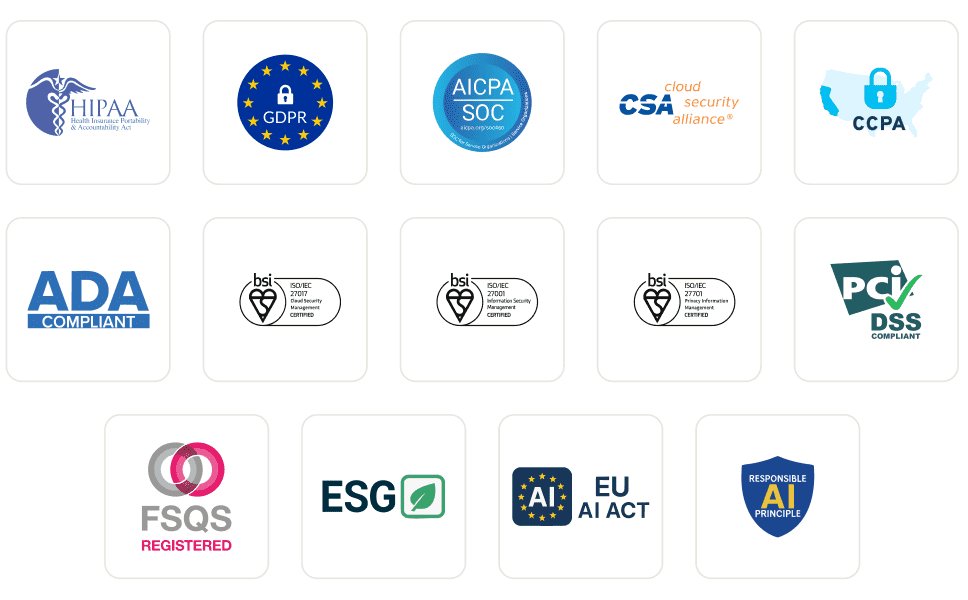
Enterprise-Grade Security
We safeguard your data and AI systems with global security, privacy, responsible AI, and ESG standards.
Integrations
Works where you work, 120+ integrations with the tools your team relies on.



As Seen On
Kane Exploration FAQs
Map your web app with Kane Exploration
Start a KaneAI exploration in the cloud or a Kane CLI exploration from your terminal, both on the KaneAI Max plan.