
Cross browser testing tool for
desktop and mobile
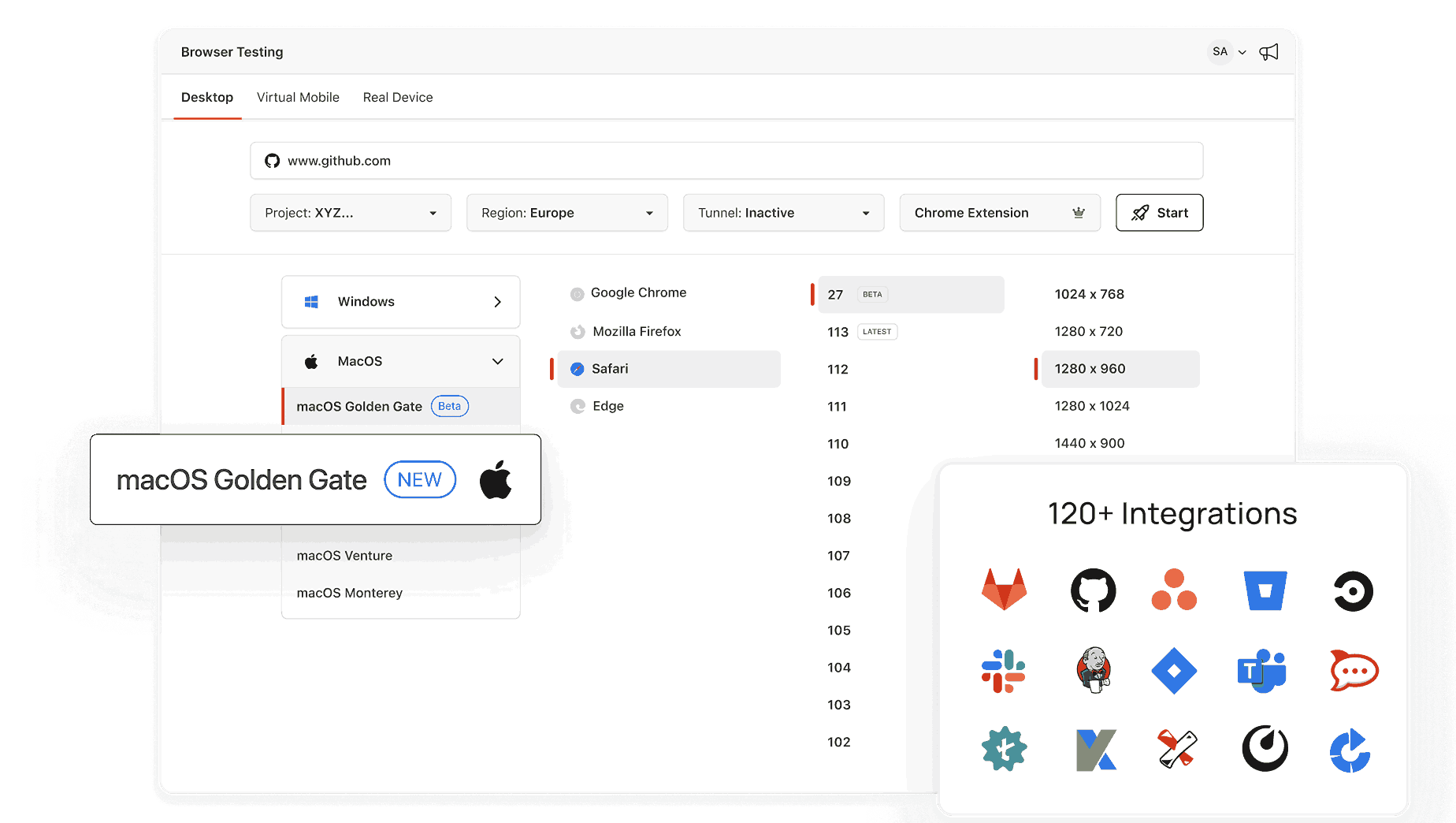
Open a live Chrome, Safari, Firefox, or Edge session in seconds with TestMu AI.


What Is My User Agent? Copy for Test Scripts
Open this page in the browser where the bug shows up and your full user agent string appears. Copy it into the bug report, or set it in a Playwright or Selenium script to reproduce what that browser sent.
Categories



What Is a User Agent?
A user agent is a string of text that your web browser or device sends to websites when you visit them. It provides information about your browser, operating system, device type, and other details that help websites deliver content tailored to your specific setup.
Why Does Your User Agent Matter?
Websites and applications use your user agent for various purposes, including:
- Optimizing Content Display: Websites can adjust their layout and features based on your device. For instance, they might display a simplified version of the site on a mobile device.
- Browser Compatibility: Developers use user agents to ensure that their website works correctly on different browsers and operating systems.
- Analytics and Statistics: User agents provide insights into the types of devices and browsers visitors use, helping website owners make informed decisions.
- Troubleshooting: Knowing your user agent can be helpful when diagnosing issues with a website or application.

What Information Does Your User Agent Include?
Your user agent string typically contains:
- Browser Name and Version: For example, Chrome 112.0 or Firefox 108.0.
- Operating System: Such as Windows 10, macOS, Android, or iOS.
- Device Type: Whether you are using a desktop, tablet, or smartphone.
- Rendering Engine: The underlying engine your browser uses, such as Blink, WebKit, or Gecko.
Example of a User Agent String
Here is an example of a typical user agent string:
Mozilla/5.0 (Windows NT 10.0; Win64; x64) AppleWebKit/537.36 (KHTML, like Gecko) Chrome/112.0.5615.137 Safari/537.36
Let’s break it down:
- Mozilla/5.0: A general identifier for compatibility.
- Windows NT 10.0: Indicates the operating system (Windows 10).
- Win64; x64: Specifies a 64-bit version of Windows.
- AppleWebKit/537.36: Shows the rendering engine (WebKit).
- Chrome/112.0.5615.137: Identifies the browser (Chrome) and its version.
- Safari/537.36: Provides additional browser compatibility details.
How Can You Check Your User Agent?
To find your user agent, you can:
- Use an online tool like ours that instantly displays your user agent string.
- Open your browser’s developer tools (usually accessible by pressing F12 or Ctrl+Shift+I) and check the network or request headers.
Advanced Uses of User Agent Strings
For developers and tech-savvy users, user agents offer deeper possibilities, such as:
- Testing website responsiveness across different devices and browsers.
- Simulating different user agents to debug or analyze web behavior.
- Seeing your site in a browser you don't have installed, with a browser emulator, to check what visitors on that browser get.
- Enhancing web security by identifying unusual or malicious user agent strings.
What are the limitations of this tool?
This tool will not be able to detect the following versions of browsers
- Chrome - version 59 & Below
- Mozilla firefox - version 59 & Below
- Opera - Version 46 & below
- Internet Explorer - all versions
Frequently Asked Questions (FAQs)
What is a user agent used for?
Websites and applications use a user agent to identify the browser, operating system, and device you are using. This helps them optimize content, ensure compatibility, and gather analytics.
Can I change my user agent?
Yes, most modern browsers allow you to change your user agent using developer tools or extensions. This is often used for testing or troubleshooting purposes.
Why do websites care about my user agent?
Websites use your user agent to ensure their content is displayed correctly on your device and browser. It also helps them track user trends and improve their services.
Is it safe to share my user agent?
In most cases, sharing your user agent is safe because it doesn’t include sensitive personal information. However, it can reveal details about your browser and device.
Can a user agent affect my browsing experience?
Yes, some websites may display different layouts or restrict functionality based on your user agent. For example, certain features might be disabled on older browsers.
What does a user agent string look like?
For example:A typical user agent string includes details about your browser, operating system, and device.
Mozilla/5.0 (Windows NT 10.0; Win64; x64) AppleWebKit/537.36 (KHTML, like Gecko) Chrome/112.0.5615.137 Safari/537.36
Do all devices and browsers have user agents?
Yes, every device or browser that accesses the web sends a user agent string to identify itself to websites.
Did you find this page helpful?
More Tools
TestMu AI forEnterprise
Get access to solutions built on Enterprise
grade security, privacy, & compliance
- Advanced access controls
- Advanced data retention rules
- Advanced Local Testing
- Premium Support options
- Early access to beta features
- Private Slack Channel
- Unlimited Manual Accessibility DevTools Tests