
Handing Calls to a Bot
Test It Before Dialing
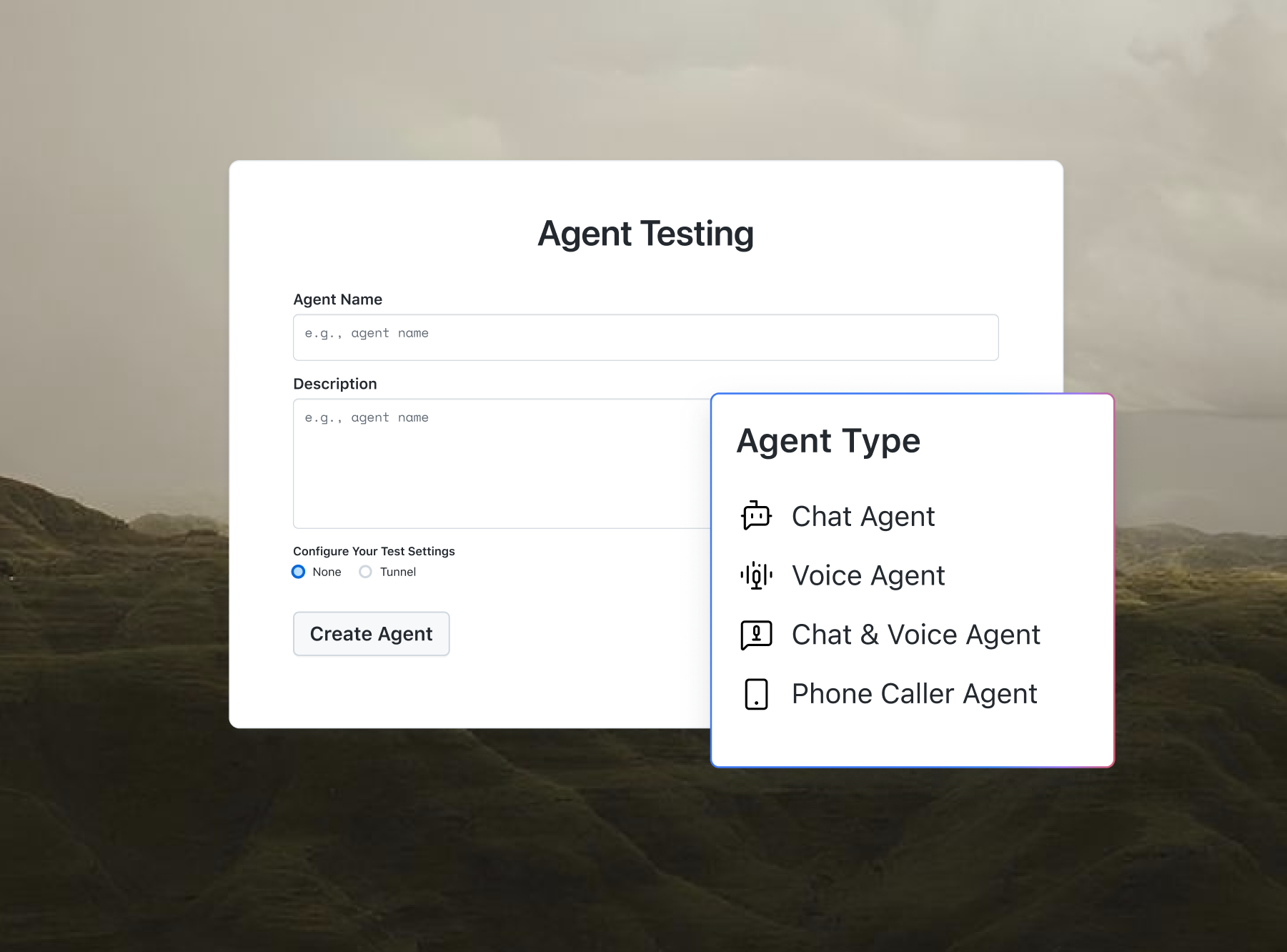
Agent Testing runs test calls against your voice agent before it reaches real leads.

Free Sales Sequence Builder Online
Design and optimize multi-touch sales sequences with step shifting, custom channels, and auto-generated copy. It is maintained by the team at TestMu AI.
Categories

Ship AI Agents With Confidence
See how it performs before real users do.



Cadence Timeline
Use the Up and Down arrows to change step order. Edit days and channels inline to adapt the timeline.
What is a Sales Sequence?
A sales sequence is a scheduled series of outreach touchpoints, including cold emails, social media tasks, and phone calls, designed to engage prospects over time. Using structured intervals instead of single touchpoints increases connection rates and helps sales representatives maintain a consistent, automated outreach cadence. It acts as an interactive framework to systematically nurture leads, moving them from initial contact to qualified opportunities.
Setting up a strategic cadence ensures your messaging remains persistent without becoming intrusive. You can easily pair your generated templates with related resources like our AI Email Writer or the AI Email Template Generator to craft highly customized follow-ups for each pipeline stage.
How to Use the Sales Sequence Builder
Structuring an outbound campaign takes only a few minutes. Follow these simple steps to build your custom multi-touch outreach cadence:
- Select Your Outreach Type: Choose a campaign type like Cold Outreach or Demo Follow-Up from the preset list to align base cadence settings.
- Set the Touch Count: Use the slider to specify the total number of contacts (between 3 and 8) to establish sequence frequency.
- Define Communication Channels: Choose your primary outbound channel and select additional options to activate automated multi-channel rotation.
- Customize Spacing and Spacers: Use step-shifting arrow controls to reorder touches, adjust intervals inline, and edit template text to customize details.
- Copy or Export Outbound Scripts: Once satisfied with the scoring strength and content, copy the sequence as text or export to a CSV file.

Difference Between a Sales Sequence and a Sales Cadence
While often used interchangeably, these terms represent different scopes within sales development teams. A sequence focuses on the tactical messaging flow for individual prospects, whereas a cadence serves as the overarching strategy:
| Aspect | Sales Sequence | Sales Cadence |
|---|---|---|
| Scope | Focuses on tactical messaging steps for a specific lead or segment. | Defines the overarching framework and schedule for all outbound activities. |
| Channel Focus | Highly specific to the individual templates, email scripts, or LinkedIn tasks. | Coordinates the high-level channel mix (email vs. phone vs. social touchpoints). |
| Automation | Often automated using sales engagement platforms to scale volume. | Serves as guidelines that dictate when reps manual-dial or auto-mail. |
| Customization | Dynamically adjusted using variables matching the prospect pain points. | Remains consistent across customer segments to ensure standard SLA metrics. |
Features of the Sales Sequence Builder
Our sequence creator offers key tools to design, refine, and deploy effective sales cadences. Here are the features of our builder:
- Proportional Day Spacing: Automatically scales intervals based on your selected touch count, distributing contacts naturally over time.
- Interactive Step Shifting: Allows you to move step cards up or down to change the outreach order instantly.
- Dynamic Template Variables: Populates personalized placeholders (names, companies) in real time to generate target-ready messaging.
- Cadence Strength Scoring: Measures your setup against industry engagement rules to rate and optimize your campaign schedule.
- Multi-Channel Customization: Rotates channels across email, LinkedIn, and calls to ensure you reach prospects on active channels.
- Browser-Based Security: Runs all calculations locally in your browser, keeping your outreach details completely secure and private.
Use Cases for Outbound Sales Sequences
Multi-touch sequences are essential for outbound teams. Here is how different functions use structured cadences:
- Cold Prospecting: Nurtures cold leads by delivering value across multiple channels over a 12-to-15 day schedule.
- Inbound Lead Response: Follows up with demo requests or whitepaper downloads immediately to maximize early conversion rates.
- Event Re-engagement: Builds post-event connections using personalized subject lines from our Email Subject Line Generator to revive event conversations.
- Key Account ABM: Deploys targeted sequences to high-value stakeholders, combining customized emails with phone calls.
This sequence builder is maintained by TestMu AI, the leading end-to-end testing platform supporting testing across 10,000+ real devices and 3000+ browsers. We help modern engineering and sales-ops teams keep their web applications and APIs fully validated at scale.
Frequently Asked Questions (FAQs)
What is a sales sequence?
A sales sequence is a scheduled series of outreach touchpoints, including cold emails, social media tasks, and phone calls, designed to engage prospects over time. Using structured intervals instead of single touchpoints increases connection rates and helps sales representatives maintain a consistent, automated outreach cadence.
Why is a multi-channel outreach strategy more effective?
Multi-channel outreach increases engagement by contacting prospects where they are most active. Rather than relying on a single crowded inbox, combining email campaigns, LinkedIn messages, and phone calls establishes multi-channel touchpoints that build credibility and raise overall response rates across diverse platforms.
How does the day spacing interpolation algorithm work?
The interpolation algorithm scales baseline cadences proportionally to any chosen touch count. It preserves optimal touch density, creating tighter gaps for early outreach steps and wider intervals for follow-up steps, ensuring the campaign maintains a natural communication frequency without overwhelming target prospects.
Can I customize my sales sequences after they are generated?
Yes. The interactive timeline lets you shift steps up or down, configure spacing days, and toggle outbound channels. You can also customize template variables, modify draft messages inline, and evaluate your sequence in real time using the built-in cadence strength scorer.
Is my sales outreach data saved to a server?
No. All processing, customization, and sequence generation occur locally inside your web browser. No copy, lead information, or campaign setup parameters are ever uploaded to a server, ensuring your internal sales strategies and client data remain secure and private.
What is the difference between a sales sequence and a sales cadence?
A sales sequence refers to the specific, automated steps and scripts a salesperson follows to engage a single lead. A sales cadence is the broader organizational framework governing the timing, channels, and overall frequency of touchpoints across all sales operations and customer journeys.
How do template variables work in outbound messages?
Template variables act as dynamic placeholders (like recipient name, company, or core pain points) that automatically populate your email and LinkedIn templates. This allows you to generate personalized outreach scripts instantly, eliminating manual typing while maintaining relevant communication at scale.
Why is the sequence strength score important?
The sequence strength score evaluates your outreach structure against sales industry benchmarks. It analyzes factors like step count, channel diversity, and day spacing to guide adjustments, helping you avoid spacing issues and optimize contact density before launching outbound campaigns.

Did you find this page helpful?