
Test chat, voice, and video
AI agents before launch
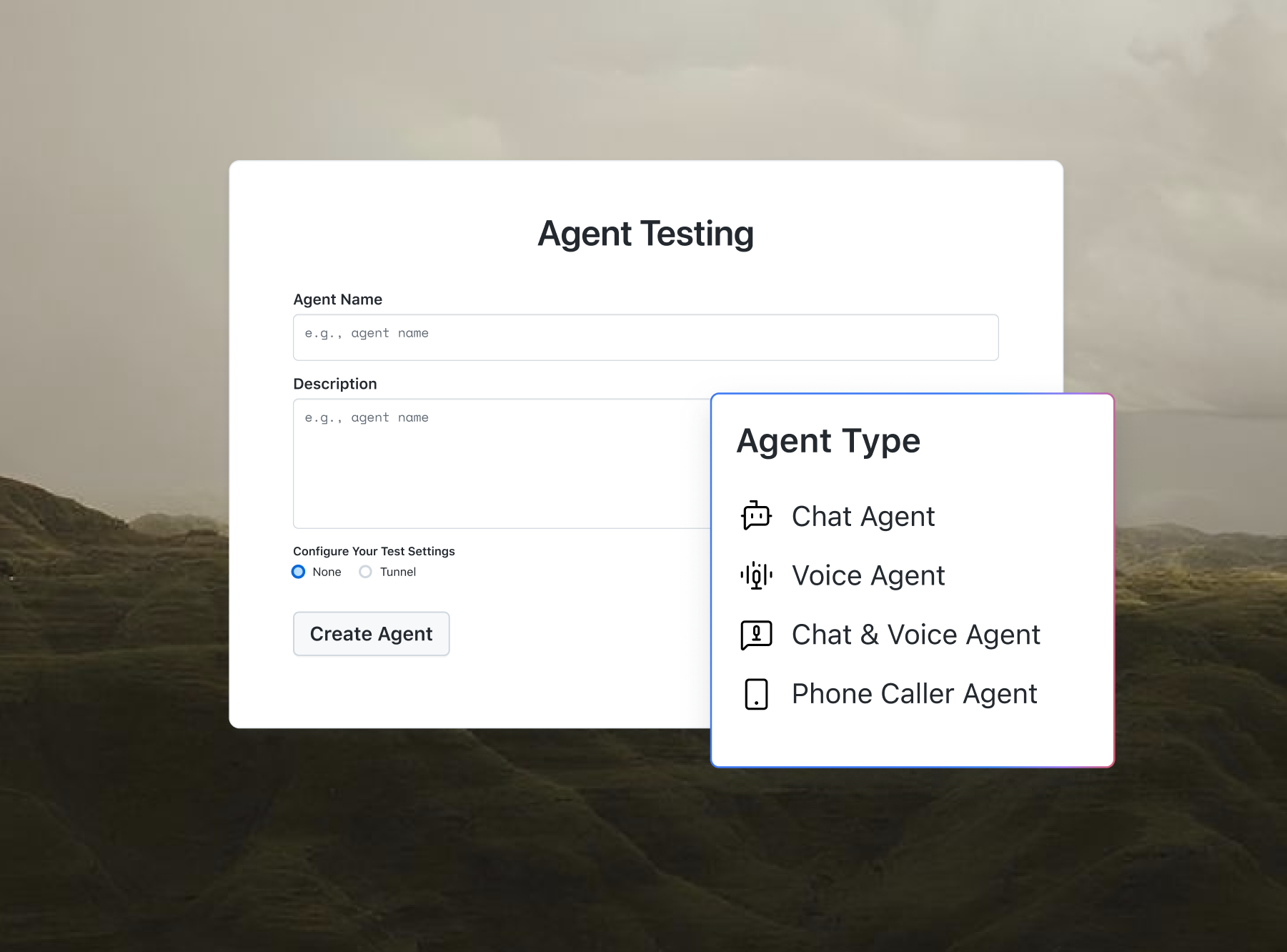
Agent Testing questions your chatbot or voice agent and scores each reply for hallucination and bias.

Free AI Stack Builder Online
Pick your industry, goal, team size, budget, and skill level to get a four-layer AI tool stack: capture, process, deliver, and test, with alternatives and price bands for every layer. This tool is built and maintained by TestMu AI (formerly LambdaTest).
Categories

Ship AI Agents With Confidence
See how it performs before real users do.



Industry
Primary goal
Team size
Monthly tool budget
Technical skill level
B2B contact database with lead capture forms and intent signals.
Role: Gathers inputs.
Alternatives: Clay, Typeform.
Point-and-click automation connecting thousands of SaaS apps.
Role: Routes and decides.
Alternatives: Make, Relay.app.
CRM that captures calls, emails, and meetings, with email sequences on paid tiers.
Role: Produces outputs.
Alternatives: Pipedrive, Attio.
GenAI-native testing agent that plans, authors, and evolves end-to-end tests in plain English.
Role: Checks the results.
Alternatives: LangSmith.
Cost: 3 of 4 layers can start on a free plan. Price bands: $ is entry plans under roughly $30 per user per month, $$ is $30 to $99, $$$ is $100 and up. Bands are indicative, confirm current pricing on each vendor's site.
First step for Agency & Consulting: Connect the stack to your project tracker first so client work, not admin, is what gets automated.
Rollout: Solo rollout: build one workflow end to end, capture to test, before adding a second. One finished automation beats three half-built ones.
Deployment order: set up the process layer first, wire capture into it, add deliver, then put the test and monitor layer in place before go-live.
What is an AI Stack Builder?
An AI stack builder is a planning tool that recommends which AI and automation tools to combine for your business. This builder maps five inputs, your industry, goal, team size, budget, and skill level, to a four-layer stack: capture, process, deliver, and test, with two alternatives and an indicative price band for every layer.
The four-layer model extends the common capture, process, deliver pipeline with an explicit test and monitor layer, the practice the NIST AI Risk Management Framework describes in its measure function. If you are choosing a framework to build an agent rather than a business tool stack, use the AI Agent Stack Picker instead.
How does this AI Stack Builder work?
The builder is a transparent mapping over a curated registry of 42 tools, recomputed instantly in your browser on every change. Each of your five selections has a defined job:
- Goal selects the capture tool (what gathers leads, tickets, or data) and the deliver tool (what sends emails, posts, dashboards, or documents).
- Skill level selects the process layer: Zapier for no-code, n8n for low-code, LangGraph for developers.
- Budget triggers free-plan handling: a free or minimal budget swaps the no-code process layer to Make and flags every recommended tool without a permanent free plan.
- Industry adds a tailored first step, including compliance checks for healthcare and finance profiles.
- Team size shapes the rollout plan, from a solo single-workflow start to a gated enterprise pilot.
All processing happens in your browser. No data is uploaded, and nothing you select or export is stored between visits.

How to use this AI Stack Builder
- Pick your industry and goal: Choose one of 8 industries and one of 6 business goals from the first two dropdowns. These two answers select your capture and deliver tools.
- Set team size, budget, and skill level: The last three dropdowns tune the result: skill level picks the process layer, budget triggers free-plan swap suggestions, and team size shapes the rollout plan.
- Read the four layer cards: The result panel updates instantly with a tool per layer: capture, process, deliver, and test and monitor, each with a why, a price band, and alternatives.
- Check the stack summary: Below the cards you get a free-tier count, an industry-specific first step, a rollout plan for your team size, and the deployment order.
- Copy or download the report: Use the copy icon beside the result panel to copy the Markdown report, or pick Markdown, plain text, JSON, CSV, or HTML from the format dropdown and click Download Report below the results.
The four layers of an AI stack
Most stack advice stops at three roles. This builder adds a fourth because an unmeasured automation is a liability: AI output drifts as models, prompts, and connected apps change.
| Layer | Job | Example tools |
|---|---|---|
| Capture | Gathers inputs: leads, tickets, forms, topics | Apollo.io, Zendesk, Airtable, Feedly |
| Process | Routes information, applies logic, triggers actions | Zapier, Make, n8n, LangGraph |
| Deliver | Produces outputs: emails, replies, dashboards, documents | HubSpot, Intercom, Looker Studio, PandaDoc |
| Test & Monitor | Checks outputs against expectations before and after go-live | Kane AI, Langfuse, LangSmith |
For the test layer, TestMu AI's Kane AI authors and runs end-to-end tests from plain-English instructions, so the same non-technical team that assembles a no-code stack can also verify it against 3000+ browsers and 10,000+ real devices.
Use cases of this AI Stack Builder
- Scoping an automation project: get a defensible starting stack with alternatives before comparing vendors, then estimate payback with the AI Agent ROI Calculator.
- Budget planning: the free-tier count and price bands show which layers cost money on day one, and the free-budget mode suggests zero-cost swaps.
- Designing the workflow: once the tools are chosen, map the steps between them with the AI Agent Workflow Builder.
- QA and release planning: the test and monitor layer gives QA teams a concrete slot in every automation project, with golden-answer checks and end-to-end tests defined before go-live rather than after the first incident.
- Picking which automation to build first: benchmark what your market already runs with the Competitor Automation Analyzer and build the stack for the top gap.
- Client recommendations: agencies can export the Markdown report as the first draft of a tooling proposal, including alternatives per layer.
Frequently Asked Questions (FAQs)

What is an AI stack?
An AI stack is the combination of AI and automation tools a business runs together as one system: a capture tool that gathers inputs, a process layer that routes and decides, a deliver tool that produces outputs, and a testing layer that checks the results. The tools are chosen to connect to each other rather than picked one by one.
How does this AI stack builder choose tools?
The builder uses a transparent mapping, not a black box. Your goal selects the capture and deliver tools, your skill level and budget select the process layer, your industry adds a tailored first step, and your team size shapes the rollout plan. Every recommendation comes from a curated registry of 42 tools with editorial price bands.
Do the recommended tools work together?
Yes. The layers connect through the process layer: it receives events from the capture tool and triggers actions in the deliver tool through native connectors, webhooks, or a spreadsheet bridge such as Google Sheets. Zapier, Make, and n8n all document connectors for the CRMs, helpdesks, forms, and chat tools in the registry.
Is my data uploaded when I use this AI stack builder?
No. All processing happens in your browser. Your five selections, the computed stack, and any report you copy or download never leave your device, and nothing is stored between visits. You can plan stacks for confidential projects without sharing anything with TestMu AI or any third party.
Can I swap a tool in the recommended stack?
Yes. Each layer card lists two alternatives that fill the same role, and the report includes them. If you set your budget to free or minimal, the builder also flags any recommended tool without a permanent free plan and suggests a free-tier alternative for that layer automatically.
Why does every stack include a testing layer?
Because AI output changes as models, prompts, and connected apps change. The NIST AI Risk Management Framework makes measurement one of its four core functions, and a test and monitor layer is how a small team applies it: golden-answer checks, end-to-end tests, and tracing that catch regressions before customers do.
Is the AI Stack Builder free to use?
Yes. The AI Stack Builder is completely free, with no signup, no email gate, and no usage limits. All 8 industries, 6 goals, and every combination of team size, budget, and skill level are available to everyone, including the report export in Markdown, plain text, JSON, CSV, and HTML. TestMu AI maintains it as part of its free online tools collection.
Did you find this page helpful?
More Tools
TestMu AI forEnterprise
Get access to solutions built on Enterprise
grade security, privacy, & compliance
- Advanced access controls
- Advanced data retention rules
- Advanced Local Testing
- Premium Support options
- Early access to beta features
- Private Slack Channel
- Unlimited Manual Accessibility DevTools Tests