
Bots Answer Customers Now
Test Their Replies First
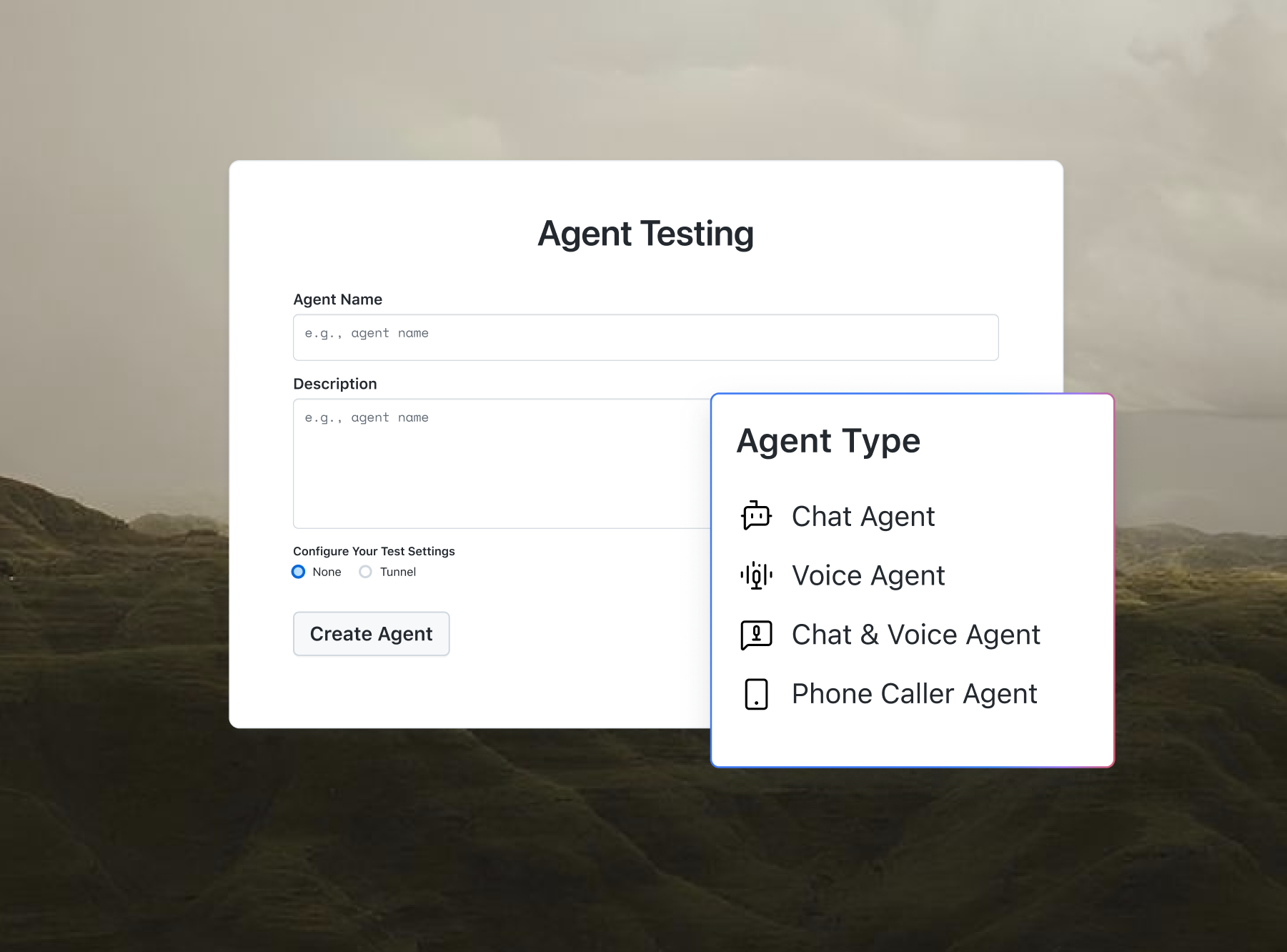
Moving template replies to a chat agent? Agent Testing runs test conversations to catch wrong answers.

Free AI Email Template Generator Online
Pick an email type and tone, then copy a ready-to-send email template with clear placeholders. No signup required. This utility is part of the free developer toolkit from TestMu AI (formerly LambdaTest).
Categories

Ship AI Agents With Confidence
See how it performs before real users do.



Subject
Email Body
Personal details appear as bracketed placeholders, such as [Recipient first name]. Replace them with your details before sending.
What Is an AI Email Template Generator?
An AI email template generator is an online tool that produces reusable, ready-to-send email templates instead of one-off drafts. You pick an email type and a tone, copy or download the finished template, and replace the bracketed placeholders with your details before sending.
This free tool by TestMu AI covers 16 email types and 5 switchable tones, with bracketed placeholders that show exactly which details to fill in. Every email it produces follows the standard subject and body structure defined in RFC 5322, the Internet Message Format specification, so it pastes cleanly into any email client. If you need a one-off draft from a free-text description instead, try the AI Email Writer.
How to Use the AI Email Template Generator?
The generator works in four short steps, and the output updates instantly as you change the dropdowns:
- Pick an email type: Choose one of the 16 email types from the dropdown, such as Cold Outreach, Sales Follow-Up, Welcome Email, Apology Email, or QA Test Summary Report.
- Pick a tone: Select one of the five tones: Professional, Friendly, Concise, Persuasive, or Warm. The greeting, sign-off, and phrasing adjust automatically.
- Copy or download the template: Copy the subject line or the full email to your clipboard, or download it as a .txt file, ready to paste into any email client.
- Replace the placeholders: Swap the bracketed placeholders, such as [Recipient first name] and [Recipient company], with your details before sending the email.

Which Email Types Are Included?
The email type dropdown covers 16 common business situations, so the template you need is one click away:
- Sales and outreach: Cold outreach, sales follow-up, meeting request, and networking follow-up templates for prospecting and pipeline work.
- Customer lifecycle: Welcome, product announcement, newsletter intro, webinar invitation, and win-back templates for keeping users engaged.
- Support and recovery: Customer support reply and apology templates that keep difficult conversations calm and clear.
- Workplace: Interview invitation, thank you, and meeting recap templates for HR and everyday collaboration.
- QA and engineering: Test summary report and bug escalation templates for sharing results and unblocking releases with stakeholder-ready wording.
Features of the AI Email Template Generator
The generator is built to take you from a blank inbox to a sent email with as little friction as possible. Here is what it includes:
- 16 Email Types: Ready-made templates for sales, lifecycle, support, workplace, and QA emails, selected from a single dropdown.
- Five Switchable Tones: Professional, Friendly, Concise, Persuasive, and Warm, each adjusting the greeting, sign-off, and phrasing.
- Clear Placeholders: Every personal detail is marked in brackets, such as [Recipient first name], so nothing ships blank by accident.
- Copy and Download: Copy the subject or the full email to your clipboard, or download the template as a .txt file.
- Free and Private: No signup, no usage limits, and all processing happens in your browser. No data is uploaded.
Use Cases of the AI Email Template Generator
Reusable templates pay off anywhere the same kind of email gets written more than once. Common situations include:
- Sales Prospecting: Run consistent cold outreach and follow-up sequences with the same proven structure in every send.
- Customer Success: Standardize welcome, announcement, and win-back emails so every customer gets the same quality.
- Support Teams: Answer tickets faster with acknowledgment and apology templates that stay calm and consistent.
- Recruiting: Send interview invitations and follow-ups without rewriting them for every candidate.
- QA and Engineering: Share test summary reports and escalate blocking bugs with stakeholder-ready wording. Teams running cross-browser suites on TestMu AI across 3000+ browsers can pair these templates with Test Manager to keep reporting consistent.
- Marketing: Draft newsletters and announcements, then sharpen open rates with the Email Subject Line Generator and verify recipient addresses with the Email Checker.
Frequently Asked Questions (FAQs)
What is an AI email template generator?
An AI email template generator is an online tool that produces reusable, ready-to-send email templates. You pick one of 16 email types and one of 5 tones, copy the finished template, and replace the bracketed placeholders with your details, all free and without signup.
Is this AI email template generator free to use?
Yes, the AI email template generator is completely free. There is no signup, no credit system, and no usage limit. You can generate, copy, and download as many email templates as you need.
What do the bracketed placeholders mean?
Placeholders mark the details you personalize, such as [Recipient first name], [Recipient company], and [Product or service]. They stay visible in brackets in the output so you can spot every detail that needs your input and replace it in your email client before sending.
Can I change the tone of an email template?
Yes. Five tones are available: Professional, Friendly, Concise, Persuasive, and Warm. Switching tone changes the greeting, the sign-off, and the formality of phrasing, for example contractions are written out in full in the Professional tone.
What email types are included?
The generator includes 16 email types: cold outreach, sales follow-up, welcome, product announcement, newsletter intro, webinar invitation, meeting request, meeting recap, networking follow-up, customer support reply, apology, interview invitation, thank you, win-back, QA test summary report, and bug escalation.
How is this different from the AI Email Writer tool?
The AI Email Writer drafts one email from a free-text description using AI. The AI Email Template Generator is built around reusable templates: you pick an email type and tone, copy the result, and replace its placeholders. Use the writer for one-off drafts and the generator for repeatable emails.
Is my email content uploaded to a server?
No. All processing happens in your browser: picking a template, switching tones, copying, and downloading. Nothing is uploaded, stored, or sent to any server, so the tool is safe to use for internal and client-facing emails alike.

Did you find this page helpful?
More Tools
TestMu AI forEnterprise
Get access to solutions built on Enterprise
grade security, privacy, & compliance
- Advanced access controls
- Advanced data retention rules
- Advanced Local Testing
- Premium Support options
- Early access to beta features
- Private Slack Channel
- Unlimited Manual Accessibility DevTools Tests