
Teams Are Learning AI
Let Them Write Tests Too
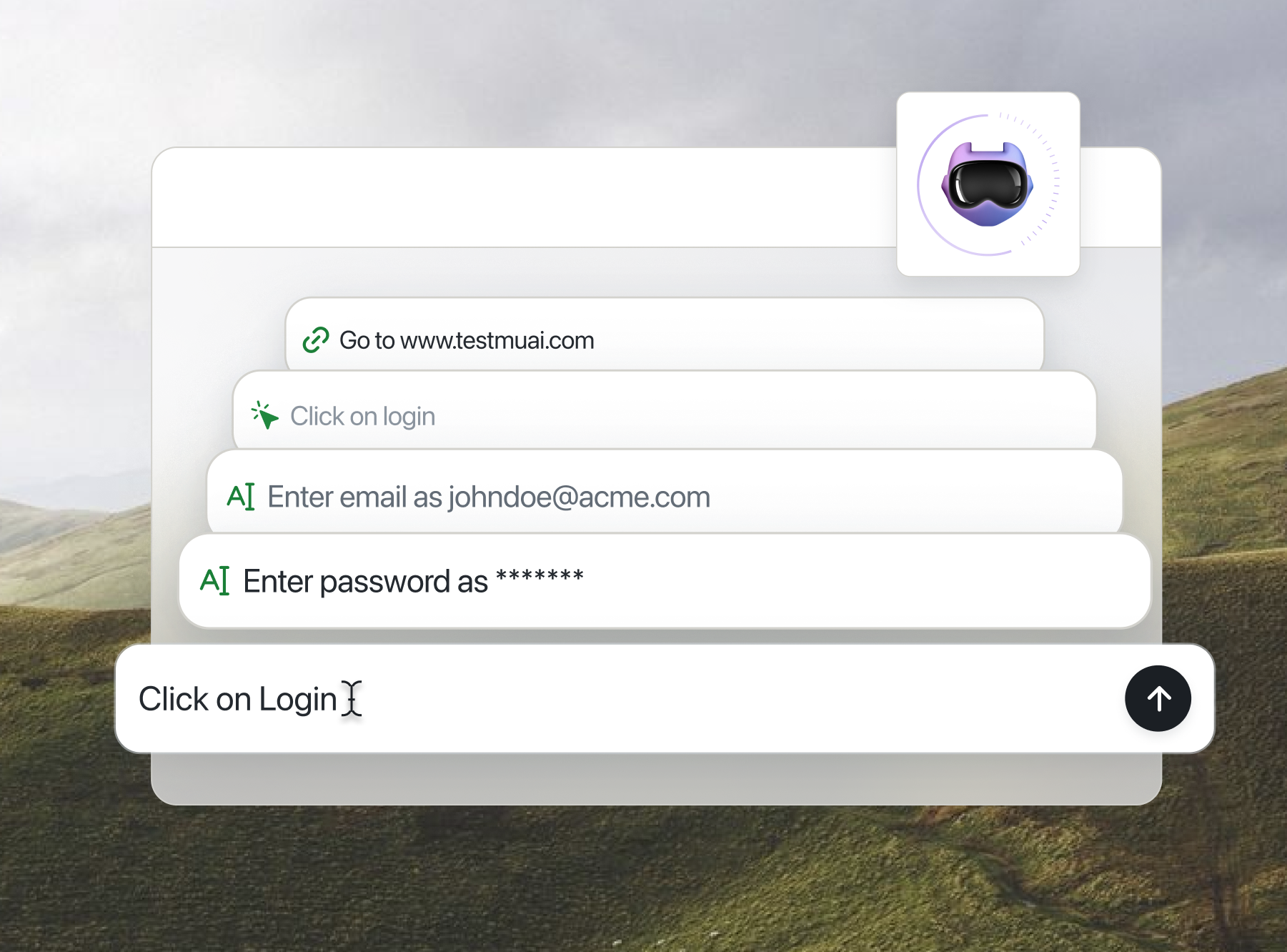
KaneAI lets anyone on the team describe a test in natural language, then runs and maintains it.

Free AI Team Training Planner Online
Pick the roles to train, your AI maturity, main goal, and team size to get a 4-week AI training program with practice workflows, review standards, and adoption metrics. This tool is built and maintained by TestMu AI.
Categories

Ship AI Agents With Confidence
See how it performs before real users do.



Roles to train
Current AI maturity
Main goal
Team size (people)
1 to 10,000 people
Maturity focus: Spend extra time in week 1: tool access, safe-data rules, and first prompt patterns come before any live work.
Goal focus: Prioritize the highest-volume workflow per role in week 2 and track time saved as the primary metric.
Set up tool access, agree on prompt patterns and source rules, and collect examples of acceptable and unacceptable output.
Deliverable: A one-page team AI standard everyone can point to.
Each role runs its practice workflows on real but low-stakes work, compares results against a pre-AI baseline, and records edits and failures.
Deliverable: A practice log of wins, edits, and failure cases per role.
Roles use AI inside live work with review gates in place: drafts are AI-assisted, sign-off stays human.
Deliverable: Before-and-after time measurements for each workflow.
Score adoption per role with its metric, review quality with managers, and decide which workflows become standard practice.
Deliverable: An adoption scorecard and a next-quarter training plan.
- Meeting and call summaries with action items
- Status reports and team updates drafted with AI
- Evaluating AI-assisted work with a shared rubric
Review standard: Managers agree on a rubric for judging AI-assisted output before the team starts using it.
Adoption metric: Share of reviews completed with the shared rubric
- Call summaries and follow-up email drafts
- Lead and account research briefs
- Proposal and quote first drafts
Review standard: Every outbound draft gets a human pass for claims, names, and pricing before sending.
Adoption metric: Time from call ended to follow-up sent
- Ticket triage and tagging
- Reply drafting grounded in the help center
- Knowledge base article updates
Review standard: AI-drafted replies cite the source article and get agent review before sending.
Adoption metric: First-response time and reopen rate
Shared standards (week 1):
- Prompt patterns: shared templates for the team's most common tasks
- Source rules: which data may and may not be pasted into AI tools
- Review checklist: what a human verifies before AI output ships
- Example library: real samples of acceptable and unacceptable output
- Escalation rule: what to do when AI output looks wrong or risky
Adoption metrics (week 4):
- Usage: how often each workflow is actually run with AI
- Time saved: minutes per task against the pre-training baseline
- Quality: output scored with the team's review rubric
- Manager review notes: qualitative issues spotted during sign-off
Cadence for your 10-person team (2 to 10 people): Small-team cadence: one shared session per week plus pair practice, with a single owner who keeps the standards document current.
What is an AI Team Training Planner?
An AI team training planner is a tool that turns AI adoption into a role-based program instead of a one-off seminar. This planner maps the roles you select, plus your AI maturity, main goal, and team size, to a 4-week plan: shared standards, supervised practice, real-work integration, and measurement, with 3 practice workflows per role.
Building workforce skills and clear review roles is part of the govern function of the NIST AI Risk Management Framework, which treats AI risk management as an organizational practice, not a tool choice. Before planning training, you can score where your team stands with the AI Agent Readiness Quiz.
How does this AI Team Training Planner work?
The planner is a deterministic mapping over a curated dataset of 8 role tracks with 3 practice workflows each, recomputed instantly in your browser on every change:
- Roles select the practice tracks that fill weeks 2 and 3, each with its own review standard and adoption metric.
- AI maturity (4 levels) adds a focus note that says where the program's emphasis goes, from first prompt patterns to refreshing an existing standard.
- Main goal (5 options) adds a second focus note that decides which metric matters most, from time saved to quality scores.
- Team size (any number from 1 to 10,000) sets the cadence tier, from solo self-paced sessions to cohort rollouts with champions and audits.
- The 4-week frame is fixed: foundations and shared standards, supervised practice, real-work integration, then measurement and review.
All processing happens in your browser. No data is uploaded, and nothing you select or export is stored between visits.

How to use this AI Team Training Planner
- Pick the roles to train: Check any of the 8 role tracks: Managers, Sales, Support, Operations, Marketing, Delivery, QA & Engineering, and Admin & HR. Each adds its practice workflows to the plan.
- Set AI maturity and main goal: Choose your team's current AI maturity from 4 levels and the main training goal from 5 options. Each adds a focus note that tunes where the program puts its emphasis.
- Enter your team size: Type the number of people, from 1 to 10,000. The count sets the cadence tier: solo, small team, mid-size, or large org.
- Read the plan cards: The scrollable result shows four week cards, then a track card per selected role with 3 practice workflows, a review standard, and an adoption metric.
- Copy or download the plan: Use the copy icon beside the plan to copy the Markdown version, or pick Markdown, plain text, JSON, CSV, or HTML from the format dropdown and click Download Plan below the results.
The four phases of AI team training
Teams rarely fail AI adoption for lack of tools; they fail for lack of shared standards and practice on their own work. The 4-week frame forces both before AI output touches anything customer-facing.
| Week | Focus | Deliverable |
|---|---|---|
| 1. Foundations | Tool access, prompt patterns, source rules, example library | One-page team AI standard |
| 2. Supervised practice | Role workflows on low-stakes work, compared against a baseline | Practice log per role |
| 3. Real-work integration | AI-assisted drafts in live work, human sign-off gates | Before-and-after time measurements |
| 4. Measure & review | Adoption metrics per role, manager quality review | Adoption scorecard and next-quarter plan |
The QA & Engineering track is one no generic training plan covers: it teaches plain-English test authoring, andTestMu AI's Kane AI lets that same team author and run end-to-end tests in natural language across 3000+ browsers and 10,000+ real devices.
Use cases of this AI Team Training Planner
Because the plan is generated in the browser and exports in five formats, it slots into several workflows. Here is where teams reach for this AI team training planner:
- Kicking off AI adoption: turn a vague "the team should use AI" mandate into a concrete 4-week program with owners, standards, and metrics.
- Training before rollout: train the humans first, then plan the agent rollout itself with the AI Agent Onboarding Planner.
- QA upskilling: the QA & Engineering track gives testing teams supervised practice in AI-assisted test authoring and triage before it touches the regression suite.
- Choosing tools after training: once roles know their workflows, pick the tool stack for them with the AI Stack Builder.
- Manager enablement: the manager track focuses on evaluating AI-assisted work, the skill that keeps quality up as usage spreads.
Frequently Asked Questions (FAQs)

What is an AI team training plan?
An AI team training plan is a structured program that teaches each role in a company to use AI on its own real work. Instead of a one-off seminar, it defines practice workflows per role, shared standards for prompts and review, supervised practice, and metrics that show whether the team actually adopted the tools.
How does this AI team training planner work?
The planner is a deterministic mapping computed in your browser. The roles you check select practice tracks from a dataset of 8 role tracks with 3 workflows each, AI maturity and main goal add focus notes, and team size sets the cadence tier. The 4-week frame itself stays fixed.
How long should AI training for a team take?
A useful first AI training program runs about 4 weeks: one week to set shared standards, one week of supervised practice on low-stakes work, one week of real-work integration with review gates, and one week to measure adoption and decide what becomes standard. One-off seminars rarely change daily work habits.
Which roles should you train on AI first?
Start with the roles that produce high-volume, reviewable text output, typically support, sales, and marketing, because drafts are easy to compare against a baseline and errors are cheap to catch in review. Train managers in the same cohort so they can evaluate AI-assisted work, then expand to operations, delivery, QA, and admin.
Is my data uploaded when I use this AI team training planner?
No. All processing happens in your browser. The roles you select, the generated plan, and any report you copy or download never leave your device, and nothing is stored between visits. You can plan training for internal teams without sharing anything with TestMu AI or any third party.
How do you measure AI adoption after training?
Track four signals per role: usage (how often the workflow is run with AI), time saved against the pre-training baseline, output quality measured with the team's review rubric, and manager review notes. The planner's week 4 assigns each role an adoption metric so the program ends with a scorecard, not a feeling.
Is the AI Team Training Planner free to use?
Yes. The AI Team Training Planner is completely free, with no signup, no email gate, and no usage limits. All 8 role tracks, every maturity level, goal, and team size, and the five export formats are available to everyone. TestMu AI maintains it as part of its free online tools collection.
Did you find this page helpful?
More Tools
TestMu AI forEnterprise
Get access to solutions built on Enterprise
grade security, privacy, & compliance
- Advanced access controls
- Advanced data retention rules
- Advanced Local Testing
- Premium Support options
- Early access to beta features
- Private Slack Channel
- Unlimited Manual Accessibility DevTools Tests