
Power Your Software Testing with AI Agents and Cloud
The Native AI-Agentic Cloud Platform to Supercharge Quality Engineering. Test Intelligently and Ship Faster.


- TestMu AI (Formerly LambdaTest)
- /
- Blog
- /
- How to Test WordPress Sites Without Code
How to Test WordPress Sites Without Code (2026 Guide)
Test your whole WordPress site, plugin and theme updates, WooCommerce checkout, and forms, in plain English across every browser and real device. No code.
Published on:
WordPress sites break quietly: a plugin auto-updates overnight and the Add to Cart button stops firing, or a theme update reflows the page and drops the contact form below the fold on mobile, and most teams find out only when a customer emails to say they could not pay. KaneAI catches this with no PHP or WebDriver scripting required.
Why WordPress sites are hard to test
A WordPress page looks like one thing, but under it sit many independent pieces that each move on their own:
- Plugins update on their own schedule, and a single auto-update can change the markup or behavior on a page you never touched
- Themes control the layout, so one theme update can move, hide, or restyle the elements your users depend on
- WooCommerce bolts on a whole storefront, cart, checkout, and payment flow that spans several plugins and a third-party gateway
- Shortcodes, block editor content, and page builders like Elementor render differently from the raw HTML you might expect to find
- Caching and CDN layers mean the page a crawler sees is not always the page a logged-in shopper sees
- Every browser and screen size paints the same theme differently, and mobile is where most WordPress traffic actually lands
And that is one page. Real coverage means the shop, the forms, the account area, and the landing pages, across the browsers and devices your visitors really use.
The old way: brittle PHP browser scripts
Here is what checking one WooCommerce action, add a product and confirm the cart updates, looks like with a typical PHP and WebDriver setup:
$driver = RemoteWebDriver::create($host, DesiredCapabilities::chrome());
$driver->get('https://yoursite.com/shop/');
$wait = new WebDriverWait($driver, 10);
$button = $wait->until(
    WebDriverExpectedCondition::presenceOfElementLocated(
        WebDriverBy::cssSelector('.woocommerce a.add_to_cart_button')
    )
);
$button->click();
$driver->findElement(WebDriverBy::cssSelector('a.added_to_cart'))->click();
$subtotal = $driver->findElement(WebDriverBy::cssSelector('.cart-subtotal .amount'))->getText();
if (strpos($subtotal, '$') === false) {
    throw new Exception('Expected a cart subtotal, got: ' . $subtotal);
}
$driver->quit();
Every line of that script is a liability. A plugin that renames the add_to_cart_button class, a theme that restyles the cart subtotal, or a page builder that wraps the button in a new container, and the script breaks. On a real WordPress site running many plugins, keeping selectors current becomes the dominant cost of the suite, and re-pointing them eats a large share of every sprint that could have gone to new coverage. It also assumes someone on the team writes PHP or JavaScript and enjoys maintaining WebDriver, which most WordPress teams, run by marketers, designers, and site owners, do not. That is the whole tension behind code-based vs. codeless test automation.
So on most WordPress sites, testing happens by hand. Someone clicks through the shop and the contact form after a big update, checks one browser, and hopes the plugins that auto-updated at 3 a.m. did not break anything else.
The no-code way: describe the site the way you use it
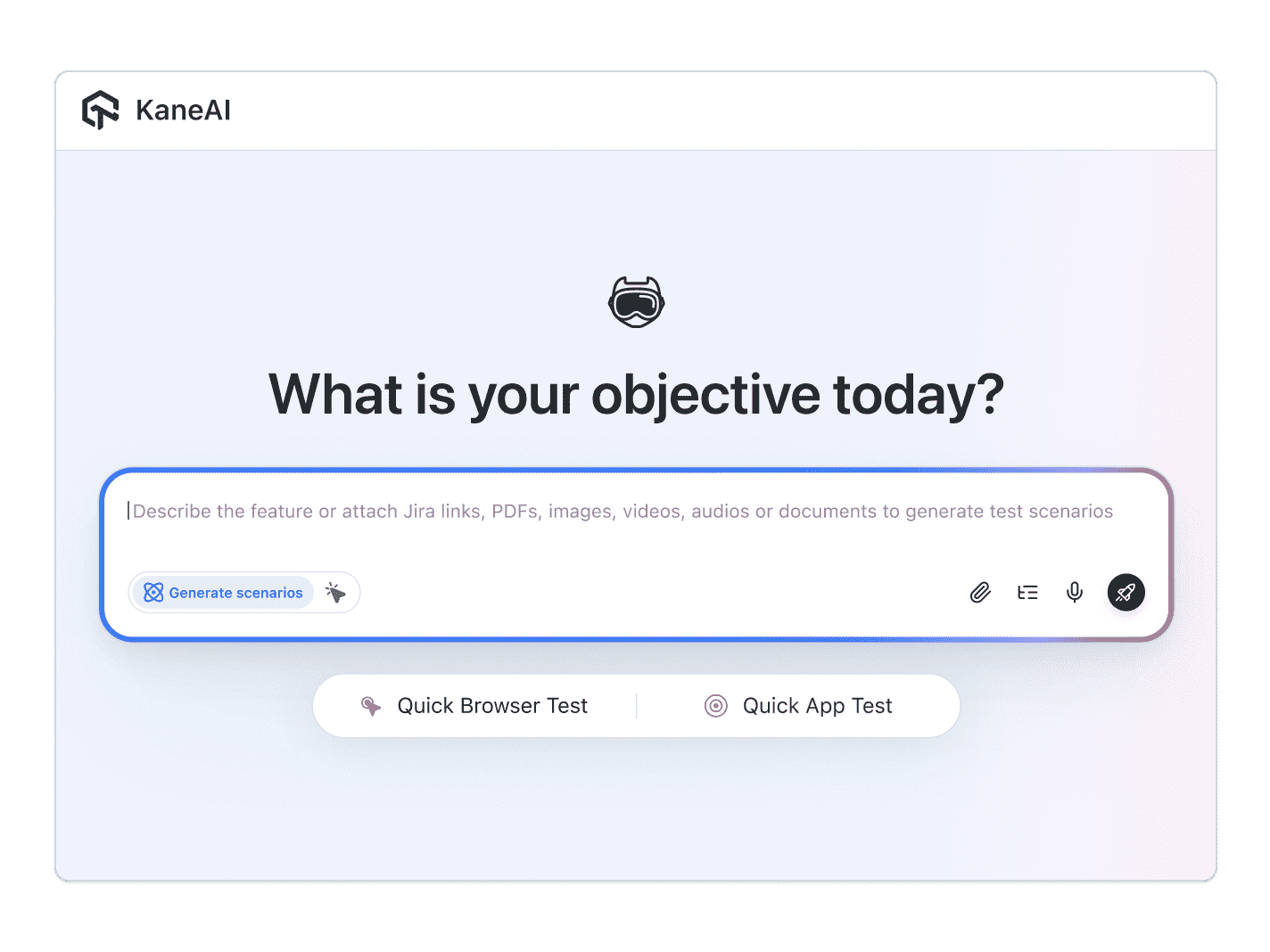
With KaneAI, you write that same WooCommerce check in plain English:
- Go to yoursite.com and open the shop page
- Click Add to cart on the first product
- Open the cart
- Verify the product appears in the cart
- Verify the cart subtotal shows a price
That is the entire test. KaneAI reads each step, finds the Add to cart button and the cart total on your live theme the way a shopper would, by understanding the page instead of matching a WooCommerce CSS class that the next update might rename, and runs the flow. When a plugin or theme update shifts the markup, it re-anchors the step and surfaces the change for you to review instead of failing, which significantly reduces maintenance. That is what makes it fit WordPress: it catches plugin and theme update regressions that only show up on a rendered page, it runs forms and WooCommerce checkout end to end through the payment step, it checks how your theme renders across every browser, and it can run the whole regression suite automatically after each update.

The WordPress scenarios that actually break
Once the happy path works, more coverage is just more English. Here are the WordPress scenarios worth adding, each takes about two minutes to write:
Plugin update regression
- Update a plugin, or let it auto-update, on a staging copy of the site
- Reload the pages that plugin touches, the shop, a form, and the header cart
- Verify each one still renders and its key button still works
WooCommerce checkout
- Add a product to the cart and go to checkout
- Fill in the billing details and choose a shipping method
- Complete a test payment and verify the order-confirmation page appears
Contact and lead forms
- Open a page with a Contact Form 7, Gravity Forms, or WPForms form
- Fill in every field and submit it
- Verify the success message shows and the submission is recorded
Theme rendering across devices
- Open the homepage and a key landing page
- Verify the navigation, hero, and call to action are visible and not overlapping
- Verify the mobile menu opens and the layout holds on a small screen
Run every one of these across Chrome, Safari, Firefox, and real mobile devices from the same plain-English steps, with no per-browser rewrites.
Putting it on autopilot
WordPress tends to break when you are not looking, usually right after an update, so the tests should run without you:
- Schedule the suite nightly, so an overnight plugin auto-update cannot silently take down your checkout before morning
- Trigger a run on every deploy through CI, where Kane CLI runs the same tests from your pipeline and pauses for an OTP or CAPTCHA instead of failing
- Alert on failure in Slack, with a full replay of what the AI saw when the step failed: screenshots, video, and the reason in plain English
When a test fails, you do not get a PHP fatal error buried in a log. You get a plain-English reason for the exact step that failed. Anyone on the team, the marketer who installed the plugin included, can read it and fix the test, because the test is just English.
Try it on your own WordPress site in 10 minutes
- Sign up for KaneAI free, with no credit card
- Paste your WordPress site URL
- Write your first test in plain English, add a product to the cart, or let KaneAI suggest one from your site
- Run it and watch your site get tested end to end across browsers
Your WordPress site changes every time a plugin updates, which is exactly when it is too risky to test by hand and too brittle for selector-based scripts. Test it in the language you already speak. When you are ready to cover more surfaces, see how to test Flutter apps without code, or how to test Shopify stores without code.

Note: Test your WordPress site without writing a line of code. Start with KaneAI free.
Author

Devansh Bhardwaj
Blogs: 80


Devansh Bhardwaj is a Community Evangelist at TestMu AI with 4+ years of experience in the tech industry. He has authored 30+ technical blogs on web development and automation testing and holds certifications in Automation Testing, KaneAI, Selenium, Appium, Playwright, and Cypress. Devansh has contributed to end-to-end testing of a major banking application, spanning UI, API, mobile, visual, and cross-browser testing, demonstrating hands-on expertise across modern testing workflows.
Reviewer

Salman Khan
Reviewer
Salman is a Test Automation Evangelist and Community Contributor at TestMu AI, with over 6 years of hands-on experience in software testing and automation. He has completed his Master of Technology in Computer Science and Engineering, demonstrating strong technical expertise in software development, testing, AI agents and LLMs. He is certified in KaneAI, Automation Testing, Selenium, Cypress, Playwright, and Appium, with deep experience in CI/CD pipelines, cross-browser testing, AI in testing, and mobile automation. Salman works closely with engineering teams to convert complex testing concepts into actionable, developer-first content. Salman has authored 120+ technical tutorials, guides, and documentation on test automation, web development, and related domains, making him a strong voice in the QA and testing community.


WordPress Testing FAQs
Did you find this page helpful?
More Related Blogs

TestMu AI forEnterprise
Get access to solutions built on Enterprise
grade security, privacy, & compliance
- Advanced access controls
- Advanced data retention rules
- Advanced Local Testing
- Premium Support options
- Early access to beta features
- Private Slack Channel
- Unlimited Manual Accessibility DevTools Tests