
Power Your Software Testing with AI Agents and Cloud
The Native AI-Agentic Cloud Platform to Supercharge Quality Engineering. Test Intelligently and Ship Faster.


- TestMu AI (Formerly LambdaTest)
- /
- Blog
- /
- How to Test Two-Factor Authentication Without Code
How to Test Two-Factor Authentication Without Code (2026 Guide)
Test your full two-factor authentication flow, TOTP codes, backup codes, lockouts, and trusted devices, in plain English. No Selenium, no Playwright, no code.
Published on:
Two-factor authentication testing has to catch failures in both directions: a code that never arrives locking out real users, and a skippable second factor handing an account to anyone who guessed the password. KaneAI, TestMu AI's no-code tool, covers SMS, authenticator apps, backup codes, and rate limits by having testers write each scenario in plain English instead of scripting it.
Why two-factor authentication (2FA) is hard to test
A one-time code looks like a single extra field, but real coverage has to touch every channel, every timing edge, and every way the second factor can fail:
- Time-based codes expire in about thirty seconds, so the test has to produce a fresh TOTP from the shared secret and submit it before the window rolls over
- Multiple delivery channels, where SMS, email, authenticator apps, and push approvals each have their own screen, timing, and failure mode
- Backup and recovery codes, single-use strings that must be accepted exactly once and then rejected on any reuse
- Rate limiting and lockout, where too many wrong codes should block further attempts and still offer a clean recovery path
- Trusted-device and remember-this-browser logic, which skips the second factor on some sessions and demands it on others
- Resend, expiry, and clock skew, where a code requested twice, entered late, or checked against a drifting server clock has to behave predictably
And that is one account. Real coverage means enrolled users vs. first-time enrollment, mobile vs. desktop, and every browser your customers actually sign in from.
The old way: scripting the second factor
Here is what verifying a sign-in with a one-time code looks like in a typical Selenium setup, with a TOTP library bolted on to produce the code:
wait = WebDriverWait(driver, 10)
driver.get("https://yourapp.com/login")
wait.until(EC.presence_of_element_located((By.ID, "email"))).send_keys("test.user@example.com")
driver.find_element(By.ID, "password").send_keys("SuperSecret123")
driver.find_element(By.CSS_SELECTOR, "button[type='submit']").click()
otp = pyotp.TOTP("JBSWY3DPEHPK3PXP").now()
code_field = wait.until(EC.presence_of_element_located((By.ID, "otp")))
code_field.send_keys(otp)
driver.find_element(By.CSS_SELECTOR, "button.verify-code").click()
wait.until(EC.url_contains("/dashboard"))
assert "Dashboard" in driver.title, f"2FA failed, still on: {driver.title}"
Eleven lines, and every one is a liability. The hardcoded secret has to stay in sync with the account, the code-field selector breaks the moment the verification screen is redesigned, and the fixed timeout races the thirty-second code window. Maintenance like this is the dominant cost of a large automation suite, where engineers spend a large share of every sprint re-pointing selectors and re-wiring the code generator instead of writing new coverage. It also assumes someone on the team writes Python or JavaScript and understands how TOTP works, which is exactly the skill most manual QA teams do not have. It is the core tradeoff behind code-based vs. codeless test automation.
If you are a manual QA engineer, a PM, or a founder without a dedicated automation engineer, the code wall means 2FA usually gets tested with a phone in one hand, slowly, inconsistently, and never across every browser before a release.
The no-code way: write the test the way you would explain it
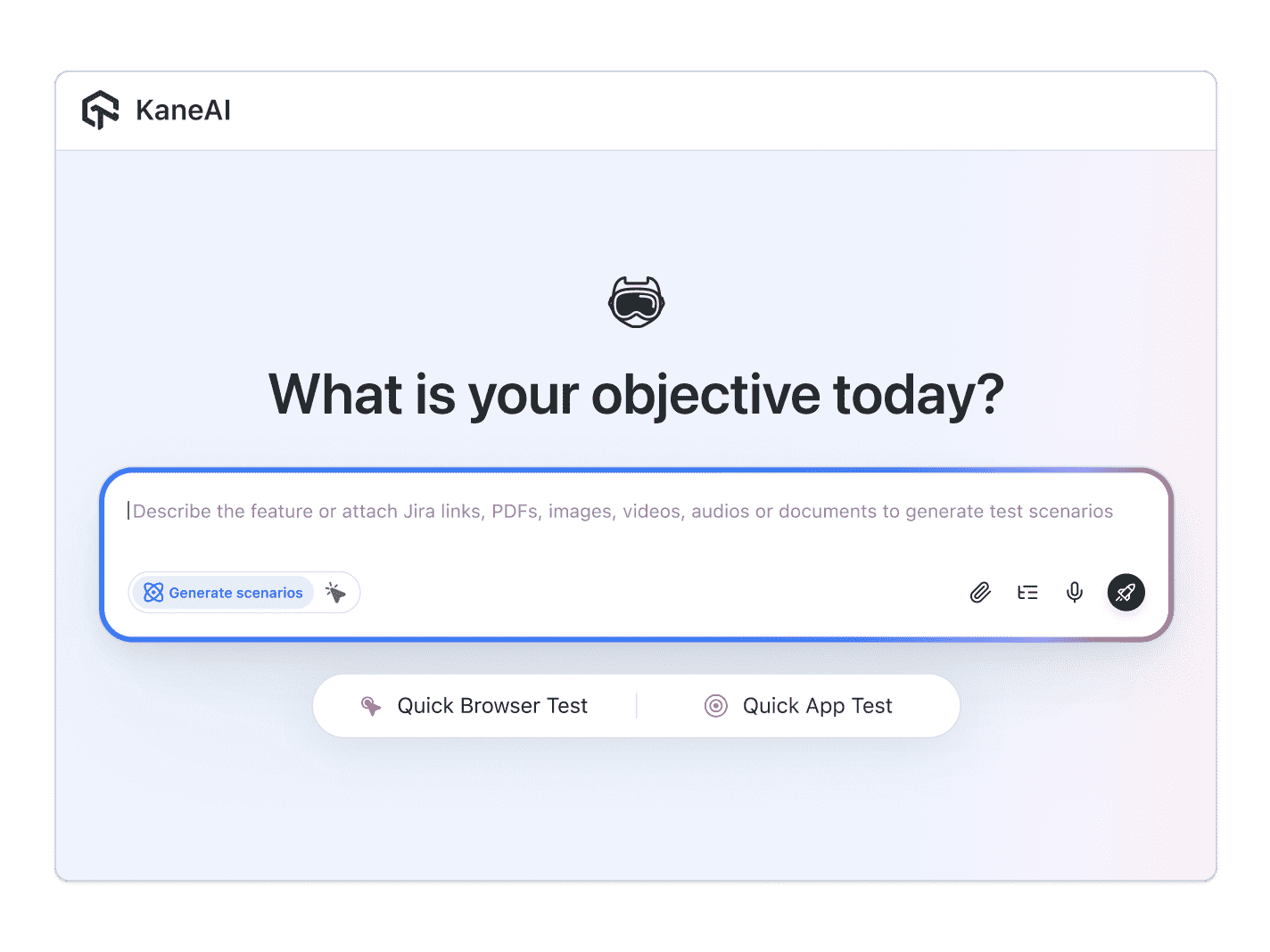
With KaneAI, you write the same test in plain English:
- Go to yourapp.com and open the login page
- Enter the email test.user@example.com and the account password
- Click Sign In
- On the verification screen, enter the current 2FA code for this account
- Verify the dashboard loads once the second factor is accepted
That is the entire test. KaneAI reads each step, finds the email, password, and code fields on your live site the way a human tester would, by understanding the page rather than matching brittle CSS selectors, and runs the flow end to end. The part that normally needs a scripting library is built in: KaneAI generates the TOTP code directly from your secret key, so an MFA-protected flow is testable in a single pass with no external authenticator app or phone. When your team redesigns the verification screen or renames the code field, its self-healing re-anchors the step instead of breaking, which significantly reduces maintenance. And the generated code behaves identically across replay, exported Selenium or Playwright, and a scheduled CI run.

The 2FA scenarios that actually break
Once the happy path works, real coverage is just more English. Here are the two-factor scenarios worth adding, each takes about two minutes to write:
Expired or wrong code
- Sign in with valid credentials and reach the verification screen
- Enter an expired or incorrect 2FA code
- Verify an invalid-code error is shown and the user is not signed in
Backup code and reuse
- Choose to use a backup code instead of the authenticator
- Enter a valid single-use backup code and verify access is granted
- Enter the same backup code on the next sign-in and verify it is now rejected
Rate limiting and lockout
- Enter the wrong 2FA code several times in a row
- Verify the second factor is temporarily blocked and a wait or recovery message appears
- Verify a correct code is accepted once the block clears
Trusted device and remember this browser
- Complete the second factor and select remember this device
- Sign out and back in from the same browser and verify the 2FA prompt is skipped
- Sign in from a fresh browser session and verify the 2FA prompt returns
Run all of them across Chrome, Safari, Firefox, and real mobile devices from the same plain-English steps, with no per-browser rewrites.
Putting it on autopilot
Two-factor tests are most valuable when they run without you:
- Schedule the suite nightly, so a change to your auth provider cannot silently break the second factor for real users
- Trigger on deploy via CI, where Kane CLI runs the same tests from your pipeline and pauses for a manual OTP or CAPTCHA instead of failing outright
- Alert on failure in Slack, with a full replay of exactly what the AI saw when the step failed: screenshots, video, and the reason in plain English
When a test fails, you do not get a stack-trace exception at line 47. You get a plain-English reason for the exact step that failed. Anyone on the team can read it, and anyone can fix the test, because the test is just English.
Try it on your own 2FA flow in 10 minutes
- Sign up for KaneAI free, with no credit card
- Paste your app URL and the account's 2FA secret key
- Write your first two-factor test in plain English, or let KaneAI suggest one from your site
- Run it and watch the second factor get tested end to end
Your second factor is too important to test by hand and too dynamic for brittle scripts. Test it in the language you already speak. Once 2FA is covered, read how to test email workflows so the codes and reset links your users receive stay reliable, and how to test single sign-on (SSO) for the teams that reach your app through an identity provider.

Note: Test your two-factor authentication flow without writing a line of code. Start with KaneAI free.
Author

Devansh Bhardwaj
Blogs: 80


Devansh Bhardwaj is a Community Evangelist at TestMu AI with 4+ years of experience in the tech industry. He has authored 30+ technical blogs on web development and automation testing and holds certifications in Automation Testing, KaneAI, Selenium, Appium, Playwright, and Cypress. Devansh has contributed to end-to-end testing of a major banking application, spanning UI, API, mobile, visual, and cross-browser testing, demonstrating hands-on expertise across modern testing workflows.
Reviewer

Salman Khan
Reviewer
Salman is a Test Automation Evangelist and Community Contributor at TestMu AI, with over 6 years of hands-on experience in software testing and automation. He has completed his Master of Technology in Computer Science and Engineering, demonstrating strong technical expertise in software development, testing, AI agents and LLMs. He is certified in KaneAI, Automation Testing, Selenium, Cypress, Playwright, and Appium, with deep experience in CI/CD pipelines, cross-browser testing, AI in testing, and mobile automation. Salman works closely with engineering teams to convert complex testing concepts into actionable, developer-first content. Salman has authored 120+ technical tutorials, guides, and documentation on test automation, web development, and related domains, making him a strong voice in the QA and testing community.


2FA Testing FAQs
Did you find this page helpful?
More Related Blogs

TestMu AI forEnterprise
Get access to solutions built on Enterprise
grade security, privacy, & compliance
- Advanced access controls
- Advanced data retention rules
- Advanced Local Testing
- Premium Support options
- Early access to beta features
- Private Slack Channel
- Unlimited Manual Accessibility DevTools Tests