
Power Your Software Testing with AI Agents and Cloud
The Native AI-Agentic Cloud Platform to Supercharge Quality Engineering. Test Intelligently and Ship Faster.


- TestMu AI (Formerly LambdaTest)
- /
- Blog
- /
- How to Test Desktop Apps Without Code
How to Test Desktop Apps Without Code (2026 Guide)
Desktop app testing without code. Test web and Electron desktop apps in plain English, no Selenium or WinAppDriver, using KaneAI by TestMu AI.
Last Updated on:
Electron apps wrap a Chromium browser engine inside a native shell, so KaneAI can read a desktop app's settings screen or window the same way it reads a browser tab, testing it from plain-English steps instead of a WinAppDriver or Appium script. A pure native binary built on Win32 or Cocoa falls outside this approach and needs a native driver.
What counts as a desktop app
Desktop apps fall into a few buckets, and the bucket decides whether you can test it in plain English at all. Electron apps render their interface in Chromium wrapped in a native shell, so the window is really a web page behind the frame, the same kind of single-page application you would test in a browser. Plenty of desktop products also ship a web build next to the installer. Both of those have a browser layer for an agent to read, which is what makes no-code testing possible.
A pure native binary built entirely on Win32 or Cocoa controls, with no webview anywhere, sits outside this approach and still needs a native driver. So the first thing to check is whether your interface is browser-rendered. If your product is Electron, or ships a web version, you already have what you need to cover the desktop experience without touching WinAppDriver.
Ways to test a desktop app
Three approaches cover most desktop app testing. They differ on what you install, who is allowed to write the test, and what happens the day a developer reworks the UI.
| Approach | Setup it needs | Who can author | When the UI changes |
|---|---|---|---|
| Manual clicking | Nothing to install | Anyone on the team | Every release gets re-tested by hand, slowly |
| WinAppDriver or Appium scripts | A driver, a background service, and a Windows host | Engineers who write Python or C# | Renamed IDs and control names break the test until someone rewrites the selectors |
| KaneAI in plain English | Point it at the web build or the renderer through a tunnel | Anyone who can describe the flow | Self-healing re-anchors the step and flags the change for review |
The middle row is where most desktop suites stall. Maintenance is the dominant cost of a large automation program, and re-pointing selectors eats the sprint time that should go to new coverage. KaneAI keeps a person in charge of that trade: it proposes the heal when the interface shifts, and a reviewer approves or rejects it, so the suite adapts without running unwatched.
From script to plain English
The gap shows up in one scenario: open the settings panel, switch on dark mode, and confirm the choice survives a reload. In WinAppDriver, the common tool for automating a Windows desktop UI, it reads like this:
from appium import webdriver
from appium.webdriver.common.appiumby import AppiumBy
from selenium.webdriver.support.ui import WebDriverWait
from selenium.webdriver.support import expected_conditions as EC

caps = {"app": r"C:\Program Files\MyApp\MyApp.exe", "platformName": "Windows", "deviceName": "WindowsPC"}
driver = webdriver.Remote("http://127.0.0.1:4723", caps)
wait = WebDriverWait(driver, 10)
settings = wait.until(EC.element_to_be_clickable((AppiumBy.ACCESSIBILITY_ID, "settingsButton")))
settings.click()
driver.find_element(AppiumBy.NAME, "Dark Mode").click()

driver.quit()
driver = webdriver.Remote("http://127.0.0.1:4723", caps)
status = driver.find_element(AppiumBy.ACCESSIBILITY_ID, "themeStatus").text
assert status == "Dark", f"Expected Dark after reload, got {status}"
Roughly a dozen lines, and it needs a running WinAppDriver service plus a Windows machine to host it. It also breaks the moment a developer renames the settings accessibility ID or reworks the theme control. Every line assumes someone on the team writes Python or C# to begin with, which is exactly the wall a manual QA engineer, a PM, or a small founding team runs into.
Handed to KaneAI, the same check is a short list of steps:
- Open the app and wait for it to finish loading
- Open the Settings panel
- Turn on Dark Mode
- Confirm the interface switches to the dark theme
- Reload the app
- Confirm Dark Mode is still on after the reload
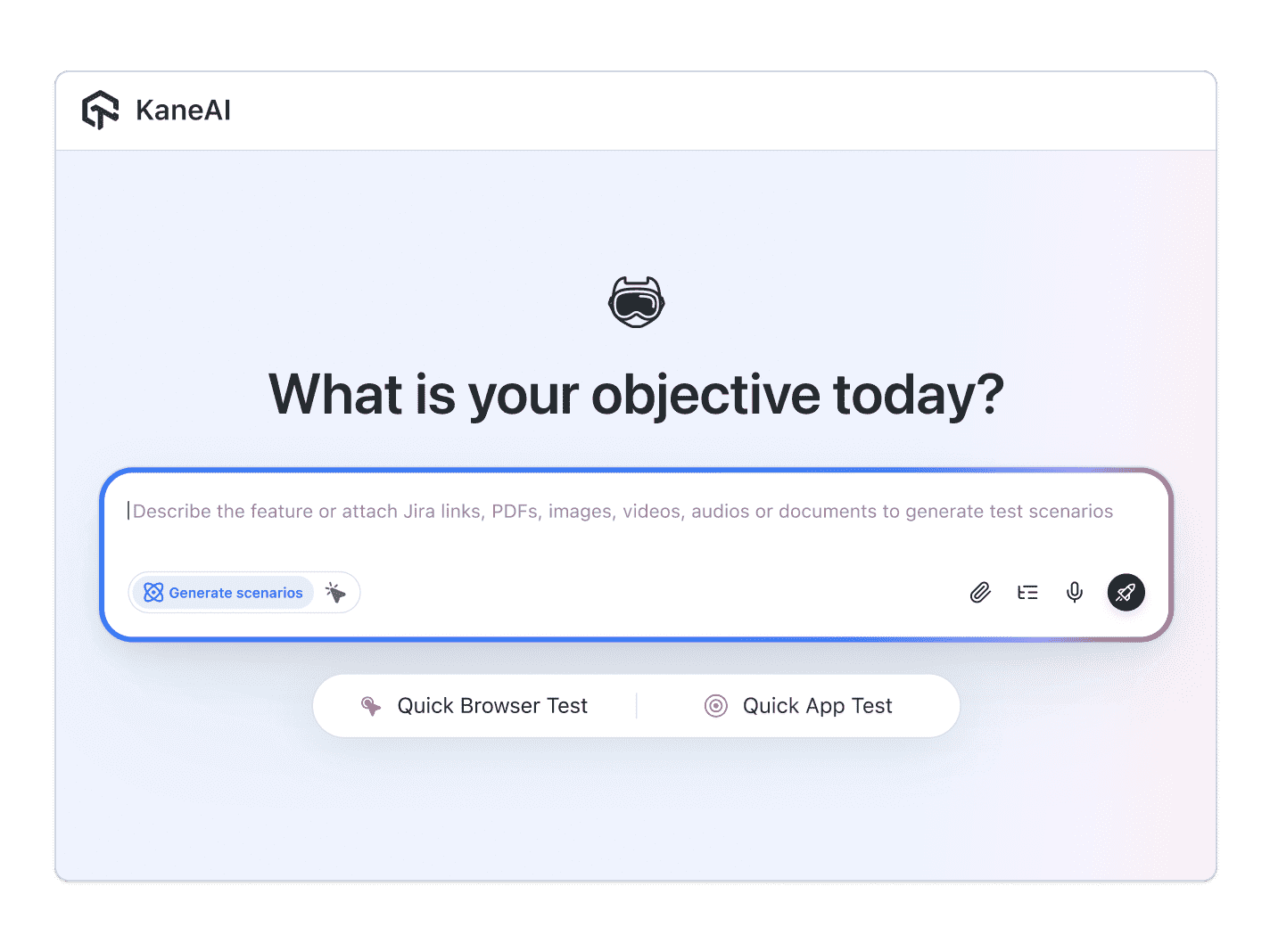
KaneAI reads each line, finds the right control on the running app by understanding the interface rather than matching a fixed accessibility ID, and runs the flow. Rename that control in the next build, and the step re-anchors itself instead of turning the run red. The KaneAI getting-started guide walks through authoring and running that first test on your own build.

Desktop flows worth covering
Once the happy path passes, coverage is a matter of adding more descriptions. These are the desktop flows that fail most often, where they tend to go wrong, and the check that catches the failure.
| Desktop flow | Where it breaks | What to assert |
|---|---|---|
| First-run onboarding | A blank window or a hang on first launch with no saved profile | The main window loads after the welcome and permission screens |
| Settings that persist | A toggle or language choice that does not survive a restart | Theme, language, and notifications are still applied after close and reopen |
| In-app search | Empty results when the matching data is present | The result appears and its detail view opens correctly |
| Auto-update and restart | Update banners and restart prompts left undriven | The app recovers and reloads its data after the update |
| Offline and slow network | A blank screen instead of an offline state | The offline state shows, then data reloads when the connection returns |
Each row is two or three sentences of English. The same steps then run across Chrome, Edge, and Safari rendering engines and on the network profiles your users actually hit, with no per-build rewrites.
Covering different Windows versions and screens
A desktop app that passes on the developer machine can still break on an older Windows build, a high-DPI display, or a laptop scaled to 150 percent, where a dialog clips or a button drifts off the visible area. Desktop app testing has to account for that spread of operating system versions and screen configurations, the compatibility problem a web-only app rarely runs into.
For a browser-rendered desktop app, the same plain-English flow runs across those combinations without a rewrite. KaneAI executes on the TestMu AI cloud grid, which spans 3,000+ browser and operating system combinations, so you describe the onboarding or settings check once and run it against the Windows versions and rendering engines your users actually have. When a layout shifts on one configuration, the failure report pairs the screenshot with a plain-English cause, so you fix that specific config instead of re-running the whole matrix by hand. For teams standardizing that coverage, TestMu AI's test automation cloud runs the same flows across every target from one place.
Running desktop tests in CI
Desktop tests earn their keep when they run on a schedule instead of only on demand.
- Schedule the suite to run nightly, so a Monday build cannot break a setting your users depend on without anyone noticing
- Trigger it on every build in your pipeline, where Kane CLI runs the same flows headlessly with proper exit codes and pauses for an OTP or CAPTCHA instead of failing
- Reach a private build through a secure tunnel, so an app that only runs behind your firewall is testable without exposing it to the public internet
- Start triage from the failure report, which pairs a video of the run and the failing screenshot with a plain-English root cause rather than a stack trace
When the automation matters enough to own, KaneAI exports the same flow to Selenium, Playwright, Cypress, or Appium, so your team keeps it in the codebase it already runs. A desktop app is too important to leave to manual passes and too layered for scripts that break on a rename. If your product also ships a browser version, the same plain-English approach covers it, and the walkthrough for that lives in the guide on how to test web apps without code.

Note: Test your desktop app without writing a line of code. Start with KaneAI free.
Author

Akshay Tamrakar
Blogs: 1


Akshay Tamrakar is a Lead SDET with 9 years of experience in software testing, proficient in both automation and manual testing. An iSQI Certified Selenium Tester, he has worked across retail, finance, and healthcare domains, with expertise spanning functional, regression, integration, exploratory, smoke, sanity, performance, API, security, and cloud testing. Skilled in frameworks like Selenium, Cypress, Robot Framework, and BDD (Cucumber), Akshay is also experienced in TDD and Agile (Scrum) practices. He has led testing teams, built automation frameworks in Java, Python, and JavaScript, and contributed technical content to platforms such as TestMu AI.
Reviewer

Shahzeb Hoda
Reviewer
Shahzeb Hoda is the Associate Director of Marketing and a Community Contributor at TestMu AI, leading strategic initiatives in developer marketing, content, and community growth. With 10+ years of experience in quality engineering, software testing, automation testing, and e-learning, he has authored and reviewed 70+ technical articles on software testing and automation. Shahzeb holds an M.Tech in Computer Science from BIT, Mesra, and is certified in Selenium, Cypress, Playwright, Appium, and KaneAI. He brings deep expertise in CI/CD pipeline automation, cross-browser testing, AI-driven testing practices, and framework documentation. On LinkedIn, he is followed by 3,700+ engineers, developers, DevOps professionals, tech leaders, and enthusiasts.


Desktop App Testing FAQs
Did you find this page helpful?
More Related Blogs

TestMu AI forEnterprise
Get access to solutions built on Enterprise
grade security, privacy, & compliance
- Advanced access controls
- Advanced data retention rules
- Advanced Local Testing
- Premium Support options
- Early access to beta features
- Private Slack Channel
- Unlimited Manual Accessibility DevTools Tests