Android App Testing Online on Real Devices
Test Android app online on 50,000+ real devices, from Galaxy S26 Ultra to Android 17. Upload your APK/AAB or install from Play Store and test directly in your browser. No emulator or setup required.


Trusted by 3M+ users globally at




"We have tripled our tests and are now executing tests in less than 2 hours with 78% Faster Test Execution"


"We figured out a more efficient way to monitor system health and resolve failures earlier in lower environments."





"TestMu AI has significantly boosted our testing speed, is easy to implement, and provides exceptional support."


"With 70% faster test execution, TestMu AI helped us achieve faster time-to-market and enhanced CX."



What Is Android App Testing?
Android app testing verifies that an app installs, runs, and works correctly across different devices, Android versions, screen sizes, and manufacturer skins. It also covers hardware-dependent features such as the camera, GPS, and biometrics. Device fragmentation is what makes it hard: the same build behaves differently on One UI than on stock Android, and on a foldable than on a handset. For the process, test types, and checklist that apply to Android and iOS alike, see the full mobile app testing guide.
TestMu AI is a browser-based Android app tester, so you can test Android apps without Android Studio, the Android SDK or a local emulator. Upload an .apk or an Android App Bundle (.aab), or install from the Play Store, and test on real devices streamed to your screen. The real device cloud provides access to thousands of real Android and iOS devices, covering the latest models and legacy Android versions back to Android 9, without the need for a physical device lab.
Android App Testing Live and Automated on Real Devices
Drive a real Android phone by hand in your browser, or run your Appium and Espresso suites on the same devices from CI. Both modes use identical hardware.
Live Android App Testing
Upload a build and drive a real Android device from your browser. Tap, swipe, rotate and type as you would in your hand.
Start testing free
 Install multiple apps in a single session
- Test native, hybrid and web apps on real hardware
- Switch device and OS version without restarting

Automated Android App Testing
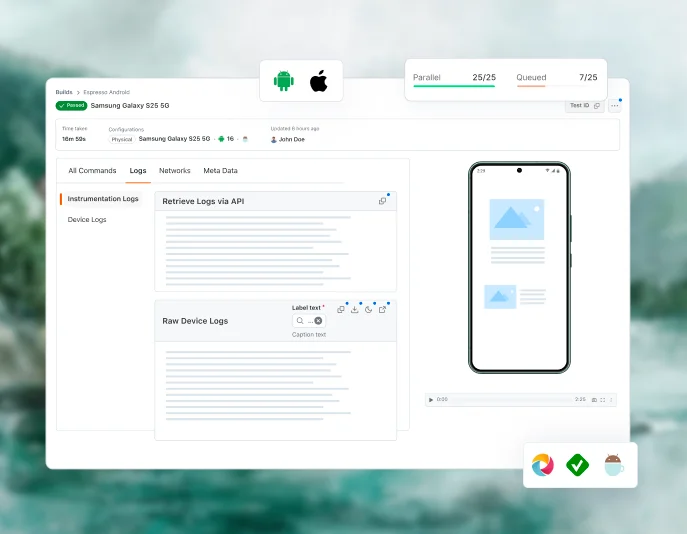
Run your existing Appium and Espresso suites on the same real Android devices. Parallel testing across devices cuts regression runs down from hours. For the full automation setup, see Android automation testing.
Start testing free- Appium and Espresso suites run without a rewrite
- Run in parallel to cut execution time
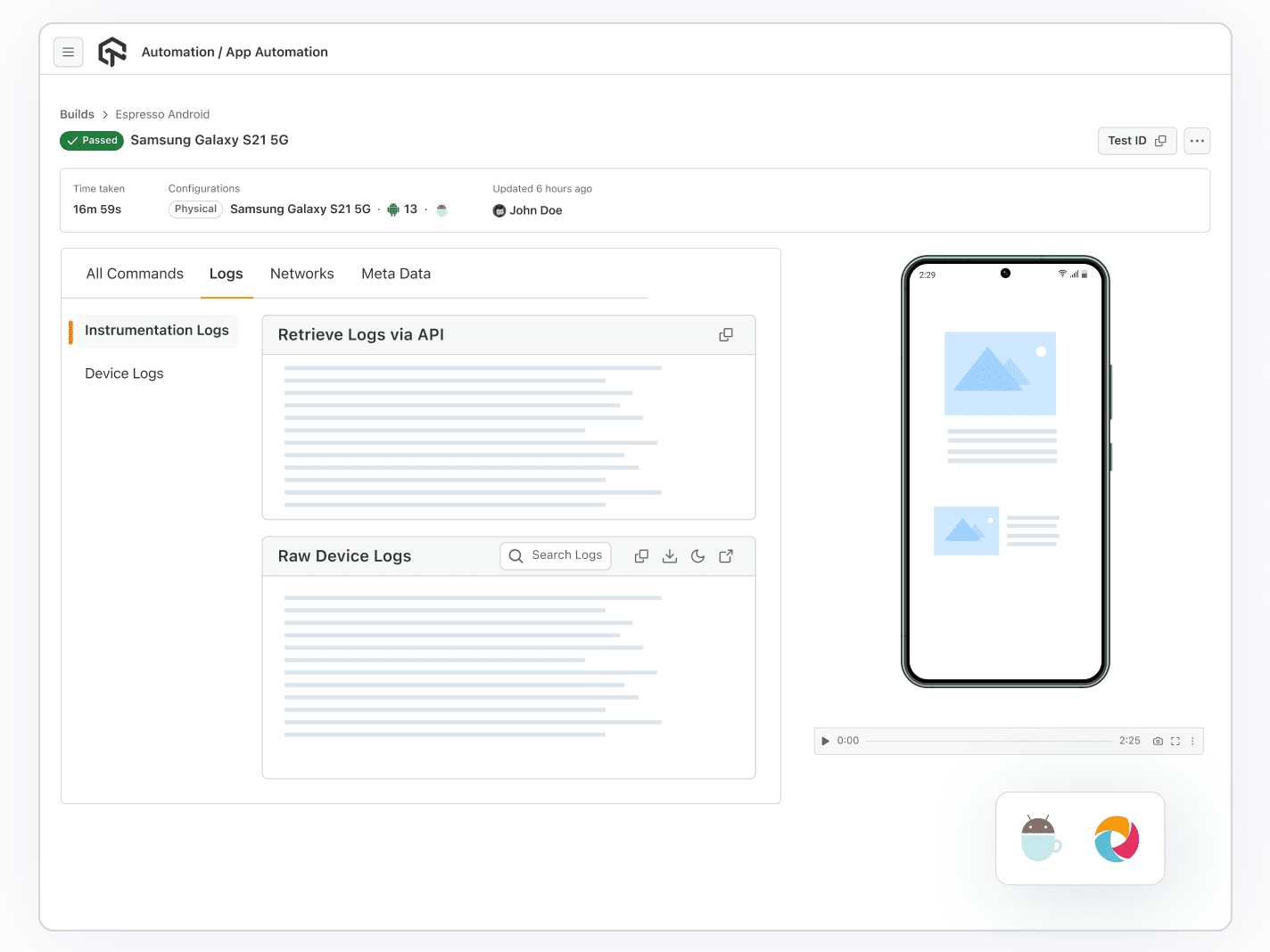
- Device logs, network logs, screenshots and video on every run
 Author
KaneAI Android App Testing Agent
The AI agent for Android app testing. Upload your .apk or .aab. Type a plain English objective. The agent installs the build on a real Android device, creates the test steps, runs each one, and saves the run as a reusable test.
Start free Android app testing- Runs on real Android hardware in the cloud
- Auto-authored steps you can edit, save and replay
- Hand off to manual interaction whenever you need

AI Agent Skills for Android App Test Automation
If your team uses Claude Code, Cursor, Copilot, or Gemini CLI, your AI agent can already write your Android tests. Production-grade, open-source skills that teach your AI coding agents to write real Appium, Espresso, and Detox test code.

45+ open-source skills across mobile and web frameworks.
Works with 20+ AI agents across 15+ languages.
Agents author the code, you run it on real Android devices.


Appium Skill

Espresso Skill

Detox Skill
Works with all agents:


& more...
 KANE CLI
Check a build on your local emulator before it reaches a real device
Kane CLI is a separate command-line tool. It drives the Android Emulator on your own machine, so you can catch obvious breakage in seconds before running the build on real devices in the cloud.
Explore Kane CLI- Describe the check in plain English, no script to write
- Address emulators by device name and OS version
- Pass or fail with replay evidence
Test on Real Android Devices Your Users Actually Carry
Galaxy S8 through the S26 Ultra, plus Z Fold foldables and Galaxy Tab tablets
Pixel 3 through the Pixel 11 Pro XL, including the 9 Pro Fold
OnePlus, Xiaomi, OPPO, Motorola, Vivo, Huawei and realme
Everything You Need to Test an Android App

Natural Gestures
Test gestures the way users perform them: tap, scroll, pinch-zoom, swipe and long-press.

Device Logs
Pull logcat and app-specific system logs straight from the device to trace a crash or stack trace mid-session.

Quick App Uploads
Upload an .apk or an Android App Bundle (.aab), or install an existing app from the Play Store or App Center.

Network Throttling
Simulate network conditions, including 3G, 4G, and 5G, with network testing to ensure optimal app performance.

Geolocation Testing
Conduct IP/GPS-based geo-location testing across 170+ regions to verify seamless app functionality in diverse global locations.

Network Logs
During testing, capture and examine network logs to detect and address connectivity issues, ensuring a smooth user experience.

Smart UI Inspector
Inspect the live view hierarchy mid-session to pin down layout and element issues.

Biometric Authentication
Test fingerprint and face unlock flows on devices that have the real sensors.

Camera Image Injection
Efficiently test image capturing, QR code, and barcode scanning through integration with mobile sensors during app testing.
Pick the Android App Testing Cloud That Fits Your Team
From shared public devices to private devices reserved for your team or hosted behind your own firewall, choose the deployment model that matches your team's scale and security needs.
Public Real Device Cloud
Dedicated Real Device Cloud
On-premise Real Device Cloud
Best for
Teams getting started or with variable demand
Enterprises needing isolation and SLA
Regulated industries with strict data residency
Device access
Shared pool, instant access, free or self-serve monthly and annual plans
Reserved devices for your team only, custom configuration, pre-installed apps
Behind your firewall, full data control
SLA support
Standard
Guaranteed SLA + priority support
Standard
Public Real Device Cloud
Best for
Teams getting started or with variable demand
Device access
Shared pool, instant access, free or self-serve monthly and annual plans
SLA support
Standard
Dedicated Real Device Cloud
Best for
Enterprises needing isolation and SLA
Device access
Reserved devices for your team only, custom configuration, pre-installed apps
SLA support
Guaranteed SLA + priority support
On-premise Real Device Cloud
Best for
Regulated industries with strict data residency
Device access
Behind your firewall, full data control
SLA support
Standard
Some Love from our Customers
Debugging Specific Devices Got a Lot Easier. I liked being able to select a specific device and browser combination to troubleshoot issues reported by customers...
Web Automation Testing
Real Device

Verified Reviewer

Just signed up for a few weeks ago for browser/device testing. Loving it so far.
Web Automation Testing
Real Device

Nathan Rambeck
@nrambeck

86000 + Minutes & 1300 + Tests Thank you for helping us to tackle client requirement of running automated tests in multiple mobile browsers. With this, we had the flexibility to run multiple tests in parallel and our tests became scalable by widening the test coverage and reducing the time of execution. We highly recommend TestMu AI if you are looking for a cost-effective method to scale your tests, Thanks again and we are looking forward to leverage this to other projects as well.
Web Automation Testing
Real Device

TestVox

Success Stories of TestMu AI (Formerly LambdaTest)

50%
reduction in test execution time
“HyperExecute is a highly reliable test execution platform and has excellent customer support.”
Sagar Uday Kumar
Sr. Engineering Manager
More Reasons to Love TestMu AI
TestMu AI is a leading agentic AI quality engineering platform, trusted globally, that assures your AI deployments work as intended, safely and securely, across enterprise and real-world conditions.
Users
3M+
Tests
1.5B+
Enterprises
18K+
Countries
132
TestMu AI positioned as a Leader in the 2026 Gartner® Magic Quadrant™
Read ReportTestMu AI recognized in The Forrester Wave™: Autonomous Testing Platforms, Q4 2025
Read ReportWall of Fame
TestMu AI is the #1 choice for SMBs and enterprises across the globe.
Enterprise-Grade Security
We safeguard your data and AI systems with global security, privacy, responsible AI, and ESG standards.

Integrations
Works where you work, 120+ integrations with the tools your team relies on.



As Seen On
Frequently Asked Questions on Android App Testing
- Upload your .apk or .aab build, or install the app straight from the Play Store or App Center.
- Pick an Android device and OS version, anything from the Galaxy S26 Ultra on Android 16 to a Galaxy S8 on Android 9.
- Run the session. The device streams to your tab, so gestures, rotation and typing work as they do in your hand.
- Capture device logs, network logs, screenshots and video as you go.
TestMu AI for Enterprise
Get access to solutions built on enterprise-grade
security, privacy, & compliance
- Advanced access controls
- Advanced data retention rules
- Advanced Local Testing
- Premium Support options
- Early access to beta features
- Private Slack Channel
- Unlimited Manual Accessibility DevTools Tests