

Localhost Tunnel Testing With UnderPass
Connect your local machine to 3,000+ real browsers via a secure desktop app, using your own firewall.

Trusted by 3M+ users globally at



"We have tripled our tests and are now executing tests in less than 2 hours with 78% Faster Test Execution"


"We figured out a more efficient way to monitor system health and resolve failures earlier in lower environments."





"TestMu AI has significantly boosted our testing speed, is easy to implement, and provides exceptional support."


"With 70% faster test execution, TestMu AI helped us achieve faster time-to-market and enhanced CX."



Everything You Need to Test Locally
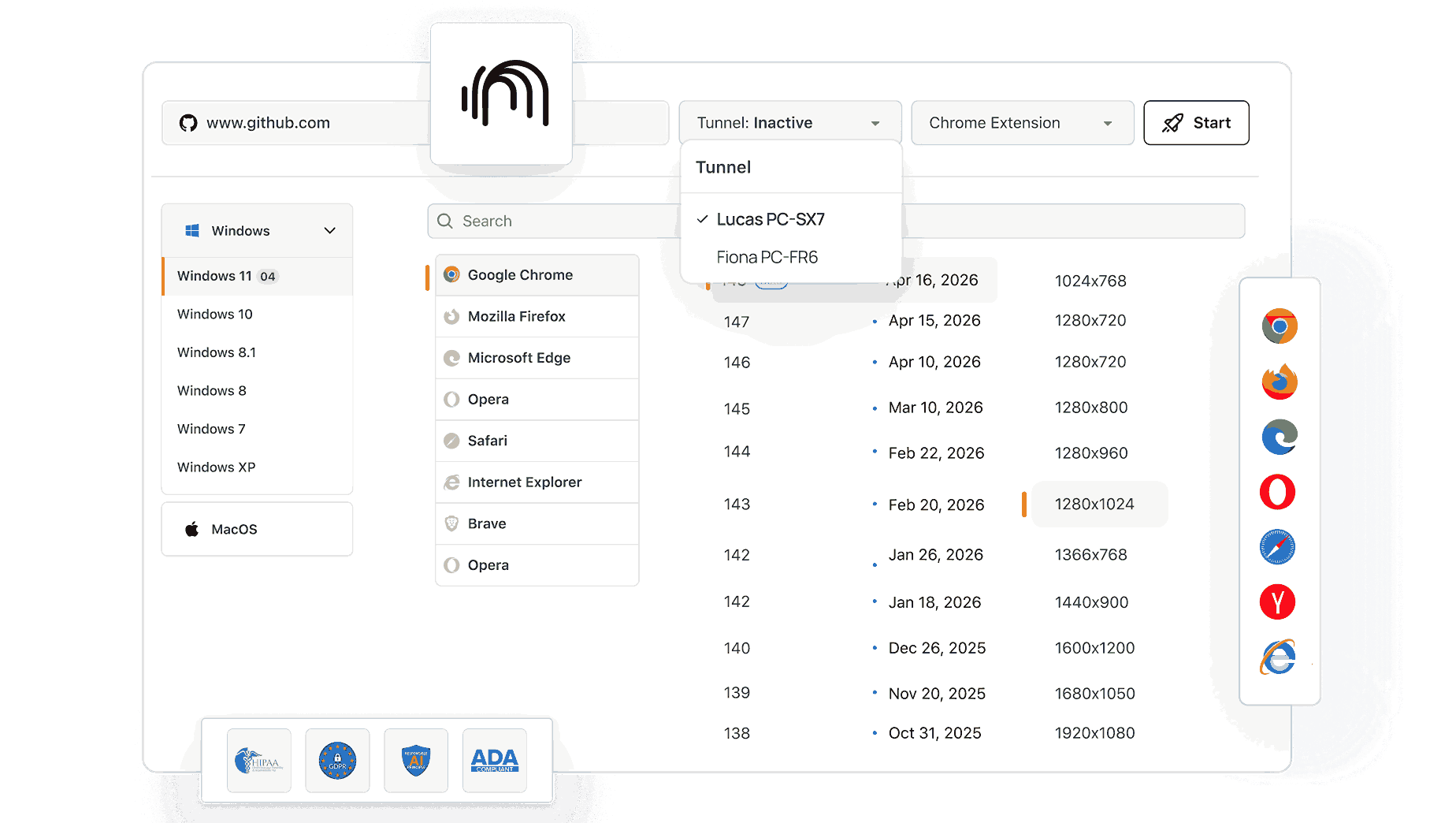
Activate a secure tunnel, test local files and HTTPS builds, and check browser coverage across Chrome, Firefox, Safari, and Edge.
 SECURE SSH TUNNEL
Instant Tunnel Activation
Test localhost and staging builds over HTTP or HTTPS on real browsers before they go live - no deployment needed.
Download UnderPass
- Launch a secure SSH tunnel through a guided desktop interface in seconds
- SSH-encrypted connection that routes safely through firewalls and proxies
- Real-time tunnel logs show connection status and flag issues instantly

 NO SERVER NEEDED
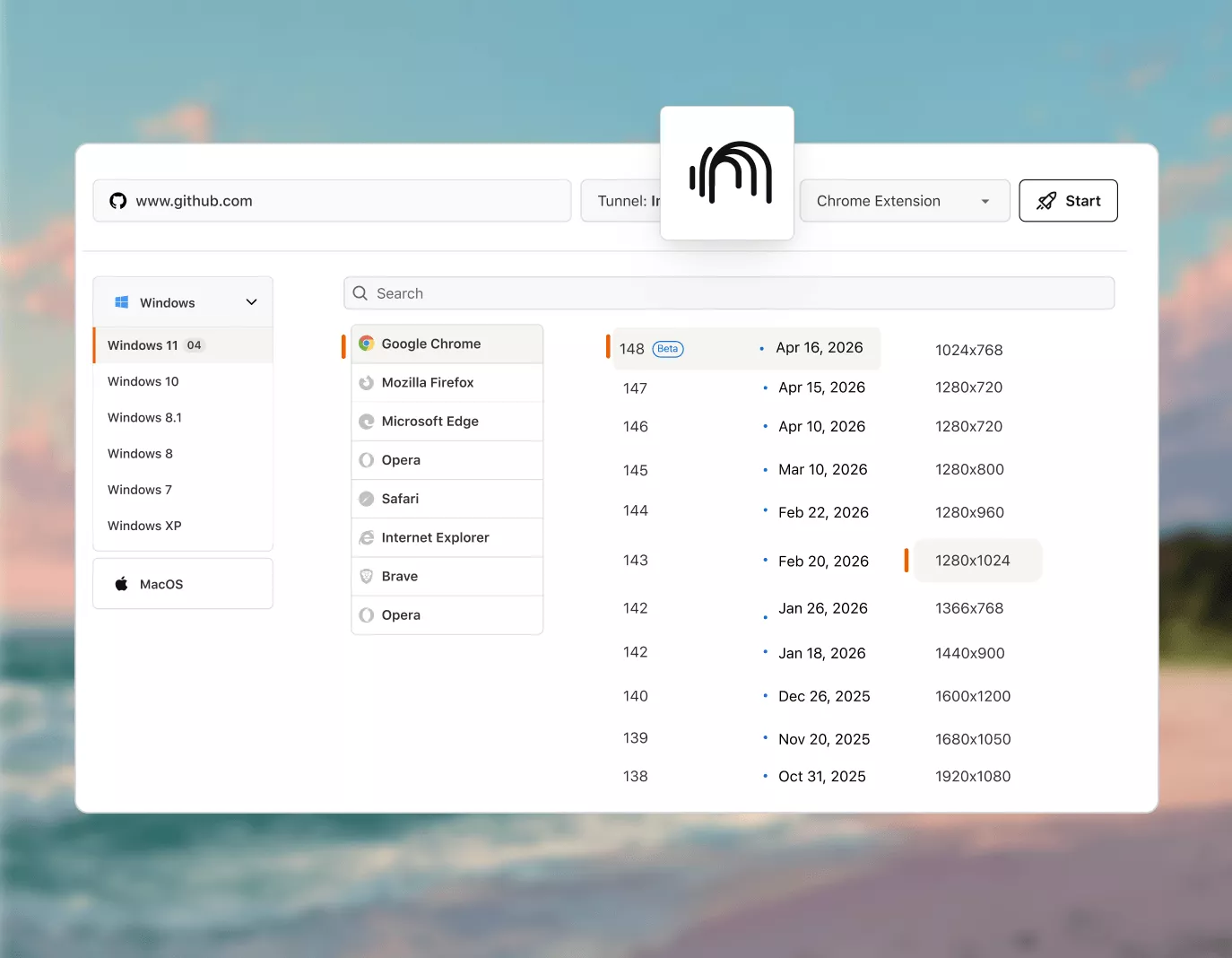
Test Local Files Without a Server
Point UnderPass to any local folder and test those files in real browsers - no server required.
Download UnderPass- Test HTML prototypes and static builds on 3,000+ real browsers
- Catch browser-specific rendering issues before local files reach a server
- Supports plain HTML files, React builds, and any static site output
 NO SSL ERRORS
Stop SSL Errors Blocking Your Local Test Sessions
One toggle silences SSL certificate warnings on HTTPS localhost and staging environments.
Download UnderPass- No certificate installation needed on the machine running your tests.
- Handles self-signed SSL certificates on localhost and internal networks.
- No browser security flags or exceptions to configure manually.
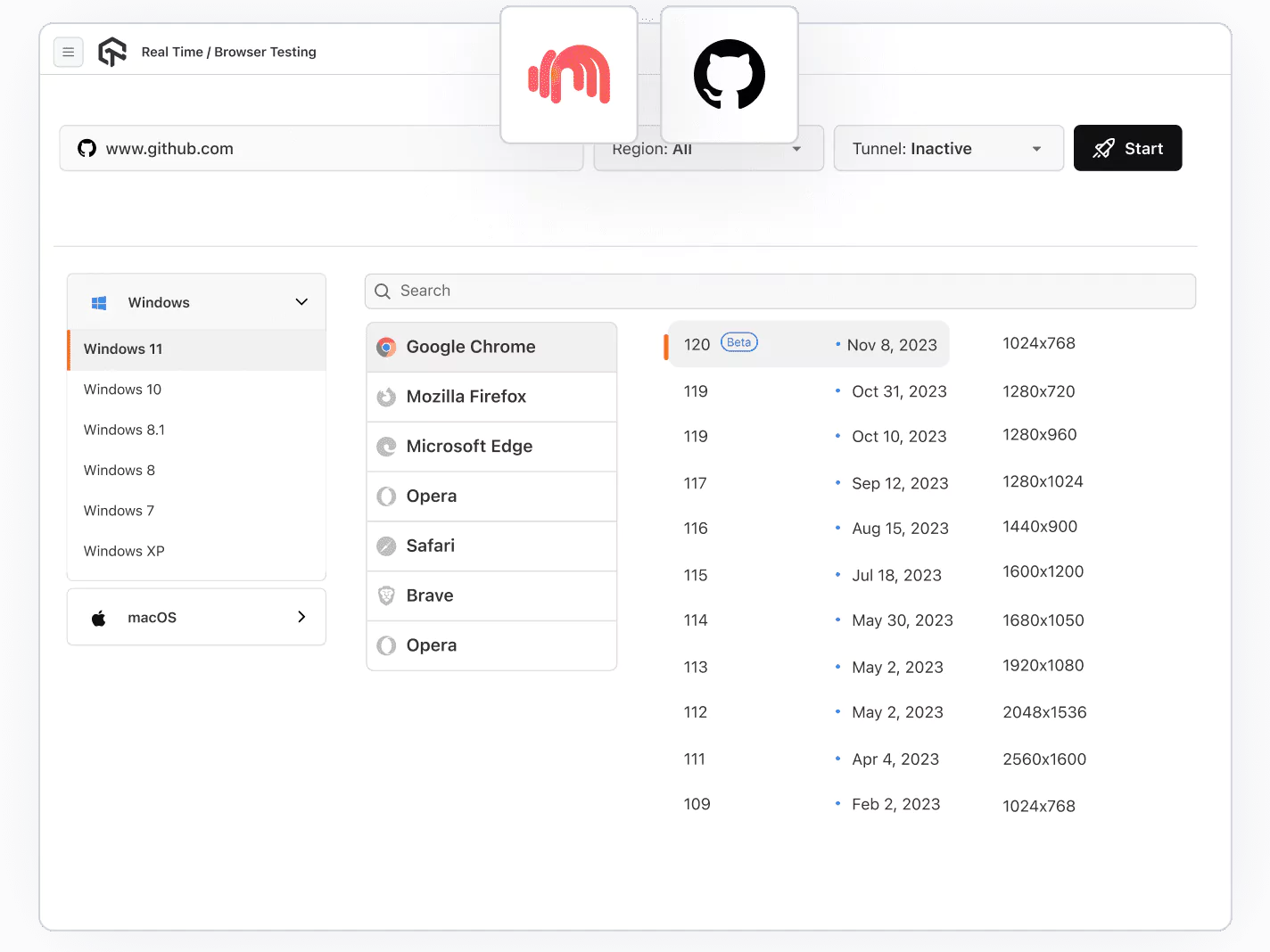
 3,000+ REAL BROWSERS
Test Local Builds Across Browsers
Run your local build on Chrome, Firefox, Safari, and Edge across Windows, macOS, Android, and iOS.
Download UnderPass- No physical devices or emulators needed for mobile coverage
- Covers Windows, macOS, Android, and iOS browser environments
- Catch rendering differences across all major browser engines
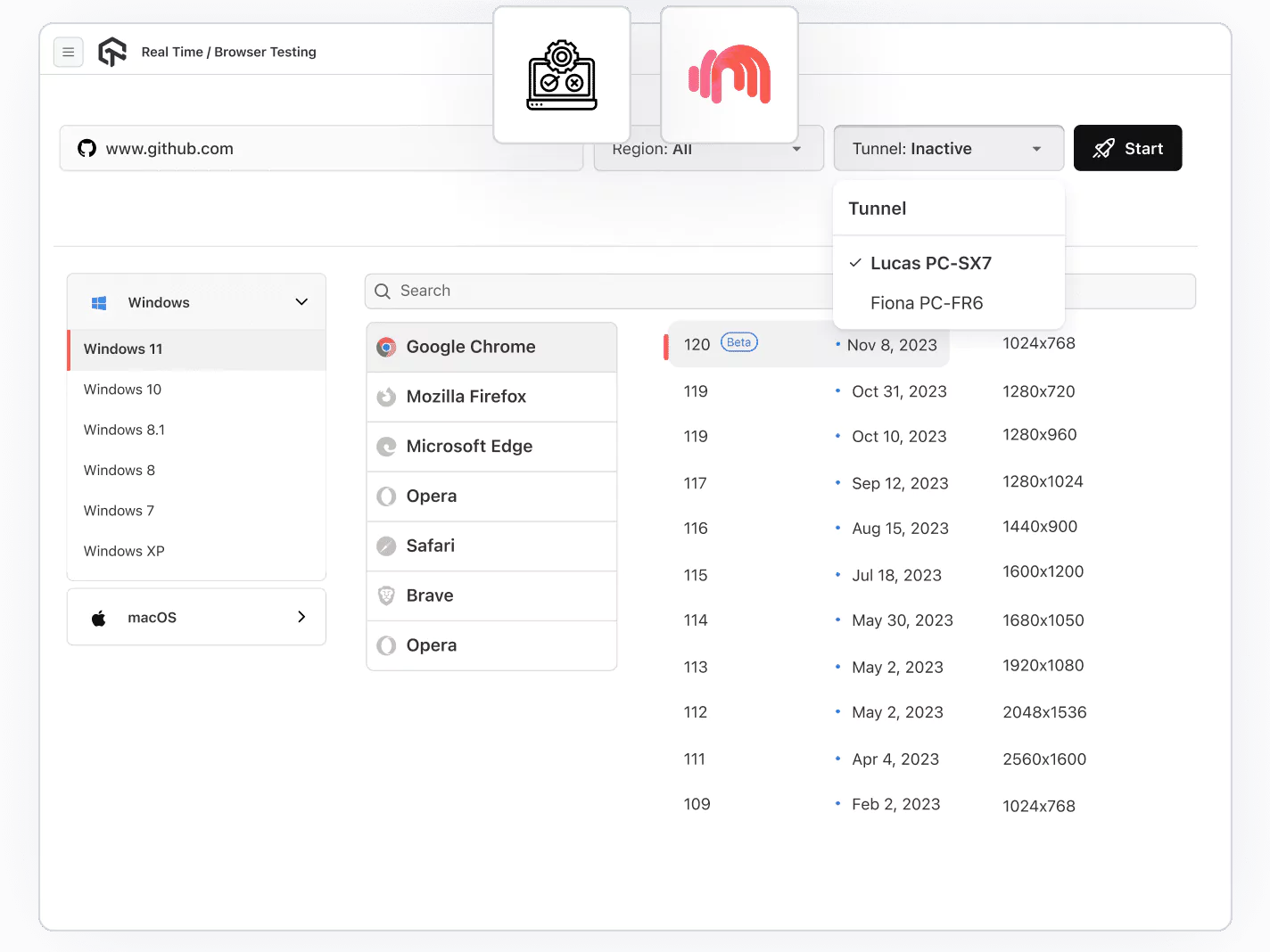
Tutorial on TestMu AI UnderPass Tunnel
A walkthrough of using TestMu AI's UnderPass Tunnel feature for secure, frictionless local-to-cloud testing connections.

 PLAY
PLAYMore From UnderPass

Advanced Configurations
Configure proxy details, environment labels, API port, and local server port to match your network setup.

Login Flexibility
Sign in with Email, Google, GitHub, or your organization's SSO - no separate account setup required.

Cross-Platform App
Download UnderPass on Windows, macOS, or Linux and get the same GUI experience across all three.

Local Log Storage
Tunnel logs are saved to your local system for review after sessions - useful for debugging persistent issues.

Tunnel Naming
Name tunnels manually or auto-generate to organize concurrent testing sessions across different environments.

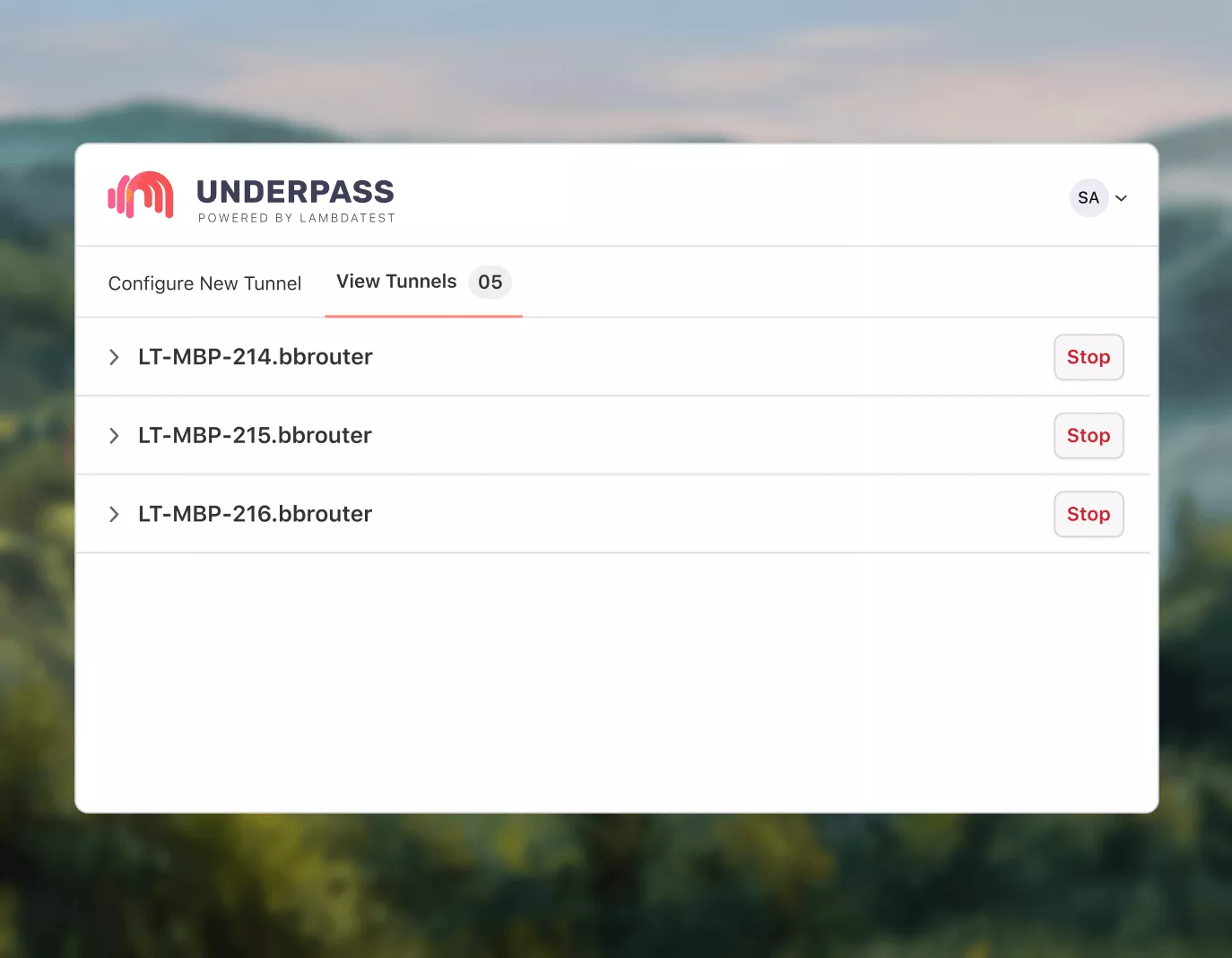
View Tunnels
Access and review all your existing tunnels from a dedicated View Tunnels tab inside the app.
AI-Agentic Quality Engineering
AI-native agents that plan, author, run, and analyze tests across your local builds, real browsers, and 10,000+ devices.
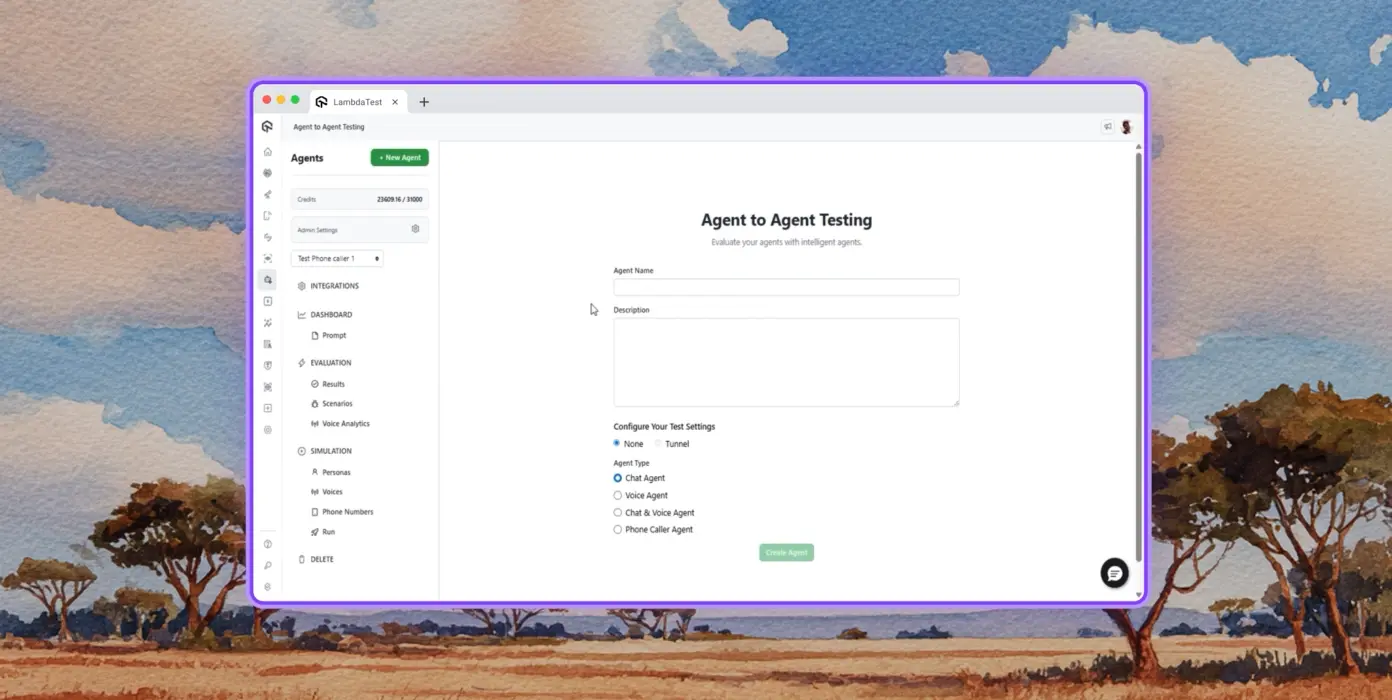
Autonomous Testing
Detailed agent analysis under test, from the perspective of a synthetic end-user.
Multi-Persona Simulation
Diverse user personas like International Caller, Digital Novice and more.
Risk Scoring & Regression
End to end regression testing for agent under test with insights.
Success Stories of TestMu AI (Formerly LambdaTest)

50%
reduction in test execution time
“HyperExecute is a highly reliable test execution platform and has excellent customer support.”
Sagar Uday Kumar
Sr. Engineering Manager
More Reasons to LoveTestMu AI (formerly LambdaTest)
See how TestMu AI improves your testing with seamless integration, quicker results, and unmatched accuracy.
Users
3M+
Tests
1.5B+
Enterprises
18K+
Countries
132
TestMu AI Named a Challenger in the 2025 Gartner® Magic Quadrant™
Read ReportTestMu AI recognized in The Forrester Wave™: Autonomous Testing Platforms, Q4 2025
Read ReportWall of Fame
TestMu AI is the #1 choice for SMBs and enterprises across the globe.
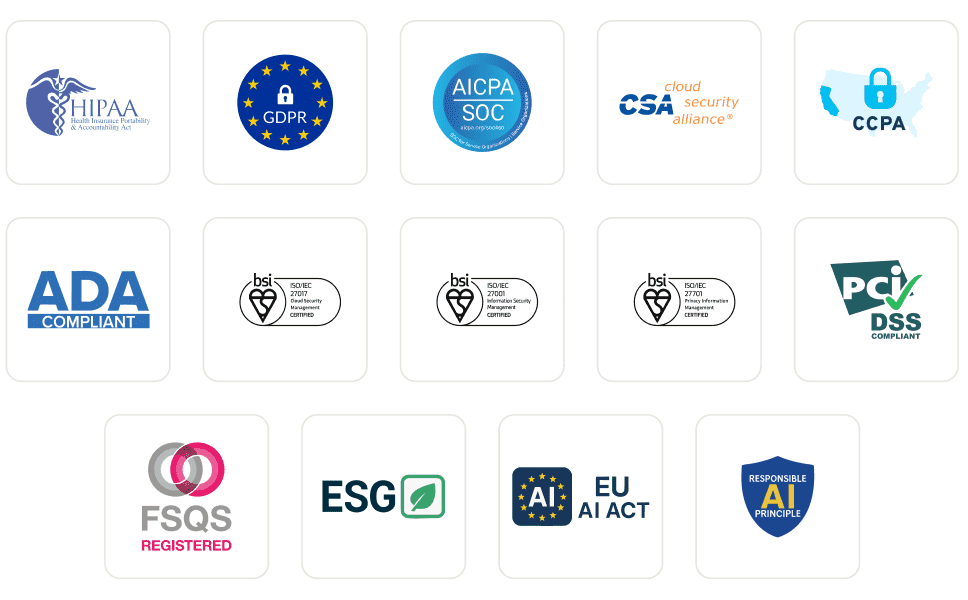
Enterprise-Grade Security
We safeguard your data and AI systems with global security, privacy, responsible AI, and ESG standards.
Integrations
Works where you work, 120+ integrations with the tools your team relies on.



As Seen On
Some Love from our Customers
As Best Egg expanded its product offerings and entered new markets, we knew our old testing infrastructure couldn’t keep up.
With support from Tenny Agustin, our Engineering Operations Lead, we modernized our approach with
TestMu AI

Best Egg
best-egg

Excited to Share My Learning Journey with Kane AI & Lambda Tool!
I'm pleased to announce that I've recently gained hands-on experience exploring Kane AI through the Lambda Tool and it’s been a fantastic journey of upskilling!
KaneAI

Suryateja Goud
suryateja-goud

See how is #Futureready to enable blazing-fast test orchestration seamlessly integrated with organizations' existing CI/CD platforms, using #Microsoft Azure.
TestMu AI

Microsoft India
MicrosoftIndia
Frequently asked questions
UnderPass is a GUI-based tunnel application that connects your local machine to TestMu AI's cloud, letting you test locally hosted and privately hosted pages on 3,000+ real browsers without using the command line. Download it from the downloads page.
Install UnderPass and activate the tunnel from the GUI. TestMu AI opens an SSH-based connection that gives you access to cross-browser testing on your local URL across 3,000+ browser and OS combinations.
A local testing environment mirrors your site without affecting production. It lets you catch browser compatibility issues, layout breaks, and regressions before a change goes live.
Cloud browsers run on remote servers - they cannot reach your localhost directly. UnderPass creates an outbound SSH tunnel from your machine to TestMu AI's cloud, so cloud browsers can access your local server without it being publicly exposed.
Install UnderPass if you prefer a desktop app, or the tunnel CLI otherwise. Sign in, name the tunnel, and start it, then enable the tunnel toggle when you configure your test session. On Linux, run chmod +x on the AppImage before launching it. To use a different local folder or configuration, stop the running tunnel first. For CLI-based usage, see the UnderPass documentation.
TestMu AI forEnterprise
Get access to solutions built on enterprise-grade
security, privacy, & compliance
- Advanced access controls
- Advanced data retention rules
- Advanced Local Testing
- Premium Support options
- Early access to beta features
- Private Slack Channel
- Unlimited Manual Accessibility DevTools Tests