
Test Site on Mobile With LT Browser
Test website responsiveness on 50+ mobile device viewports
 Watch in Action




Device 1
- 1

iPhone 12 Pro
- 1

iPad Pro
×

Device 2
- 2
Google Pixel
- 2

1024X768
×
iPhone 12 pro(1170x2532)

Ipad pro(2048 x 2732)

Google Pixel (1080 x 1920)
Desktop 1024 x 768
Why my mobile website refused to connect? : Your website may not be supporting iframe but our Chromium-based LT Browser has the solution. Mobile friendly testing across 50+ different device viewports to enjoy un-interrupted mobile testing. Try LT Browser for free!

You are about to download LT Browser for Linux
×Download Deb
64-bit version for Debian/Ubuntu
Download RPM
64-bit version for Fedora/openSUSE
By downloading and using LT Browser, I agree to the Privacy Policy and Terms.






Test Website On Mobile View
Test site on mobile view across different pre-installed mobile device viewports or custom mobile resolutions. LT Browser, a developer-friendly mobile site tester, offers testing Android and iOS device viewports to help you ensure a seamless user experience.

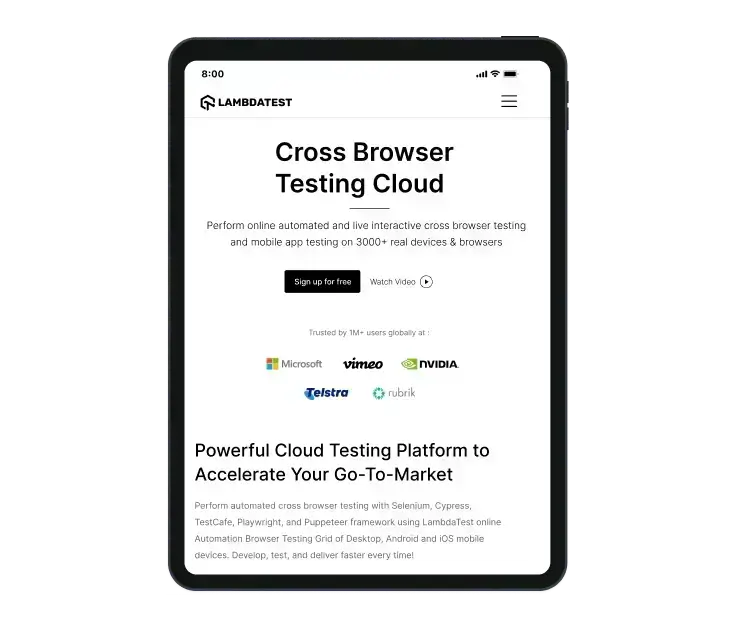
Check Responsive Design On Your Tablets
Check out LT Browser, a free-to-use mobile site tester for testing websites on tablets and devices to ensure responsiveness.
Test On Different Laptop Viewports
Test your website's responsiveness on pre-installed laptop viewports or create custom laptop resolutions with this responsive website checker.

Test On Different Desktop Sizes
Test the responsiveness of your website and web apps across multiple pre-installed desktop resolutions with LT Browser . You can also create your custom desktop resolutions with this developer-friendly browser.

100% Accuracy is Essential - Switch to Real Device
Mobile emulators and simulators offer a glimpse, but they fall short in mimicking real-world scenarios. Don't settle for emulations/simulations; choose real device.
 Natural gestures - pinch to zoom in, 2 fingure scroll etc
- Detailed device and app/crash logs
- Integrate with TestFlight, AppStore
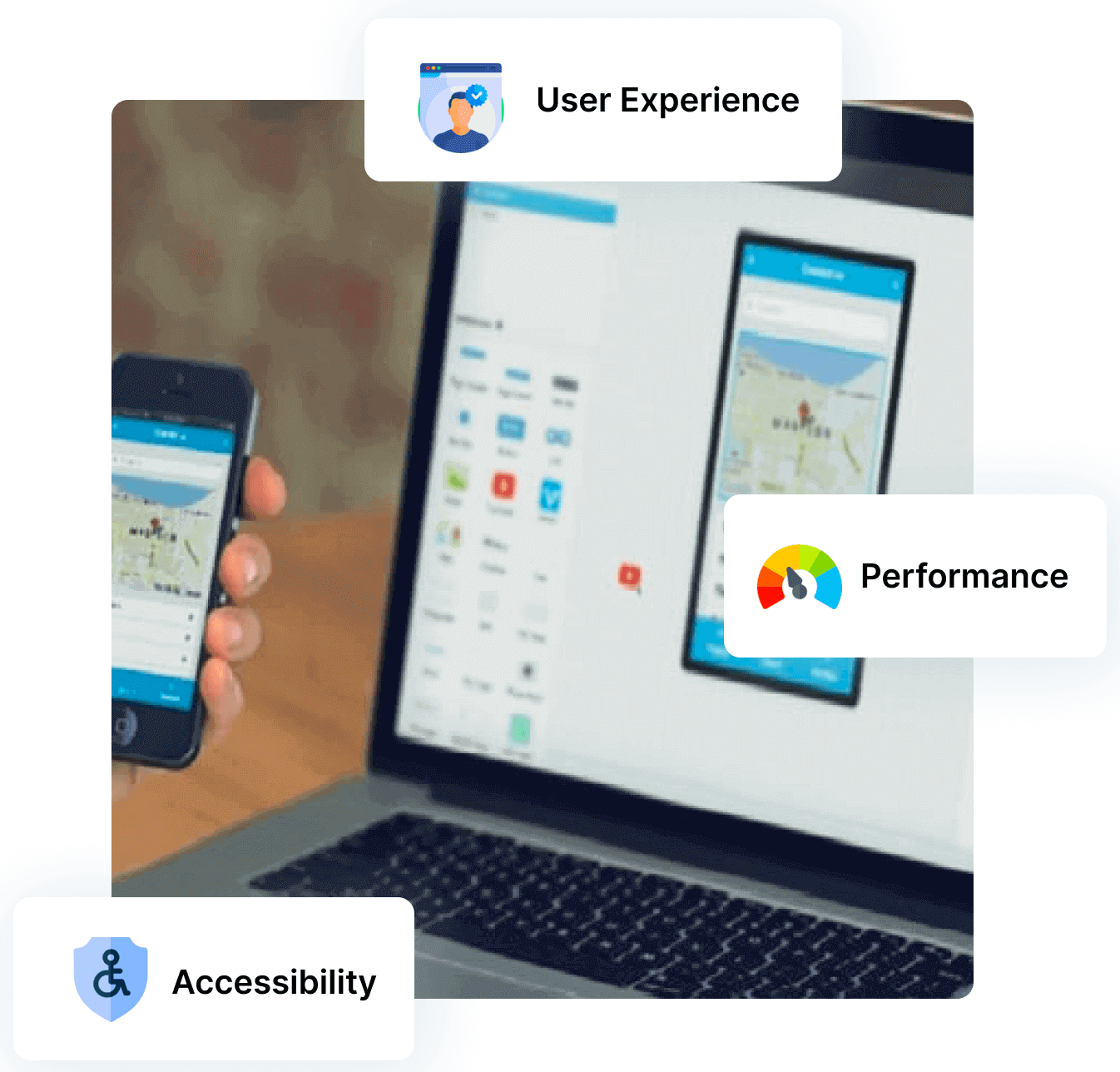
How to Test Site On Mobile With LT Browser

Native Chromium Engine
Use all Chrome browser features like settings and APIs, having better OS integration, accessing latest Chrome DevTools.

Multiple Device Viewports
Choose from a wide range of devices and effortlessly interact and test responsiveness across multiple device viewports.

Dedicated Chrome DevTools
Enhance your mobile view debugging with built-in Chrome dev tools for each device viewport, enabling faster debugging.

Multiple Recording Options
LT Browser lets you record the entire screen or a specific tab in tablet or mobile view and easily share it with your team.

Google Lighthouse Report
Get access to concise lighthouse report for viewing your website's key performance metrics, including accessibility score and SEO.

Hot Reloading Feature
LT Browser's user-friendly interface, quick documentation, and hot reloading ensure seamless code updates in device viewports.

Network Throttling
Ensure seamless user experience by checking your mobile view website's responsiveness on various network profiles.

Multiple Bug Reports
Create and share responsive bug reports seamlessly across preferred project management or messaging tools.

Test History
Developers using LT Browser access their test history for informed decisions and clear site cookies via Chrome settings.
Try TestMu AI Now !!
- No Credit Card Required
- Free Sign Up
- 24/7 Support





FAQs
How do I test a website on mobile view?
Open Chrome and go to the website you want to test for mobile. Access Developer Tools via Settings -> More Tools -> Developer Tools. Click on the Device Toggle Bar and choose from the list of Android and iOS devices for emulation.
How can I test my mobile phone?
To test your mobile phone, consider using applications such as Phone Doctor Plus, Phone Diagnostics, Phone Check and Test, Zinny, and iDiagnosis. These apps can perform various tests on your phone's touch screen, audio, video, camera, microphone, sensors, and other components.
How to view how my website content looks across devices
To view how your website content looks across devices, use Chrome's Inspect tool. Right-click on your webpage, then click the phone icon in the top left corner to preview on various device sizes
How do I test website on all devices?
AI-native test orchestration and execution platform, TestMu AI allows you to test your web page across a wide range of browsers and devices online. Alternatively, for local testing, you can utilize emulators, simulators, or actual physical devices to ensure comprehensive web page functionality.
How to test my website on mobile?
You can use browser emulation. Eg Chrome, Right click > Inspect > Toggle Device Tool Bar. You can check your website on a few viewports. But, the best way would be to use a specialized tool Eg. LT Browser, it is meant test site on mobile. Additionally you'll get many productive features as well.
Why do I need to test my website on mobile?
Majority of internet users around the world uses mobile devices to visit the websites. Testing your website on mobile screens ensures the best possible UI/UX for them when they visit your website via mobile device. Additionally mobile friendly websites also gets preference in google SEO parameters.
When should I test my website on mobile?
There are many occasions where you must test your website on mobile but in following two cases you must test your website on mobile 1. When you know that you website is going to be used from a lot of mobile screen, and 2. When you have incorporated responsive designs in the website.
Which mobile devices I should test my website on?
It depends on the devices used by your website visitors. To cover it broadly we can consider following
Mobile- iPhones, Samsung Galaxy series, OnePlus phones of past 2 to 3 years.
Tablets- iPads and Samsung Tablets launched in past 3 to 4 years
PCs- Laptops from Lenovo, Dell, Apple for past 5 years
Mobile- iPhones, Samsung Galaxy series, OnePlus phones of past 2 to 3 years.
Tablets- iPads and Samsung Tablets launched in past 3 to 4 years
PCs- Laptops from Lenovo, Dell, Apple for past 5 years
How to measure the success of the mobile website test?
Once the website renders as it is required to render across all the desired mobile view ports, and if the user is getting best user experience we can consider it a successful mobile website test.
What is the difference between responsive and adaptive design?
Responsive website is fluidic enough to adapt to any shape or size of the viewing device. Adaptive website first detect a predefined resolution and shows pre decided static elements of the website. Fun Fact: Google ranks mobile friendly websites higher compared to any other form of website.
How do I know if my website is mobile responsive?
Testing the responsiveness of a locally hosted website can be done easily using the Toggle device toolbar option in your browser's developer tools. To do this, press F12 to start the developer tools in both Chrome and Firefox, then click on the Toggle device toolbar. You can also use LT Browser to check the responsiveness of your website for free.
How can I see what a website looks like on other devices?
An easy way to test a website on mobile devices online is to use LT Browser - A free developer-friendly browser. Enter the URL of the website to be tested, and instantly see how it renders on multiple latest devices such as iPhone 12 Pro Max, Galaxy Note 10+, Galaxy Tab S4, MacBook Air, and more.
How can I test a site on mobile devices?
With LT Browser, testing your site across multiple mobile devices has become a breeze. This free-to-use mobile site tester requires no login. Simply enter your site's URL, select the preferred mobile device from the device library, and test it for responsiveness.
How do you determine the performance of a website?
Optimizing website performance with TestMu AI involves focusing on key aspects to ensure a seamless user experience across all platforms. Speed is essential, with the goal for websites to load within 2 to 3 seconds, supported by TestMu AI's comprehensive testing. Ensuring cross-browser compatibility is crucial to address discrepancies across different browser versions, with TestMu AI aiding in identifying and resolving such issues. Navigation should be intuitive, allowing users to find what they need quickly, a feature TestMu AI can help optimize. Global accessibility is also important, with TestMu AI's IP Geolocation testing enabling you to simulate access from various regions for a localized experience. Additionally, adaptability to various internet speeds is vital, with network throttling testing available on TestMu AI to ensure functionality across all connectivity conditions. By leveraging TestMu AI's tools, you can achieve an optimal website performance, ensuring accessibility and a positive user experience regardless of device or location.
Can a product manager or a designer use this tool for testing?
LT Browser is designed for simplicity and ease of use, catering to product managers and designers, including those with limited technical skills. It enables users to test websites on mobile devices with ease manually. Users just select a device-screen size combination, enter the URL on a mobile device, and navigate the site to experience it as their users would. This straightforward approach allows for efficient testing of websites across various mobile viewports, ensuring compatibility and a seamless user experience.
How do I determine which mobile devices should test my site on?
To initiate the process, first understand the demographics of your website's target audience. Determine the browsers, browser versions, and devices they predominantly use to access the internet. These are the initial targets for your website testing. After covering the popular devices, broaden your testing scope to include less common devices that still hold significance for your audience. It's crucial to continuously update your testing range to include newly launched devices and browser versions, ensuring your website remains compatible and aligns with your users' evolving preferences. LT Browser facilitates this ongoing testing process, making it easier to adapt to and meet the needs of your audience effectively.
How different is it to test a site on a mobile emulator compared to real devices?
Mobile emulators fall short of mimicking the authentic conditions experienced by users on real devices. They lack the capability to emulate real-world scenarios such as low battery levels, incoming calls, variations in location, language settings, internet connectivity speeds, and more. Without evaluating a website across these diverse conditions, its reliability and performance in real-world situations remain uncertain.
What does a mobile tester do?
A free-to-use mobile site tester like LT Browser allows users to test the responsiveness of their mobile websites across a plethora of 50+ Android and iOS device viewports. With the Chromium based engine, LT Browser offers testing your mobile site in a single click.
What is mobile friendly test in SEO?
A mobile friendly test tool like LT Browser is designed for developers to assess if their websites are optimized for mobile devices. Given the growing importance of mobile accessibility in the digital world, ensuring websites are user-friendly on smartphones and tablets is crucial.

1.2B+
Tests

2M+
Users

10000+
Enterprises

132
Countries
Test Site On Mobile With LT Browser
Transform Mobile App Testing and Experience Innovation with LT Browser. Achieve Your Mobile Responsiveness Goals – Try LT Browser Today!
 Talk to us
You are about to download LT Browser for Linux
×Download Deb
64-bit version for Debian/Ubuntu
Download RPM
64-bit version for Fedora/openSUSE
By downloading and using LT Browser, I agree to the Privacy Policy and Terms.