

Next-Gen App & Browser Testing Cloud
Trusted by 2 Mn+ QAs & Devs to accelerate their release cycles


- Home
- /
- Learning Hub
- /
- Top 15 Must-Have Manual Testing Tools for QA Teams [2026]
Top 15 Must-Have Manual Testing Tools for QA Teams [2026]
Compare 15 manual testing tools to boost QA efficiency, track defects, validate UI/UX, and manage test cases across browsers, devices, and workflows.

Saniya Gazala
March 16, 2026
According to the TestMu AI Future of QA Survey, 89.1% of teams have adopted CI/CD tools, yet 45% are still triggering their automated tests manually. The manual side of QA hasn't gone away, as most struggle to find the right tool.
Choosing the right manual testing tools can be challenging since some focus on bug tracking, others on organizing test cases, and a few specialize in security or usability checks.
Different manual testing tools offer distinct features, from lightweight options for small teams to enterprise platforms with dashboards and reporting, and specialized solutions for mobile testing.
Overview
Why Use Manual Testing Tools?
Manual testing tools support human-driven QA, uncovering subtle issues, improving workflow, and enhancing overall software quality beyond automation capabilities.
- Human Insight: Catch UI quirks and unexpected behaviors that automation can't detect.
- Exploratory Freedom: Test without scripts to uncover hidden edge cases and workflow issues.
- Interface Accuracy: Ensure buttons, forms, and layouts work across devices and resolutions.
- Clear Bug Reports: Include steps, screenshots, and context for faster developer fixes.
- Quick Adaptation: Easily adjust tests when features or requirements change.
- Complex Logic Coverage: Evaluate multi-condition rules and unusual user paths that automation struggles with.
- Standards Verification: Confirm accessibility, security, and regulatory compliance with human judgment.
What Are Some of the Top Manual Testing Tools?
Below is a list of some of the top manual testing tools:
- TestMu AI: A cloud-based platform that enables you to perform live testing for web and mobile apps across multiple desktop and mobile environments.
- Bugzilla: Open-source bug tracker that helps teams log, monitor, and prioritize software defects with customizable workflows and detailed reporting.
- TestLodge: A simple test management tool to organize test cases, plan execution, and link results to requirements and bug trackers.
- ZAP (OWASP): Security-focused tool for manual web testing, inspecting requests, detecting vulnerabilities, and analyzing traffic for safer applications.
- Jira: Flexible issue and project tracker supporting manual testing workflows, bug assignment, progress monitoring, and team collaboration efficiently.
- Redmine: Free project management tool organizing manual tests, scheduling tasks, tracking bugs, and coordinating team communication across projects.
- FogBugz: Issue tracking software combining manual test case management, workflow support, backlog organization, and agile boards for QA efficiency.
- TESSY: Embedded software manual testing tool enabling test design, execution, coverage analysis, and documentation for safety-critical C/C++ projects.
When Should Teams Choose Manual Testing Instead of Automation Testing?
Manual and automation testing both ensure software quality, but the choice depends on the task and context.
- Choose Manual Testing When: Exploring new features, testing complex logic, performing one-off checks, or validating UI/UX and accessibility that need human insight.
- Choose Automation Testing When: Running repetitive regression tests, performing high-volume or performance testing, or validating stable features where scripts save time and reduce errors.
Quick Comparison on 15 Manual Testing Tools
Below is a quick comparison of 15 popular manual testing tools, highlighting their category, best use cases, and pricing to help teams choose the right solution.
| Tool | Category | Best For | Pricing |
|---|---|---|---|
| TestMu AI | Cloud Testing | Real-time cross-browser and mobile manual testing at scale | Free trial; paid plans available |
| Bugzilla | Bug Tracking | Structured defect tracking with customizable workflows | Free, open-source |
| TestLodge | Test Management | Small QA teams needing simple, focused test case organization | From $34/month |
| ZAP (OWASP) | Security Testing | Security-focused QA: penetration testing and traffic inspection | Free, open-source |
| Jira | Issue Tracking | Teams already using Atlassian tools for bug and sprint management | Free up to 10 users; from $8.15/user/mo |
| Redmine | Project Management | Multi-project tracking with Gantt charts and version control links | Free, open-source |
| FogBugz | Issue Tracking | Agile QA teams wanting Kanban and Scrum boards with bug tracking | From $8.33/user/month |
| TESSY | Embedded Testing | Safety-critical embedded C/C++ software testing (ISO 26262, DO-178) | Commercial, pricing on request |
| Trac | Bug Tracking | Dev-integrated teams using Git or SVN with lightweight ticketing | Free, open-source |
| SpiraTest | Test Management | Full test lifecycle: planning, execution, defects, and traceability | From $49.95/user/month |
| Mantis | Bug Tracking | Lightweight defect tracking with role-based access and plugin support | Free, open-source |
| TestLink | Test Management | Centralized test case management integrated with Jira and Bugzilla | Free, open-source |
| Postman | API Testing | Manual API exploration and validation before writing automation scripts | Free tier; paid from $14/user/month |
| Testopia | Test Management | Teams on Bugzilla needing integrated test case management | Free, open-source |
| ALM / Quality Center | Enterprise QA | Regulated industries needing audit trails, e-signatures, and compliance | Enterprise, pricing on request |
Why Use Manual Testing Tools?
Manual testing tools support activities that automated scripts cannot replicate: exploratory testing, usability validation, accessibility compliance, and complex business logic checks.
Good manual testing tools organize test work, document defects clearly, and keep QA teams coordinated throughout the development cycle.
- Human Skills: Testers catch subtle UI quirks and unexpected behavior patterns that pass all automated checks but fail in real use.
- Exploratory Testing: Testing without fixed scripts surfaces edge cases that scripted automation never reaches, especially in new or unstable features.
- Interface Validation: Verifying buttons, forms, and responsive layouts across devices requires actual human interaction and judgment.
- Bug Documentation: Clear defect records with reproduction steps, screenshots, and context help developers fix issues faster and with less back-and-forth.
- Changing Requirements: Manual testing adapts immediately to evolving features without the overhead of rewriting automation code.
- Complex Logic: Multi-condition business rules and unusual user paths are difficult to automate reliably and benefit from human tester intuition.
- Standards Checking: Accessibility, security, and regulatory compliance require human judgment that goes beyond what automated scanning can verify.
What Are Some of the Top Manual Testing Tools?
Manual testing tools enable precise test case creation and execution while integrating with bug tracking and reporting systems. These tools streamline manual testing workflows and improve software quality.
Types of manual testing tools include cloud-based platforms for cross-device testing, open-source test management tools, and enterprise solutions for full test lifecycle management.
1. TestMu AI
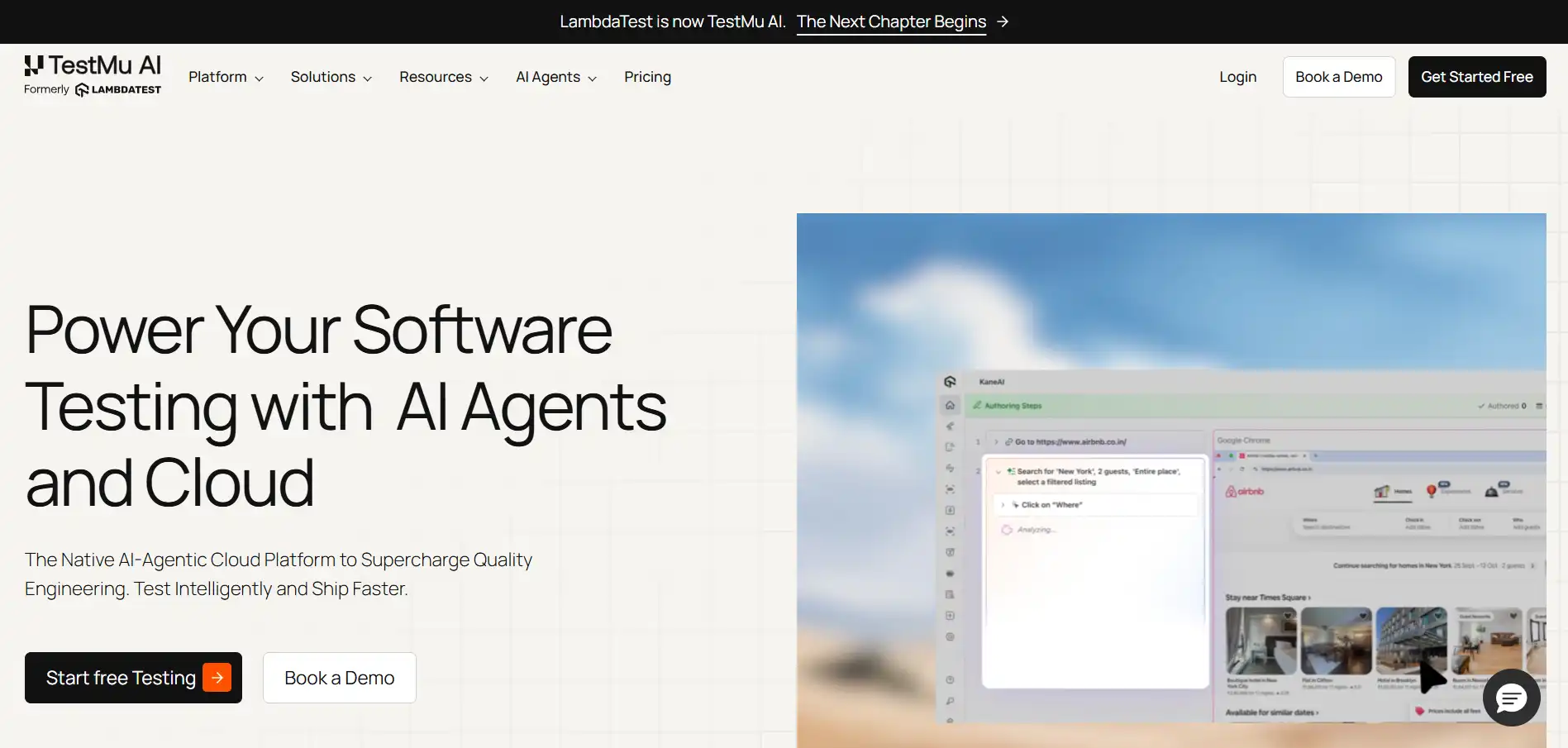
TestMu AI (formerly LambdaTest) provides a real-time, interactive environment where testers can validate UI behavior, check responsiveness, and ensure cross-platform functionality across desktop and mobile applications. Testers can execute manual test cases directly on the cloud grid, quickly reproduce issues, and verify workflows consistently across multiple environments.
By combining manual testing with TestMu AI’s agentic testing capabilities and visual testing tools, teams can maintain high application quality, improve reliability, and ensure seamless user experiences across web and mobile platforms.
Key features:
- Browser Testing: Perform manual cross-browser testing across 3000+ browser and OS combinations to ensure consistent application behavior everywhere.
- Live Device Testing: Execute real-time manual tests on actual Android and iOS devices to verify functionality and visual appearance.
- Visual UI Testing: Check UI layouts, responsiveness, and visual consistency across different screen sizes and device orientations.
- Screenshot and Recording: Capture screenshots and record testing sessions to document manual test results and support debugging.
- Network Throttling: Simulate varying connectivity conditions during mobile testing to validate performance under real-world network scenarios.
Pros
- Scale: Access to 3000+ real browser and OS combinations without managing any physical device infrastructure.
- Unified Testing: Supports both web and mobile manual testing from a single dashboard, reducing tool-switching overhead.
Cons
- Internet Dependency: Requires a stable internet connection for live testing sessions; local or offline testing is not supported.
- Learning Curve: Teams new to cloud testing platforms may need onboarding time to fully utilize session controls and debugging features.
TestMu AI is best for real-time cross-browser and mobile manual testing across 3000+ environments.
Pricing: Free trial available; paid plans
2. Bugzilla
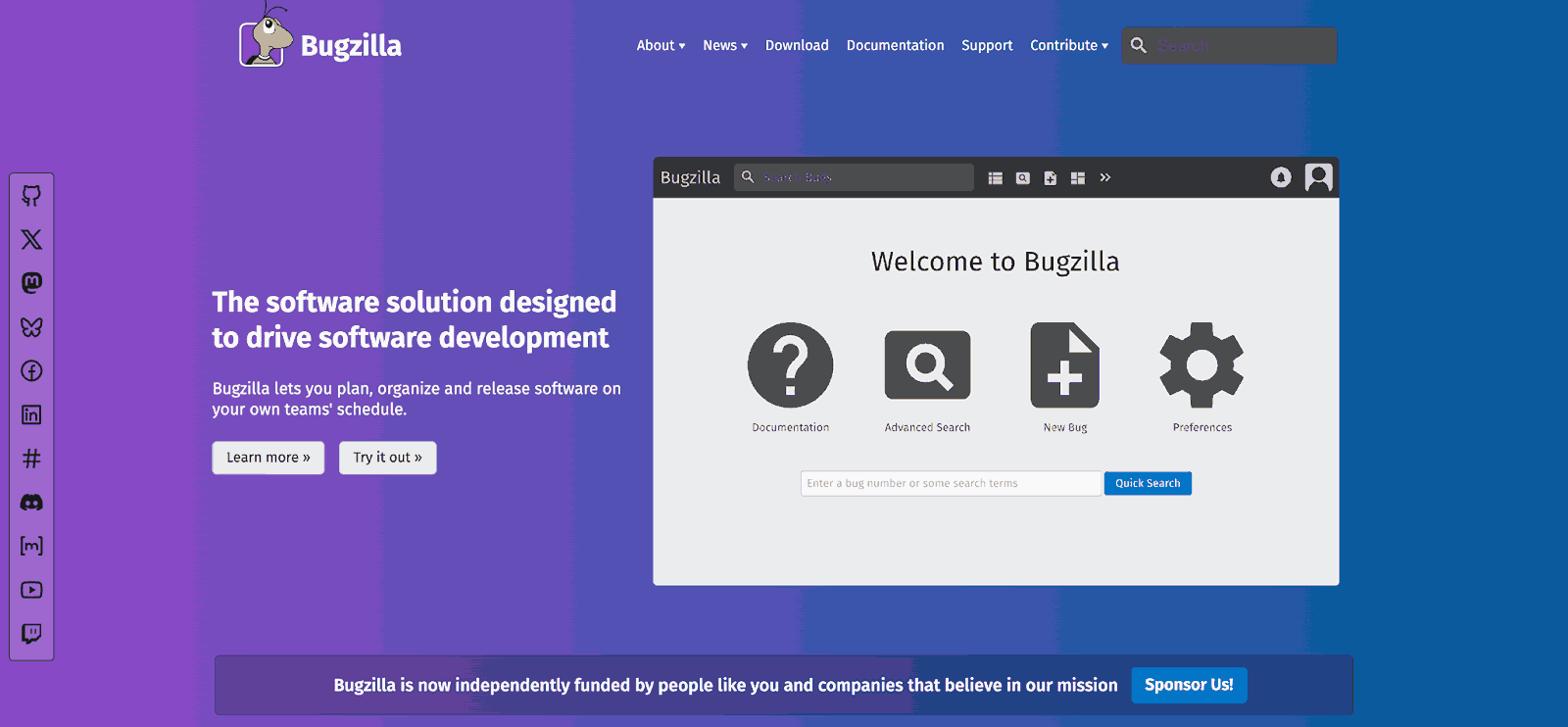
Bugzilla is one of the most widely adopted open-source bug tracking tools, with a track record in large-scale software projects. It keeps detailed records of every defect including who found it, its severity, current status, and who is working on it. Its advanced querying and reporting capabilities make it practical for teams that need to analyze defect trends and prioritize fixes at scale.
Key features:
- Bug Management: Log bugs with severity levels, steps to reproduce, and real-time status tracking across the full resolution lifecycle.
- Custom Workflows: Configure fields, statuses, and transition rules to match how your QA team actually works.
- Search and Reports: Run advanced queries and generate trend reports to analyze defect patterns across projects and releases.
- Email Notifications: Receive automatic alerts on bug status changes, new assignments, and comment updates.
- Code Review Integration: View and discuss code changes directly within bug reports, keeping context in one place.
Pros
- Cost: Free and open-source with no licensing cost for any team size.
- Customization: Highly configurable workflows, fields, and statuses to match diverse team processes.
Cons
- Interface: Dated UI compared to modern bug tracking tools, which can slow onboarding.
- Test Management: No native test case management; requires the Testopia plugin for full test coverage.
Bugzilla is best for teams needing structured, customizable defect tracking with detailed reporting.
Pricing: Free, open-source

Note: Run live-interactive tests across 3000+ browser and OS combinations. Try TestMu AI Now!
3. TestLodge
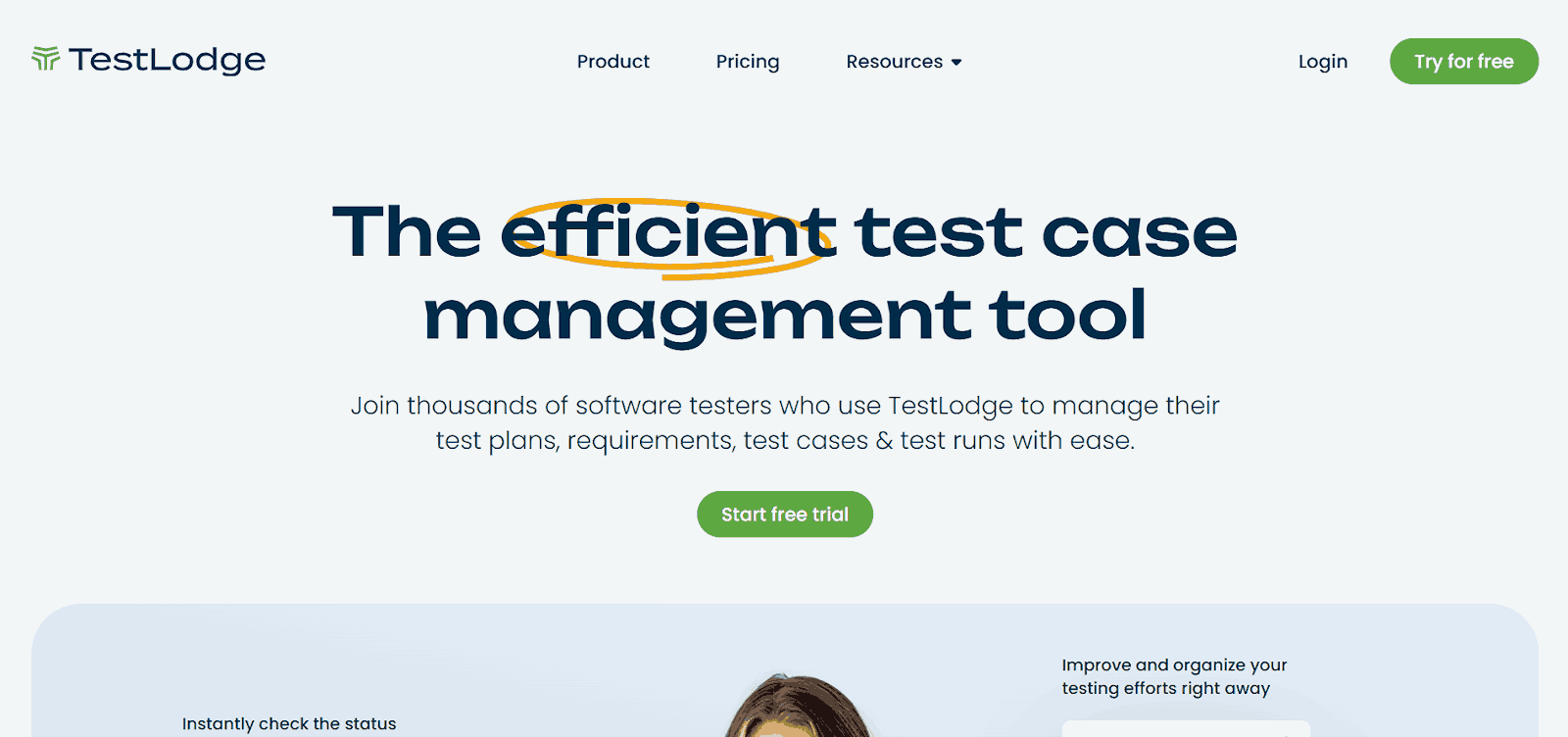
TestLodge is a lightweight test case management tool built specifically for manual testing workflows. It helps QA teams create, organize, and execute test cases through a clean interface that requires minimal setup. Its integrations with Jira, Bugzilla, and Mantis make defect management seamless without forcing teams to switch between multiple platforms constantly.
Key features:
- Test Planning: Plan test runs and schedules to ensure comprehensive manual testing coverage across releases and sprints.
- Execution Tracking: Record pass, fail, and blocked results for each test case with a full execution history.
- Requirements Linking: Connect test cases to requirements for traceability and coverage verification throughout the project.
- Bug Tracker Integration: Sync directly with Jira, Bugzilla, Mantis, and other defect management tools for streamlined workflows.
- Reporting: Generate progress reports, coverage summaries, and team performance metrics for stakeholders.
Pros
- Simplicity: Minimal interface focused entirely on manual test case management with very fast onboarding.
- Integration: Direct sync with Jira, Bugzilla, and Mantis keeps defect management connected without tool switching.
Cons
- Feature Depth: Lacks the advanced reporting and traceability features of enterprise test management platforms like SpiraTest.
- Automation: No support for automated test result imports, limiting its use in hybrid testing workflows.
TestLodge is best for small QA teams wanting simple, focused test case organization without enterprise overhead.
Pricing: From $34/month
4. ZAP
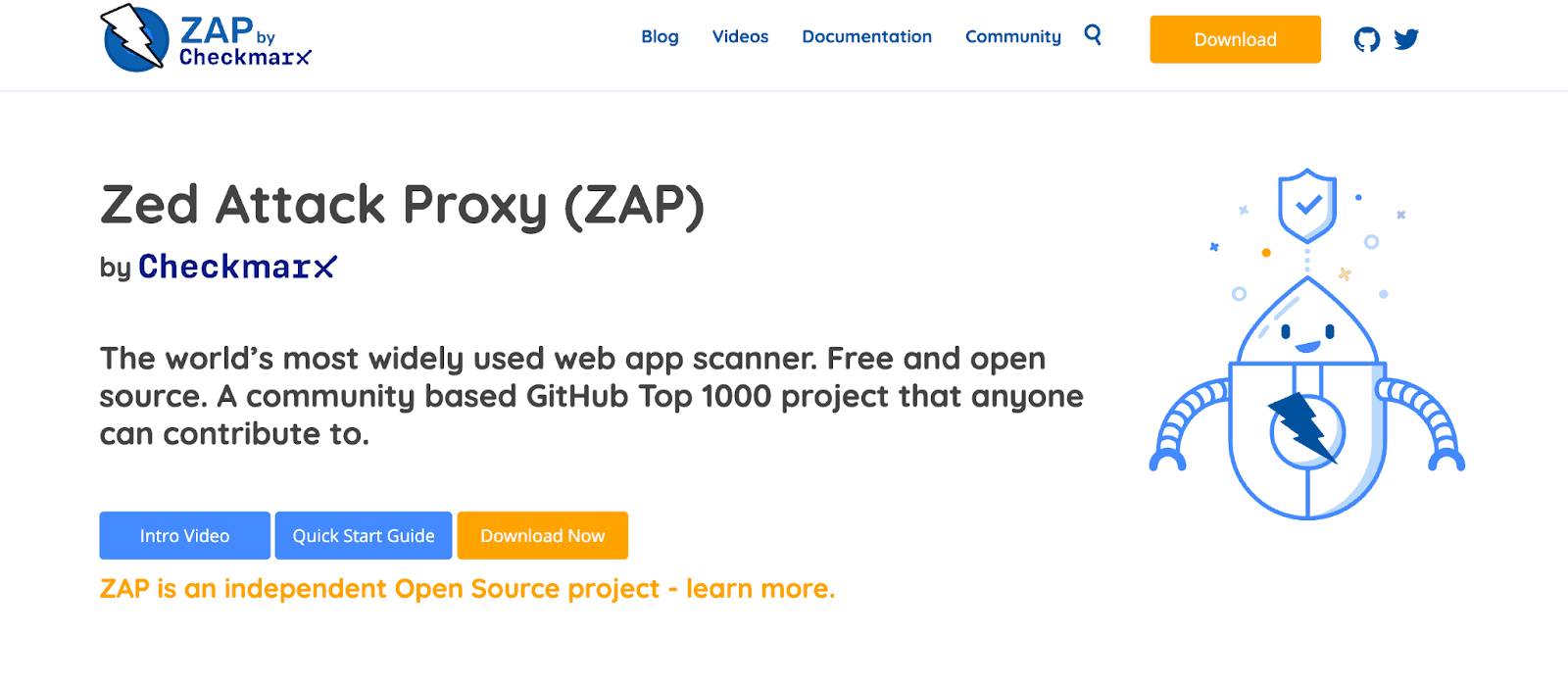
ZAP (Zed Attack Proxy) is a free, open-source security testing tool maintained by OWASP. It acts as a proxy between the tester’s browser and the application, capturing and inspecting web traffic to identify vulnerabilities manually. This manual testing tool is practical for QA engineers working on security validation or developers doing penetration testing as part of a secure software development lifecycle.
Key features:
- Proxy Interception: Capture and inspect HTTP and HTTPS traffic between the browser and application for detailed manual analysis.
- Active and Passive Scanning: Detect known security weaknesses through active scans or passive observation without altering traffic.
- WebSocket Testing: Monitor and manipulate WebSocket communications to verify security during real-time data exchange.
- Fuzzer: Send varied and unexpected inputs to discover hidden bugs, injection vulnerabilities, and edge case failures.
- API Testing: Test web APIs, including JSON and XML endpoints, for security vulnerabilities during manual testing procedures.
Pros
- Cost: Completely free and open-source with active OWASP community maintenance and regular vulnerability database updates.
- Depth: Covers a wide range of security testing scenarios, including active scanning, passive analysis, and WebSocket inspection.
Cons
- Audience: Not suited for general QA workflows; requires security testing knowledge to interpret results accurately.
- UI Complexity: The interface can be difficult to navigate for testers without a background in penetration testing or security engineering.
ZAP is best for security-focused QA: manual traffic inspection, vulnerability scanning, and penetration testing.
Pricing: Free, open-source
5. Jira
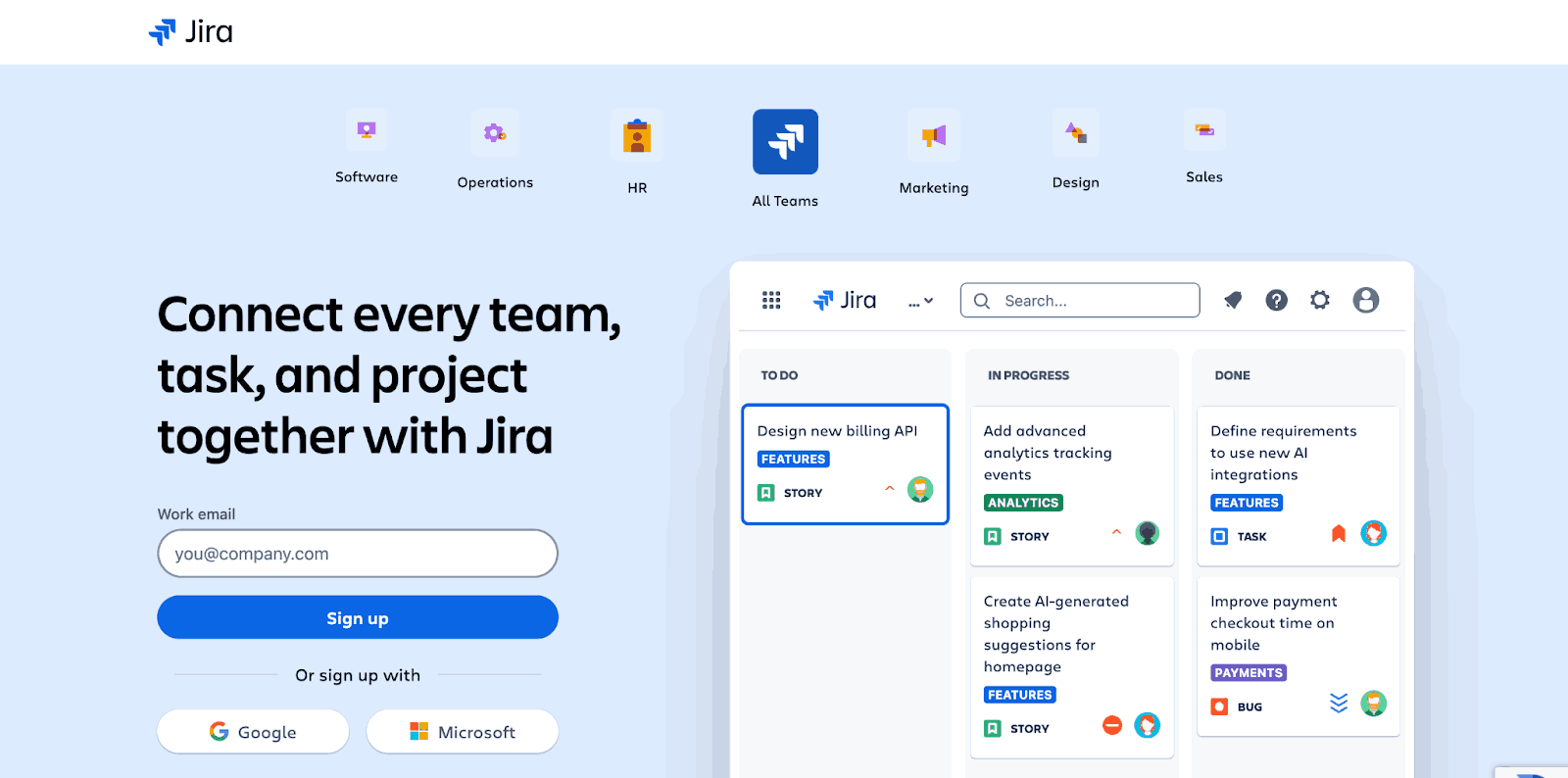
Jira is the most widely adopted issue and project tracking tool in software development. QA teams use it to document bugs, manage sprint workflows, and connect manual testing findings directly to development work. While Jira is not a dedicated test management tool, it becomes one when paired with test management plugins and integrations with CI/CD pipelines.
Key features:
- Workflow Configuration: Configure exactly how bugs move through your team process from identification to resolution and verification.
- JQL Filtering: Use Jira Query Language to create saved filters for test cycles, failed cases, and regression tracking sets.
- Visual Boards: Use Scrum and Kanban boards to track manual testing tasks alongside development work in a sprint context.
- CI/CD Integration: Connect Jira with Jenkins, GitHub Actions, and build pipelines to link QA findings to code changes.
- Reporting Tools: Generate charts and reports showing bug trends, resolution rates, and manual testing team performance over time.
Pros
- Ecosystem: Industry-standard tool with a massive library of plugins and third-party integrations.
- Flexibility: Adaptable for both QA and development workflows within the same platform.
Cons
- Test Management: Not a dedicated test case management tool; requires plugins like Xray for full test management capability.
- Configuration: Can become complex to set up for QA-specific workflows without prior Jira admin experience.
Jira is best for teams already in the Atlassian ecosystem managing bugs, sprints, and QA workflows together.
Pricing: Free up to 10 users; from $8.15/user/month
6. Redmine
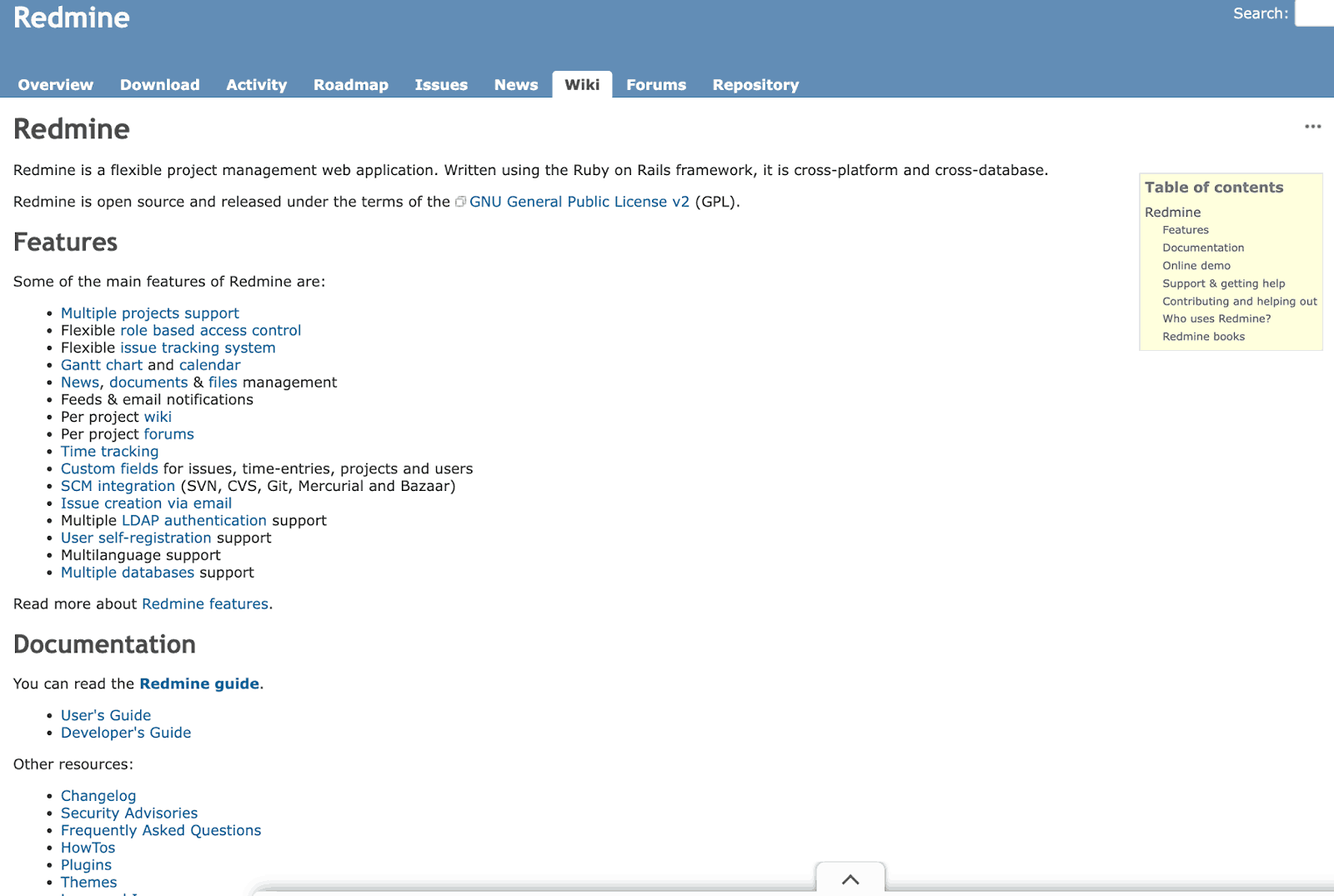
Redmine is an open-source project and issue tracking tool that supports manual testing through customizable workflows, visual project planning, and deep version control integration. Its flexible architecture allows QA teams to tailor the system to their processes without licensing costs, making it a practical choice for budget-conscious teams managing multiple projects.
Key features:
- Multi-Project Support: Organize testing efforts across multiple applications and subprojects with shared team visibility.
- Gantt and Calendar: Schedule and monitor manual testing activities visually across sprints and release timelines.
- Version Control Links: Connect test findings to specific code commits in Git, SVN, and Mercurial repositories.
- Team Communication: Use wikis, forums, and file sharing to coordinate manual testing activities and document decisions.
- Plugin Extensions: Expand test case management capabilities through a library of community-maintained plugins.
Pros
- Cost: Completely free and open-source with strong multi-project support across teams of any size.
- Flexibility: Highly customizable workflows, fields, and permissions to fit diverse QA and project management processes.
Cons
- Setup: Requires technical effort to install, configure, and maintain compared to hosted SaaS tools.
- Test Management: No native test case management; dedicated testing functionality requires additional plugins and configuration.
Redmine is best for multi-project teams needing free project management with Gantt scheduling and version control links.
Pricing: Free, open-source
7. FogBugz
FogBugz is an issue tracking tool built around agile workflows. Testers create detailed cases with screenshots and priorities, then track progress across Kanban or Scrum board views. Its built-in workflows reduce setup time significantly, allowing QA teams to focus on manual testing rather than configuring the tool from scratch.
Key features:
- Agile Boards: Visualize and track manual testing tasks across Kanban and Scrum board views in real time.
- Backlog Management: Organize manually found bugs alongside feature work for better release planning and delivery tracking.
- Case Tracking: Create cases with descriptions, screenshots, version details, and priorities for thorough manual testing records.
- Work Assignment: Assign cases to specific team members for clear accountability during manual testing and bug resolution.
Pros
- Agile Ready: Built-in Kanban and Scrum boards reduce the need for a separate project management tool alongside bug tracking.
- Onboarding: Pre-configured workflows minimize setup time, allowing teams to start testing and tracking bugs quickly.
Cons
- Test Management: No dedicated test case management features; teams need an additional tool for structured test planning and execution.
- Ecosystem: Smaller integration ecosystem compared to Jira, which can limit workflow automation for teams with complex toolchains.
FogBugz is best for agile QA teams wanting built-in Kanban and Scrum boards with integrated bug tracking.
Pricing: From $8.33/user/month
8. TESSY
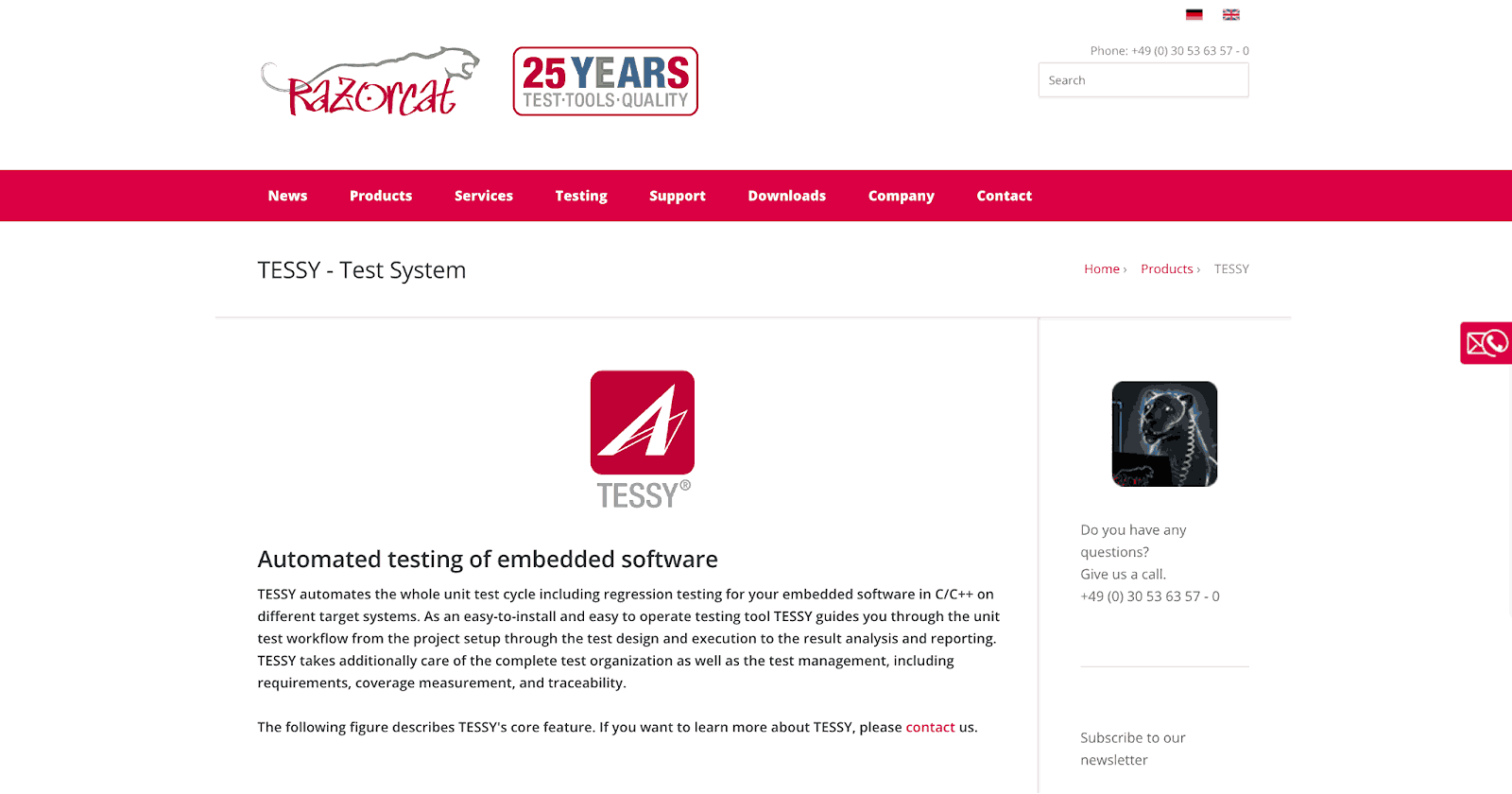
TESSY is a specialized manual testing tool for embedded C/C++ software in safety-critical environments. It covers the full test workflow from design and execution to coverage measurement and compliance documentation. Teams working under standards like ISO 26262 for automotive or DO-178 for aerospace use TESSY to maintain structured evidence of test coverage and regulatory adherence.
Key features:
- Test Design and Execution: Create, organize, and execute test cases using graphical editors with full traceability to source code.
- Requirements Traceability: Link every requirement to its corresponding test cases with impact analysis for coverage verification.
- Coverage Measurement: Measure code coverage using multiple metrics with visual reporting in the project structure.
- Compliance Documentation: Generate audit-ready reports for industry standards, including ISO 26262 and DO-178 requirements.
Pros
- Compliance Depth: Purpose-built for safety-critical standards with documentation that satisfies ISO 26262, DO-178, and IEC 62443 audit requirements.
- Coverage Analysis: Detailed code coverage metrics help teams identify untested code paths in embedded systems.
Cons
- Scope: Only applicable to embedded C/C++ software; not suitable for web, mobile, or general application testing.
- Pricing: Commercial licensing with custom pricing makes it inaccessible for smaller teams or projects without compliance mandates.
TESSY is best for safety-critical embedded C/C++ software testing for automotive, aerospace, and medical devices.
Pricing: Commercial, pricing on request
Note: Trac community activity has slowed in recent years. Suitable for teams already using it; new teams may prefer actively maintained alternatives like TestLink or Mantis.
9. Trac
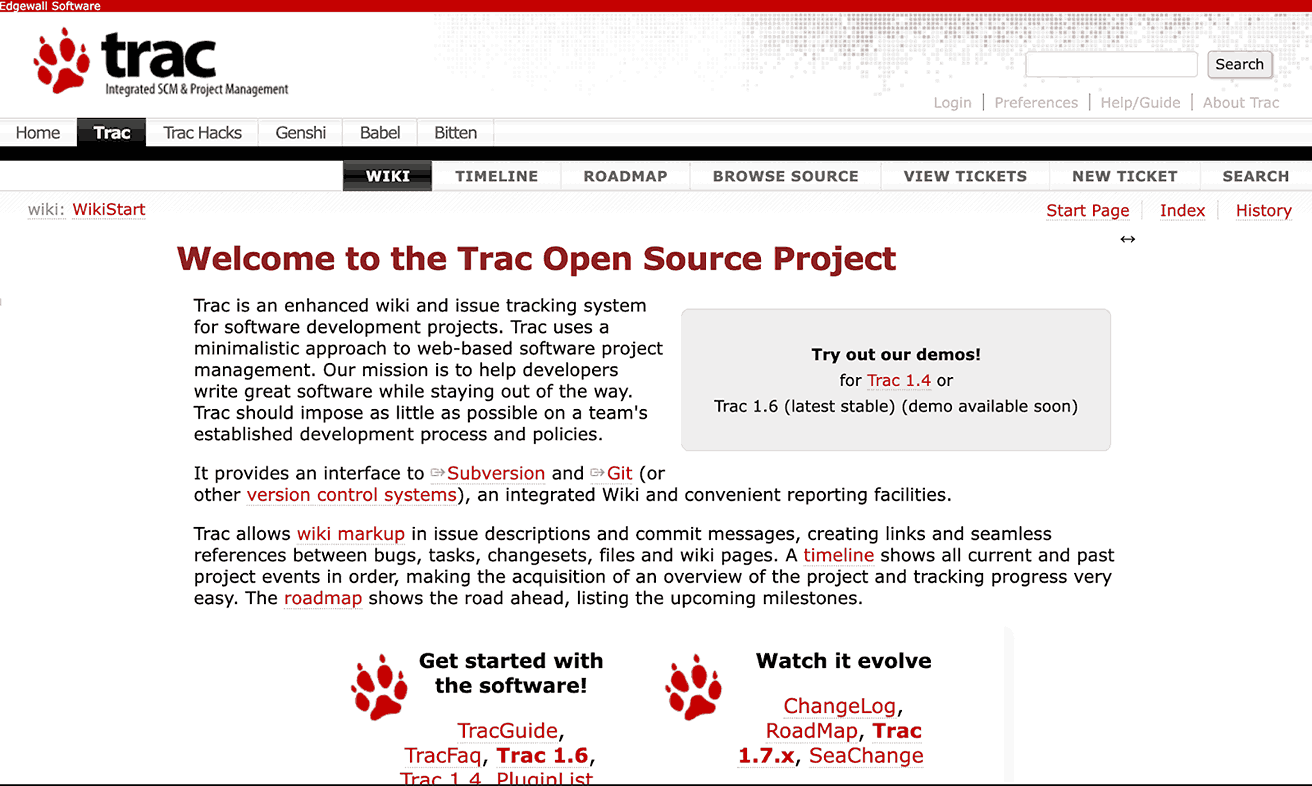
Trac is an open-source project management tool that combines issue tracking, wiki documentation, and version control integration. It helps QA teams maintain test plans, link defects to code changes, and document workflows collaboratively. Its plugin architecture allows teams to extend functionality for test case management and enhanced reporting without core changes.
Key features:
- Code Integration: Link Git, Subversion, and Mercurial code changes directly to manual testing issues and documentation records.
- Wiki Pages: Maintain test plans, requirements, and results collaboratively using structured wiki pages accessible to all team members.
- Plugin Support: Extend core functionality with community plugins for test case management, reporting, and workflow customization.
Pros
- Version Control: Tight integration with Git, Subversion, and Mercurial makes it practical for developer-led teams tracking code and issues together.
- Cost: Free and open-source with wiki, ticketing, and code browsing included in a single lightweight platform.
Cons
- Maintenance: Community activity has slowed significantly in recent years, raising concerns about long-term security and compatibility support.
- Test Management: No native test case management; requires plugins that are themselves often unmaintained.
Trac is best for dev-integrated teams using Git or SVN who need lightweight issue ticketing and wiki documentation.
Pricing: Free, open-source
10. SpiraTest
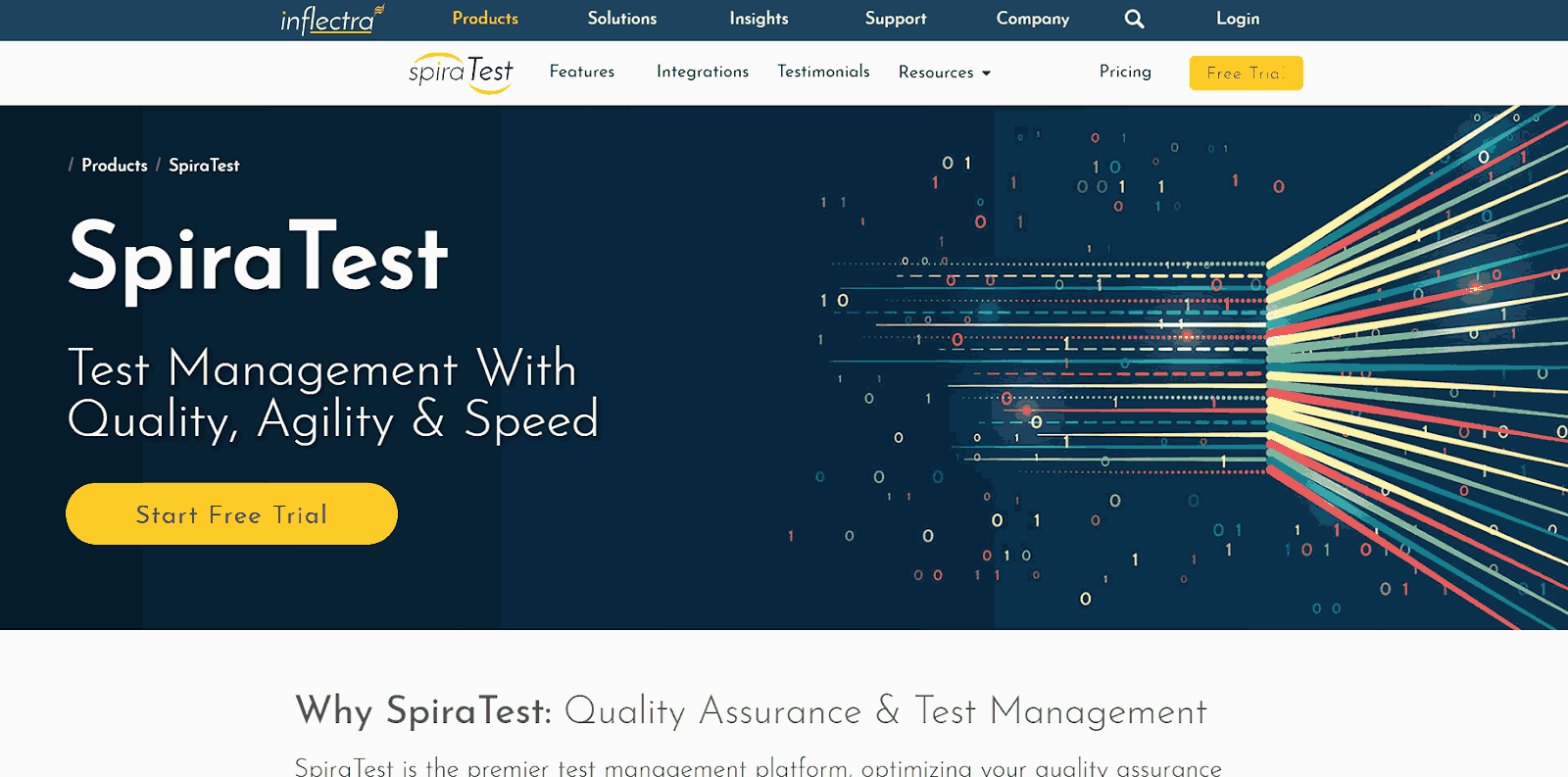
SpiraTest by Inflectra is a comprehensive test management platform that covers the complete QA lifecycle in a single interface. Testers create test cases, link them to requirements, execute tests, log defects, and monitor progress through real-time dashboards. Its CI/CD integrations allow teams to consolidate manual and automated test results in one reporting view, maintaining traceability from requirement to release.
Key features:
- Requirement Traceability: Link test cases to requirements for end-to-end coverage visibility from design through execution.
- Test Execution: Record pass, fail, and blocked results with direct defect logging in a single coordinated workflow.
- Reporting and Dashboards: Track real-time metrics on coverage, execution progress, and team performance across test cycles.
- CI/CD Integration: Connect with automation frameworks and version control systems for unified manual and automated reporting.
Pros
- Traceability: Purpose-built for test management with full requirement-to-defect traceability out of the box.
- Unified Reporting: Supports both manual and automated test result consolidation in a single reporting view.
Cons
- Pricing: Cost scales with user count and can be significant for larger QA teams.
- Learning Curve: Steeper onboarding for teams new to dedicated test management platforms.
SpiraTest is best for teams needing a full test lifecycle platform: planning, execution, defects, and end-to-end traceability.
Pricing: From $49.95/user/month
11. Mantis
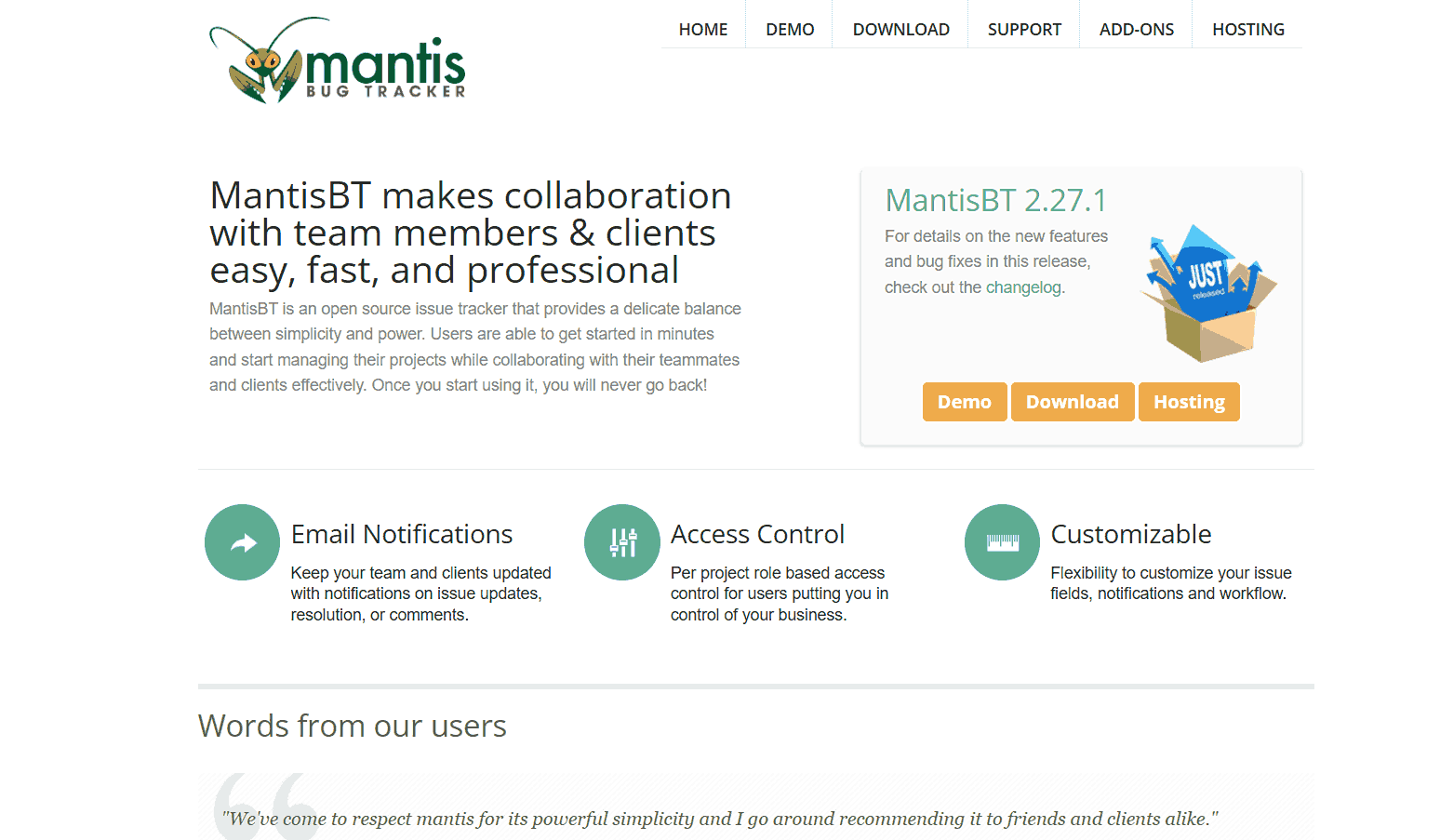
MantisBT is a free, open-source bug tracker designed for simplicity and reliability. It tracks defect resolution, sends automated notifications, and generates summary reports without the overhead of larger enterprise platforms. Its role-based access control and plugin support make it adaptable to teams of different sizes and testing maturity levels.
Key features:
- Issue Tracking: Log bugs with severity, steps to reproduce, and current resolution status for organized defect management.
- Workflow Customization: Configure statuses, roles, and transitions to match the way your QA team manages defects in practice.
- Plugin Extensions: Add test case management, reporting enhancements, and workflow customization via community plugins.
Pros
- Simplicity: Clean, lightweight interface that teams can adopt quickly without significant configuration or training overhead.
- Cost: Fully free and open-source with role-based access, email notifications, and basic reporting included out of the box.
Cons
- Test Management: No built-in test case management; teams need a separate tool like TestLink for structured test planning and execution.
- Reporting: Native reporting is basic; more advanced analytics require third-party plugin configuration.
Mantis is best for lightweight, free bug tracking for QA teams that do not need full test case management.
Pricing: Free, open-source
12. TestLink
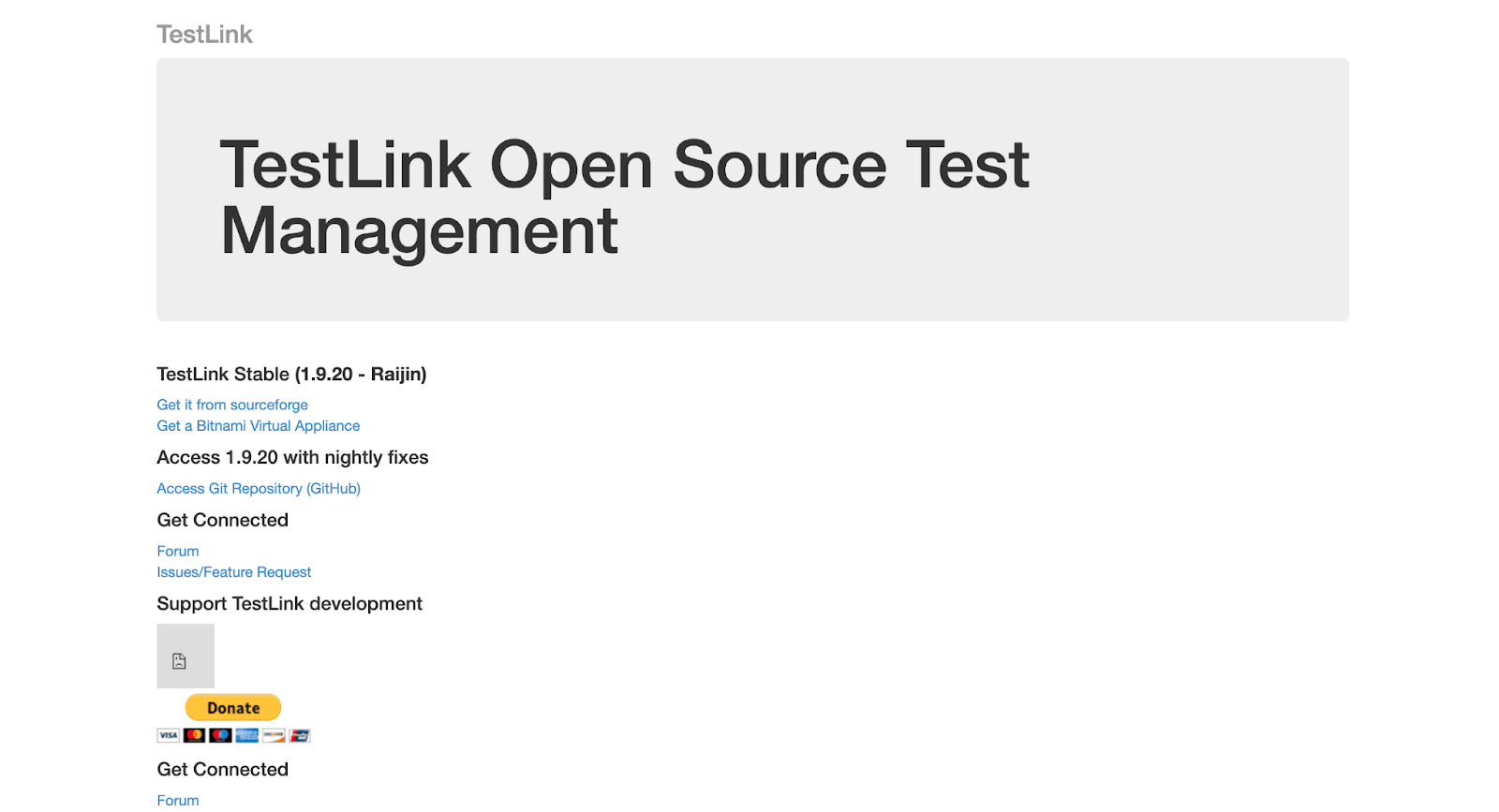
TestLink is an open-source test management tool focused on creating, organizing, and executing manual test cases in a structured environment. It supports multiple testers with permission levels and tracks test results across full test cycles. Its direct integrations with major bug trackers make TestLink a practical choice for teams that already use Jira or Bugzilla and want to add structured test case management without cost.
Key features:
- Test Case Organization: Store test cases with detailed steps, expected results, and priorities for consistent, repeatable manual execution.
- Bug Tracker Links: Integrate with Jira, Bugzilla, and Mantis to link specific defects to the test cases that found them.
- Execution Records: Track pass, fail, blocked, and not-run results across multiple test cycles with notes and timestamps.
Pros
- Cost: Free with direct integration support for Jira, Bugzilla, and Mantis.
- Structure: Centralized test case management with no licensing cost for teams of any size.
Cons
- Interface: Dated UI that requires setup effort and some technical configuration to get running.
- Reporting: Limited native reporting depth compared to paid test management platforms.
TestLink is best for centralized, free test case management that integrates directly with Jira, Bugzilla, and Mantis.
Pricing: Free, open-source
13. Postman
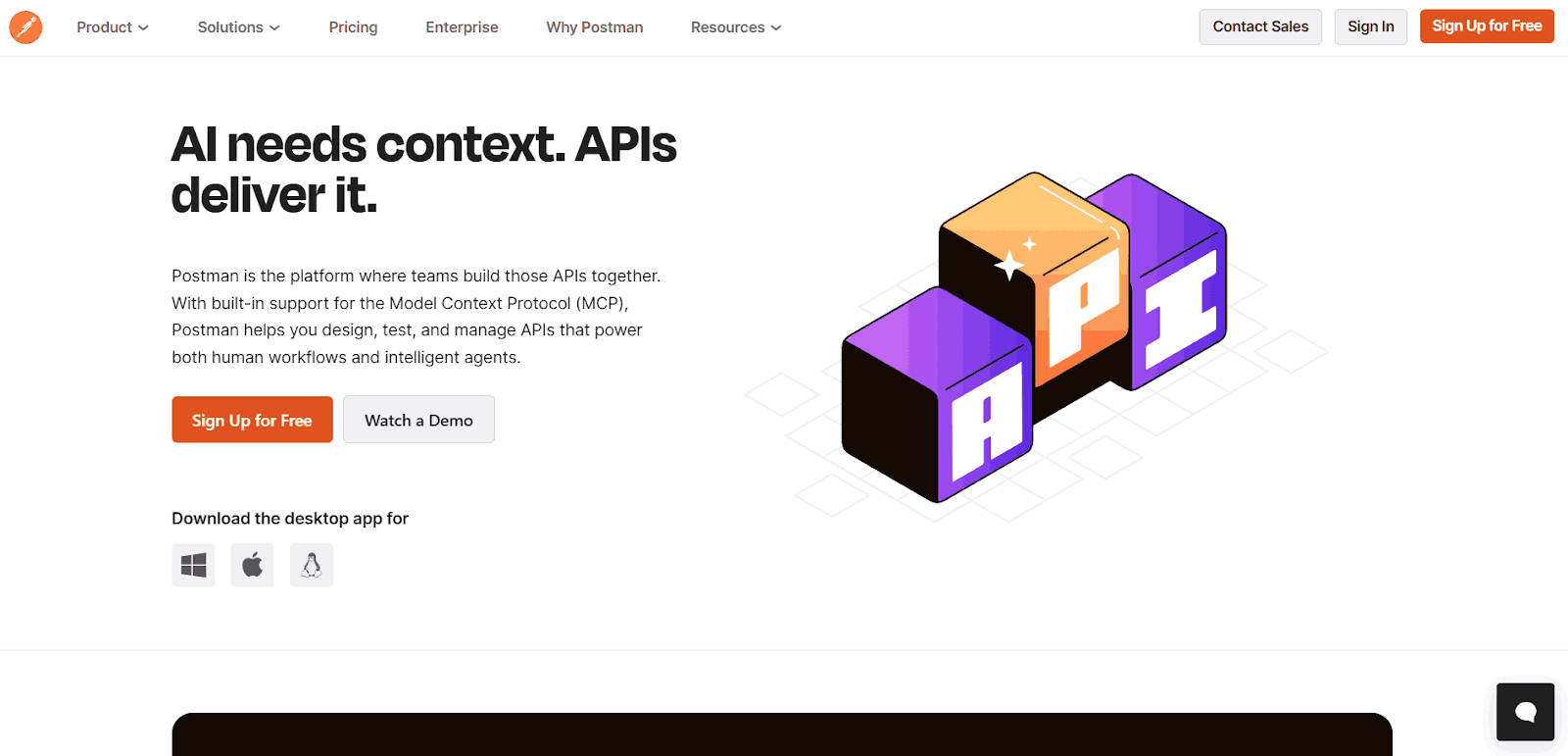
Postman is the standard tool for manual API testing in software development teams. QA engineers use it to explore endpoints, inspect responses, and validate behavior before formalizing automation scripts. It is particularly useful when working with developers on new backend services or validating API contracts against OpenAPI and Swagger specifications during early development.
Key features:
- Request Builder: Create and configure API requests manually with headers, parameters, and authentication.
- Response Inspection: View response status, body, headers, and cookies during manual testing.
- Test Scripts: Write pre-request and post-request scripts to validate API responses manually.
- Environment Management: Use different environments for manual API testing across development stages.
- Collections: Organize manual tests into collections for structured execution.
Pros
- Industry Adoption: Standard API testing tool with strong documentation and team collaboration features.
- Free Tier: The free plan is sufficient for most manual API testing workflows on small and mid-size teams.
Cons
- Test Management: Not a test management tool; requires external integration for test case tracking and traceability.
- Collaboration: Governance and sharing features are restricted on the free tier, limiting team-wide coordination.
Postman is best for manual API exploration and validation before scripting automation, especially for backend and microservices QA.
Pricing: Free tier; paid from $14/user/month
14. Testopia
Testopia is an open-source test case management extension built directly into Bugzilla. It adds test case creation, test run planning, and execution tracking within the existing Bugzilla interface. For teams already invested in Bugzilla workflows, Testopia avoids the cost and disruption of migrating to a separate test management platform.

Key features:
- Bug Integration: Link test results directly to Bugzilla issues without leaving the platform or switching between tools.
- Test Planning: Organize test cycles and map execution to existing bug workflows and project milestones.
- Traceability: Maintain links between test cases, test runs, and defects within a single unified system.
Pros
- Integration: Extends Bugzilla natively, meaning teams already on Bugzilla gain test case management without migrating platforms.
- Cost: Free and open-source with no additional licensing required beyond the existing Bugzilla setup.
Cons
- Maintenance: Limited active development in recent years; teams should evaluate long-term viability before adopting for new projects.
- Dependency: Tightly coupled to Bugzilla, making it unsuitable for teams using other bug tracking platforms.
Testopia is best for teams on Bugzilla who need integrated test case management without switching platforms.
Pricing: Free, open-source
Note: Testopia is a Bugzilla extension with limited active development. Best for teams already on Bugzilla; new teams should evaluate TestLink or Mantis as actively maintained alternatives.
15. Quality Center / ALM
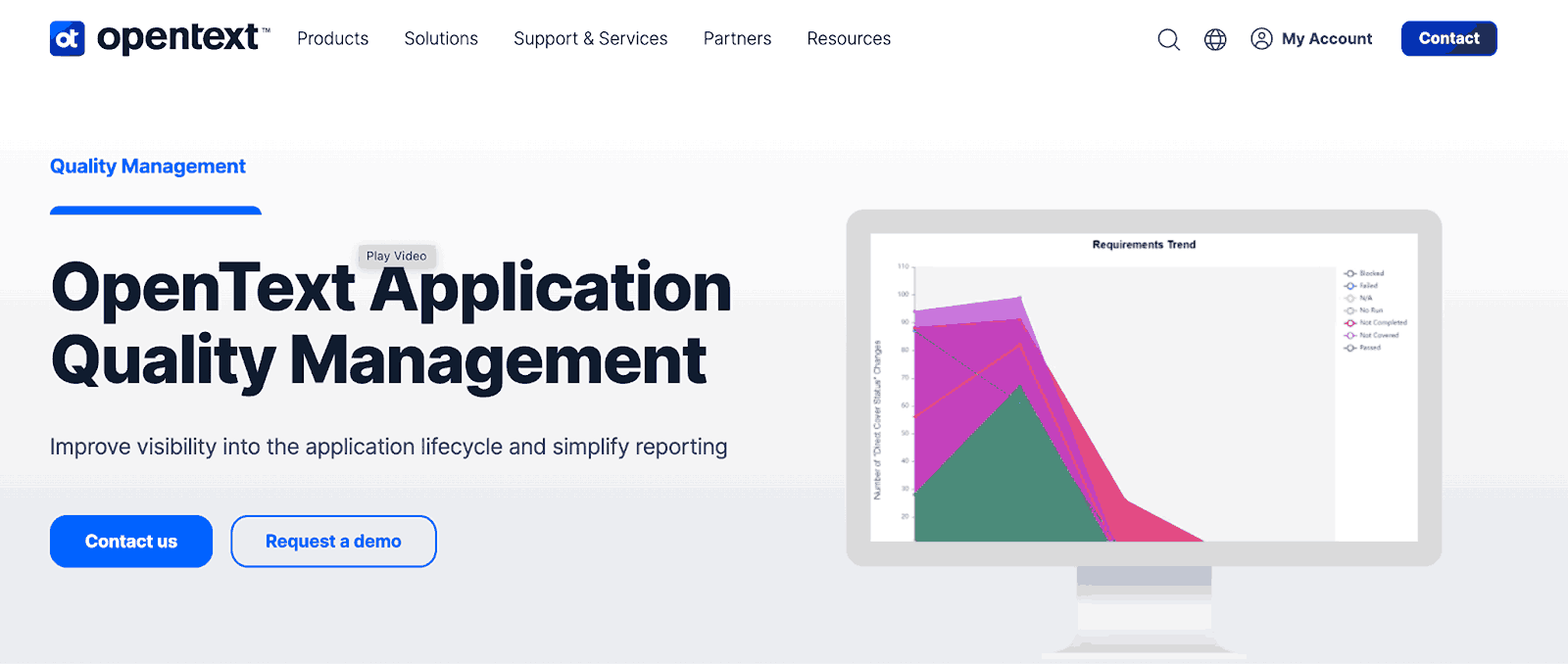
Now owned by OpenText (formerly Micro Focus), ALM Quality Center is an enterprise test management platform designed for organizations in regulated industries such as healthcare, finance, and aerospace. Its governance features, including electronic signatures, audit trails, and cross-project reporting, make it suitable for large QA organizations with compliance requirements.
Key features:
- Requirements Management: Link requirements to test cases with end-to-end traceability from design through execution and sign-off.
- Test Lab: Manage execution cycles, record results, and log defects within a governed workflow that supports compliance.
- Regulatory Compliance: Support audit trails, electronic signatures, and standards compliance for regulated manual testing environments.
- Cross-Project Reporting: Provide dashboards summarizing QA status, defect trends, and test coverage across multiple projects and teams.
Pros
- Compliance: Industry-leading governance features including audit trails, electronic signatures, and regulatory compliance documentation.
- Enterprise Scale: Handles large-scale QA operations across multiple teams, projects, and regulatory frameworks in one platform.
Cons
- Cost: Enterprise pricing with custom quotes makes it inaccessible for small or mid-size teams without compliance mandates.
- Complexity: Heavy configuration and administration requirements mean significant IT investment before teams can use it effectively.
ALM Quality Center is best for regulated industries requiring audit trails, e-signatures, and end-to-end compliance documentation across QA.
Pricing: Enterprise, pricing on request

What Are the Differences Between Manual vs Automation Testing?
Manual testing and automation testing are complementary approaches, not competing ones. Most QA teams run a hybrid workflow where manual testing handles exploratory and human-judgment scenarios while automation covers repetitive and high-volume tasks.
Below are some of the core aspects that will help you understand the difference between manual vs automation testing, and how both approaches complement each other to deliver faster, more reliable software quality.
| Aspects | Manual Testing | Automation Testing |
|---|---|---|
| Definition | Testing is performed manually by a human tester using a manual testing tool to validate functionality and UI behavior. | Testing is executed automatically using scripts and an automation testing tool to speed up repetitive or large-scale test cycles. |
| Execution Speed | Slower, as every test step is carried out by a human. | Fast and consistent, since scripts run tests automatically. |
| Best For | Exploratory, usability, ad-hoc, and UI validation where human insight is needed. | Regression, performance, load, and repetitive tests that require speed and accuracy. |
| Accuracy | Prone to human error, especially in repetitive tasks. | Highly accurate and consistent due to script-based execution. |
| Initial Cost | Low setup cost; mainly requires testers and basic tools. | Higher initial investment in tools, frameworks, and scripting. |
| Maintenance | Minimal, only test cases and documentation need updates. | Requires script updates, framework maintenance, and CI/CD integration. |
| Skill Requirement | Relies on domain knowledge and exploratory skills. | Requires programming or scripting skills to build and maintain automated tests. |
| Test Coverage | Limited by manual effort and time. | High coverage, can automate thousands of test cases efficiently. |
| When to Use | Small-scale projects, UI-heavy apps, usability testing, or early development phases. | Large-scale products, regression-heavy applications, and continuous delivery pipelines. |
Manual testing relies on human effort to execute test cases, explore the application, and identify usability or visual issues, often using a manual testing tool for tracking, validation, and documentation.
Automation testing, on the other hand, uses scripts and frameworks to run tests repeatedly with minimal human intervention, for which you can use automation testing tools.
| Choose Manual Testing When | Choose Automation Testing When |
|---|---|
| Exploring new or unstable features that change frequently | Running repetitive regression tests across every build |
| Validating UI, UX, and accessibility for real user experience | Performing high-volume or performance and load testing |
| Testing complex multi-condition business logic and edge cases | Validating stable features where scripts save time consistently |
| Performing one-off checks or ad hoc exploratory test sessions | Running parallel tests across many environments simultaneously |
If you're considering transitioning from manual to automation, there are a few important criteria to evaluate, such as test complexity, repeatability, ROI, and team readiness. To understand this shift in detail, check out our guide on how to move from manual testing to automation.
How to Perform Manual Testing With TestMu AI?
TestMu AI (formerly LambdaTest) is a Full Stack Agentic AI Quality Engineering platform that enables teams to perform AI testing across web, mobile, and enterprise applications on real browsers, devices, and operating systems without requiring local infrastructure.
Alongside AI-driven automation and intelligent testing agents, the platform also supports manual testing within the same unified environment, allowing QA teams to validate application behavior across different browsers, devices, and operating systems from a single interface.
With access to 3000+ real browsers, operating systems, and devices, testers can quickly reproduce issues, verify UI behavior using visual testing tools, and ensure reliable AI mobile testing across environments.
Here’s a step-by-step guide to performing manual testing with TestMu AI for both web and mobile applications:
Manual Testing with Live Web Testing
Manual live web testing lets testers interact with a real browser environment in real time. It surfaces UI, functional, and compatibility issues across different browsers and operating systems without configuring local test environments.
Cross-browser testing is one of the most common use cases for this feature, allowing teams to verify consistent behavior across Chrome, Firefox, Safari, and Edge simultaneously.
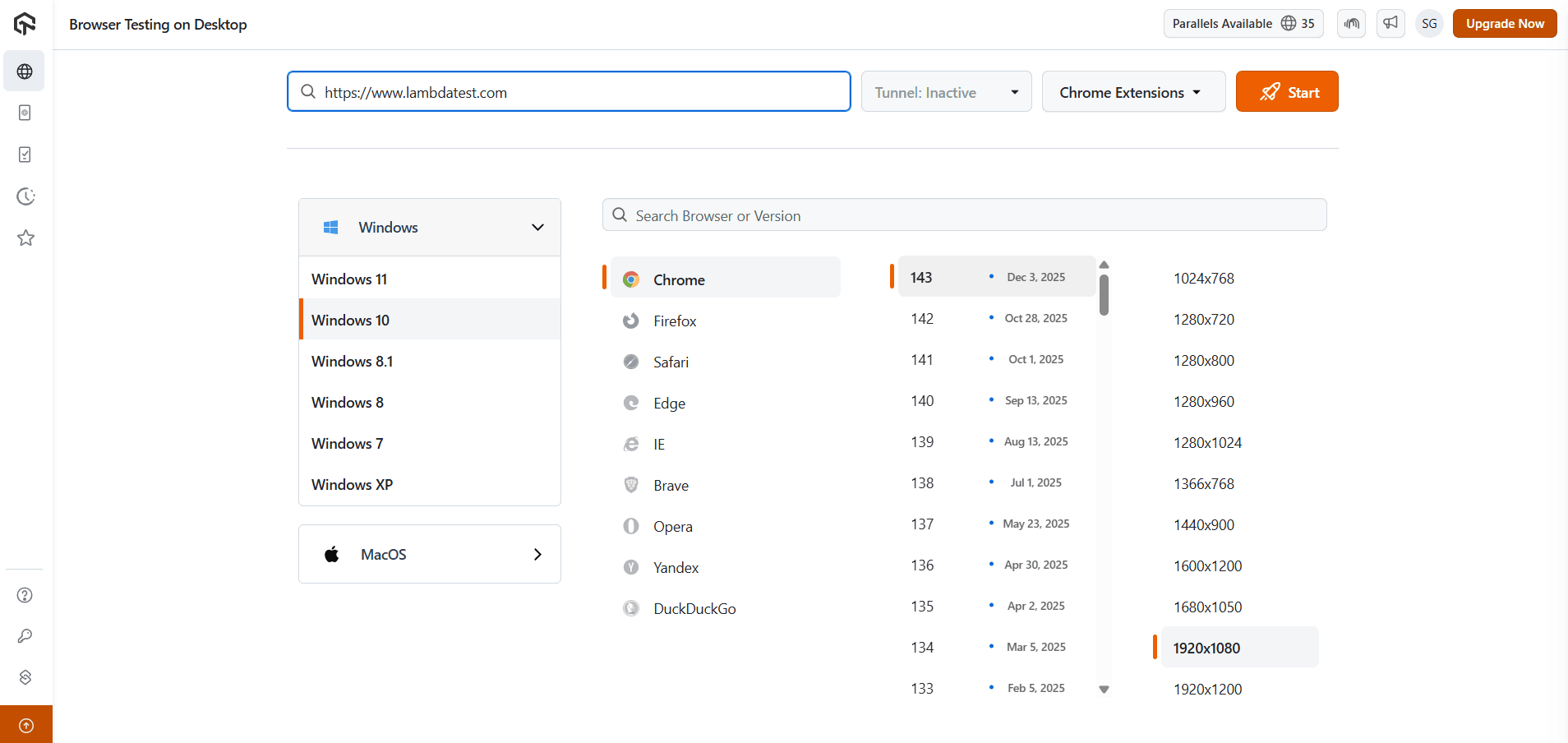
Below are the steps on how you can perform manual live testing for browser testing.
- Log In: Access your TestMu AI account and navigate to the Real Time section.
- Select Desktop: Choose the Desktop option to start a live interactive cross-browser testing session.
- Enter URL: Enter the complete website URL you want to manually test for accurate cross-browser validation.
- Choose Environment: Select the operating system, browser, browser version, and screen resolution from the available options.
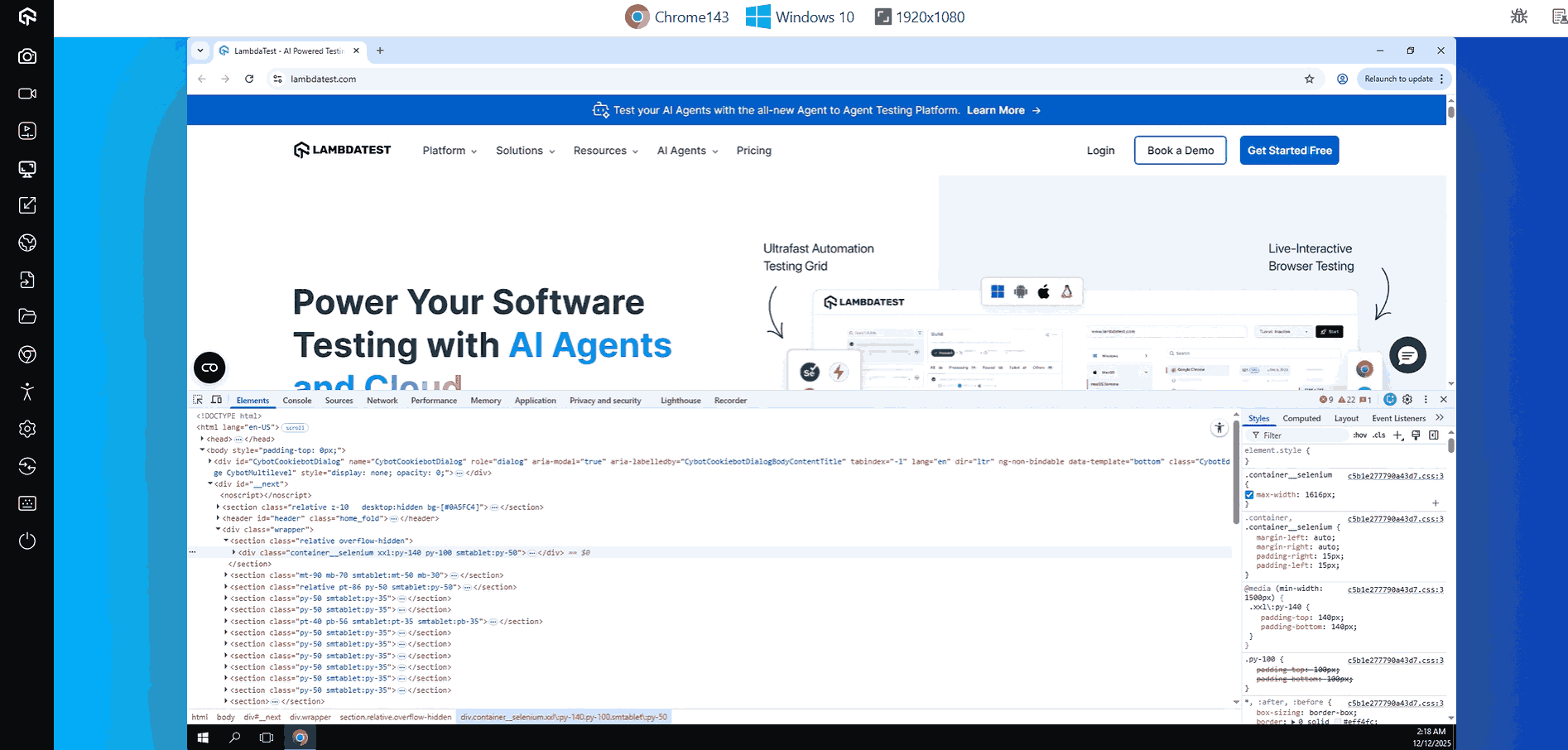
- Launch Session: Click Start to initiate the session and interact with the website directly in a live browser environment.
During the session, use Mark as Bug to log issues directly from the interface. Capture screenshots to document UI problems, record sessions for later review, and monitor console and network logs to detect functional errors. Use the Switch option to change the browser or OS configuration without restarting the session.
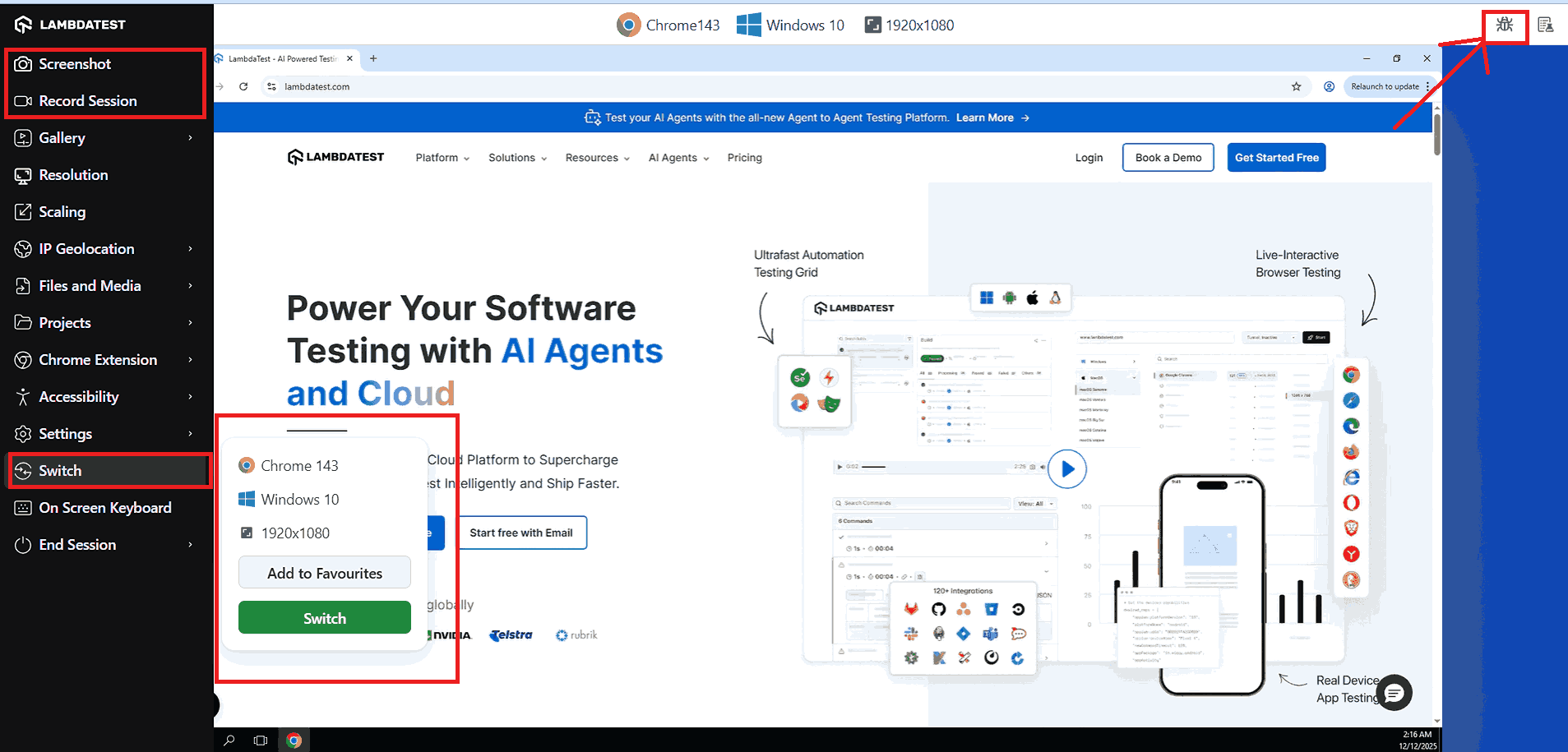
You can also perform Chrome remote debugging using the option in the right menu when testing on the Chrome browser.
Manual Testing with Live Mobile App Testing
Mobile app live testing mirrors the web testing workflow but targets real device environments. It allows testers to validate app behavior, UI responsiveness, and interaction patterns across different smartphones and OS versions.
Once a mobile session is active, testers can simulate gestures, rotate the device, throttle network speed, and use the debug on TestMu AI mobile devices option in the top-right menu to inspect issues in real time.
- Select Virtual Mobile: Choose Virtual Mobile from the left menu under Web Browser Testing to start a mobile session.
- Enter URL: Enter the URL or app target you want to test in the live mobile environment.
- Choose Device: Select the operating system, device model, and OS version from the available options.
- Launch Session: Click Start to begin the mobile testing session and interact with your app on the virtual device.
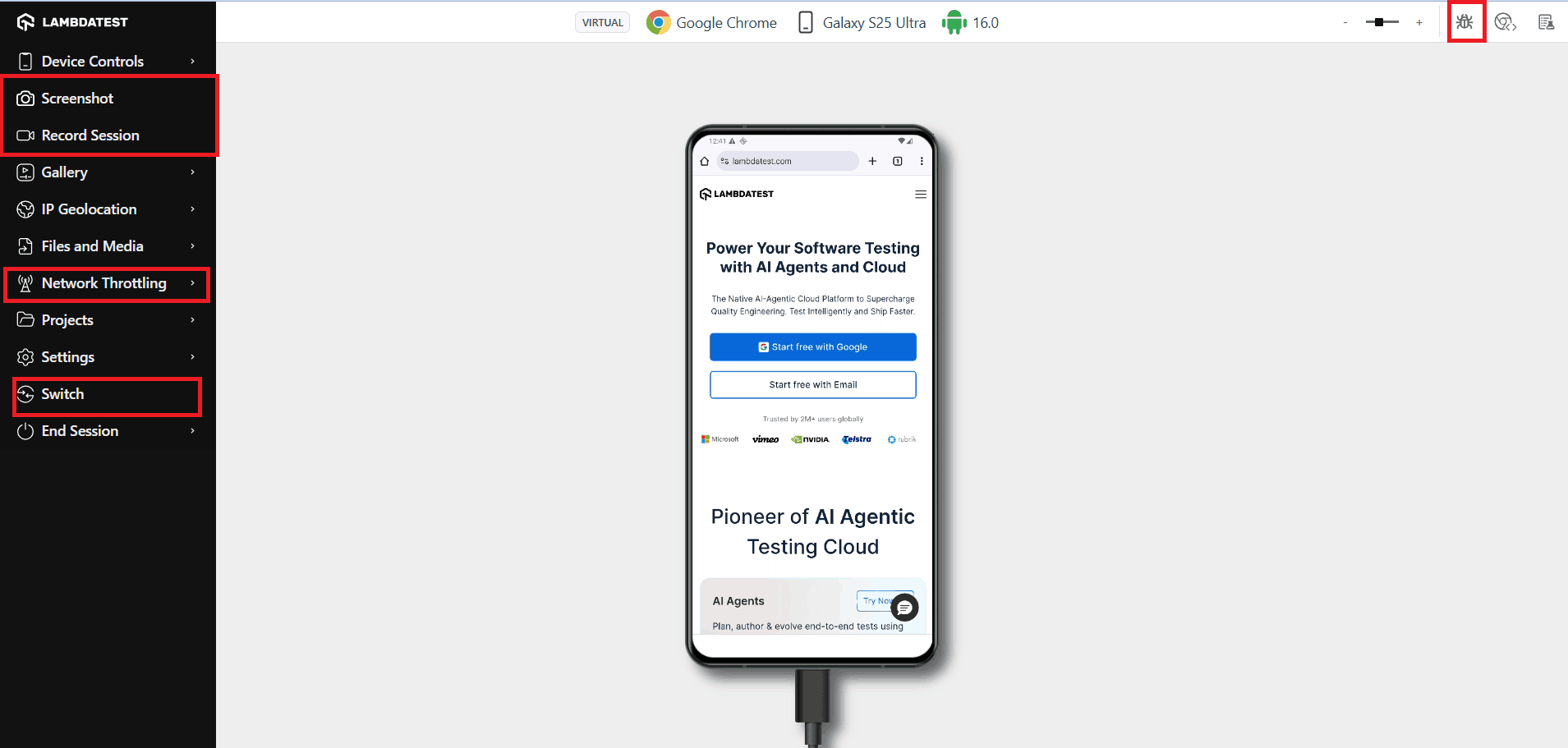
During the session: flag issues using Mark as Bug, capture screenshots for UI and responsiveness review, and use network throttling to test performance under different connectivity conditions.
Additionally, leverage device control features to simulate gestures, rotations, and screen sizes, and use network throttling to test performance under varying connectivity conditions.
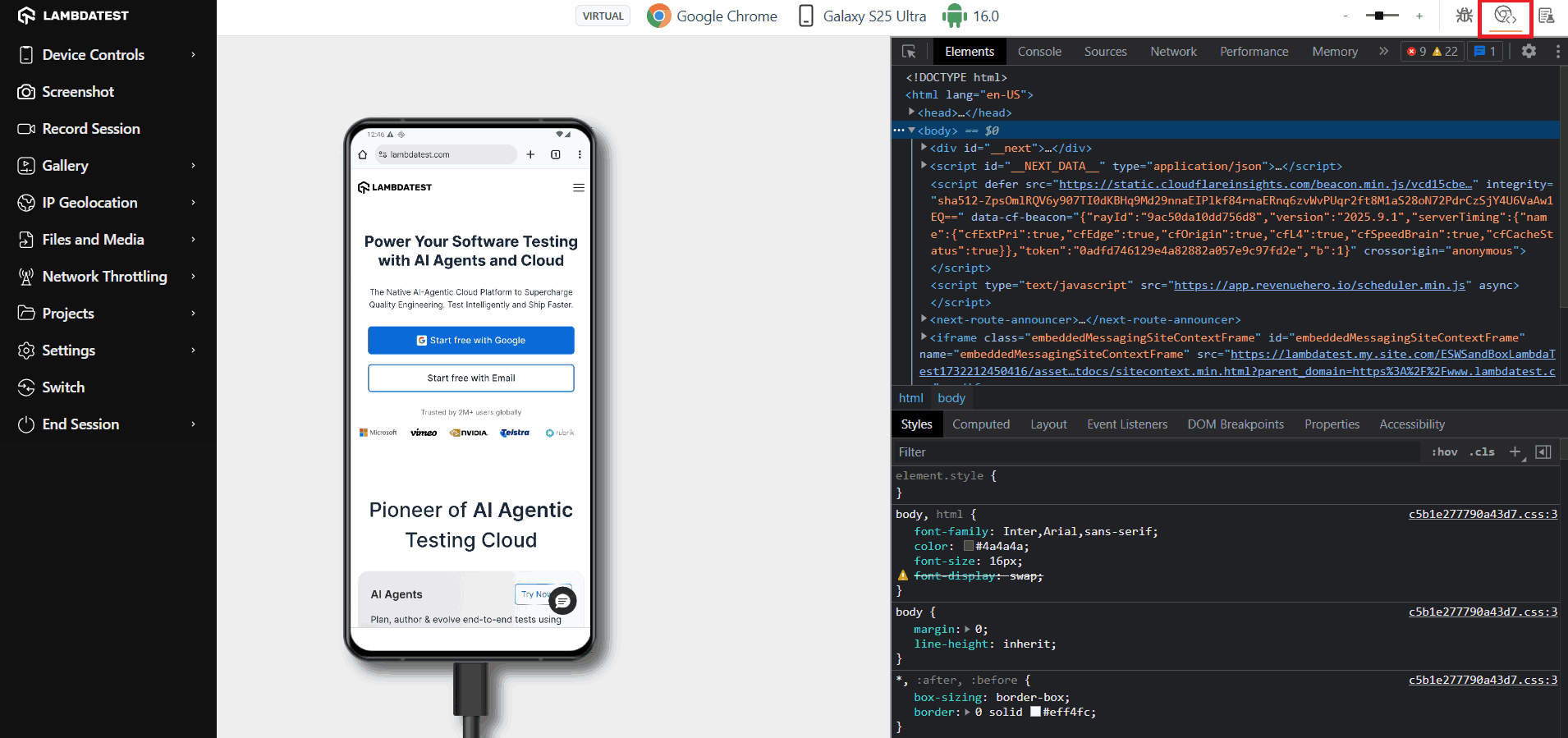
You can easily debug on TestMu AI mobile devices using the option in the top-right menu header when testing on the browser.
From Manual Testing to Intelligent Automation with KaneAI
Once manual testing reveals patterns worth automating, KaneAI by TestMu AI helps QA teams make that transition without writing code. KaneAI is an GenAI-Native testing agent which allows you to generate, run, and maintain test scripts in plain English.
How to Choose the Right Manual Testing Tools?
According to the QA Trends Report by ThinkSys, manual testing remains the largest segment, holding approximately 47% of the global software testing market in 2026.
The right manual testing tool depends on your team's primary activity, existing stack, platform targets, and budget. Use the criteria below to shortlist options that match your actual needs rather than the broadest feature set.
- Define Your Primary Activity: Identify whether your main need is test case management, bug tracking, security testing, API validation, or cross-browser testing. The right tool category follows from this answer.
- Check for Ease of Adoption: Complex interfaces slow down testing cycles. Prioritize tools with clear navigation, logical workflows, and quick onboarding for new team members.
- Verify Integrations: Confirm the tool connects with your existing stack, including Jira, GitHub, CI/CD pipelines, and other bug trackers your team already relies on.
- Evaluate Platform Coverage: Confirm the tool covers your target platforms, whether web, mobile, desktop, or embedded systems, before committing to adoption.
- Match Pricing to Team Size: Open-source tools work well for small teams. Enterprise platforms like SpiraTest or ALM justify their cost at scale with governance and traceability features.
- Check Community Health for Open-Source Tools: For tools like Trac and Testopia, verify active community maintenance before committing. Unmaintained tools carry long-term risk for teams depending on security patches and compatibility updates.

Which Tools Are Used in a Manual Testing Toolkit?
A modern manual tester works with more than just defect-tracking or test management tools. To validate data, debug issues, analyze logs, and verify UI behavior, QA teams rely on a set of lightweight utilities that make day-to-day testing faster and more accurate.
TestMu AI also offers a wide range of free online tools that support manual testers with data validation, formatting, debugging, and comparison tasks, making it easier to perform accurate and efficient manual testing without relying on heavy local installations.
Below is a curated manual testing toolkit that includes essential validators, formatters, converters, and comparison utilities widely used during functional, API, and exploratory testing.
Data Validation & Verification Tools
These tools help testers ensure input/output data is accurate, structured correctly, and compliant with expected formats.
- JSON Validator: Check API JSON responses for correct structure and valid syntax.
- XML Validator: Ensure XML feeds, configurations, and integrations are properly formatted and error-free.
- CSV Validator: Verify test data files for accuracy and proper structure during bulk uploads.
Formatters & Beautifiers
Readable data is essential for debugging. These utilities help QA teams prettify logs, API responses, and test data.
- JSON Prettify: Make JSON responses readable or compact for easier debugging.
- XML Prettify: Format XML files for clarity or compression.
Data Comparison Tools
Comparing expected vs actual results is a core part of manual testing. These tools make that process easier:
- JSON Compare: Compare expected and actual JSON data for testing accuracy.
- Excel Compare: Detect differences in spreadsheet or tabular test data.
- Text Compare: Quickly find mismatches in plain text files or logs.
Test Data Generation Tools
Manual testing involves a lot of repetitive data entry. These tools automate the creation of synthetic test data:
- Random Password Generator: Create secure, varied test input quickly.
- Lorem Ipsum Generator: Generate placeholder text for UI or content testing.
Encoding, Decoding & Escaping Tools
Essential for API testers working with encoded or escaped data.
- Base64 Encode: Convert data to/from Base64 format for API testing.
- URL Encode: Safely encode or decode URLs for requests and queries.
- JWT Decoder: Inspect JSON Web Tokens to verify payloads and claims.
Browser, System & Debugging Utilities
Useful for reproducing bugs and logging system-specific issues.
- What Is My Browser: Identify browser type and version for compatibility testing.
- What Is My IP Address: Retrieve device IP for network or environment troubleshooting.
- JavaScript Tester: Execute scripts to validate code snippets and browser behavior.
Conclusion
Manual testing remains a critical component of software quality assurance even as automation testing becomes more widespread. The right manual testing tool depends on your team's primary activity, platform requirements, and budget: bug tracking tools like Bugzilla and Mantis handle defect management, test management platforms like SpiraTest and TestLink structure test case execution, and cloud testing tools like TestMu AI cover cross-browser and mobile testing at scale.
For teams looking to consolidate manual testing, automated testing, and AI-assisted test generation in one place, TestMu AI provides the infrastructure, tooling, and free utilities to support the full QA workflow from exploratory manual sessions through to scaled automation with KaneAI.


Frequently asked questions
Did you find this page helpful?
More Related Hubs
TestMu AI forEnterprise
Get access to solutions built on Enterprise
grade security, privacy, & compliance
- Advanced access controls
- Advanced data retention rules
- Advanced Local Testing
- Premium Support options
- Early access to beta features
- Private Slack Channel
- Unlimited Manual Accessibility DevTools Tests