
Power Your Software Testing with AI Agents and Cloud
The Native AI-Agentic Cloud Platform to Supercharge Quality Engineering. Test Intelligently and Ship Faster.


- TestMu AI (Formerly LambdaTest)
- /
- Blog
- /
- 17 Best React Testing Libraries, Tools and Frameworks [2026]
Alternatives and companions to React Testing Library include Enzyme (legacy, now unmaintained), test runners Jest and Vitest, Mock Service Worker for network mocking, and end-to-end tools Playwright and Cypress. The verdict below: React Testing Library remains the 2026 default, paired with Vitest or Jest and Playwright or Cypress for E2E.
Choosing React testing tools is complicated less by how many exist than by how many of the widely recommended ones are no longer current. React's own upgrade guide removed the react-dom/test-utils module in React 19 and deprecated react-test-renderer, and Enzyme has not published a release in years, yet all three still appear in tutorials that rank well today.
This guide covers 17 libraries, tools, and frameworks that work with a currently supported React release. Each was checked against the npm registry for its latest version, publish date, and download trend, and they are grouped by the job they do, because the most common mistake here is comparing a component library against a test runner when a working setup needs both.
Overview
React Testing Library is the default choice for React component tests in 2026, paired with Vitest or Jest as the runner and Playwright or Cypress for end-to-end coverage. React Native teams pair React Native Testing Library with Detox. Enzyme is no longer viable, because it cannot install against React 19.
Which Library Fits Each Testing Layer
- Best for component tests: React Testing Library queries rendered output the way a user would, through roles and labels rather than internal state. Published as @testing-library/react 16.3.2 with 52.5 million weekly npm downloads. Maintained: yes. Separate test runner required: yes.
- Best modern runner: Vitest runs React component tests natively in Vite projects and reuses the Jest assertion style. At 89.7 million weekly npm downloads it now pulls ahead of Jest. Maintained: yes. Vite required: no.
- Best for established suites: Jest remains the default runner for Create React App and Next.js codebases, with built-in mocking and snapshot testing, at 46.2 million weekly npm downloads. Maintained: yes. Vite required: no.
- Best for cross-browser end-to-end: Playwright drives Chromium, Firefox, and WebKit through one API, covering React routing and full user journeys that jsdom cannot reach. Maintained: yes. Runs real browsers: yes.
- Best for React Native: React Native Testing Library applies the same accessibility-first queries to mobile components, and Detox adds on-device end-to-end runs for Android and iOS. Maintained: yes. Requires a device or emulator: Detox only.
- Best for API mocking: Mock Service Worker intercepts requests at the network layer, so the same handlers serve component tests, end-to-end runs, and local development. Maintained: yes. Works in browser and Node: yes.
- No longer recommended: Enzyme last shipped a release in December 2019, and its only official adapter targets React 16, so npm refuses to resolve it against React 19. Maintained: no.
What It Takes to Run These Tests at Scale
Component tests execute in Node against jsdom, so they never touch a real browser engine. Cross-browser and mobile verification needs real ones, and that is the gap TestMu AI fills: Playwright and Cypress React suites run across 3,000+ browser and OS combinations, while React Native builds run on 10,000+ real devices.
Why Use React Testing Libraries?
A React component is a function that turns props and state into UI, which makes it unusually easy to test in isolation and unusually easy to test badly. The failure mode is not writing too few tests, it is writing tests that assert on internals: state values, prop names, class names, or the shape of the component tree.
Those tests break during refactors that changed no behavior at all, and they pass when behavior genuinely breaks, because nothing in them checks what the user sees. A dedicated React testing library exists to make the correct assertion the convenient one, by giving you queries that can only find what is actually rendered and reachable.
Two React-specific problems make this harder than it sounds. Rendering is asynchronous, so an element can exist before it is interactive, which is where most flaky React tests come from. And effects, data fetching, and state updates settle across multiple ticks, so an assertion written synchronously often runs against a UI that has not finished updating yet. The libraries below differ mainly in how well they handle those two facts.

Note: Run your React suite on 3,000+ real browser and OS combinations. Try TestMu AI Now!
Which React Testing Libraries Are Actively Maintained?
Every library below was selected on three criteria: it is published to npm, it works with a currently supported React release, and it covers a testing layer the others do not. Each entry's latest version, publish date, and weekly download count was then read from the public npm registry on August 9, 2026. Those figures are reproduced below so you can judge momentum rather than take a recommendation on trust.
| Package | Latest version | Published | Weekly downloads | Maintained |
|---|---|---|---|---|
| @testing-library/react | 16.3.2 | Jan 19, 2026 | 52.5M | Yes |
| vitest | 4.1.10 | Jul 6, 2026 | 89.7M | Yes |
| jest | 30.4.2 | May 9, 2026 | 46.2M | Yes |
| @playwright/test | 1.62.1 | Jul 30, 2026 | 52.7M | Yes |
| msw | 2.15.0 | Jul 8, 2026 | 19.4M | Yes |
| cypress | 15.20.0 | Aug 4, 2026 | 7.3M | Yes |
| @testing-library/react-native | 14.0.1 | Jun 23, 2026 | 3.5M | Yes |
| detox | 20.51.4 | Jun 16, 2026 | 562K | Yes |
| enzyme | 3.11.0 | Dec 20, 2019 | 1.3M | No |
Two rows in that table settle arguments that older React testing articles still leave open. Vitest now records more weekly downloads than Jest, so treating Jest as the automatic default for React no longer matches what the ecosystem actually installs. And Enzyme is the only entry whose latest release predates the current React major line by several years, which is why it is marked unmaintained above rather than merely dated.
Enzyme's situation is worth being concrete about, because "legacy" understates it. Its only official adapter targets React 16, and React is now on 19.x. Installing the pair into a React 19 project fails outright:
$ npm install enzyme@3.11.0 enzyme-adapter-react-16@1.15.8

npm error code ERESOLVE
npm error ERESOLVE unable to resolve dependency tree
npm error
npm error Found: react@19.2.8
npm error node_modules/react
npm error   react@"^19.2.8" from the root project
npm error
npm error Could not resolve dependency:
npm error peer react@"^16.0.0-0" from enzyme-adapter-react-16@1.15.8
That output is from a clean React 19.2.8 project. You can force the install with --legacy-peer-deps, which is exactly what npm warns produces "an incorrect (and potentially broken) dependency resolution". If you are starting a suite today, Enzyme is not a candidate; if you are maintaining one, the table above is the case for budgeting a migration.
React's upgrade guide for version 19 moved act into the react package and states that "all other test-utils functions have been removed", so calls into react-dom/test-utils now error.
React has separately deprecated react-test-renderer, and its stated guidance is to migrate those tests to React Testing Library.
What Are the Core React Testing Libraries?
These four libraries do the actual work of rendering a React component and asserting on what it produced. They are the layer you choose first, because that decision determines whether your assertions describe user-visible behavior or internal implementation, and everything else in this list is arranged around it.
1. React Testing Library
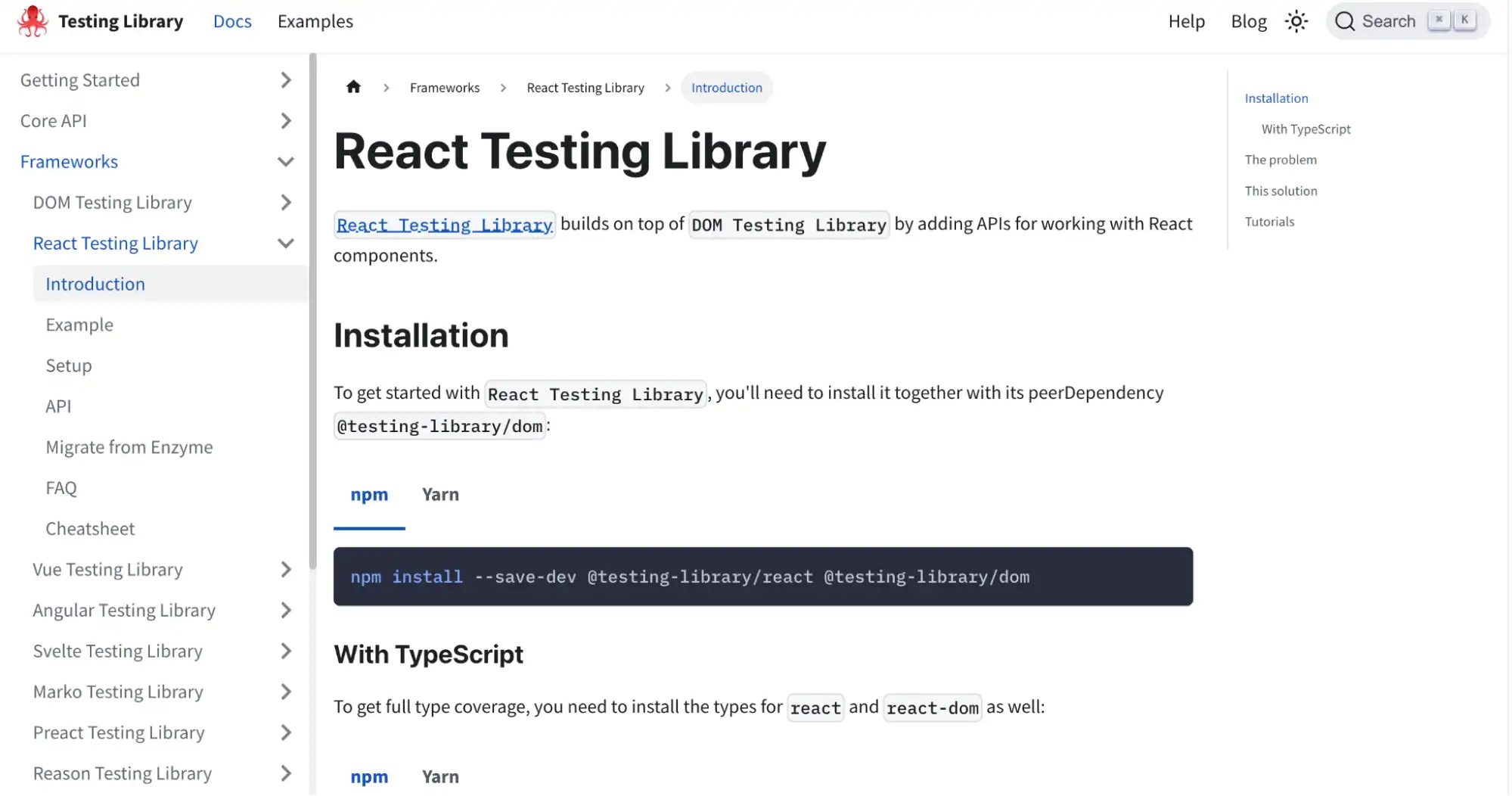
React Testing Library is a light set of utilities built on top of react-dom whose queries find elements in the DOM the same way a user would, such as finding form elements by their label text and finding links and buttons by their text.
React's own documentation names it as the migration target when deprecating older test tooling, and it is the default choice for new React suites.
Its guiding principle is that "the more your tests resemble the way your software is used, the more confidence they can give you." The practical consequence is that a passing test survives refactoring, because it never asserted on state, props, or class names in the first place.
Here is a complete test of a search component, covering the pattern most React tests need: type, submit, then assert on output that arrives asynchronously.
import { render, screen } from '@testing-library/react';
import userEvent from '@testing-library/user-event';
import SearchBox from './SearchBox.jsx';

test('renders the search results a user asked for', async () => {
  const user = userEvent.setup();
  const onSearch = async (q) => (q === 'flaky' ? ['a', 'b', 'c'] : []);

  render(<SearchBox onSearch={onSearch} />);

  await user.type(screen.getByLabelText('Search tests'), 'flaky');
  await user.click(screen.getByRole('button', { name: 'Search' }));

  expect(await screen.findByRole('status')).toHaveTextContent('3 results for flaky');
});
Three details in that test are worth copying. userEvent.setup() is called before render, which is required from user-event v14 onward. Every interaction is awaited, because user-event returns promises. And the final assertion uses findByRole rather than getByRole, so it waits for the results to appear instead of failing on the first tick.
Run against React 19.2.8 with React Testing Library 16.3.2 and Vitest 4.1.10, that test produces:
$ npx vitest run --reporter=verbose

 RUN  v4.1.10

 ✓ src/SearchBox.test.jsx > renders the search results a user asked for 304ms

 Test Files  1 passed (1)
      Tests  1 passed (1)
   Duration  1.80s (transform 48ms, setup 162ms, import 120ms, tests 306ms, environment 970ms)
Note where the time goes: 970ms to stand up the jsdom environment against 306ms of actual test execution. On a suite of a few hundred component tests that fixed cost is why teams shard tests across CI workers rather than optimizing individual assertions.
Key features:
- Accessibility-first queries such as getByRole and getByLabelText find elements the way assistive technology does, so unreachable markup fails the test rather than passing silently.
- Async utilities including findBy and waitFor handle React's asynchronous rendering without manual timers.
- Runner independence means the same tests execute under Jest or Vitest, so switching runners does not mean rewriting assertions.
2. Testing Library DOM
Testing Library DOM is a light, framework-agnostic set of utilities for querying the DOM in the same way a user would find elements.
It is the engine underneath React Testing Library. You rarely install it directly in a React project, but every query you call is defined here, which is why the same query names turn up in the Vue, Angular, and Svelte versions.
Key features:
- Accessible Query API - Provides queries like getByRole and getByText aligned with accessibility standards and real user interactions.
- Async DOM Utilities - Supports asynchronous DOM updates via waitFor to manage dynamic UI rendering.
- Implementation-Independent Testing - Encourages testing rendered output instead of internal component structure or private logic.
3. Testing Library User Event
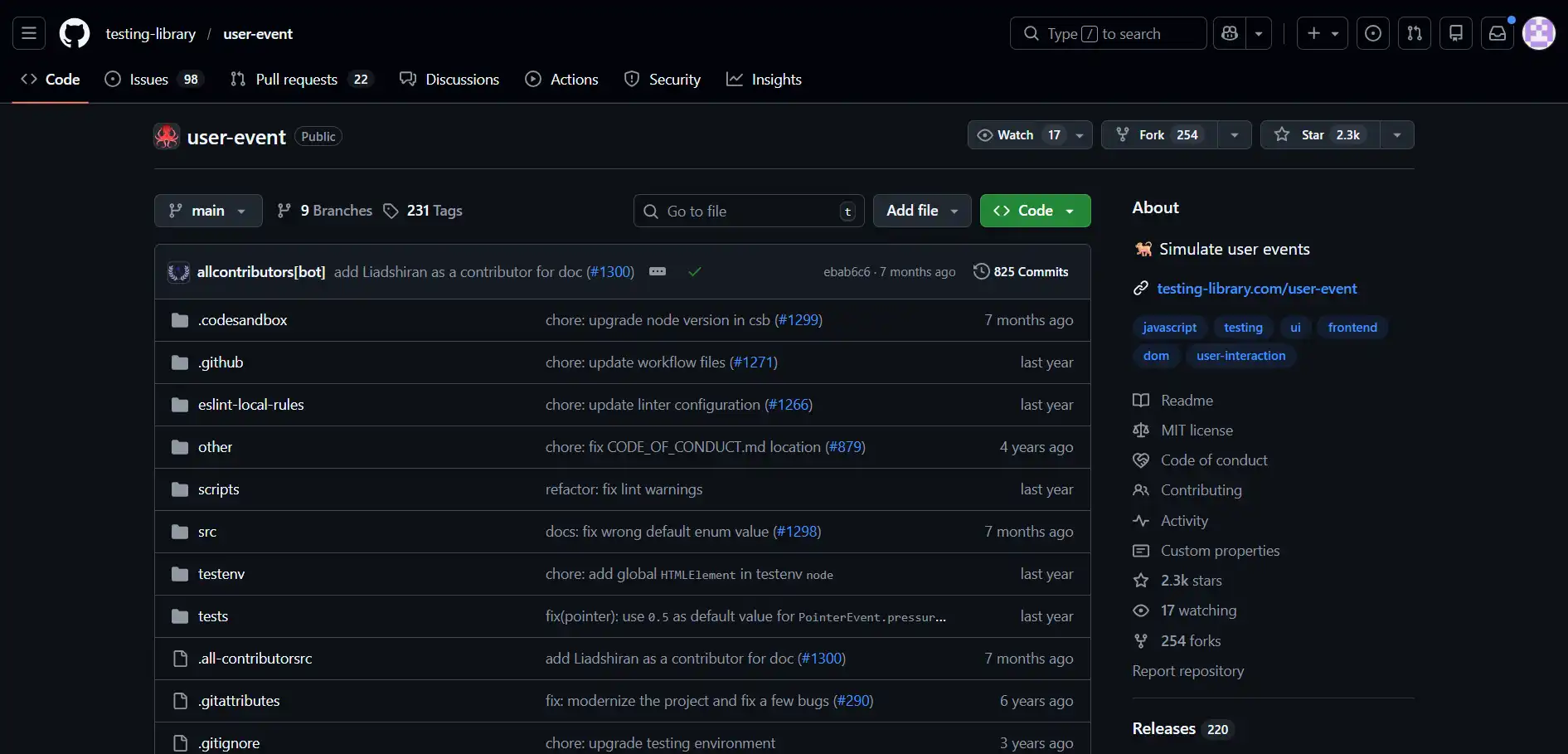
Testing Library User Event simulates the real events that happen in the browser when a user interacts with it, providing a higher-level abstraction than fireEvent.
Typing into an input fires keydown, keypress, input, and keyup for each character instead of setting the value directly, so controlled-input logic and validation are exercised the way a user would exercise them.
Key features:
- Realistic Interaction Simulation - Simulates typing, clicking, and keyboard navigation closely matching real browser behavior patterns.
- Event Sequence Handling - Triggers proper event sequences like keydown, input, and keyup during user interactions.
- Form Interaction Support - Accurately handles complex form interactions, including selection, clearing, and clipboard operations.
4. Enzyme (Not Viable on React 19)
Enzyme is a JavaScript testing utility for React whose API includes shallow rendering and full DOM rendering.
It shaped how a generation of React teams tested components. It is included here because existing suites still depend on it, not because it is a choice worth making today.
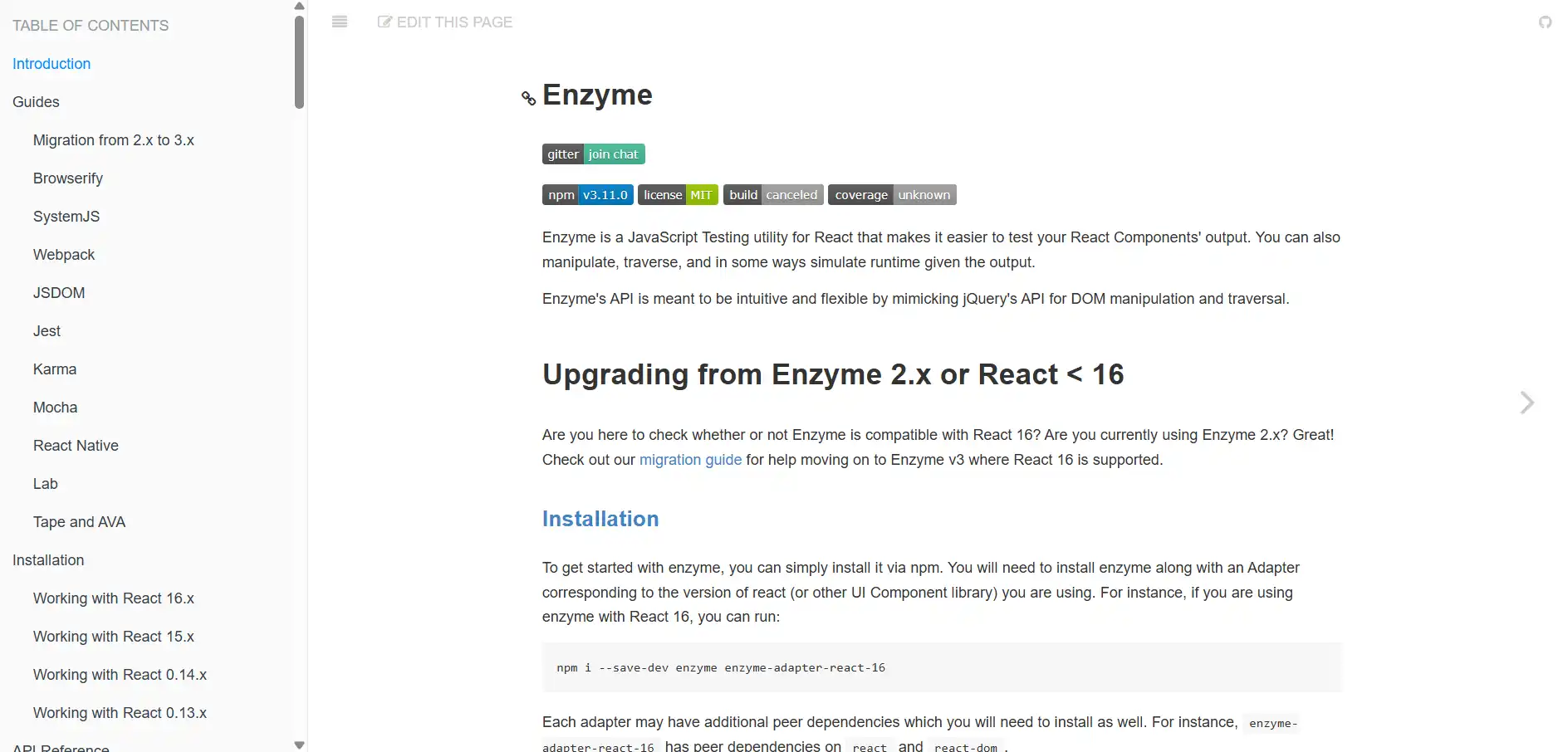
Its last published release is 3.11.0, from December 20, 2019, and the only officially maintained adapter targets React 16. On React 19 the install fails on a peer dependency conflict, as shown in the maintenance section above. Enzyme's design is also the deeper problem: asserting on state and instance methods couples tests to internals, so refactors break tests that the user-visible behavior never changed.
If you maintain an Enzyme suite, migrate incrementally. Both libraries can run side by side while you port file by file, since React Testing Library is a separate package with no conflicting global setup.
Assertions translate along these lines:
- Replace wrapper.find() on class names or component names with screen.getByRole() or getByLabelText(), which target what the user can actually perceive.
- Replace wrapper.state() assertions with an assertion on rendered output, since a state value the UI never displays is not behavior worth locking down.
- Replace wrapper.setProps() with a second render() call, or with the rerender helper returned by render().
- Replace shallow rendering with a full render plus mocked child modules, which keeps the isolation without depending on Enzyme's renderer.
Which Test Runners Are Commonly Used with React?
A testing library supplies queries and assertions but cannot execute a test file. That is the runner's job: discovering test files, running them in an isolated environment, evaluating assertions, and reporting results. React Testing Library works with either of the two below, so this choice follows your build tooling rather than your testing style.
5. Jest
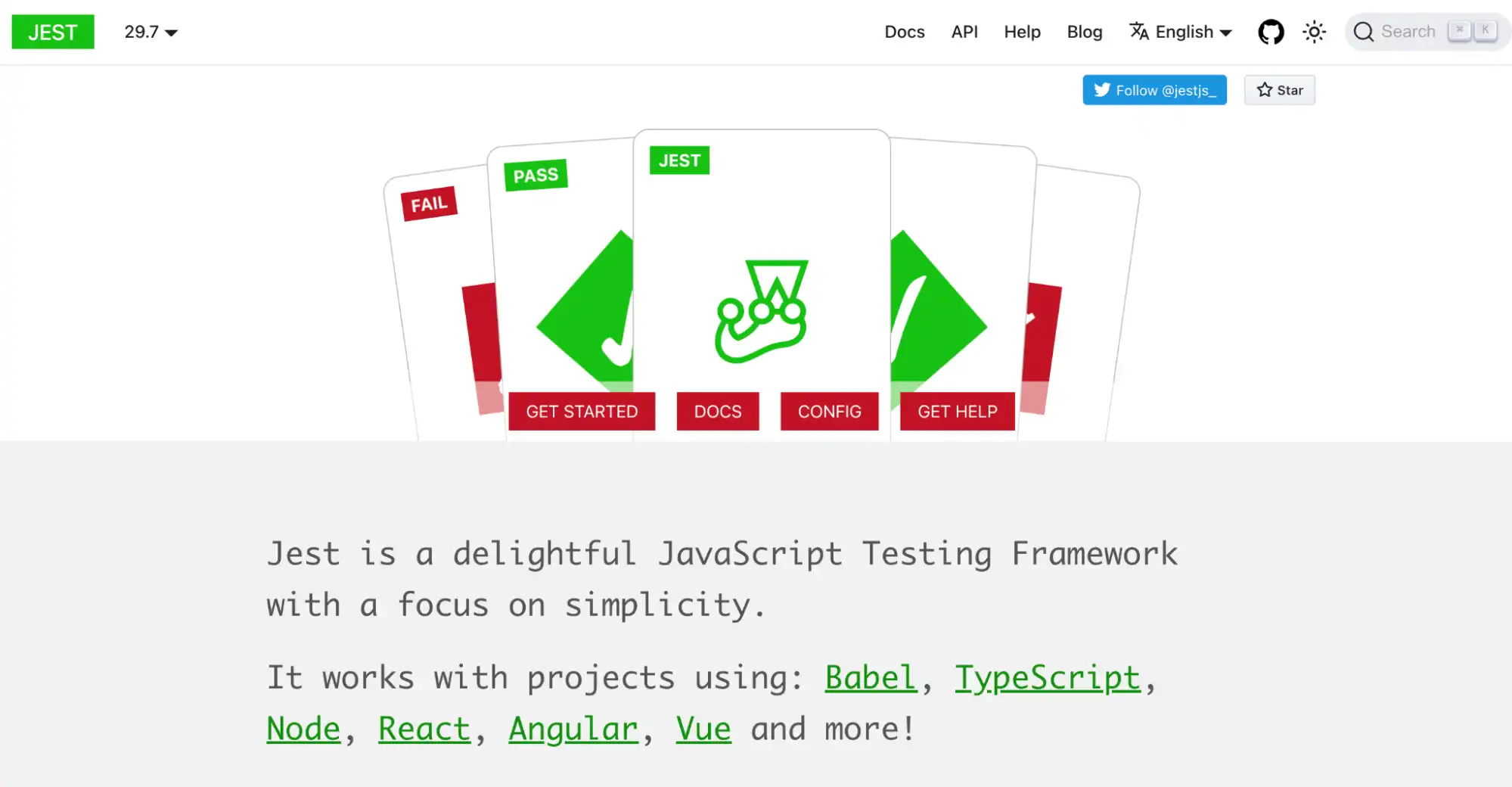
Jest is a JavaScript testing framework that aims to work with zero configuration on most projects, and it keeps the entire toolkit in one place, including snapshot testing and a mocking system.
For React it is the runner that Create React App and Next.js wire up by default, which is why most existing React suites already run on it. Paired with React Testing Library it handles execution while the library supplies the queries.
Developers use Jest as the test runner and assertion engine while writing component and interaction tests with React Testing Library.
Key features:
- Snapshot Testing - Captures the rendered output of components and compares it against stored snapshots to detect unintended UI changes over time.
- Isolated Test Execution - Runs tests in isolated environments so they do not share global state, improving reliability and preventing test interference.
- Built-in mocking covers modules, timers, and individual functions through jest.mock() and jest.fn(), so component dependencies can be replaced without adding another library.
6. Vitest
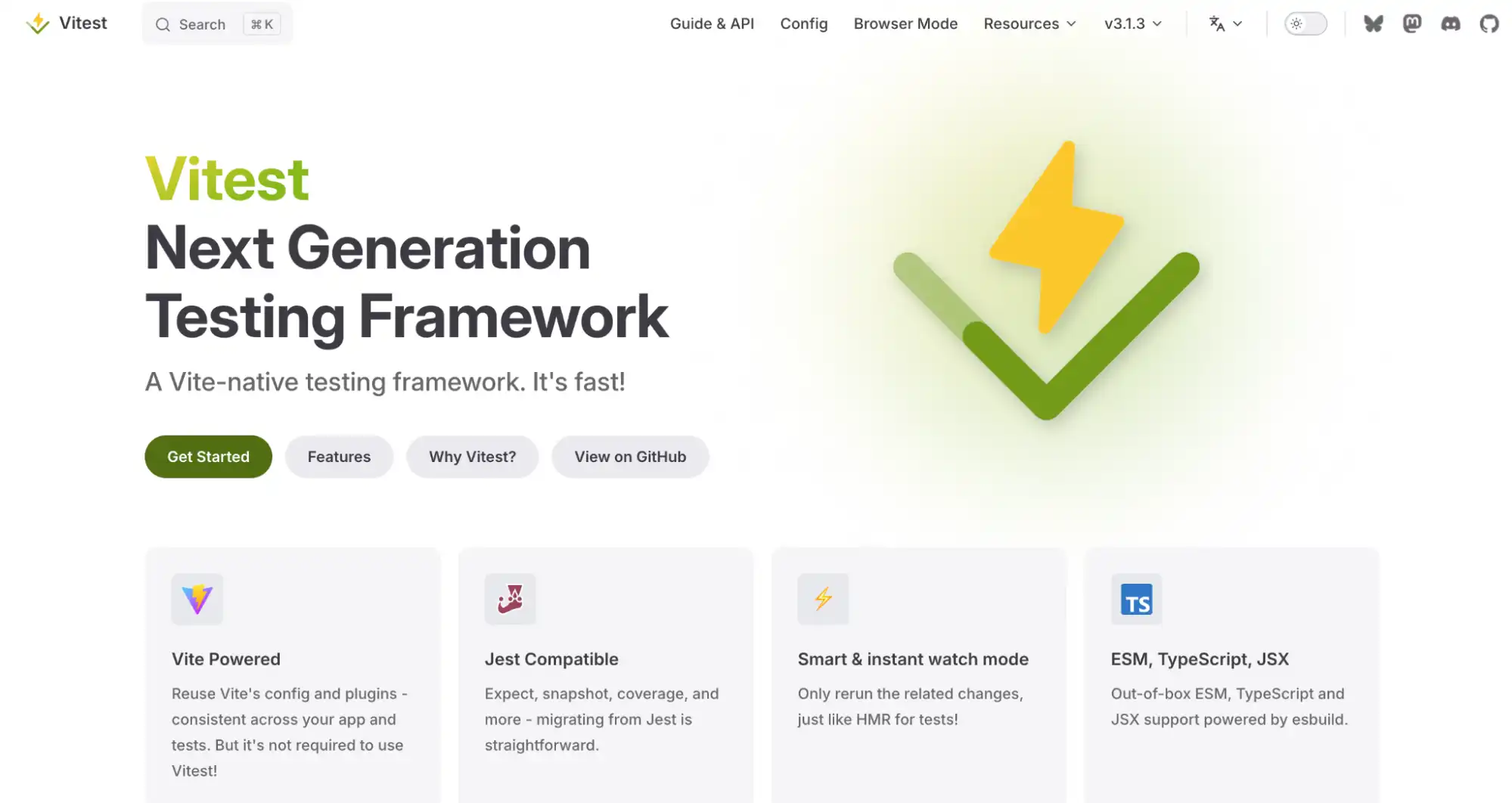
Vitest is a test runner built on Vite that reuses the same configuration, transform pipeline, and plugins as the application build, with an API designed to be Jest-compatible.
In a Vite-based React project that removes a whole class of setup, because there is no second transform to configure for JSX or TypeScript. The Jest-compatible API is also what makes migrating an existing suite mostly a config change rather than a rewrite.
Key features:
- Jest-Compatible API - Provides familiar functions like describe, it, and expect, making it easy to use with React Testing Library and migrate from Jest-based setups.
- Built-In Mocking & Spying - Includes native mocking utilities such as vi.mock and vi.spyOn, supporting effective testing of React component dependencies.
- Native ESM Support - Provides first-class ESM and TypeScript support without additional configuration, aligning with modern Vite project setups.
Both Jest and Vitest are widely used as test runners for React projects, and each has distinct strengths depending on your build setup. For a detailed breakdown, see our Vitest vs Jest comparison to determine which runner fits your React workflow best.
Which Mocking and Test Utilities Support React Testing?
Most React components fetch data, and a component test that hits a live API is neither fast nor repeatable. These two tools replace that dependency, and they operate at different levels: one intercepts the network request, the other replaces the function that made it.
7. Mock Service Worker (MSW)
Mock Service Worker uses Service Workers to intercept requests, and works in both the browser and Node.js.
For React tests that means the component under test is the component that ships: it calls its real data-fetching code rather than a stubbed client. The same handlers can then serve component tests, end-to-end runs, and local development.
This matters for React specifically because most component failures worth catching are data-shape failures: a loading state that never resolves, an empty array that renders nothing, a 500 that shows no error. Stubbing the client hides those; intercepting the request exposes them.
This matters for React specifically because most component failures worth catching are data-shape failures: a loading state that never resolves, an empty array that renders nothing, a 500 that shows no error. Stubbing the client hides those; intercepting the request exposes them.
Key features:
- Network-level interception - Handlers respond to real requests, so tests exercise the same data-fetching code path that runs in production.
- Shared handler definitions - One set of handlers serves component tests, end-to-end suites, and the local dev server, removing a common source of drift.
- Error and latency simulation - Responses can return any status code or delay, making loading and failure states straightforward to assert on.
8. SinonJS
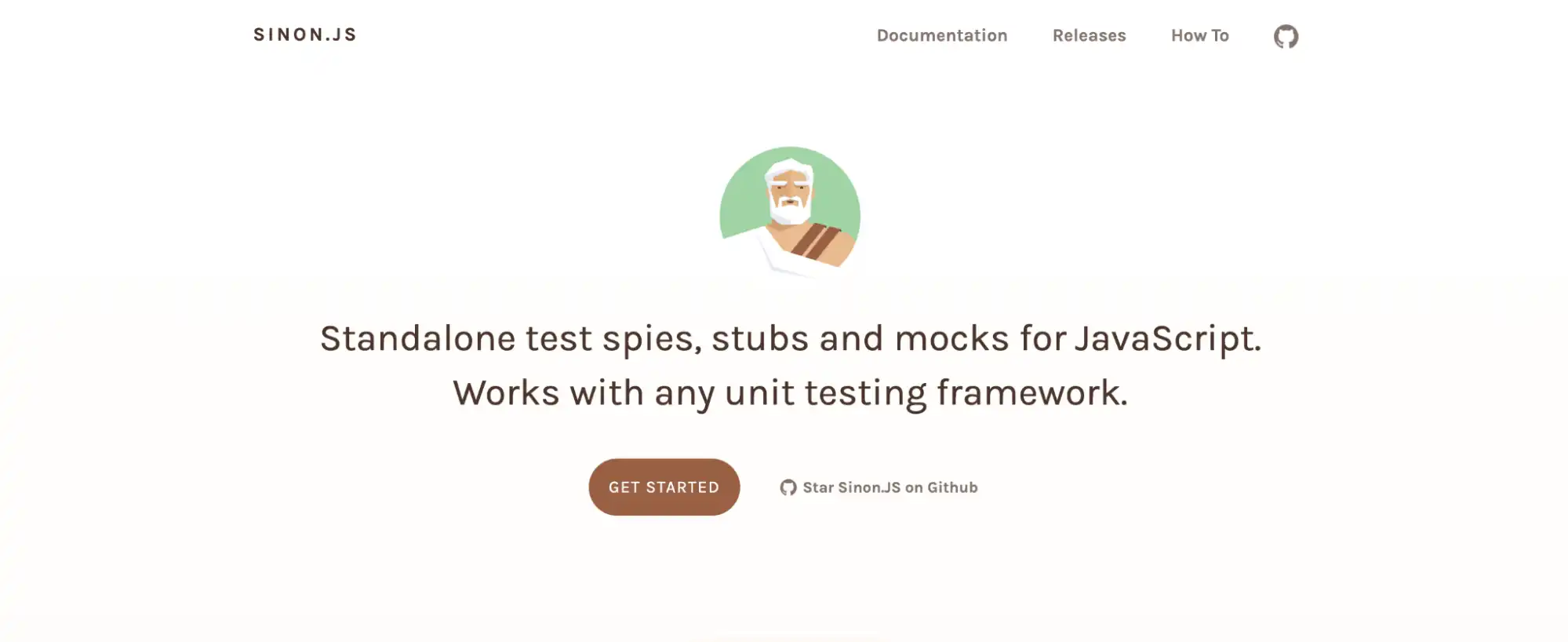
SinonJS provides spies, stubs, mocks, and fake timers, and works with any unit testing framework.
In React work it covers what a runner's built-in mocking does not, such as controlling time for a debounced input. If you already use Jest or Vitest, reach for it only when their native mocking runs out.
Key features:
- Spies, Stubs, and Mocks - Provides standalone utilities to create spies, stubs, and mocks, enabling controlled testing of React component dependencies and side effects.
- Function Behavior Simulation API - Offers a detailed API to monitor call counts, arguments, return values, and exceptions, useful for validating component interactions.
Which Tools Support React End-to-End Testing?
Component tests run against jsdom, which has no layout engine and no real browser behavior. End-to-end tools drive an actual browser to verify routing, navigation, and complete user journeys. Two decisions sit inside this layer: where the browsers come from, covered first, and which framework you write the tests in, covered in the three entries after it.
9. TestMu AI (Formerly LambdaTest)
Every end-to-end framework in this section drives a real browser, and every one of them expects that browser to already exist somewhere. On a laptop that means whatever is installed locally; in CI it means browser binaries you provision and keep patched. Neither arrangement gives you Safari on macOS or a real mobile viewport on demand, which is the coverage gap this entry addresses before you pick a framework to write against.
TestMu AI's Automation Cloud is a zero-infrastructure grid that runs your existing Playwright, Cypress, Selenium, and Puppeteer suites across 3,000+ real browser and OS combinations in parallel. There is no proprietary DSL: the React testing specs you already wrote are the specs that run, so adopting it is a configuration change rather than a rewrite.
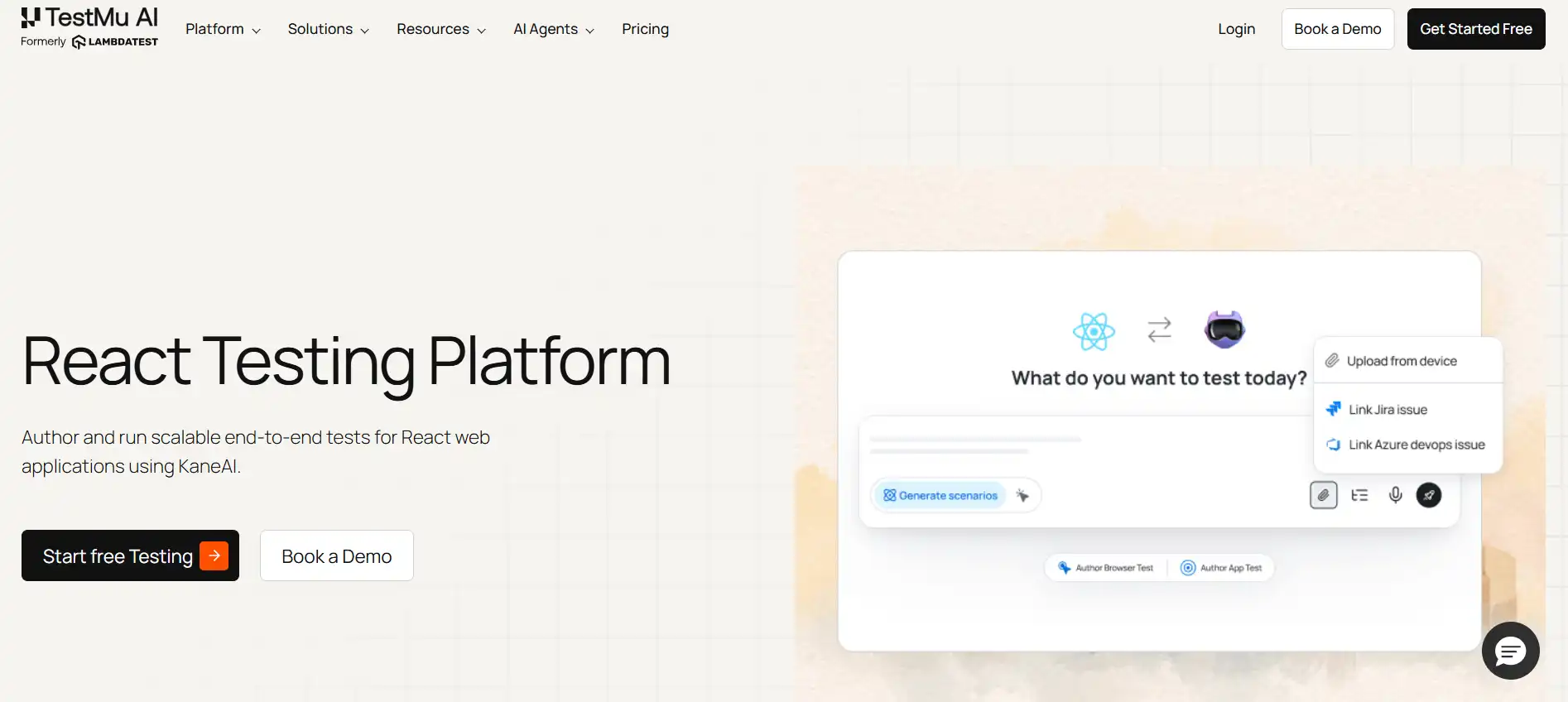
Two capabilities map directly onto problems React suites hit. React renders asynchronously, so tests fail on elements that are present but not yet interactive; SmartWait waits for actual interactability instead of a fixed timeout. And because selectors drift as components are refactored, Auto Healing repairs broken locators rather than failing the run.
Key features:
- Framework support covers Selenium, Cypress, Playwright, Puppeteer, WebdriverIO, NightwatchJS, and TestCafe, with single page applications explicitly supported, which is what a React app is.
- Session artifacts are captured on every run without extra configuration: network logs, console logs, video, screenshots, and command logs.
- LT Tunnel exposes a React dev server or an unreleased staging build to the grid over a secure tunnel, so you can test before anything is publicly hosted.
- Real device coverage extends to 10,000+ real devices for React Native builds, and ReactJS visual testing catches layout regressions that assertion-based tests never look at.
- HyperExecute orchestration splits and shards suites for up to 70% faster execution, which matters once the jsdom startup cost above is multiplied across hundreds of files.
The Playwright JavaScript documentation covers the capability block you add to point an existing React suite at the grid, and local testing using Playwright covers the tunnel setup for a dev server.
Worth being clear about the scope: this is not a replacement for the component layer. Tests that run happily in jsdom are faster kept local, and sending all of them to a grid trades speed for coverage you do not need. It earns its place on the browser-dependent slice of a suite, which for most React teams is the end-to-end tests rather than the component tests.

10. Playwright
Playwright automates Chromium, Firefox, and WebKit through a single API, with auto-waiting and isolated browser contexts.
It is a general browser automation framework rather than a React-specific tool, and it needs no React integration to test a React app. For end-to-end React testing it covers what jsdom cannot reach: client-side routing, real navigation, and the WebKit rendering that Safari users actually get.
Key features:
- Cross-Browser Testing - Automates Chromium, Firefox, and WebKit using a single API, ensuring consistent behavior of React applications across major browsers.
- Auto-Wait Mechanism - Automatically waits for elements to become ready before performing actions, reducing flaky tests in dynamic React UIs.
- Parallel Execution - Runs tests concurrently in isolated browser contexts, improving performance for large React test suites.
11. Cypress
Cypress is a testing framework that runs directly in the browser.
Its automatic waiting, time-travel debugging, and network stubbing all matter for React, but the bigger feature is the component testing mode that mounts a React component directly in a real browser. That is the practical difference from jsdom-based component tests: layout, CSS, and browser APIs behave as they will in production. Our guide to Cypress React testing covers the setup.
Key features:
- Automatic Waiting - Automatically waits for elements to reach a stable state before executing actions or assertions, reducing flakiness in dynamic React applications.
- Component Testing Support - Supports mounting and testing individual React components in isolation, enabling validation of component rendering and interactions.
- Network Control - Allows mocking and stubbing of API requests to test React components under different data and network conditions.
12. WebdriverIO
WebdriverIO is a browser automation framework built on the WebDriver protocol that supports both end-to-end and component testing.
Its relevance to React is mostly organisational. Teams already standardised on WebDriver across several applications can cover a React app with the same tooling and reporting rather than introducing a second framework alongside it.
Key features:
- WebDriver Protocol Support - Automates browsers using standardized WebDriver and DevTools protocols for consistent React application testing.
- Component Testing Capability - Supports mounting and testing React components within controlled browser environments.
- Cross Browser Execution - Runs React tests across Chrome, Firefox, Edge, and other supported browsers.
How Do You Test React Native Apps?
React Native renders to native views rather than the DOM, so web testing tools do not apply. The mobile stack mirrors the web one at both layers: a component library for isolated assertions, and an end-to-end tool that drives the built app on a device or emulator.
13. React Native Testing Library
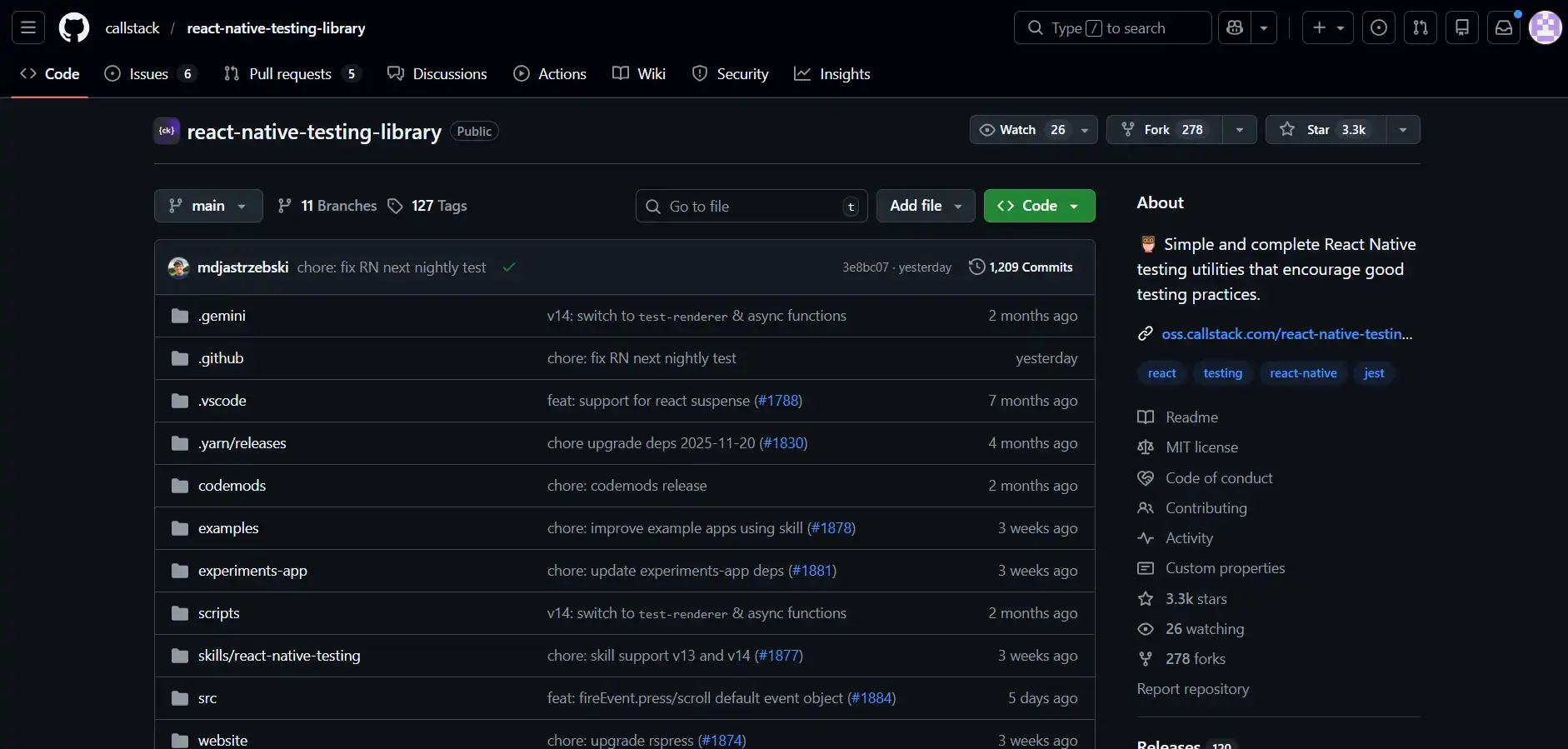
React Native Testing Library is a set of testing utilities for React Native that encourage tests which avoid implementation details and resemble how the software is used.
It mirrors React Testing Library's philosophy on the mobile side, so the queries target accessible labels and visible text. Assertions written against a React web component translate to a React Native one with little more than a change of query.
Key features:
- User Focused Queries - Provides queries based on text and accessibility labels reflecting real mobile user interactions.
- Async Update Handling - Supports asynchronous state updates and re-rendering in React Native components.
- Event Simulation Support - Simulates press, changeText, and scroll events for realistic mobile interaction testing.
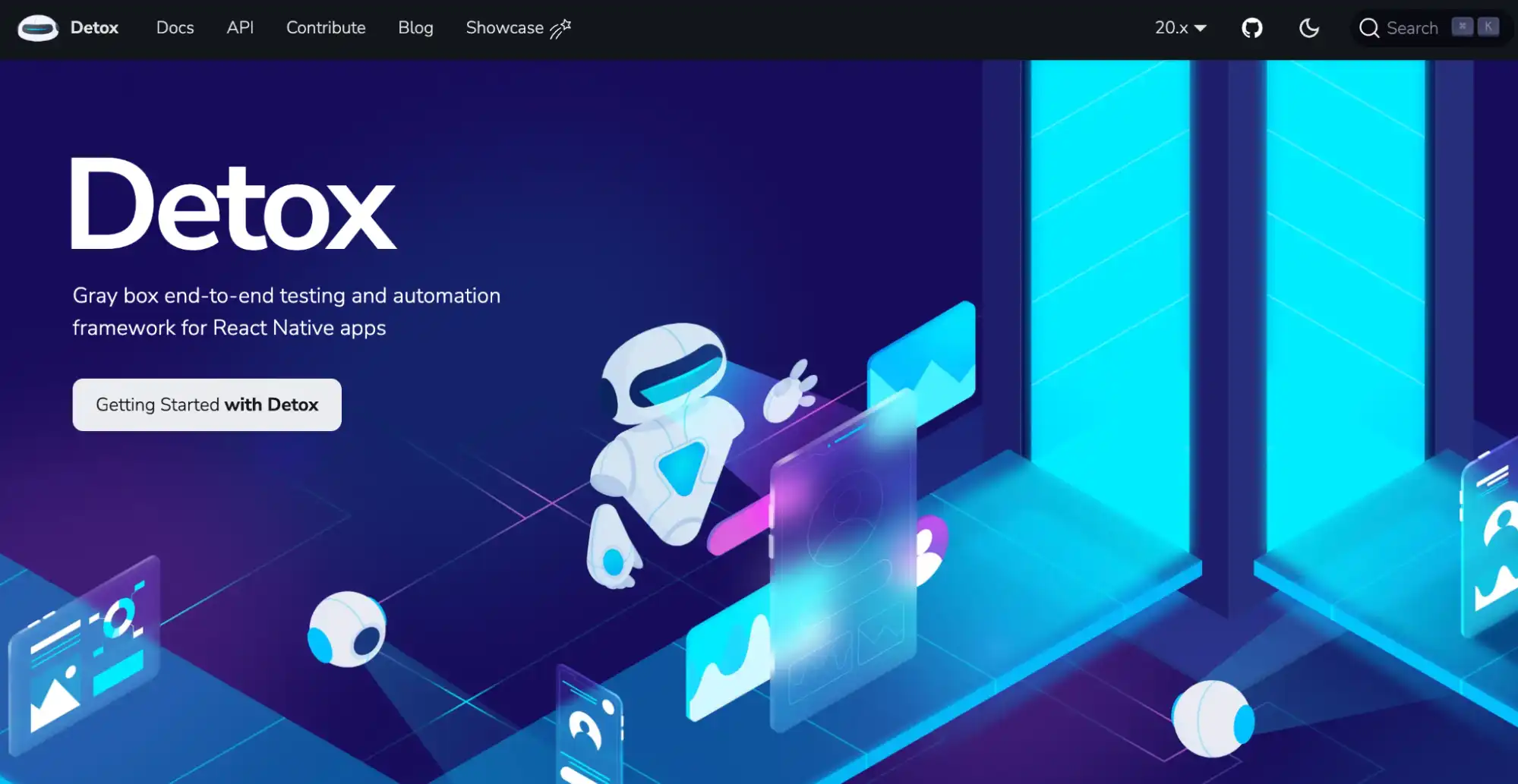
14. Detox
Detox is an end-to-end testing and automation framework for React Native apps that runs on a device or simulator, and it is automatically synchronized, monitoring asynchronous operations to stop flakiness.
That synchronisation is the point of it. Mobile end-to-end tests fail mostly on timing, and waiting for idle removes most of the arbitrary sleeps a hand-rolled approach ends up needing. See our guide to React Native testing for the wider workflow.
Key features:
- Cross-Platform Mobile Testing - Supports end-to-end testing for both Android and iOS, ensuring consistent behavior in React Native applications.
- Synchronization Mechanism - Automatically waits for the app to become idle before performing actions, reducing flakiness in mobile UI tests.
- CI/CD Pipeline Integration - Supports integration with Jenkins, GitHub Actions, and other CI platforms for automated mobile test execution.
What Are Component Development and Isolation Tools?
These tools render components outside the running application so you can review states that are awkward to reach through the UI, such as error, empty, and loading views. They are not test runners and do not replace the libraries above; they complement them by making visual review repeatable.
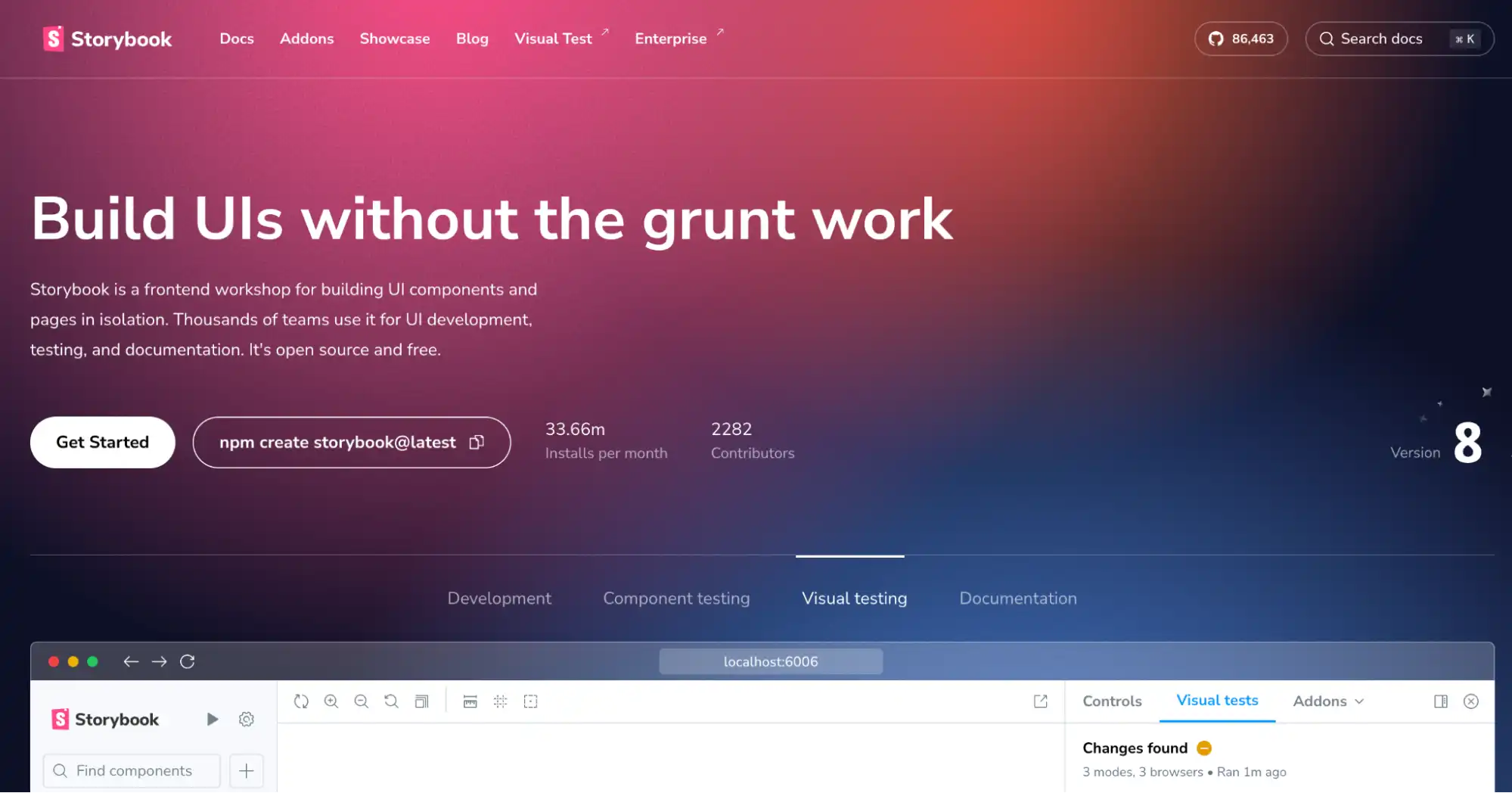
15. Storybook
Storybook is a workshop for building UI components in isolation, outside the main application, where key states of a component are saved as stories.
It is not a test runner and does not replace React Testing Library. What it adds is a browsable catalogue of states, which makes error, empty, and loading views something you review deliberately rather than stumble into.
Key features:
- Component Isolation - Allows React components to be developed and inspected independently, helping validate UI behavior before or alongside automated tests.
- Interactive Component States - Provides an interface to render and test multiple states and variants of React components.
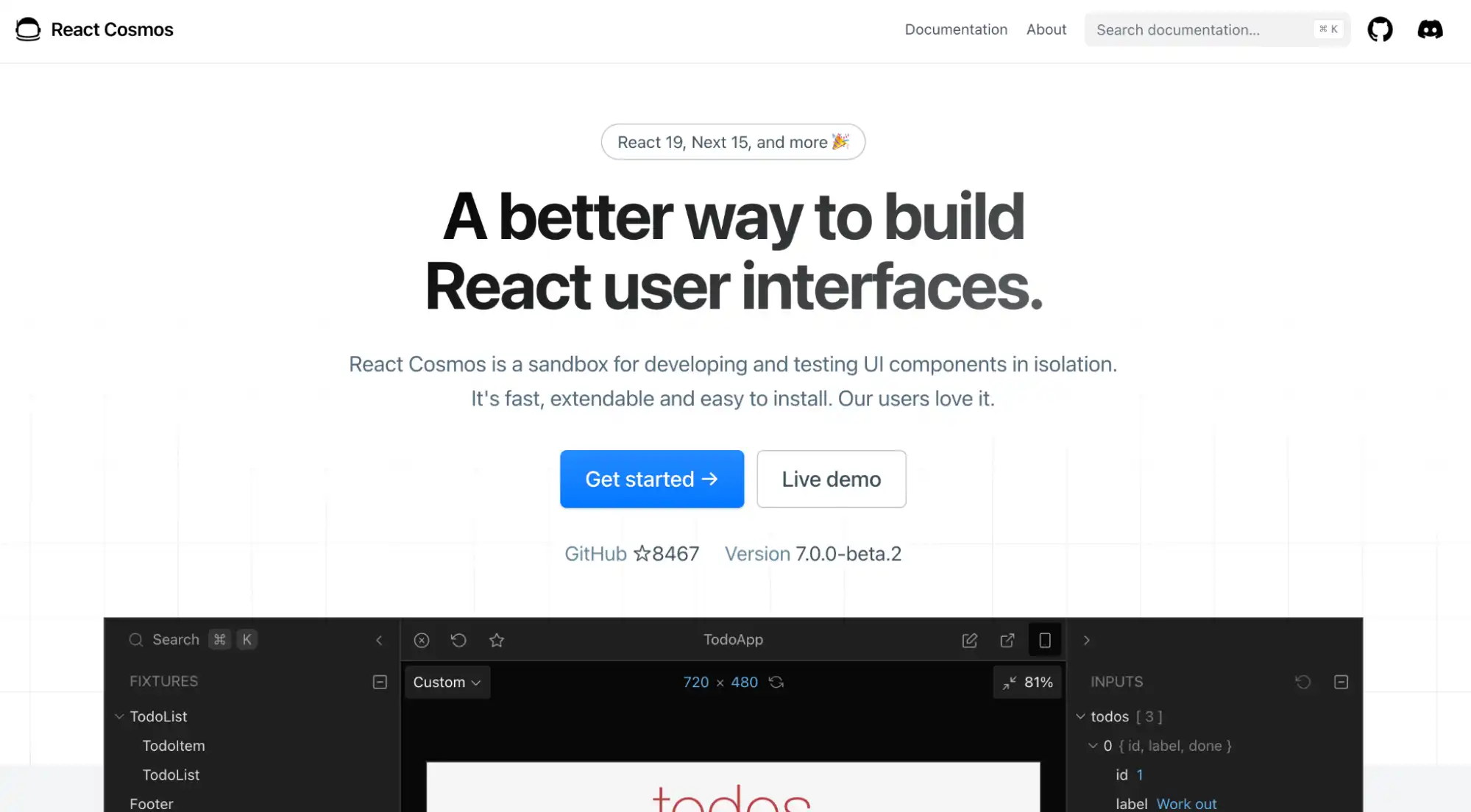
16. React Cosmos
React Cosmos is a sandbox for developing and testing UI components in isolation, using fixtures to define component states.
Fixtures pin down the props and state a component renders under, so those files double as a record of which states actually matter, which is useful once a single component has to handle a dozen prop combinations.
Key features:
- Component Isolation Environment - Provides an interactive sandbox to render and inspect React components in isolation, helping validate UI behavior before or alongside automated tests.
- Fixture-Based State Testing - Uses fixtures to define different props and states, enabling consistent testing of multiple component scenarios.
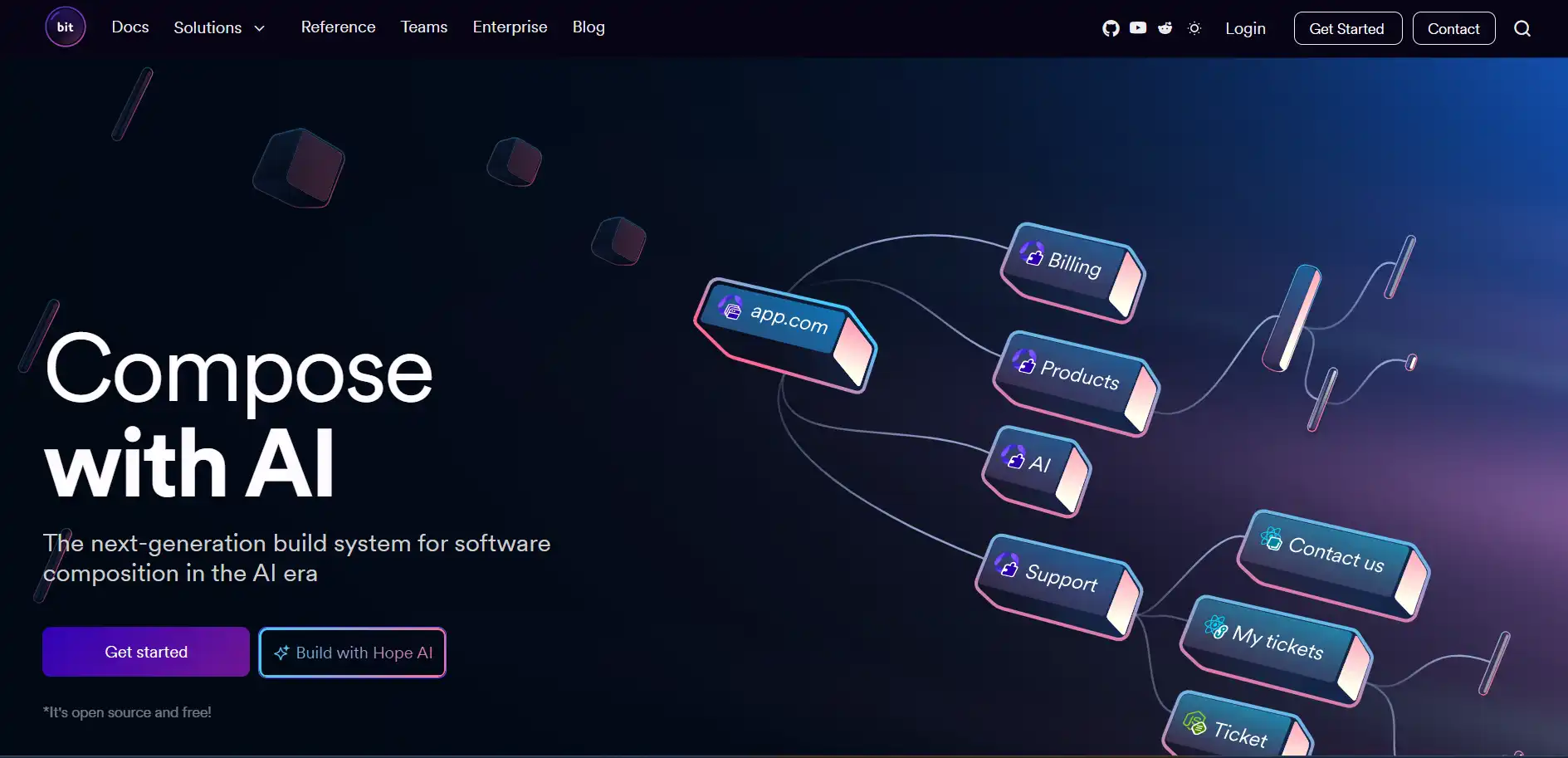
17. Bit
Bit is a platform for building applications from reusable components across repositories.
For React teams the relevant part is distribution rather than testing: components are versioned and shared independently. Each component carries its own tests and documentation, so a shared component's quality travels with it instead of depending on whichever application consumes it.
Key features:
- Component Isolation Environment - Enables React components to run independently outside the main application, allowing focused development, testing, and structured validation workflows.
- Independent Versioning System - Provides granular version control for individual components, ensuring safe updates, backward compatibility, and consistent integration across multiple projects.
- Integrated Testing Support - Allows embedding unit and component tests within each isolated component to validate behavior before publishing or reuse.
- Reusable Component Distribution - Enables sharing and importing React components across repositories while maintaining dependency tracking and consistent component integrity.
Quick Comparison of React Testing Libraries
The table below sorts all 17 tools by what they actually do, because the common mistake is comparing a library against a runner. React Testing Library and Jest are not alternatives to each other, for example: you use both.
| Tool | Type | Best For | Environment | Testing Level |
|---|---|---|---|---|
| React Testing Library | Component testing | User-focused UI behavior | DOM | Unit / Integration |
| Testing Library DOM | DOM testing utility | Framework-agnostic DOM testing | DOM | Unit / Integration |
| Testing Library User Event | Interaction utility | Simulating real user actions (click, type) | DOM | Unit / Integration |
| Enzyme (unmaintained) | Component testing utility | Existing suites only, not new work | DOM | Unit |
| Jest | Test runner + framework | Running tests, mocking, snapshots | Node + JSDOM | Unit / Integration |
| Vitest | Test runner | Fast testing for Vite-based React apps | Node + JSDOM | Unit / Integration |
| Mock Service Worker | API mocking | Intercepting network requests in tests and dev | Node / Browser | Unit / Integration / E2E |
| SinonJS | Mocking library | Spies, stubs, mocks, fake timers | Node / Browser | Unit Support |
| TestMu AI (Formerly LambdaTest) | AI test platform | AI-assisted test generation & cross-browser cloud testing | Cloud Browser Grid | E2E / Integration |
| Playwright | Browser automation | Cross-browser automation and E2E testing | Browser | E2E |
| Cypress | Browser testing framework | Interactive UI and E2E testing | Browser | E2E |
| WebdriverIO | Automation framework | Web automation + component testing | Browser / Node | Integration / E2E |
| React Native Testing Library | Mobile component testing | Testing React Native UI behavior | Native | Unit |
| Detox | Mobile E2E testing | Real device/emulator mobile flows | Emulator / Device | E2E |
| Storybook | Component isolation tool | UI development, visual testing | Browser | Development / Visual Testing |
| React Cosmos | Component sandbox | Rendering components in multiple states | Browser | Development |
| Bit | Component platform | Sharing and managing reusable components | Node / Browser | Development |

How to Choose the Right React Testing Library?
Most React teams need three tools, not seventeen: a component testing library, a runner, and an end-to-end framework. The table below maps a starting situation to that stack, so you can stop at the row that matches your project.
| Your situation | Component layer | Runner | End-to-end layer |
|---|---|---|---|
| New React app built with Vite | React Testing Library | Vitest | Playwright |
| Existing Next.js or Create React App codebase | React Testing Library | Jest, already configured | Playwright or Cypress |
| React Native app | React Native Testing Library | Jest | Detox on real devices |
| Inherited an Enzyme suite | React Testing Library, migrating file by file | Keep the current runner | Add after the migration |
| Design system or shared component package | React Testing Library plus Storybook | Vitest | Visual testing over full end-to-end |
| App whose bugs are mostly data-shape bugs | React Testing Library plus Mock Service Worker | Vitest or Jest | Playwright, reusing the MSW handlers |
Three constraints decide most of the remaining cases. If your build already uses Vite, Vitest removes a separate transform config, which is the main reason to prefer it over Jest. If your team ships to Safari or to mobile browsers, the end-to-end testing layer is not optional, because jsdom has no rendering engine to disagree with. And if you build for mobile, the component and device layers are separate decisions: follow React Native best practices for the component layer, then add Detox for on-device flows.
One choice you can defer: the runner. React Testing Library assertions are runner-agnostic, so moving between Jest and Vitest later is mostly a config change rather than a test rewrite. Choosing the component library correctly matters far more, because that decision determines whether your assertions survive refactoring.
Conclusion
Start by installing React Testing Library alongside whichever runner your build already uses, and port one component test to the query style shown in the React Testing Library example above. That single test tells you more than any comparison table: if it survives your next refactor without edits, the approach is working.
Once component tests are stable, the gap that remains is browser coverage, because jsdom cannot reproduce WebKit layout or mobile viewports. Point your Playwright or Cypress suite at TestMu AI's test automation platform to run it across 3,000+ browser and OS combinations in parallel, and check the Cypress getting started documentation for the configuration change that takes. For component-driven codebases, our guide to React component libraries covers the other half of the same problem.
Author

Shubham Suri
Blogs: 10

Shubham Suri is a Lead Member of Technical Staff at TestMu AI, building the frontend and web interfaces of the quality engineering platform. He works across React.js, HTML5, CSS3, Bootstrap, jQuery, JavaScript, and Angular to create and maintain webpages and web applications. He brings around a decade of experience in web and frontend development, with earlier roles as a Software Engineer at Hard Shell Technologies and an IT Analyst at Cyrus Group. Shubham holds a B.Tech in Computer Science from Uttar Pradesh Technical University.
Reviewer

Isha Vyas
Reviewer
Isha Vyas is a Lead Member of Technical Staff at TestMu AI, building the frontend of the quality engineering platform. She works across React.js, responsive web design, and jQuery to ship and maintain the platform's user-facing web interfaces. She brings nearly seven years of frontend engineering experience at the company, with earlier work as a Software Developer at Mantra Labs. Isha holds a B.Tech in Computer Science from Swami Keshwanand Institute of Technology, Management and Gramothan, Jaipur.


React Testing Libraries FAQs
Did you find this page helpful?
More Related Blogs

TestMu AI forEnterprise
Get access to solutions built on Enterprise
grade security, privacy, & compliance
- Advanced access controls
- Advanced data retention rules
- Advanced Local Testing
- Premium Support options
- Early access to beta features
- Private Slack Channel
- Unlimited Manual Accessibility DevTools Tests