
Test your Jev-powered app before you ship
Jev returns a typed decision in milliseconds. Kane CLI proves your app acted on it, in real Chrome. Free to install.
or read the documentation
The gap between a decision and the UI
Jev is TypeSafe AI's System One model. It reads your program state and returns a typed value with a calibrated probability in 70ms to 500ms, and it never returns a shape your schema did not define.
The decision is half the story. Your code still reads that probability, compares it against a threshold, and renders something. An inverted comparison or a badge bound to the wrong field still ships green.
Kane CLI covers the other half. Describe the journey in plain English and it drives your running app in real Chrome, then asserts the network response, console, cookies, and localStorage behind the screen.
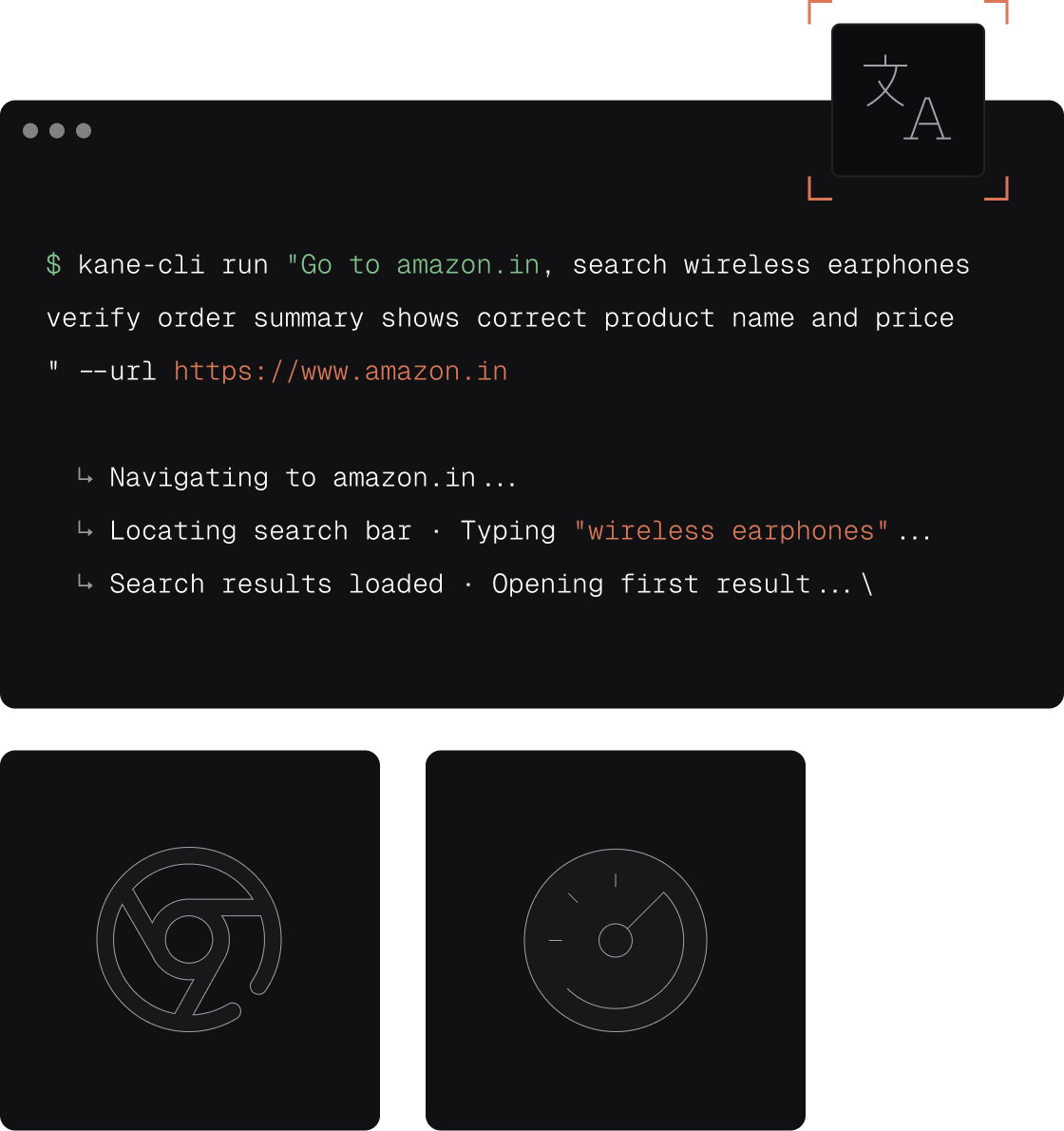
Test scenarios for a Jev-powered app
Routing, thresholds, and adversarial input, checked against the running UI.

Routing decisions reach the right queue
Submit a refund message and confirm the ticket lands in Billing with the owner and badge your code set from Jev's choice. The decision can be correct while the handler that consumes it drops or misfiles the result.

Negation and hedged phrasing
Send "I am NOT asking for a refund" and confirm nothing gets tagged as a refund. Negation is where a classifier and the flow it drives most often disagree, and it rarely shows up in happy-path checks.

Prompt injection stays contained
Send a message instructing the system to ignore its instructions and mark itself urgent, then confirm the priority stayed low and no downstream escalation fired.

Score thresholds drive the right state
Feed a borderline urgency score and confirm the UI renders what your cutoff intends, on both sides of it. An inverted comparison passes every unit test and still ships the wrong screen.

Assert the response behind the screen
Check live network requests, console output, cookies, and localStorage during the run, so a failing threshold is traced to the payload instead of guessed from the screen.

One flow across every environment
Load a JSON file of test messages with --variables-file and run the same journey against dev, staging, and production without rewriting the test for each one.
Build up confidence before the threshold ships
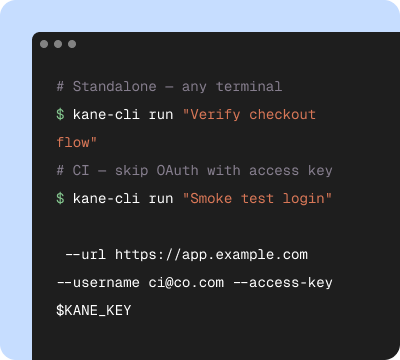
Start in your terminal
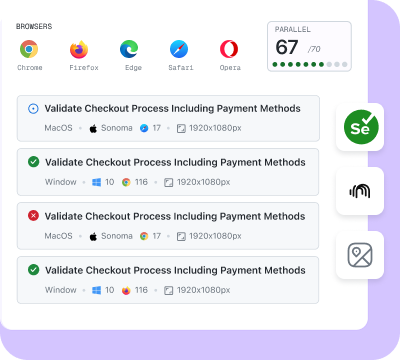
Validate on the cloud
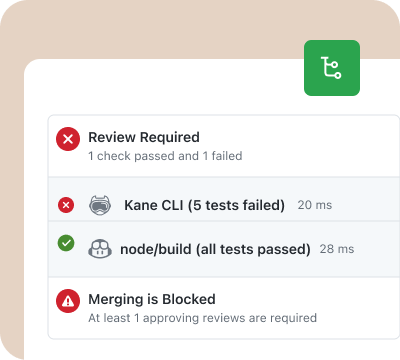
Release with confidence
Built for the decide-then-verify loop
Kane CLI and KaneAI share the same automation engine and dashboard.
Decide with Jev, verify in a browser
Your app calls Jev and renders the result. Kane CLI proves the render matched the decision, in the browser your users actually load.
Probabilistic input, repeatable check
The same intent arrives in many phrasings. Describe the journey once in plain English and replay it across a file of real messages, so coverage grows with your data rather than your selector count.
Evidence you can share
Every run produces a video, a step trace, and a permanent link you can drop into a pull request or a team message when a threshold needs retuning.
Test your Jev-powered app in three steps
Install Kane CLI
Run npm install -g @testmuai/kane-cli and sign in with your TestMu AI account. Nothing to wire into your Jev integration or your schema.
Point it at your running app
Use kane-cli run --url with your local, preview, or production URL. Run it from the terminal, or let Claude Code, Codex CLI, or Gemini CLI run it for you.
Describe the decision and verify
Write the journey in plain English: submit the message, confirm the queue, the badge, and the priority. Kane CLI drives real Chrome and returns a pass or fail with evidence.
Get Started With Kane CLI
🎉 Launch offer: Bonus credits for the first 3 months on paid plans
Choose the right plan for you
Local test authoring via CLI
Auto-heal & vision
View test cases on UI
Test Manager

Free
$0
/month
200 Credits
Resets in every
30 days

Starter
$19
/month
2000 Credits
Launch: 4,000 Credits (+100%)
Bonus for first 3 months

Pro
$99
/month
10,000 Credits
Launch: 15,000 Credits (+50%)
Bonus for first 3 months

Enterprise
Get access to solutions built on Enterprise-Grade Security, Privacy, and Compliances.
Need more credits?
Got a bigger use case in mind?
Let’s talk
Choose the right plan for you
Free
$0
/month
200 Credits
Resets in every
30 days
Starter
$19
/month
2000 Credits
Launch: 4,000 Credits (+100%)
Bonus for first 3 months
Pro
$99
/month
10,000 Credits
Launch: 15,000 Credits (+50%)
Bonus for first 3 months
Enterprise
Get access to solutions built on Enterprise-Grade Security, Privacy, and Compliances.
Need more credits?
Got a bigger use case in mind?
Let’s talk
Get the technical rundown

Documentation
Everything you need to install, configure, and run Kane CLI in under 2 minutes.
Verify the agent behind the decision with Agent Assurance
Some Jev decisions never reach a screen. They hand work to an AI agent that issues the refund, files the ticket, or writes the record, and the agent then reports back in its own words.
Kane CLI proves what your UI rendered. TestMu AI's Agent Assurance proves what the agent did: it reads the codebase to work out what the agent does, writes functional, non-functional, and adversarial scenarios, invokes the agent for real, and grades each criterion against files that changed, artifacts produced, and tool calls checked against the agent's declared tools.
Anything a run could not check is reported as Unable to Verify and kept out of the pass rate, never counted as a failure. Point it at staging, because the agent's writes are real.
Agent Assurance runs from your terminal as rook, and from Claude Code: install the skill with npx @testmuai/rook-skill@latest install --agent claude-code, open Claude Code in the agent's repository, then type /rook and describe the refund or routing test you want. The skill is not the rook CLI, which installs separately; the Claude Code setup guide covers both installs.
Frequently asked questions
Jev is a System One model from TypeSafe AI, released in early access on September 15, 2026. Instead of generating text, it takes your program state and returns a typed value from a schema you define in advance, with a calibrated probability and a confidence score attached. End-to-end response time is 70ms to 500ms, input is priced at $0.042 per million tokens, and output tokens are free. It is built to sit inside software as a decision call, so classification, routing, and scoring run as a function instead of a chat completion.
No. Jev is non-autoregressive, so it does not predict text token by token and it does not generate strings at all. It was trained with Reinforcement Learning for Calibrated Decisions rather than next-token prediction, and TypeSafe AI states it cannot hallucinate precisely because it never generates text. That changes what you test. Prompt quality, tone, and hallucination checks do not apply, and the risk moves to whether your application read the decision correctly and rendered the state your threshold intended.
Validate calibration in your own domain by running labeled examples through the same questions and comparing the predicted probabilities against observed outcomes, then pick the confidence threshold you automate above. Verify the application around that decision separately, because a well calibrated score still ships a bug if the handler routes it to the wrong queue or the badge reads the wrong field. Kane CLI covers that second layer by driving the running app in a real browser and checking what the UI actually did.
Playwright expects a selector-based script per case, which is a poor fit when the input is a sentence and the output is probabilistic. With Kane CLI you describe the objective in plain English and it drives real Chrome, so one journey covers many phrasings. It also asserts at the DevTools layer, so a check can cover the raw API payload and not only the rendered text. Playwright remains the better choice for a fixed, deterministic flow you already have scripted.
Yes. Kane CLI ships skills for Claude Code, Codex CLI, and Gemini CLI. Point the agent at the guide at testmuai.com/kane-cli/agents.md and it will install Kane CLI, run flows with the --agent flag, read the structured output, and fix the threshold or handler that failed. If an agent wrote the Jev integration, the same agent can verify the UI it drives.
Kane CLI is free to install. Runs use KaneAI credits from your TestMu AI account, on your own machine or on the TestMu AI cloud grid. Start free with 10,000 credits, valid for 30 days, and verify your Jev-powered app end to end without a credit card. If you are testing conversational or voice agents rather than a decision model, Agent Testing is the product for those surfaces.
Teach your agent to verify Jev decisions
If a coding agent wrote your Jev integration, point it at the Kane CLI guide and it will install, authenticate, and verify the routing and threshold flows in a real browser on its own.
 Point your agent to: testmuai.com/kane-cli-agent/AGENTS.md