E2B Alternative for AI Browser Agents
Browser Cloud by TestMu AI gives each agent task a real Chrome session with recordings, a localhost tunnel and saved logins, so E2B can stay for running code.

Is Browser Cloud a Code Sandbox Like E2B?
No. E2B is a code sandbox: each sandbox is a Firecracker microVM where an AI agent runs the code it writes, through Python and JavaScript SDKs. Browser Cloud by TestMu AI is browser infrastructure: each agent task gets an isolated Chrome session in the cloud, driven by Playwright, Puppeteer, Selenium or an MCP-capable agent.
Browser Cloud runs no arbitrary code, so an agent that must execute a script it wrote still needs a sandbox. We run Browser Cloud on the same cloud that runs 1.5 billion tests a year for 18,000+ enterprises, and when an agent needs both, the code can stay in E2B while the browser steps run in Browser Cloud.
Browser Cloud vs E2B: Feature Comparison

Top Choice
Features
Browser Cloud
E2B
The browser
Real Chrome
Managed cloud browser
Automation adapters
Session recording
Localhost and staging apps
Saved logins
Stealth
CAPTCHA solving
Chrome extensions

Code and desktop
Run agent-written code

Full Linux desktop
Isolation
Platform
SDKs
Agent connections
Self-hosting
Compliance
Browser Cloud Adds Recording, a Tunnel and Saved Logins
A code sandbox leaves the browser and its tooling for you to build. Browser Cloud attaches them to the session of every agent task.
 REAL CHROME
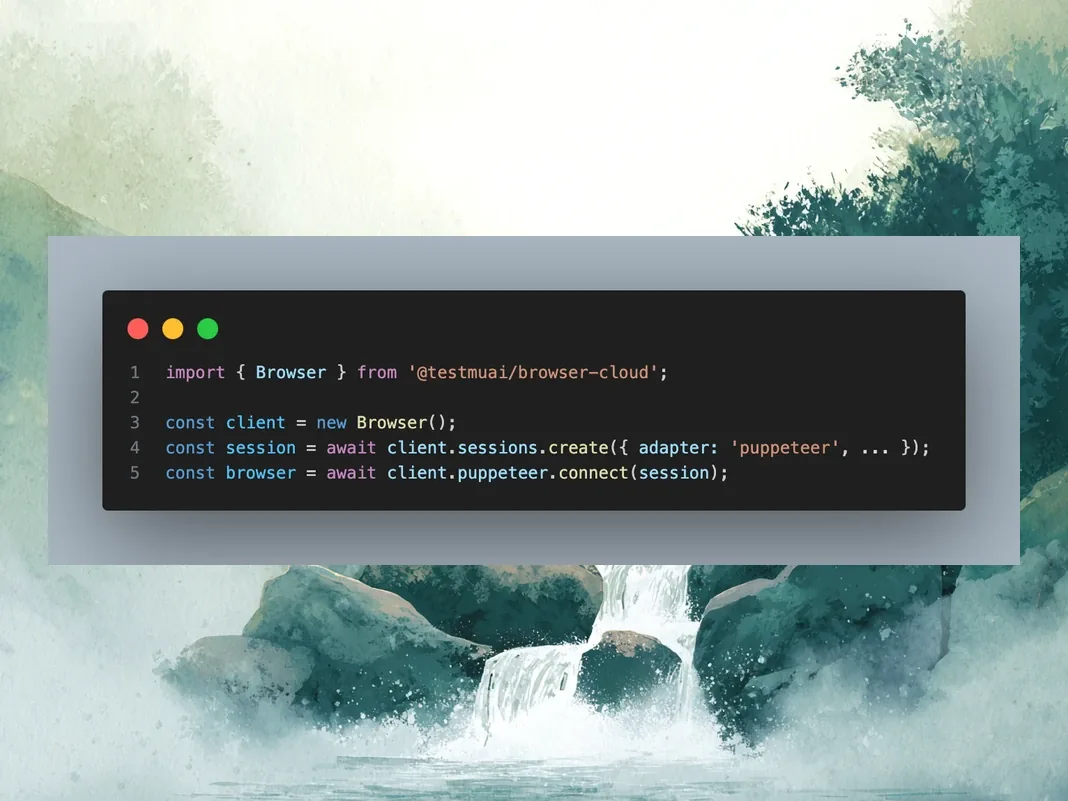
Connect Playwright or Puppeteer to Chrome on Browser Cloud
Each task gets an isolated Chrome session in the cloud. Your Playwright, Puppeteer or Selenium code connects to it, with no sandbox template to build.
Start Free
- Chrome runs JavaScript, so single-page apps fully load
- One SDK call opens a session, another releases it
- Selenium connects over WebDriver, the others over CDP

 SESSION RECORDING
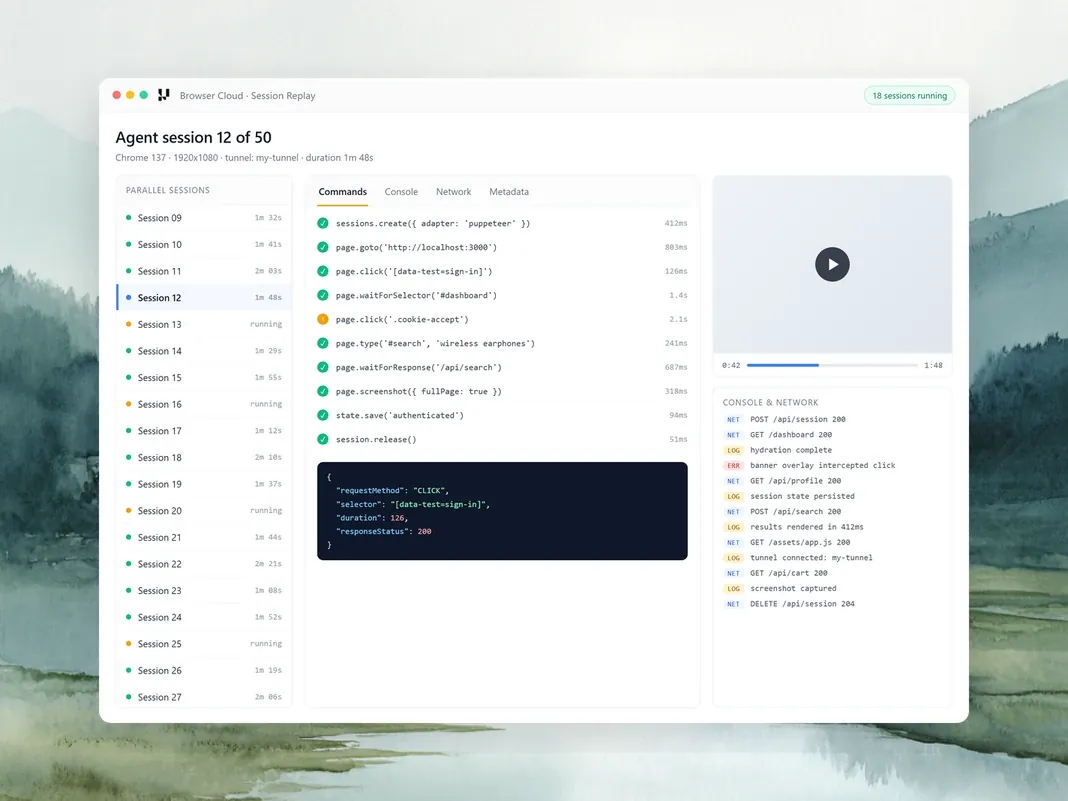
Each Browser Cloud Session Is Recorded With Video and Logs
Each session saves a video, console and network logs, and a command replay with no setup, so you can watch a failed agent run instead of rerunning it.
Read the Debugging Docs- Watch the page as the agent saw it at each step
- Spot failed API calls in the network log
- Replay commands in the order the agent sent them
 LOCALHOST TUNNEL
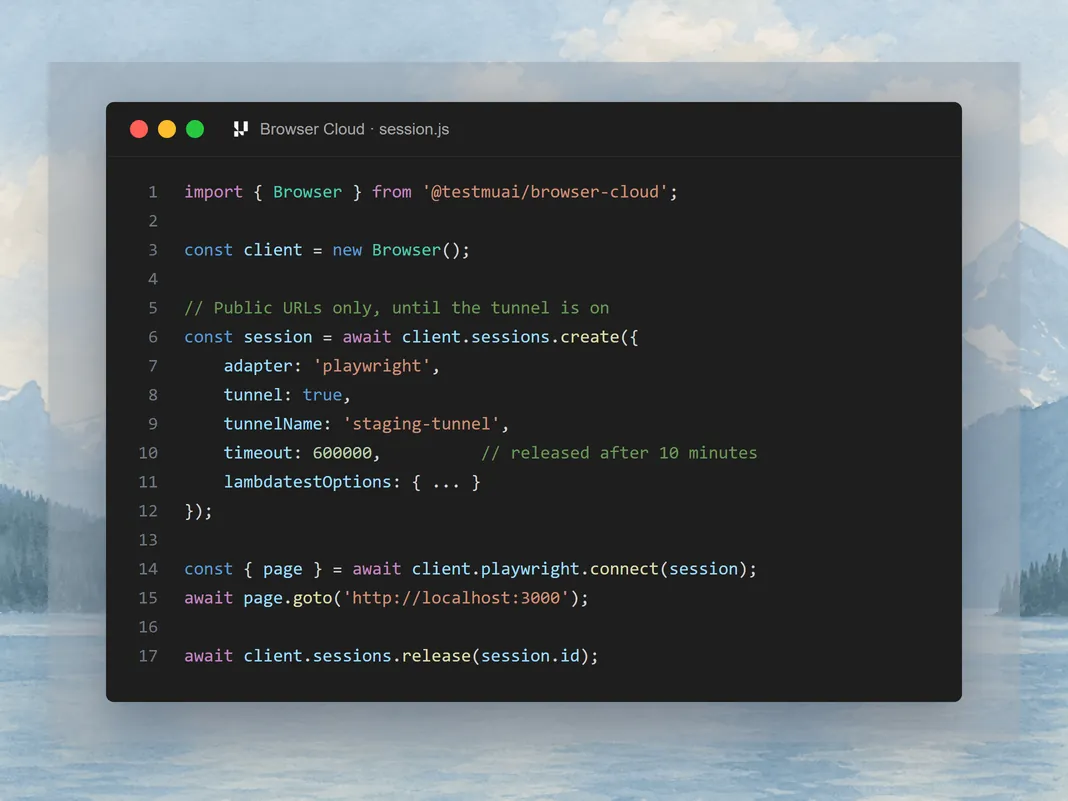
How Browser Cloud Reaches Localhost and Staging Apps
The built-in TestMu AI Tunnel connects a cloud session to localhost, staging, internal dashboards and apps behind a VPN, without exposing them publicly.
Read the Tunnel Docs- Point a cloud browser at a localhost:3000 build
- No third-party tunneling tool to install
- Public URLs work with the tunnel off
 SAVED LOGINS
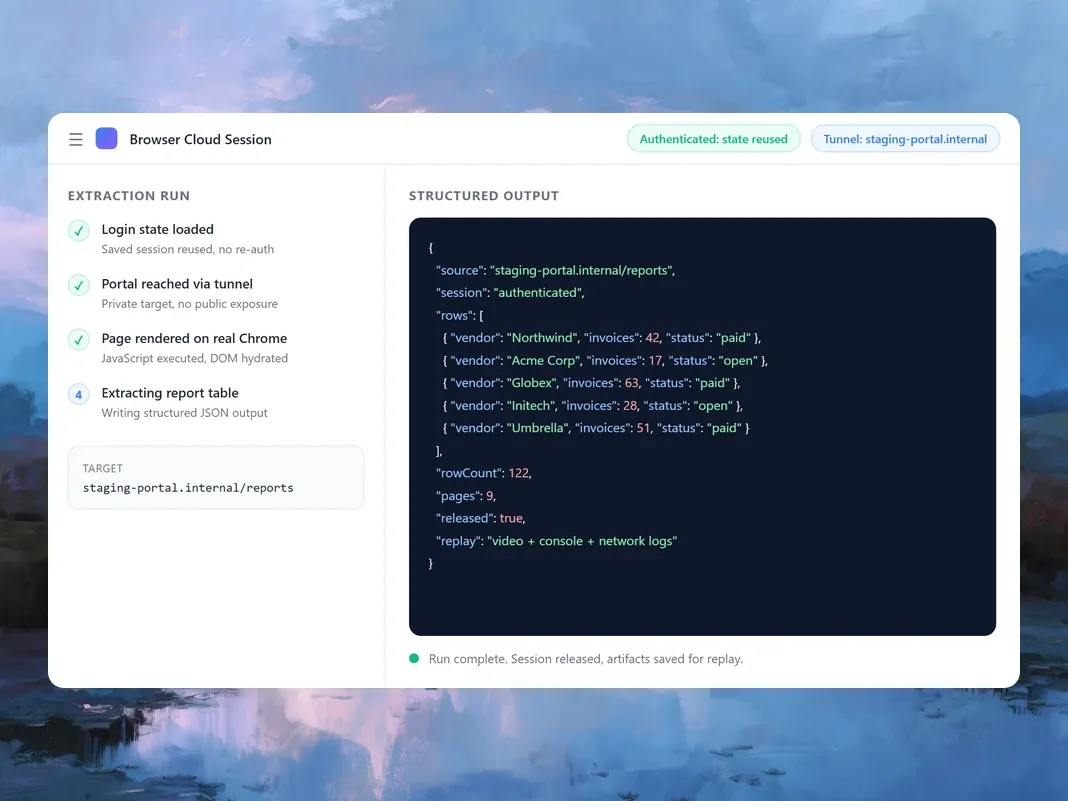
Agent Logins Persist Across Browser Cloud Sessions
Session persistence carries cookies, local storage and login state into the next run, so an agent starts a task already signed in.
Start Free- Turn on best-effort Stealth Mode to help reduce blocks
- Set the best-effort solveCaptcha option per session
- Load Chrome extensions such as auth helpers
Pick E2B, Browser Cloud or Both by Agent Task

Run Code the Agent Writes
E2B's Firecracker microVMs run any Linux process, so an agent can install packages and execute its own code.

Drive a Full Linux Desktop
The E2B Desktop Sandbox streams an Ubuntu 22.04 desktop over VNC for agents that open desktop apps.

Host the Runtime Yourself
E2B's runtime is open source under Apache-2.0 and deploys to your own cloud or a single Linux machine.

Work Inside Web Apps
Choose Browser Cloud when every step of the task happens on web pages, from sign-in to form submit.

Check Builds Before They Ship
Choose Browser Cloud when the agent checks a localhost or staging build that is not public yet.

Split Code and Browser Work
Run the agent's code in an E2B sandbox and open Browser Cloud sessions from it with the Node.js SDK.
Plans and Prices: Browser Cloud vs E2B
Top Choice
Features
Browser Cloud
E2B
Free plan
Paid plan
Compute rates
Concurrency
Enterprise
Move a Browser Task From E2B to Browser Cloud in 3 Steps
Add the SDK and Keys
- Install
@testmuai/browser-cloudfrom npm where the agent's browser code runs - Store
LT_USERNAMEandLT_ACCESS_KEYfrom your TestMu AI account as secrets - Keep the access key out of source control and build logs
Swap the Browser Launch
- Replace
chromium.launch()withclient.playwright.connect(session) - The rest of your Playwright, Puppeteer or Selenium script stays the same
- Puppeteer and Selenium use
client.puppeteer.connectandclient.selenium.connect
Verify the First Run
- Turn on the TestMu AI Tunnel when the target is localhost or staging
- Watch the first session's video to confirm the run matches the old one
- Keep the E2B sandbox for any step that runs code

More Reasons to Love TestMu AI
TestMu AI is a leading agentic AI quality engineering platform, trusted globally, that assures your AI deployments work as intended, safely and securely, across enterprise and real-world conditions.
Users
3M+
Tests
1.5B+
Enterprises
18K+
Countries
132
TestMu AI positioned as a Leader in the 2026 Gartner® Magic Quadrant™
Read ReportTestMu AI recognized in The Forrester Wave™: Autonomous Testing Platforms, Q4 2025
Read ReportWall of Fame
TestMu AI is the #1 choice for SMBs and enterprises across the globe.
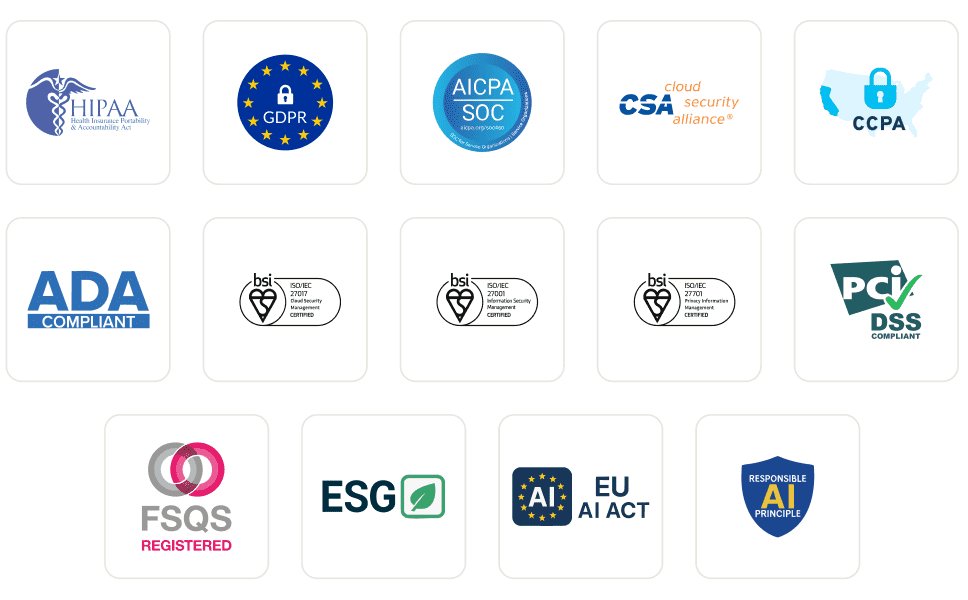
Enterprise-Grade Security
We safeguard your data and AI systems with global security, privacy, responsible AI, and ESG standards.
Integrations
Works where you work, 120+ integrations with the tools your team relies on.



As Seen On
Frequently asked questions
TestMu AI for Enterprise
Get access to solutions built on enterprise-grade
security, privacy, & compliance
- Advanced access controls
- Advanced data retention rules
- Advanced Local Testing
- Premium Support options
- Early access to beta features
- Private Slack Channel
- Unlimited Manual Accessibility DevTools Tests