
Power Your Software Testing with AI Agents and Cloud
The Native AI-Agentic Cloud Platform to Supercharge Quality Engineering. Test Intelligently and Ship Faster.


- TestMu AI (Formerly LambdaTest)
- /
- Blog
- /
- How to Test Payment Gateways Without Code
How to Test Payment Gateways Without Code (2026 Guide)
Test payment gateways end to end, sandbox cards, declines, 3D Secure, refunds, and webhooks, in plain English. No Selenium, no Playwright, no code.
Published on:
Payment gateways can be tested without code by describing checkout actions, such as filling in a card number and clicking Pay, in plain English that KaneAI executes directly against Stripe, Braintree, or Adyen checkout iframes. The same approach also verifies refunds, partial captures, webhook-driven order status, and retry behavior after a declined or insufficient-funds card.
Why payment gateways are hard to test
A pay button looks simple, but real coverage has to touch every card, every failure, and every asynchronous callback behind it:
- Third-party iframes, where the card fields live inside a Stripe, Braintree, or Adyen frame that an ordinary selector cannot reach
- Sandbox test cards, where each provider ships its own magic numbers for approvals, declines, insufficient funds, and expired cards
- 3D Secure and bank authentication, where the flow hands off to an issuer challenge screen and has to come back with the payment confirmed
- Declined card recovery, where a failed charge must show the right error, keep the cart intact, and let the customer try another card
- Webhooks and asynchronous confirmation, where the order only becomes paid after the gateway calls back, sometimes seconds later
- Refunds, partial captures, and currency, where the same flow behaves differently across amounts, currencies, and payment methods
And that is one provider. Real coverage means testing cards vs. wallets, one currency vs. many, and every browser and device your customers actually pay from.
The old way: brittle payment scripts
Here is what verifying a single card-payment-and-check-the-confirmation scenario looks like in a typical Selenium setup with a Stripe iframe:
wait = WebDriverWait(driver, 15)
driver.get("https://yourstore.com/checkout")
frame = driver.find_element(By.CSS_SELECTOR, "iframe[name^='__privateStripeFrame']")
driver.switch_to.frame(frame)
card = wait.until(EC.presence_of_element_located((By.NAME, "cardnumber")))
card.send_keys("4242 4242 4242 4242")
driver.find_element(By.NAME, "exp-date").send_keys("12/34")
driver.find_element(By.NAME, "cvc").send_keys("123")
driver.switch_to.default_content()
driver.find_element(By.ID, "pay-button").click()
wait.until(EC.url_contains("/order/confirmed"))
status = driver.find_element(By.CSS_SELECTOR, ".order-status").text
assert "Payment successful" in status, f"Expected a paid order, got: {status}"
Thirteen lines, and almost every one is a fault line. The frame name Stripe generates is not stable, the field names shift when you upgrade the SDK, and the switch into and out of the iframe is exactly the kind of thing that breaks the moment the provider ships a redesign. Maintenance like this is the dominant cost of a large automation suite: engineers spend a large share of every sprint re-pointing selectors and chasing frame changes instead of adding new coverage. And this approach still requires someone on the team who writes Python or JavaScript, which iframes and 3D Secure redirects only make harder. It is the core tradeoff behind code-based vs. codeless test automation.
If you are a manual QA engineer, a PM, or a founder without a dedicated automation engineer, the code wall means payment usually gets tested by hand against a sandbox, slowly, inconsistently, and rarely on every browser before a release.
The no-code way: describe the payment, not the DOM
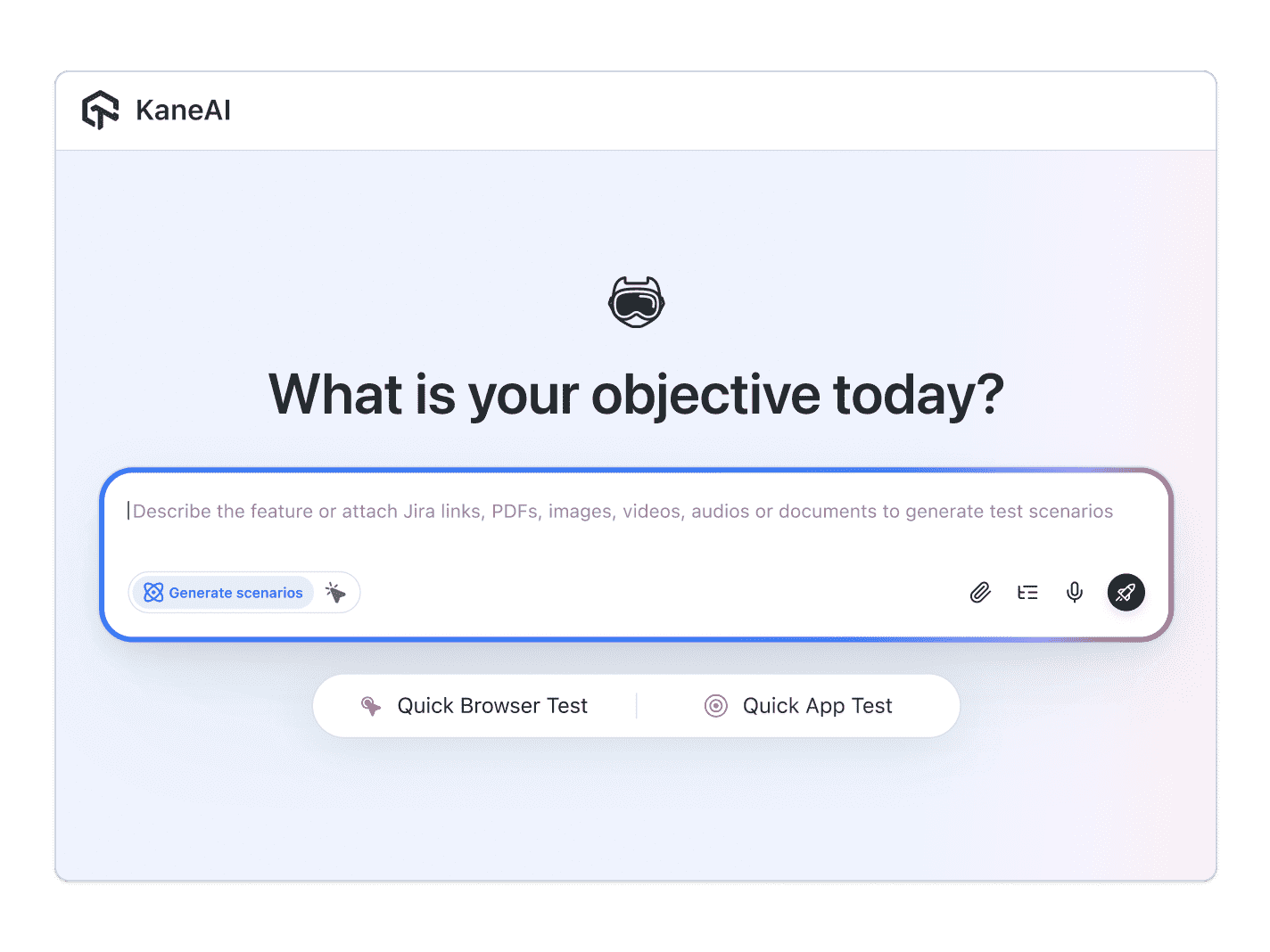
With KaneAI, you write the same test in plain English:
- Go to yourstore.com and add an item to the cart
- Proceed to checkout and continue to payment
- Enter the test card 4242 4242 4242 4242 with expiry 12/34 and CVC 123
- Click Pay
- Verify the order confirmation page loads
- Verify the status shows the payment succeeded
That is the entire test. KaneAI reads each step, reaches into the embedded Stripe frame the way a human tester would, by understanding the page rather than matching a generated frame name, and executes the flow. It knows the standard sandbox test cards for Stripe, Razorpay, and PayPal, so you can point it at an approval card or a decline card without looking up magic numbers. When the provider renames a field or you upgrade the SDK, the test re-anchors instead of breaking, which significantly reduces maintenance. It walks the failure and retry states as readily as the happy path, and it runs the same check on Safari across the real-device grid, where mobile payments most often behave differently.

The payment gateway scenarios that actually break
Once the happy path works, real coverage is just more English. Here are the payment scenarios worth adding, each takes about two minutes to write:
Declined card
- Enter a decline test card such as 4000 0000 0000 0002 and click Pay
- Verify a clear decline message is shown and no order is created
- Verify the cart is preserved so the customer can try another card
3D Secure authentication
- Enter a card that triggers the issuer challenge, such as 4000 0025 0000 3155
- Complete the 3D Secure challenge screen
- Verify the app returns and the order is marked paid
Refund and partial capture
- Place a successful order, then issue a refund from the dashboard
- Verify the order status changes to refunded and the amount matches
- Repeat with a partial capture and verify the remaining balance is released
Insufficient funds and expired card
- Enter an insufficient-funds test card and verify the right error appears
- Enter an expired card and verify validation blocks the charge before it reaches the gateway
- Verify each failure keeps the customer on checkout with the cart intact
Run all of them across Chrome, Safari, Firefox, and real mobile devices from the same plain-English steps, with no per-browser rewrites.
Putting it on autopilot
Payment tests are most valuable when they run without you:
- Schedule the suite nightly, so a payment change that ships on Friday cannot quietly reject cards all weekend
- Trigger on deploy via CI, where Kane CLI runs the same tests from your pipeline and pauses for an OTP or 3DS challenge instead of failing
- Alert on failure in Slack, with a full replay of what the AI saw when the charge failed, screenshots, video, and the reason in plain English
When a test fails, you do not get a stack-trace exception at line 47. You get a plain-English reason for the exact step that failed. Anyone on the team can read it, and anyone can fix the test, because the test is just English.
Try it on your own checkout in 10 minutes
- Sign up for KaneAI free, with no credit card
- Paste your store or checkout URL
- Write your first payment test in plain English, or let KaneAI suggest one from your site
- Run it against your sandbox and watch the charge get tested end to end
Your payment gateway is too important to test by hand and too full of iframes for brittle scripts. Test it in the language you already speak. Once payment is covered, read how to test signup and onboarding flows and how to test forms to cover the steps your customers reach on the way to checkout.

Note: Test your payment gateway without writing a line of code. Start with KaneAI free.
Author

Suryapratap Singh Chauhan
Blogs: 5

Suryapratap Singh Chauhan is Director of Engineering at TestMu AI, where he leads engineering with a focus on systems design and microservices across the testing platform. He brings over a decade of software engineering experience across backend and distributed systems, with earlier roles as a Software Engineer at Vidooly Media Tech and engineering roles at Freekaamaal and Webkul. Suryapratap holds a Master of Computer Applications in Information Technology from G.L. Bajaj Institute of Technology and Management.
Reviewer

Salman Khan
Reviewer
Salman is a Test Automation Evangelist and Community Contributor at TestMu AI, with over 6 years of hands-on experience in software testing and automation. He has completed his Master of Technology in Computer Science and Engineering, demonstrating strong technical expertise in software development, testing, AI agents and LLMs. He is certified in KaneAI, Automation Testing, Selenium, Cypress, Playwright, and Appium, with deep experience in CI/CD pipelines, cross-browser testing, AI in testing, and mobile automation. Salman works closely with engineering teams to convert complex testing concepts into actionable, developer-first content. Salman has authored 120+ technical tutorials, guides, and documentation on test automation, web development, and related domains, making him a strong voice in the QA and testing community.


Payment Gateway Testing FAQs
Did you find this page helpful?
More Related Blogs

TestMu AI forEnterprise
Get access to solutions built on Enterprise
grade security, privacy, & compliance
- Advanced access controls
- Advanced data retention rules
- Advanced Local Testing
- Premium Support options
- Early access to beta features
- Private Slack Channel
- Unlimited Manual Accessibility DevTools Tests