
Power Your Software Testing with AI Agents and Cloud
The Native AI-Agentic Cloud Platform to Supercharge Quality Engineering. Test Intelligently and Ship Faster.


- TestMu AI (Formerly LambdaTest)
- /
- Blog
- /
- How to Test Framer Sites Without Code
How to Test Framer Sites Without Code (2026 Guide)
Test a site built with Framer end to end, its CTAs, forms, animations, and responsive layouts, in plain English. No Selenium, no Playwright, no code.
Published on:
Sites built with Framer can be tested without code by giving KaneAI plain-English steps that keep working after a republish regenerates hashed class names like framer-1a2b3c4. The same steps click through a CMS-driven blog to a detail page, open the mobile hamburger menu to check every nav link, and can trigger from CI the moment a designer publishes.
Why Framer sites are hard to test
A published Framer page looks like plain HTML, but under the surface it is built in ways that fight traditional automation at every step:
- Framer emits hashed class names like framer-1a2b3c4 that change on the next republish, so any selector you hardcode is stale the moment a designer publishes again
- Entrance transitions, scroll-triggered reveals, and staggered variants mean an element can exist in the DOM long before it is actually visible or clickable
- Framer ships separate desktop, tablet, and phone layouts of the same section, so a button that works on desktop is often a different node entirely on mobile
- Forms, CMS-driven list pages, and dynamic detail routes each need their own coverage, and a single CMS edit can change what a page shows without any code change
- Nav menus, modals, tabs, and smart components hold state that only appears after an interaction, not on first paint
- Custom code embeds, analytics, and booking or payment widgets load asynchronously and tend to fail silently
And that is one page. Real coverage means the home page, every CMS template, and the contact and pricing pages, across every browser and screen size your visitors actually use.
The old way: brittle Framer scripts
Here is what verifying a simple click-the-CTA-and-submit-the-form scenario looks like in a typical Selenium setup:
const driver = await new Builder().forBrowser("chrome").build();
await driver.get("https://yoursite.framer.website");
await driver.wait(until.elementLocated(By.css(".framer-1a2b3c4")), 10000);
const cta = await driver.findElement(By.css("a.framer-ckd9x2[data-framer-name='Primary CTA']"));
await cta.click();
await driver.wait(until.urlContains("/contact"), 10000);
await driver.findElement(By.css("input[name='email']")).sendKeys("test.user@example.com");
await driver.findElement(By.css("button[type='submit']")).click();
const toast = await driver.wait(until.elementLocated(By.css(".framer-success-message")), 10000);
const text = await toast.getText();
assert(text.includes("Thanks"), `Expected a success message, got: ${text}`);
Fewer than a dozen lines, and every one of them is a liability. Framer regenerates those hashed class names on the next republish, so .framer-ckd9x2 points at nothing and the test goes red for a change no visitor would ever notice. Chasing selectors like this is the dominant cost of a large automation suite, where a large share of every sprint goes to re-pointing locators instead of adding coverage. It also assumes someone on the team writes JavaScript, which most Framer teams, built around designers and marketers, simply do not have. That is the tradeoff at the heart of code-based vs. codeless test automation.
If you are a designer, a marketer, or a founder shipping from Framer without a dedicated automation engineer, the code wall means the site gets checked by hand, if at all, and never automatically after a 5 p.m. republish.
The no-code way: write the test the way you would explain it
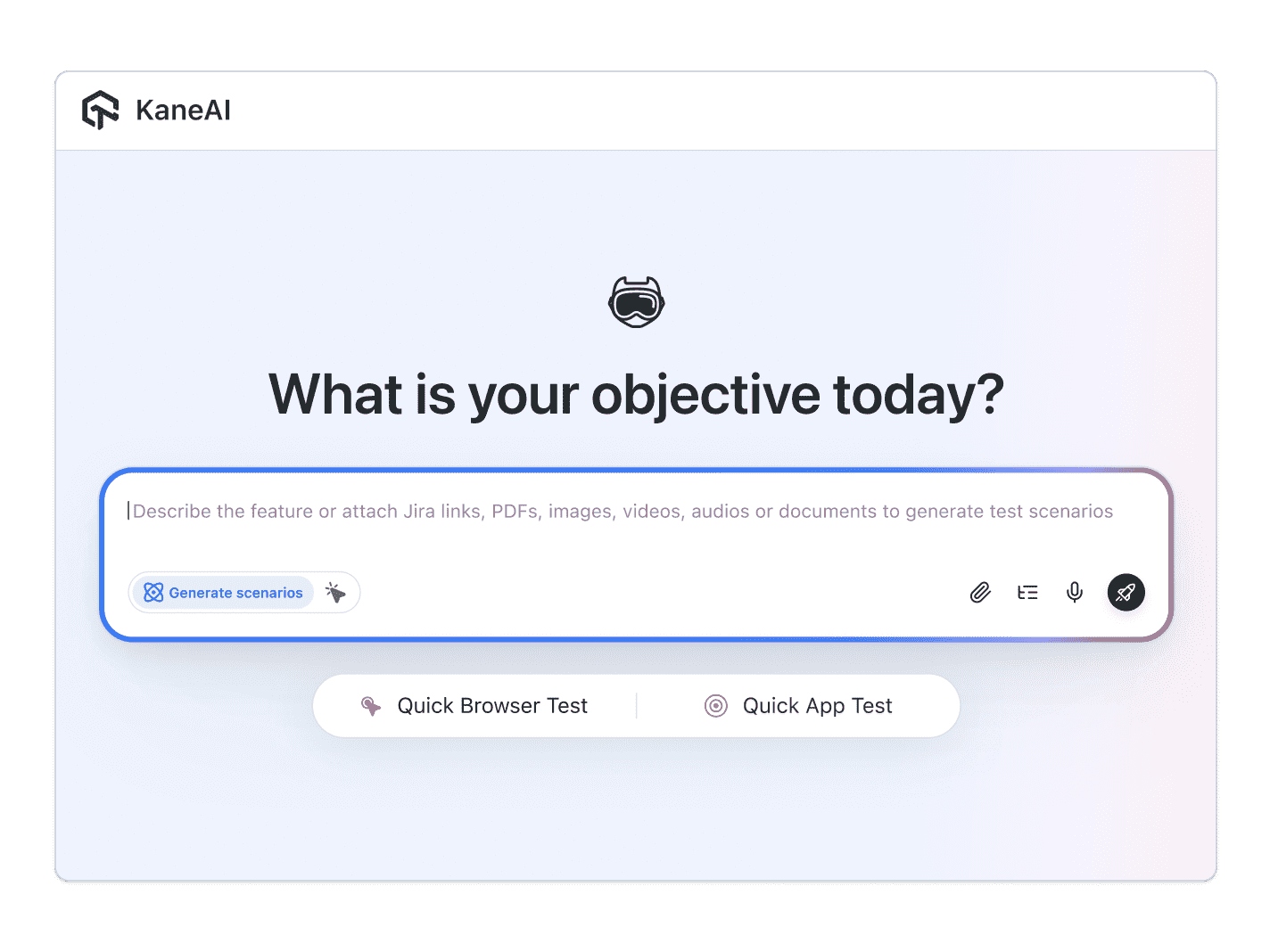
With KaneAI, you write the same test in plain English:
- Go to your Framer site
- Verify the primary CTA in the hero is visible
- Click the primary CTA
- Verify the contact page opens
- Enter the email test.user@example.com
- Submit the form
- Verify the success message appears
That is the whole test, and it survives a republish. KaneAI reads each step and finds the right element on your live Framer site by understanding the page the way a visitor would, not by matching a hashed .framer-1a2b3c4 class that changes every time you publish. It waits for entrance animations and scroll reveals to settle before it acts, using what it can actually see rather than a fixed timeout, so a staggered hero no longer causes a flaky click. When you swap a component or restyle a section, the test self-heals and re-anchors the step instead of breaking, which significantly reduces maintenance. And the same steps run across browsers and at every breakpoint, so you catch the mobile layout that renders a different node than desktop.

The Framer scenarios that actually break
Once the happy path works, real coverage is just more English. Here are the Framer scenarios worth adding, each takes about two minutes to write:
Hero CTA after the entrance animation
- Load the home page and let the hero animation settle
- Verify the primary CTA is visible and clickable
- Click it and verify the linked page or section opens
Contact form submission
- Fill the name, email, and message fields on the contact page
- Submit the form
- Verify the success state appears and no validation error is shown
CMS collection and detail pages
- Open a CMS-driven list page, like the blog or case studies
- Click through to a detail page
- Verify the entry title, body copy, and images render
Responsive navigation on mobile
- Open the site at a phone width
- Open the hamburger menu
- Verify each nav link is present and routes to the right page
Run every one of these across Chrome, Safari, Firefox, and real mobile devices from the same plain-English steps, with no per-browser rewrites.
Putting it on autopilot
Framer tests are most valuable when they run without you:
- Schedule the suite nightly, so a late-afternoon republish cannot quietly break your CTA before the morning traffic arrives
- Trigger on publish from CI, where Kane CLI runs the same tests from your pipeline and pauses for a step that needs a human instead of failing
- Alert on failure in Slack, with a full replay of what the AI saw when the step failed, including screenshots, video, and the reason in plain English
When a test fails, you do not get a stack-trace exception at line 47. You get a plain-English reason for the exact step that failed. A designer can read that, and a designer can fix the test, because the test is just English.
Try it on your own Framer site in 10 minutes
- Sign up for KaneAI free, with no credit card
- Paste your Framer site URL
- Write your first test in plain English, or let KaneAI suggest one from your site
- Run it and watch your Framer site get tested end to end
Your Framer site changes every time someone republishes, which is exactly why it is too dynamic for brittle scripts and too important to check by hand. Test it in the language you already speak. Building on other no-code platforms too? See how to test apps built with Emergent and apps built on Replit with the same approach.

Note: Test your Framer site without writing a line of code. Start with KaneAI free.
Author

Devansh Bhardwaj
Blogs: 80


Devansh Bhardwaj is a Community Evangelist at TestMu AI with 4+ years of experience in the tech industry. He has authored 30+ technical blogs on web development and automation testing and holds certifications in Automation Testing, KaneAI, Selenium, Appium, Playwright, and Cypress. Devansh has contributed to end-to-end testing of a major banking application, spanning UI, API, mobile, visual, and cross-browser testing, demonstrating hands-on expertise across modern testing workflows.
Reviewer

Saniya Gazala
Reviewer
Saniya Gazala is a Product Marketing Manager and Community Evangelist at TestMu AI with 2+ years of experience in software QA, manual testing, and automation adoption. She holds a B.Tech in Computer Science Engineering. At TestMu AI, she leads content strategy, community growth, and test automation initiatives, having managed a 5-member team and contributed to certification programs using Selenium, Cypress, Playwright, Appium, and KaneAI. Saniya has authored 15+ articles on QA and holds certifications in Automation Testing, Six Sigma Yellow Belt, Microsoft Power BI, and multiple automation tools. She also crafted hands-on problem statements for Appium and Espresso. Her work blends detailed execution with a strategic focus on impact, learning, and long-term community value.


Framer Testing FAQs
Did you find this page helpful?
More Related Blogs

TestMu AI forEnterprise
Get access to solutions built on Enterprise
grade security, privacy, & compliance
- Advanced access controls
- Advanced data retention rules
- Advanced Local Testing
- Premium Support options
- Early access to beta features
- Private Slack Channel
- Unlimited Manual Accessibility DevTools Tests