

Power Your Software Testing with AI Agents and Cloud
The Native AI-Agentic Cloud Platform to Supercharge Quality Engineering. Test Intelligently and Ship Faster.


- TestMu AI (Formerly LambdaTest)
- /
- Blog
- /
- 26 Best Penetration Testing Tools And Its Advantages [2026]
26 Best Penetration Testing Tools For 2026
Explore pen testing, its process, and top penetration testing tools with their key advantages used to secure sensitive data and guard against cyber threats.
Last Updated on:
The best penetration testing tools combine network scanners, exploitation frameworks, and web application scanners to simulate real attacks and find exploitable weaknesses before attackers do. Metasploit, Nmap, Burp Suite, and Nessus each target a different stage of an attack, from reconnaissance and scanning to exploitation and reporting. This guide covers what penetration testing is, its importance, the testing process, testing approaches, tool types, a list of top tools, how to choose one, and how AI agents are changing pentesting.
Key Takeaways
- Penetration testing simulates real cyberattacks to find exploitable vulnerabilities before an attacker does, using manual testers or automated tools.
- White box, black box, and gray box testing differ by how much system knowledge the tester has before the engagement starts.
- Network scanners such as Nmap, exploitation frameworks such as Metasploit, and web application scanners such as Burp Suite each cover a different stage of an attack.
- Password-cracking tools such as John the Ripper and Hashcat test how resistant stored credentials are to dictionary and brute-force attacks.
- Autonomous platforms such as Pentera, Horizon3.ai NodeZero, and RidgeBot run continuous, unattended attack simulations instead of a single scheduled engagement.
- Choosing a penetration testing tool depends on network complexity, compliance requirements, reporting needs, and how often the organization needs to re-test.
What is Penetration Testing?
Penetration testing is a process of mimicking cyber attacks to evaluate the security of an application. It helps identify vulnerabilities that hackers could utilize, providing insights into the application’s overall security and resilience against advanced attacks.
This testing, also known as pen testing, can be conducted manually by highly skilled testers, but this approach can be costly. Alternatively, testers can use automation testing tools to automate penetration testing, which can save time, reduce costs, and improve efficiency.
Certified ethical hackers perform penetration testing to assess the strengths and weaknesses of an organization’s IT infrastructure. By using hacking methods, they identify vulnerabilities that developers can then address based on testing reports.
The Importance of Penetration Testing
Penetration testing for software applications is crucial for several reasons, with the main highlights being:
- Preparation for breaches: It helps prepare your web application for potential attacks. By conducting tests, you can understand how to handle different types of breaches and assess the effectiveness of your security policies. Additionally, you can identify solutions to prevent and detect attackers and expel intruders efficiently.
- Identification of risks: It provides valuable insights into your web application’s vulnerabilities. It helps identify high-risk areas and informs you about the security tools and protocols needed to enhance security. This process also reveals major system weaknesses that may not have been previously known.
- Reduction of errors: Its generated reports can help developers build applications with fewer errors. By understanding how attackers exploit vulnerabilities, developers can implement more effective security measures, ultimately leading to a more secure application.
- Building customer trust: It demonstrates your commitment to security, helping to create trust with your customers. More than well-designed products are needed to earn customer trust in today’s market. Customers expect robust security measures to protect their data.
Penetration Testing Process
The penetration testing process usually consists of several stages. Initially, the tester or the testing solution collects information about the target system and identifies potential entry points; the testers then try to breach the system’s defenses. Finally, a report is compiled outlining any vulnerabilities discovered during the process.
Below, we will learn more about the five stages of this testing process.
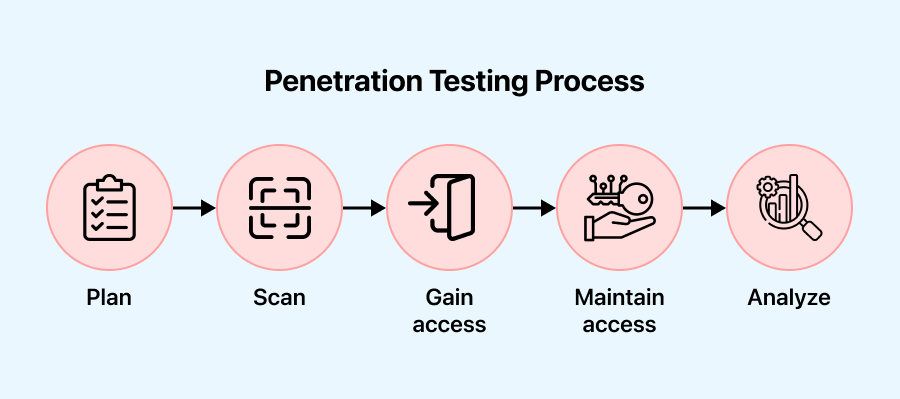
- Plan: In this stage, the objectives and scope of the test are defined. Gathering intelligence helps understand the target’s functionality and potential weaknesses.
- Scan: In this stage, static or dynamic analysis is utilized to scan the network, providing insights into how the application responds to various threats.
- Gain access: In this stage, vulnerabilities in the target application are identified using penetration testing techniques such as cross-site scripting and SQL injection.
- Maintain access: In this stage, the objective is to determine if a malicious actor, after initially gaining access to a system through an exploited vulnerability, can be maintained by a persistent presence or gain deeper access. This assessment helps to understand the extent of the vulnerability and the potential risks associated with it.
- Analyze: In this stage, the results of the penetration test are evaluated with a report detailing the exploited vulnerabilities, any sensitive data accessed, and the system’s response time to the infiltration.
Now that we understand the process, let’s move on to the importance of penetration testing.
Approaches to Pentest Software Applications
Testers can perform penetration testing internally or externally to simulate various attack vectors. Depending on the test’s objective, the information shared, and their system knowledge, the testing approach can be categorized as white, black, or gray box penetration testing.
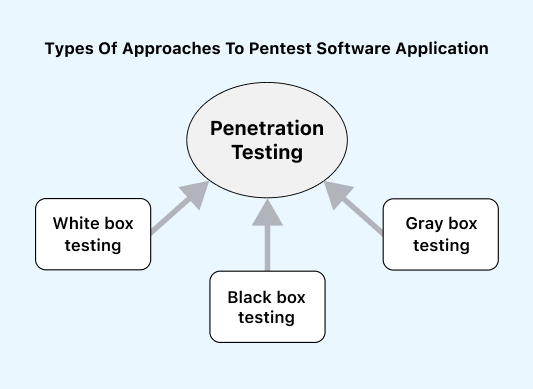
- White box testing: In this approach, the tester has complete knowledge of the environment, including access to the code, application design, network maps, and credentials they test. White box testing is open, transparent, or glass box testing. This method helps save time and reduce overall costs by simulating a targeted attack using multiple attack vectors.
- Black box testing: This approach involves the tester without prior knowledge of the system they will test. They use tools and techniques that a real-world hacker would use to attack. Black box testing is the most challenging testing that requires high skills and experience. However, it is the most effective way to test an application’s security.
- Gray box testing: This approach falls between white box and black box testing; this gray box testing involves the tester having partial knowledge or access to the internal network or application. They may start with only login credentials and then gain access to the internal system. This method helps understand how far a privileged user can gain access and the potential damage they could cause. One significant advantage is that the reports provide an in-depth network security assessment.

Note: Perform various types of testing over the cloud and enhance your testing efficiency with TestMu AI. Try TestMu AI Now!
Types of Penetration Testing Tools
A wide range of penetration testing tools available in the market can help assess the security of systems, applications, and networks. These tools are designed to simulate various cyber threats and assist in identifying vulnerabilities.
- Wireless network security tools: This type of tool focuses on enhancing the security of wireless networks. It is essential for identifying vulnerabilities and protecting wireless infrastructures. This tool helps analyze wireless network traffic, detect unauthorized access points, and identify potential security issues.
- Password cracking tools: This type of tool helps decrypt passwords, highlighting the importance of strong password policies and encryption. Examples of tools are Hashcat and John the Ripper, which use various attack techniques to crack weak passwords. These tools serve as a reminder of the need for robust password security measures.
- Network scanners: This type of tool is often the initial step in evaluating network security, providing insights into the system’s susceptibility to potential intrusions. For example, tools like Nmap and Nessus are used to assess network security, and they help analyze network designs, identify open ports, test network infrastructure, and detect vulnerabilities.
- Frameworks for exploitation: This type of tool is a powerful tool used by penetration testers to gain unauthorized access to systems or applications by exploiting vulnerabilities. For example, tools like Metasploit provide a range of tools, payloads, and exploits to facilitate exploitation. They offer testers insights into the potential impact of successful exploitation and help understand how attackers can exploit vulnerabilities.
- Packet analysis tools: This type of tool is crucial for examining network traffic; for example, tools like Wireshark help identify anomalies and detect potential security threats through deep packet inspection.
- Web application security tools: This type of tool is essential for identifying weaknesses within web servers and applications, ensuring robust security for online assets. For example, tools like Burp Suite, Acunetix (Invicti), and Nikto are designed to assess web applications for vulnerabilities such as SQL injection, cross-site scripting (XSS), and insecure configurations. Furthermore, organizations can enhance their email security posture by implementing DMARC (Domain-based Message Authentication, Reporting, and Conformance), which help prevent email spoofing and phishing attacks, ensuring robust protection for their communication channels.
Below, we will explore essential features that every penetration testing tool should have. It’s important to consider these features based on the specific needs of your project.
List of Penetration Testing Tools
Penetration testing is a crucial component of an organization’s cybersecurity plan, involving the simulation of cyberattacks to identify vulnerabilities in a network or system. Security experts utilize specialized tools to assess an organization’s security posture and identify vulnerabilities, enabling them to conduct practical penetration tests.
Below is a list of well-known penetration testing tools that can help identify vulnerabilities and mitigate cyber threats in any organization.
Metasploit
It is a dynamic open-source penetration testing tool that has become a mainstay in the cybersecurity toolkit. It enables security professionals to simulate cyberattacks, find vulnerabilities, and reinforce systems against risks.
Advantages of using the Metasploit penetration testing tool
- It offers an extensive and frequently updated exploit database, providing testers with various systems’ and applications’ vulnerabilities. This repository enables realistic simulations, allowing for comprehensive assessments.
- It is user-friendly and accessible to many users thanks to its command-line and graphical user interfaces (GUI). Its modular architecture makes it customizable and extendable, ensuring adaptability to various testing scenarios and user preferences.
- It supports a broad spectrum of payloads, allowing testers to select the best exploitation strategy. Whether deploying a straightforward shell or a Meterpreter payload for advanced post-exploitation activities, the tool provides options to meet diverse testing requirements.
- It promotes collaboration between security specialists by exchanging information, exploits, and modules. Its ability to work in tandem with other security solutions improves overall effectiveness and fosters an ideal environment for cybersecurity.
Limitations of using the Metasploit penetration testing tool
- It may be recognized by some antivirus solutions and intrusion detection systems, potentially leading to detection. Testers must be cautious about triggering security alerts during engagements.
- It is a robust ethical hacking tool that can be misused. Respecting legal guidelines and ethical standards is essential to ensuring appropriate and authorized use.
- It may require a lot of resources, depending on the modules and payloads selected. When testing, users should consider resource allocation and system specifications to avoid issues with performance.
Nmap
The Network Mapper, or Nmap, is a valuable open-source penetration testing tool for security professionals, enabling comprehensive network landscape exploration and analysis. It is a widely used tool that allows security experts to map network infrastructures, find potential vulnerabilities, and reinforce systems against constantly evolving threats.
Advantages of using the Nmap penetration testing tool
- It is well known for its capacity for extensive network scans. Host discovery, port scanning, version detection, and OS fingerprinting are some of its features, which give security professionals substantial data on the structure and vulnerabilities of target systems.
- It provides a flexible target specification feature that enables users to designate specific IP addresses, IP ranges, or even entire subnets. This adaptability makes scanning based on the assessment’s scope more efficient and customized.
- It allows users to write and run custom scripts to automate tasks during scanning with Nmap’s scripting engine (NSE). This scripting capability enhances the tool’s versatility by enabling it to carry out specific tasks based on user-specified needs.
- It offers various output formats, from plain text to XML and interactive graphical maps. Professionals in cybersecurity may choose the reporting format that suits their needs for analysis and reporting because of this flexibility.
Limitations of using the Nmap penetration testing tool
- It may be viewed as intrusive by some network administrators, potentially triggering security alerts or causing disruptions. Users must exercise caution and adhere to ethical guidelines when conducting scans.
- It can be misused for malicious activities, so users must ensure compliance with legal and ethical standards and obtain proper authorization before scanning any network.
- It may generate false positives or misinterpretations in certain scenarios, especially when faced with complex network configurations or unconventional setups. Careful analysis and validation are necessary to minimize the impact of false results.
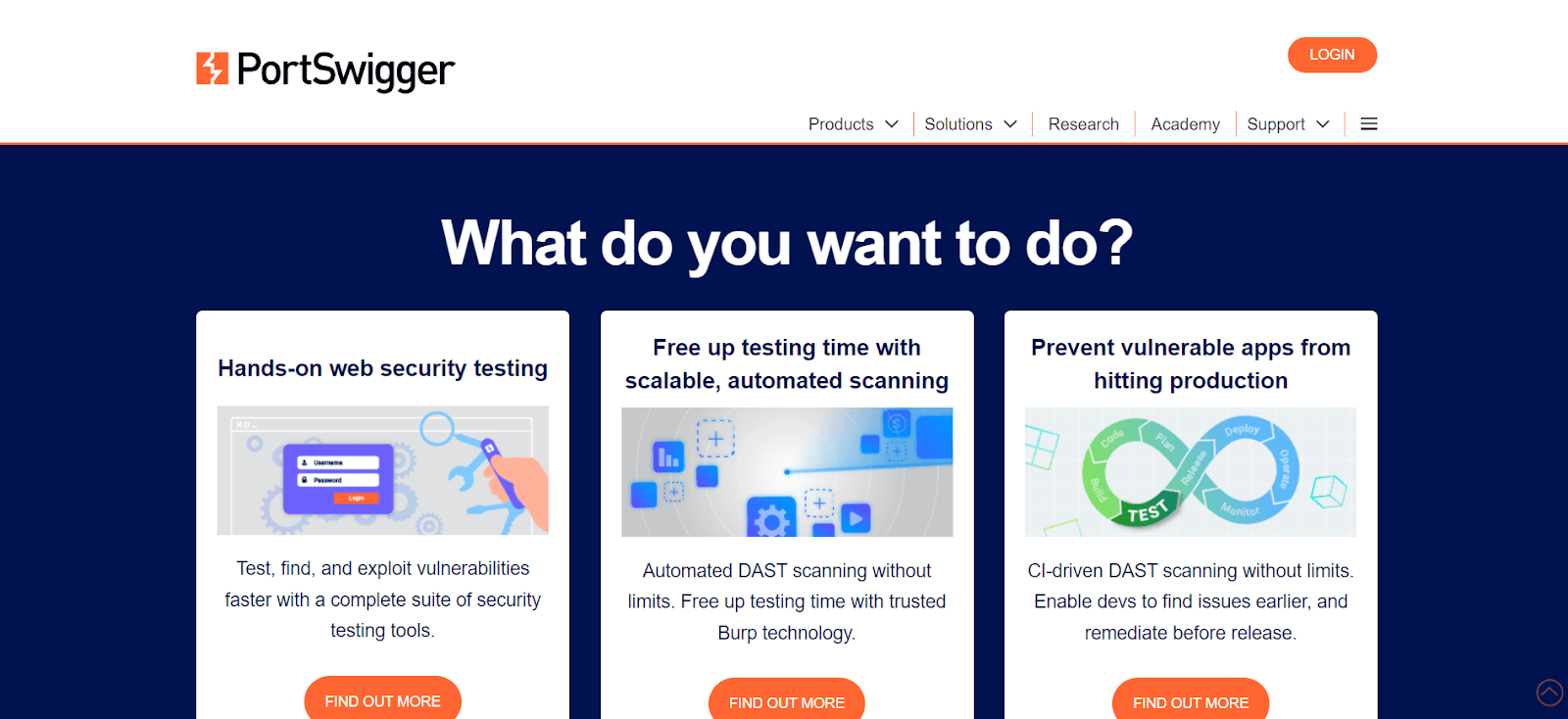
BurpSuite
This penetration testing tool evaluates and enhances web applications against potential vulnerabilities. It is a comprehensive web application security testing suite used by cybersecurity experts and ethical hackers.
Advantages of using the BurpSuite penetration testing tool
- It excels in web application scanning and crawling, allowing security experts to methodically evaluate and map the structure of web applications. This feature facilitates detecting potential security vulnerabilities in the application’s architecture.
- Its dynamic analysis functionality enables testers to intercept and modify HTTP requests and responses, assisting in identifying vulnerabilities in real-time, including cross-site scripting (XSS) and SQL injection, among other major web application security issues.
- Its proxy functionality makes communication easier by intercepting and manipulating user-browser and web applications. Testers can detect and mitigate potential security issues using this interception capability to evaluate and request modifications.
- It has a sophisticated scanner that automates the process and makes finding vulnerabilities in web apps easier. The tool generates complex and comprehensive reports, including an in-depth overview of issues found and suggested remedial measures.
Limitations of using the BurpSuite penetration testing tool
- It can be challenging for beginners because of its many features. Long-term practice and hands-on learning are necessary to utilize the tool and master its advanced features fully.
- It may require a lot of resources, especially during extensive scans or complex analyses. Users should consider system specifications and resource allocation to avoid potential performance issues.
- It tends to generate false positives, like any scanning tool. Security experts must carefully validate and analyze the findings to identify security vulnerabilities accurately.
- It requires a commercial license to access all its features, including advanced scanning and reporting tools, although it can be downloaded for free. Organizations looking for extensive functionality may need to invest in the professional version.

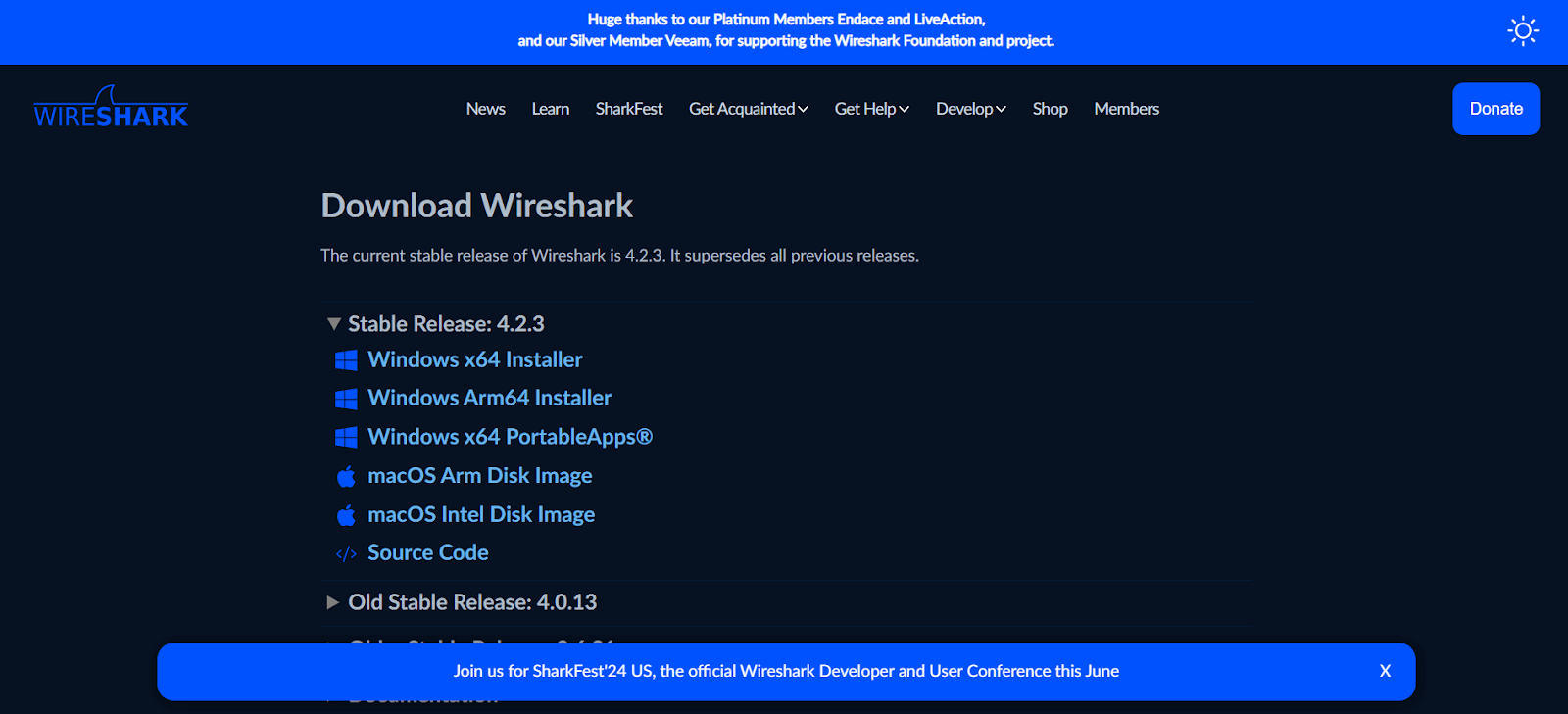
Wireshark
It is a top-notch open-source network protocol analyzer widely used by cybersecurity experts as a penetration testing tool. Known for its extensive feature set, it allows security professionals to capture, analyze, and dissect network traffic, providing critical insights into system communication.
Advantages of using the Wireshark penetration testing tool
- It is an excellent tool for capturing and analyzing network data. Cybersecurity specialists can get an in-depth knowledge of the communication between devices on a network owing to its ability to intercept and analyze packets in real time or from saved captures.
- It has a wide range of network protocols supported by Wireshark, which makes it a flexible tool for analyzing various network configurations. Wireshark makes it easier to investigate various communication channels, from standard protocols like TCP, UDP, and HTTP to more specialized ones.
- It enables real-time analysis of packets, providing users with immediate insights into network activity. Additionally, cybersecurity experts can review saved packet captures at their convenience with Wireshark’s offline analysis feature.
- It offers strong display filters, allowing users to focus on specific packets of interest. By concentrating on relevant network traffic patterns, these filters enable users to accelerate the analysis process.
Limitations of using the Wireshark penetration testing tool
- Using Wireshark by legal and ethical guidelines is important, as unauthorized network traffic capture could violate privacy laws and organizational regulations.
- It’s necessary to prevent sensitive information from being exposed and security breaches caused by unauthorized usage of Wireshark, particularly in unsecured network environments, by careful management and disposal of captured data.
- It might be challenging to organize and analyze large packet captures efficiently, as they capture extensive network data.
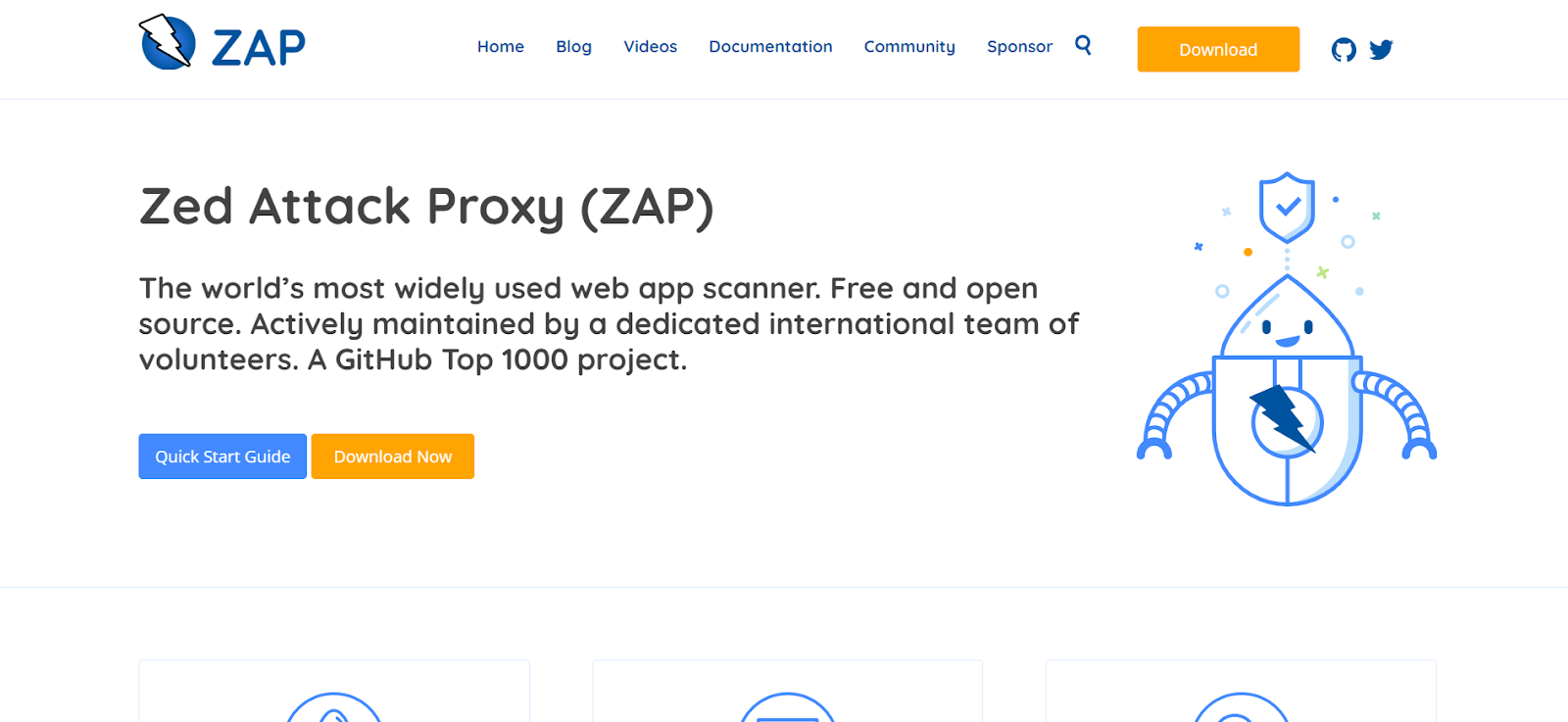
OWASP ZAP
OWASP Zed Attack Proxy (ZAP) is a powerful open-source web application security testing tool widely recognized by security experts as a penetration testing tool. It is known for its vast feature set, which helps security professionals identify and address vulnerabilities in web apps, strengthening cybersecurity positions overall.
Advantages of using the OWASP Zed Attack Proxy (ZAP) penetration testing tool
- It is an excellent tool for performing comprehensive web application scans that help cybersecurity professionals identify security vulnerabilities such as SQL injection, cross-site scripting (XSS), and risky setups.
- It provides two scanning modes, active and passive, allowing users to choose how much they interact with the target application. While passive scanning monitors and evaluates traffic for issues without actively interacting with the application, active scanning requires actively probing and identifying vulnerabilities.
- It enables customers to create customized automated tests that can adapt to their specific web application environment by enabling automation testing. This scripting functionality enables the customization of testing scenarios and increases the effectiveness of repetitive testing scenarios.
- It offers comprehensive reports on vulnerabilities found and details of their impact and severity. Because of the tool’s straightforward UI, cybersecurity experts can quickly evaluate results and prioritize remediation efforts according to the severity of issues identified.
Limitation of using the OWASP Zed Attack Proxy (ZAP) penetration testing tool
- It may uncover vulnerabilities that are not necessarily risky, leading to false positives. Security professionals should validate and verify the results to identify security issues accurately.
- It is excellent for testing web applications built on HTTP but does not offer complete assistance for non-HTTP protocols. For an in-depth examination, users focusing on applications relying heavily on non-HTTP communication may need further tools.
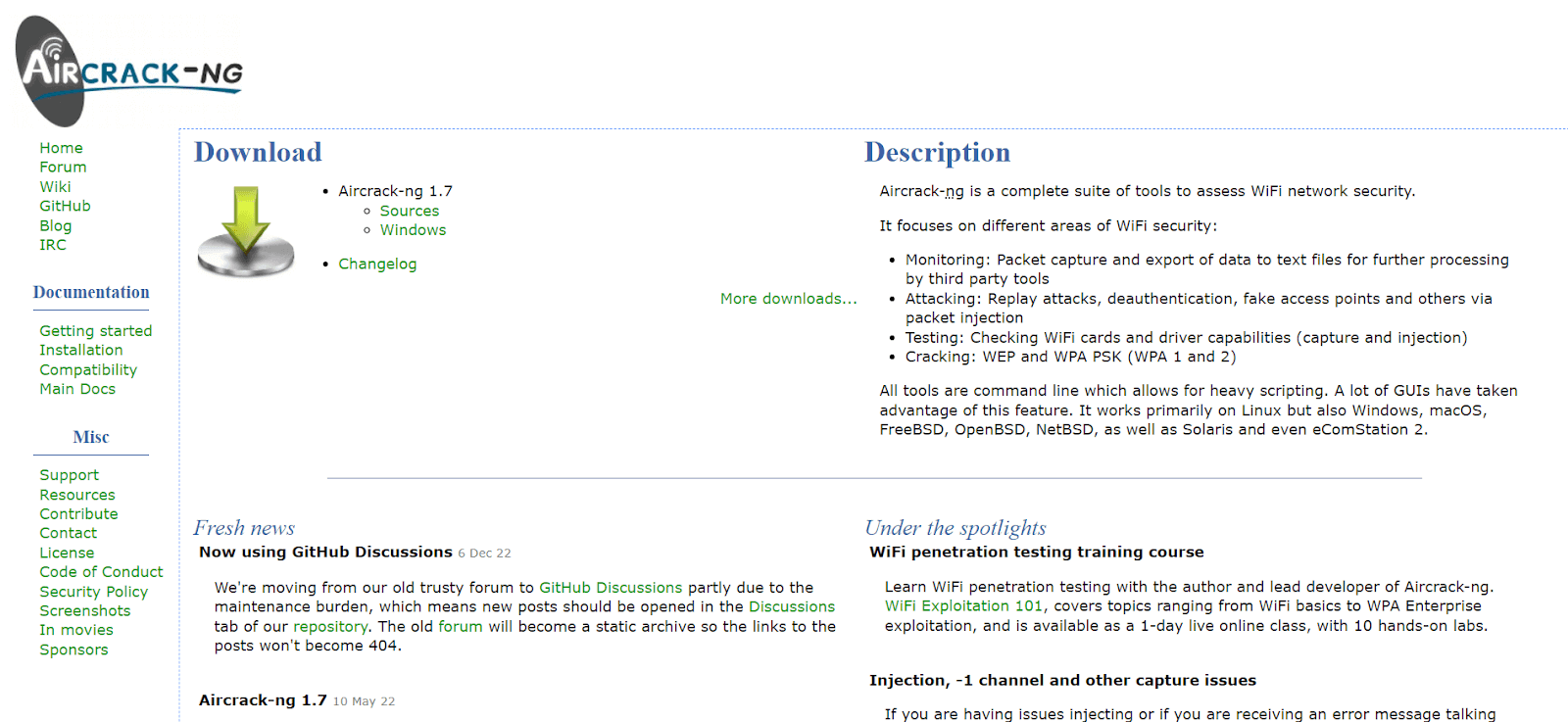
Aircrack-ng
It is a potent open-source package of tools widely used as penetration testing tools by cybersecurity experts, especially those specializing in wireless network security. Prominent for its extensive functionalities, Aircrack-ng enables security professionals to assess and improve wireless network security by identifying vulnerabilities and enhancing overall network defenses.
Advantages of using the Aircrack-ng penetration testing tool
- It supports an extensive range of wireless network security protocols and is well known for its flexibility. Regardless of whether you are using the more sophisticated WPA and WPA2 or the antiquated WEP, Aircrack-ng offers tools to evaluate and enhance network security.
- Its robust and dynamic development community helps keep Aircrack-ng up on par with the most recent advances in wireless network security. Updates and improvements regularly improve its efficacy against new threats.
- Its CLI functionality may benefit seasoned penetration testers and ethical hackers. The command-line interface works well for various scripting and testing scenarios, offering fine-grained control and automation.
- It provides educational value for anyone wishing to learn about the nuances of wireless network security. It helps security professionals improve their abilities and offers insights into the vulnerabilities of various encryption techniques.
Limitations of using the Aircrack-ng penetration testing tool
- It is an excellent tool for ethical hacking and teaching. It is illegal to use it for malicious or unauthorized network access. Users that use Aircrack-ng should always abide by the law and ethical principles.
- Its command-line interface can be challenging to use. One must be devoted and resilient to fully understand the suite, as the learning curve can be steep.
- It works with Windows, Linux, and macOS, but some of its more sophisticated features could work better with Linux. Users of other systems might experience functional limitations.
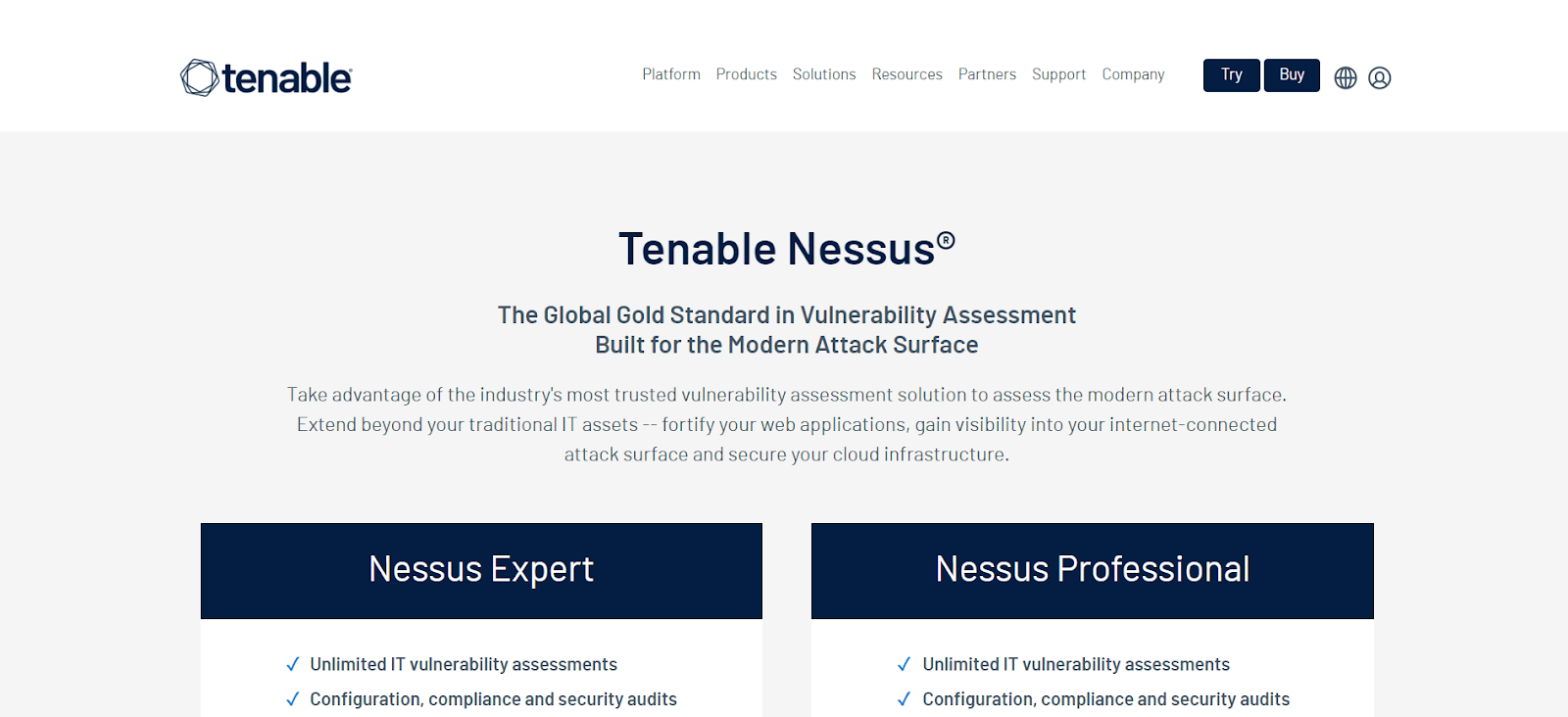
Nessus
Developed by Tenable, it is a pioneer in cybersecurity and is renowned as a penetration testing tool for its capacity to identify and assess vulnerabilities in networks and systems. Security experts looking for ways to safeguard digital infrastructures from threats frequently rely on Nessus because of its comprehensive feature set and straightforward UI.
Advantages of using the Nessus penetration testing tool
- It has a large, frequently updated database of known vulnerabilities. It makes it feasible for security specialists to do comprehensive scans covering an extensive range of vulnerabilities in networks and systems.
- It has an adaptable plugin architecture that lets users add and modify new features. Nessus’s versatility ensures that it may be customized to meet specific testing needs and address emerging threats.
- It provides compliance-checking solutions to organizations that aim to comply with industry and regulatory standards. This feature contributes to a robust cybersecurity posture by ensuring systems comply with security benchmarks.
- It provides detailed and customizable reports, allowing users to communicate findings effectively to various stakeholders. The vulnerability reporting feature helps prioritize issues according to severity, providing a roadmap for remediation efforts.
Limitations of using the Nessus penetration testing tool
- It has a free edition. Still, the paid editions offer access to more sophisticated capabilities and features, which may be expensive for smaller organizations or individuals.
- It can be resource-intensive when scanning large and complex networks, leading to longer scan times and other performance issues on the scanned systems.
- It tends to generate false positives or vulnerabilities that do not pose security risks. Manual verification is essential to ensure accurate results.
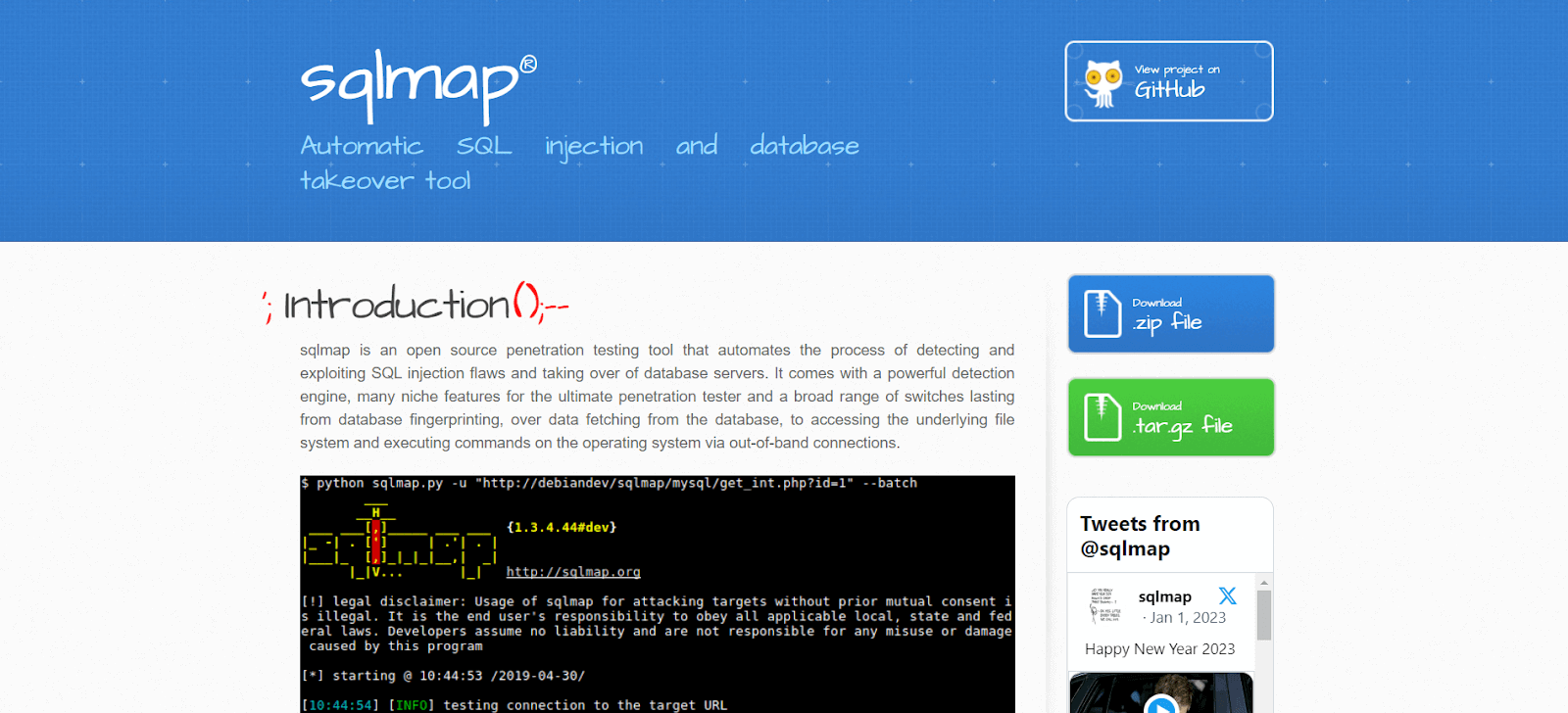
SQLMap
SQLMap is an open-source penetration testing tool known for its effectiveness in SQL injection testing. It helps security professionals assess and improve the security of database-driven applications, making it a unique tool specifically to identify and exploit vulnerabilities in database management systems.
Advantages of using the SQLMap penetration testing tool
- It is an excellent tool for automatically identifying and exploiting SQL injection vulnerabilities in web applications. Security professionals can save time and effort by using its advanced algorithms to detect and exploit a wide range of SQL injection vulnerabilities.
- It supports MySQL, PostgreSQL, Oracle, and Microsoft SQL Server, among other DBMS. Because of its versatility, it’s a valuable tool for evaluating the security of multiple database types.
- It has a relatively user-friendly command-line interface, even with its powerful capabilities. Because of its accessibility, database security testing may be done by both novice and seasoned security specialists.
Limitations of using the SQLMap penetration testing tool
- It may generate false positives, so security professionals must carefully verify the results to identify SQL injection issues accurately.
- It is excellent for SQL injection testing. It is only meant to be used for this specific type of testing. As such, it might not offer an in-depth assessment of every aspect of web application security.
- It uses a command-line interface, making it less user-friendly for individuals who prefer a more visual approach; this could be challenging.
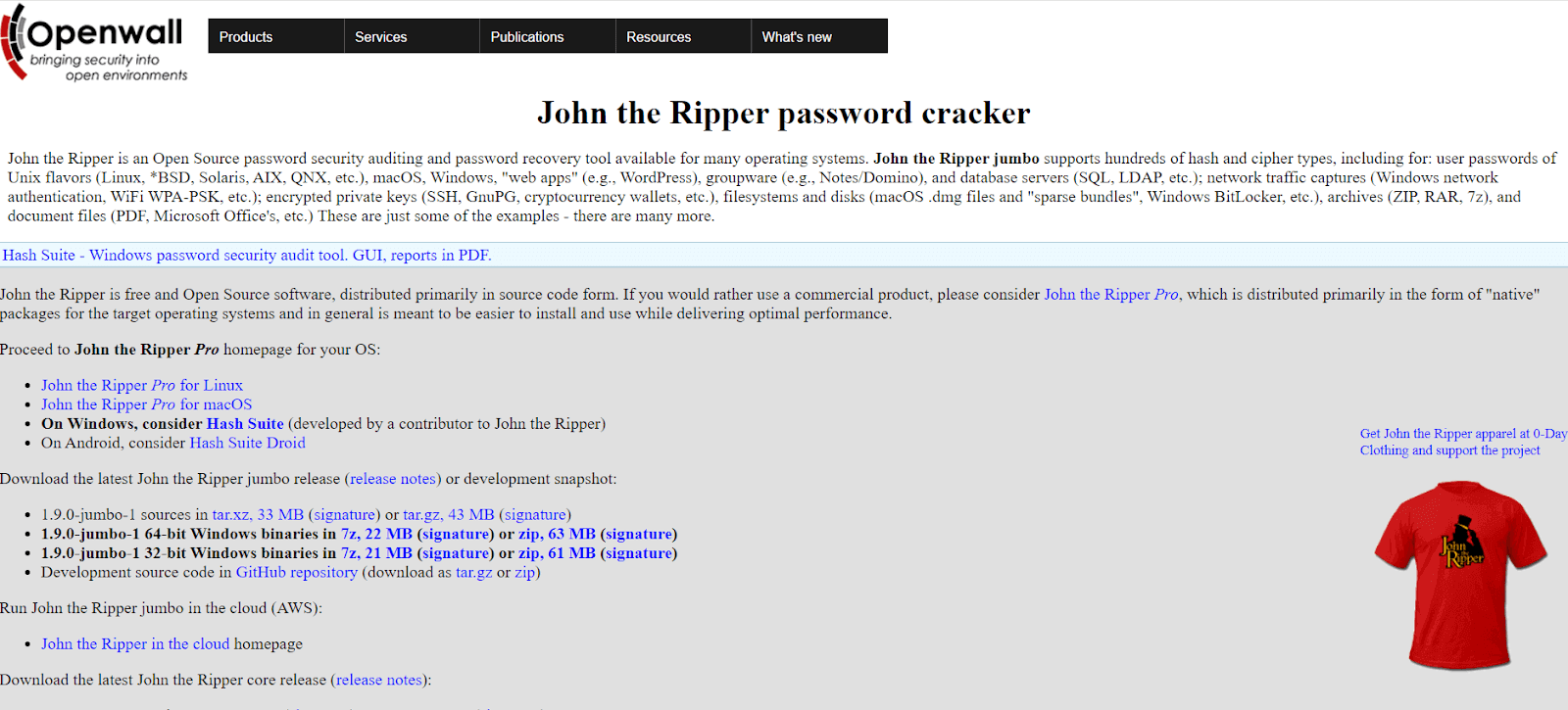
John the Ripper
It is a venerable and widely used password-cracking penetration testing tool that has played a crucial role in assessing and strengthening the resilience of password systems. Because of its speed and versatility, this open-source tool has become a mainstay in the toolkit of security professionals and ethical hackers who are seeking to identify and rectify password vulnerabilities.
Advantages of using the John the Ripper penetration testing tool
- It is well known for its speed and efficiency in password cracking. It is a valuable instrument for security assessments because its parallel processing capabilities and optimized algorithms allow it to try various password combinations quickly.
- It offers versatility in password cracking and supporting methods such as dictionary attacks, brute-force attacks, and hybrid attacks. This adaptability allows security experts to customize their approach according to the type of password system they are testing.
- It is compatible with many cryptographic hash algorithms, including traditional ones like DES, MD5, SHA-1, and more modern ones like bcrypt. This flexibility ensures compatibility with various password storage mechanisms.
- It benefits from a dedicated developer and contributor community as an open-source tool. Regular upgrades and enhancements ensure the tool’s relevance in the ever-evolving cybersecurity landscape and keep it in sync with emerging security challenges.
Limitations of using the John the Ripper penetration testing tool
- It can be challenging for novices because of its numerous features and command-line interface. Due to the steep learning curve, users must dedicate time to understand its configurations and functionalities.
- It can be resource-intensive, especially when cracking complex passwords or using extensive dictionaries, which may increase CPU and memory usage and impact system performance.
- It is mainly command-line oriented, despite efforts to develop graphical user interfaces (GUIs). This constraint could challenge users more accustomed to a visually focused interface.
Hydra
Hydra is a well-known and versatile penetration testing tool for online password cracking, particularly in brute-force and dictionary attacks. Security professionals and ethical hackers often use Hydra to test system defenses against potential threats and detect weak credentials, making it an essential tool in their toolboxes.
Advantages of using the Hydra penetration testing tool
- It supports network protocols, such as FTP, SMTP, HTTP, HTTPS, IMAP, LDAP, and more, providing versatility in assessing and enhancing online services against unauthorized access attempts.
- It provides several attack modes, including dictionary, hybrid, and brute-force attacks, giving security professionals the flexibility to customize their approach based on the specific features of the system under test.
- It significantly boosts its speed and effectiveness by parallelizing attacks, simultaneously allowing multiple login attempts. This makes it a useful tool for penetration testing, as it can quickly identify weak credentials.
Limitations of using the Hydra penetration testing tool
- It primarily uses a command-line interface, much like other powerful security tools. Although this interface is effective, individuals acclimated to graphical user interfaces (GUIs) or those unfamiliar with command-line operations may find it challenging.
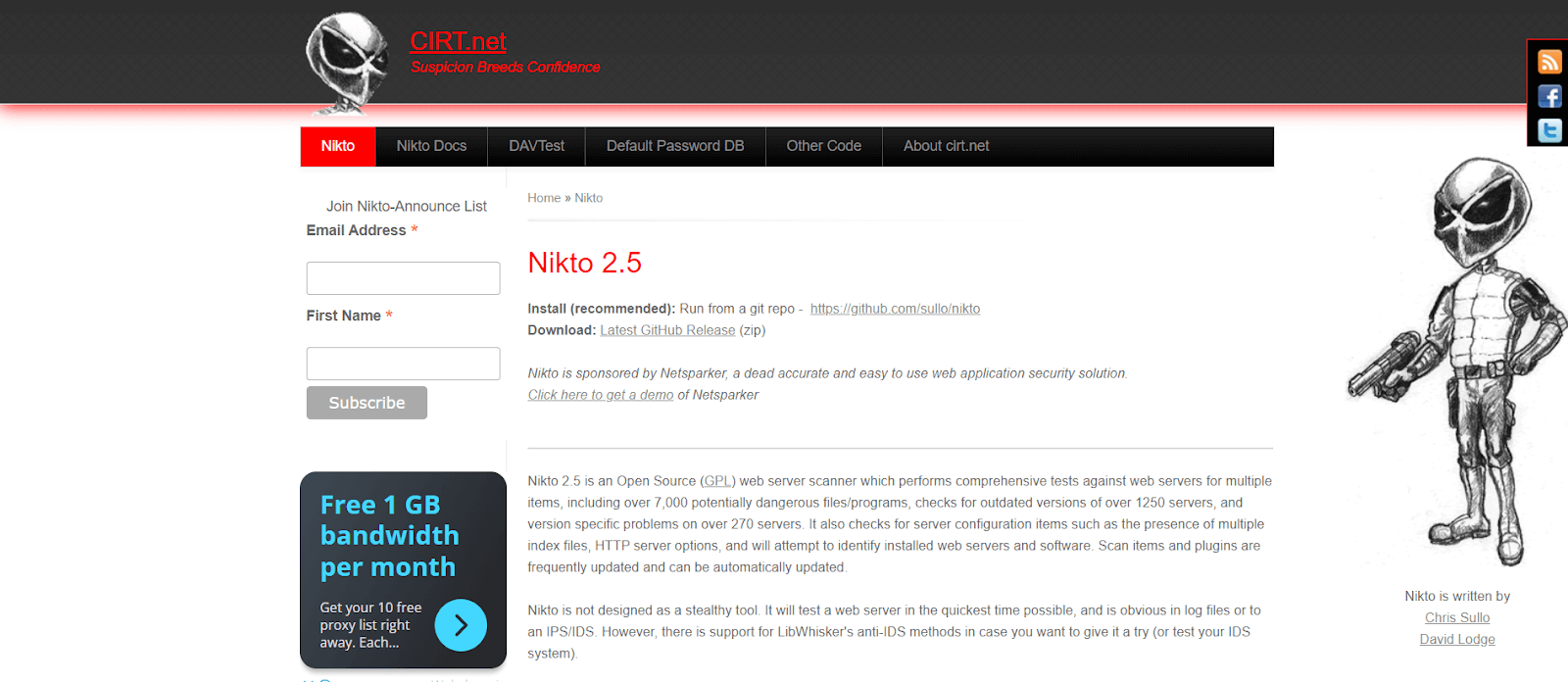
Nikto
Nikto is a potent and popular penetration testing tool to scan web vulnerabilities. It has become essential for security professionals and ethical hackers seeking to identify and resolve issues with web servers, safeguarding online applications from potential vulnerabilities. Renowned for its dexterity and comprehensive scanning abilities, it is instrumental in securing web-based assets from potential threats.
Advantages of using the Nikto penetration testing tool
- Itspecializes in detecting potential vulnerabilities and improper configurations in online applications through extensive web server scanning. Its comprehensive checks provide an in-depth analysis by addressing various potential security issues.
- It utilizes plugins to enhance functionality, thanks to its modular architecture. This versatility allows the tool to be customized to meet specific testing requirements and adapt to evolving web security threats.
- It maintains an extensive and frequently updated database of known vulnerabilities, aiding in identifying and reporting common security issues. This database ensures that Nikto remains relevant and effective in identifying emerging threats.
- It is cross-platform and designed for various operating systems, making it flexible for security professionals conducting web application assessments across different scenarios.
Limitations of using the Nikto penetration testing tool
- It primarily uses a point-in-time scanning approach, requiring users to initiate scans or schedule them for periodic assessments manually. This limitation means that real-time scanning capabilities are restricted.
- It is susceptible to generating false positives, vulnerabilities that do not pose a security risk, similar to automated scanners. Human intervention is necessary to ensure accurate results.
- It focuses exclusively on web server scanning, which may limit its ability to assess other web application security issues, such as client-side vulnerabilities.
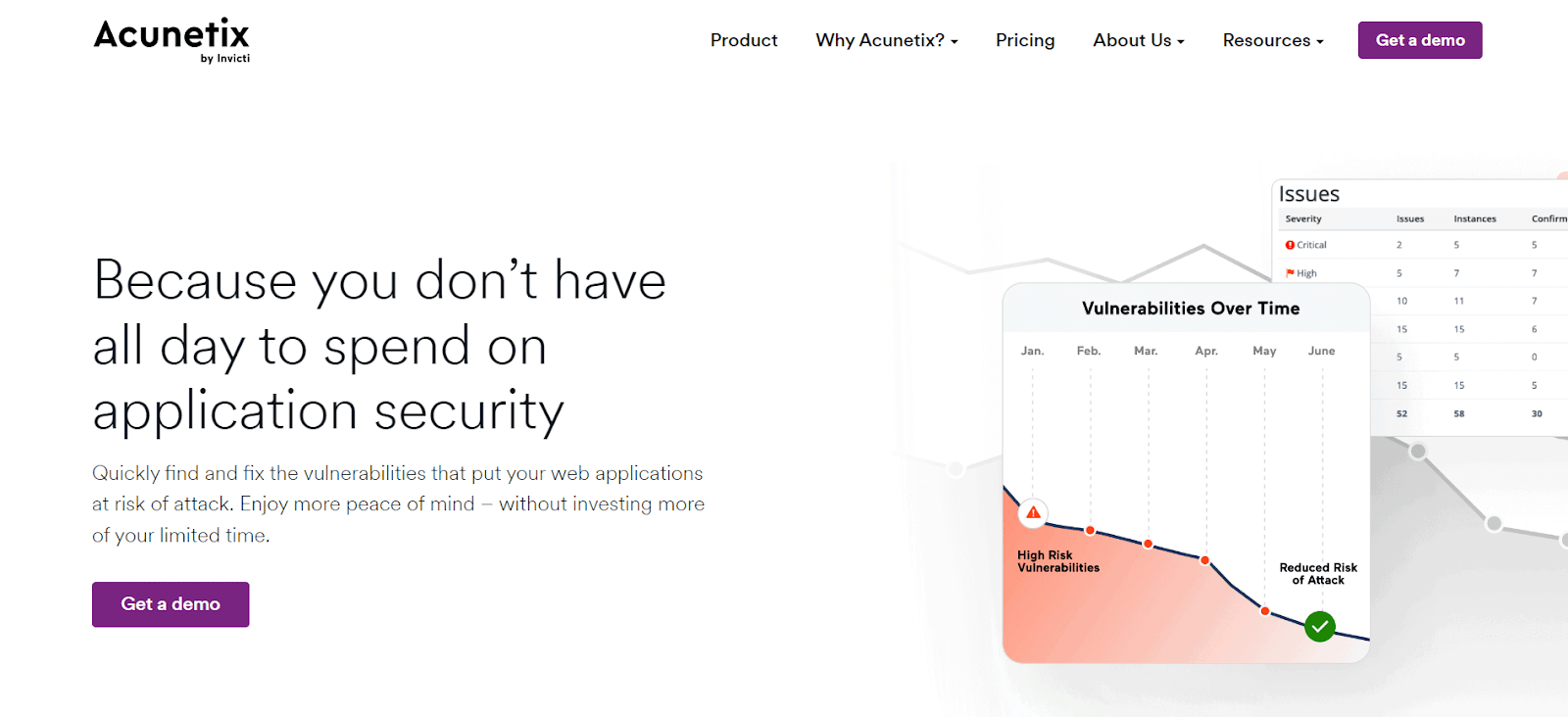
Acunetix
Acunetix is a well-known penetration testing tool for web application security testing, relied upon by security experts to bolster the defenses of digital infrastructure. Its powerful scanning features make Accunetix crucial for identifying and addressing vulnerabilities, increasing the resistance of web apps to attacks.
Advantages of using the Acunetix penetration testing tool
- It excels in advanced vulnerability identification, using a sophisticated scanning engine that surpasses basic testing capabilities and detecting vulnerabilities such as SQL injection, cross-site scripting (XSS), and other critical security flaws.
- It uses a systematic crawling and scanning system to precisely map out the structure of online applications, ensuring no detail is overlooked and providing a comprehensive analysis of potential vulnerabilities.
- It offers versatility in testing settings by combining interactive and automated scanning capabilities, providing both automatic efficiency and the ability to interact with the tool during testing manually.
- It simplifies vulnerability management and prioritization by enabling integration with well-known issue trackers, allowing security teams to manage and prioritize identified vulnerabilities within their existing workflows.
- It provides powerful reporting features, offering comprehensive, customizable reports that detail vulnerabilities found and provide insights into remediation alternatives, ensuring an effective security response.
Limitations of using the Accunetix penetration testing tool
- It is a commercial tool with licensing fees, even though it offers a trial version. The price strategy might be something to consider, especially for smaller organizations with more limited resources.
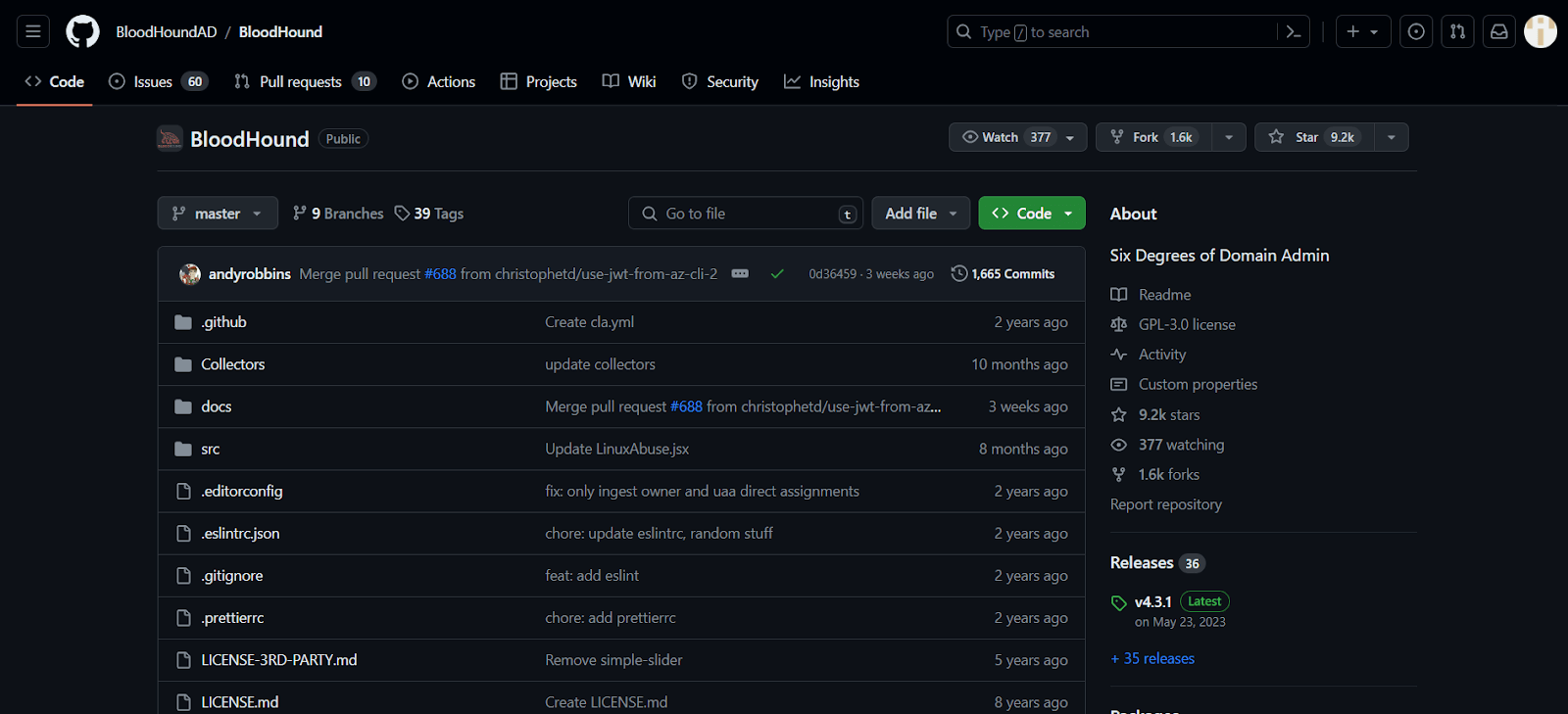
BloodHound
BloodHound is a crucial penetration testing tool for analyzing Active Directory (AD) security. It is critical in identifying and mitigating security risks, providing valuable insights into potential threats.
Advantages of using the BloodHound penetration testing tool
- It uses a graph-based approach to illustrate the permissions and relationships in an Active Directory structure, enabling security professionals to understand complex structures and identify potential security risks swiftly.
- It provides extraordinary mapping functionality, allowing security teams to understand better how an attacker might acquire privileges within the AD environment. This proactive insight enables teams to tackle areas of vulnerability.
- It significantly reduces the manual effort required to conduct comprehensive security assessments by automating the collection and analysis of data from Active Directory.
- It effectively identifies vulnerabilities in Access Control Lists (ACLs), assisting security experts in pinpointing misconfigurations or excessive permissions that attackers might exploit.
Limitations of using the BloodHound penetration testing tool
- It relies on the precision and comprehensiveness of the data it analyzes, meaning errors or missing data could impact the reliability of results in the AD environment.
- It is only designed for Active Directory environments, so it may not apply to organizations that use other directory services.
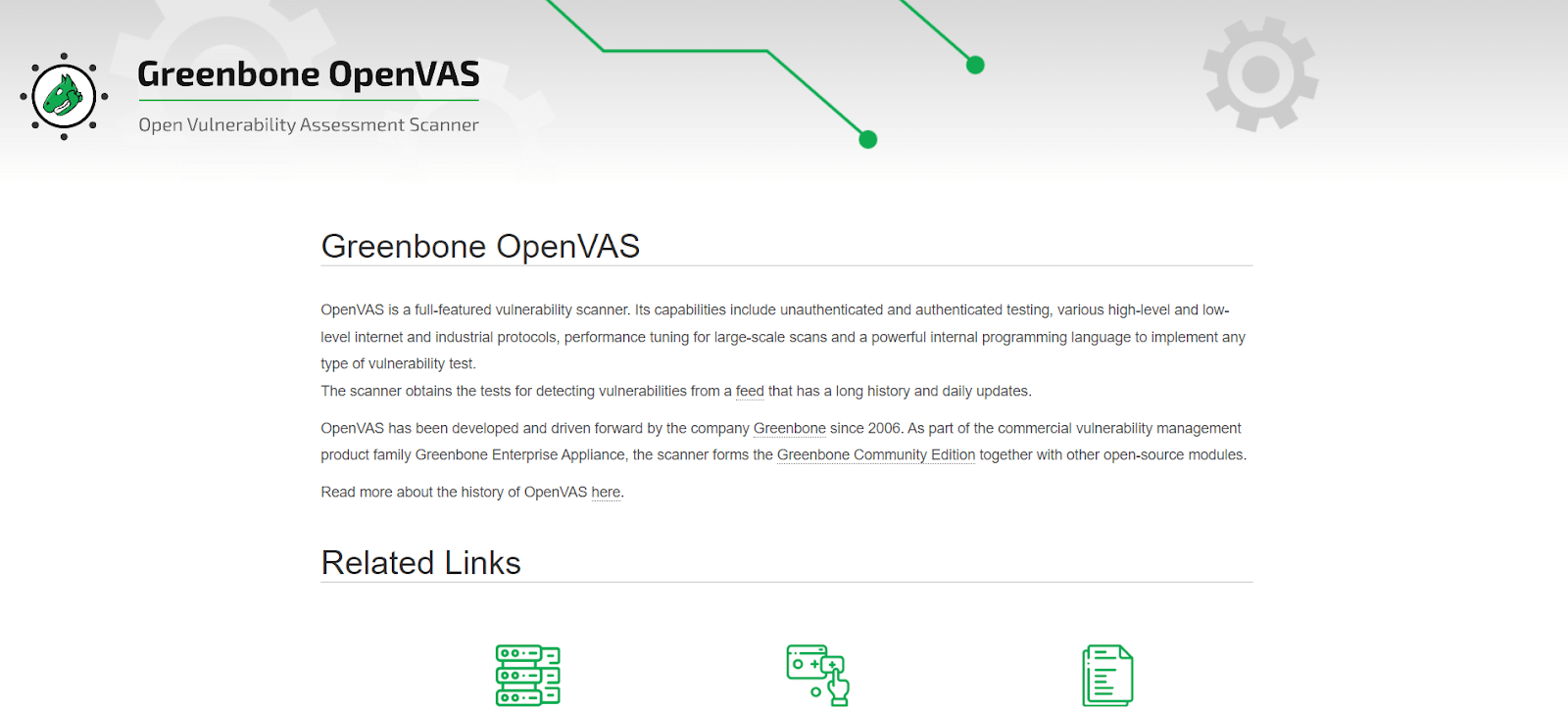
OpenVAS
OpenVAS is a powerful open-source penetration testing tool perfect for conducting in-depth vulnerability assessments and helping security professionals safeguard digital networks. It is well-known for its versatility and extensive scanning skills, which are essential for identifying and mitigating security risks.
Advantages of using the OpenVAS penetration testing tool
- It has an adaptable plugin architecture that lets users add additional functions to the tool, making it customizable to meet specific testing requirements and tackle emerging security threats.
- It is very effective at network scanning, allowing security professionals to identify vulnerabilities in hosts, services, and protocols and assisting in identifying potential points of entry for attackers.
- It provides comprehensive, customizable reports offering insights into identified vulnerabilities and remedial guidelines, effectively conveying findings to numerous stakeholders.
- It has a large database updated regularly with known vulnerabilities, allowing security professionals to conduct in-depth scans and identify vulnerabilities in networks and systems.
Limitations of using the OpenVAS penetration testing tool
- It produces false positives or vulnerabilities that aren’t a security risk, requiring manual verification to ensure precise results.
- It may require a lot of resources, particularly when scanning complicated and vast networks, leading to longer scan times and potential performance impacts on scanned systems, necessitating careful resource management.
Responder
Responder is a penetration testing tool that sniffs network traffic to capture credentials sent over protocols like SMB, HTTP, etc. It can also poison LLMNR, NBT-NS, and MDNS protocols.
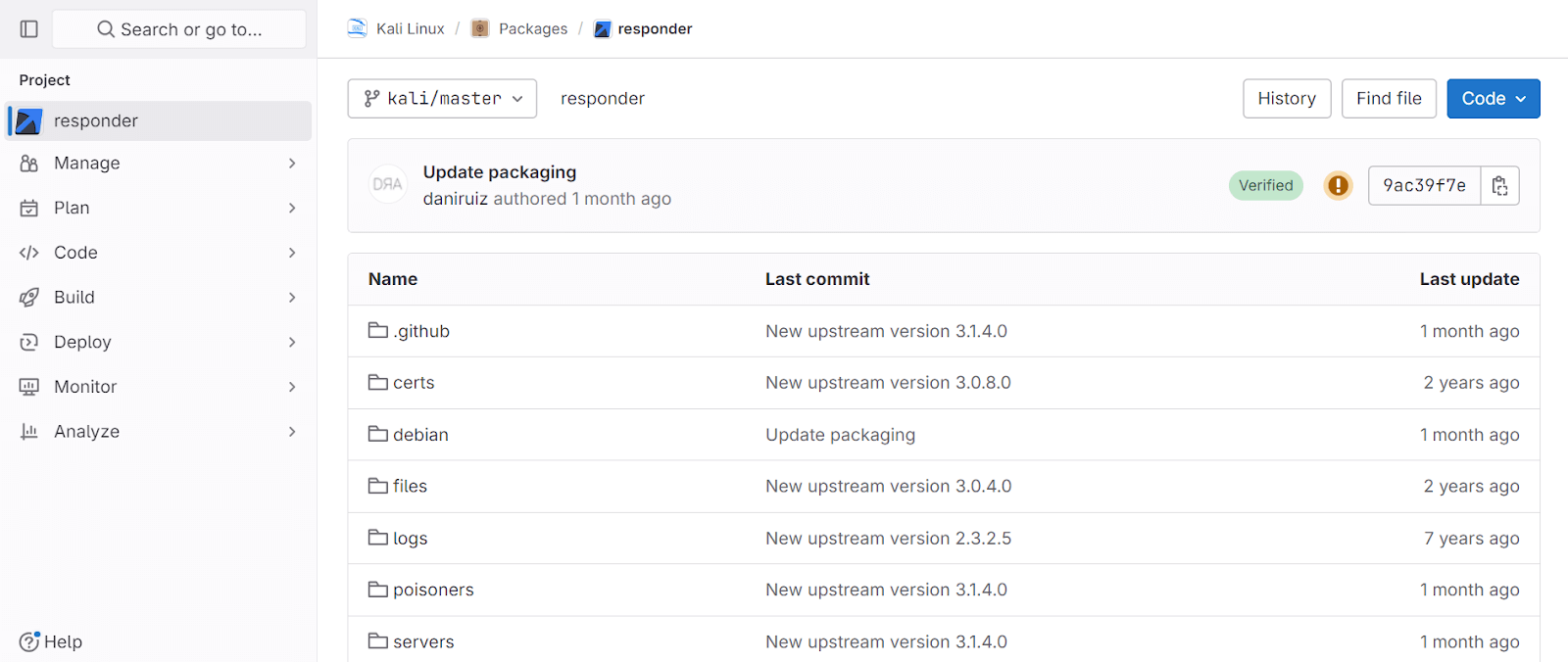
In Windows environments, LLMNR (Link-Local Multicast Name Resolution) and NBT-NS (NetBIOS Name Service) are often vulnerable. LLMNR is used for host discovery in Windows systems, especially in Active Directory environments. Penetration testers can exploit these protocols to gain access to credentials. Windows stores passwords in hashed form in the SAM (Security Accounts Manager) Database or the Active Directory database in domains.
It’s important to note that using Responder against systems without explicit permission is illegal and unethical.
Advantages of using the Responder penetration testing tool
- It specializes in capturing credentials from network traffic.
- It emphasizes the ethical use of its capabilities, reminding users to conduct tests only on systems they are authorized to test.
- It is particularly effective in Windows environments, where protocols like LLMNR and NBT-NS are commonly used and can be exploited.
- It allows testers to intercept and manipulate network traffic for analysis and testing purposes.
Limitations of using the Responder penetration testing tool
- It focuses on specific network attacks, particularly LLMNR, NBT-NS, and MDNS poisoning, which may limit its scope compared to more comprehensive network security tools.
- It may generate false positives, indicating poisoning attacks that do not pose actual security risks, like any network monitoring tool. Manual verification becomes essential to ensure accurate results.
- It requires ethical and responsible use, especially in credential harvesting. Unauthorized use for malicious purposes could lead to legal consequences.
Hashcat
Hashcat is a renowned password-cracking tool known for cracking highly complex passwords. It achieves this by utilizing various powerful password-cracking methods.
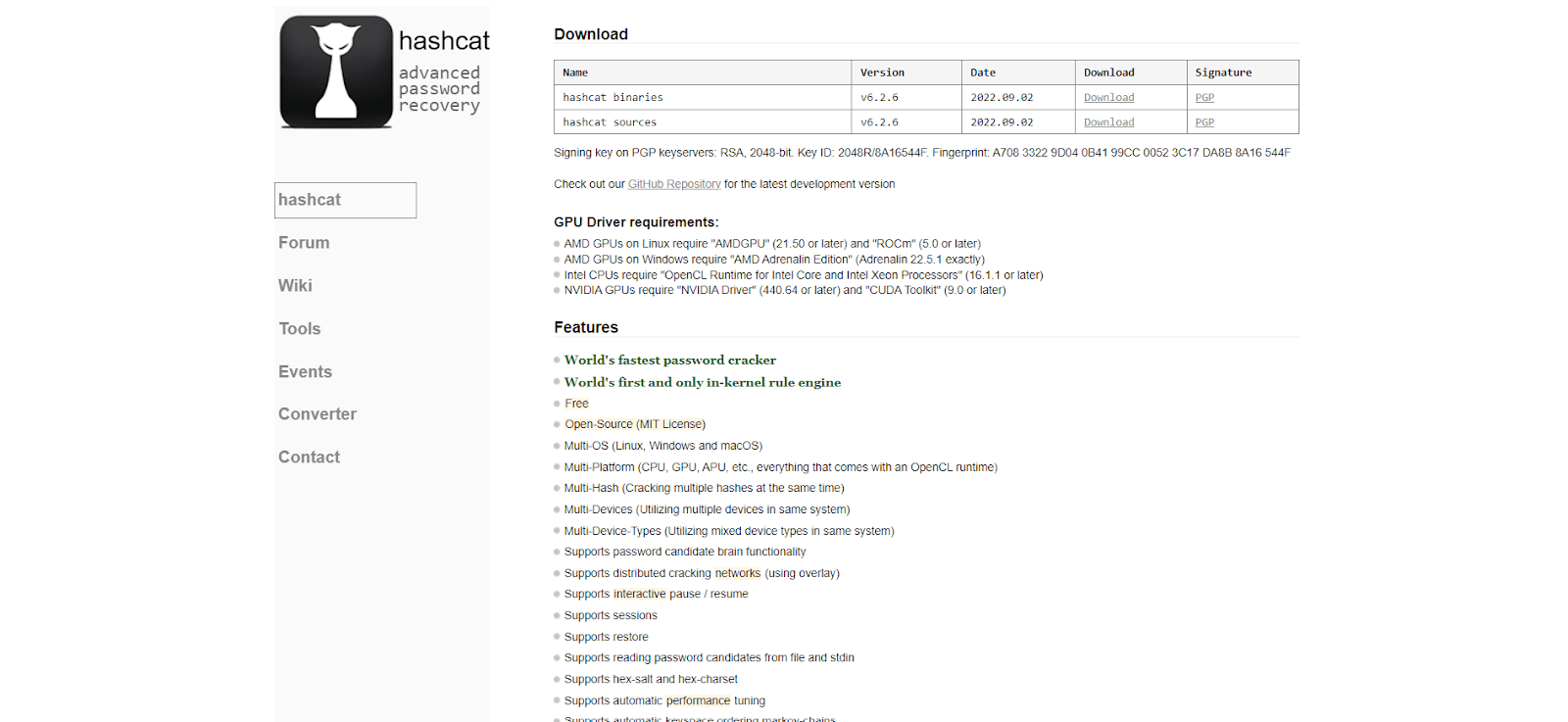
One of the primary techniques employed by Hashcat involves manipulating hash keys generated by algorithms such as MD5, SHA, WHIRLPOOL, RipeMD, NTMLv1, and NTMLv2. These algorithms are one-way functions, meaning they are challenging to reverse.
It works by converting readable data into a hashed format and then employing methods like dictionaries, rainbow tables, and brute force techniques to find a matching hash for a discovered password hash, thus cracking the password.
Advantages of using the Hashcat penetration testing tool
- It is known for its speed and efficiency in cracking passwords.
- It supports various hashing algorithms to crack hashes generated by various applications and systems.
- It offers multiple attack modes.
- It can be easily scaled across multiple machines or GPUs, enabling faster password cracking for large hash lists.
Limitations of using the Hashcat penetration testing tool
- It can be complex, especially for beginners, due to its wide range of features and options.
- It requires significant CPU and memory resources for cracking complex passwords.
- It offers command-line interface (CLI) support.
- It may produce false positives, indicating passwords that are not valid, requiring manual verification for accuracy.
W3af
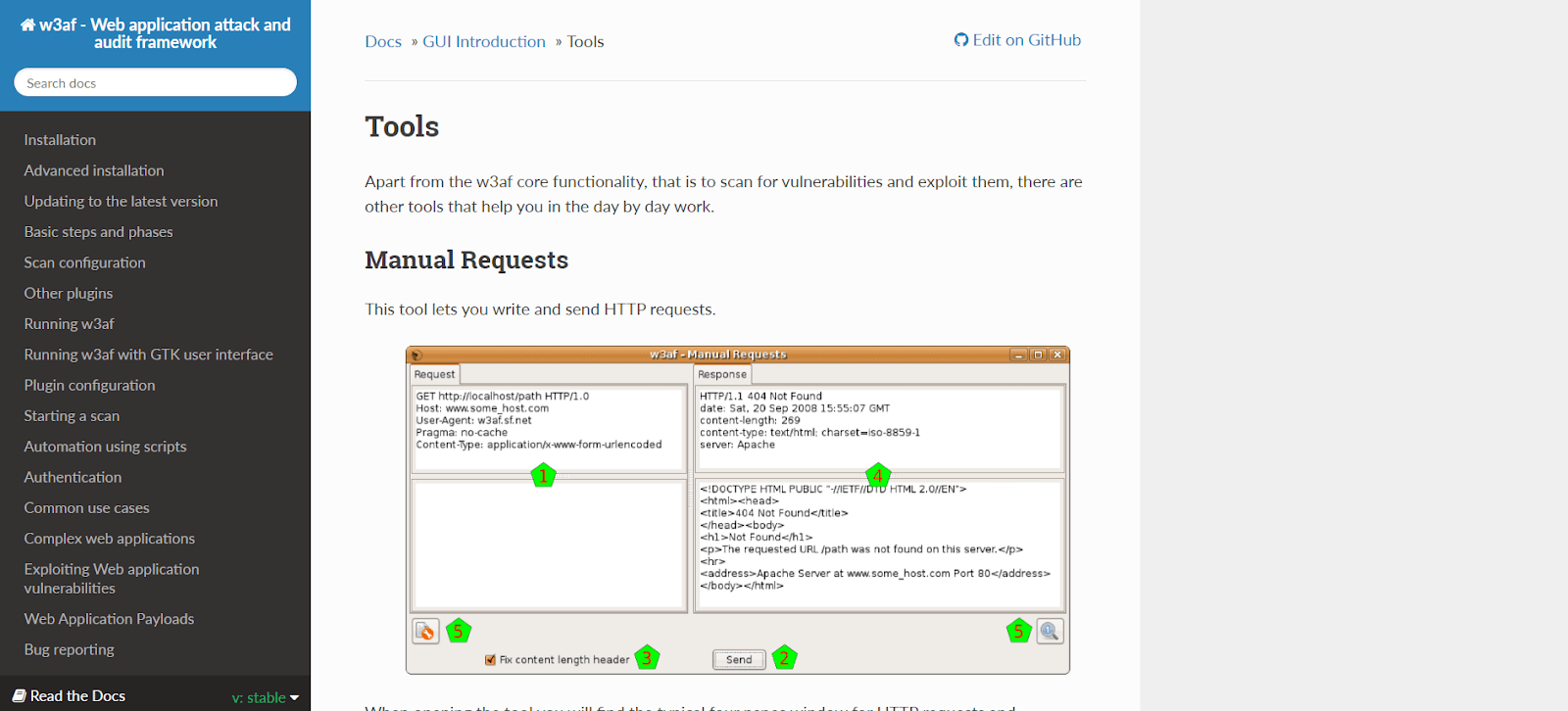
W3af (Web Application Attack and Audit Framework) is a comprehensive tool designed to discover and exploit vulnerabilities in web applications. It offers three types of plugins for attack, audit, and discovery purposes. These plugins enable the software to identify potential security flaws in web applications, which are then passed on to the audit tool for further analysis.
Advantages of using the W3af penetration testing tool
- It offers a wide range of features and plugins for thorough security assessments, making it suitable for comprehensive testing.
- Its plugin-based architecture allows users to customize their testing approach.
Limitations of using the W3af penetration testing tool
- Its scanning and analysis capabilities can be resource-intensive, potentially impacting performance, especially on larger applications or networks.
- It may generate false positives, requiring manual verification to ensure accurate results.
OpenSCAP
OpenSCAP is a versatile penetration testing tool for security assessment and vulnerability scanning. It identifies common vulnerabilities and configuration issues, making it ideal for ensuring system security. Additionally, it thoroughly analyzes web application flaws, offering detailed insights into security flaws and their potential impact, simplifying the testing processes.
Advantages of using the OpenSCAP penetration testing tool
- It thoroughly assesses system security, covering vulnerabilities, configurations, and compliance.
- It allows users to customize scans and policies to suit their security requirements.
- It generates reports that provide insights into security posture and help prioritize remediation efforts.
Limitations of using the OpenSCAP penetration testing tool
- It can be complex to configure and use, especially for users unfamiliar with security assessment tools.
- It may require significant resources, such as CPU and memory, particularly when scanning large and complex systems.
- It has limited support for certain operating systems or environments, restricting its usability in diverse environments.
Astra Security
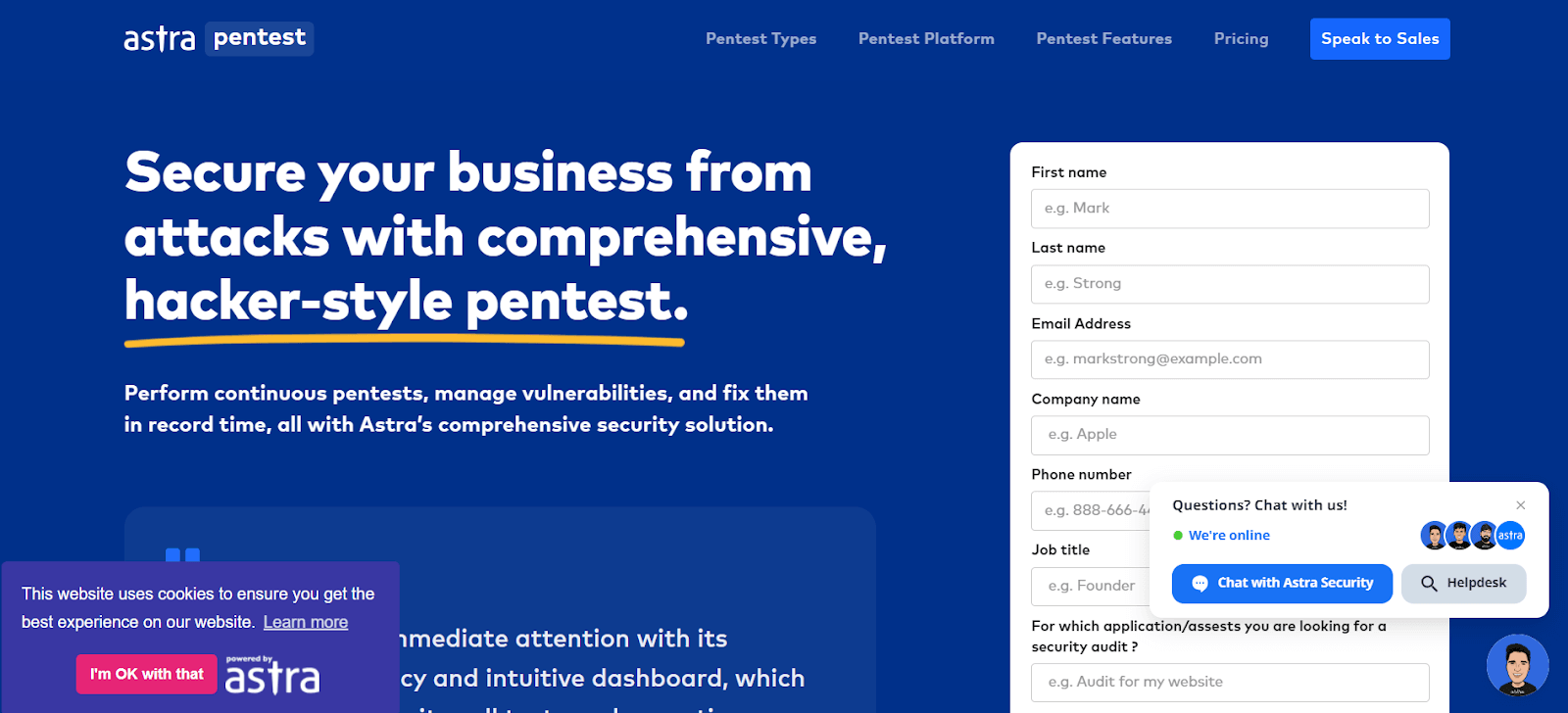
Astra Security’s penetration testing platform is a comprehensive suite that integrates the Astra vulnerability scanner with manual penetration testing features. This platform is a Software as a Service (SaaS) tool, allowing users to perform tests by providing the URLs and credentials of their target sites.
Advantages of using the Astra Security penetration testing tool
- Its user-friendly interface makes it accessible to users with varying technical expertise.
- It is a cloud-based platform that offers easy access and helps scale the needs of different organizations.
- It ensures the tool stays effective against evolving security threats.
Limitations of using the Astra Security penetration testing tool
- It is for smaller organizations with limited budgets.
- It relies on user input for manual testing, which may lead to human error, affecting the accuracy of the results.
- It requires users to supplement with additional testing methods.
WPScan
WPScan is a widely used security tool designed for WordPress. It is compatible with pentesting distributions like Kali Linux and Docker or can be used as a binary.
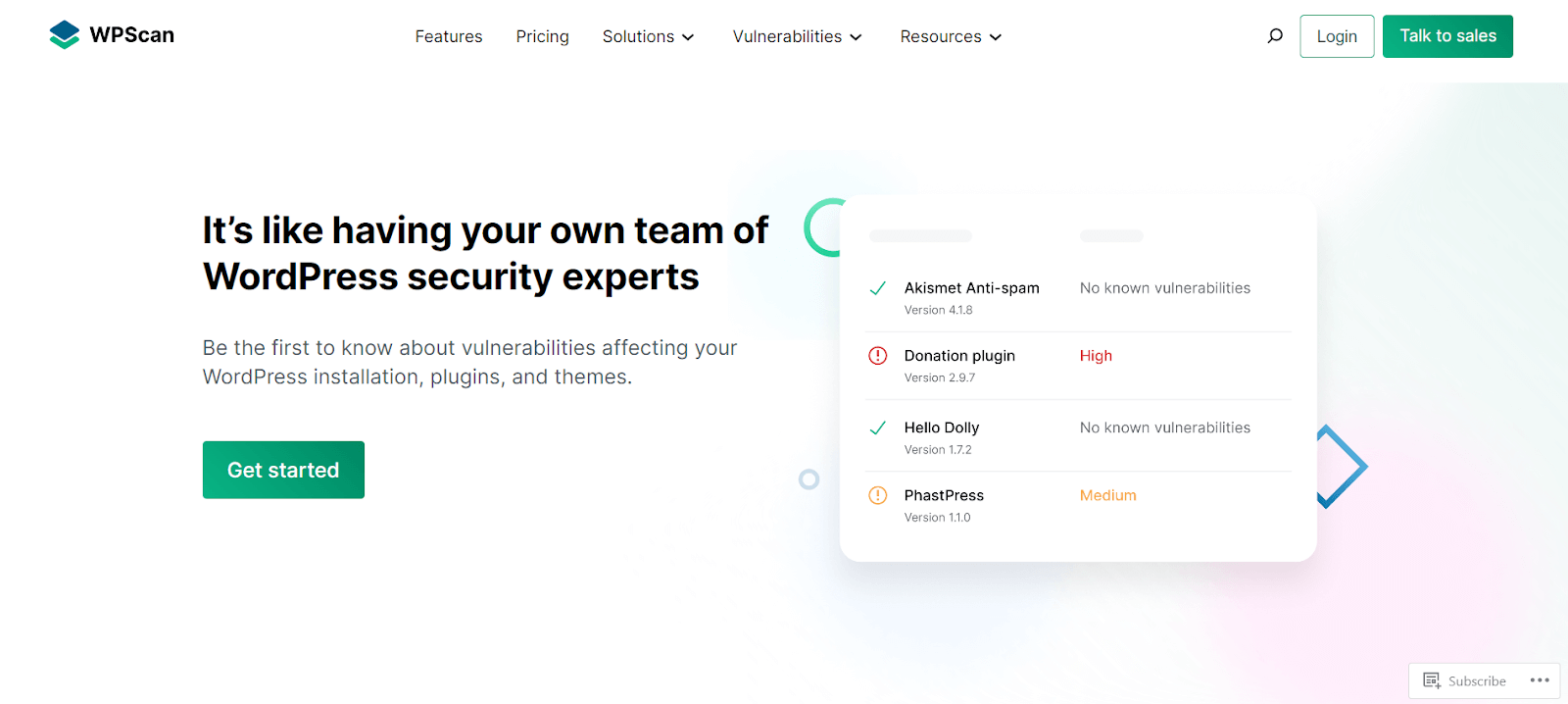
The tool conducts quick scans to identify common vulnerabilities in WordPress installations, including issues like using the XML-RPC protocol or outdated dependencies. Additionally, It can efficiently execute brute-force attacks. Internally, the CLI tool leverages the WordPress Vulnerability Database API to fetch real-time data on WordPress vulnerabilities.
Advantages of using the WPScan penetration testing tool
- It is comprehensive security testing specifically for WordPress.
- It is easy to integrate into existing penetration testing setups.
- Its regular updates and improvements to keep up with new vulnerabilities.
Limitations of using the WPScan penetration testing tool
- It may not cover all possible vulnerabilities in WordPress.
- It requires some knowledge of WordPress and security testing techniques.
- Its brute-force attacks may vary based on the strength of the target’s security measures.
Medusa
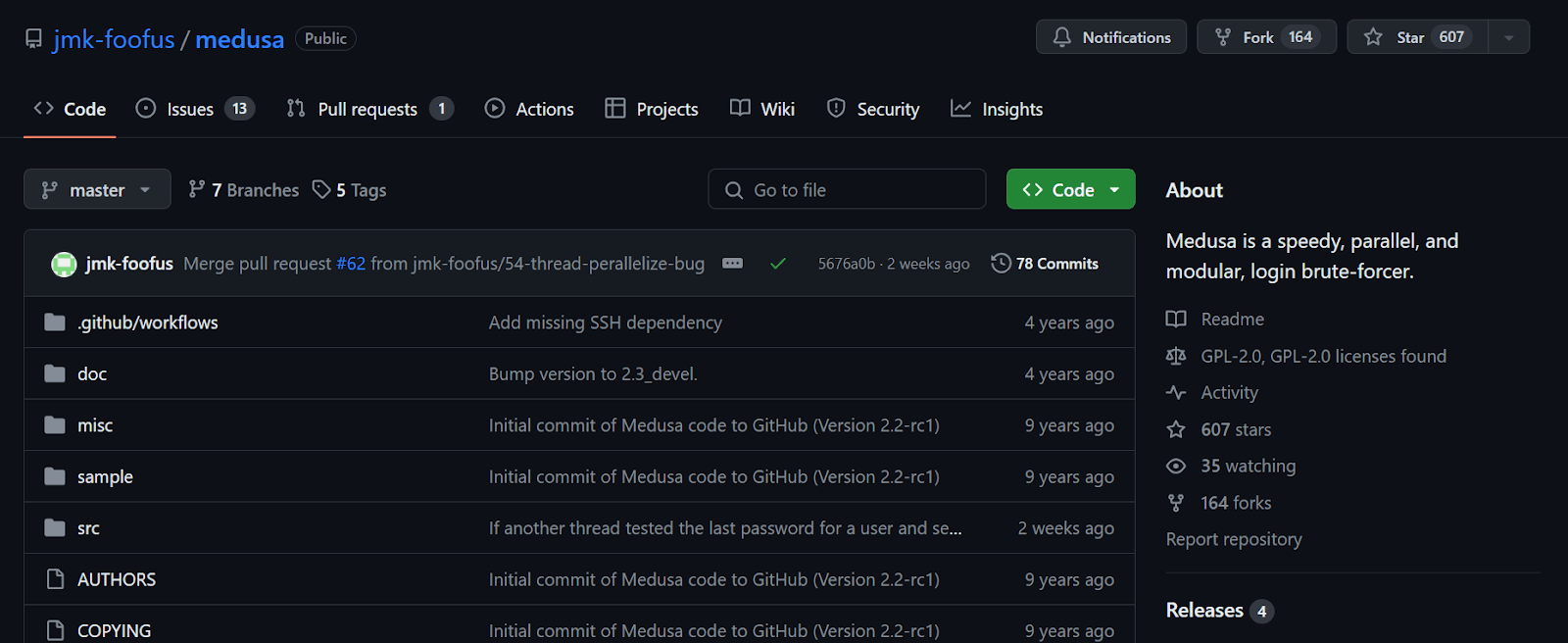
Medusa is a robust command-line brute-force tool in Kali Linux, known for its powerful features. It can also be installed as a Linux package using the command sudo apt install medusa.
Advantages of using the Medusa penetration testing tool
- It is effective for testing the strength of passwords and security measures.
- It supports a wide range of protocols, expanding its utility.
- It offers parallel attacking capability, which improves speed and efficiency.
- It provides configurability, allowing for tailored testing approaches.
Limitations of using the Medusa penetration testing tool
- It has limited GUI support, primarily offering a command-line interface.
- It requires technical expertise to configure and use effectively.
- It may be detected by intrusion detection systems, necessitating caution during use.
- It does not provide automated vulnerability assessment, requiring manual intervention for analysis.
Wifite
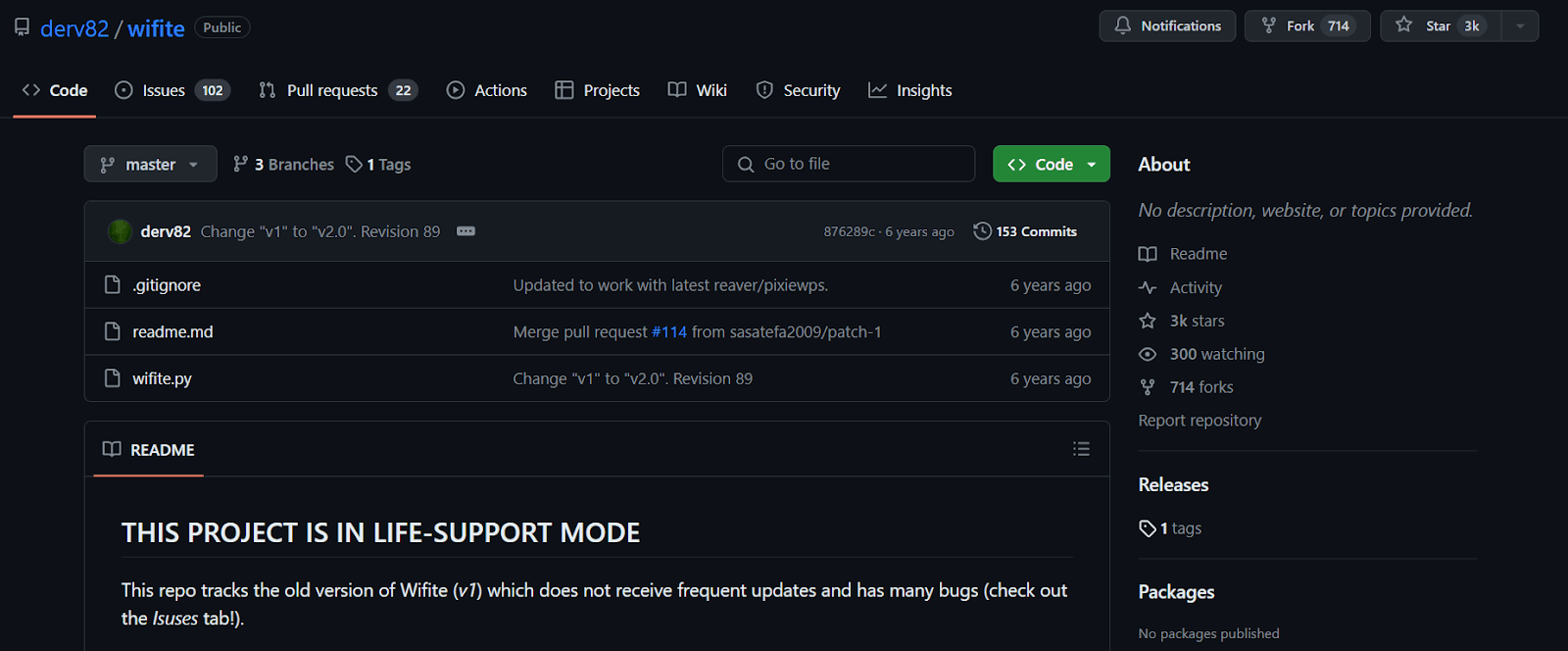
Wifite is a wireless network auditor designed to handle current and legacy attacks against WEP and WPA2 security protocols. It serves as an automated wireless attack tool, simplifying the process of auditing wireless networks.
Advantages of using the Wifite penetration testing tool
- It provides real-time updates on the progress of the audit, making it easier for users to track the status of their scans.
- Its automated features make it easy to use.
- It can automate scanning and attack capabilities by reducing the time required for wireless network audits.
Limitations of using the Wifite penetration testing tool
- It supports multiple attack methods but may not offer the same level of customization.
- Its aggressive scanning and attack methods may trigger alerts in intrusion detection systems.
- It relies on external tools and libraries for some of its functionality.
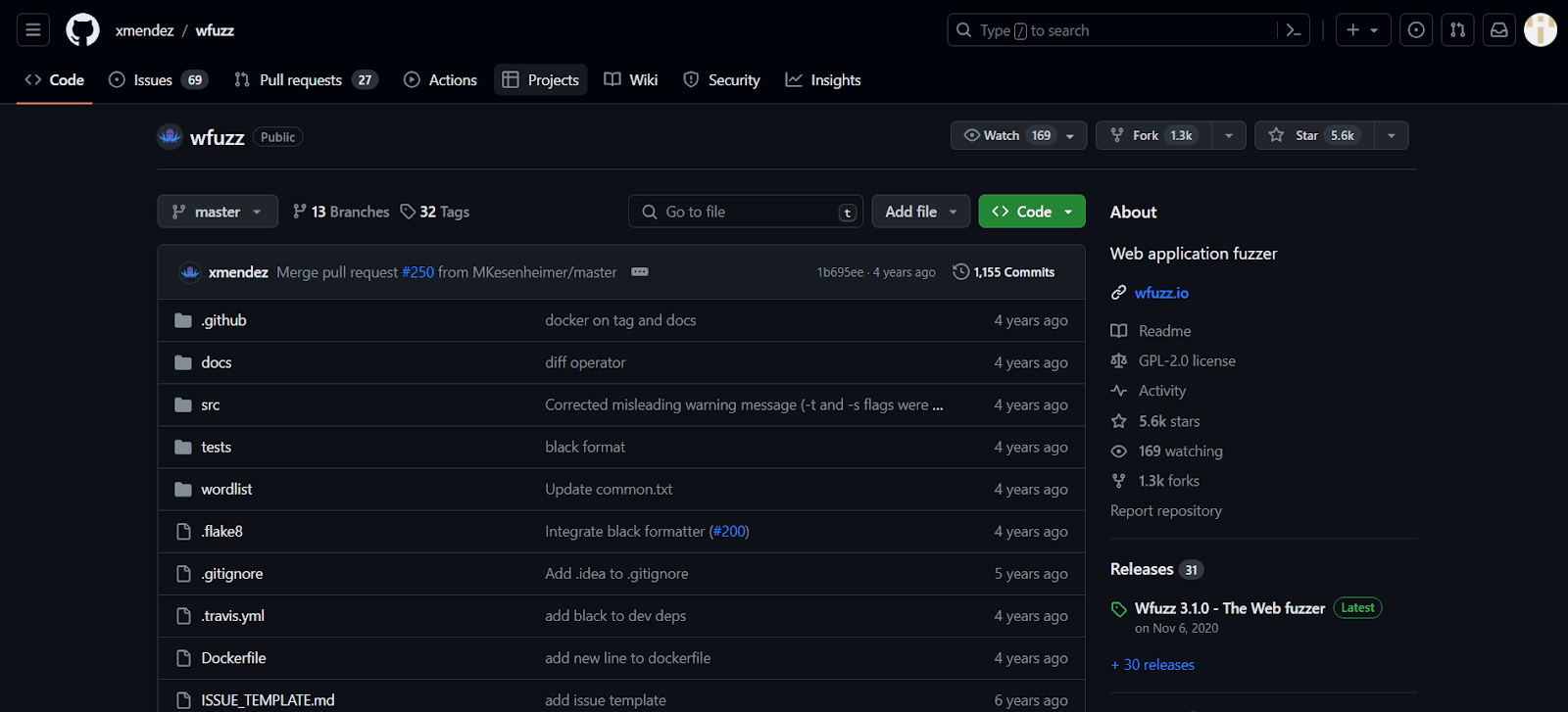
Wfuzz
Wfuzz is a versatile tool for running brute-force attacks on elements like directories, scripts, or forms. It is available in Kali Linux and can be installed using the command sudo apt install wfuzz.
Advantages of using the Wfuzz penetration testing tool
- It performs many tests, including brute-force attacks, fuzzing, parameter testing, and more.
- It allows for highly customizable attacks, allowing users to design test strategies for specific applications and scenarios.
- It can help uncover hidden directories and files on web servers.
- Its code can be reviewed and modified as needed.
Limitations of using the Wfuzz penetration testing tool
- It is complex, especially for beginners.
- It consumes significant system resources.
- It primarily relies on a command-line interface, making it difficult for users who prefer a graphical user interface (GUI) for interaction.
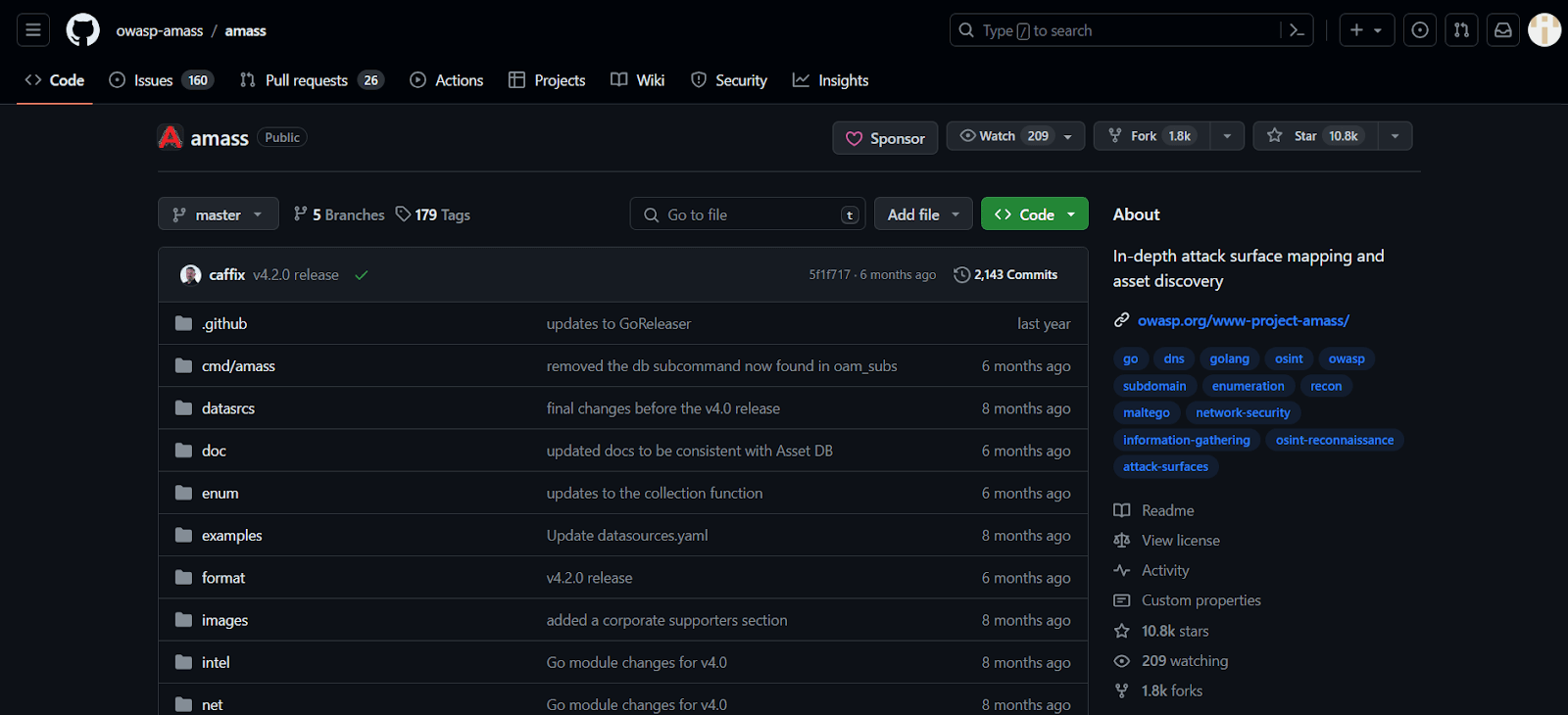
Amass
Amass is a powerful open-source penetration testing tool for network mapping and information gathering. Security professionals and researchers widely use it to map out external network space and discover assets that belong to a target organization.
Advantages of using the Amass penetration testing tool
- It helps gather information about network assets, including domain names, IP addresses, and subdomains, aiding in understanding the attack surface.
- It is freely available and can be customized or extended per user requirements, allowing for flexibility and community-driven development.
- It is designed to handle large-scale network mapping and information-gathering tasks, making it suitable for complex environments and extensive testing needs.
Limitations of using the Amass penetration testing tool
- It may be detected by intrusion detection systems (IDS) or network monitoring tools, potentially alerting the target organization to reconnaissance activities.
- It can be resource-intensive, particularly when scanning large networks or conducting extensive information gathering, potentially impacting system performance.
Tcpdump
It is a powerful command-line packet analyzer tool for network traffic capture. It was developed by the same team behind libpcap, a portable C/C++ library. It displays packet contents on a network interface along with a timestamp, making it valuable for network analysis and troubleshooting.
Advantages of using the Tcpdump penetration testing tool
- It is lightweight and consumes minimal system resources.
- It is available for operating systems like Linux, macOS, and Windows, ensuring compatibility across different environments.
Limitations of using the Tcpdump penetration testing tool
- It uses a command-line tool, which may not be suitable for users who prefer graphical user interfaces (GUIs) for packet analysis.
- It effectively requires knowledge of networking concepts and familiarity with its command-line syntax.
- It requires root or administrator privileges to capture packets, which may introduce security risks if not used carefully.
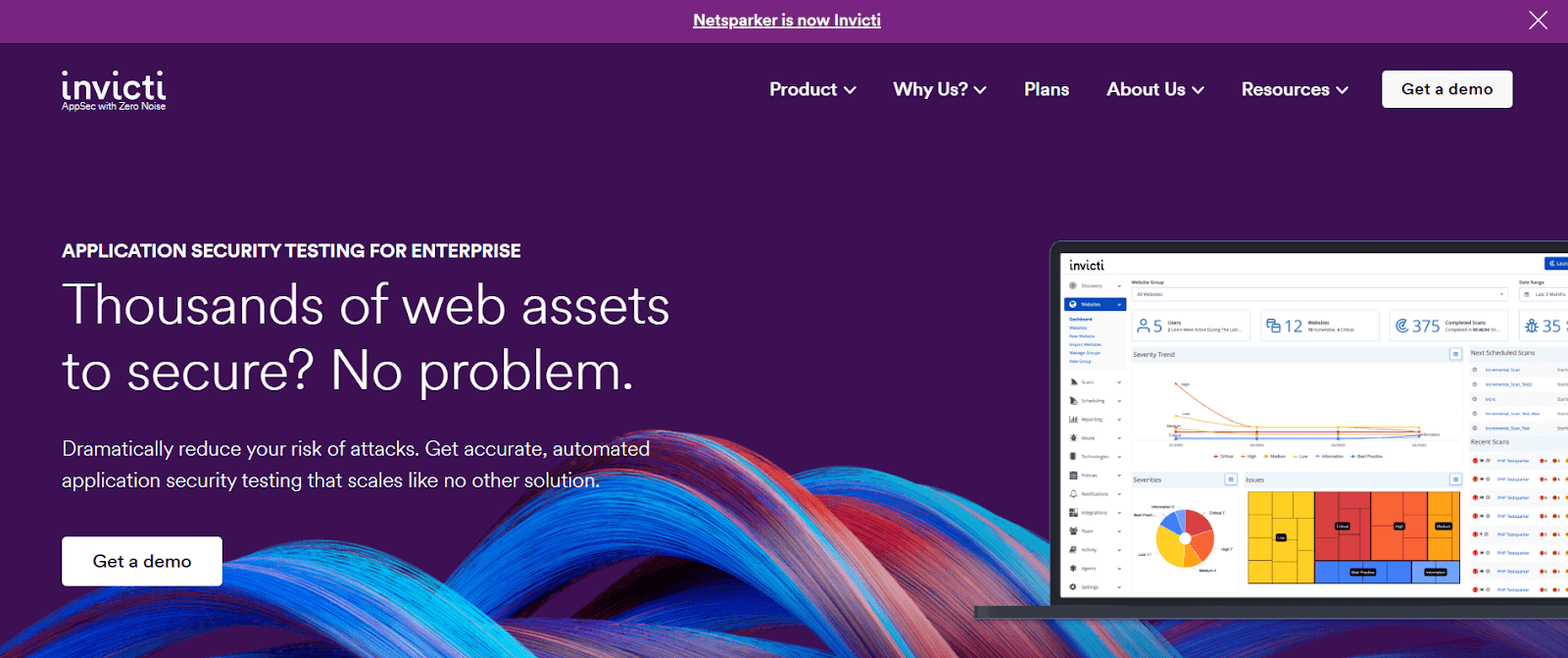
Invicti (formally Netsparker)
Invicti is a widely used automatic web application penetration testing tool for testing websites and web applications for security issues. It helps identify problems like cross-site scripting (XSS) and SQL injection, which can be severe vulnerabilities.
Advantages of using the Invicti penetration testing tool
- It can scan many web applications per day, making it efficient for large-scale security assessments.
- It automates scanning features to help eliminate the need for extensive setup, ensuring quick and seamless testing.
- It provides legal web applications and regulatory compliance reports.
- Its proof-based scanning technology ensures the accurate detection of vulnerabilities.
Limitations of using the Invicti penetration testing tool
- It is expensive for some organizations, especially smaller ones.
- It may not cover every possible security issue, so manual testing or additional tools may be necessary for comprehensive security assessments.
- It may not always provide context or insights into the vulnerabilities it detects, requiring additional analysis by security professionals.
Now that we better understand penetration testing tools and their features, cybersecurity organizations can decide which tools to use when performing security testing for software applications.
The tools mentioned above are powerful for specific aspects of web application testing, but they have limitations and challenges; combining these tools with some best practices can help organizations improve the security and functionality of their applications.
Key Takeaway: The tools in this list group into network scanners and mapping tools such as Nmap, Nessus, OpenVAS and Amass, exploitation frameworks such as Metasploit, web application scanners such as Burp Suite, Acunetix, Nikto, W3af and Invicti, password and login attack tools such as John the Ripper, Hashcat, Hydra and Medusa, wireless auditors such as Aircrack-ng and Wifite, and packet analyzers such as Wireshark and Tcpdump. Many of them run from the command line and need networking knowledge, and several can trigger intrusion detection systems while a test is running.
To further enhance the quality of web applications in terms of functionality and other aspects, leveraging a cloud-based platform like TestMu AI to validate the application’s functionality is beneficial. TestMu AI is an AI-powered test orchestration and execution platform that lets you run manual and automated tests at scale across 10,000+ real devices and 3,000+ browser and OS combinations.
This platform provides a scalable and secure infrastructure for testing web applications across browsers, devices, and operating systems. It helps organizations address the challenges of complexity, coverage, and resource intensity by providing a reliable and efficient testing environment.
Once a penetration test report sends fixes back to the development team, the repaired flows still need functional coverage. KaneAI, the end-to-end testing agent from TestMu AI, turns plain English instructions into web, API, and database tests and re-anchors the steps when the interface changes, so a security fix can be regression tested without hand-writing new automation code.
To learn more about the TestMu AI platform, its features, various tools like LT Browser and LT Debug, and its functionality, watch the video tutorial below for detailed information.

Subscribe to the TestMu AI YouTube Channel. You’ll get the latest updates on various automation testing techniques and tutorials covering Selenium testing, Cypress testing, Playwright testing, and more.
In the following section, let’s learn how to choose the right penetration testing tools based on organizational budgets and tool functionality aligned with project needs.
Choosing the Right Penetration Testing Tool
One essential component of cybersecurity is penetration testing, which requires selecting a suitable tool based on an organization’s specific security needs and technological environment. Choosing the optimal penetration testing tool involves considering various factors, from specific security goals to network infrastructure. Let’s explore the key factors and strategic approaches in selecting the right penetration testing tool, enabling organizations to enhance their digital security proactively.
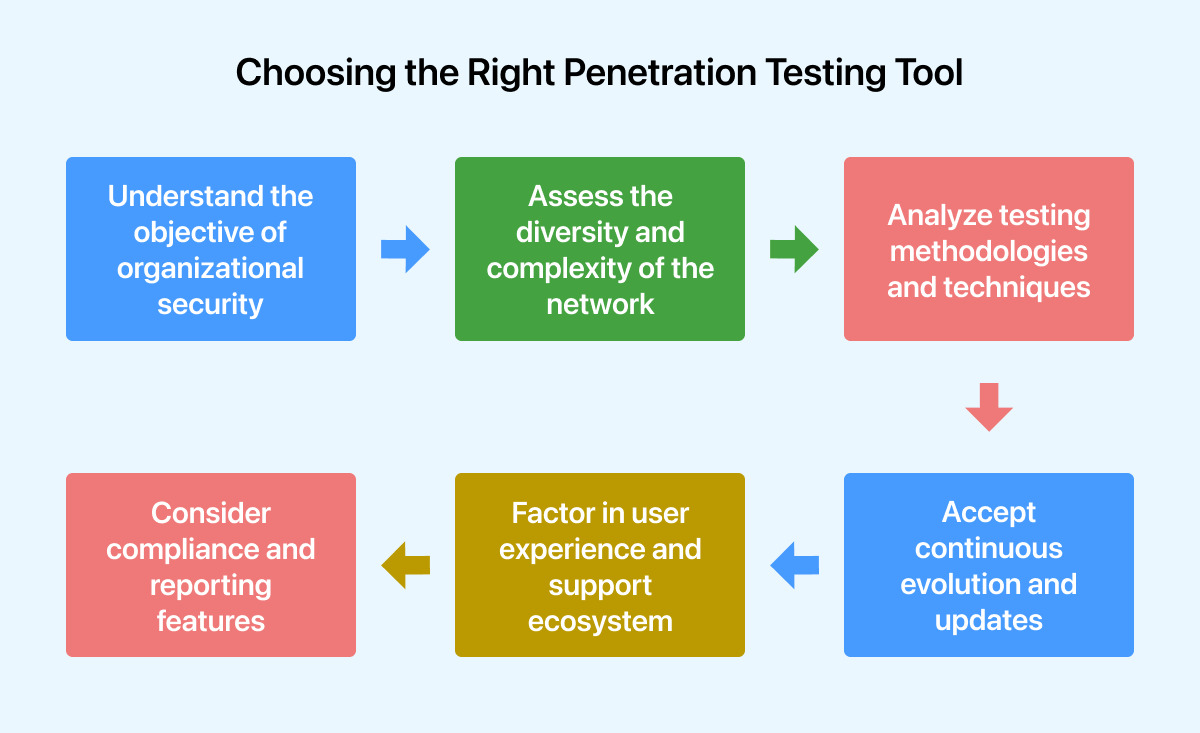
- Understand the objective of organizational security: Organizations must deeply understand their network architecture, potential threat vectors, and security requirements. A comprehensive risk evaluation helps identify critical assets, vulnerabilities, and regulatory compliance needs. By outlining these aspects, organizations can determine the features and functions required in a penetration testing tool to meet their security requirements.
- Assess the diversity and complexity of the network: The range and complexity of an organization’s network infrastructure greatly influence the choice of tool. Factors such as legacy systems, cloud-based apps, mobile endpoints, and IoT devices require a scalable and compatible tool across diverse technological landscapes. Evaluating a tool’s ability to seamlessly navigate through heterogeneous environments and provide extensive coverage while assessing the entire network spectrum is essential.
- Analyze testing methodologies and techniques: Regarding methodologies and techniques, different penetration testing tools show varying strengths. Some tools may be particularly good at evaluating web applications, while others can be centered on analyzing network vulnerabilities or assessing wireless security. To ensure the tool addresses the entire range of potential attack surfaces and vulnerabilities relevant to the organization’s digital environment, it must align its testing capabilities with specific testing requirements.
- Consider compliance and reporting features: It is crucial for a penetration testing tool to generate comprehensive, customizable reports that adhere to regulatory compliance guidelines and industry standards. Tools that help organizations effectively communicate security findings and are accompanied by actionable remediation recommendations must be prioritized.
Compliance-focused features meeting standards like PCI DSS, HIPAA, GDPR, and others should also be assessed to ensure seamless compliance with legal requirements.
- Factor in user experience and support ecosystem: A penetration testing tool’s effectiveness in real-life situations is greatly influenced by the user experience it provides, which includes features like robust documentation, ease of deployment, and intuitive user interfaces. In addition, having a dynamic support ecosystem with user groups, forums, and quick technical assistance is crucial for addressing queries, troubleshooting issues, and making the most out of the tool.
- Accept continuous evolution and updates: A penetration tool’s effectiveness in the ever-evolving field of cybersecurity depends on how effectively it is updated with new attack vectors, vulnerability databases, and responsive threat intelligence. The chosen tool should have a track record of regular upgrades, feature enhancements, and alignment with evolving security trends to ensure continuous relevance and efficacy in safeguarding organizational assets.
Top Features Every Pentest Tool Should Have
The global economy now relies heavily on the Internet. Computer technology is used by various organizations, from small individual businesses to multinational conglomerates, for daily operations. If the corrective steps are not followed, several resources become vulnerable to viruses, hackers, and cybercriminals. However, even the most preventive measures have weaknesses and loopholes, which is where penetration testing comes in.
An expert attempts to locate, infiltrate, and exploit vulnerabilities in the company’s computer system or networks during a penetration test, a security exercise conducted by the company. Finding any potential weakness is the main objective. Additionally, it aids in the upkeep and adherence to a predetermined standard for client privacy protection by organizations.
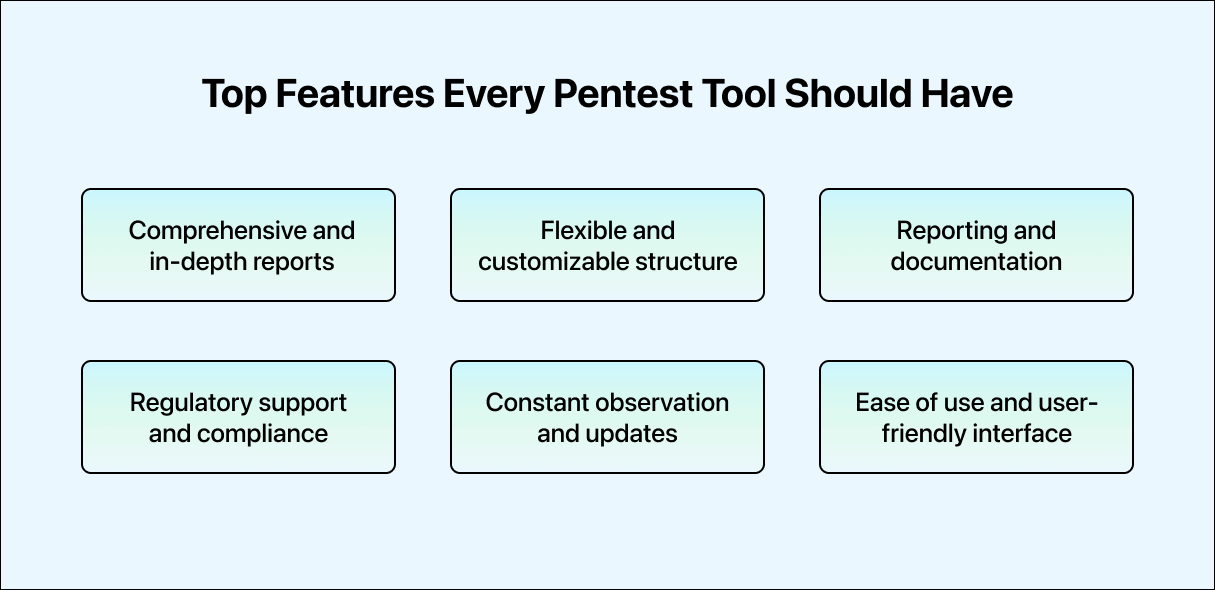
- Comprehensive and in-depth reports: Reports from an effective penetration testing program should be thorough. The process of penetration testing goes beyond just identifying a network’s weaknesses. The network’s issues must be understandable to the operator or administrator, as planning the next action would only be possible with this knowledge. A testing report should outline the risks, evaluate them, provide supporting data, and suggest fixes for any vulnerabilities discovered.
- Flexible and customizable structure: Flexibility is essential for penetration testing tools. Given the uniqueness of every network and application environment, testing methodologies must also be adaptable. A versatile tool should empower security professionals to expand and customize its functionality to suit specific testing needs and unique environments. It may involve developing new plugins, creating custom scripts, or integrating existing security solutions.
The capacity to suit the tool to the organization’s requirements enhances its effectiveness and applicability in various scenarios. Organizations can enhance their capabilities and requirements by leveraging a cloud-based platform like TestMu AI to help them be more flexible and mold their testing environment based on their needs.
- Reporting and documentation: Effective penetration testing requires precise and comprehensive reporting to provide stakeholders with outcomes and recommendations. Pentesting tools should generate accurate evaluations identifying vulnerabilities, potential repercussions, and suggested remediation measures. Well-documented reports enhance decision-making and demonstrate to non-technical and technical audiences the benefits of the penetration testing process.
- Regulatory support and compliance: Adherence to industry standards and data protection requirements is essential in today’s regulatory environment. Compliance with regulations such as GDPR, HIPAA, PCI DSS, and others should be validated using an effective pentest tool. Such a tool should assist organizations in aligning their security procedures with relevant regulations and requirements to protect sensitive data and maintain consumer trust.
- Constant observation and updates: Given the dynamic nature of cyber threats, continual monitoring and integration of threat intelligence are crucial for effective security measures. A top-tier penetration testing tool should be able to monitor threat intelligence feeds and vulnerabilities continuously. It enables security teams to enhance the organization’s defenses against evolving attack methods, proactively address vulnerabilities, and stay ahead of new threats.
- Ease of Use and user-friendly interface: Accessibility is crucial even for seasoned professionals in cybersecurity. A user-friendly interface and controls facilitate efficient workflow and a less challenging learning curve for inexperienced users. Pentesting tools should simplify navigation, configuration, and conducting tests, allowing security experts to focus on analysis rather than struggling with intricate interfaces.
Key Takeaway: Picking a penetration testing tool starts with the security objective of the organization and the shape of its network, including legacy systems, cloud applications, mobile endpoints and IoT devices. Compliance and reporting weigh as heavily as scanning strength, because the reports have to stand up against standards such as PCI DSS, HIPAA and GDPR. Documentation, support, ease of use and regular updates against new attack vectors decide how well the tool holds up in daily work.
How Are Autonomous AI Agents Changing Penetration Testing?
Autonomous AI pentesting platforms such as Pentera, Horizon3.ai NodeZero, and RidgeBot now run continuous attack simulations and chain exploits without a human operator driving each step.
- Continuous autonomous validation: Horizon3.ai NodeZero runs unlimited, unattended pentests that discover exploitable weaknesses, verify that fixes worked, and re-test on a schedule, instead of the one-time engagement a manual tool above requires.
- Agentic exploit chaining: platforms such as Pentera and RidgeBot link reconnaissance, vulnerability discovery, and exploitation into one automated sequence, reproducing what a tester does manually with Metasploit and Nmap.
- LLM-assisted attack planning: research tools such as PentestGPT feed raw Nmap and Burp Suite scan output into a language model to draft a prioritized exploitation chain instead of a tester mapping it out by hand.
- Fewer false positives to chase: newer AI pentest agents rank which findings are actually exploitable before a human reviews them, cutting the manual verification that tools like Nessus, OpenVAS, and Nikto still require for every flagged issue.
These autonomous platforms still run on the same exploit frameworks and scanners covered above; they schedule and chain those tools automatically instead of replacing them.
Conclusion
Finding the best penetration testing tool requires a systematic and strategic approach based on an in-depth understanding of the requirements for organizational security, the complexity of the network, testing procedures, regulatory considerations, user experience, and the tool’s commitment to continual evolution. Organizations may equip themselves with a powerful ally to proactively boost their digital defenses against emerging cyber threats by adopting a comprehensive and astute review approach.
Author

Ankit Mathur
Blogs: 2

Ankit Mathur is Vice President of Engineering at TestMu AI (formerly LambdaTest), leading platform engineering across the testing cloud. He scaled the platform's backend services to handle 60M+ HTTP requests per day through horizontal scaling, network-layer optimization for faster test execution on the cloud grid, and database and AWS infrastructure tuning. He brings 10+ years in distributed systems engineering, with earlier roles at Sumo Logic and Adobe, where he worked on Adobe Sign and holds a US patent for storing and protecting signatures and images in electronic documents. Ankit holds a postgraduate diploma in advanced computing and a B.Tech in Information Technology.
Reviewer

Siddhant Sinha
Reviewer
Siddhant Sinha is a Lead Member of Technical Staff at TestMu AI architecting Kane CLI, the command-line tool for browser automation from the terminal, where natural-language flows run in a real Chrome browser and return pass or fail with shareable proof. He has spent over three years at TestMu AI (formerly LambdaTest) building scalable platforms that run tests at scale on real Android and iOS devices. His expertise covers platform architecture, large-scale distributed systems, and CLI design, shaped by earlier cloud-native engineering at Semut.io, including building Elasticsearch as a service.


Penetration Testing Tools FAQs
Did you find this page helpful?
More Related Blogs
TestMu AI forEnterprise
Get access to solutions built on Enterprise
grade security, privacy, & compliance
- Advanced access controls
- Advanced data retention rules
- Advanced Local Testing
- Premium Support options
- Early access to beta features
- Private Slack Channel
- Unlimited Manual Accessibility DevTools Tests