

Next-Gen App & Browser Testing Cloud
Trusted by 2 Mn+ QAs & Devs to accelerate their release cycles


20 Best Exploratory Testing Tools For 2026
Discover the benefits of exploratory testing tools for streamlining the testing process and improving software quality. Read more!

Nazneen Ahmad
March 2, 2026
Over time, the software development process has become highly competitive for the release of quality software applications. QAs are struggling to optimize the software testing approach to ensure that developed software applications are bug-free, high-quality, and meet end-user requirements.
To this, software testing has gone beyond scripted testing, allowing the tester to think more naturally and intuitively. Here enters exploratory testing.
In exploratory testing, testers can choose any preferred method to test the software application based on their learning and skills. This approach helps detect defects that can be missed by scripted testing.
It allows the designing, executing, and monitoring of the test result and simultaneously using those to plan the next test.
To help with exploratory testing, various exploratory testing tools are available online. This allows testers to understand software applications, identify potential defects and improve the quality of the software applications.
This blog post will discuss some of the best exploratory testing tools for 2026 and how they can help testers be more effective and efficient in their testing efforts.
What Are Exploratory Testing Tools?
Exploratory testing tools are software solutions that help testers document, track, and manage unscripted testing sessions while capturing bugs, screenshots, and observations in real-time.
What Is Exploratory Testing and Why Is It Important?
Exploratory testing is an unscripted testing approach where testers explore applications to find bugs missed by structured testing, helping identify critical defects early in development.
Exploratory testing involves the testers exploring the software application comprehensively while simultaneously designing and executing tests based on an understanding of the software application.
It integrates the tester experience and a structured testing approach to find errors or bugs that end-users may encounter when visiting websites and applications.
In exploratory testing, you don't have to create test cases in advance or have a clear test plan to execute the test.
You can check the software application on the fly, where you do not have to follow any pre-determined steps or directions to run a test. However, you shouldn't think that not having test scripts means you are unprepared for the test.
Exploratory testing allows exploring bugs in software applications by making spontaneous decisions on different features and actions to test.
This simply follows the individual interest of end-users and helps identify critical defects early before they become more expensive and time-consuming to fix.
However, some bugs are missed in software testing following a structured approach. Exploratory testing is important in finding those missed bugs by following a random flow.
An example includes repeated button clicking, inputting non-spec data, etc. You can annotate defects, add assertions and create documentation on the fly.
You may think, when should we use exploratory testing? Well, it is suited for particular testing scenarios, for example, when someone needs to learn an application quickly and give relevant feedback.
Or other situations, like when early iteration and testing critical applications are required, exploratory testing is quite helpful. Here, exploratory testing tools become a way to streamline the process and make software testing more efficient.

Note: Run your exploratory tests across 3000+ real environments. Try TestMu AI Now!
What Are the Best Exploratory Testing Tools?
Best exploratory testing tools include TestMu AI, Testmo, Exploratory Testing Chrome Extension, QA Touch, Bug Magnet, Session Tester, TestBuddy, Rapid Reporter, and others.
Below is the list of the best exploratory testing tools that will allow you to start with exploratory testing. Continue reading the below section.
TestMu AI (Formerly LambdaTest)
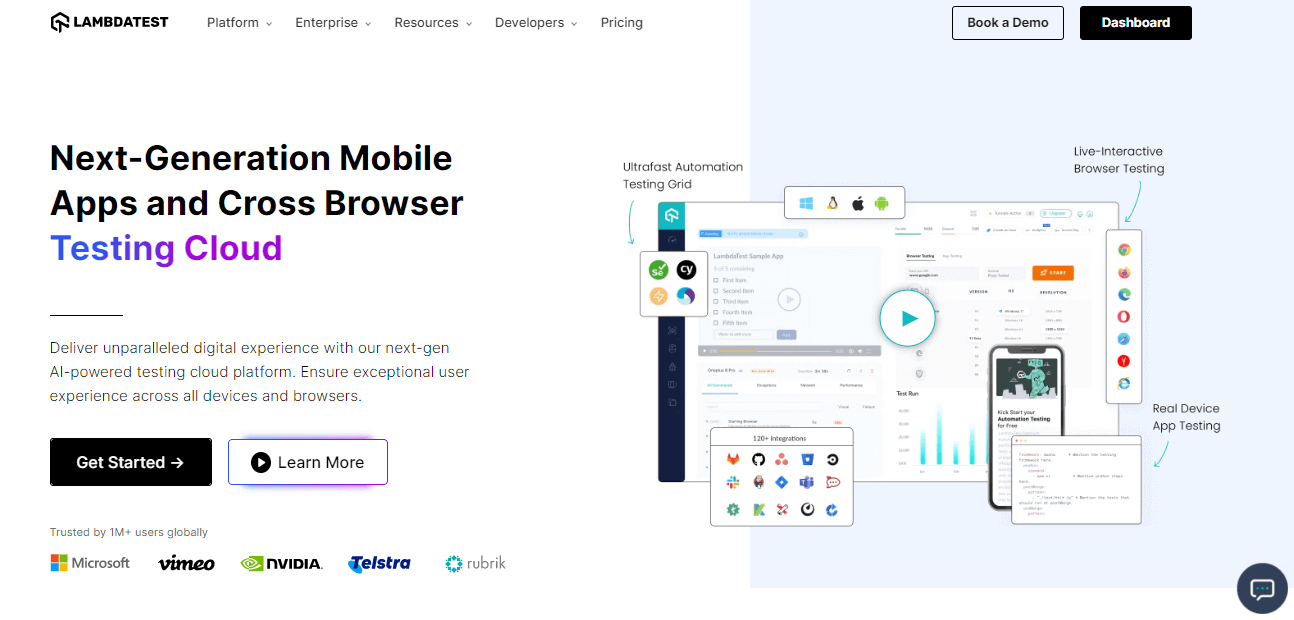
TestMu AI is a full-stack agentic AI quality engineering platform that helps teams test smarter and deliver faster. Built for scale, it offers end-to-end AI agents to plan, create, run, and evaluate software quality.
It provides a real device cloud for exploratory testing across 3,000+ browsers, devices, and OS combinations.
Key features:
- You can perform live testing of software applications in different browsers, versions, and OS. The software application can be explored in real-time and allows easy identification of issues.
- It provides debugging tools like network logs, console logs, and application screenshots. This helps identify bugs and errors in the software application early.
- Enable collaboration with team members for testing web applications. It makes exploratory testing easy as you can share exploratory test sessions with the QAs and work together to resolve the issues.
- It allows easy capturing of screenshots of web applications on different OS and browsers. This helps testers identify visual deviations and compare the appearance of software applications across diverse platforms.
- It integrates with testing tools like Jira, Slack, and Trello. With this, you can manage test cases and report issues.
- You can perform parallel testing on multiple browsers and OS simultaneously, which speeds up the testing process.
Note: Check this guide to get started with automation testing on TestMu AI.
Subscribe to our TestMu AI YouTube Channel for the latest updates on tutorials around Selenium testing, Cypress testing, Appium, and more.
Testmo
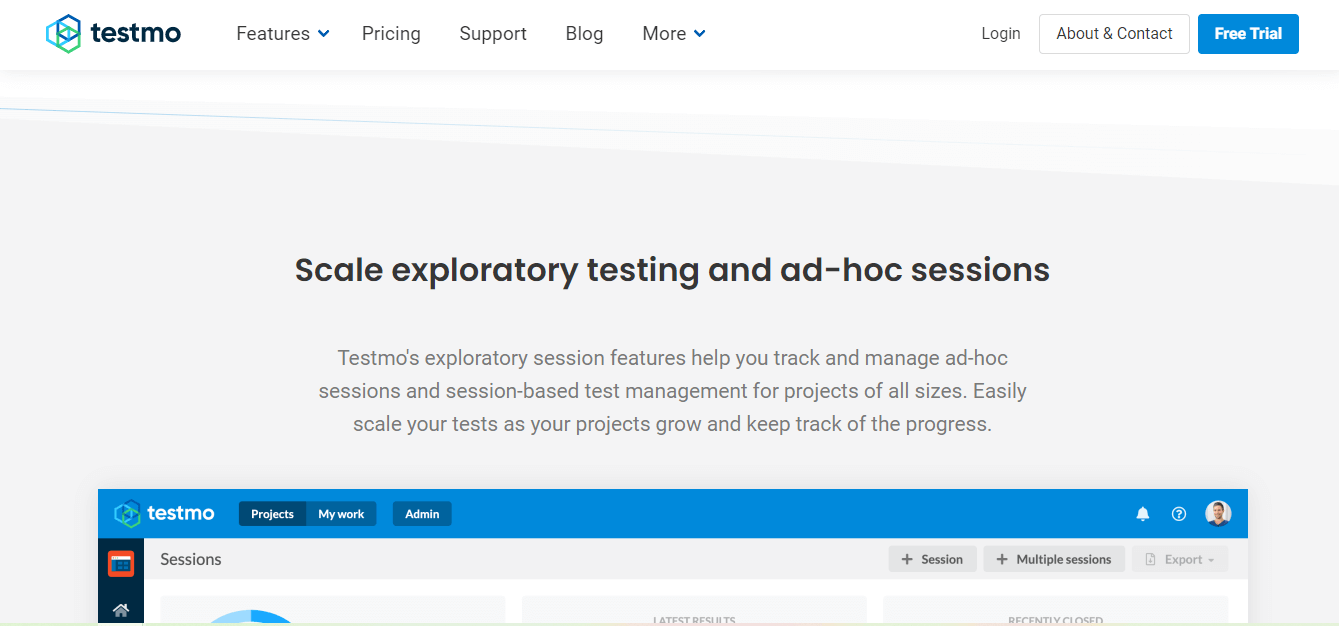
Testmo is a web-based exploratory testing tool allowing QAs to perform ad hoc testing without test scripts and cases.
Testmo is the first unified and full test management tool that offers exploratory testing, session management, and note-taking. You can create, plan and assign test sessions by entering notes, capturing screenshots, adding issues (Jira, GitHub, and GitLab), and tracking testing times.
Key features:
- It gives unified testing for manual, exploratory, and automated tests.
- It is easy to manage testing activities using Testmo’s fast and modern interface.
- Enables taking rich notes during exploratory testing and tracking the time spent on each test.
- Exploratory sessions, test cases, and fields to fit testing needs can be customized with Testmo.
- Provides rich metrics, charts, and reporting, which helps to gain more insights into testing activities and identifying areas for improvement in the software application.
- It integrates with popular project management tools like Jira, GitHub, GitLab, and more. This helps streamline the testing workflow and effortless collaboration with the team.
Testpad
Testpad is an exploratory testing tool using which you can quickly and dynamically test new features and find new bugs in software applications.
Testpad simplifies exploratory testing by offering checklists ensuring each software application aspect is tested. For example, you are testing a feature that allows you to create and save a profile. The following checklist may apply:
- Can users create a profile?
- Can users save their profiles?
- Can users edit their profiles?
- Does the profile information save correctly?
- Are error messages displayed correctly if there’s an issue with creating or saving the profile?

Key features:
- You can add new tests or test cases during the testing session when using Testpad. This helps in easy adaptation to the change or new requirements.
- It is easy to delegate testing tasks and invite guest testers to participate in testing activities through email.
- Using Testpad, users can write, re-write, and change notes related to issues or bugs encountered during the testing process, for example, what they tested, how they tested it, or any insights or observations they made.
- You can group or categorize checklists into files, allowing easy organization and management of testing activities.
- Provides simple reporting that allows you to track testing progress, identify issues or bottlenecks, and manage testing activities effectively.
Test IO
Test IO is an exploratory tool allowing one to easily edit and organize test cases.
Test IO makes exploratory testing and test management seamless by offering QA testing services. You can test the software application without limitations, allowing them to validate the end-user experience.
Test IO's key benefit is its ability to access a large and diverse community of testers who provide real-world feedback on the software application.
The software applications are tested from different perspectives, like browsers, OS, and various devices. Such feedback helps identify bugs, usability issues, and other defects that might be missed through different testing types.
Key features:
- It has integrated tools for bug reporting, test case management, and analytics.
- Offer fast turnaround times and efficient, flexible models that make this tool a cost-effective and scalable solution for exploratory testing needs.
- Provide a global tester community that allows collaboration with professional testers, where exploratory testing is conducted based on diverse testing scenarios.
- Test IO gives high-quality testing results because it simulates real-world usage scenarios and performs actions like navigating through different screens, clicking buttons, entering data, and submitting forms.
- You can have test results within 24 hours as it provides 24/7 testing coverage to the testers in different time zones.
Exploratory Testing Chrome Extension
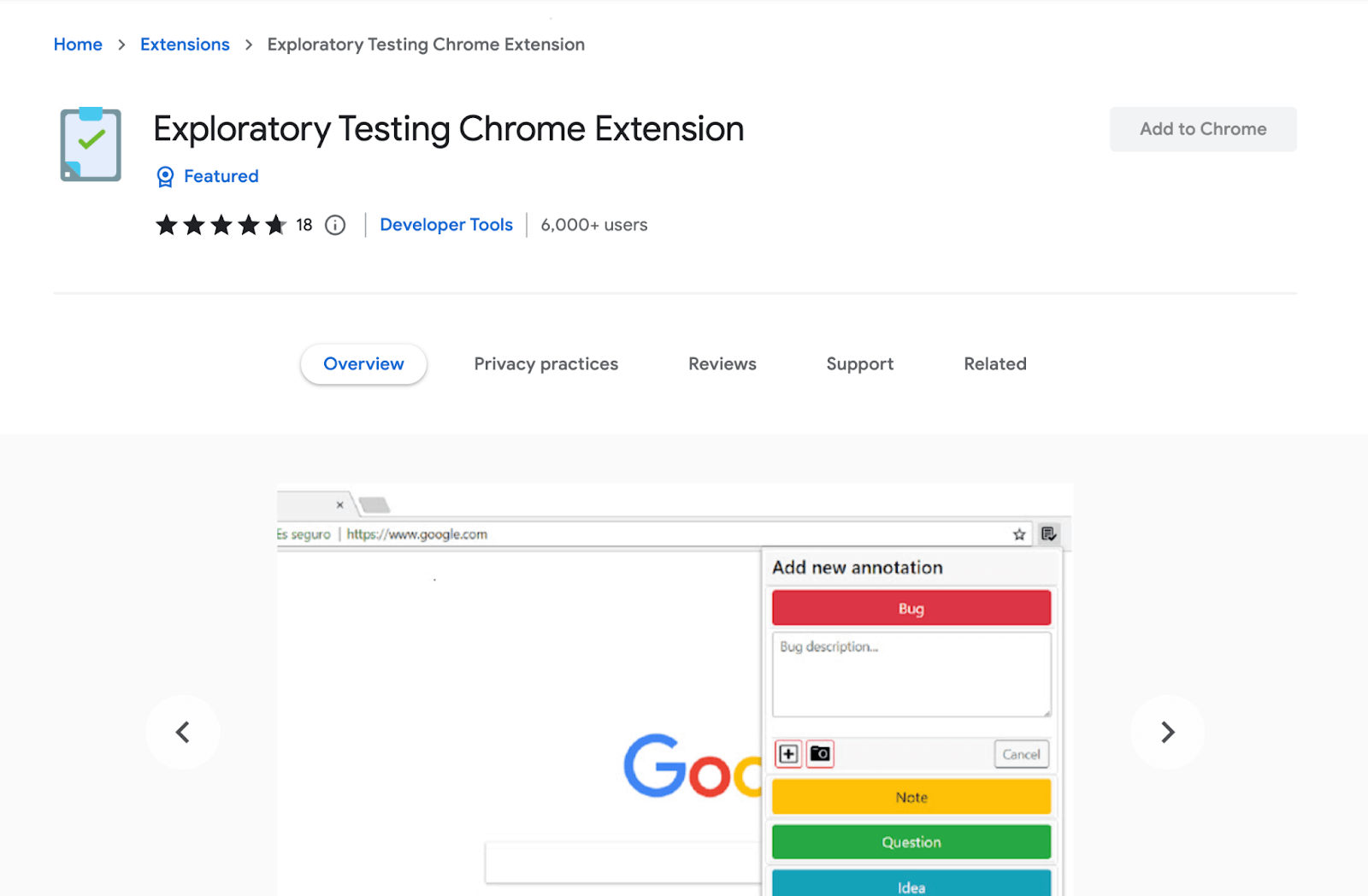
Exploratory Testing Chrome Extension is used for exploratory web testing. This means that you can perform exploratory tests directly from Chrome browsers.
You can easily report bugs, capture screenshots, record sessions, highlight elements, and collaborate in testing.
Key features:
- You can report bugs, ideas, notes, and questions encountered during the exploratory testing sessions from the Chrome browser.
- It is easy to take screenshots of the software applications under test, which allows for documenting issues and communicating with the developers.
- Its automation URL tracking ability allows you to track the testing process and identify areas requiring more attention.
- You can save and easily import testing sessions through which continuing testing and sharing sessions with other teams is possible.
- You can export the session to JSON, CSV, or HTML formats that help in the easy evaluation of the test result.
- It allows viewing the results of exploratory test results in a report which gives an overview of the test conducted.

Xray Exploratory Testing App
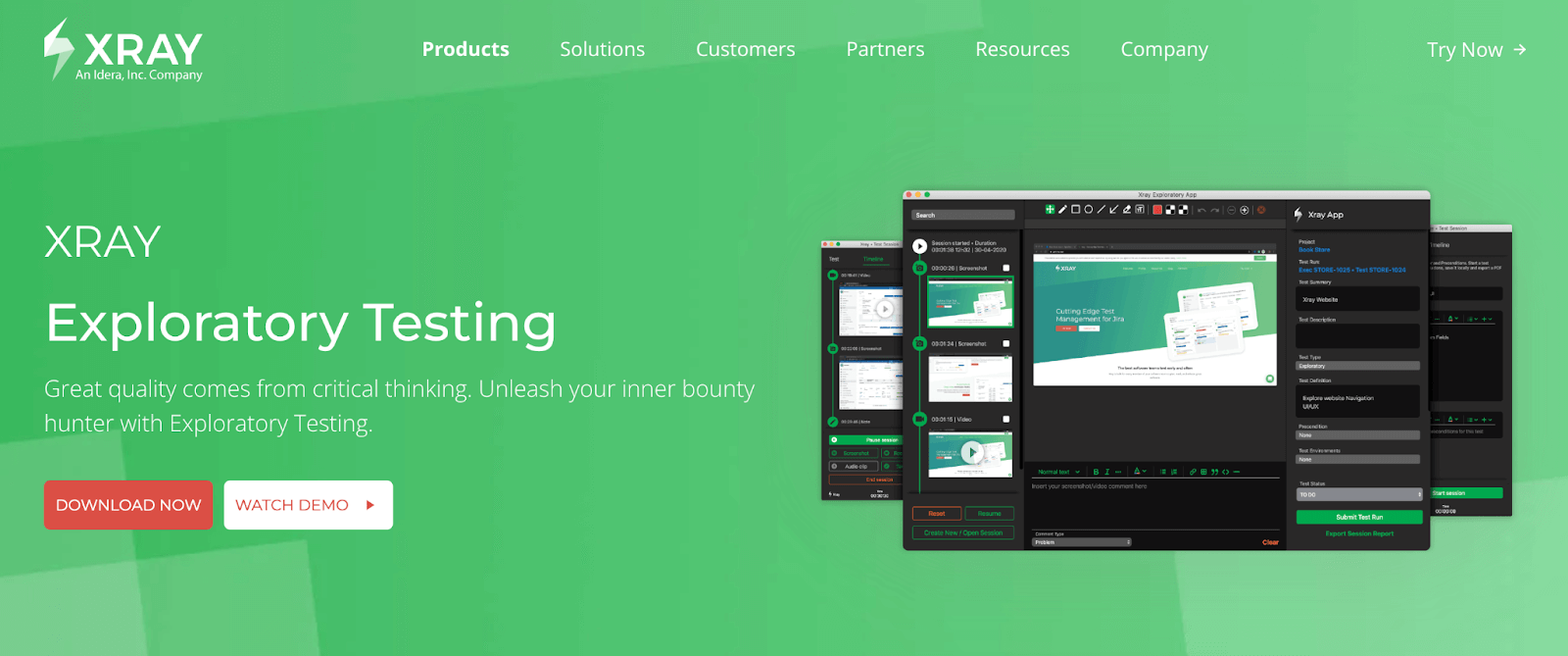
Xray Exploratory Testing App (XEA) is an exploratory testing tool that allows you to remove all the bugs in the software application.
In XEA, testing the software application is possible from the user's perspective, ensuring its user-friendly ability. This tool gives centralized results that keep all the developers in a loop with instant feedback.
Key features:
- It has seamless integration with Jira, through which the result of the exploratory test is shared with the developer in a loop.
- Allows you to resolve bugs before the critical release where using XEA, you can run exploratory tests for a last-minute quality check.
- The test result is shared as a PDF, which is attached to the test run in Jira.
- You can record video and audio and take screenshots of the test performed, which allows easy tracking of the bugs.
- You can perform exploratory tests for web applications, mobile applications, and websites.
- You can set a timed test charter.
Bug Magnet
Bug Magnet is a web-based session tester for Chrome and Firefox and does not depend on third-party libraries.
It allows you to generate input values that can be at or near the extreme limits of what software applications can handle to test the boundaries of web applications.
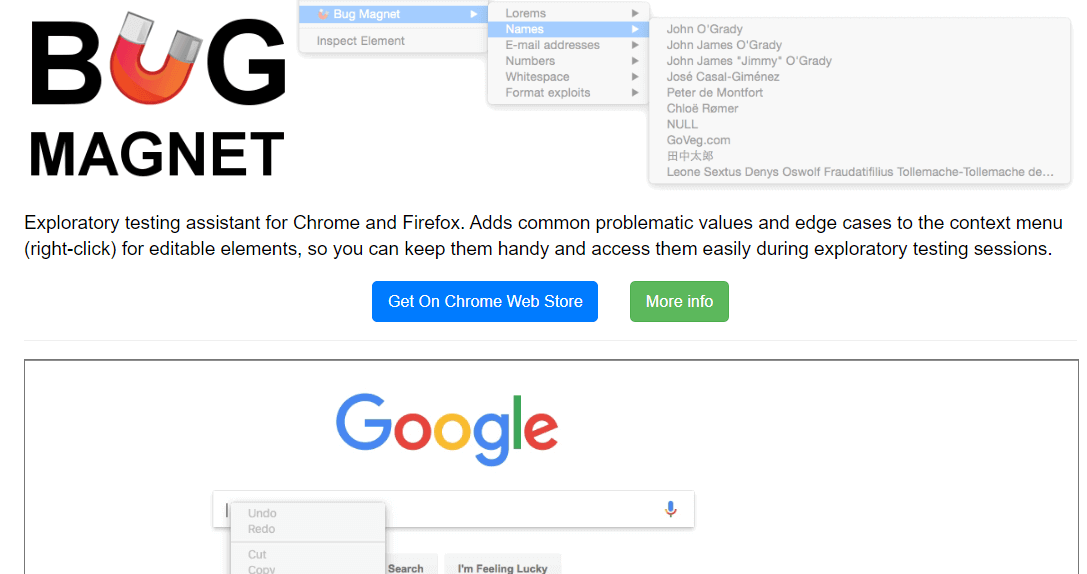
It is a session-based tool designed to be used during a single exploratory testing session that allows you to identify and test edge cases and problematic values.
With such significance, it is easy to identify bugs and issues in the software applications, like input validation errors and unexpected behavior in specific scenarios.
Key features:
- It is an open-source tool and allows one to use and modify it freely.
- Accessing common boundaries for exploratory testing using Bug Magnet is easy and convenient.
- Provides a list of the input values which mainly cause software bugs, like special characters, long strings, and input values.
- It can easily extend with configuration files, making it easy to customize tools to meet specific needs and preferences. This makes it a flexible testing tool for a web application.
- Bug Magnet can be used collaboratively, where sharing configuration files and input values can be done to improve the overall testing quality.
Tricentis qTest
Tricentis qTest is one of the most used software testing tools for exploratory testing.
Tricentis qTest is easy to use and provides a scalable test management solution that helps testers centralize and quicken test management. With the utilization of these tools, you will have every step of the QA process simple and effective.
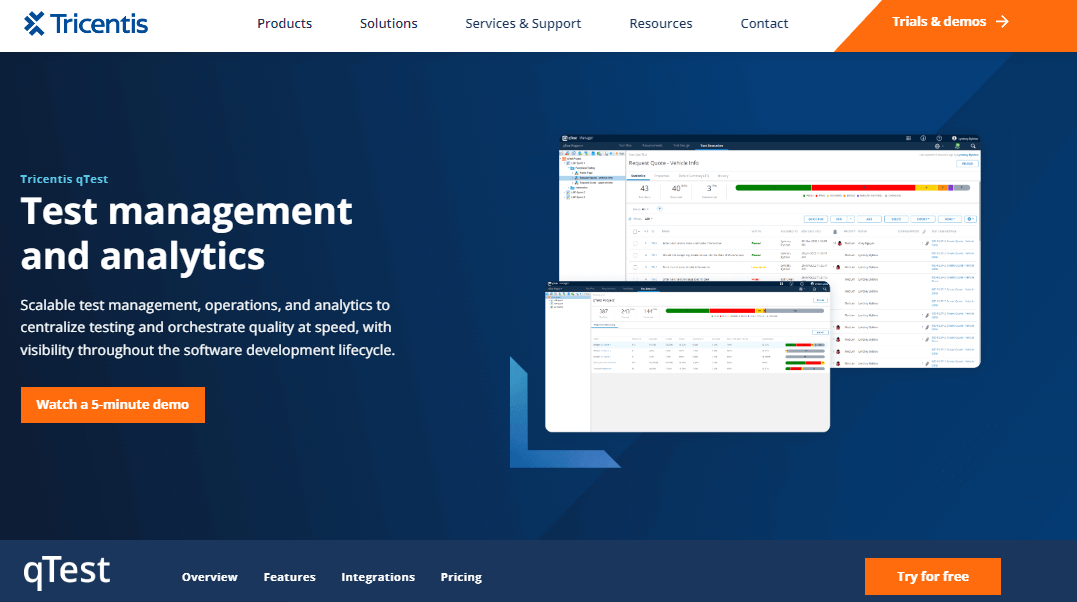
Tricentis qTest is a suite of agile testing tools that help improve the efficiency of exploratory testing. You can quickly scale test automation, support collaboration, and faster software application release.
Key features:
- It captures exploratory test sessions and allows reporting of bugs found in the software applications to the developer for faster fix and resolution.
- Integrates with software development tools like CA Agile Central, Jira, and Rally.
- You can easily share test results with other development team members and ensure the team is on the same page while reporting and finding bugs.
- You can easily annotate, edit and delete the screenshot while performing exploratory testing from a single interface.
- It is also possible to automatically capture information like browsers, ADO version, CPU, and RAM.
- It is easy to add comments to the screenshots, giving more information on the issues and defects which may be faced during the testing session of the software application.
- It can turn exploratory testing sessions into automated test scripts. With Tricentis qTest, you can take the result of the exploratory testing session and use it to create an automated test that can be run repeatedly.
Zephyr
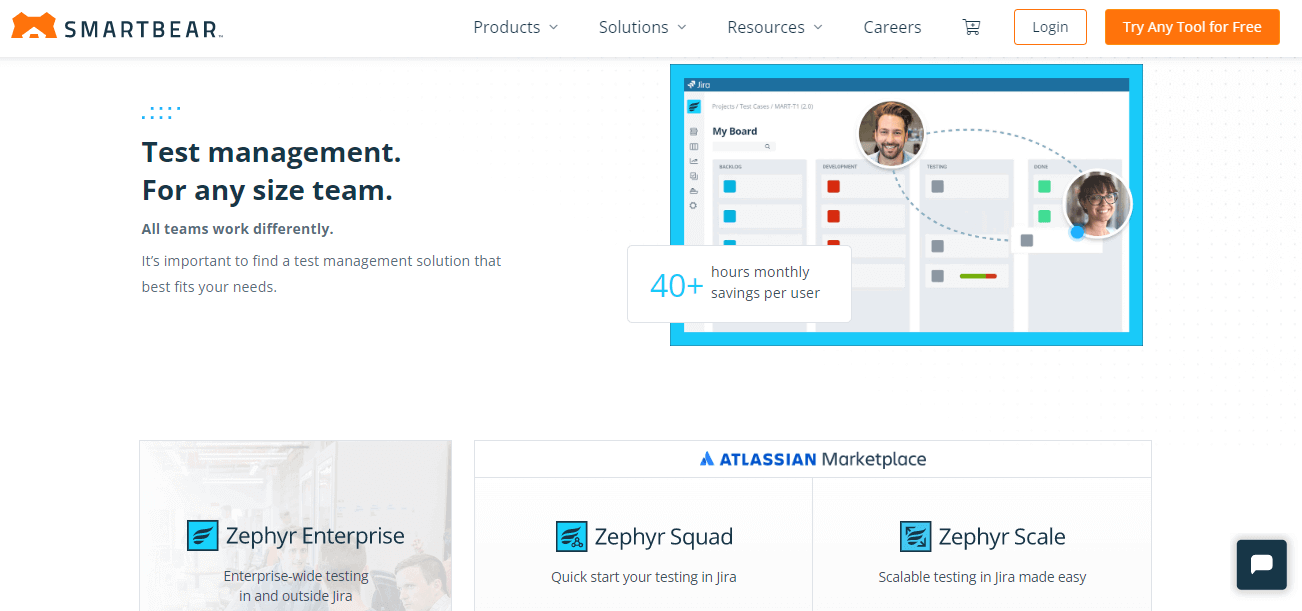
SmartBear Zephyr is one of the most helpful exploratory testing tools which provides end-to-end solutions for the development team working on an Agile development model.
It supports the complete testing procedure of the software application from planning to execution to analysis and reporting. It is a scalable platform that works inside Jira with Atlassian tools and can be used by teams of any size.
Key features:
- Its single-click integration feature with tools like Jira, Jenkins, and Bamboo allows you to connect your testing efforts with different aspects of the development process and streamline your workflow.
- It has advanced analytics and DevOps dashboards, which can help you to track and analyze the testing process in real time.
- Comprises image annotation tools for solving Jira issues. This can be a great asset for bug tracking and troubleshooting.
- Offer cloud, server, and data center deployment options. This feature allows you flexibility for teams of different sizes and needs.
- There is no requirement for annual commitments, which makes it a more flexible and accessible option for the testing team.
- It assists you with teaching agile team members about collaborative software testing.
Telerik Test Studio
Telerik Test Studio is a test automation tool developed by Telerik that allows exploratory testing for web and desktop applications.
It is regarded as one of the best tools for exploratory testing because it helps test the functionality, load, and performance of web and mobile applications.
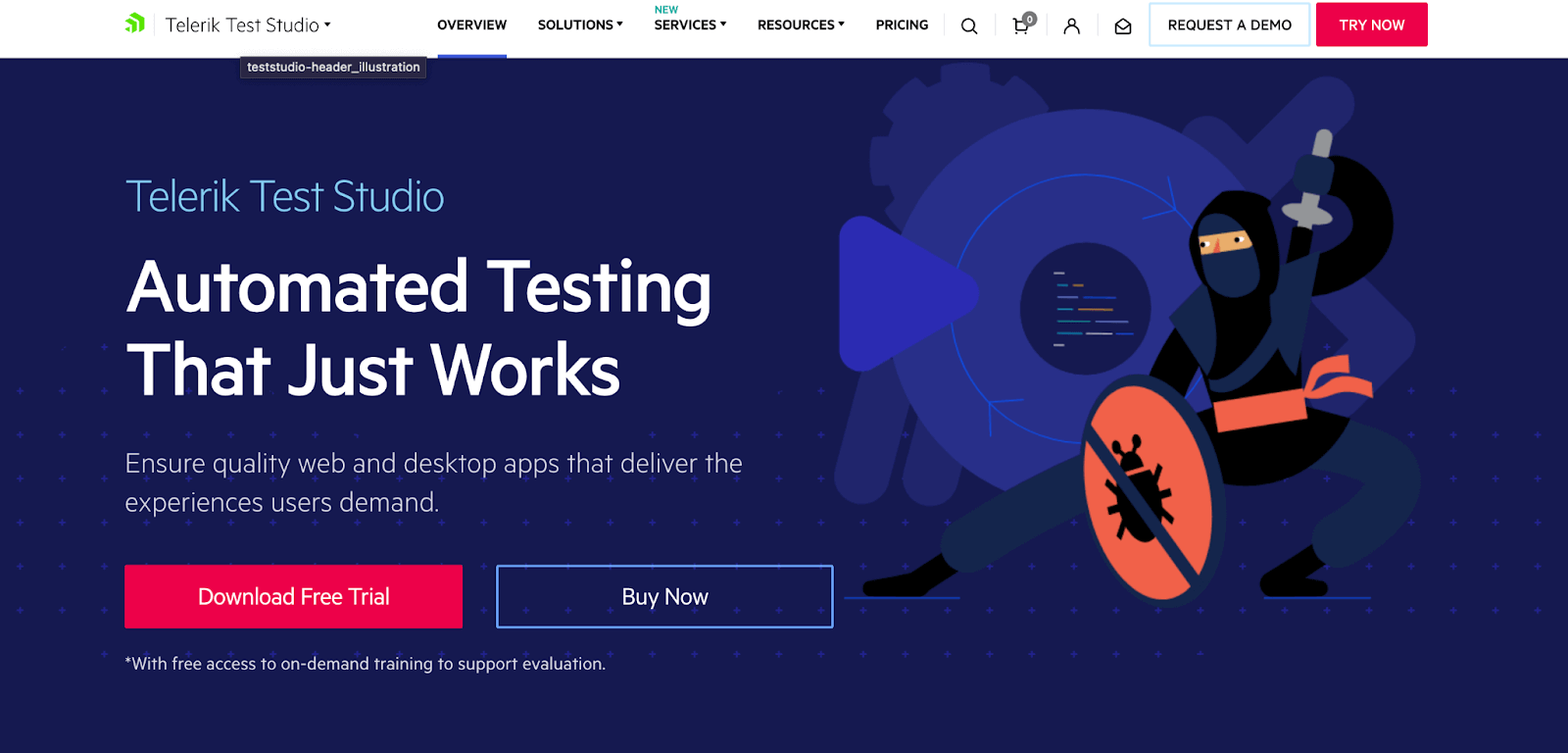
Test Studio is easy to use and provides a user-friendly interface that will help you to create and execute the test, no matter if you don’t have coding knowledge.
Key features:
- Offer built-in support for Telerik UI controls which comprises a set of user interface components for developing web and desktop applications.
- You can capture bugs and give feedback during the exploratory testing sessions, which help identify critical issues and share them with the development team for fixes.
- Supports testing of HTML popups and browser dialogs mainly used in web applications.
- You can create and execute automated tests using programming languages like C#, VB.NET, and JavaScript.
- It integrates with development environments like Visual Studio that help in a seamless testing experience.
- It allows testers to invoke and log JavaScript code while performing exploratory tests.
- It is integrated with the CI system to allow automated testing during the build process.
Azure Test Plans
Azure Test Plans is an exploratory testing toolkit that helps improve the code and quality of the software application. It is part of the Azure DevOps services, which provide testing tools for ensuring software quality.
It is structured to help with planning, tracking, and effectively managing testing inputs. Azure Test Plans supports exploratory testing and allows you to design and execute tests to enhance quality in modern software development.
Key features:
- One of the crucial features of Azure Test Plans is its ability to capture rich scenario data for exploratory testing.
- This will help you detect any unexpected issues in the software application which the pre-planned test cases might not cover.
- Using Azure Test Plans, you can run exploratory tests on desktop and web applications which offer flexibility for testing diverse types of applications.
- Supports collaboration with the team on the same testing session, which can share their findings and observations.
- Provides end-to-end traceability, which associates exploratory test sessions to test cases, bugs, and requirements. This will help you to ensure that defects are tracked and addressed.
- You can easily create and manage the test cases that help validate the software application’s functionality.
TestRail
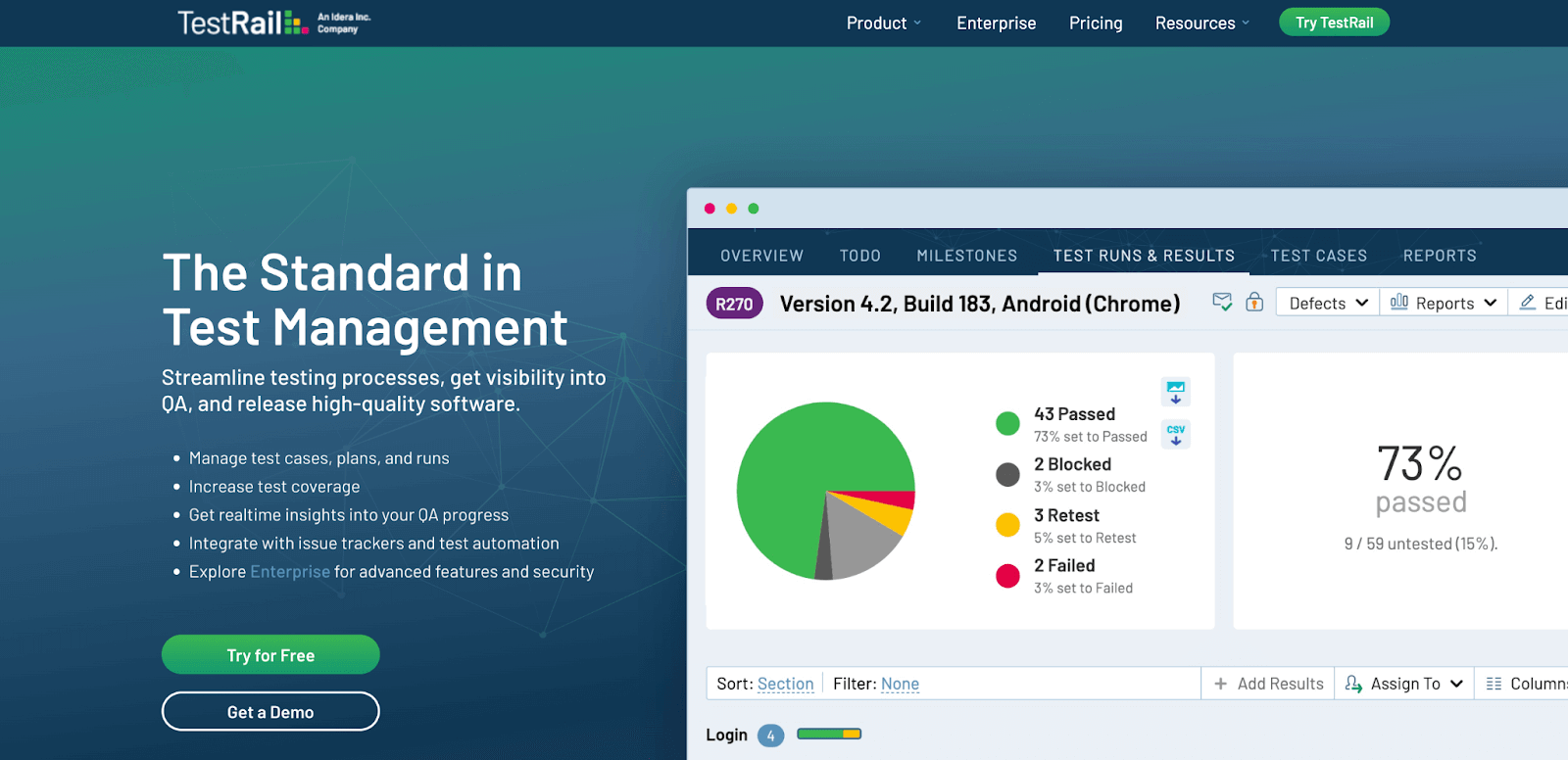
TestRail is one of the most comprehensive web-based test case management software exploratory testing tools. TestRail allows the team to organize and monitor software testing efforts with the ability to create and manage test cases into reusable folders.
Key features:
- Using TestRail, it is easy to collaborate and share information with the team because it gives centralized locations for all testing-related actions.
- Supports Agile methodologies that allow you to create test plans and track progress throughout the Software Development Life Cycle.
- Integrates with automation testing frameworks and tools which helps you perform manual and automation testing in a single interface.
- Provide a user-friendly dashboard that allows monitoring of the status of individual tests and projects.
- You can get all the information related to software application testing, track testing progress, and identify bugs.
- Allows users to execute tests and track the outcome of the exploratory testing in real time.
- Offers various QA metrics, which help measure testing efforts like the number of test cases, number of tests passed and failed, percentage of code coverage, and time taken to execute tests.
- TestRail gives actionable reports on exploratory testing and provides valuable insight into testing efforts.
Rapid Reporter
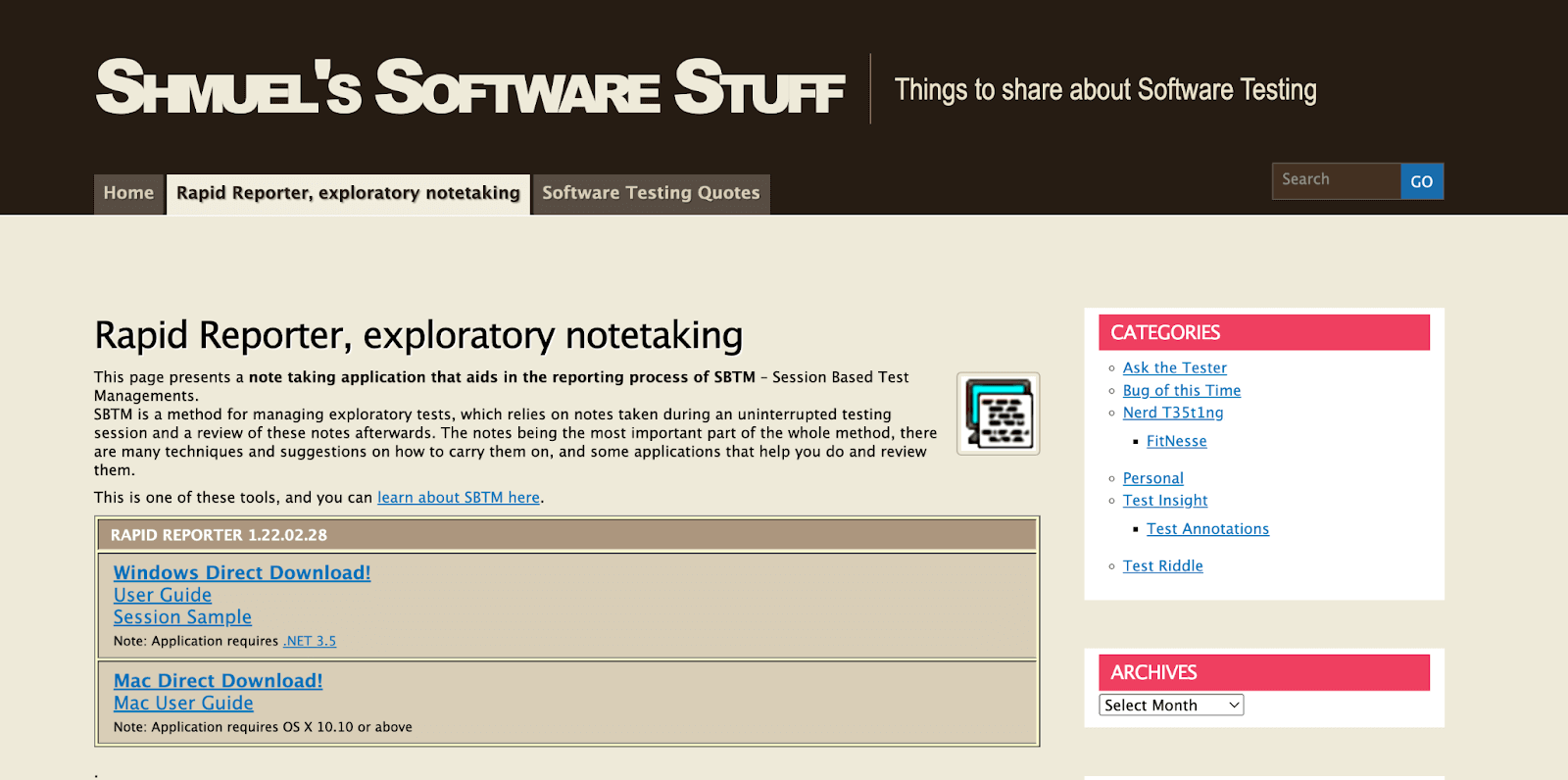
Rapid Reporter is an exploratory testing tool that helps users take notes during testing sessions without interruption.
The Rapid Reporter is helpful in Session-Based Test Management (SBTM), a method for managing exploratory testing. It relies heavily on the notes taken during the testing session and uses SBTM to review the notes for completing the exploratory testing process.
Key features:
- Since Rapid Reporter is a standalone application, it does not require installation.
- Rapid Reporter can be used on different computers from USB disk-on-key.
- You can always find this at the top of your screen, and it can be easily accessed without trying to search for it on your desktop.
- It allows you to take notes individually in a concise one-liner format.
- You can easily change note types while you type those with directional keys.
- You can also take screenshots on-demand, which will help the process of documenting visual defects and issues.
- You can save the note taken during the exploratory testing session in CSV text files.
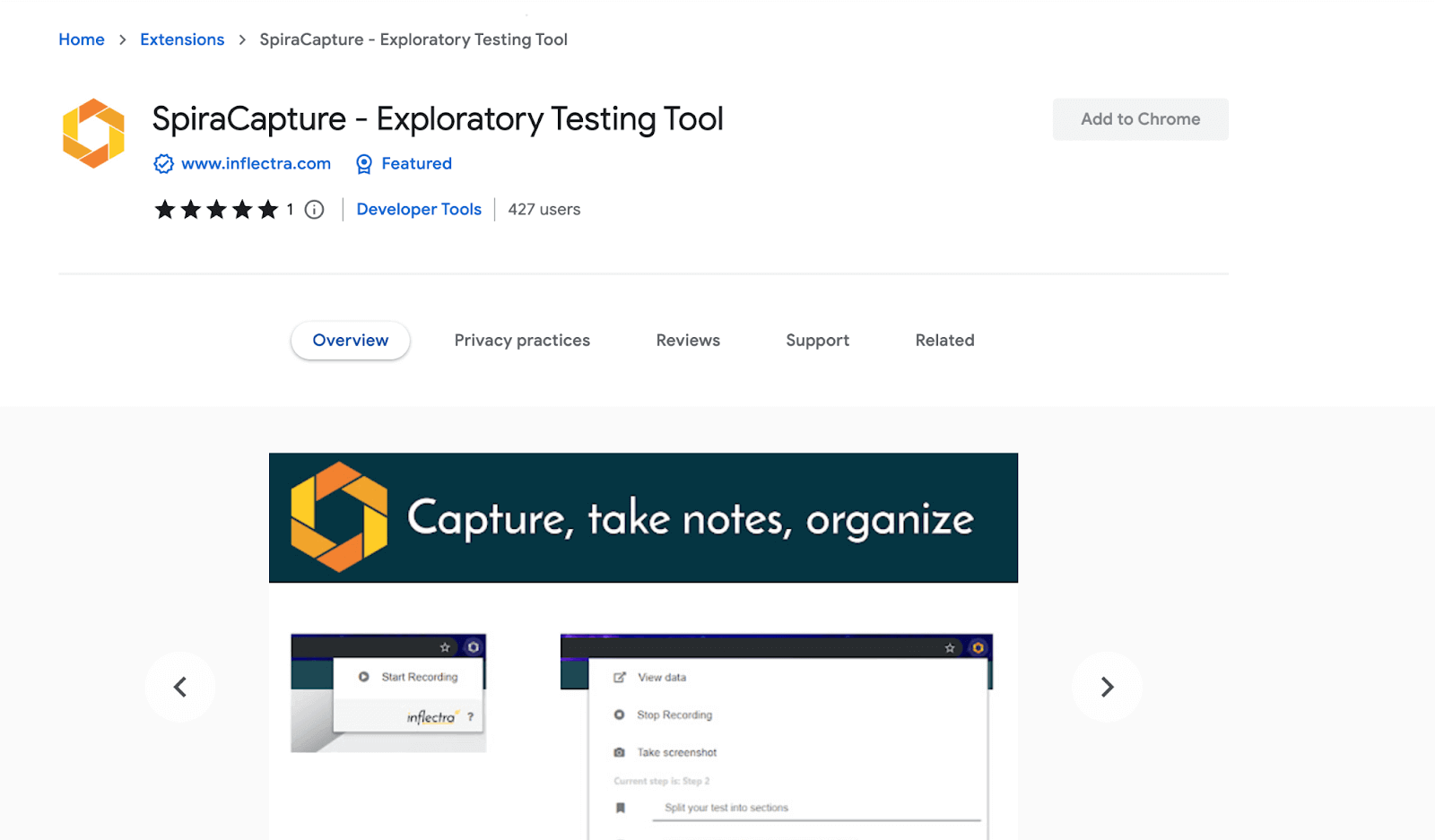
SpiraCapture – Exploratory Testing Tool
SpiraCapture – Exploratory Testing Tool is a Chrome extension that helps to record and organize exploratory testing sessions. SpiraCapture is freely available, meaning you don’t have to connect to different software.
Key features:
- It can take notes and screenshots and easily capture clicks, URL changes, keystrokes, and network errors related to exploratory testing.
- You can easily take note of the documents during the exploratory testing sessions to capture important details and ensure that nothing is overlooked.
- It can give valuable information for debugging and troubleshooting based on its feature of organizing and recording testing sessions.
- Gives the option to facilitate communication with the team, which allows testers to collaborate effectively and efficiently.
- You can limit their recordings to the browsers relevant to specific applications or websites being tested.
Testuff
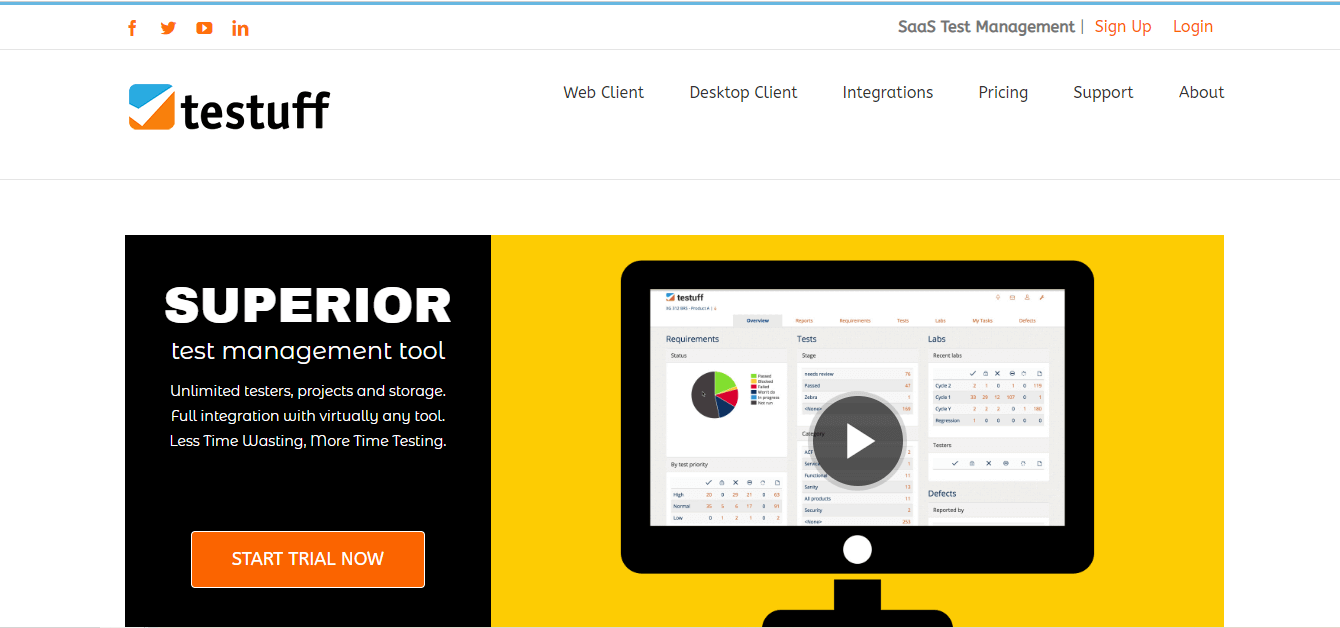
Testuff is one of the exploratory testing tools that allow you to quickly and easily create and manage test cases on the fly.
This makes it an ideal choice for exploratory testing. You can use Testuff to explore the software application and test its functionality freely and in a less structured way.
Key features:
- You can effortlessly document any bugs in the software application and generate its related report for analysis by the development team.
- It integrates various tools mainly used in software application development, like Jira, Bugzilla, and Jenkins.
- Provide customizable dashboards that help you track the progress of the exploratory test, view test results, and monitor the team’s performance in real time.
- Offer different testing modes, including manual, automated, and exploratory testing. You can choose the testing mode that aligns with the software application’s needs and preferences.
- It considers server maintenance, hourly backups, and security.
- Testuff makes team management very easy by allowing you to add or remove testers as needed quickly.
- You can easily document any issue or errors during the exploratory testing due to its ability to capture screenshots.
- It can record videos during the testing session, adding more information and context for debugging software applications.
Testiny
Testiny is an exploratory testing tool that is particularly helpful in creating, editing, and organizing test cases. You only have to describe the test steps, preconditions, and the expected outcome.

Key features:
- Using Testiny, you can create, edit, and organize test cases and assign ownership of test cases to specific individuals or teams.
- It has a history panel that allows users to review changes often made to the test cases over time.
- You can expand the scope of the test case information by giving specific content.
- Testiny allows users to do this by providing various field types that can be customized to capture detailed information.
- You can track and capture test results while performing exploratory software application testing.
- You can print test reports which are mainly helpful for communicating the progress and result of the exploratory testing to other development team members.
- It integrates with Jira, and you can easily transfer or share test cases, test results, and testing-related information with the team.
Katalon Studio
Katalon Studio is a software testing platform that can be used to perform exploratory testing. Katalon Studio is freely available and offers various features that support exploratory testing.
Key features:
- You can use Katalon Studio to record and playback test cases for exploratory testing.
- You can use Katalon Studio to record your communication and interaction with the software application and replay it to explore or investigate different components of it.
- You can explore and test the software application ad hoc, where you do not need to write pre-defined test cases or scripts.
- Provides built-in test objects which can be used to interact with software applications like buttons, fields, and clicks.
- It gives debugging and logging features that allow testers to identify and fix issues or bugs that might be noted while performing exploratory testing.
Note: Perform web testing on a real device cloud. Try TestMu AI Now!
PractiTest
PractiTest acts as a central hub for managing and streamlining your entire QA process, offering valuable support for both exploratory and other testing methodologies.

Key features:
- Create, organize, and execute various types of test cases, including manual and automated ones.
- Share test plans, track execution progress, and collaborate with team members in real-time.
- Generate insightful reports and customizable dashboards to gain clear visibility into testing efforts.
- Integrate with existing development and testing tools for a unified workflow.
Rainforest QA
Rainforest QA is a cloud-based testing platform that allows writing, running, and performing automated UI testing without code. It offers exploratory testing for both mobile and web applications efficiently and quickly.
Rainforest QA makes use of human testers globally to perform exploratory testing. This helps in giving real-time reporting and analytics that allows us to check the progress of the test and identify any bug.

Key features:
- You can create and easily manage the test through a web-based interface. Also, you can customize their test that aligns with the specific needs.
- It is integrated with continuous integration and delivery tools like CircleCI and Jenkins. Through this, you can automatically run exploratory tests.
- It integrates with bug-tracking tools like Trello and Jira.
Leapwork
Leapwork is a no-code automation testing platform that offers exploratory testing services. Leapwork allows you to create automated tests easily and quickly with no restriction of having any programming skills.
Key features:
- Using Leapwork, you can visually compare diverse versions of software applications, whether it is a new feature or bug fixation.
- You can create dynamic tests which can easily adapt to UI changes in the software application.
- It uses AI to optimize the tests, making exploratory testing faster and more reliable.
- It integrates with testing frameworks like Selenium and Appium, further assisting in exploratory testing.
How To Choose the Right Exploratory Testing Tools?
Choose exploratory testing tools based on ease of use, compatibility, technology support, customization, reporting capabilities, integration, support system, and cost-effectiveness.
In the above section, we have walked through various exploratory testing tools, which give you multiple options to perform the test.
However, you may choose the right exploratory testing tools for your software development project. Here, we covered a few crucial criteria for selecting exploratory testing tools.
- You should check that the tool you choose is easy to learn and use. In simple terms, even someone who is not an expert in testing can use such a tool.
- When you look for exploratory testing tools, you should ensure the tools are highly compatible with the software application you are testing.
- It is also important to check whether the exploratory testing tools support the software application’s technology stack.
- You should be able to customize the exploratory testing tools as per your testing needs and requirements.
- Choose exploratory testing tools that provide clear reports on the testing results. For example, the tool should visually represent the test results, such as graphs, charts, and tables.
- The exploratory testing tools should integrate easily with other testing tools, such as bug-tracking, test management, and automation.
- You need to validate whether the tool has a robust support system. Simply put, the tool chosen should provide documentation, training, and customer support to help you use the tool effectively.
- Consider choosing cost-effective tools.
Conclusion
In this blog, we discussed the best exploratory testing tools for 2026, which allows us to get great insight into starting with exploratory testing.
Exploratory testing is a crucial part of software testing that involves exploring the software application to find any defects and issues. It has become more critical than ever with the increasing complexity of modern software applications.
Various tools ease exploratory testing and make it effective and efficient.
In this blog, the 20 best exploratory testing tools for 2026 are explained with their crucial features. You are required to evaluate those exploratory testing tools based on their features and your software development project.
The right exploratory testing tool will allow you to validate the software application for any bug and ensure its quality before releasing it to the market.
Also, check out this tutorial to learn about Pair Testing and its role in improving teamwork and testing quality!


Frequently asked questions
Did you find this page helpful?
More Related Hubs
TestMu AI forEnterprise
Get access to solutions built on Enterprise
grade security, privacy, & compliance
- Advanced access controls
- Advanced data retention rules
- Advanced Local Testing
- Premium Support options
- Early access to beta features
- Private Slack Channel
- Unlimited Manual Accessibility DevTools Tests