
Power Your Software Testing with AI Agents and Cloud
The Native AI-Agentic Cloud Platform to Supercharge Quality Engineering. Test Intelligently and Ship Faster.


- TestMu AI (Formerly LambdaTest)
- /
- Blog
- /
- How to Automate Regression Tests Without Code
How to Automate Regression Tests Without Code (2026 Guide)
Automate your entire regression suite in plain English. Re-run critical paths, catch what changed, and self-heal past UI churn. No Selenium, no code.
Published on:
KaneAI automates regression tests without code by turning steps like verifying an order total or checking a confirmation page into plain-English checks that self-heal when a button gets renamed. Teams schedule that suite to run nightly or trigger it from CI through Kane CLI, and every failure returns a plain-English root cause instead of a stack trace.
Why regression tests are hard to test
One feature is easy to cover. A regression suite has to defend the whole product against every change, and that is a different problem:
- The surface area is the entire product, so a change in one module can silently break a screen owned by a team three doors away
- The suite only grows, because every release adds new tests and almost nothing retires the old ones, and the run time grows with it
- The same flows have to be re-verified after every merge, dependency bump, and config change, not just once when they were built
- State matters, so a clean regression pass depends on seeded accounts, prior orders, and fixtures that drift out of sync over time
- Integration points shift underneath you, so a test that was green yesterday fails today with no change on your side at all
- Visual and layout breaks slip past assertions that only check text, so a snapped stylesheet or a clipped button can ship while the suite stays green
And that is one release. Multiply it by the pace your team actually ships at, across every browser and device your customers use, and manual regression stops being realistic long before the product stops changing.
The old way: brittle regression scripts
Here is what one regression check, re-running a critical order path and asserting the total has not changed, looks like in a typical Selenium setup:
wait = WebDriverWait(driver, 10)
driver.get("https://yourapp.com/orders/new")
driver.find_element(By.ID, "product-search").send_keys("Blue Runner Shoes")
driver.find_element(By.CSS_SELECTOR, ".search-submit").click()
wait.until(EC.presence_of_element_located((By.CSS_SELECTOR, ".add-to-cart"))).click()
driver.find_element(By.ID, "checkout-button").click()
wait.until(EC.url_contains("/order-confirmation"))
total = driver.find_element(By.CSS_SELECTOR, ".order-total").text
assert total == "$129.00", f"Order total changed unexpectedly, got: {total}"
Nine lines for one path, and a real suite has hundreds of them. The moment a developer renames the checkout button or restructures the confirmation page, this test fails even though nothing a user cares about actually broke. Maintenance like this is the dominant cost of a large regression suite: engineers spend a large share of every sprint re-pointing selectors that moved when unrelated code shifted, instead of adding coverage for what shipped. And all of it still needs someone on the team who writes Python or JavaScript in the first place. It is the core tradeoff behind code-based vs. codeless test automation.
If you are a manual QA engineer, a PM, or a founder without a dedicated automation team, the code wall means regression usually gets done by hand, on the flows someone remembered, and never on the whole suite the night before a release.
The no-code way: describe the suite once
With KaneAI, you write the same regression check the way you would explain it to a new hire:
- Go to yourapp.com and open the new order page
- Search for the product Blue Runner Shoes and open the first result
- Add it to the cart and go to checkout
- Place the order
- Verify the order confirmation page loads
- Verify the order total still shows $129.00
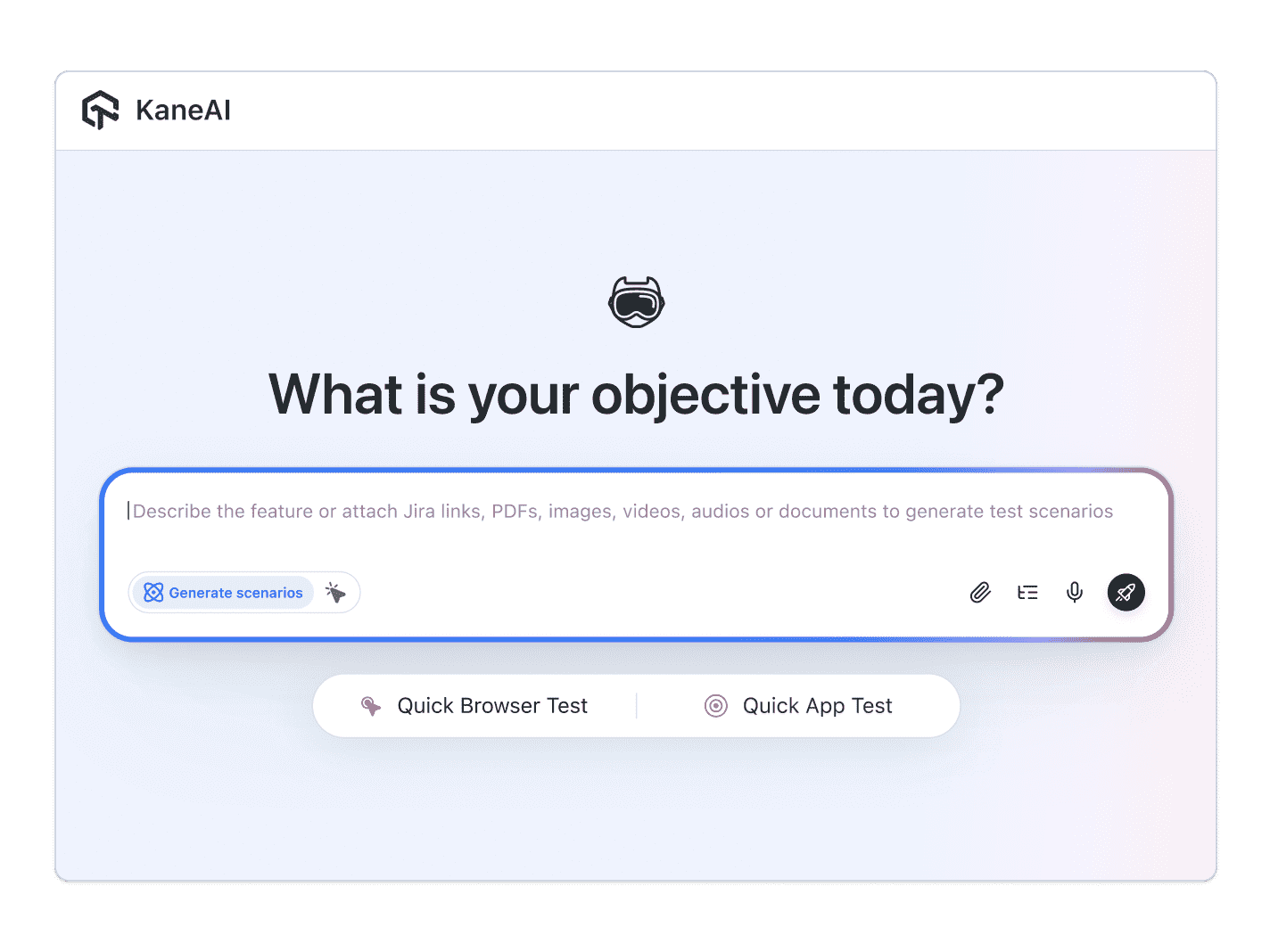
That is the whole check. KaneAI reads each step, finds the right elements on your live site by understanding the page rather than matching brittle selectors, and runs the flow. When a developer renames that button or redesigns the confirmation screen, the step self-heals and re-anchors instead of failing, so the suite survives normal UI churn. Point that same engine at your critical paths and it becomes a regression suite you can schedule to run nightly, execute in parallel across the grid so a growing suite stays fast, and read the moment something fails, because KaneAI reports the root cause of each failure in plain English instead of a stack trace.

The regression scenarios that actually break
A useful regression suite watches the paths a release most often breaks by accident. Each one below is just more English, and each takes about two minutes to write:
The critical revenue path
- Run the full add-to-cart through payment flow end to end
- Verify the order total, taxes, and confirmation number match the expected values
- Flag any step that now shows a new error or an extra required field
Search, filters, and sorting
- Search for a known product and apply a category filter
- Sort the results and verify the expected item is still on top
- Verify the result count and pagination have not shifted
Saved settings and profile changes
- Update a profile field and save it
- Reload the page and verify the change persisted
- Verify related screens reflect the new value
Cross-module side effects
- Change a global setting such as currency or timezone
- Verify dependent invoices, reports, and dashboards update correctly
- Verify nothing that should have stayed the same has quietly changed
Run every one of these across Chrome, Safari, Firefox, and real mobile devices from the same plain-English steps, with no per-browser rewrites.
Putting it on autopilot
A regression suite earns its keep when it runs without anyone remembering to start it:
- Schedule the full suite nightly, so a Monday merge cannot ship a broken checkout to Tuesday's users unnoticed
- Trigger on deploy from CI, where Kane CLI runs the same suite from your pipeline and returns a clear exit code that blocks the release when something regresses
- Alert on failure in Slack, with a full replay of what the AI saw when the step failed, plus root-cause analysis and an auto-drafted bug ticket ready to assign
When a check fails, you do not get an exception at line 47. You get a plain-English reason for the exact step that failed. Anyone on the team can read that, and because the test is just English, anyone can fix it.
Try it on your own app in 10 minutes
- Sign up for KaneAI free, with no credit card
- Paste your app URL
- Write your first regression check in plain English, or let KaneAI suggest one from your site
- Run it and watch a critical path get verified end to end
Your regression suite is too large to run by hand and too brittle to leave to selectors. Describe it once in the language you already speak, and let it run on every release. When you are ready to widen coverage, see how to test Microsoft Dynamics 365 without code, or extend the same suite to cross-browser scenarios.

Note: Automate your regression suite without writing a line of code. Start with KaneAI free.
Author

Reshu Rathi
Blogs: 6


Reshu Rathi is a skilled content and marketing professional with expertise in content marketing for SaaS, tech, AI, and startup growth. She crafts strategies that drive engagement and growth, leveraging deep industry knowledge. Reshu excels in simplifying complex topics to create impactful, audience-focused content.
Reviewer

Saniya Gazala
Reviewer
Saniya Gazala is a Product Marketing Manager and Community Evangelist at TestMu AI with 2+ years of experience in software QA, manual testing, and automation adoption. She holds a B.Tech in Computer Science Engineering. At TestMu AI, she leads content strategy, community growth, and test automation initiatives, having managed a 5-member team and contributed to certification programs using Selenium, Cypress, Playwright, Appium, and KaneAI. Saniya has authored 15+ articles on QA and holds certifications in Automation Testing, Six Sigma Yellow Belt, Microsoft Power BI, and multiple automation tools. She also crafted hands-on problem statements for Appium and Espresso. Her work blends detailed execution with a strategic focus on impact, learning, and long-term community value.


Regression Testing FAQs
Did you find this page helpful?
More Related Blogs

TestMu AI forEnterprise
Get access to solutions built on Enterprise
grade security, privacy, & compliance
- Advanced access controls
- Advanced data retention rules
- Advanced Local Testing
- Premium Support options
- Early access to beta features
- Private Slack Channel
- Unlimited Manual Accessibility DevTools Tests