
Test On Windows Online
Test your website in real browsers on cloud Windows 11, 10, 8.1, 8, 7, and XP machines. Debug live, test local builds, and run automation without a Windows PC.



Trusted by 3M+ users globally at


"We have tripled our tests and are now executing tests in less than 2 hours with 78% Faster Test Execution"


"We figured out a more efficient way to monitor system health and resolve failures earlier in lower environments."


"TestMu AI has significantly boosted our testing speed, is easy to implement, and provides exceptional support."


"With 70% faster test execution, TestMu AI helped us achieve faster time-to-market and enhanced CX."


Manual and Automated Windows Browser Testing
Test websites on Windows 11 back to XP by hand, in screenshot batches, behind your firewall, or from your automation scripts.
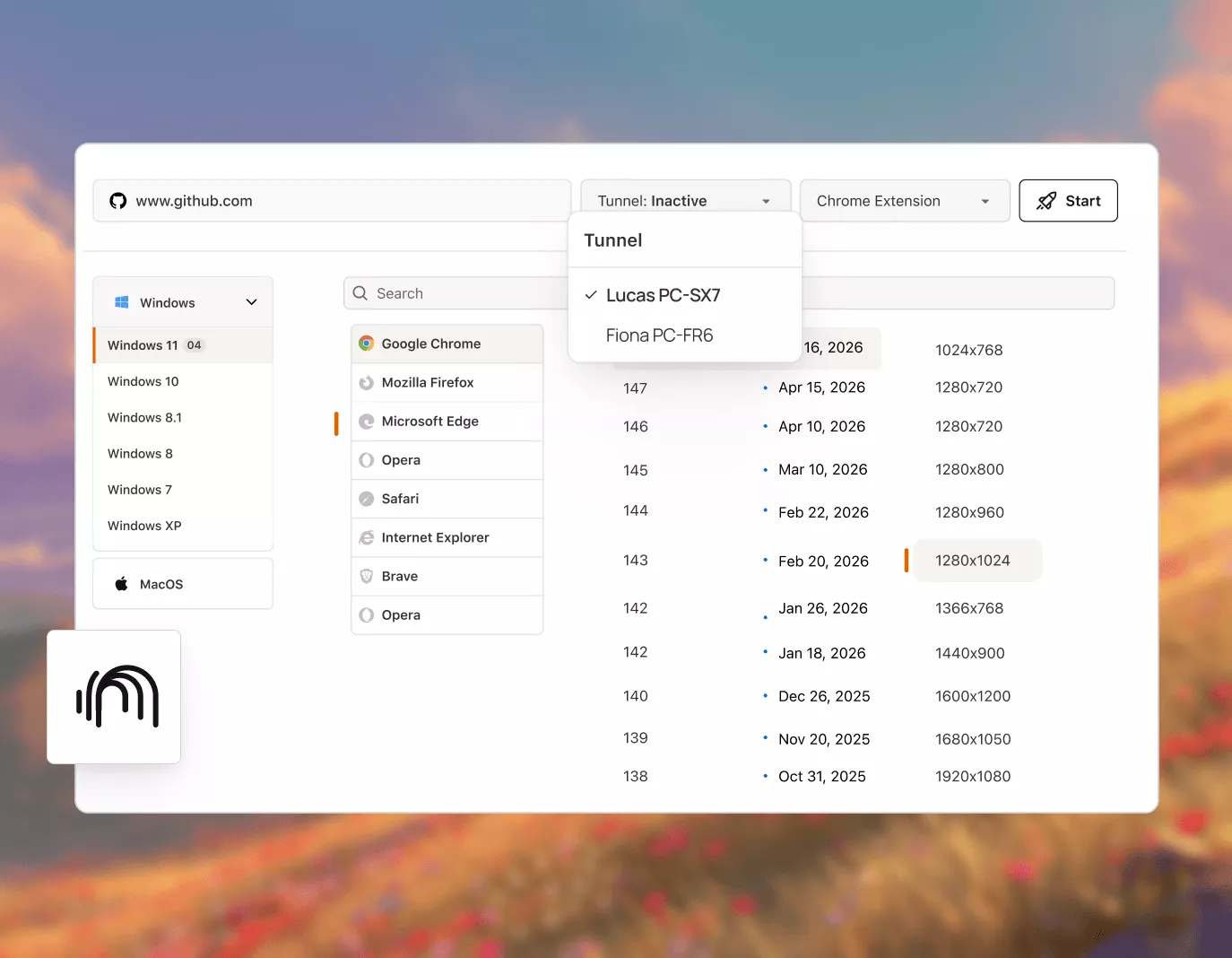
 LIVE TESTING
Live Windows Testing From Windows 11 Back to XP
Open your website in a real browser on a cloud Windows machine. Pick the Windows version, browser, browser version, and screen resolution, then test.
Get Started For Free
- Windows 11, 10, 8.1, 8, 7, and XP in one picker
- Chrome, Edge, Firefox, Safari, Opera, Brave, IE 11
- Native DevTools in every Windows browser session


 SCREENSHOTS
Automated Screenshot Testing on Windows
Capture full-page screenshots of your website across Windows versions and browsers in one run, then compare how each one renders.
Get Started For Free- Pick browser versions per Windows release in one run
- Record Windows test sessions as shareable videos
- Spot layout breaks on older Windows browsers

 LOCAL TESTING
Windows Testing for Locally Hosted Websites
Test localhost and staging builds on cloud Windows browsers through TestMu AI Tunnel, without deploying them to a public URL.
Get Started For Free- Route localhost into any Windows browser session
- Test builds that sit behind proxies and firewalls
- Run the tunnel from Windows, macOS, or Linux
 AUTOMATION
Run Selenium and Playwright Tests on Windows
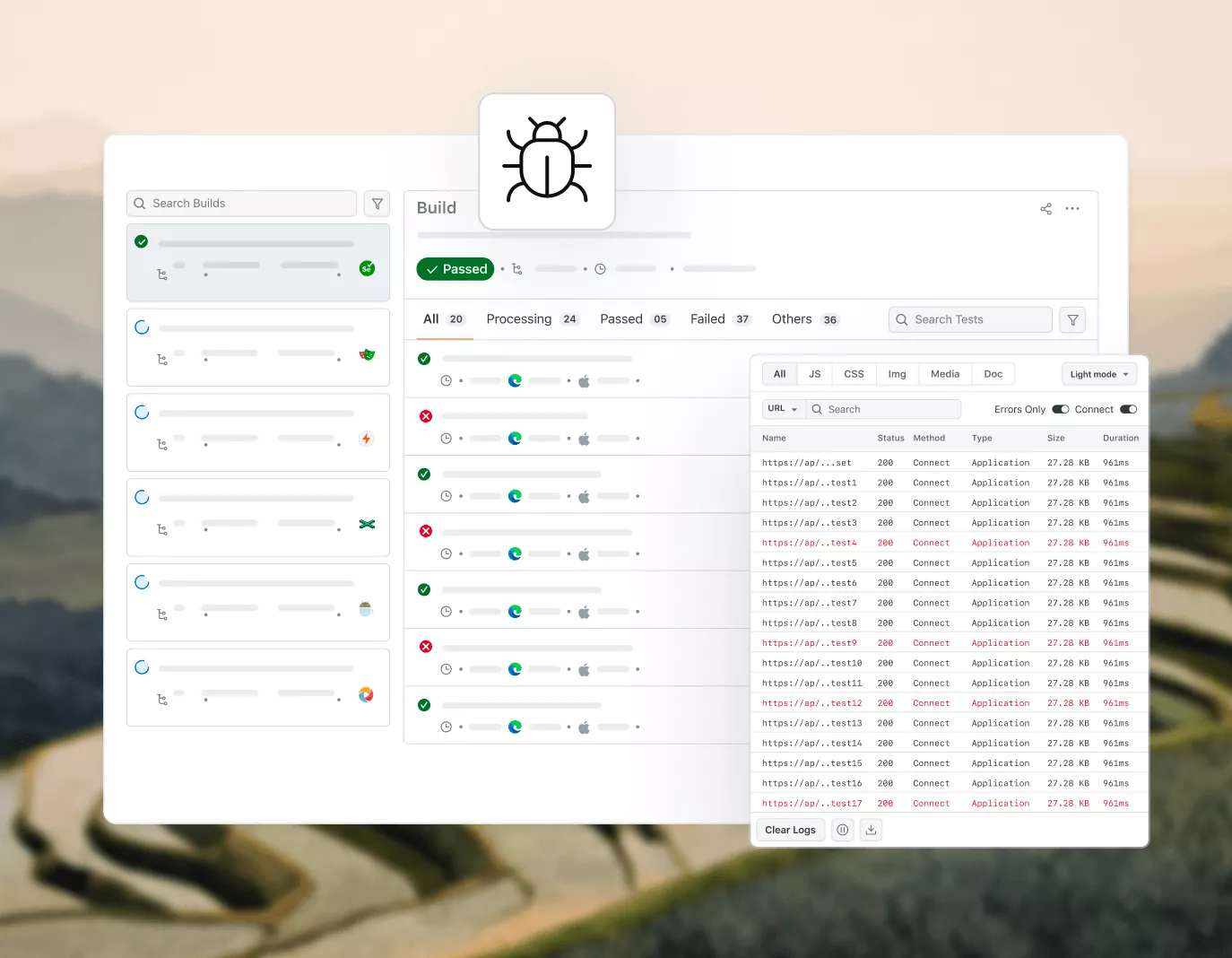
Point your automation scripts at the TestMu AI cloud grid and run them on Windows browsers in parallel, with logs and a video for every test.
Get Started For Free- Selenium, Playwright, and Cypress frameworks
- Run tests in parallel across Windows versions
- Command logs, network logs, and video per test
Windows Testing With DevTools and Geolocation

Network Throttling
Check how your website loads on slow and offline network profiles during a Windows session.

Native Browser DevTools
Inspect the DOM, console, and network with the built-in developer tools of each Windows browser.

Chrome Extensions Testing
Load your Chrome extensions before a Windows session starts and use them inside the session.

File Uploads
Upload txt, pdf, doc, xls, docx, or xlsx files, or pull them from Google Drive, to test upload flows.

Geolocation Testing
Check geo-targeted content from 170+ countries, including India, Japan, and the United States.

NVDA Screen Reader on Windows
Test your site with the NVDA screen reader and read what it announces as text in Speech Viewer.
AI Test Agents and Automation Beyond Windows Testing
Add AI test agents, faster test orchestration, and visual and accessibility testing to the Windows browser tests you already run.
Agent Testing
AI agents need testing too. Catch failures in your chatbots and voice assistants before real users do.
More about Agent Testing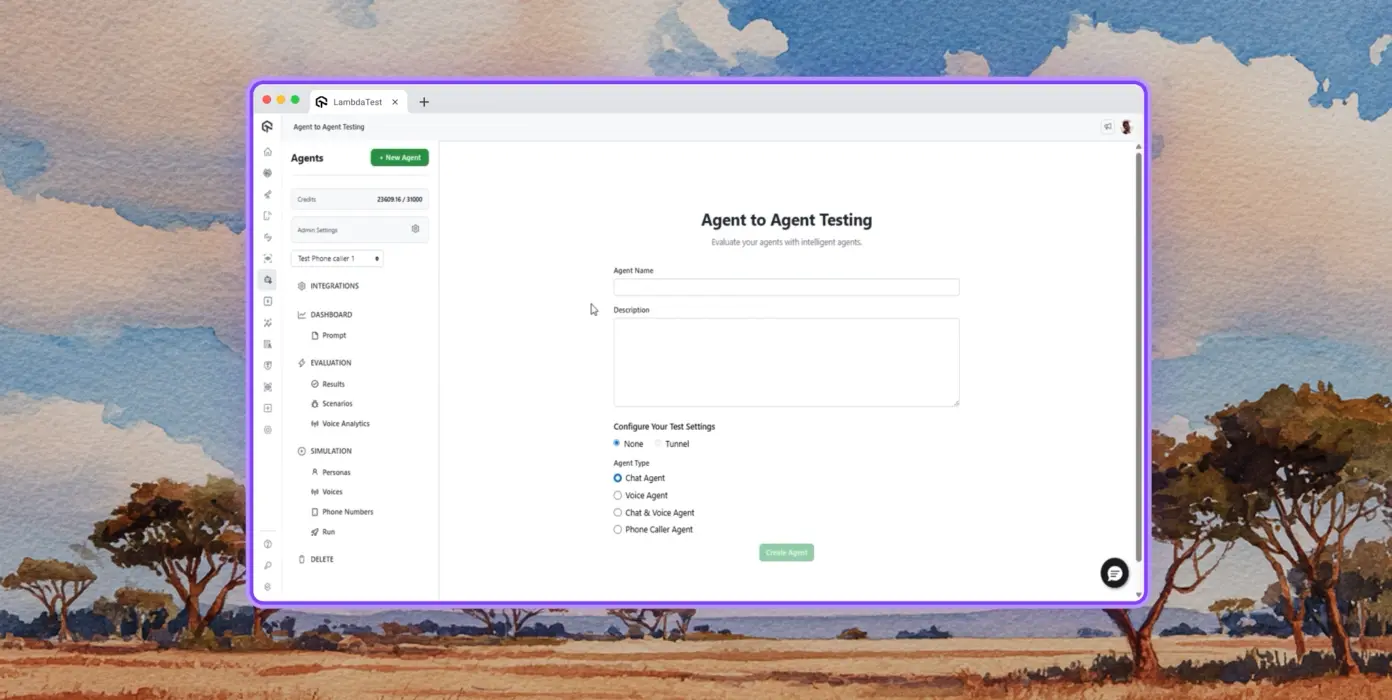
Autonomous Testing
Continuous agent analysis. No manual intervention needed.
Multi-persona Simulation
See how your agent handles an International Caller, a Digital Novice, and everyone in between.
Risk Scoring & Regression
Know exactly what broke, where, and how severely, before it ships.
Browser Testing Success Stories From QA Teams

50%
reduction in test execution time
“HyperExecute is a highly reliable test execution platform and has excellent customer support.”
Sagar Uday Kumar
Sr. Engineering Manager
More Reasons to Love TestMu AI
TestMu AI is a leading agentic AI quality engineering platform, trusted globally, that assures your AI deployments work as intended, safely and securely, across enterprise and real-world conditions.
Users
3M+
Tests
1.5B+
Enterprises
18K+
Countries
132
TestMu AI positioned as a Leader in the 2026 Gartner® Magic Quadrant™
Read ReportTestMu AI recognized in The Forrester Wave™: Autonomous Testing Platforms, Q4 2025
Read ReportWall of Fame
TestMu AI is the #1 choice for SMBs and enterprises across the globe.
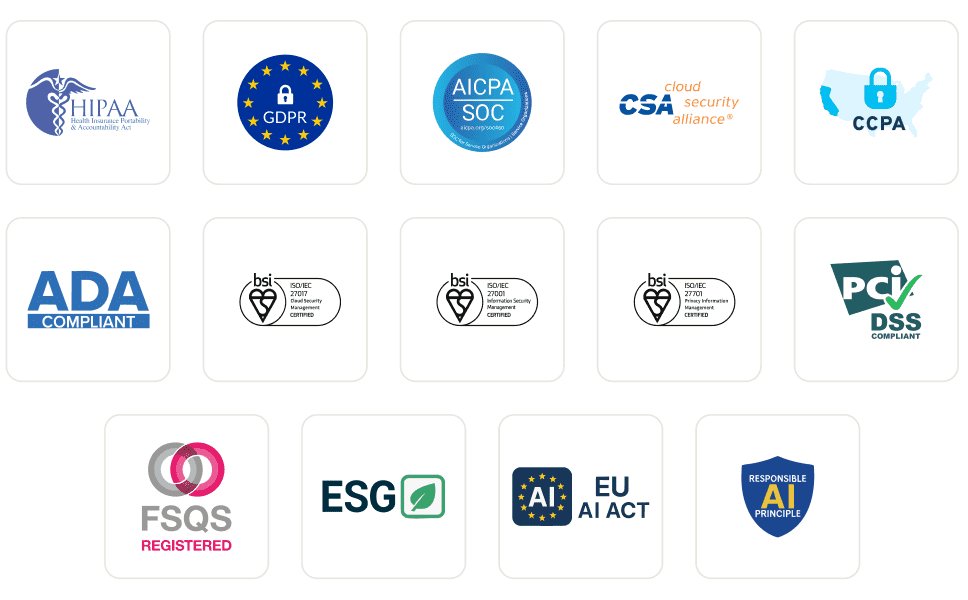
Enterprise-Grade Security
We safeguard your data and AI systems with global security, privacy, responsible AI, and ESG standards.
Integrations
Works where you work, 120+ integrations with the tools your team relies on.



As Seen On
Frequently Asked Questions About Testing on Windows
TestMu AI for Enterprise
Get access to solutions built on enterprise-grade
security, privacy, & compliance
- Advanced access controls
- Advanced data retention rules
- Advanced Local Testing
- Premium Support options
- Early access to beta features
- Private Slack Channel
- Unlimited Manual Accessibility DevTools Tests