

Browser Emulator Online for Every Web Browser
Test in Chrome, Firefox, Safari, and Edge across 3,000+ browser and OS combinations, plus Android emulators and iOS simulators. Nothing to install.

Trusted by 3M+ users globally at






"We figured out a more efficient way to monitor system health and resolve failures earlier in lower environments."





"TestMu AI has significantly boosted our testing speed, is easy to implement, and provides exceptional support."





Browser Emulator vs Simulator vs Real Device
A browser emulator runs a real browser engine on a cloud machine and streams the session to your tab, so your site renders the way users see it.
Browser Emulator
Browser Simulator
Real Device
What runs
A real browser on a cloud machine
A resized viewport in your current browser
A physical phone or tablet
Rendering engine
The target browser's own engine
Your local browser's engine
The device browser's own engine
Best for
Cross browser, layout, and JavaScript checks
Quick responsive previews
Hardware-specific and pre-release checks
Mobile coverage
Android emulators and iOS simulators running real mobile browsers
Viewport presets only
10,000+ real iOS and Android devices
Biometrics, camera, NFC
Limited
Not available
Native hardware support
Setup
Nothing to install
Built into desktop browsers
Cloud access, no hardware to buy
Browser Emulator
What runs
A real browser on a cloud machine
Rendering engine
The target browser's own engine
Best for
Cross browser, layout, and JavaScript checks
Mobile coverage
Android emulators and iOS simulators running real mobile browsers
Biometrics, camera, NFC
Limited
Setup
Nothing to install
Browser Simulator
What runs
A resized viewport in your current browser
Rendering engine
Your local browser's engine
Best for
Quick responsive previews
Mobile coverage
Viewport presets only
Biometrics, camera, NFC
Not available
Setup
Built into desktop browsers
Real Device
What runs
A physical phone or tablet
Rendering engine
The device browser's own engine
Best for
Hardware-specific and pre-release checks
Mobile coverage
10,000+ real iOS and Android devices
Biometrics, camera, NFC
Native hardware support
Setup
Cloud access, no hardware to buy
Everything You Need in an
Online Browser Emulator
Live Testing opens interactive sessions with DevTools built in, and Automation Cloud runs your scripts on the same browsers.
 LIVE TESTING
Live Browser Emulator Testing
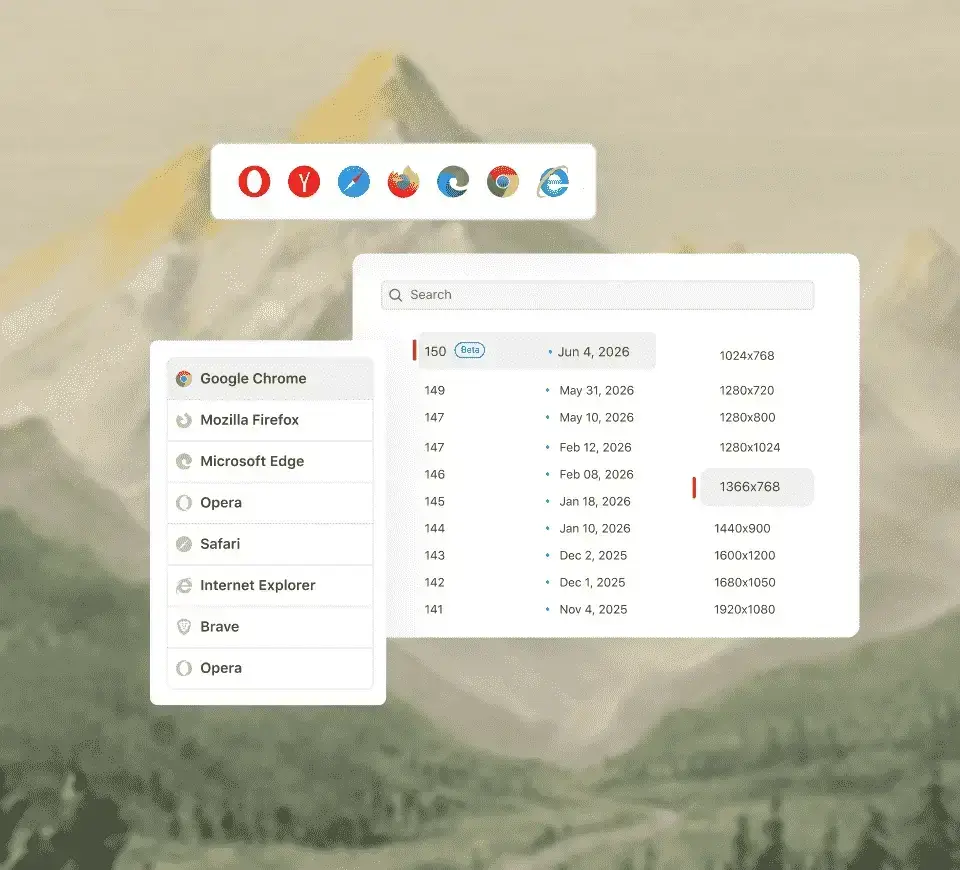
Pick a browser, OS, and version for a live session in seconds. Free plan: 2-minute sessions, no credit card.
Start testing free
Switch browsers mid-session without restarting - Chrome, Firefox, Safari, Edge, and more.
Nothing to install; it all runs in the browser, on any machine.
Test across network conditions and 170+ countries to see how your app behaves for users everywhere.
 LIVE DEBUGGING
Debug Inside the Browser Emulator
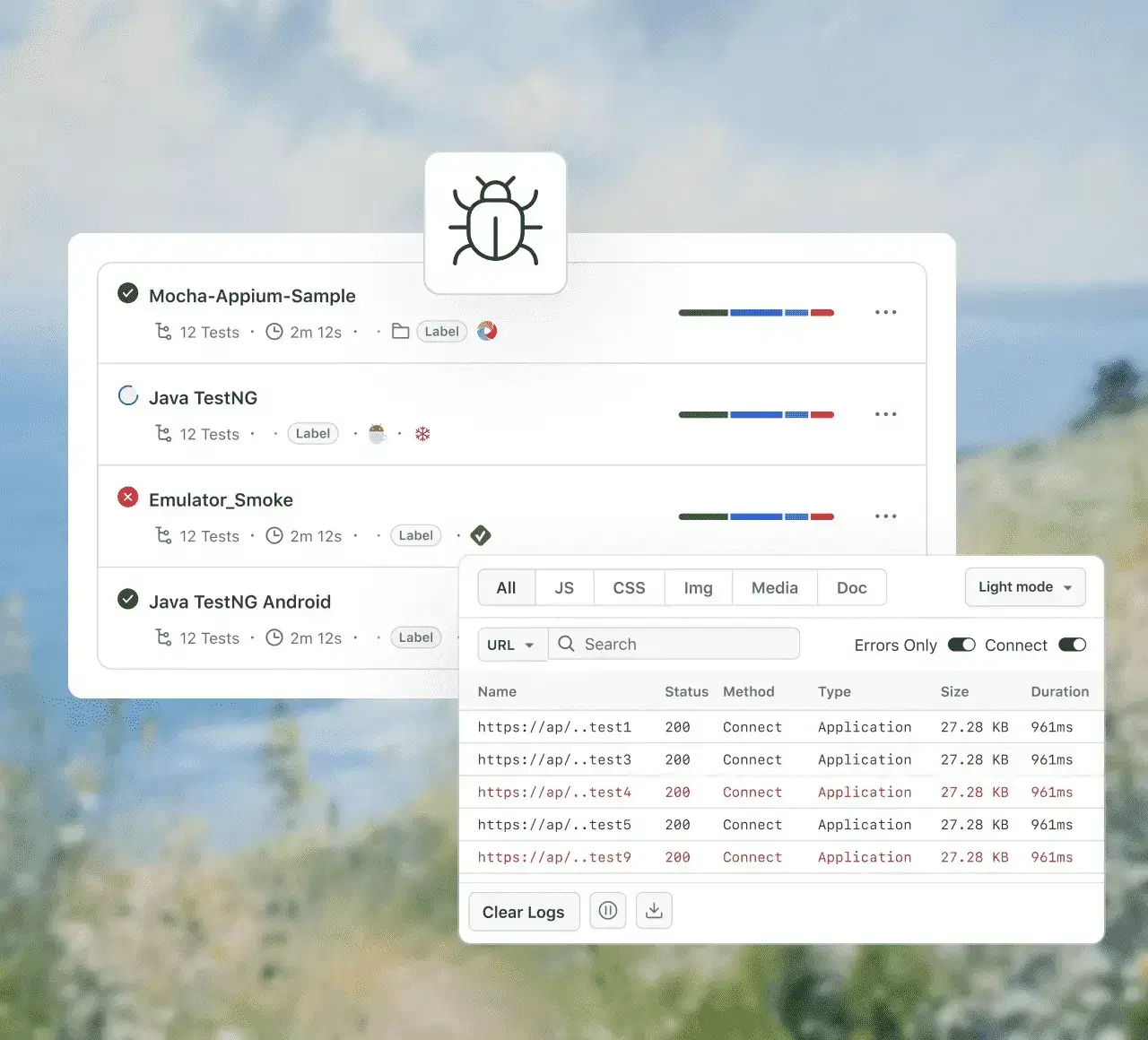
DevTools and the UI inspector are built in, so you catch layout and rendering issues as you test.
Start debugging freeInspect the DOM, debug JavaScript, and check network activity inside the emulator session.
Examine your app's interface element by element to track down layout and rendering bugs.
Give your whole team browser-based access to the same emulators, with no per-machine setup.
AUTOMATION
Parallel Browser Automation
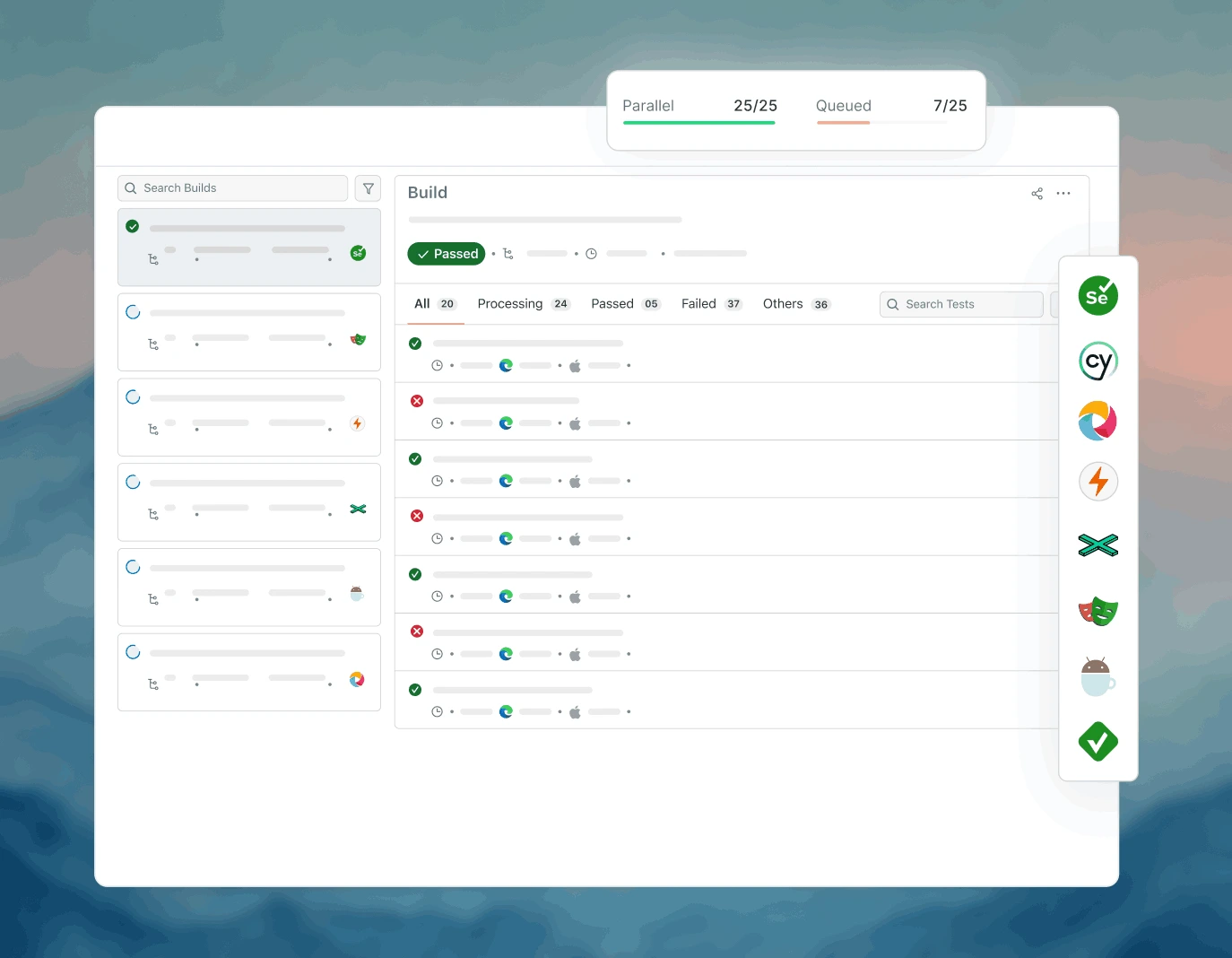
Run your automated test suites on the same browsers, in parallel, with Automation Cloud.
Start testing freeBring Selenium, Cypress, Playwright, and Puppeteer suites as they are, with no rewrite.
Run suites simultaneously across multiple browsers to shorten feedback loops.
Connect your CI pipeline so tests run on every build.
Tools Inside the Web Browser Emulator

Multiple Screen Resolutions
See how your site renders across phones, tablets, and desktops from a single session.

Test Across Regions and Networks
Test from 170+ countries and simulate different connection speeds to see how your site behaves worldwide.

Test Local and Staging Sites
Test on localhost or a staging URL through an encrypted tunnel without deploying anything publicly.

Screen Reader Testing
Run the NVDA screen reader and Speech Viewer in desktop sessions to check accessibility by hand.

Mark as Bug in One Click
Annotate a screenshot and send it to any of 20+ bug trackers, including Jira and GitHub, with browser, OS, and URL attached.

Inspect the Live DOM
Examine the DOM, computed CSS, and element hierarchy inside any session to track down rendering issues fast.
SAFARI TESTING
Test Safari on Windows, No Mac Needed
Open a real Safari session on a cloud Mac from any Windows or Linux machine and check how your site renders, without buying a Mac.
Test on Safari now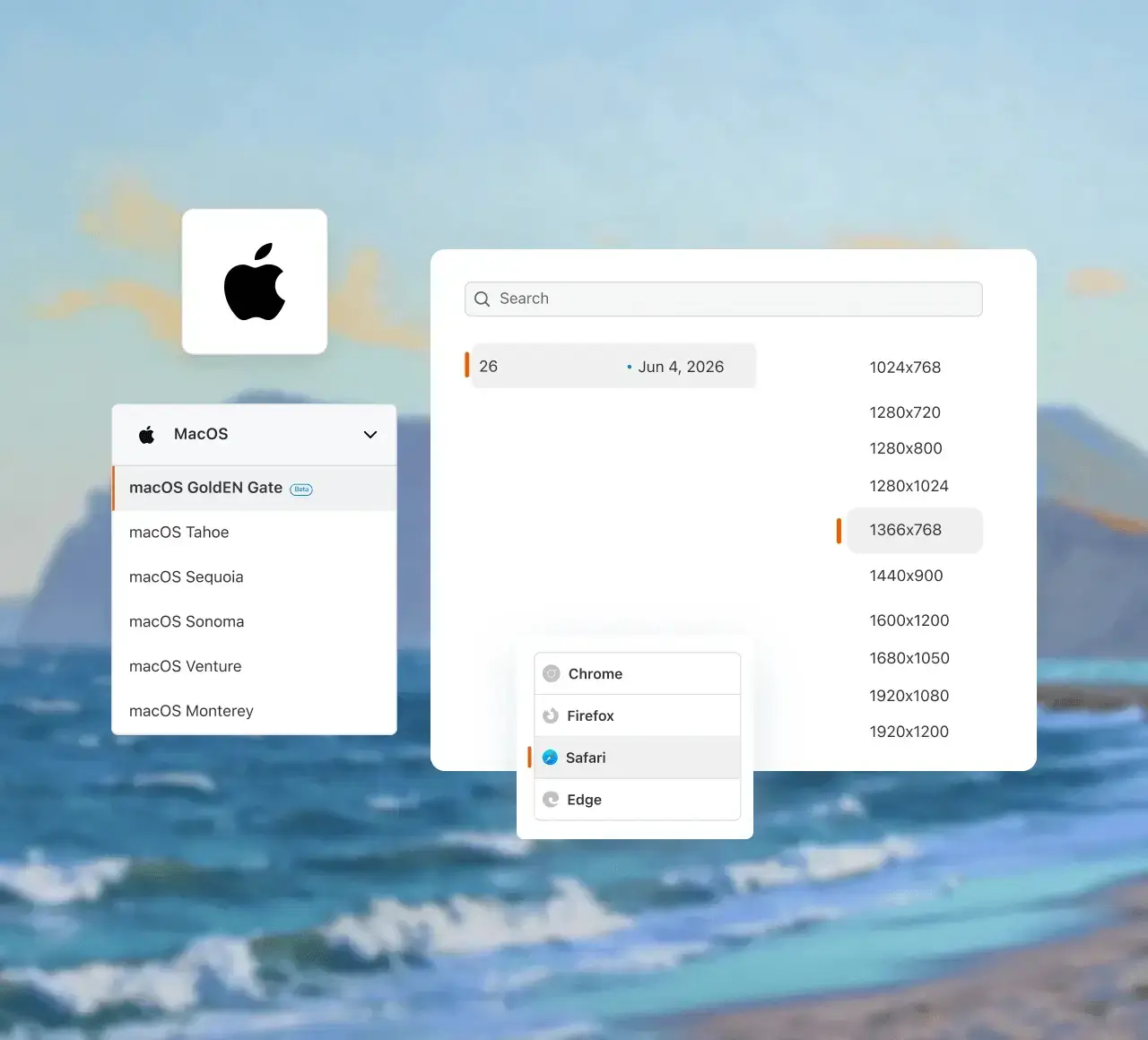
When You Need Real Hardware, Not an Emulator
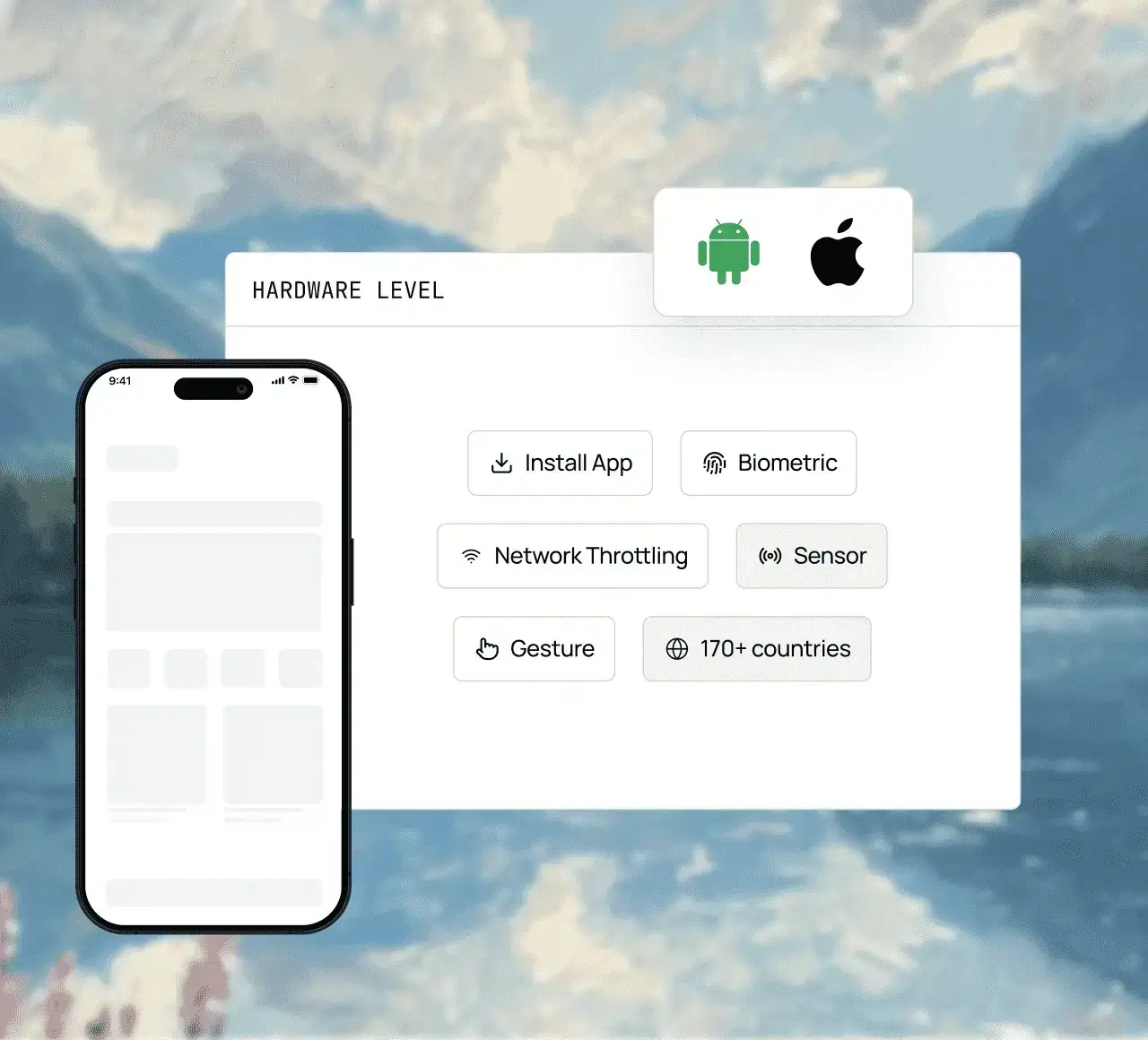
Emulators are perfect for UI flows, layout checks, and fast functional testing. When a release depends on hardware behavior, the same tests run on real devices in TestMu AI's Real Device Cloud.
Explore Real Device CloudOnly on real devices
Some Love from our Customers
As Best Egg expanded its product offerings and entered new markets, we knew our old testing infrastructure couldn’t keep up.
With support from Tenny Agustin, our Engineering Operations Lead, we modernized our approach with
TestMu AI

Best Egg
best-egg

Excited to Share My Learning Journey with Kane AI & Lambda Tool!
I'm pleased to announce that I've recently gained hands-on experience exploring Kane AI through the Lambda Tool and it’s been a fantastic journey of upskilling!
KaneAI

Suryateja Goud
suryateja-goud

See how is #Futureready to enable blazing-fast test orchestration seamlessly integrated with organizations' existing CI/CD platforms, using #Microsoft Azure.
TestMu AI

Microsoft India
MicrosoftIndia
Frequently asked questions
TestMu AI forEnterprise
Get access to solutions built on enterprise-grade
security, privacy, & compliance
- Advanced access controls
- Advanced data retention rules
- Advanced Local Testing
- Premium Support options
- Early access to beta features
- Private Slack Channel
- Unlimited Manual Accessibility DevTools Tests