

Test on iPad Simulator Online
Run manual and automated iPad Simulator tests on iPadOS 14 to 18 across 10,000+ devices and browsers. Launch an iPad emulator online from Windows, Mac, or Linux - no Xcode required.


Trusted by 3M+ users globally at




"We have tripled our tests and are now executing tests in less than 2 hours with 78% Faster Test Execution"


"We figured out a more efficient way to monitor system health and resolve failures earlier in lower environments."





"TestMu AI has significantly boosted our testing speed, is easy to implement, and provides exceptional support."


"With 70% faster test execution, TestMu AI helped us achieve faster time-to-market and enhanced CX."



Every Way to Test on iPad Simulator
Run live, automated, and real device iPad tests across 10,000+ real devices and browsers on TestMu AI.
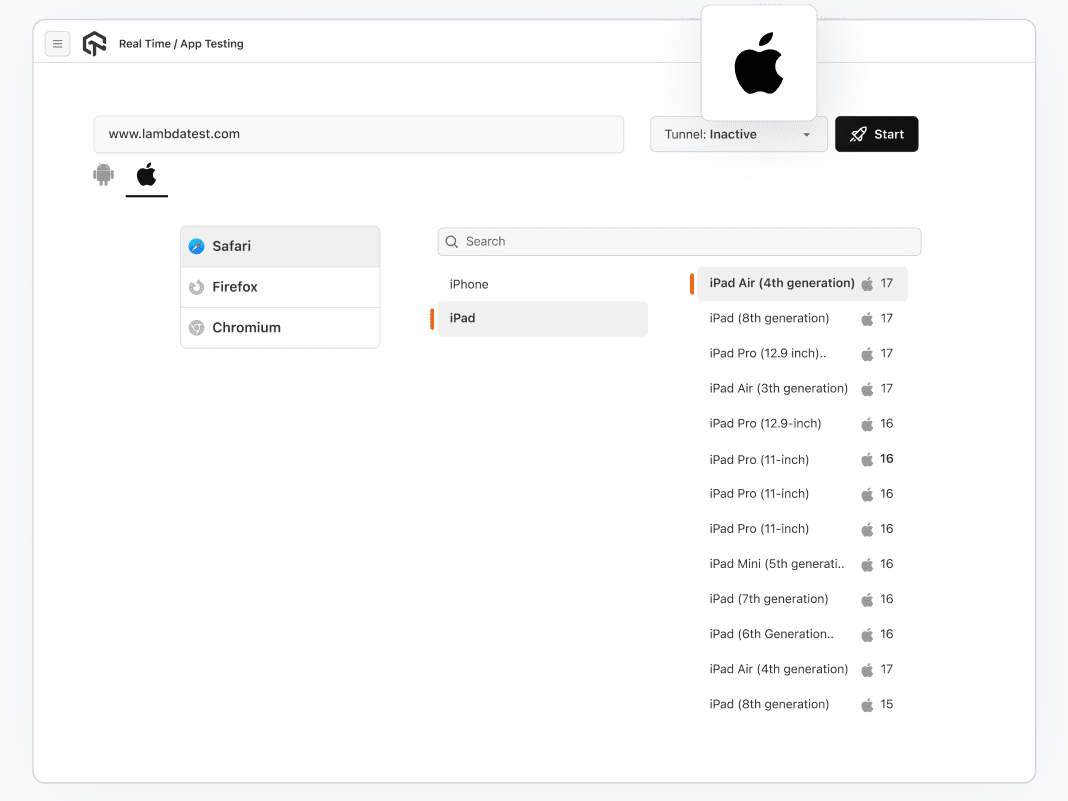
 iPad Simulator Testing
Live iPad Simulator Testing
Test apps and browsers on iPad Pro, iPad Air, and iPad mini across iPadOS 14, 15, 16, 17, and 18 - switch models and versions instantly, no reconfiguration needed.
Start Free iPad Simulator Testing
- Covers native iOS apps, hybrid apps, and mobile websites
- Safari Web Inspector built-in for browser debugging
- Accessible from Windows, Linux, or Mac - no physical iPad required

 Simulator Test Automation
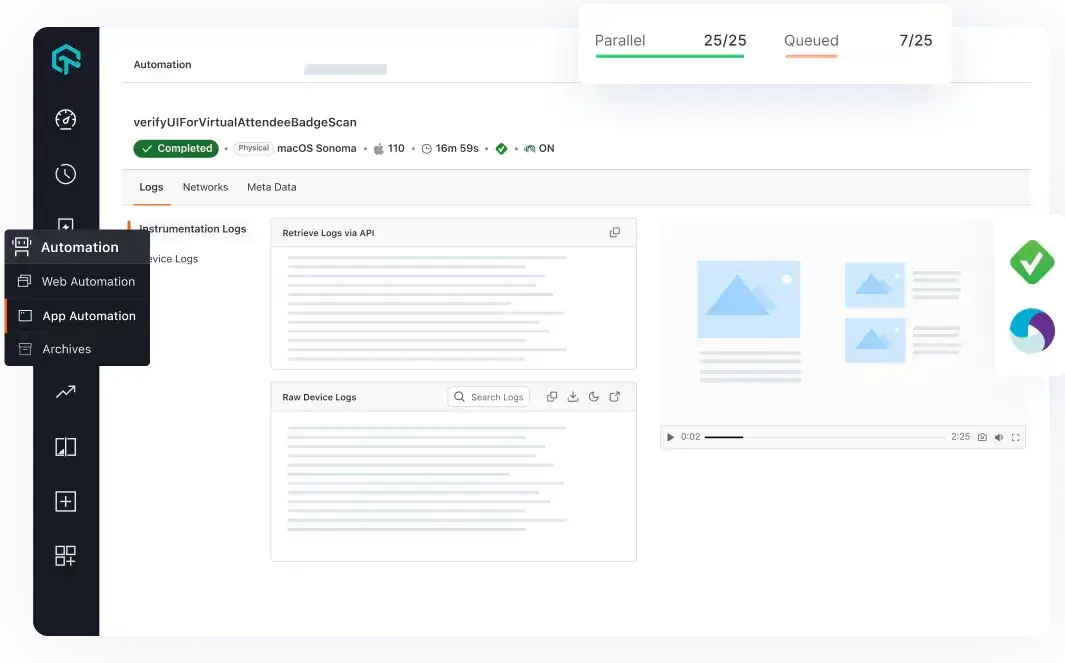
Run Any iOS Framework on iPad Simulators at Scale
Automate iPad Simulator tests with Appium, XCUITest, Detox, or Maestro and run them in parallel on every code push.
What is included in every automation run?
 Real iPad Testing
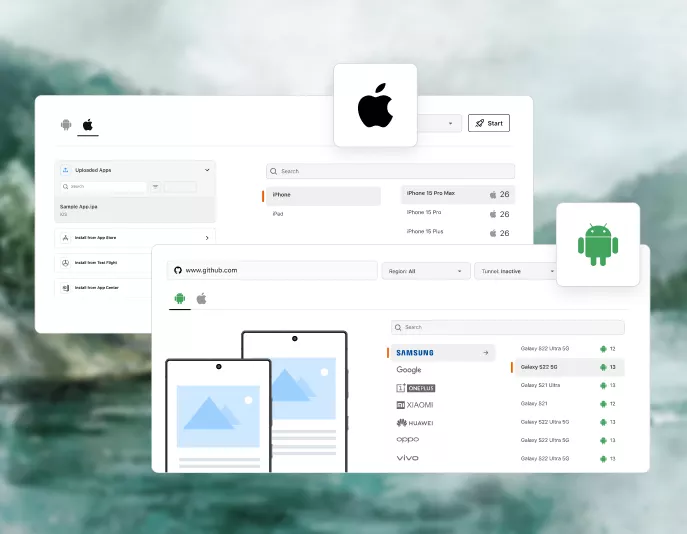
Validate on Real iPads Before Every Release
Test on real iPads across multiple iOS versions to replicate the exact conditions your users experience.
Try Real Devices- Run tests on newly launched iPad models from day one
- Touch ID, Face ID, camera injection, and more on real iPads
- GPS-based geolocation testing from 170+ locations
Success Stories of TestMu AI (Formerly LambdaTest)

50%
reduction in test execution time
“HyperExecute is a highly reliable test execution platform and has excellent customer support.”
Sagar Uday Kumar
Sr. Engineering Manager
Dedicated iPad Simulator Testing on TestMu AI
Every Session Recorded and Logged
Every iPad Simulator session captures video recordings, screenshots, device logs, and network logs. Replay and inspect to pinpoint the exact failure.
Test Without a Public URL
The TestMu AI Tunnel connects local development servers directly to cloud iPad Simulators. Staging builds and private apps are testable without a public URL.
Debug Live with Safari Web Inspector
Safari Web Inspector and native DevTools are built into every live iPad Simulator session. No additional installation or configuration required.
Some Love from our Customers
As Best Egg expanded its product offerings and entered new markets, we knew our old testing infrastructure couldn’t keep up.
With support from Tenny Agustin, our Engineering Operations Lead, we modernized our approach with
TestMu AI

Best Egg
best-egg

Excited to Share My Learning Journey with Kane AI & Lambda Tool!
I'm pleased to announce that I've recently gained hands-on experience exploring Kane AI through the Lambda Tool and it’s been a fantastic journey of upskilling!
KaneAI

Suryateja Goud
suryateja-goud

See how is #Futureready to enable blazing-fast test orchestration seamlessly integrated with organizations' existing CI/CD platforms, using #Microsoft Azure.
TestMu AI

Microsoft India
MicrosoftIndia
More Reasons to LoveTestMu AI (formerly LambdaTest)
See how TestMu AI improves your testing with seamless integration, quicker results, and unmatched accuracy.
Users
3M+
Tests
1.5B+
Enterprises
18K+
Countries
132
TestMu AI Named a Challenger in the 2025 Gartner® Magic Quadrant™
Read ReportTestMu AI recognized in The Forrester Wave™: Autonomous Testing Platforms, Q4 2025
Read ReportWall of Fame
TestMu AI is the #1 choice for SMBs and enterprises across the globe.
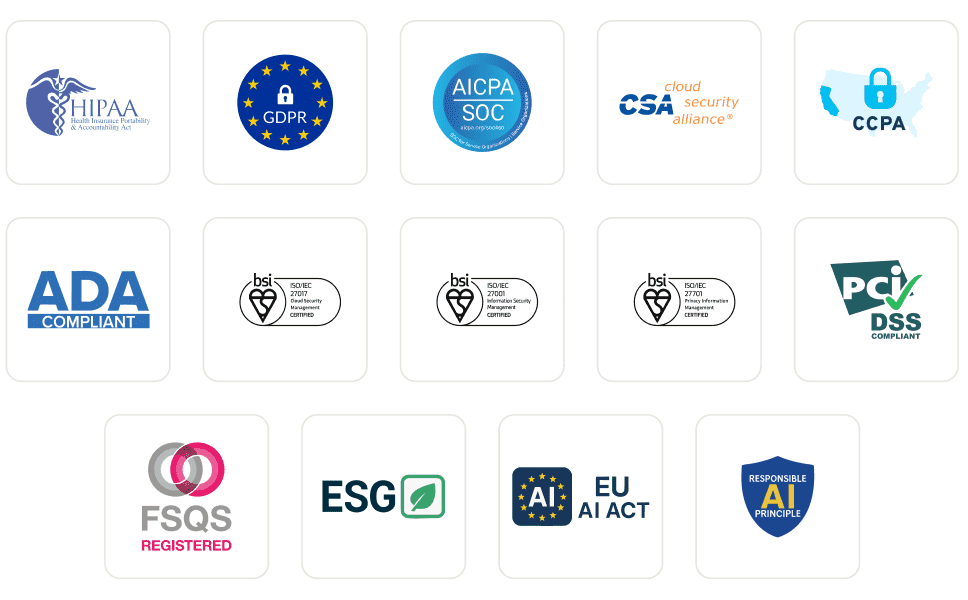
Enterprise-Grade Security
We safeguard your data and AI systems with global security, privacy, responsible AI, and ESG standards.
Integrations
Works where you work, 120+ integrations with the tools your team relies on.



As Seen On
Frequently asked questions
TestMu AI forEnterprise
Get access to solutions built on enterprise-grade
security, privacy, & compliance
- Advanced access controls
- Advanced data retention rules
- Advanced Local Testing
- Premium Support options
- Early access to beta features
- Private Slack Channel
- Unlimited Manual Accessibility DevTools Tests