
iPad Simulator for Browser Testing
Use an online iPad simulator for browser testing. Open your site or web app in iPad Safari and other iOS browsers across iPadOS versions, from the desktop you already use.


Trusted by 3M+ users globally at


"We have tripled our tests and are now executing tests in less than 2 hours with 78% Faster Test Execution"


"We figured out a more efficient way to monitor system health and resolve failures earlier in lower environments."


"TestMu AI has significantly boosted our testing speed, is easy to implement, and provides exceptional support."


"With 70% faster test execution, TestMu AI helped us achieve faster time-to-market and enhanced CX."


Cross Browser and Responsive Testing on an iPad Simulator
Compare iPad browsers, test responsive layouts, throttle networks, reach localhost, and debug in one session.
 IPAD BROWSER COVERAGE
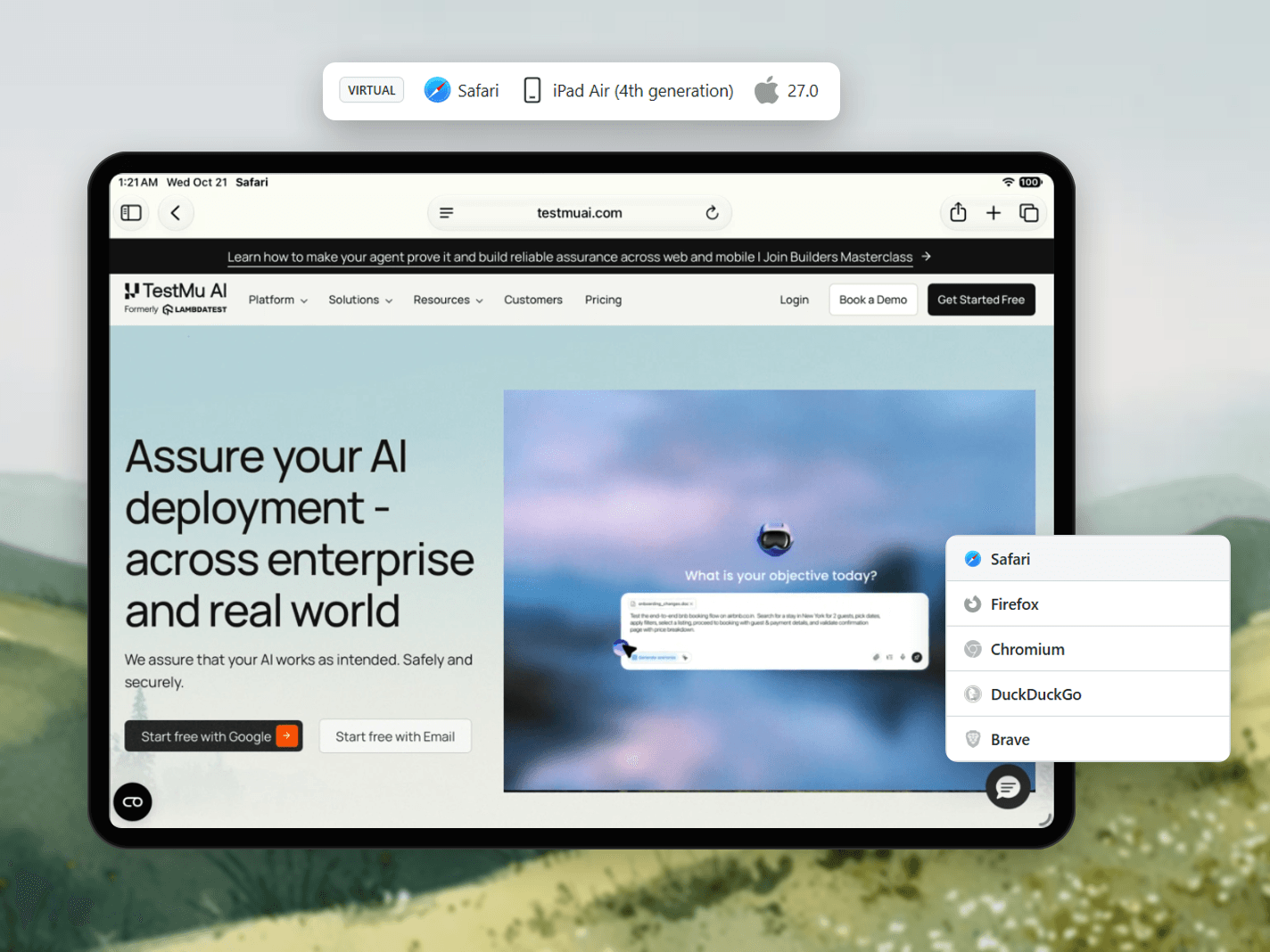
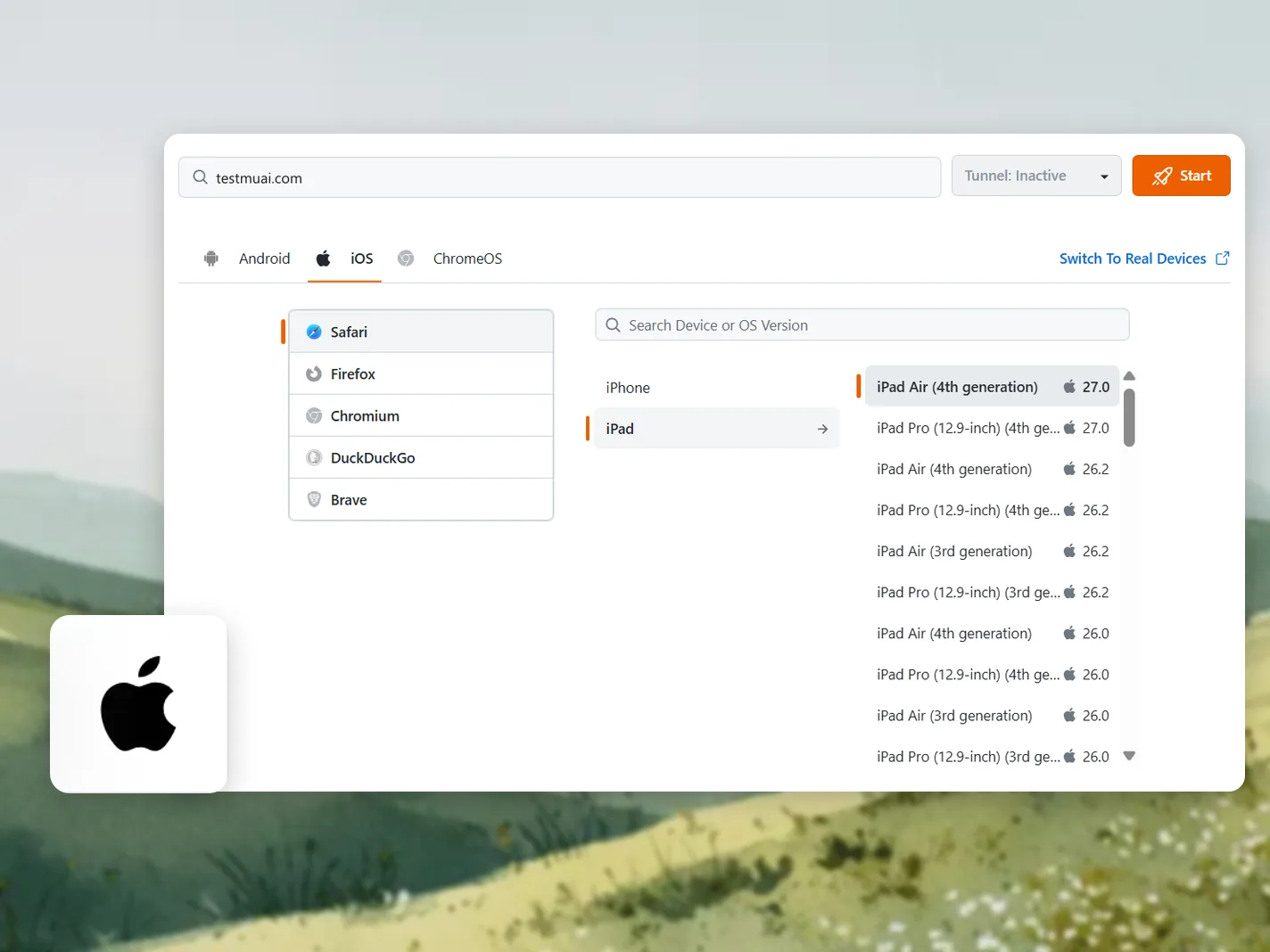
Test Websites in Safari and Other iPad Browsers
Launch an iPad simulator from your own computer and open your site in Safari, Firefox, Chromium, Brave, or DuckDuckGo.
Start iPad Browser Testing
- Reproduce a bug on the user's exact iPad and iPadOS
- Check how each iPad browser renders the same page
- Catch Safari-only WebKit bugs before release

 RESPONSIVE TESTING
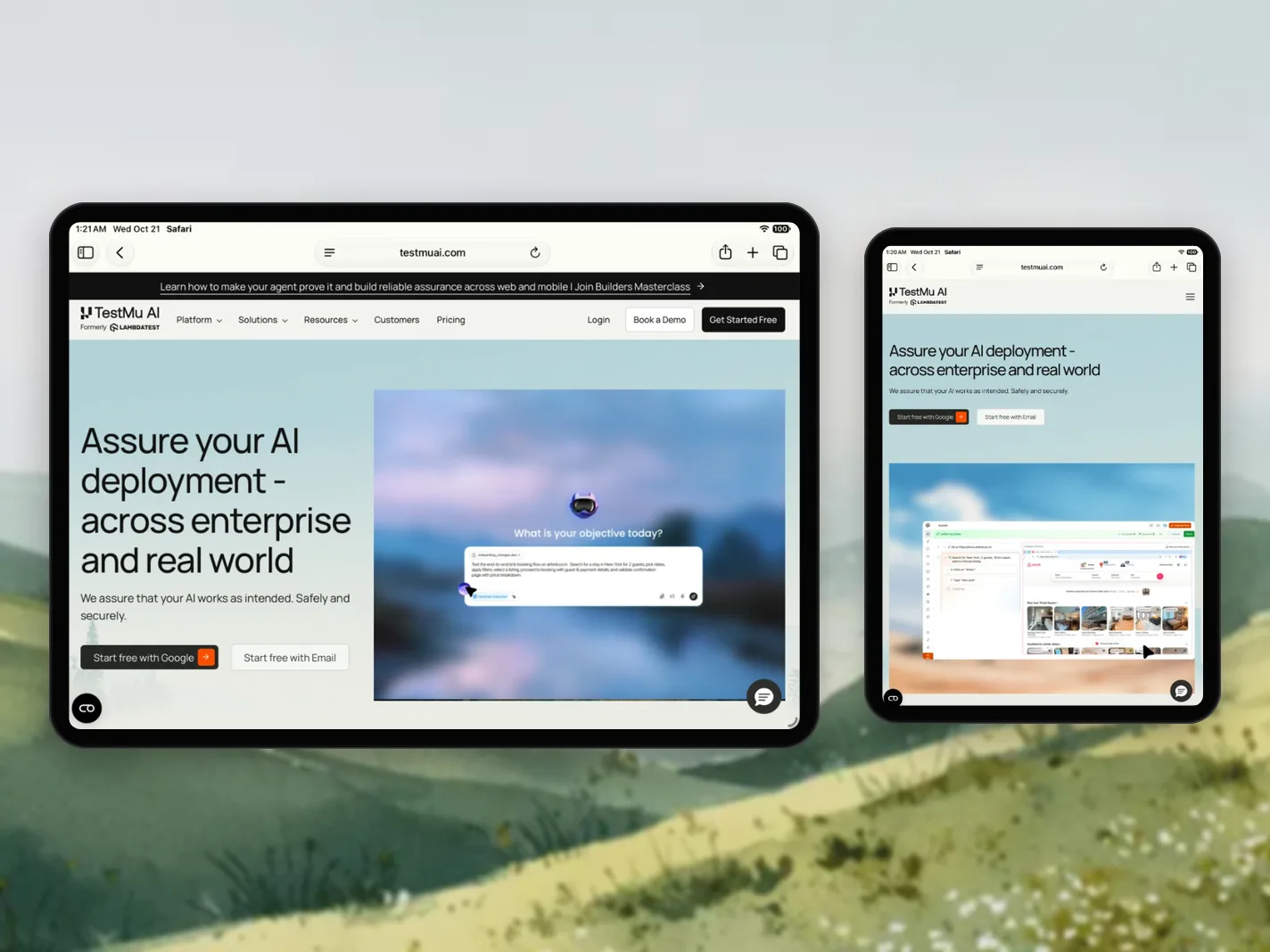
Responsive Layouts Across iPad Screen Sizes
On most iPads, Safari requests the desktop site by default, so check how your layout holds from the 8.3-inch iPad mini to the 13-inch iPad Pro.
Test Responsive Layouts- Rotate between portrait and landscape in one session
- Catch breakpoints that overflow at iPad widths
- Compare the mobile site on iPad mini with iPad Pro
 NETWORK AND LOCATION
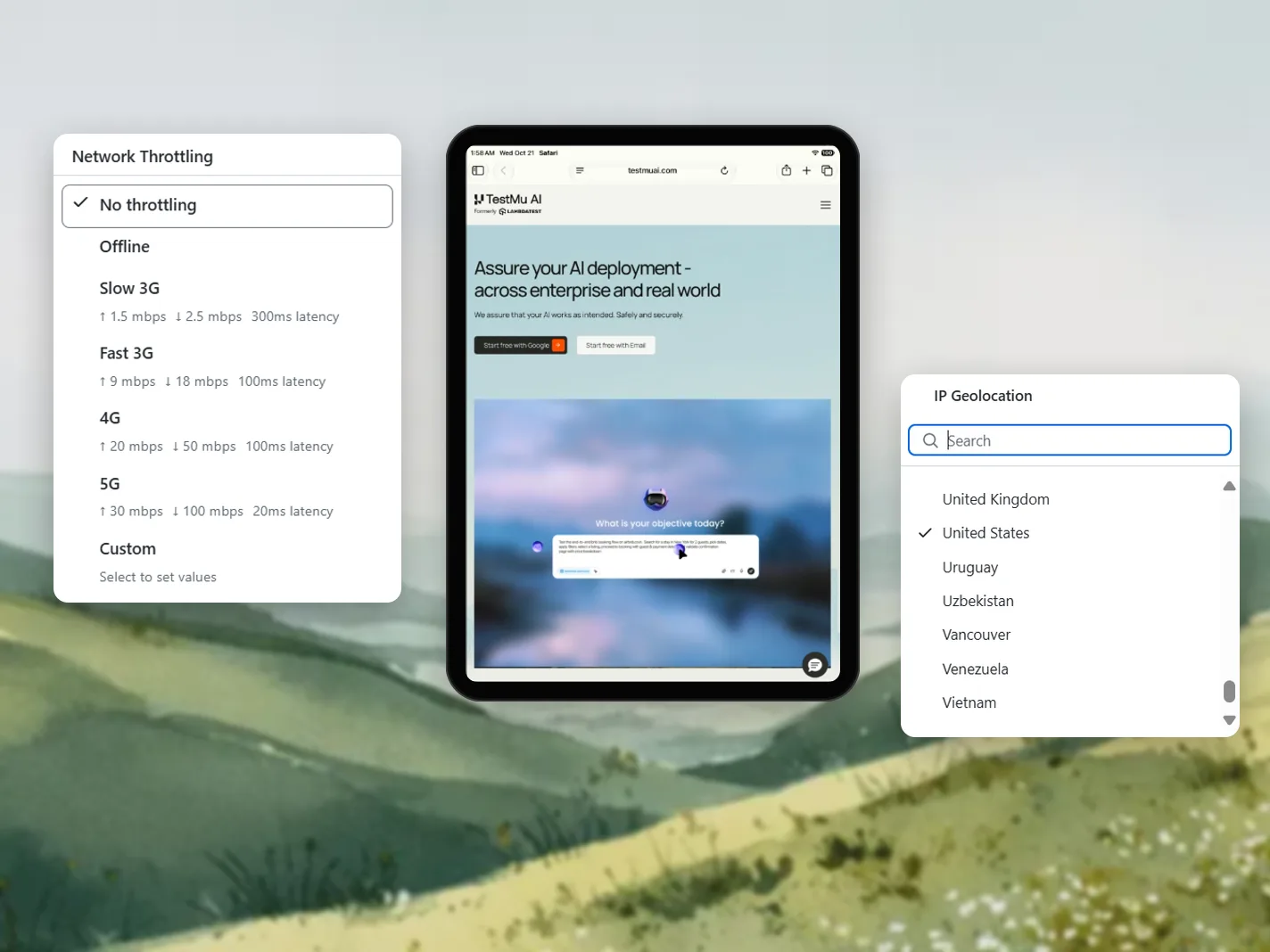
Slow Network and Geolocation Testing on iPad
Throttle the iPad session to Offline, Slow 3G, Fast 3G, 4G, 5G, or a custom speed, and route it through an IP in another country.
Test Network and Location- Check local pricing, language, and redirects by country
- Catch broken loading states on Slow 3G or Offline
- Set custom bandwidth and latency to match your users
 LOCALHOST AND STAGING
Localhost and Staging Pages on iPad Browsers
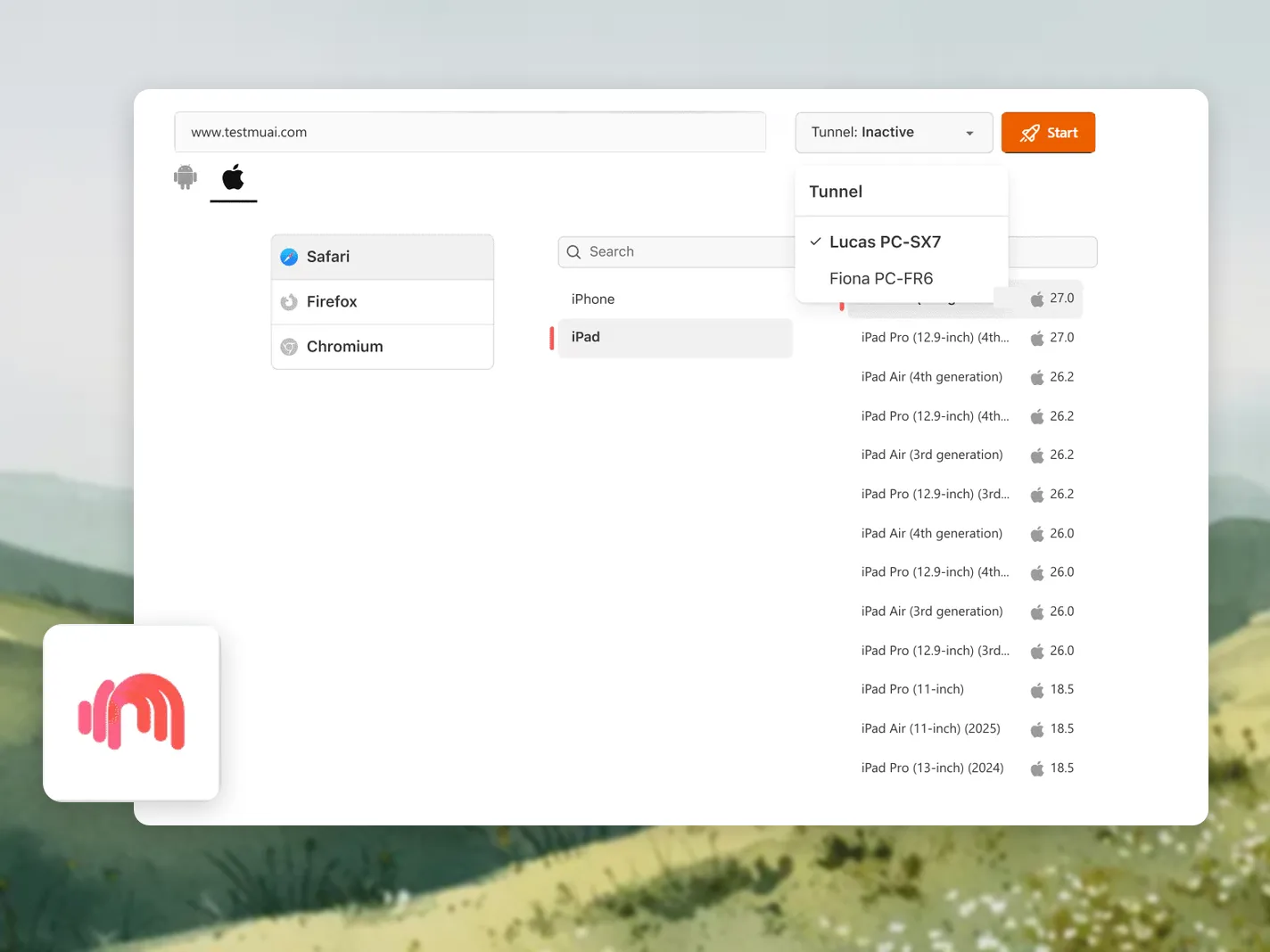
Open a locally hosted or staging page inside an iPad browser through a secure Underpass tunnel.
Test a Local Page- Reach localhost, staging, and pages behind a firewall
- Traffic stays inside an encrypted tunnel
- Test a branch before it is deployed
 NATIVE DEBUGGING
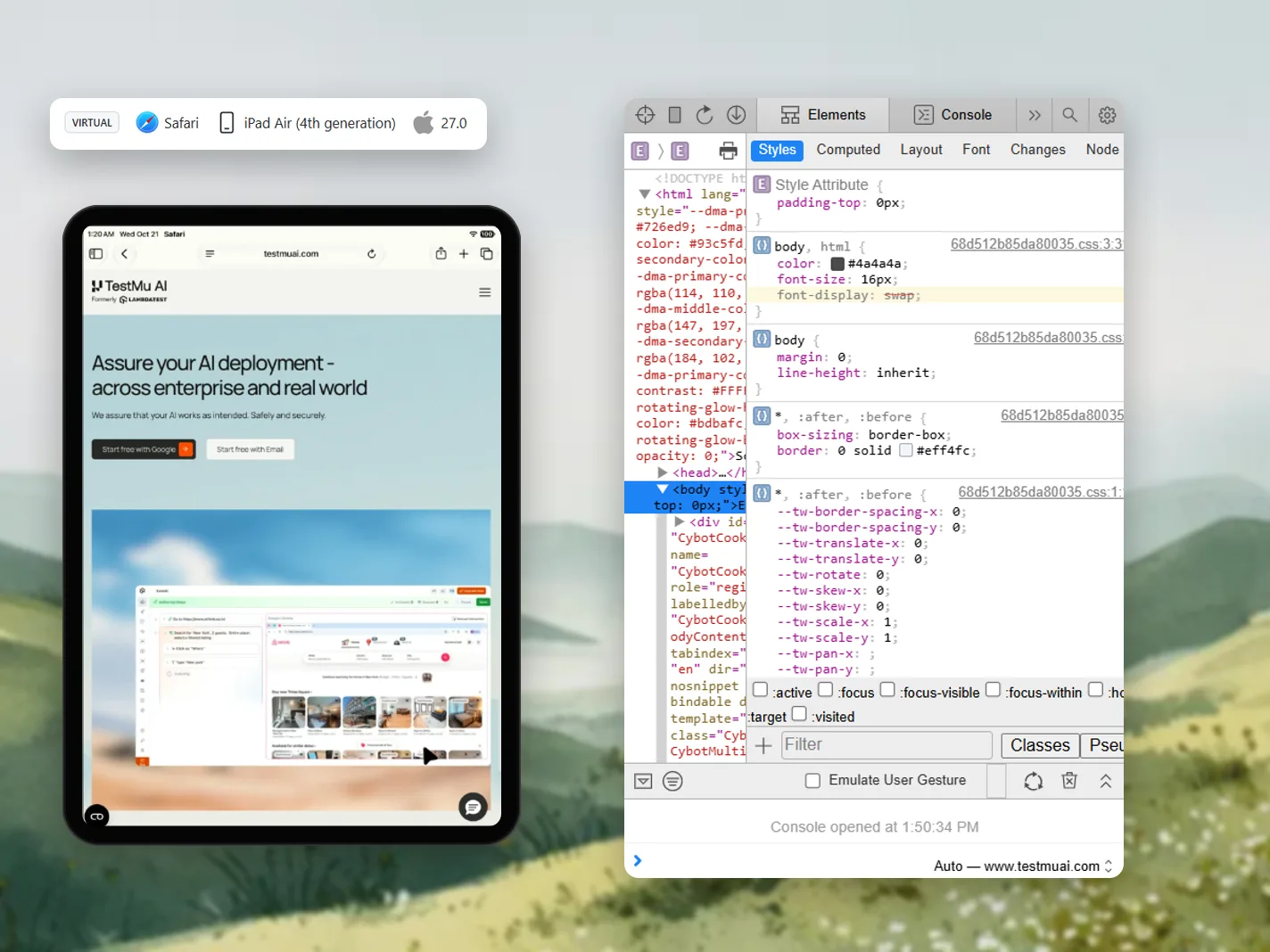
Debug iPad Browsers with Safari Web Inspector
Open Safari Web Inspector inside the iPad session to inspect elements, edit styles, and read the console.
Debug on iPad- Elements and Console panels open beside the live iPad
- Check computed styles, layout, and fonts
- Mark bugs and send them to your tracker
Report Bugs From iPad Simulator Sessions for Free

Mark Bugs From the iPad Session
Annotate a screenshot of the iPad session and send it to Jira or your bug tracker without leaving the test.

Upload Files Into the Session
Push images and documents into the iPad session to test upload forms in iPad Safari.

Clear Cache Between Runs
Clear the iPad browser cache mid-session and reload the page cold, without starting a new session.

Record an iPad Session as Video
Record the full iPad session as video or grab a screenshot, then attach either to a bug report.

Switch Browsers Mid-Session
Move the same test to another iPad browser or iPadOS version without ending the session.

Free 2-Minute Sessions Every Month
Test free in 2-minute live sessions each month, or go unlimited on Virtual Live at $15 a month, billed annually.
AI Testing Platform Beyond iPad Browser Testing
AI-native agents that plan, author, run, and analyze iPad browser tests across 3,000+ browser-OS combinations, 50,000+ real devices, and your CI pipeline.
Agent Testing
AI agents need testing too. Catch failures in your chatbots and voice assistants before real users do.
More about Agent Testing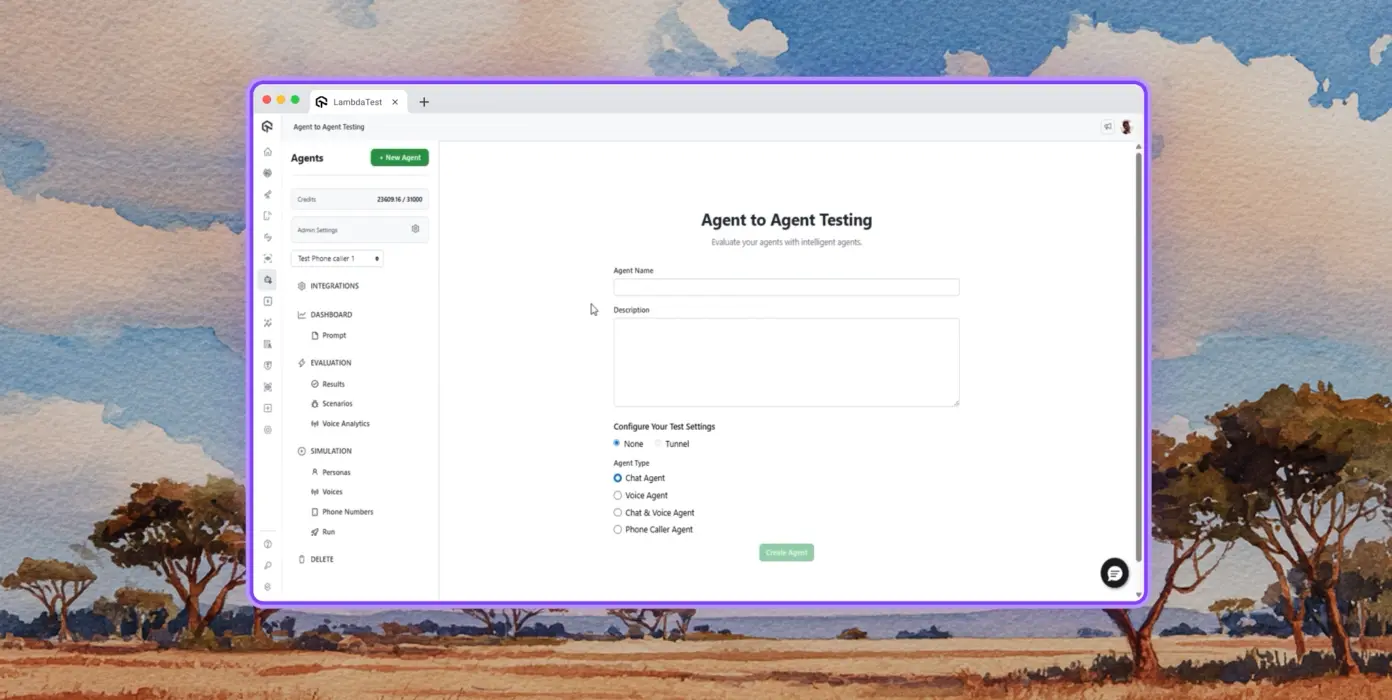
Autonomous Testing
Detailed analysis of the agent under test, from the perspective of a synthetic end-user.
Multi-persona Simulation
Diverse user personas like International Caller, Digital Novice and more.
Risk Scoring & Regression
End to end regression testing for the agent under test, with insights.
Browser Testing Success Stories From QA Teams

50%
reduction in test execution time
“HyperExecute is a highly reliable test execution platform and has excellent customer support.”
Sagar Uday Kumar
Sr. Engineering Manager
QA Team Reviews of TestMu AI for Browser Testing
As Best Egg expanded its product offerings and entered new markets, we knew our old testing infrastructure couldn’t keep up.
With support from Tenny Agustin, our Engineering Operations Lead, we modernized our approach with
TestMu AI

Best Egg
best-egg

Excited to Share My Learning Journey with Kane AI & Lambda Tool!
I'm pleased to announce that I've recently gained hands-on experience exploring Kane AI through the Lambda Tool and it’s been a fantastic journey of upskilling!
KaneAI

Suryateja Goud
suryateja-goud

See how is #Futureready to enable blazing-fast test orchestration seamlessly integrated with organizations' existing CI/CD platforms, using #Microsoft Azure.
TestMu AI

Microsoft India
MicrosoftIndia
More Reasons to Love TestMu AI
TestMu AI is a leading agentic AI quality engineering platform, trusted globally, that assures your AI deployments work as intended, safely and securely, across enterprise and real-world conditions.
Users
3M+
Tests
1.5B+
Enterprises
18K+
Countries
132
TestMu AI positioned as a Leader in the 2026 Gartner® Magic Quadrant™
Read ReportTestMu AI recognized in The Forrester Wave™: Autonomous Testing Platforms, Q4 2025
Read ReportWall of Fame
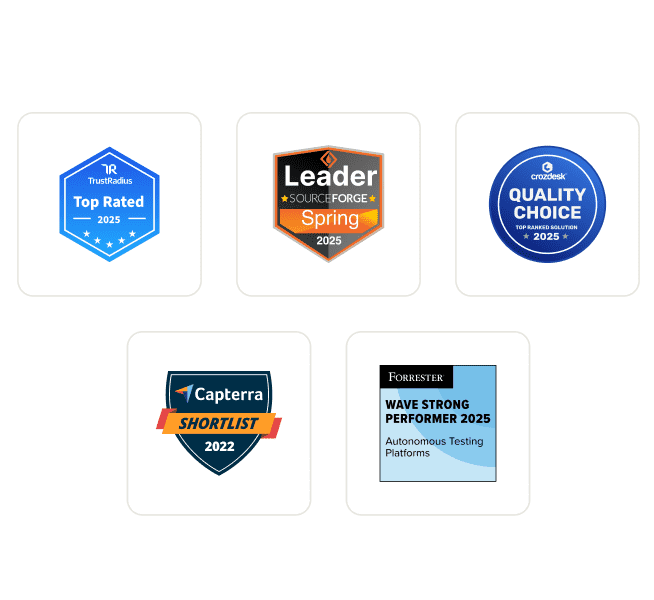
TestMu AI is the #1 choice for SMBs and enterprises across the globe.
Enterprise-Grade Security
We safeguard your data and AI systems with global security, privacy, responsible AI, and ESG standards.
Integrations
Works where you work, 120+ integrations with the tools your team relies on.



As Seen On
iPad Simulator for Browser Testing FAQs
TestMu AI for Enterprise
Get access to solutions built on enterprise-grade
security, privacy, & compliance
- Advanced access controls
- Advanced data retention rules
- Advanced Local Testing
- Premium Support options
- Early access to beta features
- Private Slack Channel
- Unlimited Manual Accessibility DevTools Tests