
AI Answers Can Be Wrong
Test Bots Before Launch
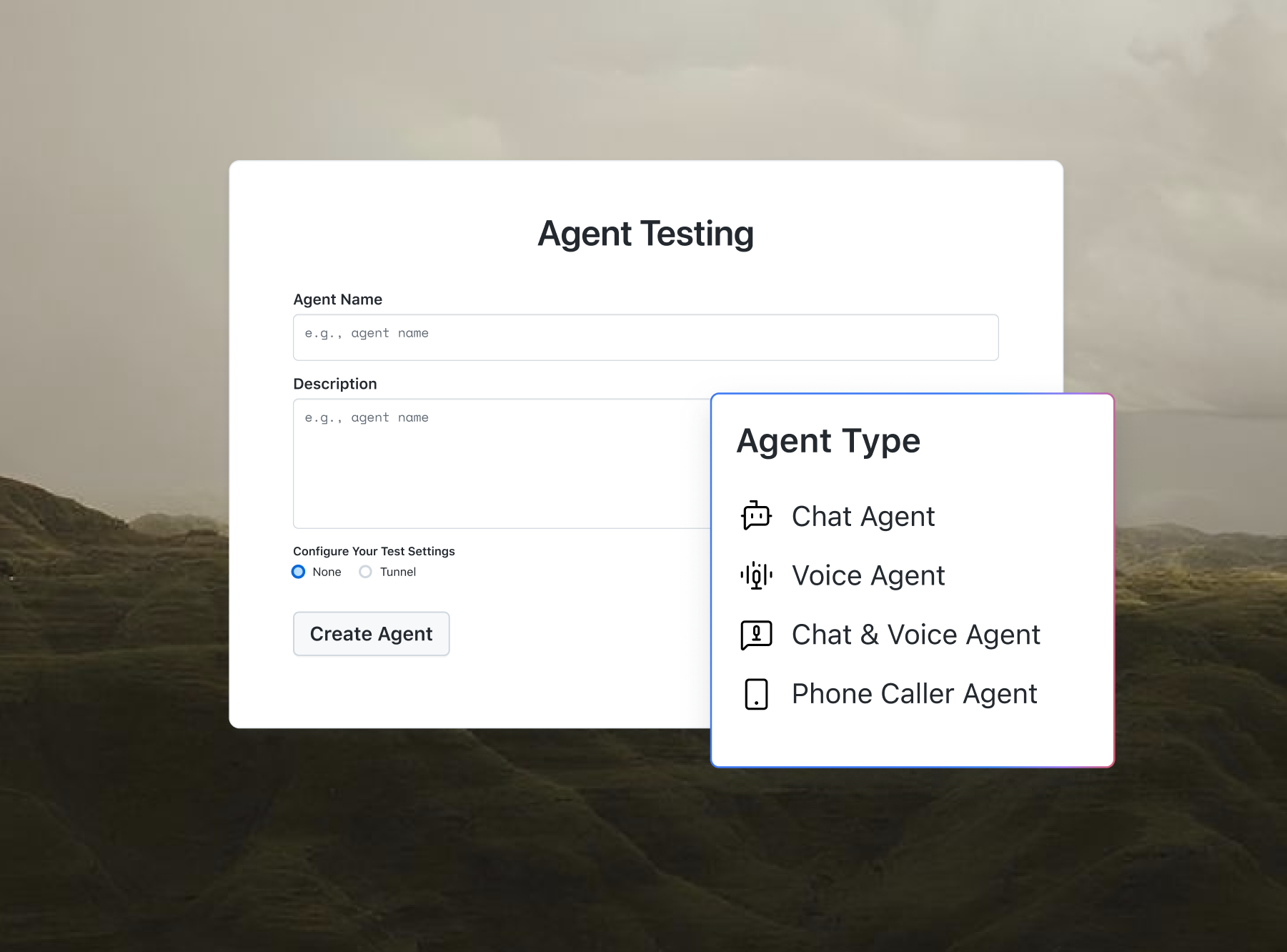
Building a bot that answers questions? Agent Testing catches its hallucinations and bias.

AI Cheat Sheet Maker - TestMu AI (Formerly LambdaTest)
Instantly create clear, structured cheat sheets on any topic with AI. Choose your preferred format and detail level – no sign-up required.
Categories

Ship AI Agents With Confidence
See how it performs before real users do.



Quick ideas:
Describe your topic above and click "Generate Cheat Sheet".
What Is an AI Cheat Sheet Maker?
An AI Cheat Sheet Maker is an online tool that creates concise, organised reference guides on any topic you choose. Instead of spending hours summarising information, you simply enter a topic, select your preferred format and detail level, and the AI generates a ready‑to‑use cheat sheet. Powered by advanced language models, it can break down complex subjects into easy‑to‑scan bullet points, tables, step‑by‑step instructions, and more.
Whether you're a student, developer, or professional, this tool helps you quickly grasp key concepts and keep important information at your fingertips.
AI Cheat Sheet Maker vs Manual Summarisation
Creating cheat sheets manually can be tedious and time‑consuming. The AI Cheat Sheet Maker offers a faster, more consistent alternative. Here's a quick comparison:
| Feature | Manual Summarisation | AI Cheat Sheet Maker |
|---|---|---|
| Speed | Hours of reading and condensing | Instant generation |
| Consistency | Varies with individual effort | Uniform structure every time |
| Format Options | Limited to your own style | Multiple formats available |
| Language Support | Depends on your fluency | Multi‑language support |
| Ease of Use | Requires research skills | Simple topic input |
The AI Cheat Sheet Maker saves you time and ensures your reference materials are clear, well‑organised, and tailored to your needs.

How to Use the AI Cheat Sheet Maker?
Using the AI Cheat Sheet Maker is simple and takes just a few steps.
- Open the Tool: Navigate to the AI Cheat Sheet Maker page in your browser – no registration required.
- Enter a Topic: In the text area, type the subject you want a cheat sheet for (e.g., "Python list methods" or "CSS grid properties").
- Choose a Format: Select the desired output format from the dropdown – Summary, Bullet Points, Step‑by‑Step, Comparison Table, or Quick Reference.
- Select Detail Level: Choose Brief, Standard, or Detailed to control the depth and amount of information.
- Pick Language: Choose the language you want the cheat sheet to be generated in.
- Generate: Click the "Generate Cheat Sheet" button. The AI will produce your custom reference guide in seconds.
- Review & Use: Read through the generated cheat sheet, copy or download it, and keep it handy for studying or work.
Key Features of AI Cheat Sheet Maker
- Multiple Output Formats: Choose from Summary, Bullet Points, Step‑by‑Step, Comparison Table, and Quick Reference to suit your learning style.
- Adjustable Detail Level: Get a brief overview or a comprehensive deep‑dive with one click.
- Multi‑Language Support: Generate cheat sheets in over 10 languages for international use.
- Instant Generation: Receive a fully‑structured cheat sheet within seconds using advanced AI models.
- Free & No Sign‑up: Use the tool immediately without creating an account.
- Copy & Download: Easily copy the content to your clipboard or download it as a text file.
- Quick Topic Ideas: One‑click buttons for popular topics to get started instantly.
- Context‑Aware Content: The AI understands the topic and provides relevant, accurate information.
Use Cases of AI Cheat Sheet Maker
The AI Cheat Sheet Maker is versatile and can be used across many domains:
- Programming: Quickly generate reference sheets for syntax, APIs, libraries, or commands (e.g., Git, Docker, SQL).
- Language Learning: Create cheat sheets for vocabulary, verb conjugations, or grammar rules in your target language.
- Academics: Summarise complex theories, formulas, or historical events for exam revision.
- Business & Project Management: Produce quick reference guides for processes, frameworks, or metrics.
- Design & Creativity: Generate cheat sheets for design principles, color theory, or typography.
- Health & Wellness: Summarise nutrition facts, workout routines, or mental health practices.
- Travel & Culture: Create quick guides to local customs, transportation, or key phrases.
Who Can Use This Tool?
- Students: Summarise study materials and create effective revision aids.
- Developers: Keep important commands, functions, and syntax at your fingertips.
- Educators: Generate handouts and reference materials for your students.
- Professionals: Quickly recall processes, standards, or key metrics in your field.
- Lifelong Learners: Condense information on any topic you're curious about.
Frequently Asked Questions
1. What is AI Cheat Sheet Maker?
AI Cheat Sheet Maker is a free online tool that generates structured, easy‑to‑read cheat sheets on any topic using artificial intelligence.
2. How does the Cheat Sheet Maker work?
You provide a topic, choose a format and detail level, and the AI processes your request to produce a well‑organised cheat sheet in seconds.
3. Is the AI Cheat Sheet Maker free?
Yes, the tool is completely free to use with no sign‑up required.
4. What formats can I choose?
You can select Summary, Bullet Points, Step‑by‑Step, Comparison Table, or Quick Reference.
5. Can I generate cheat sheets in different languages?
Yes, the tool supports multiple languages including English, French, German, Spanish, and many more.
6. What topics are supported?
You can generate cheat sheets for virtually any topic – from programming and languages to science, history, and business.
7. Can I download the cheat sheet?
Yes, you can download your cheat sheet as a text file or copy it to your clipboard for use anywhere.
8. Do I need an account?
No account is required – you can use the tool immediately.

Did you find this page helpful?
More Tools
TestMu AI forEnterprise
Get access to solutions built on Enterprise
grade security, privacy, & compliance
- Advanced access controls
- Advanced data retention rules
- Advanced Local Testing
- Premium Support options
- Early access to beta features
- Private Slack Channel
- Unlimited Manual Accessibility DevTools Tests