

Power Your Software Testing with AI Agents and Cloud
The Native AI-Agentic Cloud Platform to Supercharge Quality Engineering. Test Intelligently and Ship Faster.


- TestMu AI (Formerly LambdaTest)
- /
- Blog
- /
- Lovable Builds the App. Kane CLI Checks It Works.
Lovable turns a prompt into a working app in minutes. The preview renders, the buttons are there, and it feels done. Whether the sign-up actually creates the account, the form really submits, and the checkout completes is a different question.
The preview answers the first question. It does not answer the second. That gap is where Lovable apps tend to break once real people show up.
Kane CLI closes it. Here is how the two fit together.
What Lovable Gets Right, and What the Preview Cannot Show
Lovable is fast at generating a usable app and wiring it into something you can click. The preview shows the happy path, the one the build was shaped around.
It does not exercise the empty state, the bad input, the expired session, or the API call that quietly fails. A screen can render perfectly and still not do the thing it looks like it does. Looking right and being right are not the same.
How Kane CLI Verifies a Lovable App in a Real Browser
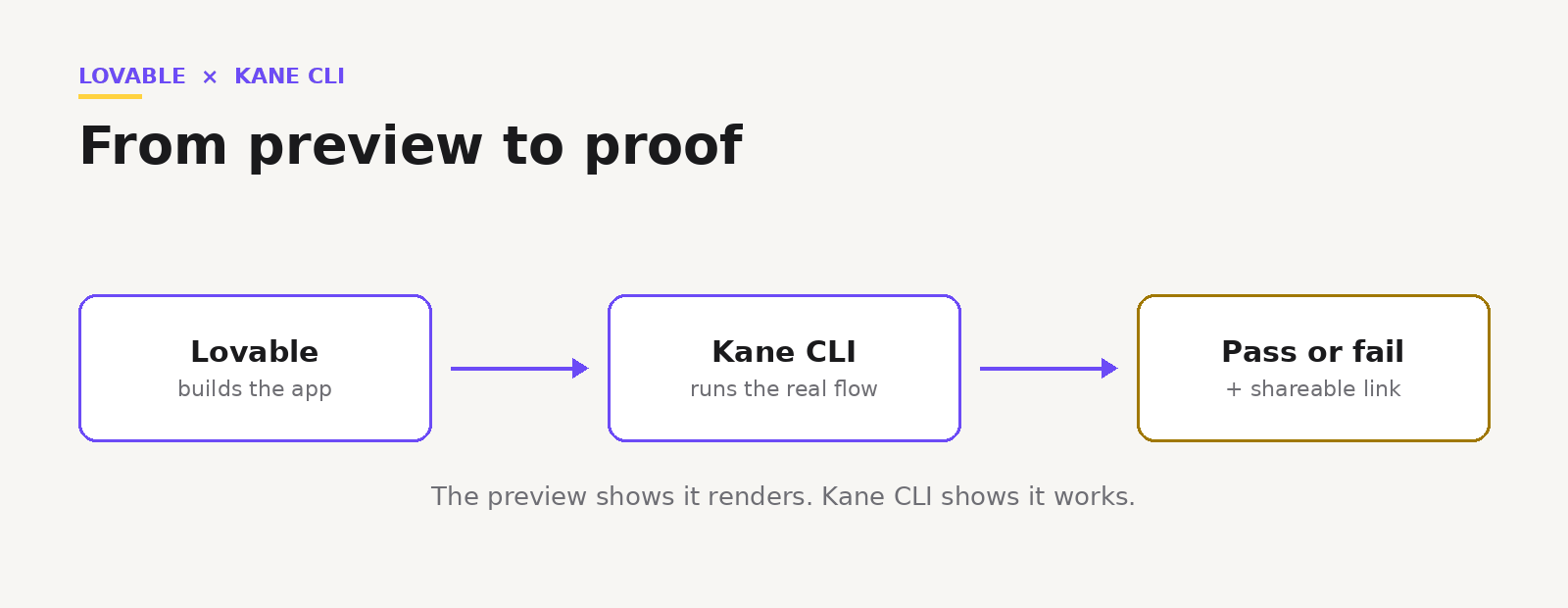
Describe the flow in plain English. Kane CLI opens a real Chrome browser on your Lovable app, runs the steps the way a user would, and returns pass or fail with a shareable link.
kane-cli run "go to <your-lovable-app-url>, sign up with '{{email}}', assert the dashboard shows 'Welcome'"No selectors. No test framework. You write what should happen, and Kane CLI proves it does, or tells you exactly where it stopped.

Note: Built something in Lovable? Check it actually works in a real browser, free. Try Kane CLI
Build with the Agent, Verify in the Same Loop
If you are building with Lovable, you can configure Kane CLI as a verification step in the same agent loop. Point the agent at agents.md and it calls Kane CLI to verify its own output.
The agent ships a screen, runs the flow through Kane CLI, reads the pass or fail, and fixes the code if the result comes back failed. The thing that built the app can now confirm the app.
Note: Want the agent setup and objective syntax? Read the Kane CLI docs. Read the docs
From Preview to Proof Before You Share It
Every run leaves a shareable link with a video and a step trace. Drop it in Slack, a ticket, or a message to whoever asked for the feature. Instead of "it looks done," you send proof that the flow works.
Note: Wiring Kane CLI into your agent? Grab the skills and examples. Open the repo
Lovable made building the app the easy part. Kane CLI makes knowing it works the easy part too, in plain English, in a real browser, before a user finds the edge the preview never touched.
Author

Bhawana
Blogs: 77


Bhawana is a Community Evangelist at TestMu AI with over 3 years of experience creating technically accurate, strategy-driven content in software testing. She has authored 50+ blogs on test automation, cross-browser testing, mobile testing, and real device testing. She also serves as Product Marketing Manager for Kane CLI, the command-line tool that runs browser automation from the terminal using natural-language flows in a real Chrome browser. Bhawana is certified in KaneAI, Selenium, Appium, Playwright, and Cypress, reflecting her hands-on knowledge of modern automation practices. On LinkedIn, she is followed by 6000+ QA engineers, testers, AI automation testers, and tech leaders.


Did you find this page helpful?
More Related Blogs
TestMu AI forEnterprise
Get access to solutions built on Enterprise
grade security, privacy, & compliance
- Advanced access controls
- Advanced data retention rules
- Advanced Local Testing
- Premium Support options
- Early access to beta features
- Private Slack Channel
- Unlimited Manual Accessibility DevTools Tests