


World’s largest virtual agentic engineering & quality conference




- TestMu AI (Formerly LambdaTest)
- /
- Blog
- /
- 7 Best iOS Testing Tools for 2026
7 Best iOS Testing Tools for 2026
Compare the 7 best iOS testing tools for 2026, from performance and beta testing to real device cloud testing. See features, pricing, and the right fit.

Nazneen Ahmad
Author

Siddhant Sinha
Reviewer
Last Updated on: July 13, 2026
Ship enough iOS apps and you learn one lesson the hard way: the bug that reaches the App Store is never the one you planned for. It turns up on a screen size you skipped, an iOS point release that quietly changed a permission prompt, or a device sitting at low battery on a throttled network. Every tool on this page exists to catch those bugs before a user does and leaves a one-star review about it.
Here is the honest part most roundups skip: there is no single best iOS testing tool, and any list that crowns one is not being straight with you. The right pick depends on what you are building, how you ship it, and where your users actually are. Below are the 7 iOS testing tools worth your time in 2026, each with its real free-tier limits, genuine strengths, and the cons that never make the marketing page.
Key Takeaways
- The best iOS testing tool depends on what you are validating: performance with Apptim, GUI automation with Squish, build and release with fastlane, beta feedback with TestFlight, or real-device scale with TestMu AI.
- The iOS Simulator is fast for development but cannot reproduce camera, Face ID, GPU, battery, or network behavior, so validate iOS apps on real devices before release.
- Many iOS testing tools have free tiers or are open source, including fastlane, TestFlight, Firebase Test Lab, Apptim, and Bugfender, so cost usually comes from real-device access rather than licenses.
- iOS testing spans several layers that each need a different tool: performance testing with Apptim, GUI automation with Squish, build-and-release automation with fastlane, and beta testing with TestFlight.
- Device coverage is the real bottleneck in iOS testing, because an in-house device lab can never match the range of iPhone, iPad, and iOS versions your users actually run.
- For iOS testing at real-device scale, TestMu AI's iOS app testing cloud runs on 10,000+ real devices with CI/CD, removing the need for an in-house device lab.
- To choose an iOS testing tool, shortlist two options by testing layer and real-device need, then run a real test suite on each before committing.
What are iOS Testing Tools?
iOS testing tools are the software you use to verify that an iPhone or iPad app works, performs, and feels right before it reaches the App Store. They range from GUI automation tools and performance profilers to real-device clouds and beta-distribution services, and most specialize in one or two layers of testing, so matching the layer you need to the right tool is the fastest way to shortlist.
- GUI and functional automation. Drive on-screen elements like buttons, forms, and navigation the way a user would. Squish automates these flows across real iPhones, iPads, and the iOS Simulator.
- Performance testing. Measure render time, memory, CPU, and battery use under real load. Apptim reports these per run, and the numbers are only trustworthy on real hardware.
- Real-device and compatibility testing. Run the app across the iPhone and iPad models and iOS versions your users actually have. A real device cloud like TestMu AI, or Firebase Test Lab, exposes device-specific rendering and OS-version bugs.
- Build and release automation. Automate building, code signing, and shipping so releases are repeatable. fastlane handles this end of the workflow.
- Beta and acceptance testing. Put pre-release builds in front of real testers. TestFlight distributes beta builds and gathers feedback before an App Store release.
- Logging and crash reporting. Capture what happened on a user's device so bugs can be reproduced. Bugfender collects logs and crash reports from the field.
Manual iOS testing still matters for exploratory and usability checks, while automation carries the repetitive regression load. Most teams combine both, and the tools below are grouped by what they do best.
iOS Testing Tools: Quick Comparison
| Tool | Type | Platform Support | Free/Open Source | Best For |
|---|---|---|---|---|
| TestMu AI | Cloud device platform | iOS, Android, Web | Freemium | Real device testing at scale with CI/CD integration |
| Apptim | Performance testing | iOS, Android | Free tier + paid | Performance profiling on real devices |
| Squish | GUI automation | iOS, cross-OS | Commercial | Automated GUI testing across apps and devices |
| fastlane | Build/release automation | iOS, Android | Free/Open Source | Automating build, sign, and release |
| Firebase Test Lab | Cloud device testing | iOS, Android | Free tier + paid | Real-device testing on Google's cloud |
| TestFlight | Beta distribution | iOS, iPadOS, macOS | Free (Apple Dev membership) | Beta testing and real-user feedback |
| Bugfender | Logging/crash reporting | iOS, Android, Web | Free tier + paid | Remote logging and crash diagnostics |
Top 7 iOS Testing Tools
The 7 iOS testing tools below cover real-device cloud execution, performance profiling, GUI automation, build-and-release automation, beta distribution, and crash logging, with key features, honest pros and cons, and pricing for each, so you can shortlist the right iOS app testing tool for your app type and team size.
1. TestMu AI (Formerly LambdaTest)
TestMu AI is a full-stack agentic AI quality engineering platform that covers the testing lifecycle from planning to execution, with deep support for mobile app testing across iOS and Android.
It offers a streamlined solution for iOS app testing on a real device cloud with support for popular automation frameworks.
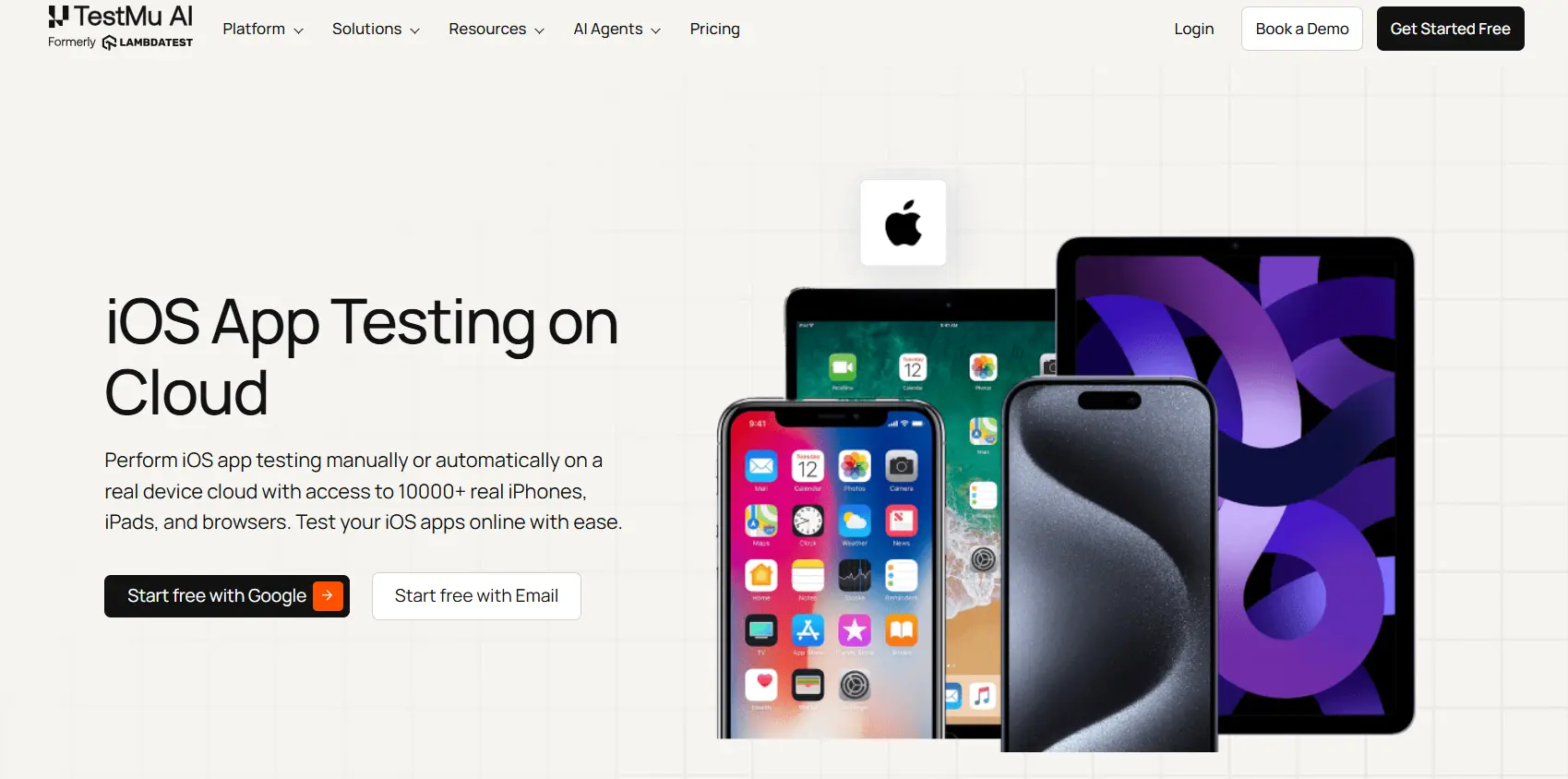
Instead of maintaining an in-house device library or relying on simulators, TestMu AI gives you on-demand access to 10,000+ real Android and iOS devices. Pick the iPhone or iPad model and iOS version you need, upload your .ipa build, and run manual or automated sessions with live device logs, network logs, screenshots, and video captured for every run.
Key features:
- One-click app upload. Upload .ipa, .app, or .zip files directly to the platform and initiate testing instantly without complex configuration.
- Local and private app testing. Test privately hosted or locally staged apps for compatibility before releasing them to the live environment.
- Real-time debugging tools. Identify and fix issues using screenshots, videos, network logs, and device logs captured live during test runs.
- Integrated bug assignment. File bugs directly from the platform to Jira, Slack, and other trackers, keeping the feedback loop tight and reducing resolution time.
- Framework compatibility. Supports popular iOS automation frameworks, enabling automated iOS app testing within familiar workflows at scale.
Visit our support documentation to get started with app automation on TestMu AI.
Pricing
TestMu AI offers a free plan for real device and browser testing. Paid TestMu AI plans start at $15/month, with manual testing on real iOS devices available on higher tiers.

Note: Test your iOS apps on real devices. Try TestMu AI now!
2. Apptim
Apptim is an iOS performance testing tool that measures how an app behaves on real devices, capturing render time, resource usage, crashes, and errors. It requires no heavy SDK or major code changes, so you can profile performance without affecting the build you are testing.
Key features:
- Detailed performance reporting. Captures render time, power consumption, crashes, errors, and resource usage in a single report per test run.
- Collaborative private workspace. Share test reports with developers in a private workspace, making it easier to identify issues and align on fixes.
- Zero-SDK setup. Requires no additional SDKs or major code changes, so you can start testing without impacting app performance or build size.
- Jira integration. Publish and track bugs directly in Jira, streamlining the bug-fix cycle within your existing project management workflow.
- Automated testing with user analytics. Supports UI, API, and end-to-end testing, with analytics on user interactions to help optimize the iOS experience.
Pricing
Apptim offers a free plan with usage limits along with a 14-day free trial. Paid pricing is available on request.
3. Squish
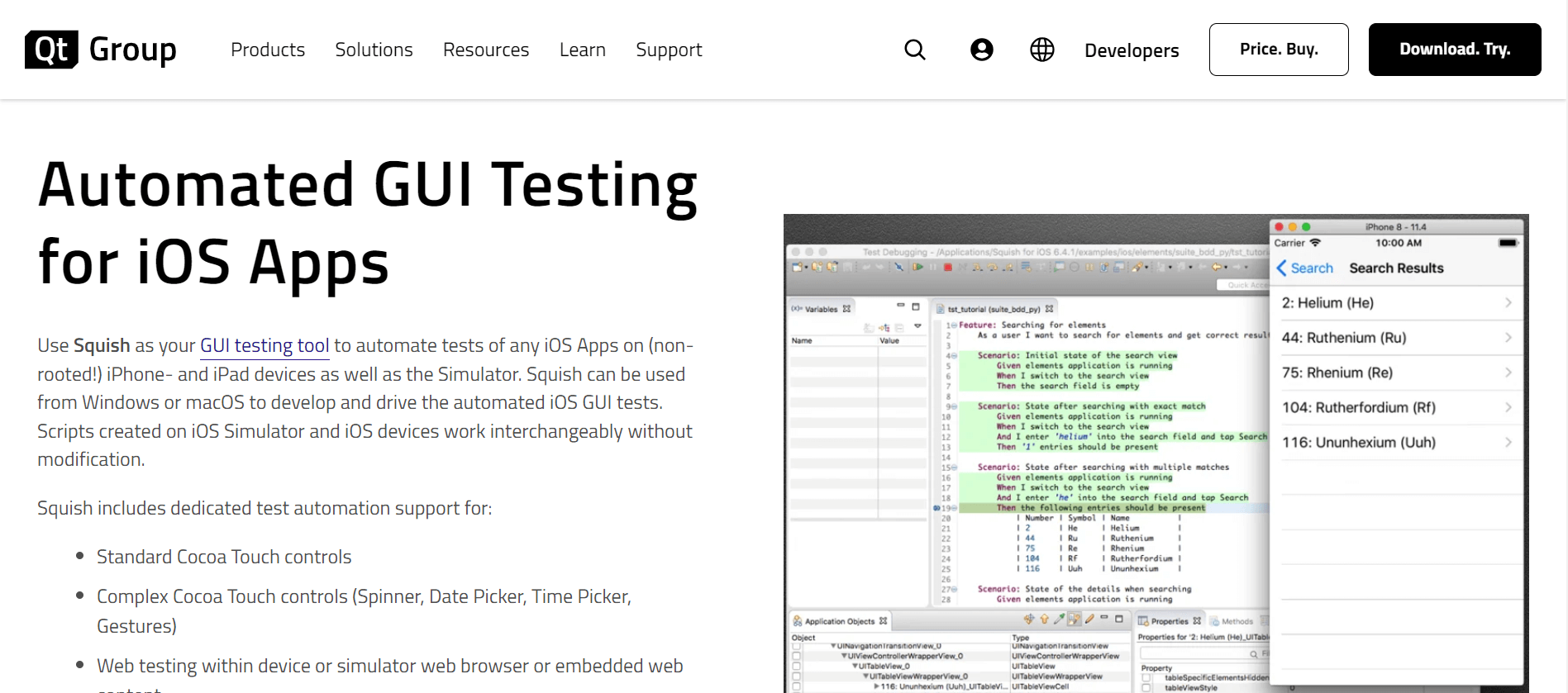
Squish is a GUI testing tool for automating tests on iOS apps. It offers capabilities for automated GUI testing on iOS devices and the simulator.
It supports the creation and execution of multi-application tests, allowing testers to validate interactions between different apps. Additionally, the tool facilitates multi-device testing, enabling comprehensive testing scenarios across various iOS devices.
Key features:
- Physical and simulator support. Automates tests on non-rooted iPhones and iPads as well as the iOS Simulator, covering both real and simulated environments.
- Cross-OS test development. Develop and run iOS GUI tests from both Windows and macOS, giving teams with diverse setups the flexibility they need.
- Interchangeable test scripts. Scripts written for the iOS Simulator work on real devices without modification, maximizing reuse across environments.
- Multi-app and multi-device testing. Validate interactions between different apps and run tests across multiple iOS devices simultaneously.
- Rich iOS control support. Provides automation support for standard Cocoa Touch controls and complex elements like Spinner, Date Picker, Time Picker, and Gestures.
Pricing
Squish has no free plan. Licensing is quote-based, contact them directly for pricing.
4. fastlane
fastlane is an open-source platform and set of tools that automates the iOS app build, testing, and deployment process. It simplifies common tasks across mobile app development, code signing, and distribution.
Key features:
- Full lifecycle automation. Streamlines building, testing, code signing, and releasing apps, covering the entire Mobile DevOps workflow in a single tool.
- iOS and Android support. Works across both platforms, giving cross-platform teams a unified automation layer from a single configuration.
- CI/CD integration. Connects with Jenkins, Travis CI, and other popular CI tools to fit seamlessly into your existing delivery pipeline.
- Automated code signing. Handles the code signing process automatically, reducing manual errors and simplifying the release workflow for every build.
- Screenshot and metadata automation. Automates App Store screenshot capture across devices and languages, eliminating manual prep work before each release.
Pricing
fastlane is completely free and open source.
5. Firebase Test Lab
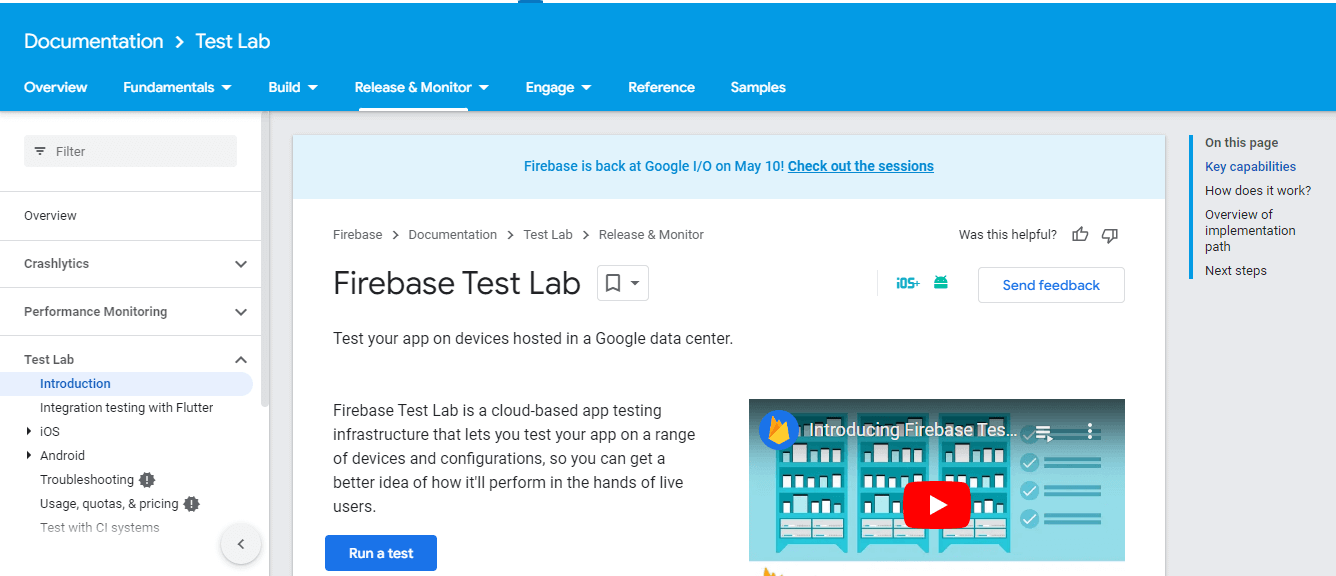
Firebase Test Lab is a cloud-based iOS testing tool that allows testing iOS apps on various devices and configurations hosted on Google's cloud infrastructure. Built by Google, it supports real device testing, automated testing, and customizable test scenarios.
Key features:
- Wide device and OS coverage. Test across a broad range of real iOS devices and OS versions hosted in Google's cloud, covering the fragmentation your users encounter.
- Real device testing. Run tests on physical iOS devices rather than simulators, producing more accurate and reliable results.
- Parallel automated testing. Execute tests simultaneously across multiple devices, cutting total test time significantly for large test suites.
- Customizable test parameters. Configure device orientation, language settings, and network conditions to match the scenarios your real users encounter.
- Detailed reports with media. Get test results complete with screenshots and video recordings, making it easy to pinpoint and reproduce failures quickly.
Pricing
Firebase Test Lab includes a free daily quota, with paid per-device-hour pricing for real iOS device testing beyond it.
6. TestFlight
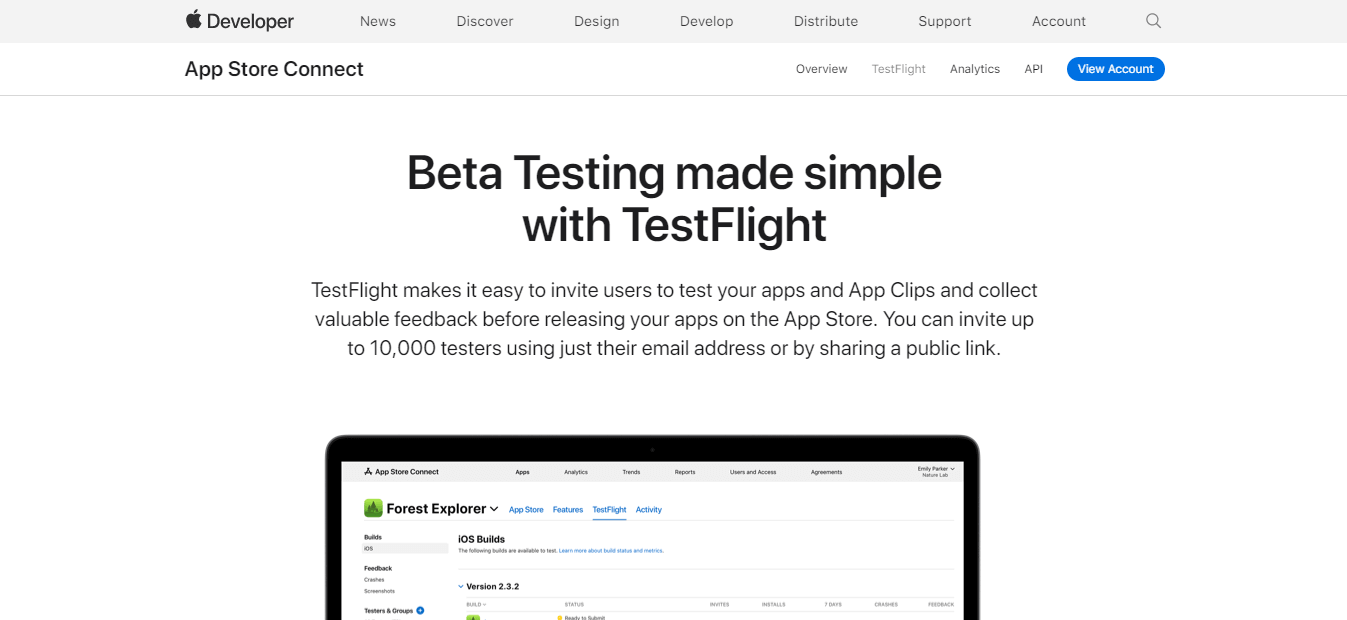
TestFlight is Apple's beta distribution service for iOS apps, integrated into App Store Connect. It distributes pre-release builds to testers and collects their feedback, so you can catch issues before the app reaches the App Store.
Key features:
- Large-scale beta distribution. Invite up to 10,000 external testers to install and test pre-release builds directly from their iOS devices.
- Real-time feedback collection. Receive tester feedback including comments, screenshots, and video recordings to inform fixes before public release.
- Crash reporting. Automatically generate crash reports for beta builds, giving developers the data needed to identify and fix stability issues quickly.
- Multi-platform build support. Distribute builds across iOS, iPadOS, macOS, tvOS, watchOS, and iMessage apps from a single platform.
- Multiple build management. Upload and manage multiple app versions simultaneously, letting testers compare behavior across different builds.
Pricing
TestFlight is free to use. Uploading builds requires a paid Apple Developer Program membership.
7. Bugfender
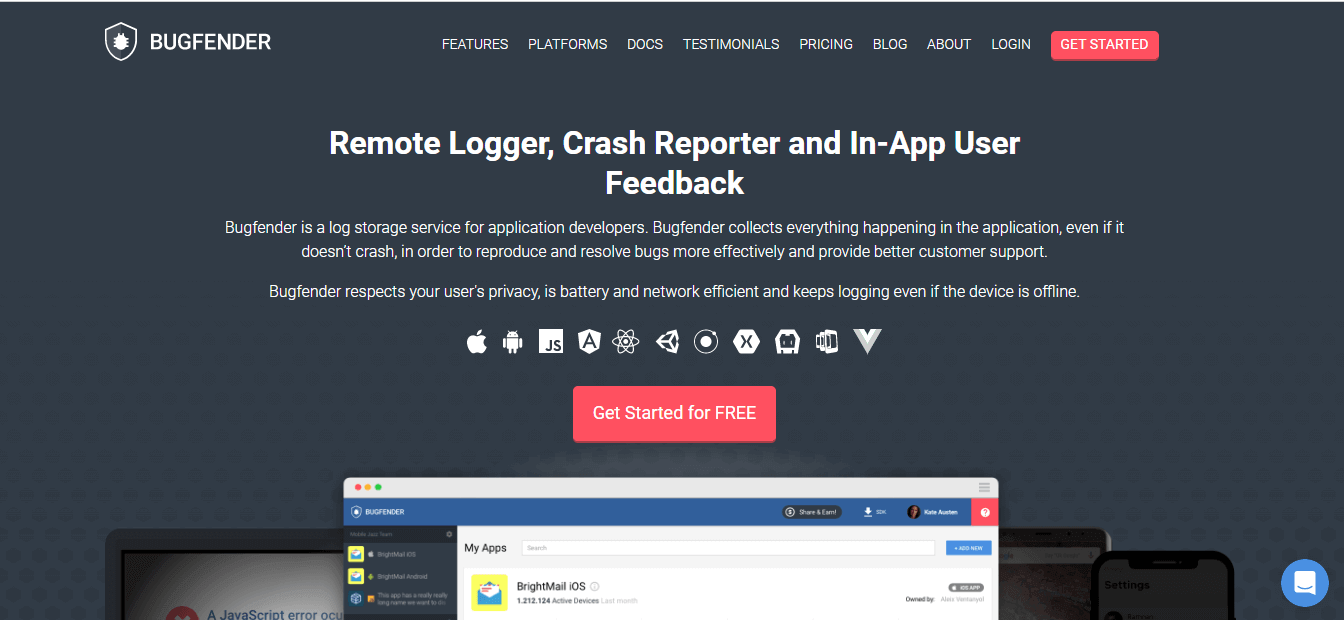
Bugfender is a cloud-based iOS testing tool known for remote logging, crash reporting, and in-app user feedback. Bugfender's log services collect every event and action in the application, even when it does not crash, so teams can reproduce and resolve bugs effectively.
Key features:
- Real-time remote log collection. Capture and review iOS app logs from any device in real time, even when the app is running in production without a crash.
- Detailed crash reporting. Get crash reports with full log context, making it faster to reproduce and fix bugs reported in the field.
- Remote debugging. Debug iOS apps running on users' devices remotely, without needing physical access or a developer build.
- User behavior tracking. Monitor how users interact with the app to surface UX issues, optimize performance, and understand real-world usage patterns.
- Team integrations and security. Connects with Slack and Jira for automated workflows, with encryption in place to protect all collected app data.
Pricing
Bugfender offers a free plan for smaller projects with limited log retention, plus paid Team and higher tiers for larger apps and longer retention.

Real Device vs Simulator for iOS Testing
Almost every iOS testing decision comes back to one question: simulator or real device? The iOS Simulator ships with Xcode, is free, and is fast for early development, but it runs on your Mac's hardware rather than a real iPhone, so it can only take you so far.
What the Simulator is good for: UI layout across screen sizes, navigation flows, business logic, basic functional checks, and API calls during development. For quick iteration, it is the right tool.
What the Simulator cannot reproduce: because it runs on your Mac rather than Apple hardware, it cannot faithfully reproduce camera and sensor input, Face ID and Touch ID biometrics, real GPU and memory pressure, battery consumption, push-notification timing, or true network-radio conditions. These gaps are exactly the bugs that reach production when testing stops at the simulator.
Real iOS devices are where you validate performance, hardware features, and compatibility before release. The catch is access: buying and maintaining every iPhone and iPad model your users own is expensive and never complete. That is why teams move real-device testing to the cloud. TestMu AI's real device cloud gives on-demand access to real iPhones and iPads across current and legacy iOS versions, so you get simulator speed during development and real-device accuracy before you ship. For a hands-on walkthrough, see how to test apps on iPhones. If you take one rule from this guide, make it this: iterate and debug on the simulator, but never sign off a release on it.
Which iOS Testing Tool Fits Your Use Case?
The right iOS testing tool depends less on a feature checklist than on what you are testing and at what scale. Map your situation to the picks below.
iOS automation testing tools:
For iOS automation testing, Squish drives GUI tests across real and simulated iOS devices, and fastlane automates the build, sign, and release pipeline around them. Running your suite as iOS app automation on a real device cloud like TestMu AI adds parallel execution and CI/CD integration.
iOS manual testing and exploratory checks:
For iOS manual testing, real-device access matters more than scripting. A real device cloud lets an iOS app tester interact with real iPhones and iPads, capture screenshots and video, and reproduce device-specific bugs without an in-house lab. See mobile app testing for the fundamentals.
iOS performance testing tools:
For iOS performance testing tools, Apptim reports render time, memory, and power use per run, and running on real devices surfaces regressions that simulators hide.
Cross-platform teams:
Teams testing iOS alongside Android benefit from platforms that cover both, like TestMu AI's real device cloud and Firebase Test Lab, so you validate across a shared device matrix instead of maintaining two separate labs.
iOS app testing services at scale:
When device coverage is the bottleneck, iOS app testing services built on a real device cloud remove the hardware constraint and run manual and automated tests across many device and OS combinations at once. For a device-matrix walkthrough, see how to test iOS apps on multiple devices, and use an execution engine like HyperExecute to run those suites in parallel.
What to weigh before you commit:
- UI testing capability. UI issues directly affect user experience and App Store ratings, so pick a tool that can simulate and validate UI interactions before release.
- Testing depth. The more layers a tool covers, from functional to performance to beta, the earlier you catch critical issues.
- Ease of use. A tool your team can actually use speeds up execution, simplifies bug tracking, and reduces collaboration friction.
- Integrations. Compatibility with your CI/CD pipeline, bug trackers, and existing frameworks determines how smoothly testing fits your workflow.
- Pricing. Evaluate total cost of ownership, not just the starting price, including maintenance and the infrastructure the tool needs.
Conclusion
TestMu AI lets you run your iOS tests on real iPhones and iPads at scale, but no single tool wins outright; the best fit depends on your stack, your team's skill level, and the scale you test at. Apptim covers performance profiling, Squish handles GUI automation, fastlane automates build and release, and TestFlight covers beta distribution, while Firebase Test Lab and Bugfender add cloud device testing and crash diagnostics.
Where most teams fall short is not the tool but the infrastructure. Simulators miss real-world bugs, and testing on a handful of in-house devices does not cover the iOS fragmentation your users actually encounter.
TestMu AI gives you access to 10,000+ real devices on the cloud, so you can stop managing device labs and start shipping with confidence. Start free and run your first automated iOS suite with mobile app automation on real devices.
Author
Nazneen Ahmad
Blogs: 47


Nazneen Ahmad is a freelance Technical Content SEO Writer with over 6 years of experience in crafting high ranking content on software testing, web development, and medical case studies. She has written 60+ technical blogs, including 50+ top-ranking articles focused on software testing and web development. Certified in Automation Basic and Advanced Training - XO 10, she blends subject knowledge with SEO strategies to create user focused, authoritative content. Over time, she has shifted from quick, keyword-heavy drafts to producing content that prioritizes user intent, readability, and topical authority to deliver lasting value.
Reviewer
Siddhant Sinha
Reviewer
Siddhant Sinha is a Lead Member of Technical Staff at TestMu AI architecting Kane CLI, the command-line tool for browser automation from the terminal, where natural-language flows run in a real Chrome browser and return pass or fail with shareable proof. He has spent over three years at TestMu AI (formerly LambdaTest) building scalable platforms that run tests at scale on real Android and iOS devices. His expertise covers platform architecture, large-scale distributed systems, and CLI design, shaped by earlier cloud-native engineering at Semut.io, including building Elasticsearch as a service.







iOS Testing Tools FAQs
Did you find this page helpful?
More Related Blogs
TestMu AI forEnterprise
Get access to solutions built on Enterprise
grade security, privacy, & compliance
- Advanced access controls
- Advanced data retention rules
- Advanced Local Testing
- Premium Support options
- Early access to beta features
- Private Slack Channel
- Unlimited Manual Accessibility DevTools Tests