
Power Your Software Testing with AI Agents and Cloud
The Native AI-Agentic Cloud Platform to Supercharge Quality Engineering. Test Intelligently and Ship Faster.


- TestMu AI (Formerly LambdaTest)
- /
- Blog
- /
- 11 Best Chatbot Testing Tools for 2026
11 Best Chatbot Testing Tools for 2026
Compare the 11 best chatbot testing tools for 2026 and learn how to automate chatbot testing in CI, with a working cloud test, a checklist, and best-fit picks.
Last Updated on:
Your chatbot can pass every scripted test and still tell a customer the wrong refund policy, a failure known as chatbot hallucination. On the Vectara Hallucination Leaderboard, several leading large language models still fabricate facts in more than 10% of document summaries, and the best-scoring model sits at 1.8%.
The people shipping these bots feel it. In the Stack Overflow 2025 Developer Survey, 66% of developers said their biggest frustration with AI is output that is "almost right, but not quite," and more developers actively distrust AI accuracy (46%) than trust it (33%). A handful of manual chats before release won't catch an answer that's almost right.
Chatbot testing automation means scored, repeatable conversations that run on every model, prompt, or knowledge-base change. Below are the 11 best chatbot automation testing tools for 2026, ranked on how much of a chatbot each one can test, plus a working test you can run on the TestMu AI cloud and a checklist that maps each risk to a tool.
Overview
The best chatbot automation testing tools in 2026 are TestMu AI, which scores multi-turn conversations and runs the chat widget on real browsers and devices, and Promptfoo, for code-first accuracy and security evals in CI. Most teams pair one platform with one open-source evaluator and run both on every model or prompt change.
What does chatbot automation testing mean?
Chatbot automation testing uses software tools to automatically validate a chatbot's intent recognition, response accuracy, conversation flow, and interface on every build, spanning the language, conversation, and UI layers instead of relying on manual chats.
What are the best chatbot testing tools?
- Best for conversation quality plus UI: TestMu AI - Agent Testing scores multi-turn replies on 9 metrics, including hallucination and context awareness, and its real device cloud runs the chat widget on 10,000+ real devices. Open source: No.
- Best for code-first evals in CI: Promptfoo - YAML test cases, side-by-side model comparison, and red-teaming for prompt injection and PII leaks, run from a CLI or GitHub Action. Open source: Yes (MIT).
- Best for Pytest-style multi-turn tests: DeepEval - unit-test-style assertions on LLM output, plus a conversation simulator that plays a fake user against your chatbot. Open source: Yes (Apache-2.0).
- Best for agent vulnerability scans: Giskard - the v3 rewrite probes multi-turn agents for prompt injection, harmful content, stereotypes, and misinformation. Open source: Yes (Apache-2.0).
- Best for checks from CI to production: Deepchecks - scores responses and flags harmful content, bias, and PII leakage, then keeps monitoring them after release. Open source: Library yes (AGPL-3.0); LLM evaluation platform no.
- Best for RAG grounding: Ragas - measures faithfulness, context precision, and context recall against the documents your bot retrieved. Open source: Yes (Apache-2.0).
- Best for tracing plus online evals: LangSmith - connects offline dataset evals before release with scoring of live production traffic after it. Open source: No.
- Best for Rasa-built bots: Rasa - the built-in rasa test command covers NLU accuracy and end-to-end conversations for assistants built on Rasa. Open source: Yes (Apache-2.0), now in maintenance mode.
- Best for codeless widget checks: Ghost Inspector - records chat-widget flows in the browser and replays them on a schedule with screenshot comparison. Open source: No.
- Best for production UI monitoring: Checkly - runs Playwright-powered checks of the chat widget on a schedule from 20+ locations worldwide. Open source: No.
- Best for web and mobile without code: Subject7 - builds codeless chat UI tests for browser widgets and in-app mobile bots, with video of every run. Open source: No.
What Is Chatbot Automation Testing?
Chatbot automation testing is the practice of using software tools to automatically validate a chatbot across three layers: the language layer (intent recognition, entity extraction, and response accuracy), the conversation layer (multi-turn flow, context retention, and fallbacks), and the interface layer (the web or mobile UI the user types into). Automation runs these checks on every build instead of relying on a few manual chats. If you are still building the bot itself, our guide to AI chatbot fundamentals covers that first. To choose the platform you build it on, see the roundup of the best chatbot builders.
It is harder than traditional UI testing because a chatbot is non-deterministic: the same question can return different wording each time, so assertions check meaning and accuracy, not an exact string. That difficulty is now mainstream because adoption has exploded. According to the Stanford HAI 2025 AI Index Report, 78% of organizations reported using AI in 2024, up from 55% the year before.
The market behind those bots is scaling just as fast. Grand View Research projects the conversational AI market will reach USD 41.39 billion by 2030, a 23.7% compound annual growth rate from 2025. As bots move from FAQ widgets to agents that handle refunds and account changes, an untested response becomes a direct business risk. Before you invest in automating this coverage, you can weigh the payback with this test automation ROI calculator.
For teams whose chatbot stack extends into voice, this guide to voice quality testing covers MOS, PESQ, POLQA, WER, and the multi-turn failure modes that show up once ASR and TTS sit in front of the same LLM.
Chatbot Testing Tools Comparison
Use this table to match each tool to the layer of the bot it tests and its licensing model.
| Tool | Type | Open Source | Best For |
|---|---|---|---|
| TestMu AI | Agent testing plus browser and device cloud | No (custom quote) | Scoring multi-turn conversations and running the chat UI on real browsers and devices |
| Promptfoo | LLM eval and red-teaming (now part of OpenAI) | Yes (MIT) | Code-first accuracy and security evals in CI |
| DeepEval | LLM eval framework | Yes (Apache-2.0) | Pytest-style, multi-turn conversation testing |
| Giskard | LLM testing and red-teaming | Yes (Apache-2.0) | Automated safety and vulnerability scanning |
| Deepchecks | LLM eval and monitoring | Yes (library) | Quality and safety scoring from CI to production |
| Ragas | RAG evaluation | Yes (Apache-2.0) | Grounding and retrieval quality for RAG bots |
| LangSmith | Eval and observability | No (free tier) | Offline and online evaluation with tracing |
| Rasa | Bot framework with tests | Yes (Apache-2.0) | NLU and flow testing for Rasa-built bots |
| Ghost Inspector | Codeless browser testing | No (free trial) | Codeless, scheduled web chat widget UI tests |
| Checkly | Browser monitoring and E2E | No (free tier) | Monitoring the live chat UI in production |
| Subject7 | Codeless web and mobile | No (commercial) | Codeless chat UI tests on web and mobile |

Note: TestMu AI Agent Testing scores your chatbot's replies for hallucination, bias, and context awareness, and TestMu AI's real device cloud runs its chat widget on 10,000+ real Android and iOS devices. Start free
11 Best Chatbot Automation Testing Tools for 2026
No single tool covers every layer of a chatbot, so the ranking below is based on how much each tool can test on its own. Each was scored on these criteria:
- Layers covered - language (intent and answer accuracy), conversation (multi-turn context and fallbacks), interface (the chat widget), and any actions the bot takes.
- Automation fit - whether it runs unattended in CI or on a schedule, and how results gate a release.
- Setup cost - the code you have to write, the license, and what you have to host.
Tools that test more layers rank higher. Evaluation frameworks follow, and UI-only tools come last because they check the widget rather than the answers. Every product claim below was checked against the vendor's own site in October 2026.
1. TestMu AI (Formerly LambdaTest)
TestMu AI covers the conversation and interface layers with two products. Its chatbot testing platform, part of the Agent Testing suite, sends an autonomous AI evaluator to hold a full conversation with your chatbot, while 15+ specialized agents score every reply on nine quality metrics: hallucination detection, bias detection, completeness, context awareness, response quality, conversation flow, tone consistency, positive user outcome, and root-cause understanding. For the interface, the chat widget runs on a real device cloud of 10,000+ real Android and iOS devices, or across 3,000+ browser and OS combinations.
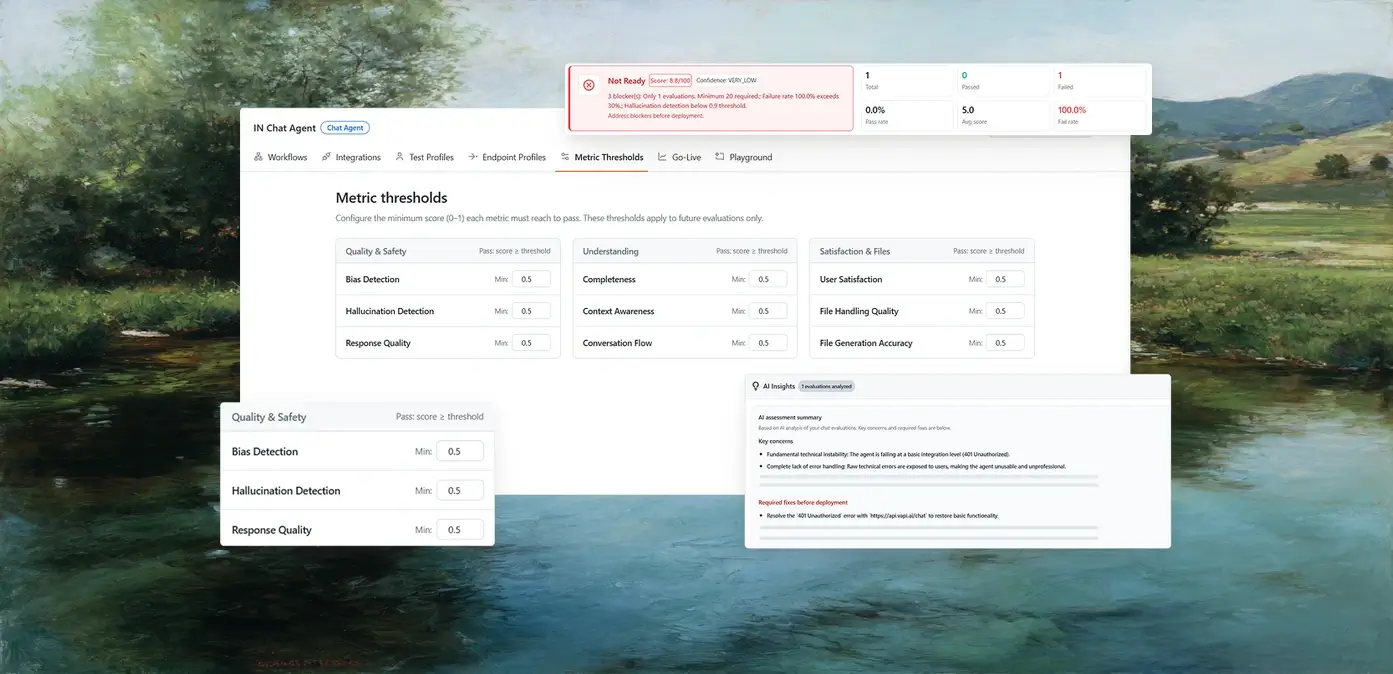
- Scenario generation from your docs - Auto-generates 60-100+ test scenarios from uploaded docs, PRDs, or connected Jira and Confluence, so coverage follows what the bot is supposed to know.
- Personas - A pre-built or custom persona library runs the same scenario as different kinds of users, including the one trying to talk the bot past a rule.
- Go/no-go verdict - Every run rolls up into Green for cleared to deploy, Yellow for targeted fixes required, or Red for not production-ready.
- CI and schedules - The Agent Testing CLI outputs JUnit XML for GitHub Actions, GitLab CI, Jenkins, and CircleCI, and suites can run hourly to monthly or on a custom cron.
- Chat, voice, and phone - The same platform tests voice and phone agents, which matters once your chatbot gets a voice channel. For the UI side, see agentic testing for UI automation.
Limitations - Agent Testing isn't open source, and it doesn't run inside your Python test suite the way DeepEval does. It grades what the bot says. If your bot also issues refunds or changes account details, those actions need their own check: TestMu AI Agent Assurance grades what a tool-using agent actually changed instead of what it reported, but it's pre-alpha.
Best for - Teams that want conversation quality and the chat UI tested by one vendor, with a release verdict a product owner can read.
Pricing - Agent Testing is custom-quoted, scaled to your evaluation volume. UI runs use TestMu AI's automation testing cloud plans.
2. Promptfoo
Promptfoo is an open-source framework for evaluating and red-teaming LLM and chatbot outputs from the command line. You declare test cases and assertions in YAML, run them in CI, and catch accuracy or safety regressions before they ship. On March 9, 2026, Promptfoo announced it had agreed to be acquired by OpenAI, and it remains open source under the MIT license.
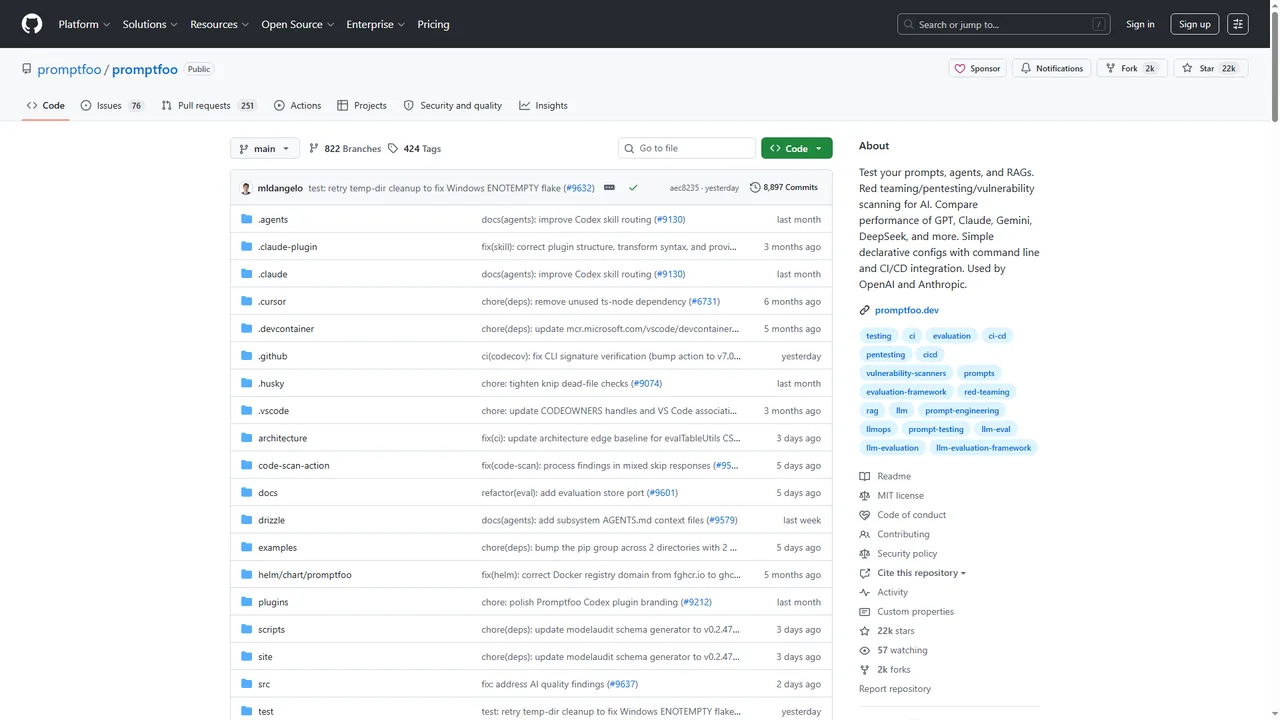
- Declarative test cases - Define inputs and expected behavior in YAML to evaluate prompts and catch regressions on every change.
- Model comparison - Run the same suite across different models side by side to see which one answers your scenarios most reliably.
- Red-teaming - Scans for prompt injection, jailbreaks, PII leaks, and toxic content across many vulnerability types.
- CI/CD ready - Runs as a CLI with a GitHub Action, so evals gate every pull request.
Best for - Developers who want code-first, version-controlled accuracy and security evals in CI.
Pricing - Free open-source Community edition (MIT); paid Enterprise and on-premise plans add team sharing and managed deployment.
3. DeepEval (Confident AI)
DeepEval is an open-source framework that brings Pytest-style unit testing to LLM and chatbot outputs. It is built around research-backed metrics that put a score on every response.
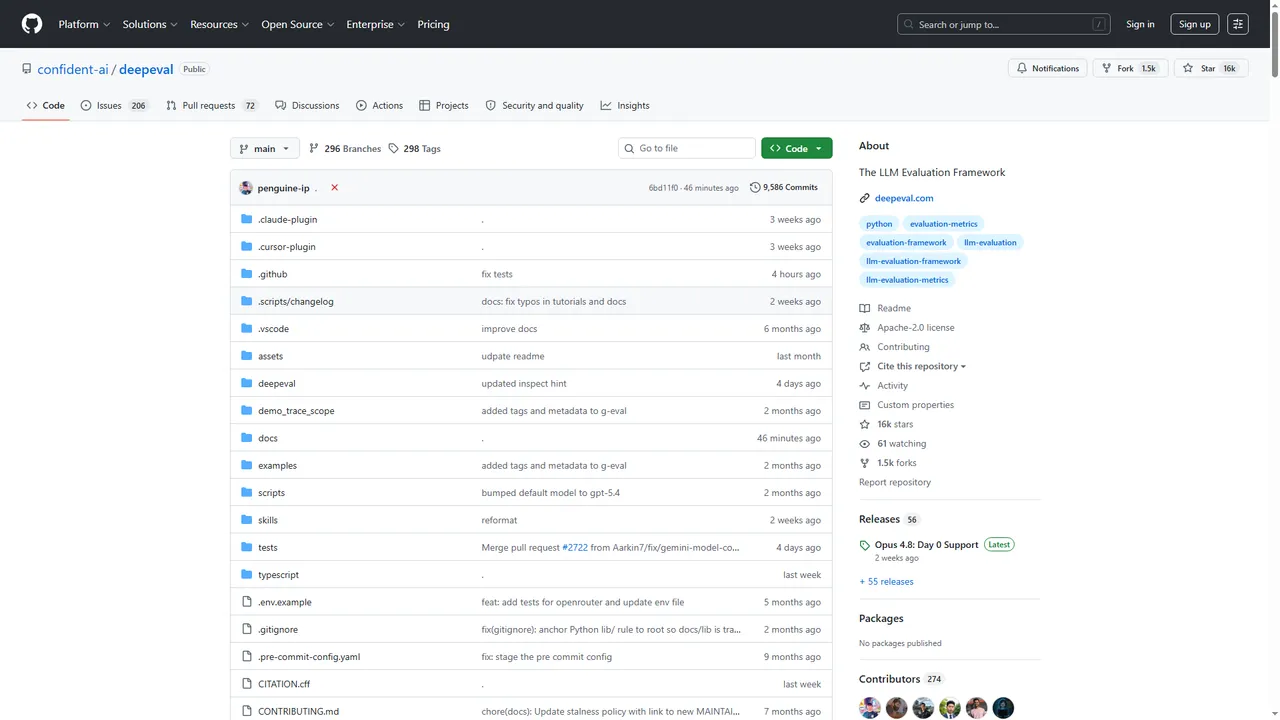
- Pytest-style assertions - Write LLM tests the way you write unit tests, with metrics like answer relevancy, faithfulness, and hallucination.
- Multi-turn conversation testing - "Conversational goldens" let you script and assert full multi-turn chatbot dialogues.
- Conversation simulation - Generate and replay realistic dialogues to widen coverage beyond hand-written cases.
- CI integration - Run in any pipeline; the optional Confident AI cloud adds datasets, tracing, and monitoring.
Best for - Engineers who want code-first, multi-turn conversation testing for chatbots and RAG apps.
Pricing - Framework is free and open source (Apache-2.0); Confident AI cloud has a free tier and paid plans.
4. Giskard
Giskard is an open-source Python library for testing and red-teaming LLM, RAG, and chatbot apps. Giskard v3 is a fresh rewrite built for dynamic, multi-turn testing of AI agents, and v2 is no longer actively maintained.
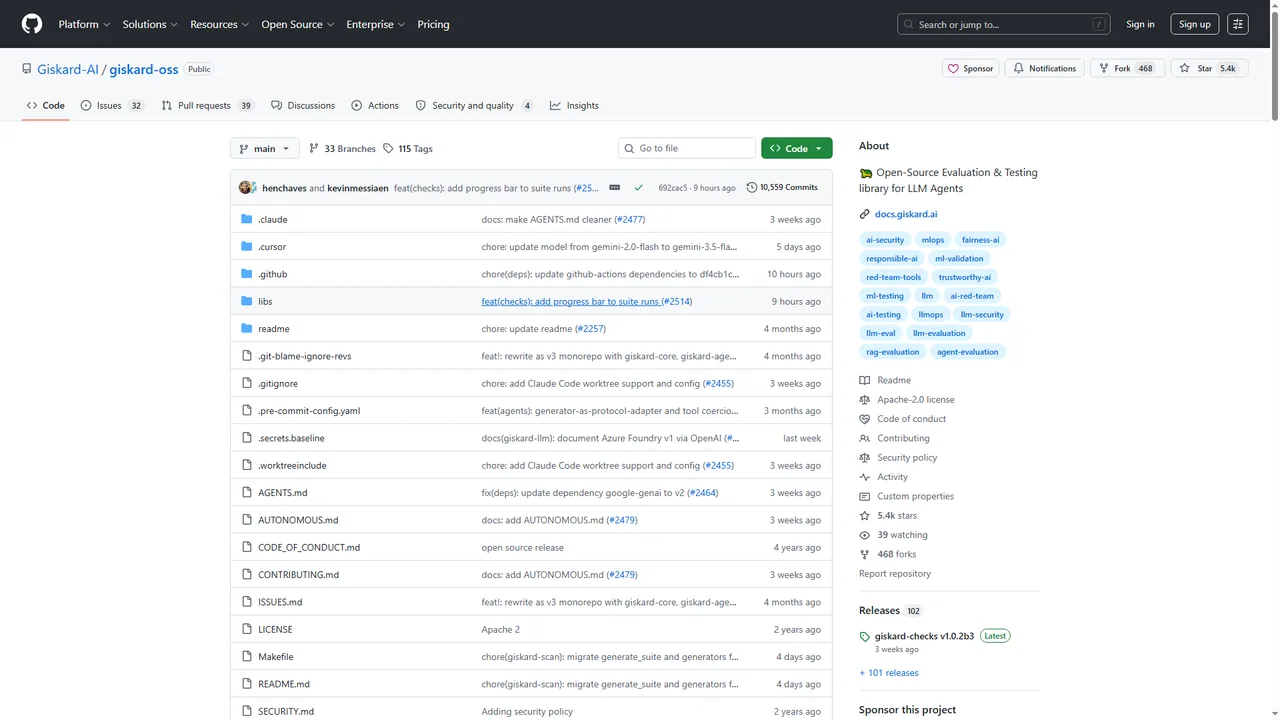
- Automated vulnerability scan - Probes for prompt injection, harmful content, stereotypes, and misinformation, mapped to OWASP LLM Top-10 threat categories.
- RAG and agent coverage - Generates quality test sets for retrieval-augmented and agentic chatbots.
- Test-suite generation - Builds suites you can rerun in CI to catch regressions automatically.
- Multi-turn agent focus - v3 targets conversational agents; the tabular ML scan for performance, bias, and robustness exists only in the unmaintained v2.
Best for - Teams that want automated safety and quality scanning for conversational AI.
Pricing - Open-source library is free (Apache-2.0); the Giskard Hub platform is commercial.
5. Deepchecks
Deepchecks grew out of ML validation into an LLM evaluation platform that scores chatbot responses for quality and safety in CI and keeps monitoring them in production.
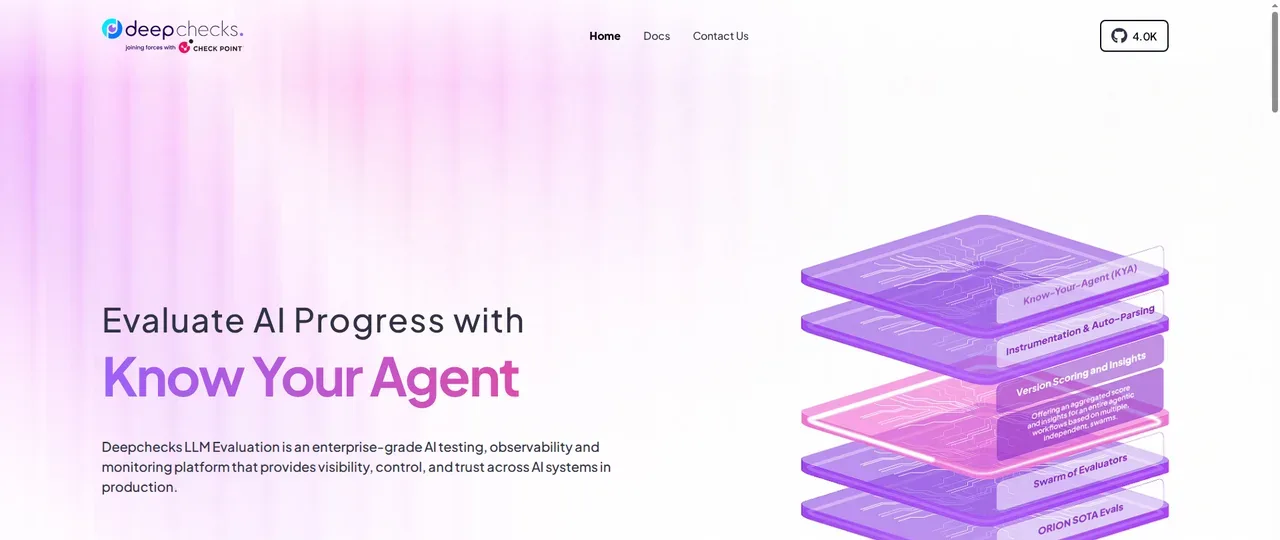
- Quality plus safety scoring - Auto-scores responses while flagging harmful content, bias, and PII leakage.
- Curated evaluation sets - Scores responses against evaluation sets you curate, so open-ended answers are graded on properties rather than one exact string.
- Penetration-style probes - Tests for prompt injections, jailbreaks, PII extraction, and bias triggers.
- Dev to production - Applies the same checks across development, CI, and production monitoring.
Best for - Teams that want the same quality and safety checks in CI and in production monitoring.
Pricing - Open-source library is free under the copyleft AGPL-3.0 license; the LLM Evaluation SaaS is commercial.
6. Ragas
Ragas is an open-source framework purpose-built to evaluate retrieval-augmented chatbots, the kind that answer from your own documents. It measures whether answers are actually grounded in the retrieved context.
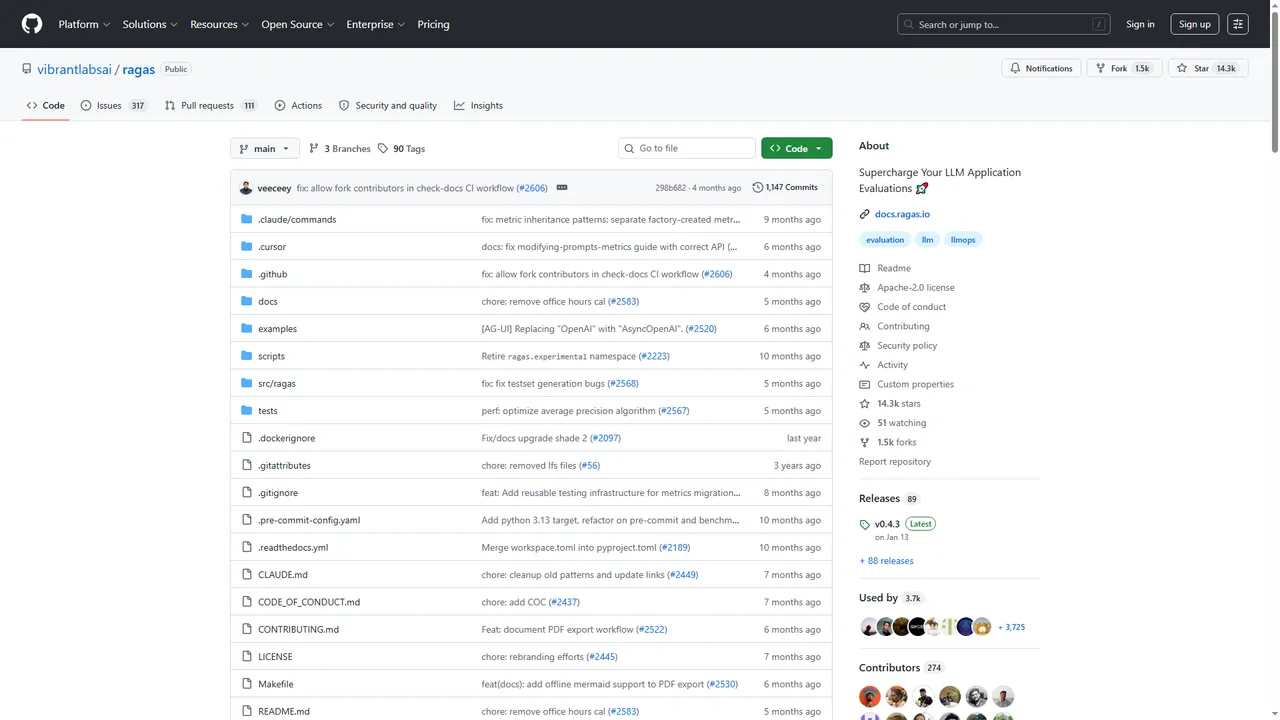
- RAG-specific metrics - Scores faithfulness, response relevancy (formerly answer relevancy), context precision, and context recall. The guide to Ragas metrics explains how they score a sample and which ones need an LLM judge.
- Synthetic test sets - Generates evaluation data so you can bootstrap coverage without hand-labeling everything.
- Reference-free scoring - Uses an LLM-as-judge approach when you lack a gold answer.
- Pipeline integrations - Plugs into common RAG frameworks and CI workflows.
Best for - Teams shipping RAG chatbots that must stay grounded in source documents.
Pricing - Free and open source (Apache-2.0).
7. LangSmith
LangSmith is a framework-agnostic platform for evaluating and observing LLM and chatbot apps. It connects offline tests before deploy with online evaluation of live traffic after.
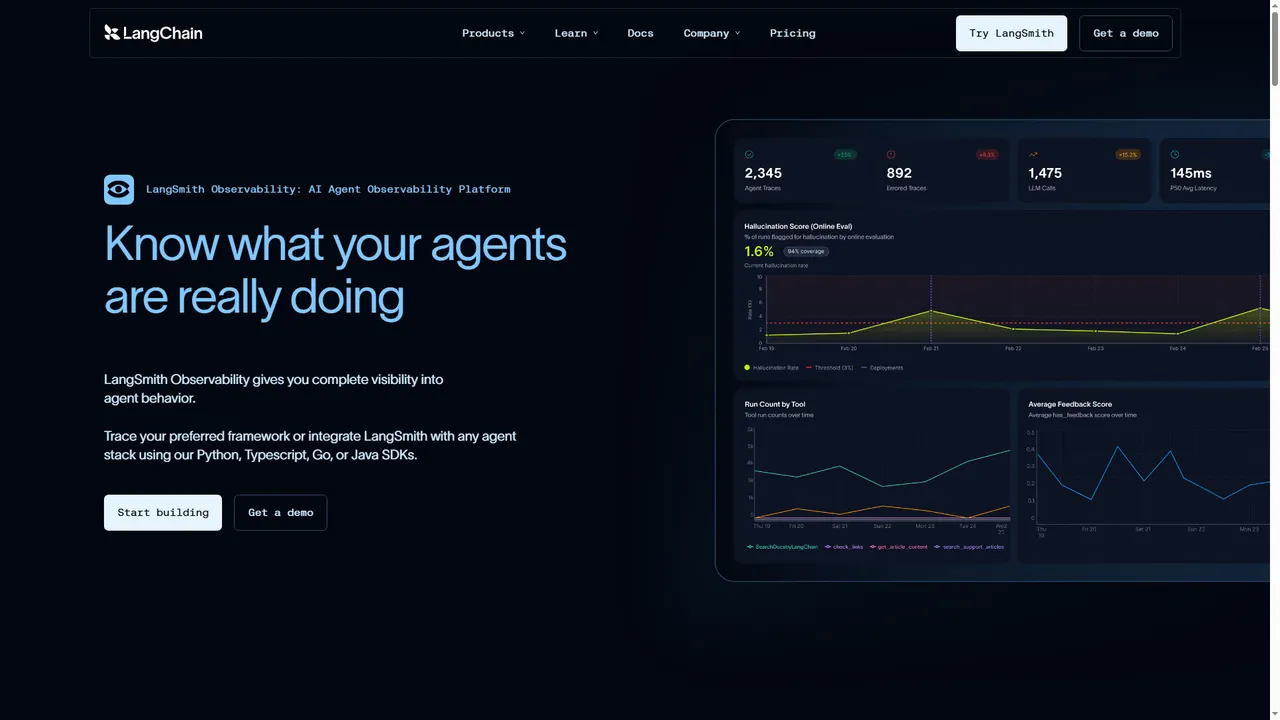
- Offline evals - Run unit-test-style evaluations against curated datasets to catch regressions before release.
- Online evaluation - Score live production conversations to detect quality drift over time.
- Multiple evaluators - Human annotation, heuristics, LLM-as-judge, and pairwise comparison.
- Full tracing - Inspect every step of a multi-step agent or chatbot run to debug failures.
Best for - Teams that want tracing plus offline and online evaluation in one place.
Pricing - Free Developer tier; paid Plus and Enterprise plans add seats and volume.
8. Rasa
Rasa is a framework for building conversational assistants, and its built-in rasa test command makes it a natural testing tool for any bot built on Rasa. Rasa Open Source is now in maintenance mode, and new development is on CALM.
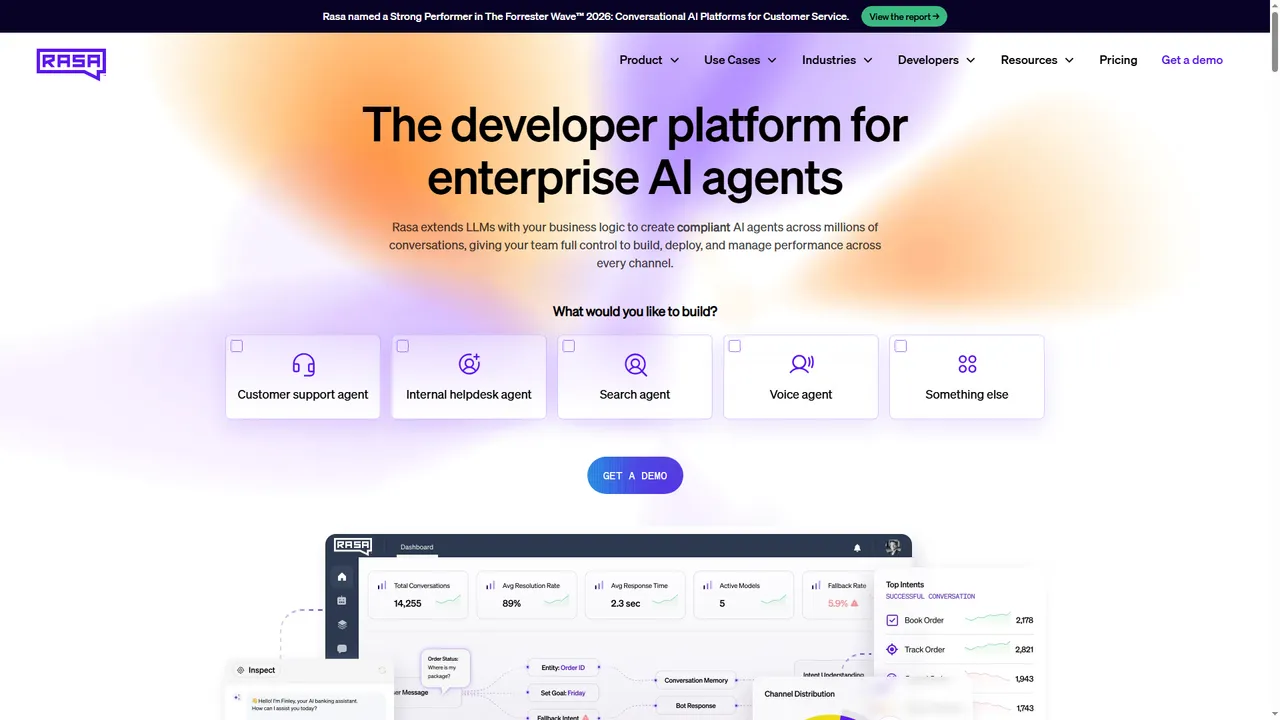
- NLU evaluation - On Rasa Open Source, measures intent and entity accuracy with confusion matrices and cross-validation.
- End-to-end tests - Scripts full user-to-bot dialogues as regression guardrails.
- CALM end-to-end tests - rasa test e2e runs conversation tests with coverage metrics that show which flows and commands are untested.
- CI integration - Runs conversation tests on every change.
Best for - Teams building on Rasa who want to unit and regression test their own NLU and flows.
Pricing - Rasa Open Source is free (Apache-2.0); Rasa Pro is commercial, with a free Developer Edition license.
The built-in command covers unit and regression checks against your training data. To take the same assistant through real chat and phone conversations and score how it behaves, see Rasa testing, which covers NLU, dialogue policies, custom actions, and CALM flows.
9. Ghost Inspector
Ghost Inspector is a cloud-based, codeless browser testing tool. You record a test that opens the chat widget, sends a message, and checks the reply, then schedule it to run across browsers, with screenshots and alerts when a flow breaks, no framework code required.
- Record and playback - Build chat-widget UI tests in the browser without writing code.
- Scheduled cross-browser runs - Run chatbot UI checks on a schedule from the cloud.
- Screenshot comparison - Catch visual changes in the chat interface across runs.
- Failure alerts - Slack, email, and CI notifications the moment a flow breaks.
Best for - Teams that want codeless, scheduled UI checks of a web chat widget.
Pricing - Paid plans with a free trial.
10. Checkly
Checkly is a monitoring and end-to-end testing platform built on headless browsers. It scripts the chat-widget journey, sending a message and asserting the reply, and runs it on a schedule from locations worldwide, so a broken bot UI in production gets caught between deploys.
- Browser checks - Script the chat-widget journey end to end.
- Global monitoring - Run checks on a schedule from multiple locations worldwide.
- Alerting - Failure notifications via Slack, PagerDuty, and more.
- Monitoring as code - Version-controlled checks managed alongside your app.
Best for - Teams that want the live chat UI monitored continuously in production.
Pricing - Free tier plus paid plans.
11. Subject7
Subject7 is a codeless test automation platform for web, mobile, API, and desktop. It drives the chat widget on both web and in-app mobile surfaces without framework code, with parallel execution and built-in reporting.
- Codeless authoring - Build chatbot UI tests for web and mobile without code.
- Web and mobile - Covers browser chat widgets and in-app mobile bots.
- Parallel execution - Run chat UI tests concurrently across environments.
- Built-in reporting - Detailed reports with a video recording of each test case run.
Best for - Teams testing chatbots across both web and mobile app surfaces without a framework.
Pricing - Commercial; contact for pricing.

How to Automate Chatbot Testing
Automate it in layers: script real conversations, score the replies on meaning, verify anything the bot changes, and run the whole suite on every change. The workflow is the same whichever tools you pick:
- Map real conversations - Pull scenarios from support transcripts and search logs, including misspellings, follow-up questions, and out-of-scope requests, not only the happy path.
- Write pass criteria per scenario - The intent the bot should resolve, the facts the answer must contain, and the facts it must never invent.
- Drive the conversation where users see it - Automate the chat widget itself, so a broken send button or a reply that never renders fails the test. The example below does this.
- Score replies on meaning - LLM-backed bots word the same answer differently on every run, so an exact-string assertion fails on correct answers. Use a chatbot evaluation framework for accuracy and hallucination. G-Eval is one way to score those answers: a judge model rates each reply against criteria written in plain language.
- Verify the actions - If the bot can issue refunds, book appointments, or change account details, check each action against the system of record. The bot's confirmation message proves nothing on its own.
- Run on every change - Trigger the suite on every model, prompt, or knowledge-base update, and schedule it to catch drift when nothing in your repo changed. With eval-driven development, each prompt or model change begins with an eval that states the target the change must reach before it ships.
- Keep testing after release - Production traffic surfaces failures no suite predicted. The guide to AI agent monitoring covers which production signals to watch and how to alert on drift without paging on noise.
The test below covers steps 3 and 4 on the TestMu AI cloud grid. It holds a three-turn conversation and checks that the bot gives an order status, keeps the order number in context, and falls back gracefully on garbled input. A small stand-in bot is defined inline so the example runs anywhere, and it varies its wording and reply speed the way an LLM-backed bot does. To test your own bot, replace the two lines marked in the code with page.goto() and your widget's selectors.
const { chromium } = require('playwright');

const capabilities = {
  browserName: 'Chrome',
  browserVersion: 'latest',
  'LT:Options': {
    platform: 'Windows 11',
    build: 'Chatbot UI Regression',
    name: 'Support bot keeps order context across turns',
    user: process.env.LT_USERNAME,
    accessKey: process.env.LT_ACCESS_KEY,
  },
};

// A stand-in support bot, so the example runs anywhere. It words its replies
// differently on each run and answers at uneven speeds, like an LLM-backed bot.
function installStandInBot(forgetContext) {
  const log = document.getElementById('chat-log');
  const input = document.getElementById('chat-input');
  let order = null;
  const pick = (options) => options[Math.floor(Math.random() * options.length)];
  const reply = (text) => {
    const id = text.split(' ').find((w) => w.length >= 4 && !Number.isNaN(Number(w)));
    if (id) {
      if (!forgetContext) order = id; // FORGET_CONTEXT=1 simulates a regression
      return pick(['Order ' + id + ' shipped yesterday.', 'Good news: order ' + id + ' is on its way.']);
    }
    if (text.toLowerCase().includes('address')) {
      return order
        ? pick(['I can update the address for order ' + order + '.', 'Sure. What is the new address for order ' + order + '?'])
        : 'Which order is this about?';
    }
    return "Sorry, I didn't catch that. Could you rephrase?";
  };
  input.addEventListener('keydown', (e) => {
    if (e.key !== 'Enter') return;
    const text = input.value;
    input.value = '';
    setTimeout(() => {
      const p = document.createElement('p');
      p.className = 'bot-message';
      p.textContent = reply(text);
      log.appendChild(p);
    }, 300 + Math.random() * 900);
  });
}

// Send one message and wait for the bot's next reply
async function ask(page, text) {
  const before = await page.locator('.bot-message').count();
  await page.fill('#chat-input', text);
  await page.press('#chat-input', 'Enter');
  const reply = page.locator('.bot-message').nth(before);
  await reply.waitFor({ state: 'visible' });
  return reply.textContent();
}

const setStatus = (page, status, remark) =>
  page.evaluate(() => {}, 'lambdatest_action: ' + JSON.stringify({ action: 'setTestStatus', arguments: { status, remark } }));

(async () => {
  const browser = await chromium.connect(
    'wss://cdp.lambdatest.com/playwright?capabilities=' + encodeURIComponent(JSON.stringify(capabilities))
  );
  const page = await browser.newPage();
  try {
    // Swap these two lines for page.goto('<your chat page>') and your own selectors
    await page.setContent('<div id="chat-log"></div><input id="chat-input" placeholder="Ask support">');
    await page.evaluate(installStandInBot, process.env.FORGET_CONTEXT === '1');

    const first = await ask(page, 'Where is my order 4521');
    const second = await ask(page, 'Can I change the delivery address?');
    const third = await ask(page, 'asdf qwerty');
    console.log({ first, second, third });

    // Assert on meaning, not exact wording
    if (!/shipped|on its way/i.test(first)) throw new Error('Turn 1: no order status in the reply');
    if (!second.includes('4521')) throw new Error('Turn 2: the bot lost the order number from turn 1');
    if (!/rephrase/i.test(third)) throw new Error('Turn 3: no graceful fallback for unclear input');

    await setStatus(page, 'passed', 'Status, context, and fallback held');
    console.log('PASS: order status, context retention, and fallback all held');
  } catch (err) {
    await setStatus(page, 'failed', String(err));
    throw err;
  } finally {
    await browser.close();
  }
})();
Three runs on the TestMu AI grid, copied unedited from the terminal. The first two are clean. The third sets FORGET_CONTEXT=1, which makes the bot drop the order number between turns:
# Run 1: node chatbot-test.js
{
  first: 'Good news: order 4521 is on its way.',
  second: 'Sure. What is the new address for order 4521?',
  third: "Sorry, I didn't catch that. Could you rephrase?"
}
PASS: order status, context retention, and fallback all held

# Run 2: node chatbot-test.js
{
  first: 'Order 4521 shipped yesterday.',
  second: 'I can update the address for order 4521.',
  third: "Sorry, I didn't catch that. Could you rephrase?"
}
PASS: order status, context retention, and fallback all held

# Run 3: FORGET_CONTEXT=1 node chatbot-test.js
{
  first: 'Order 4521 shipped yesterday.',
  second: 'Which order is this about?',
  third: "Sorry, I didn't catch that. Could you rephrase?"
}
Error: Turn 2: the bot lost the order number from turn 1- The bot worded both clean runs differently, and both passed, because the checks look for meaning instead of an exact sentence.
- Run 3 failed on the right turn with a message that names the regression, which is what you want in a CI log.
- Keyword checks only catch blunt failures, so hand step 4 to an evaluator for real suites. TestMu AI Agent Testing scores context awareness as one of its nine metrics, and that's exactly the metric run 3 breaks.
Chatbot Testing Checklist
Run this before every release. Each row is a risk, the check that proves it's handled, and the tools from this list that cover it. A longer chatbot QA checklist gives every line a pass condition and shows how to prove test coverage.
| What to test | Pass criterion | Tools that cover it |
|---|---|---|
| Intent and entity recognition | Paraphrases such as "cancel my plan" and "stop my subscription" resolve to the same intent, with entities extracted correctly | Rasa, Promptfoo, DeepEval |
| Answer accuracy and hallucination | Replies score above your threshold against known-good answers, and invented facts fail the build | TestMu AI Agent Testing, Promptfoo, DeepEval, Giskard |
| Grounding (RAG bots) | Answers stay faithful to the retrieved documents | Ragas, DeepEval |
| Context retention | Details from earlier turns, such as an order number, carry through the conversation | TestMu AI Agent Testing, DeepEval |
| Fallback handling | Out-of-scope or garbled input gets a graceful fallback instead of a confident wrong answer | TestMu AI Agent Testing, Rasa |
| Actions the bot takes | Refunds, bookings, and account changes the bot reports match the system of record | TestMu AI Agent Assurance (pre-alpha) before release, plus read-only checks in production |
| UI and cross-device rendering | The widget loads, sends, and renders on real browsers and Android and iOS devices | TestMu AI, Ghost Inspector, Subject7 |
| Security | Prompt injection, jailbreak, and PII-leak probes fail to change the bot's behavior | Promptfoo, Giskard, Deepchecks |
| Performance | Reply latency stays within your target when many users chat at once | Your load-testing tool in CI; Checkly for live UI checks |
| Accessibility | Keyboard navigation and screen-reader output for messages meet WCAG | An axe-based accessibility scan of the widget |
| Multilingual behavior | Intent accuracy and tone hold in every language the bot claims to support | Any evaluator above, run on translated test sets |
| Regression across model updates | The full suite runs on every model, prompt, or knowledge-base change | Every tool above, wired into CI |
For the language rows, the primer on NLP testing covers intent and entity metrics, and the LLM test automation guide goes deeper on scoring answers. If you need ready-made cases for each row, start from these chatbot test cases, and use the regression testing guide to decide what reruns on each change.
How to Choose the Right Chatbot Testing Tool?
Start from the layer that worries you most. Most teams end up running one platform and one open-source evaluator together:
- You want conversation quality and the chat UI covered by one vendor - Choose TestMu AI: Agent Testing scores the replies, and the real device cloud runs the widget.
- You need response-accuracy and security evals in CI - Choose Promptfoo for a code-first CLI, or DeepEval for Pytest-style, multi-turn conversation tests.
- You are building on Rasa - Use the built-in rasa test command for NLU and flow coverage before adding anything else.
- Your bot answers from your own documents (RAG) - Choose Ragas to measure grounding and retrieval quality.
- Safety and red-teaming are the priority - Choose Giskard for automated vulnerability scanning.
- Your bot can take actions - Add action checks. Agent Assurance grades what a tool-using agent changed before release, and read-only checks against your system of record cover production.
- You are moving off a Botium suite - Read the guide to Botium alternatives, which ranks seven replacements and maps BotiumScript convos to scenario-based tests.
- You need production observability - Choose LangSmith to evaluate live traffic and trace failures.
Budget for it like any other quality risk. The Consortium for Information and Software Quality (CISQ) estimated the cost of poor software quality in the US at at least USD 2.41 trillion in 2022, and Capgemini's World Quality Report 2023-24 found 77% of organizations investing in AI to strengthen quality engineering.
First Steps With Chatbot Testing Tools
Pick the two riskiest rows from the checklist and cover each with one tool this sprint. If they're answer quality and the chat UI, connect your bot with the Agent Testing getting-started guide and run the widget test above on the TestMu AI grid in CI.
Add Promptfoo or DeepEval for code-first checks on every model update. For a wider view, see this roundup of AI testing tools, or follow the Agent Testing CLI guide to run your first chatbot suite from the terminal.
Author

Swapnil Biswas
Blogs: 8


Swapnil Biswas is a Product Marketing Manager at TestMu AI, leading product marketing for KaneAI and HyperExecute while orchestrating GTM campaigns and product launches. With 5+ years of experience in product marketing and growth strategy, he specializes in AI, SEO, and content marketing. Certified in Selenium, Cypress, Playwright, Appium, KaneAI, and Automation Testing, Swapnil brings hands-on expertise across web and mobile automation. He has authored 20+ technical blogs and 10+ high-ranking articles on CI/CD, API testing, and defect management, enabling 70K+ testers to improve automation maturity. His work earned him multiple awards, including Top Performer, Value of Agility, and Wall of Fame. Swapnil holds a PG Certificate in Digital Marketing & Growth Strategy from IIM Visakhapatnam and a BBA in Marketing from Amity University.
Reviewer

Anubhav Singhmaar
Reviewer
Anubhav Singhmaar is an AI Product Manager at TestMu AI driving Kane CLI, the command-line tool that brings browser automation to the terminal, turning natural-language flows into runs in a real Chrome browser that return pass or fail with shareable proof. He owns the roadmap and prioritization and works with engineering to ship developer-facing features. Before TestMu AI, he spent over four years at Sprinklr owning enterprise voice AI across APAC and EMEA. A mechanical engineer turned product manager, he grounds guidance in real QA workflows.


Chatbot Testing Tools FAQs
Did you find this page helpful?
More Related Blogs

TestMu AI forEnterprise
Get access to solutions built on Enterprise
grade security, privacy, & compliance
- Advanced access controls
- Advanced data retention rules
- Advanced Local Testing
- Premium Support options
- Early access to beta features
- Private Slack Channel
- Unlimited Manual Accessibility DevTools Tests