

Power Your Software Testing with AI Agents and Cloud
The Native AI-Agentic Cloud Platform to Supercharge Quality Engineering. Test Intelligently and Ship Faster.


- TestMu AI (Formerly LambdaTest)
- /
- Blog
- /
- 12 Best Android Emulators for PC [2026]
12 Best Android Emulators for PC [2026]
12 Android emulators for Windows PCs in 2026, compared for QA and gaming: performance, system requirements, pricing, and the right pick per use.
Last Updated on:
Finding the best Android emulator for PC depends entirely on your objective. A mobile gamer looking for high frame rates and keyboard mapping needs a completely different virtual environment than a software engineer running automated CI/CD pipelines.
To save you hours of trial and error, we tested and evaluated the market and divided this list into two distinct ecosystems:
- Android Gaming Emulators: Engineered for maximum local GPU rendering, high-speed gaming loops, and consumer app playback.
- Developer & QA Testing Emulators: Built for scalable cloud infrastructure, parallel test execution, and deep API debugging.
Best Android Emulators for PC at a Glance
| Emulator | Focus | Platform | Price | Optimized For |
|---|---|---|---|---|
| Android Studio (Panda 4) | App Development | Windows, Linux | Free | Native code, profiling, Gemini AI |
| TestMu AI | QA Automation | Web Browser | Free tier + paid from $15/mo | Parallel CI/CD pipelines |
| Genymotion (Desktop 3.10) | Cross-Platform Testing | Windows, Linux + Cloud | Free personal; $239.99/yr Individual | Sensor simulation, SaaS view |
| MuMu Player | Mobile Gaming | Windows | Free | Up to 240 FPS, frame interpolation |
| Google Play Games | Official Gaming | Windows | Free | Sync to Google Account, no ads |
| BlueStacks 5.22 | General Apps & Gaming | Windows | Free (ads) | Android 11 + Android 13 Beta |
Android Emulators for Development & QA
These emulators are built for engineers and QA teams who need reliable virtual devices for app development, automated testing, and CI/CD pipelines.
1. Android Studio
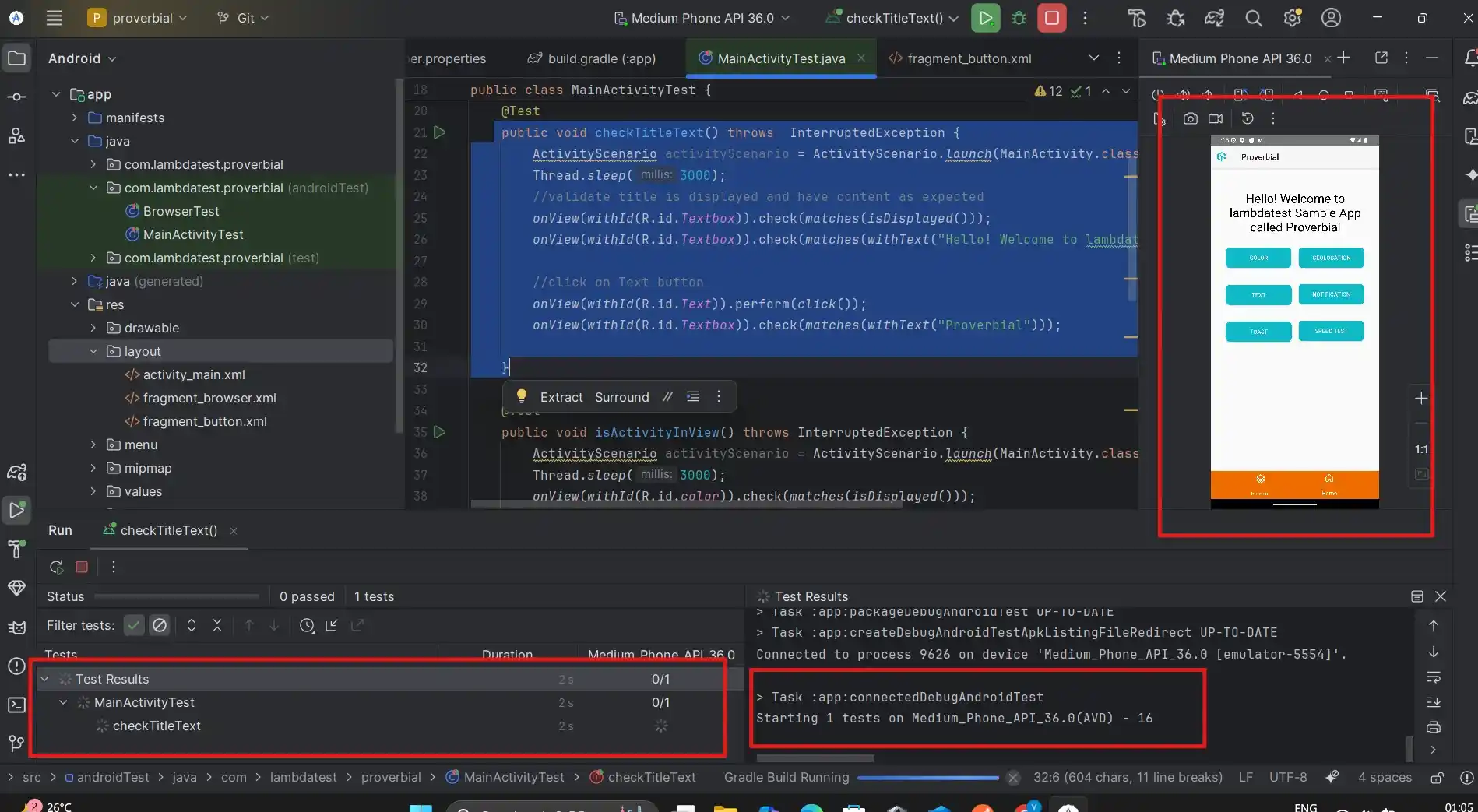
Android Studio is the official IDE for Android development. The current release, Android Studio Panda 4 (April 2026), bundles a Gemini-powered AI assistant and runs on Windows and Linux. Its built-in emulator simulates devices, screen sizes, Android versions through Android 16, and hardware conditions for accurate app testing.
Features:
- Multi-Functional Emulator: Run stock Android, custom ROMs, and multiple device configurations to test apps across realistic virtual environments and screen sizes.
- Gemini AI Integration: Use the built-in Gemini code assistant for completion, refactoring, test generation, and Planning Mode multi-step reasoning, with free and paid tiers available.
- App Multi-Instance: Launch multiple apps simultaneously, capture screenshots, record screen activity, and monitor app behavior in real time for detailed functional testing workflows.
- Hardware Simulation: Simulate device sensors, battery states, network conditions, GPS, and system events to test app functionality under controlled hardware and environmental conditions.
System Requirements: Windows 10/11 (64-bit) or 64-bit Linux. 8 GB RAM minimum (16 GB recommended), x86_64 CPU with SLAT, 8 GB free disk, 1280 × 800 display.
Pricing: Free. Gemini Code Assist for individuals is included; paid Gemini Code Assist Standard is $19 per user per month and Enterprise is $45 per user per month.
What Users Are Saying:
Often called the “cleanest” emulator because it has zero ads. However, users on r/androiddev note it is not built for gaming and can be problematic to launch if you don’t have a high-spec PC (16GB+ RAM).
2. TestMu AI
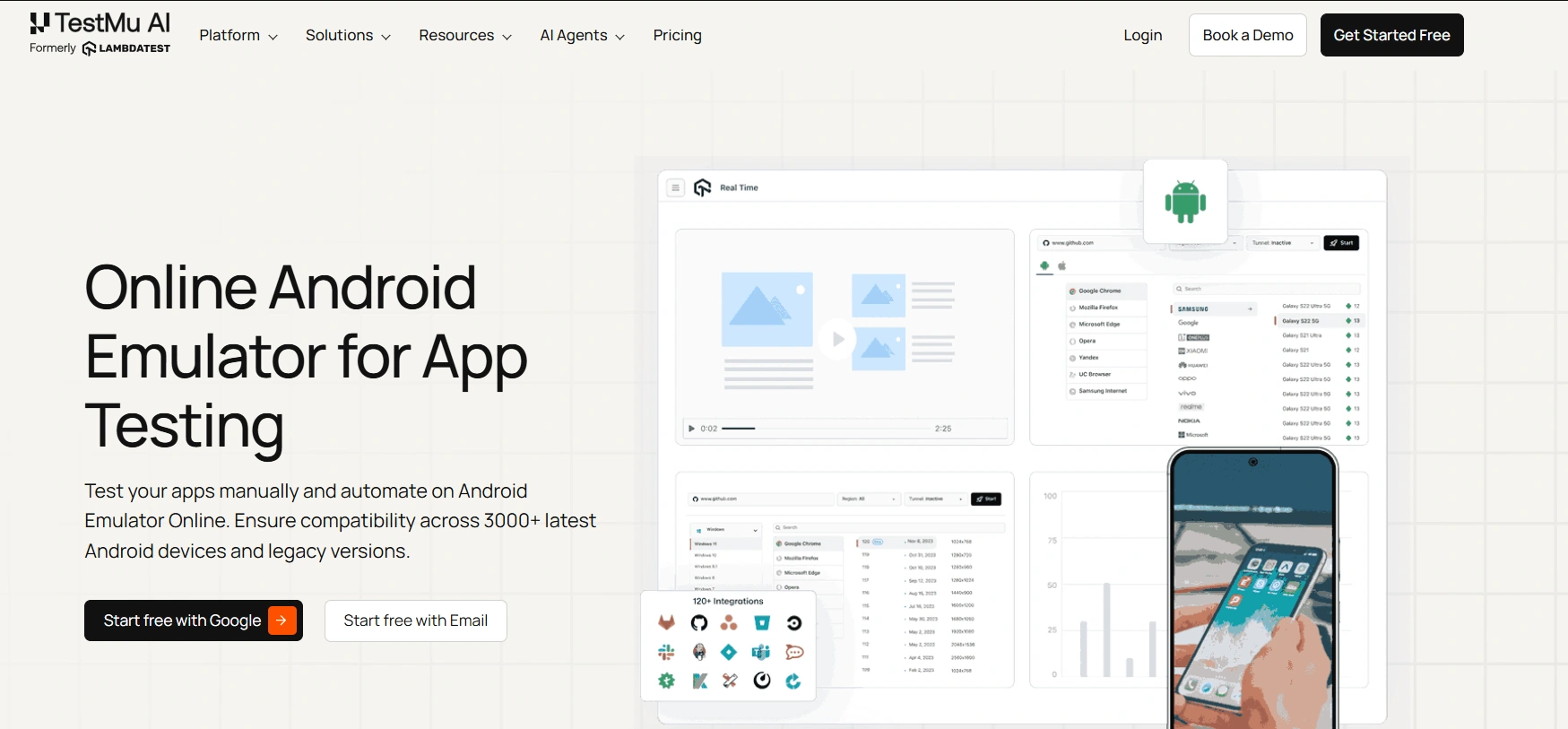
TestMu AI is a cloud testing platform that offers an Android emulator online for app testing at scale. Using TestMu AI virtual device cloud, you can test and run your Android apps on a variety of emulators online. This includes devices from brands such as Samsung, Apple, Google, Xiaomi, OnePlus, and many more.
Features:
- Real-Time Testing: Interact live with your Android app across various emulators, simulating gestures, inputs, and real-world usage across multiple devices simultaneously.
- Automation Testing: Integrate popular frameworks such as Appium and Espresso to run automated tests on Android emulators efficiently.
- Network Throttling: Simulate multiple network scenarios, including 4G, 5G, and variable bandwidths, to evaluate app performance, responsiveness, and stability under different network conditions.
- Geolocation Testing: Test your app’s behavior on mobile emulators online across different global locations, verifying location-specific content, functionality, and user experience.
- UI Inspector: Leverage built-in UI inspection tools to debug and analyze your app’s interface, ensuring a seamless, user-friendly experience with proper element alignment and functional design.
- Quick App Uploads: Easily upload and install APK and AAB files directly from the Play Store. Test your apps on an online APK emulator and ensure compatibility across latest and legacy Android versions
System Requirements: None for the test runner itself. Cloud-based, accessible from any modern browser on Windows or Linux.
Pricing: Free tier with 1 parallel test. Paid plans start at $15 per month for Virtual Live and $39 per month for Real Device Plus Live (10,000+ real Android and iOS devices).
What Users Are Saying:
Reviewers on Capterra and G2 rate TestMu AI 4.6/5 across 500+ reviews, with praise centered on HyperExecute speed, the breadth of the real-device and browser cloud, and a free tier generous enough for small teams to evaluate the platform seriously.

Note: Tests mobile apps on an online Android emulators. Try TestMu AI Today!
3. Genymotion
Genymotion is a developer-focused Android emulator sold as a Desktop app and as cloud-hosted SaaS / PaaS. Genymotion Desktop 3.10 (March 2026) added an integrated SaaS orchestration view that lets teams launch and manage cloud virtual devices directly from the desktop UI. It runs on Windows and Linux, and supports Android versions up to Android 14.
Features:
- Desktop + Cloud Hybrid: Run virtual devices locally on Windows or Linux, or spin them up on AWS, GCP, Azure, or Alibaba via Genymotion SaaS and PaaS for parallel CI/CD execution.
- Sensor Forwarding: Forward gyroscope, accelerometer, multi-touch, and GPS inputs from a real Android device to the virtual device for replicating precise sensor interactions.
- High-Definition Display: Render apps at original pixel density across different screen sizes, resolutions, and aspect ratios for accurate UI scaling and font rendering checks.
- Screencast Recording: Record the virtual device display for debugging, reviewing interactions, or reproducing complex app scenarios as step-by-step videos.
System Requirements: 64-bit Windows 10+ or Linux. VT-x or AMD-V hardware virtualization, OpenGL 2.0 GPU, 8 GB RAM recommended.
Pricing: Desktop is free for personal use only. Paid Desktop plans start at $49 per year (Students), $239.99 per year (Individual), and $479.99 per year per user (Business). Cloud SaaS is $0.06 per minute pay-as-you-go or $179 per device per month on annual commitment. PaaS instances run at $0.60 per hour on AWS, GCP, Azure, or Alibaba.
What Users Are Saying:
Praised for being lightweight and stable. It is a favorite for developers who need to test on specific virtual hardware, but it lacks the built-in keymapping features gamers want.
4. Appetize
Appetize is a web-based Android and iOS emulator that runs apps directly in browsers without plugins. It supports cloud-based streaming, multi-account operation, screen sharing, and app testing for demos, customer support, or development purposes, with SOC 2 Type 2, ISO 27001, GDPR, and CCPA compliance.
Features:
- Web-Based Execution: Run Android and iOS applications in a web browser without installation, with direct interaction and immediate testing of uploaded packages.
- Screen Sharing: Share live emulator sessions with colleagues or clients for collaboration, demos, or remote testing across different devices.
- Multi-Account Support: Manage multiple user accounts within the web emulator for parallel testing or user segmentation without repeated logouts.
- Cloud Streaming: Stream uploaded app packages from cloud servers instantly, eliminating local resource constraints for real-time testing or demos on any device.
System Requirements: None client-side. Runs in any modern browser on Windows or Linux.
Pricing: Free tier available with limited features. Starter is $59 per month and Premium is $319 per month, both with usage-based billing. Enterprise (Private Dedicated Cloud or Self-Hosted) is custom-quoted.
What Users Are Saying:
This is a browser-based emulator used primarily for app demos and customer support. It is not suitable for gaming due to latency and usage-based pricing.
5. Waydroid
Waydroid is an open-source Android container that boots a full Android 13 system inside an LXC container with effectively zero virtualization overhead. The current stable release is Waydroid 1.6.2, originally shipped in February 2025 and still the most recent stable as of May 2026. Waydroid is Linux-native and runs on Ubuntu, Fedora, Arch, and other modern Linux distributions. On Windows PCs it runs via WSL2 with a custom kernel, which is a technical setup but a viable path for developers comfortable with Linux tooling.
Features:
- Container, Not Emulator: Boots a full Android 13 image inside an LXC container that shares the host Linux kernel, delivering near-native speed without the overhead of a hypervisor.
- Multi-Window or Full UI: Run individual Android apps as resizable Wayland windows on your Linux desktop, or switch to a full Android UI for gaming and immersive use.
- Multi-Architecture Support: Runs on x86, x86_64, ARM, and ARM64 hosts, useful for testing on the same architecture as your target device without an emulator translation layer.
- Vulkan and Intel Xe Support: The 1.6.2 release adds Vulkan support for the xe kernel driver and improved support for recent Intel GPUs.
System Requirements: 64-bit Linux with a Wayland display server (a modern Linux distribution running Wayland is required). On Windows 11, requires WSL2 with a custom kernel compiled to include Ashmem and Binder, plus non-mirrored WSL2 networking. Works best with Intel GPUs; Nvidia GPUs are not officially supported. The official docs do not publish minimum RAM or disk specs.
Pricing: Free and open source (GPL-3.0).
What Users Are Saying:
Reviewers at Android Authority and XDA Developers describe Waydroid as noticeably lighter and smoother than traditional Android emulators on Linux. Common complaints are no camera, GPS, or Bluetooth passthrough, the Wayland-only requirement, and the lack of official Nvidia GPU support, which makes it best suited to Linux-comfortable developers.
Android Gaming Emulators
These emulators are tuned for high-frame-rate gameplay, keyboard and gamepad mapping, and multi-instance gaming on a PC.
6. LDPlayer
LDPlayer is a Windows-only Android emulator built for high-FPS mobile gaming. The current LDPlayer 9 build runs Android 9 (Pie) as its primary instance with an older Android 7 build available for legacy compatibility; it does not yet support Android 11 or newer. It supports gamepad and keyboard mapping, multi-instance operation, and converts Android apps for PC-compatible execution.

Features:
- Keyboard and Mouse Support: Map keyboard keys and mouse actions to Android game controls for precise input on games that need rapid or complex interactions.
- FPS and Graphics Optimization: Increase frame rates, adjust resolution, and tune graphics settings to improve gameplay smoothness on the LDPlayer 9 engine.
- Automation Tools: Automate repetitive tasks in games using built-in macros and scripts for efficiency testing or scripted gameplay routines.
- Multi-Language Interface: Switch the emulator interface across multiple languages, with regional keyboard layouts, system messages, and in-app navigation support.
System Requirements: Windows 7/8/10/11, Intel or AMD x86 or x86_64 CPU, DirectX 11 / OpenGL 2.0 GPU, 2 GB RAM minimum (8 GB recommended), 36 GB free disk, hardware virtualization (Intel VT-x or AMD-V) enabled in BIOS.
Pricing: Free, ad-supported. An optional LD Premium subscription is available to remove desktop pop-ups and sponsored-app ads (pricing not publicly listed).
What Users Are Saying:
Often recommended as a lightweight alternative. Some users find it runs better on AMD processors, while others claim it works better on Intel. It is generally considered less “bloated” than BlueStacks.
7. BlueStacks
BlueStacks is one of the most widely used consumer Android emulators on Windows. BlueStacks 5.22 (April 2026) ships Android 11 as the stable instance and Android 13 Beta as an optional instance accessible via the Multi-instance Manager; older Nougat and Pie instances also remain available.
Features:
- Optimized Gaming Engine: Run Android games on PC using CPU and GPU acceleration, frame rate control, and game-specific performance settings for smoother gameplay under different hardware conditions.
- Android 11 + Android 13 Beta: Run apps and games built for modern Android instead of being stuck on legacy Nougat; switch instances per workflow via the Multi-instance Manager.
- Multi-instance Manager: Run multiple BlueStacks instances side by side, each with its own Android version, account, and settings, ideal for multi-account gaming or A/B testing.
- Customizable Interface: Configure key mapping, window layout, multi-instance setup, and on-screen controls for games or productivity apps on the virtual device.
System Requirements: Windows 10/11, Intel or AMD x86_64 CPU with virtualization, 8 GB RAM recommended (4 GB minimum), 10 GB free disk, up-to-date GPU drivers.
Pricing: Free, ad-supported. BlueStacks X cloud streaming (NowGG-powered hybrid cloud) is also free. An optional BlueStacks Prime subscription launched in late 2025 at $4.99 per month and adds ad-free play, monthly nowBux rewards, in-game discounts, AI credits, and priority support.
What Users Are Saying:
Once the gold standard, many users now label BlueStacks as bloatware with too many ads. Some users reported performance issues, crashes, and freezes on modern Windows 11 systems.
8. MuMu Player
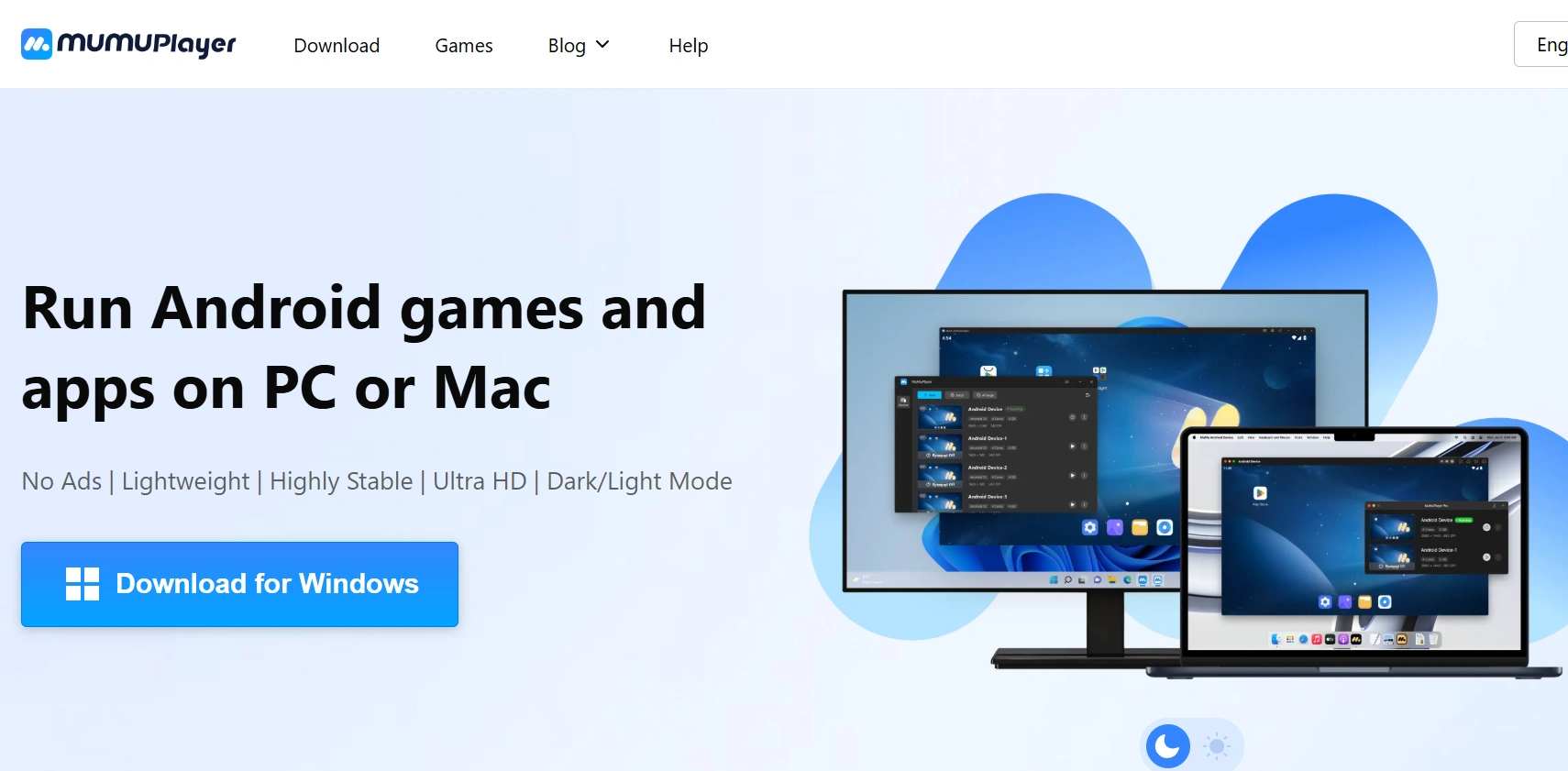
MuMu Player is a high-performance Android emulator from NetEase, the gaming giant behind Identity V and Onmyoji. The Windows build runs Android 12 and was the first emulator to ship that version. Built for graphics-intensive games, it uses proprietary frame interpolation to push smooth rendering up to 240 FPS on mid-range hardware, with deep optimization for NetEase’s catalog.
Features:
- Frame Interpolation Engine: Proprietary smoothing tech that boosts frame rates up to 240 FPS and eliminates micro-stutter on mid-range hardware.
- NetEase Game Optimization: Publisher-backed tuning with one-click installs for NetEase titles like Identity V, Onmyoji, and Honkai: Star Rail.
- Multi-Instance Manager: Run multiple Android environments in parallel, each with isolated CPU, RAM, and graphical settings.
- Advanced Keymapping: Customizable keyboard, mouse, and gamepad controls with genre-based presets for fast in-game setup.
System Requirements: Windows 7+ (Windows 10/11 recommended) with x86_64 CPU and virtualization, 4 GB RAM minimum (8 GB+ recommended), DirectX 11 GPU, ~5 GB disk.
Pricing: Free.
What Users Are Saying:
Currently the most praised option in community discussions. Users highlight its Vulkan support, newer Android versions, and minimal intrusive ads compared to competitors. It is noted for running graphically intensive games like Zenless Zone Zero, though some users mentioned it can be laggy on Windows 10.
9. NoxPlayer
NoxPlayer is a Windows Android emulator optimized for gaming. The current 7.x build supports Android 9 (Pie) as its newest instance, with Android 5 and 7 also available; there is no Android 11 or newer instance. It supports keyboard, mouse, and gamepad input, multi-instance operation, and per-instance CPU and RAM allocation.
Features:
- Input Mapping: Map keyboard, mouse, and gamepad controls for Android games, configure shortcuts, swipes, and gestures for precise gameplay.
- Multi-Instance Support: Run multiple Android apps or games simultaneously on a single PC, each with independent resource allocation and separate control configurations.
- Macro Recorder: Record complex in-game sequences, save scripts, and execute them with a single click to automate repetitive tasks or testing workflows.
- Performance Settings: Adjust CPU cores, RAM allocation, and graphical options per virtual device to optimize app performance and reduce lag during intensive tasks.
System Requirements: Windows 7+, Intel Core i5-4460 or AMD FX 8320 or better, GTX 460 or Radeon R7 250 GPU, 8 GB RAM, 64 GB disk, hardware virtualization enabled.
Pricing: Free, ad-supported.
What Users Are Saying:
Generally viewed as outdated due to heavy ad integration and poor performance compared to MuMu Player or LDPlayer in recent community discussions.
10. GameLoop
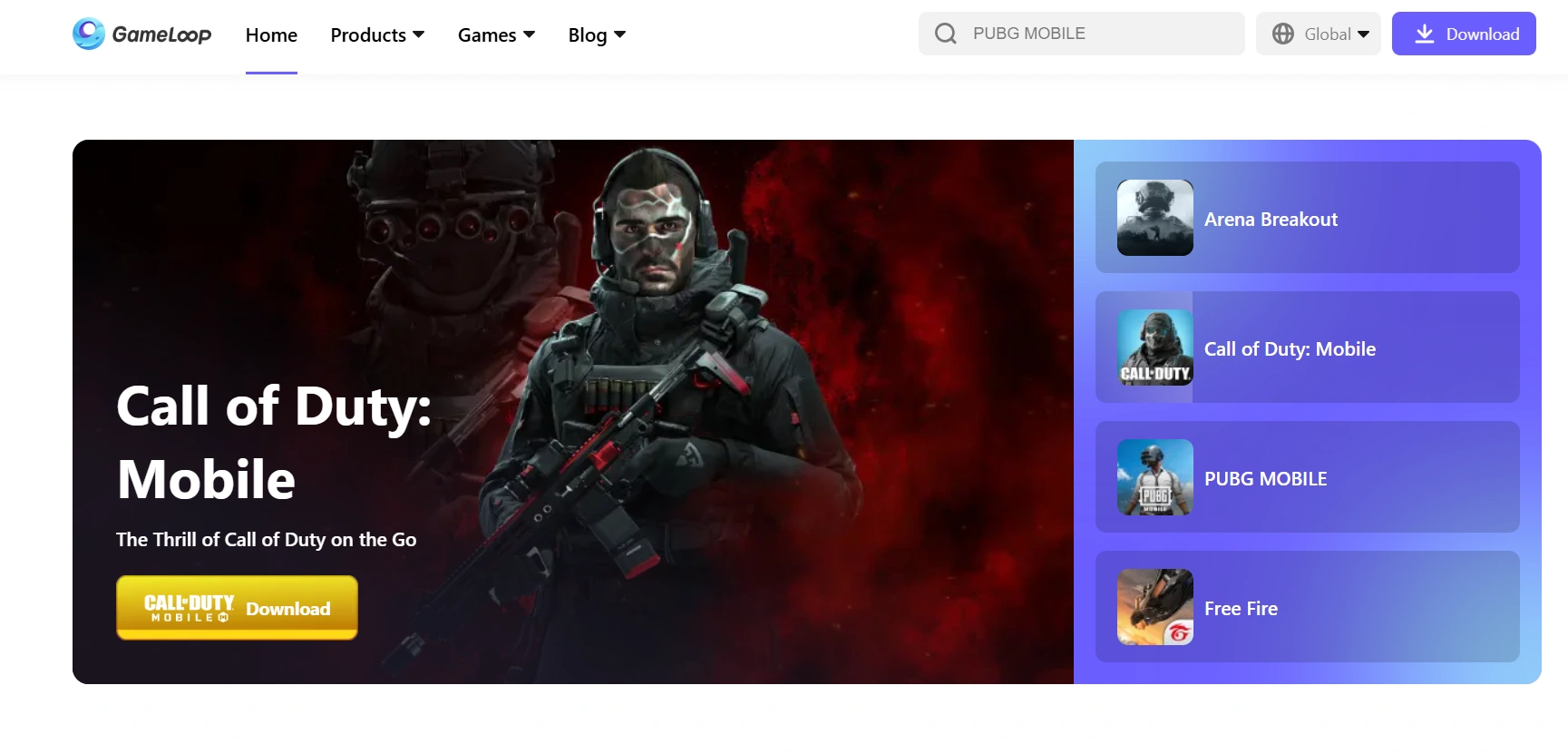
GameLoop, formerly Tencent Gaming Buddy, is a Windows-only Android emulator built specifically for gaming. It supports PUBG Mobile, Call of Duty Mobile, Free Fire, keyboard and mouse mapping, and multi-instance gameplay. A next-generation TenStore Android Connect engine is rolling out for improved compatibility.
Features:
- Keyboard and Mouse Mapping: Assign keyboard keys and mouse actions to in-game controls, with genre-specific tuning for shooters like PUBG, CoD Mobile, and Free Fire.
- Tencent Game Integration: Direct support for Tencent titles with optimized launch flows, automatic game updates, and tuned performance presets.
- Multi-Instance Gaming: Run multiple game sessions in parallel, each with independent CPU, RAM, and graphical settings, to play multiple accounts or test strategies.
- TenStore Android Connect: New next-gen engine being rolled out to improve compatibility with newer mobile games.
System Requirements: Windows 8.1/10/11 (64-bit), Intel or AMD dual-core CPU, 3 GB RAM minimum (8 GB recommended), DirectX 11 GPU with 2 GB VRAM, 1.5 GB disk plus game data, hardware virtualization enabled.
Pricing: Free (Tencent-funded; primarily a PUBG Mobile and Call of Duty Mobile platform).
What Users Are Saying:
Primarily recommended only for Call of Duty: Mobile, but criticized for requiring a constant internet connection to even open the software.
11. Google Play Games for PC
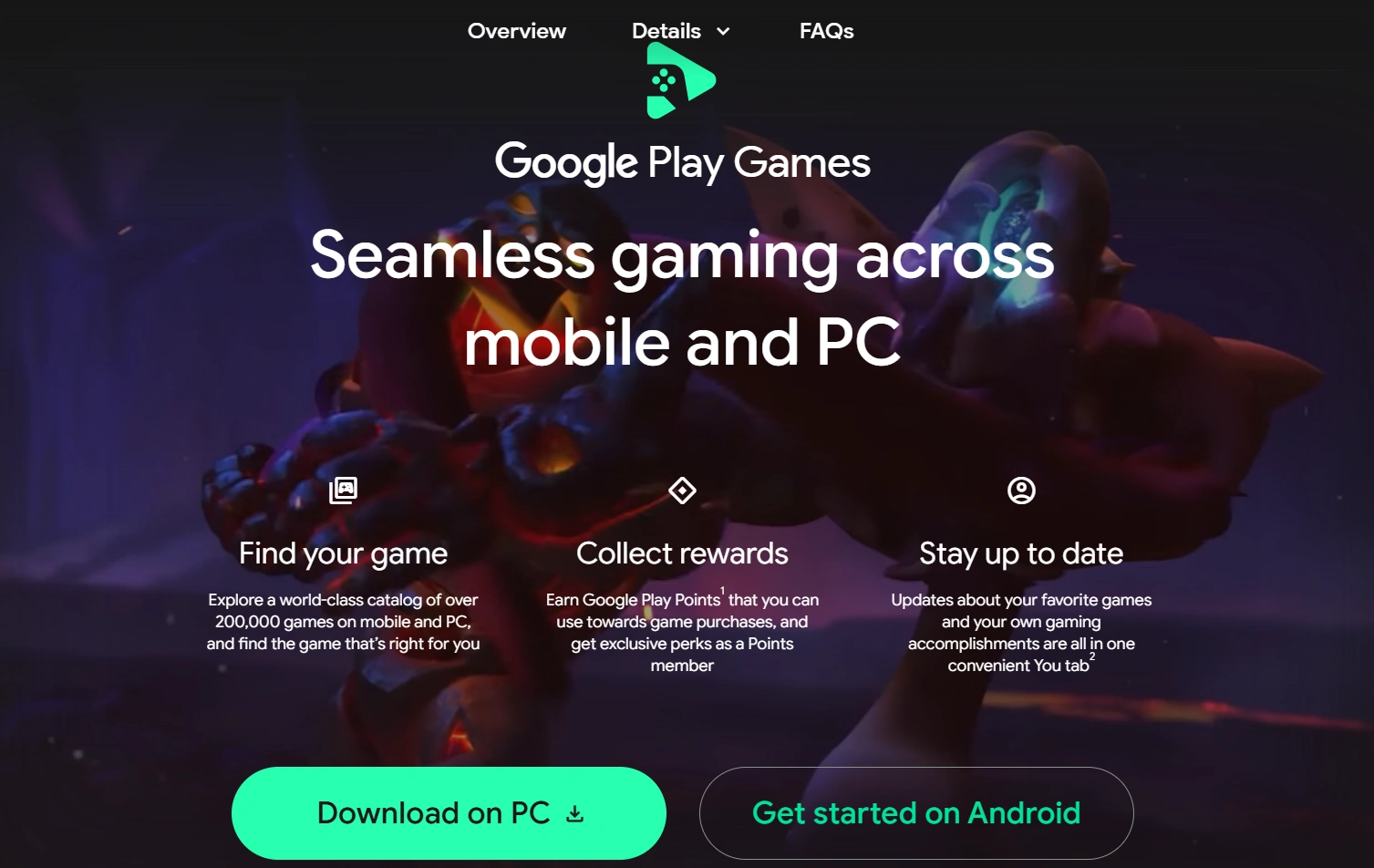
Google Play Games for PC is technically not a full Android emulator. It is Google’s official desktop app that runs a curated, developer-approved catalog of mobile games on Windows using Hyper-V virtualization, and it exited beta with general availability in 190+ countries. Unlike BlueStacks, MuMu Player, or MEmu, you cannot sideload arbitrary APKs, browse the full Play Store, or access the underlying Android OS. Think of it as a hardware-optimized game runtime rather than a general-purpose Android environment, included here because it is the cleanest official option for the games it supports.
Features:
- Google Ecosystem Sync: Restores game progress, achievements, and player profiles automatically through your Google Account across devices.
- Hardware Optimization: Native Windows virtualization delivers high frame rates and smooth rendering without the overhead of full OS emulation.
- Native Peripheral Mapping: Pre-configured mouse and keyboard layouts for desktop play, with no manual control setup required.
- Ad-Free Security: Google-backed sandbox runs without third-party ads or bundled software, providing a clean and trusted gaming experience.
System Requirements: Windows 10 v2004 or later, 4 physical / 8 logical CPU cores, 8 GB RAM, Intel UHD 630 GPU (Nvidia GeForce MX450+ recommended), SSD with 10 GB free, hardware virtualization required, and a Windows admin account.
Pricing: Free.
What Users Are Saying:
Suggested for users who prioritize privacy and official support. A community workaround involving Magisk and Aurora Store has been shared to allow the installation of any APK, making it a genuine competitor to traditional emulators.
12. MEmu
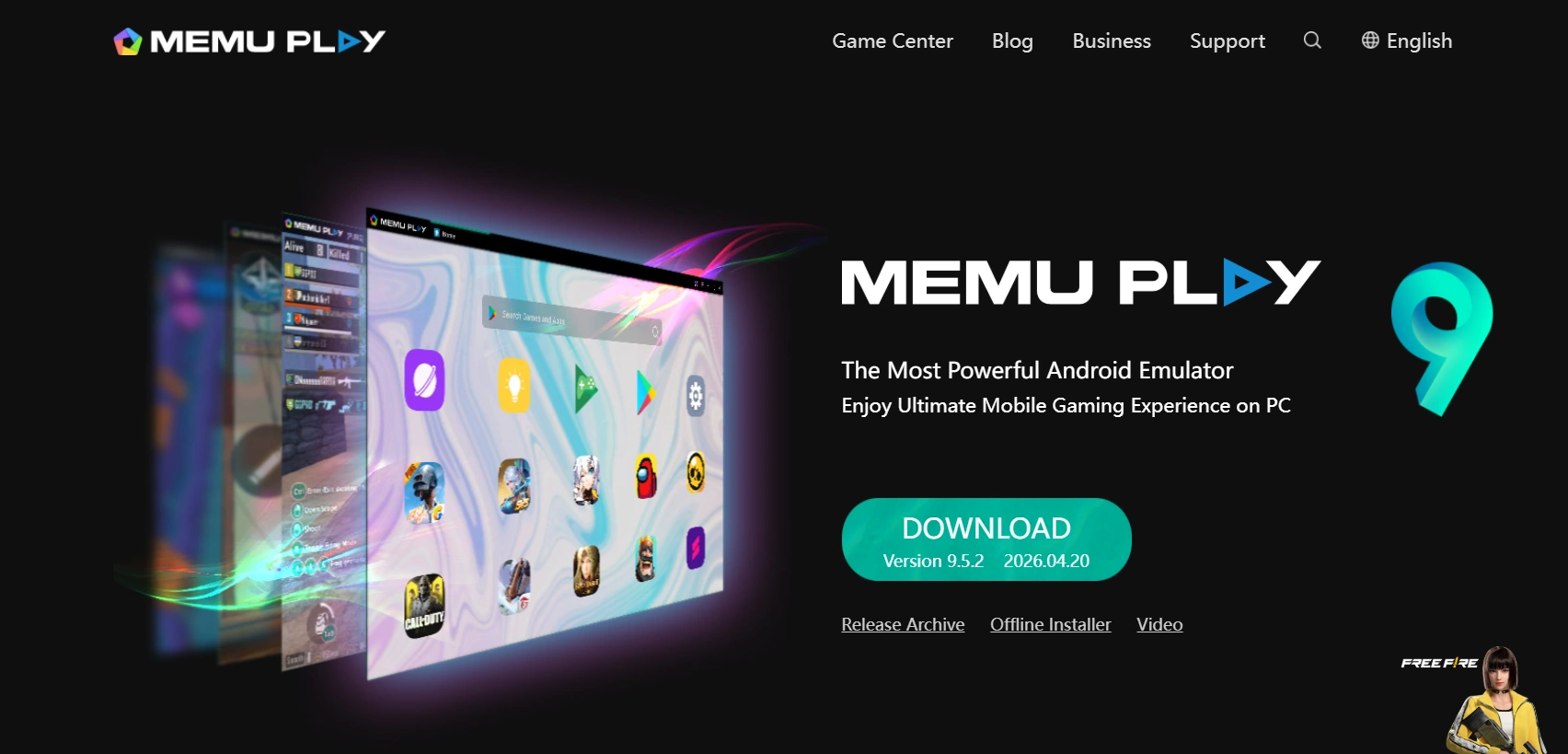
MEmu is a Windows-only Android emulator built for gaming and multitasking. The current MEmu 9.5 release ships Android 5.1, 7.1, 9, and 12 instances (note: there is no Android 11 instance, despite what older write-ups sometimes claim). It supports keyboard, mouse, and gamepad input, multi-instance gameplay, customizable virtual devices, and fast APK installation.
Features:
- Enhanced Graphics Gaming: Run Android games with improved graphics rendering, simulate device resolution and aspect ratio, and configure GPU and CPU settings.
- Input Device Support: Use keyboard, mouse, and gamepad to interact with apps and games, map controls, create shortcuts, and configure gestures.
- Custom Virtual Devices: Create multiple Android virtual devices with custom CPU, RAM, storage, and Android versions (5.1, 7.1, 9, or 12) for testing or game simulations.
- File Sharing and APK Installation: Transfer files between host PC and virtual Android devices, and drag-and-drop APKs for rapid app installation without manual setup.
System Requirements: Windows 7/10/11 (64-bit recommended), Intel or AMD CPU with virtualization, OpenGL 2.0+ GPU, 2 GB RAM minimum (4 GB+ recommended), 2 GB disk.
Pricing: Free, ad-supported.
What Users Are Saying:
Generally viewed as outdated due to heavy ad integration and poor performance compared to MuMu Player or LDPlayer in recent community discussions.
You can also explore these Android emulators for Mac and Android emulators for Linux, or these Android emulators for iOS, to find the best options for your setup.
How to Select the Best Android Emulator for PC?
Skip the generic checklist. Start with these four concrete questions, each one narrows your shortlist to specific entries from the list above:
- What is your primary use case? For QA automation at scale and CI/CD, pick TestMu AI, Genymotion Cloud, or Appetize. For native Android app development, pick Android Studio. For high-FPS mobile gaming on Windows, pick MuMu Player, LDPlayer, or BlueStacks. For ad-free play of Google's curated catalog, pick Google Play Games for PC.
- What Android version do you need? If your app or game requires Android 12 or newer, your viable options are BlueStacks (Android 13 Beta via Multi-instance Manager), MuMu Player (Android 12), MEmu (Android 12), or Waydroid (Android 13). LDPlayer, NoxPlayer, and GameLoop are stuck on Android 9 or older.
- How much RAM and what GPU does your PC have? On a 4 GB to 8 GB low-end PC, MEmu and LDPlayer have the lowest minimums. On 8 GB or more, BlueStacks and MuMu Player run comfortably. With an Nvidia GPU avoid Waydroid (not officially supported) and lean toward cloud-based options like TestMu AI or Appetize, which put all the load on remote servers.
- Are you willing to pay? Strictly free with ads: BlueStacks, LDPlayer, MEmu, NoxPlayer, GameLoop, and MuMu Player. Free and ad-free: Android Studio, Google Play Games for PC, and Waydroid. Paid tiers for production-grade QA: TestMu AI from $15 per month, Genymotion from $240 per year, and Appetize from $59 per month.
Why Test on Real Android Devices?
Real devices provide accurate hardware behavior, network conditions, and user experience that emulators cannot fully replicate, ensuring your app works correctly for actual users.
Testing on real Android devices lets you focus on actual functionality, hardware behavior, and network conditions that Android emulators cannot reproduce, providing results that match real user experiences.
A real device cloud eliminates the need for maintaining a physical lab. Cloud testing platforms like TestMu AI provide access to diverse Android devices for testing functionality, compatibility, and app behavior without setting up your in-house device lab.
Features:
- App Uploads: Quickly install APK, AAB, or IPA builds to test updates, edge cases, and app behavior across multiple real devices efficiently and reliably.
- Framework Support: Automate testing using Appium, Espresso to run functional and regression tests across various development and quality assurance environments.
- Network Throttling: Reproduce real-world mobile networks such as slow, intermittent, or high-latency connections to evaluate app performance.
- Biometric Checks: Test fingerprint and facial recognition workflows to ensure secure authentication and prevent device-specific biometric failures across different Android models.
- UI Inspector: Inspect element hierarchies, component properties, and layouts in real time to debug interface issues and verify interactions.

Key Takeaways
- Match the emulator to your use case: TestMu AI for QA at scale, Android Studio for native builds, MuMu Player or BlueStacks for gaming.
- BlueStacks (Android 13 Beta), MuMu Player, TestMu AI, and MEmu run modern Android, while LDPlayer, NoxPlayer, and GameLoop are stuck on Android 9 or older.
- "Free with ads" is shifting in 2026: BlueStacks Prime is now $4.99 per month, and LDPlayer added LD Premium. Recheck pricing pages quarterly.
- Hardware needs range from 2 GB to 16 GB RAM, and all emulators require Intel VT-x or AMD-V virtualization enabled in BIOS.
- Waydroid and TestMu AI are the most maintained options for native-feel Android on PC, but Waydroid is Linux-first and needs WSL2 with a custom kernel on Windows.
- Emulators reproduce most but not all of Android. Layer a real device cloud on top for release-critical testing.
Author

Vijay Kaushik
Blogs: 4


Vijay Kaushik is a community contributor with 4+ years of experience as a software engineer, focused on building secure, scalable, and high-performance systems. He is proficient in Java, Python, Go, and JavaScript, with hands-on experience in cloud-native technologies such as Kubernetes and Istio. Currently working on end-to-end product delivery, Vijay has contributed to large-scale systems handling millions of transactions, with a strong emphasis on reliability, monitoring, and SDLC-driven engineering practices.
Reviewer

Sri Harsha
Reviewer
Sri Harsha is Engineering Manager of the Open Source Program Office at TestMu AI (formerly LambdaTest), where he leads open-source engineering behind the Selenium and Appium automation grid and builds agentic AI systems for quality engineering. He is a member of the Selenium Technical Leadership Committee and a committer to WebdriverIO and Appium, and was recognized with the LambdaTest Delta Award 2023 for Best Contributor in open-source testing. He brings over 10 years of experience in software testing and automation, with earlier roles at EPAM Systems and ZenQ. Sri Harsha holds a B.Tech in Computer Science from Jawaharlal Nehru Technological University.


Android Emulators FAQs
Did you find this page helpful?
More Related Blogs
TestMu AI forEnterprise
Get access to solutions built on Enterprise
grade security, privacy, & compliance
- Advanced access controls
- Advanced data retention rules
- Advanced Local Testing
- Premium Support options
- Early access to beta features
- Private Slack Channel
- Unlimited Manual Accessibility DevTools Tests