

Next-Gen App & Browser Testing Cloud
Trusted by 2 Mn+ QAs & Devs to accelerate their release cycles


14 Best Appium Alternatives for 2026
Appium isn’t the only mobile app testing tool out there. we have curated a list of 14 of the best Appium alternatives. Pick the one that suits your needs.

Sonu Kumar Deo
February 7, 2026
Appium is the most familiar tool for mobile application testing. However, several Appium alternatives offer faster execution, simpler setup, and better stability for modern testing needs.
Appium is mostly used in test automation to verify mobile app functionality. Its open-source nature provides cost savings, community support, and flexibility for mobile app automation testing.
Overview
Appium alternatives are tools and platforms that help automate mobile app testing with faster execution, simpler setup, and better stability. While Appium is popular for cross-platform testing, many modern teams now prefer tools that are native, low-code, or cloud-based for higher speed and scalability.
What are the best Appium alternatives in 2026?
Here are some of the most popular Appium alternatives you can explore:
- Espresso (Android): Google’s native Android framework offering quick and stable test runs.
- XCUITest (iOS): Apple’s iOS testing framework tightly integrated with Xcode.
- Detox: Great for React Native apps with real-device, end-to-end automation.
- EarlGrey: Google’s iOS testing framework with advanced synchronization for smooth UI testing.
These tools focus on speed, platform coverage, and ease of maintenance.
What are the top cloud-based Appium alternatives?
Cloud-based tools allow you to scale mobile testing without managing devices or infrastructure.
- TestMu AI: An AI-native cloud testing platform that lets you run mobile app tests across real Android and iOS devices, with parallel execution, smart debugging, and zero local setup. It supports manual and automated testing, integrates with CI/CD tools, and provides access to 10,000+ real devices.
Cloud testing platforms are ideal for faster releases, larger test coverage, and better collaboration across teams.
Why consider switching from Appium?
You might explore an Appium alternative if you want:
- Faster test runs: Achieve quicker test execution without WebDriver delays.
- Native-level stability: Get more reliable performance for Android or iOS.
- Simpler setup: Reduce maintenance overhead with easier configuration.
- Scalable cloud testing: Run tests using real devices on-demand.
- AI-powered debugging: Integrate intelligent insights and CI/CD pipelines for continuous testing.
Native tools like Espresso and XCUITest offer speed, while TestMu AI combines the same reliability with on-demand cloud scalability.
How to choose the right Appium alternative?
Pick the right tool based on your use case:
- For Android-only apps: Use Espresso or Robotium.
- For iOS-only apps: Use XCUITest, EarlGrey, or KIF.
- For React Native apps: Use Detox.
- For cross-platform and cloud testing: Choose TestMu AI.
However, Appium isn’t the only mobile app testing tool out there. We can pick some Appium Alternatives as we’ve got a lot of options!
With so many choices, how do we pick the best alternative to Appium? We have curated a list of 14 best Appium alternatives. Keep reading to learn about them.
To delve deeper, explore the latest version of Appium and our hub on Appium Interview Questions.
Note: The following list of Appium alternatives isn’t in any particular order, and its hierarchy does not reflect priority or value in any way, shape, or form.
What Are the Best Appium Alternatives for 2026?
The best Appium alternatives include Espresso for Android, XCUITest for iOS, Detox for React Native, and TestMu AI for cross-platform cloud testing.
If you’re looking to speed up your tests, work with more frameworks, or get better device coverage, it might be time to check out some other tools besides Appium. Here are some top choices to consider. Let’s dive in.
1. Espresso
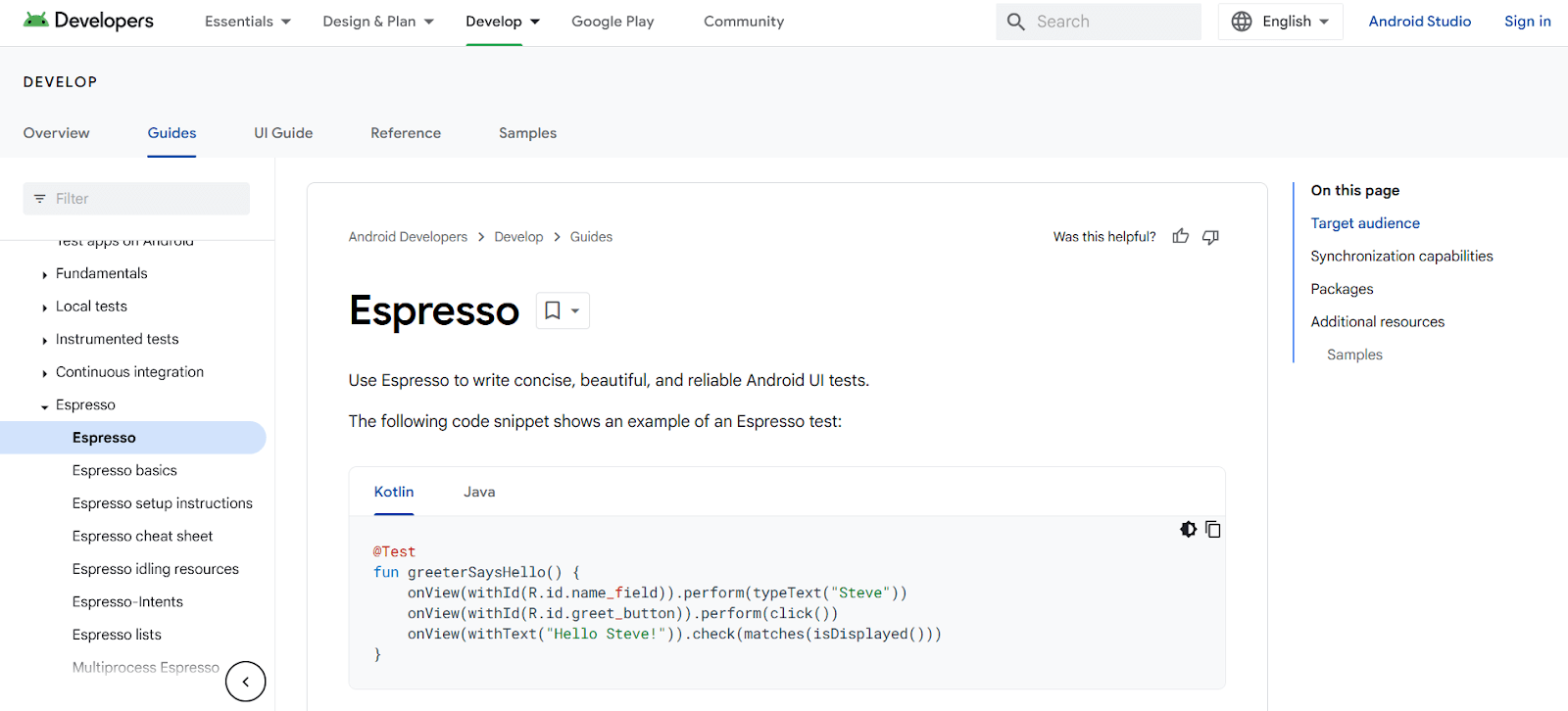
Espresso is an open-source mobile app testing framework developed by Google for Android mobile applications. It is lightweight, easy to use, and supports both hybrid and native mobile apps.
Espresso is one of the key Appium alternatives and provides simple API commands. The Espresso API encourages testers to think from users' perspectives while locating and interacting with UI components.
The framework prevents direct access to views and activities to reduce test flakiness. We can safely interact with views by implementing subclasses of ViewAssertion and ViewAction.
2. Robotium
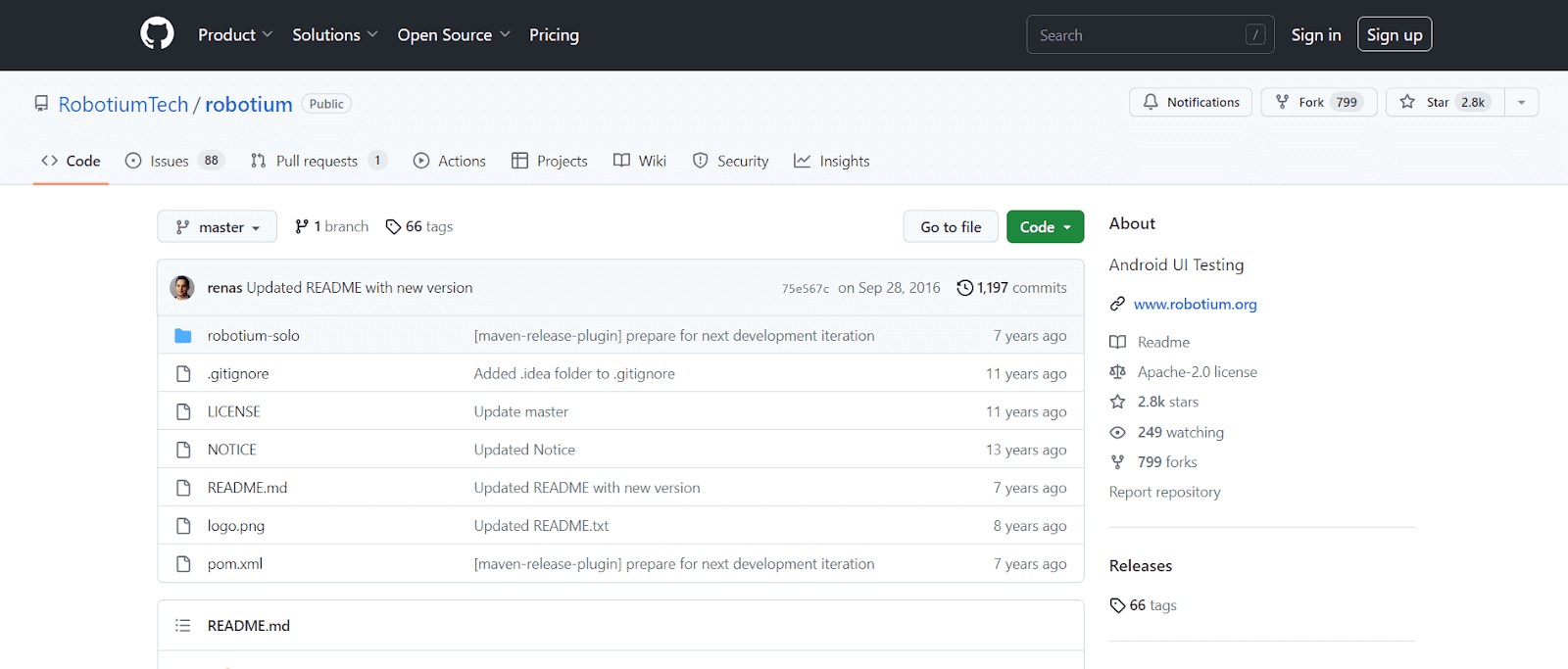
Robotium is a famous open-source Android app testing tool known for its quality and dependability. It provides full support for both hybrid and native Android applications.
Robotium simplifies creating automated black-box UI tests for Android apps. It allows testers to create system, function, and user-friendly test cases spanning multiple Android activities.
Being one of the key Appium alternatives for Android, Robotium offers the following advantages:
- Test native and hybrid Android applications.
- Minimum familiarity with the program being tested is necessary.
- The framework automatically manages several Android tasks.
- Writing reliable test cases takes very little time.
- Compared to conventional instrumentation tests, the readability of test cases is significantly increased.
- Because the test cases are bound to UI components at run-time, they are more reliable.
- Quick execution of test cases.
- Seamlessly integrates with Gradle, Maven, or Ant to conduct tests as a component of continuous integration.

Note: Test on 3000+ real devices for Android and iOS, including the latest iPhone 15 Try TestMu AI Today!
3. EarlyGrey
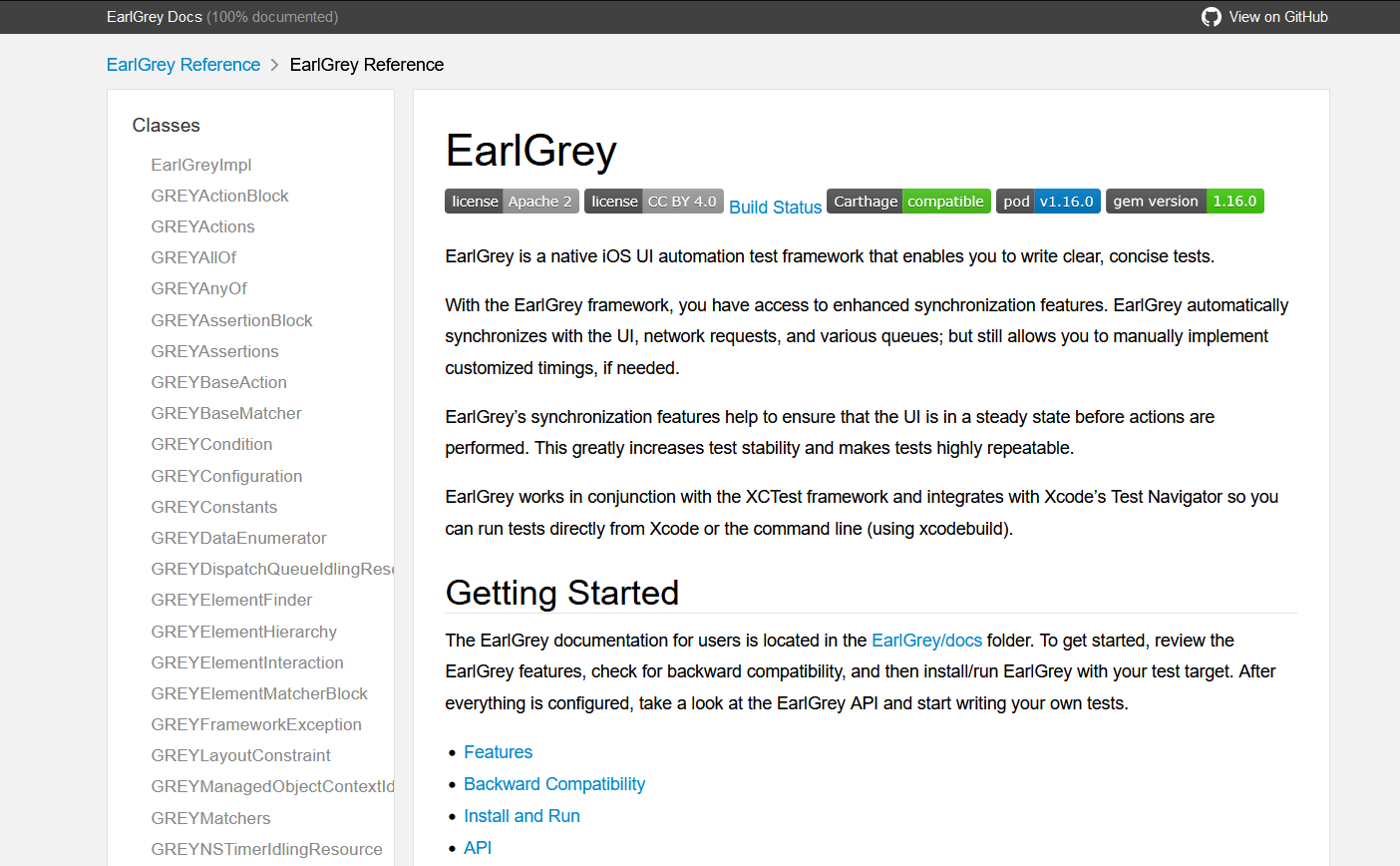
EarlGrey is a mobile app test automation framework developed by Google for iOS mobile app testing. It uses a gray box testing technique, permitting it to access the internal implementation of the iOS app being tested.
With the EarlGrey framework, we have access to improved synchronization features. It automatically synchronizes with the network requests, UI, and various queues; but still lets us manually implement customized timings if needed.
EarlGrey's synchronization features ensure the UI is steady before actions execute. This makes tests highly repeatable and increases stability.
The framework also captures screenshots during test execution and supports concurrent testing. These features help debug and visualize test results effectively.
EarlGrey operates concurrently with the XCTest framework and easily integrates with Xcode’s Test Navigator, so we may run tests directly from the Xcode or the command line (using the xcodebuild).
Note: EarlGrey 1.0 is deprecated in favor of EarlGrey 2.0, which integrates with XCUITest. EarlGrey 1.0 is no longer maintained internally for iOS 13.
4. Xamarin.UITest
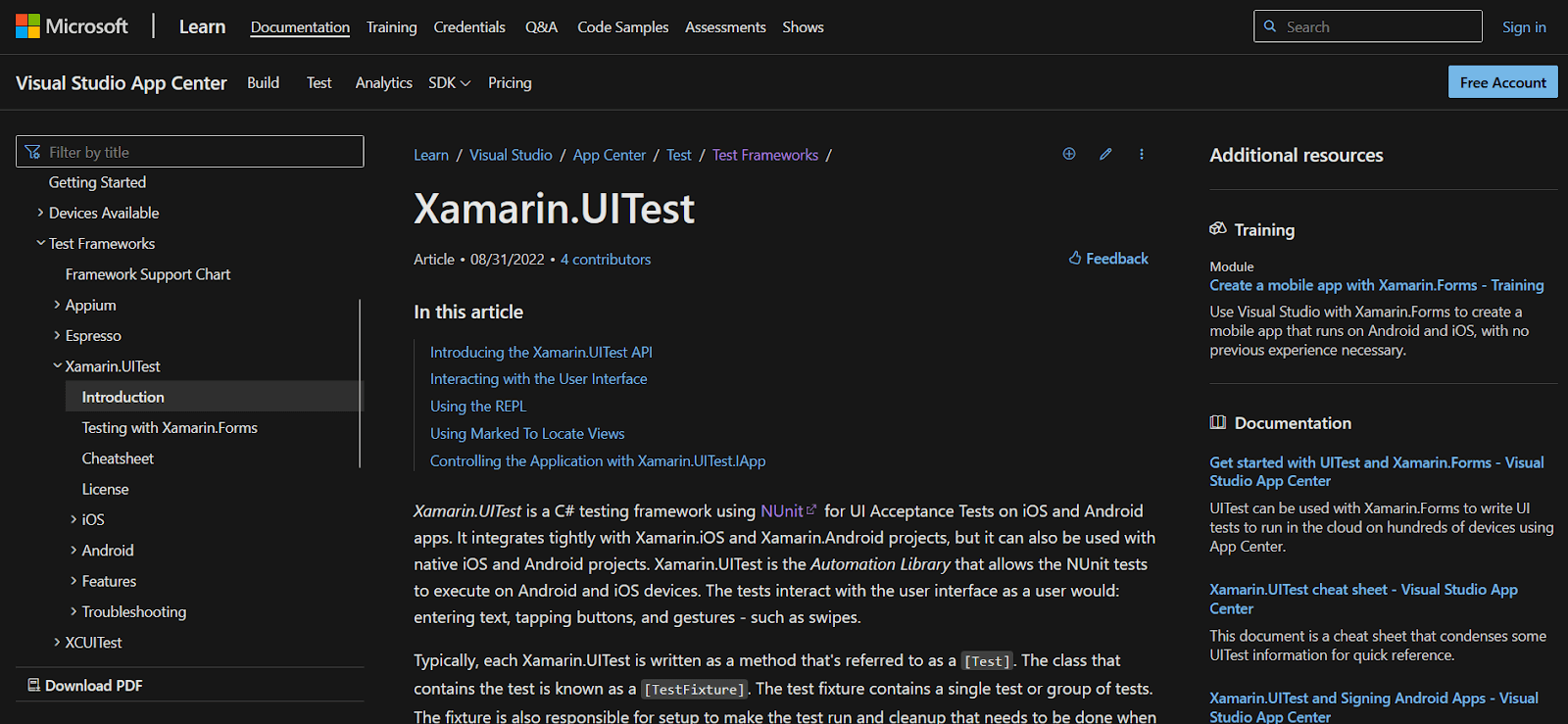
Xamarin.UITest is a C# mobile testing framework that allows automation using the NUnit framework. It works for both Android and iOS platforms.
Xamarin.UITest integrates with Xamarin.iOS and Xamarin.Android projects and is compatible with native projects. It enables writing test cases that interact like a real user—entering text, tapping buttons, and executing gestures.
In Xamarine.UITest, each test is typically based on the Arrange-Act-Assert pattern:
- Arrange: Set up and initialize test conditions for execution.
- Act: Interact with the app's UI, enter text, and push buttons.
- Assert: Evaluate action results to determine test effectiveness.
It’s ideal to begin using Xamarin.UITest while developing a mobile app. For older apps no longer in active development, adding automated tests later might not be cost-effective.
5. XCUITest
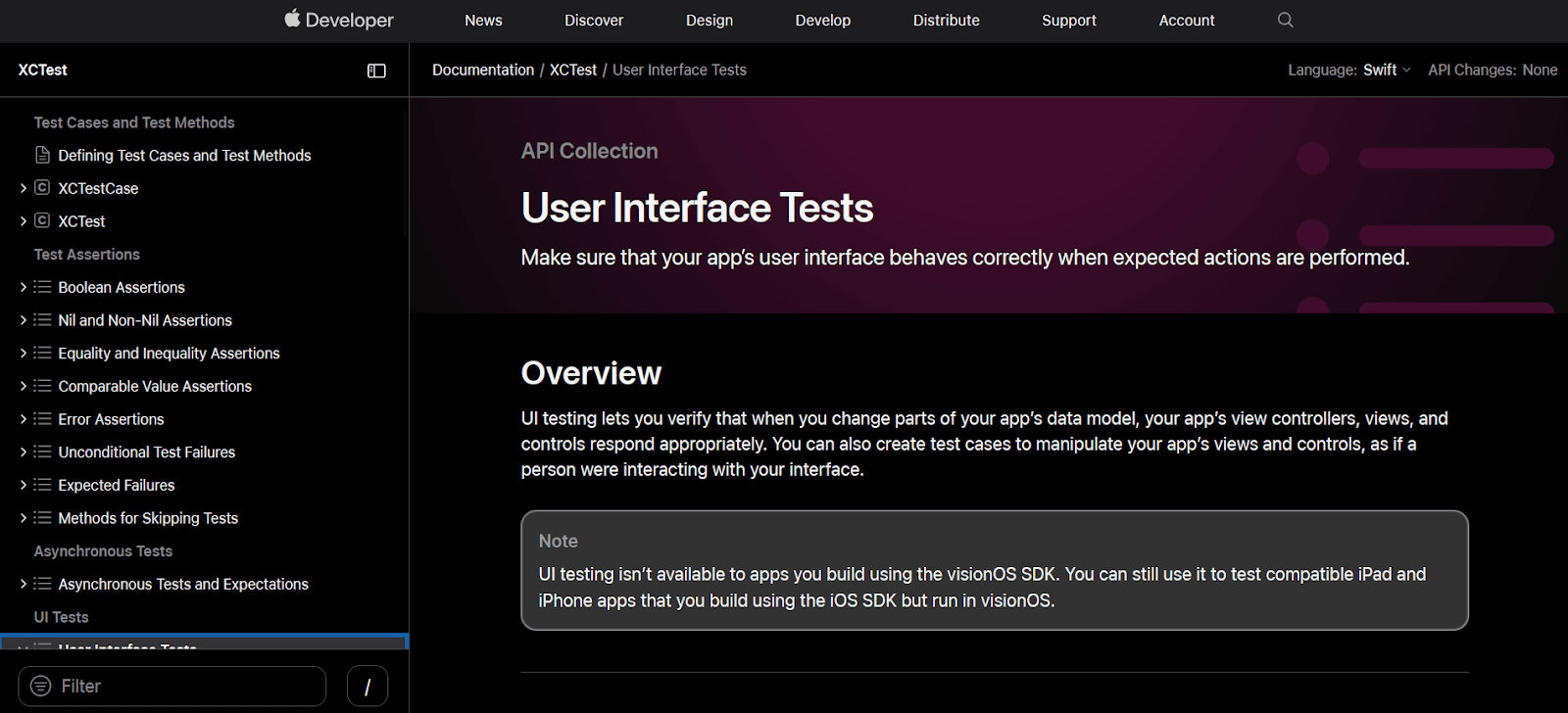
XCUITest is a test automation framework developed by Apple for automating UI testing of iOS applications. It uses XCTest, Apple's integrated test framework for Xcode.
We can create automated UI tests for native iOS apps using the XCUITest framework. It supports Swift or Objective-C programming languages.
XCUITest framework is regarded as one of the finest mobile app testing frameworks because it is easy to maintain, avoids test flakiness, and improves the overall continuous integration (CI) process.
Test written using XCUITest runs in Xcode on a simulator (iPhone or iPad) or a connected physical iOS device. This enables real user interaction behavior for UI testing.
6. Firebase Test Lab
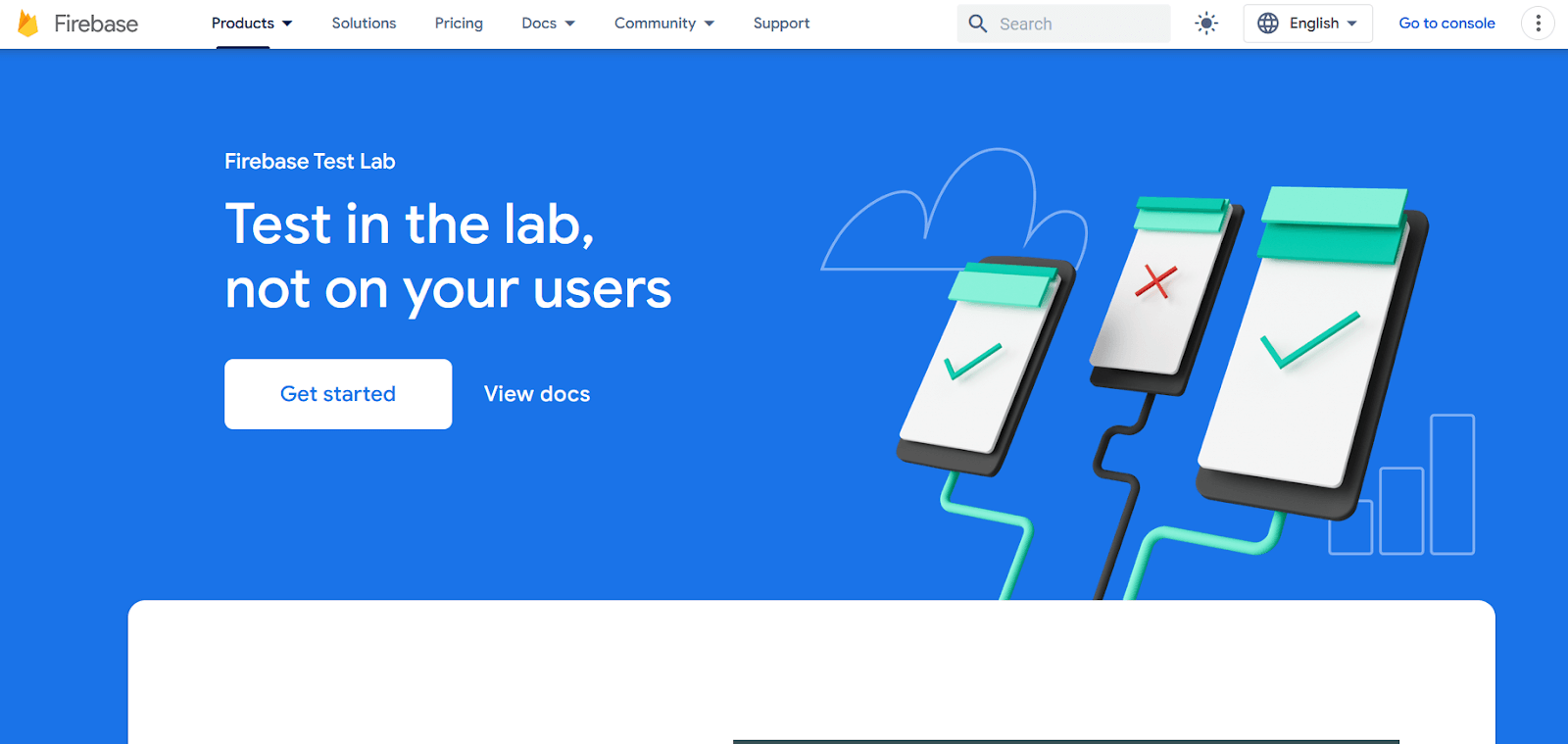
Firebase Test Lab is a cloud-based mobile app testing infrastructure. It lets testers test mobile apps on various devices and configurations for both Android and iOS.
It provides testing options such as functional testing, compatibility testing, and performance testing.
Test Lab uses production-ready devices in Google data centers with latest APIs and customizable settings. This allows testing on real-world hardware configurations.
Test Lab provides detailed results including videos, screenshots, and logs. It can automatically test apps for crashes even without written test cases.
7. Detox
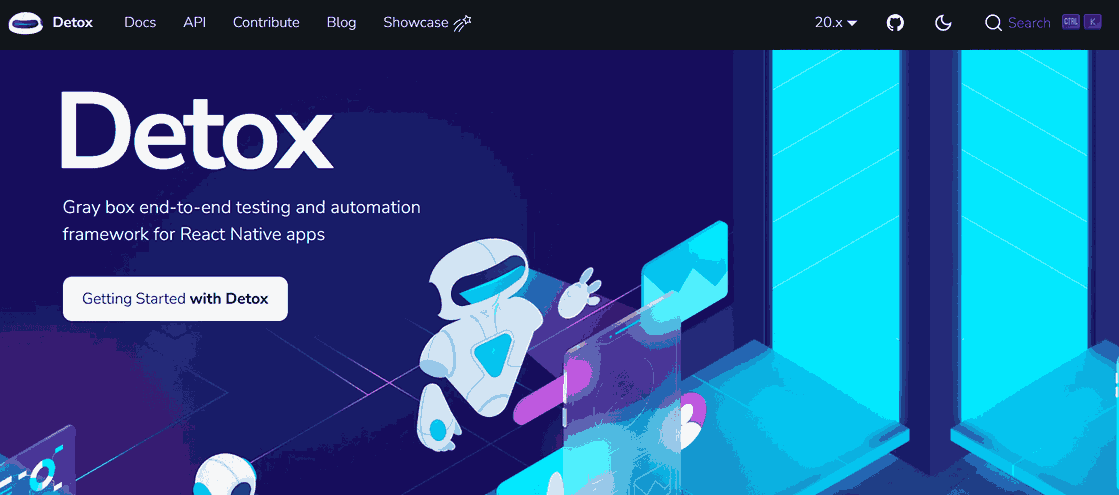
Detox is an open-source testing framework for React Native mobile applications. It allows writing tests in JavaScript that simulate real user interactions on devices or emulators.
With Detox, you can automate end-to-end tests across different devices and platforms. Its React Native integration makes it ideal for maintaining app reliability and performance.
8. Nightwatch.js
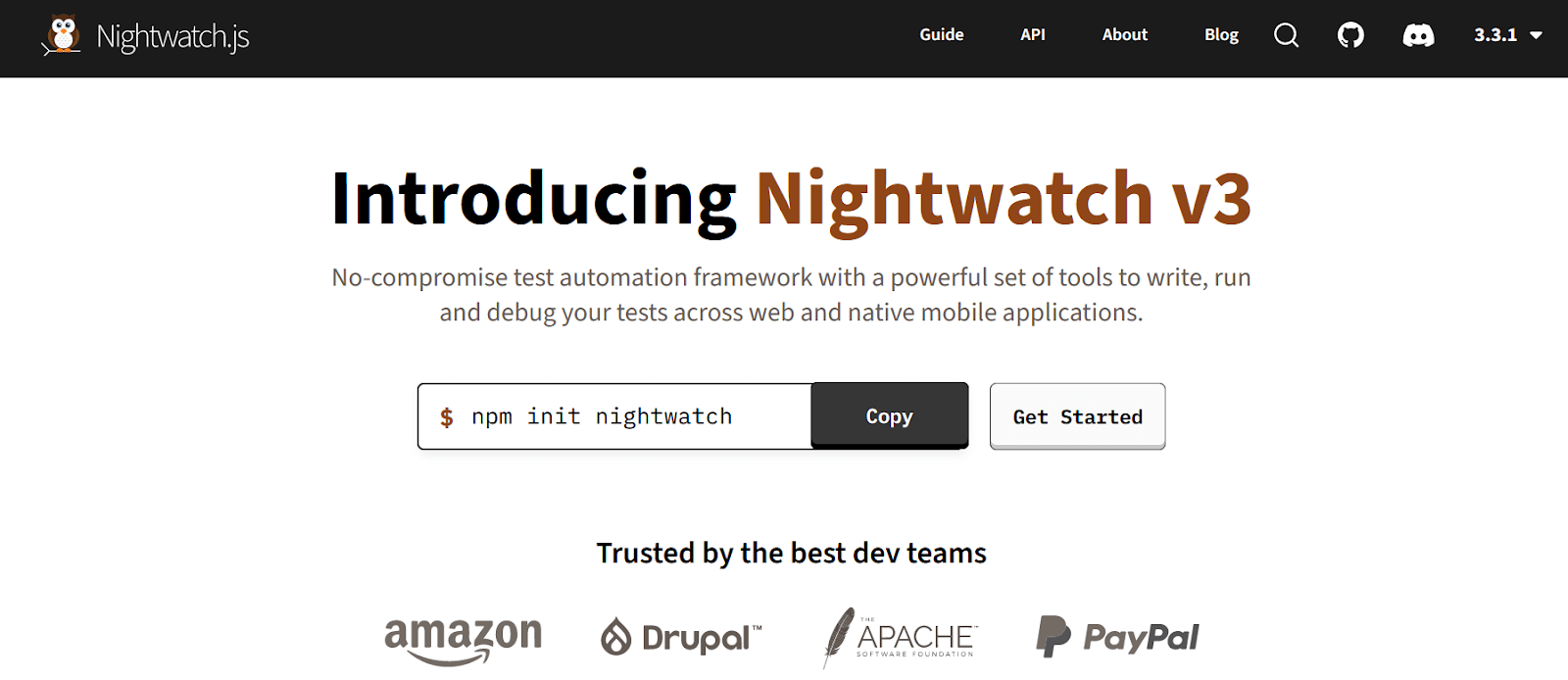
Nightwatch.js is a free, open-source automated testing framework powered by Node.js that offers complete E2E (end-to-end testing) solutions for web and native mobile apps.
Nightwatch.js is built on the Selenium framework and uses the W3C WebDriver API (Selenium WebDriver). It communicates with a WebDriver server (ChromeDriver or Selenium Server) via a restful HTTP API.
This framework provides a holistic approach covering end-to-end and cross browser testing. It streamlines diverse test types including unit testing and integration testing.
9. Robot Framework
Robot Framework is an open-source automation framework supporting mobile application testing through external libraries. The commonly used AppiumLibrary leverages Appium for Android and iOS communication.
You can use Robot Framework with AppiumLibrary and write keyword-driven test cases to automate interactions with mobile applications.
10. App Crawler
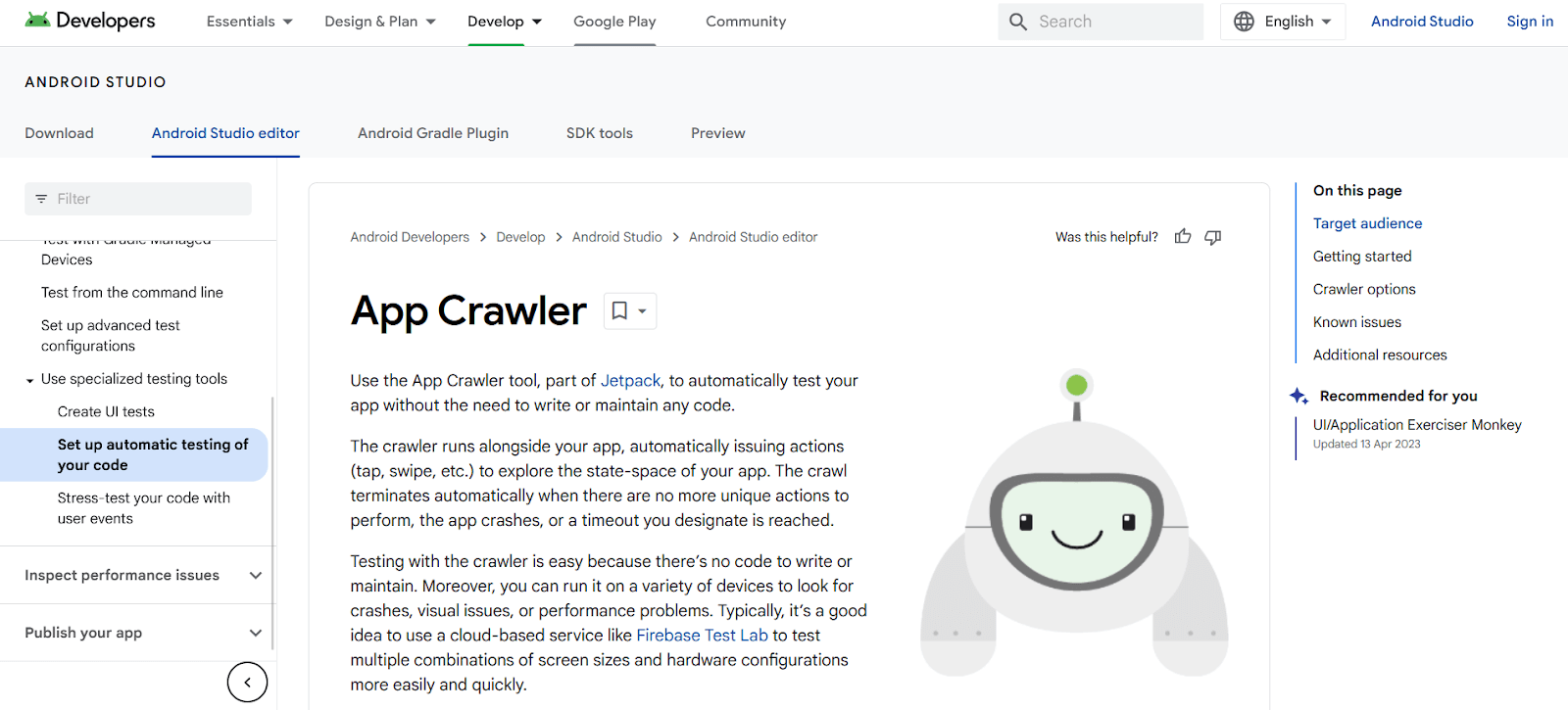
App Crawler, developed by Google, is an automation testing tool for testing mobile apps without writing code. It is part of the Android Jetpack library.
It is designed for developers who want to test basic app functionality with minimum configuration. The crawler runs with the app, performing actions like tap, hold, and swipe to explore the app's state-space.
The crawl ends when no unique activities remain, the program crashes, or a timeout is reached. Testing with App Crawler is simple with no code to maintain.
It can test multiple devices for crashes, visual faults, or performance concerns. For testing various screen sizes and configurations, use cloud-based tools like Firebase Test Lab and TestMu AI.
11. UI Automator
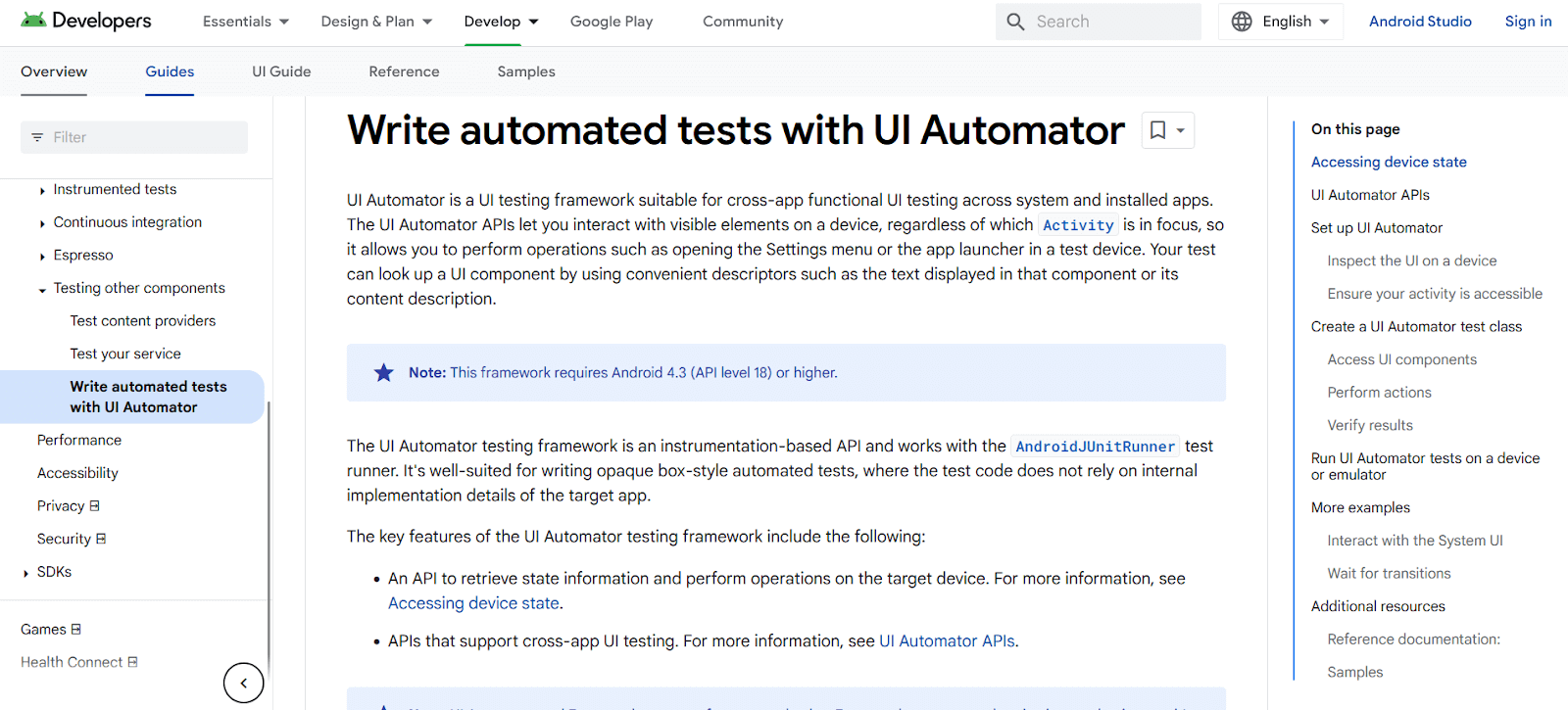
UI Automator is a UI testing framework for functional testing among systems and installed apps. Its APIs allow testers to interact with visible items regardless of which Activity is in focus.
Testers can open settings menus or app launchers and look up UI components using descriptors like text or content description.
UI Automator is compatible with AndroidJUnitRunner test runner. It works well for opaque box testing where code doesn't depend on internal implementation details.
Note: Fast-track your release velocity with an agile, more reliable platform to automate UI testing with TestMu AI. Try TestMu AI Today!
12. iOS Driver
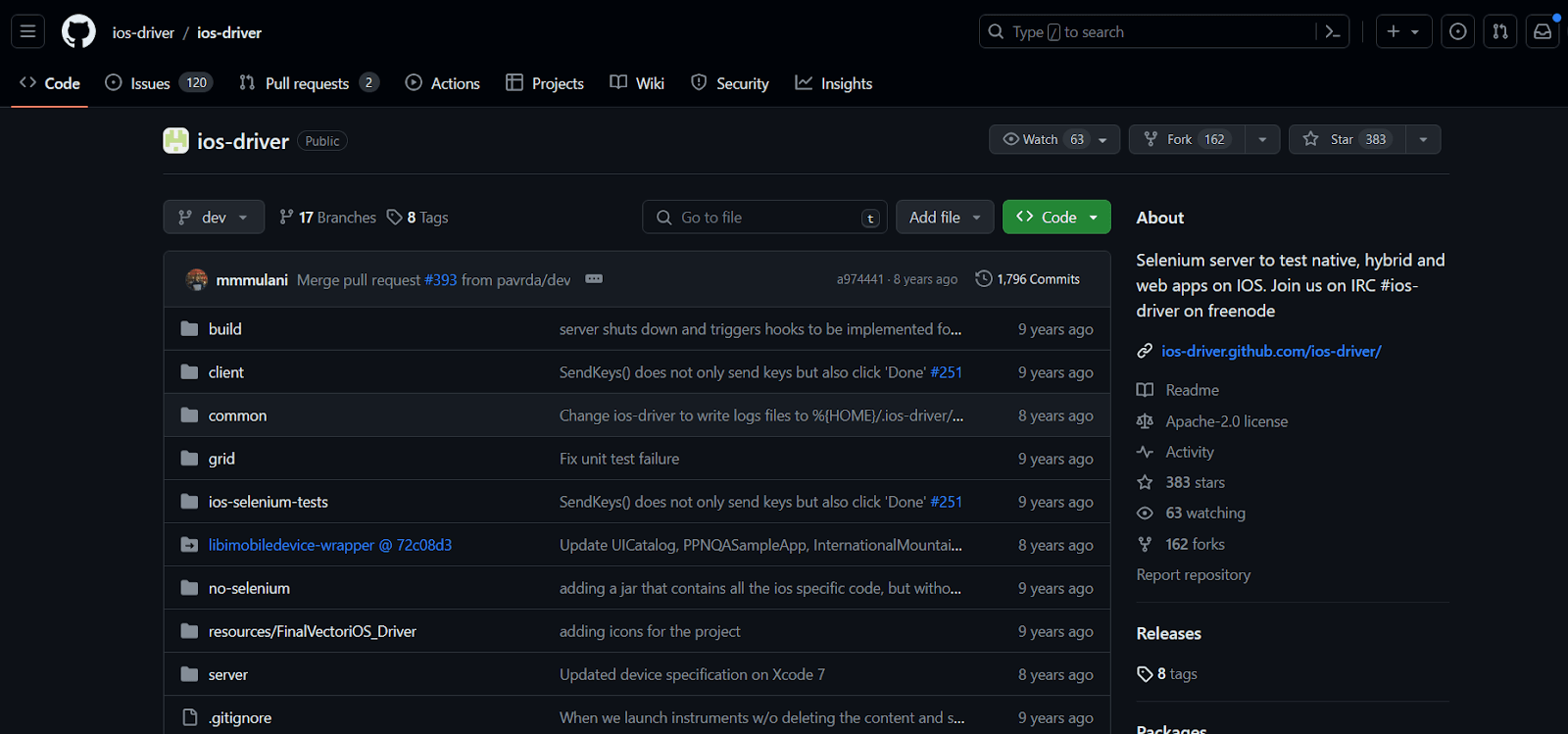
iOS Driver is a Selenium server to test hybrid, native, and web apps on iOS devices. It demonstrates outstanding performance on emulators and simulators.
It uses the Selenium WebDriver API for easy integration of iOS native and hybrid apps with Selenium. This enables effective testing techniques.
iOS Driver depends on two Apple-created frameworks. Confirm system requirements before starting the installation procedure.
13. KIF (Keep It Functional)
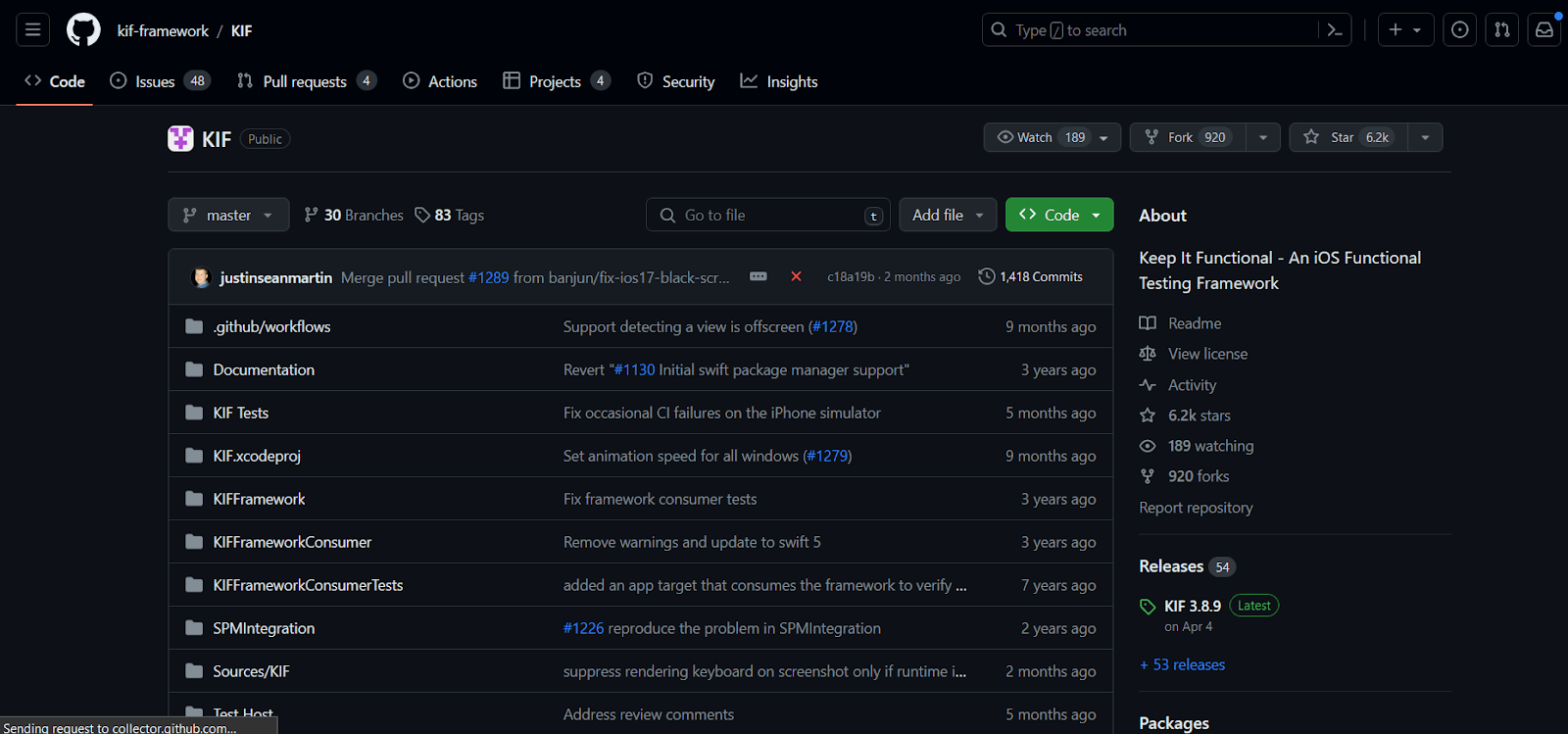
Keep It Functional (KIF) is a framework for iOS integration tests. It uses OS accessibility features to simplify automation of iOS applications.
KIF uses a common XCTest testing target to develop and run tests. Testing runs synchronously in the main thread, enabling intricate composition and logic.
KIF benefits from command line build tools, Bot test results, and Xcode Test Navigator. It is one of the key Appium alternatives for iOS devices.
KIF leverages undocumented Apple APIs. This is safe for testing but ensure KIF doesn't reach production code to avoid app rejection by Apple.
14. TestFlight
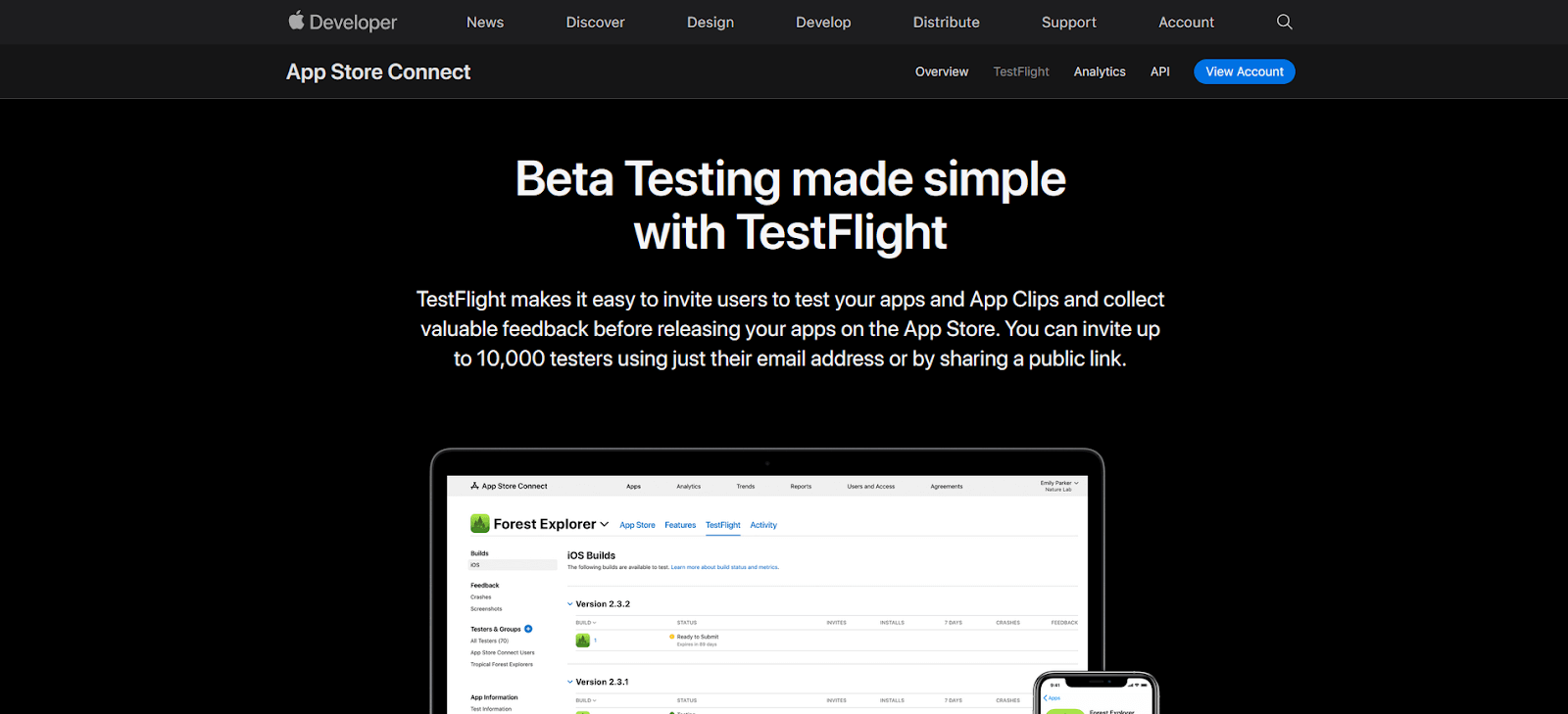
TestFlight is an Apple tool for user testing on iOS and Mac devices. It provides an easy solution for inviting people to test apps before App Store release.
Testers can upload beta or alpha versions to App Store Connect using TestFlight. Users then install the app via TestFlight app and provide feedback.
TestFlight supports iOS, iPadOS, watchOS, macOS, tvOS, and iMessage apps. Automatic upgrades ensure testers always work with the most recent code.

This blog discussed the top 14 Appium alternatives for testing native, hybrid, and web apps on Android and iOS devices.
These Appium alternatives work best for smaller-scale testing. For enhanced scalability, use cloud-based testing platforms. Let's see how to test mobile apps on the cloud.
How To Test Mobile Apps on the Cloud?
Cloud-based testing platforms provide scalable infrastructure to test mobile apps across real devices and emulators without managing local hardware.
Cloud-based testing platforms are online services providing tools and infrastructure for mobile app testing. They enable functional, performance, and compatibility testing with scalability and flexibility.
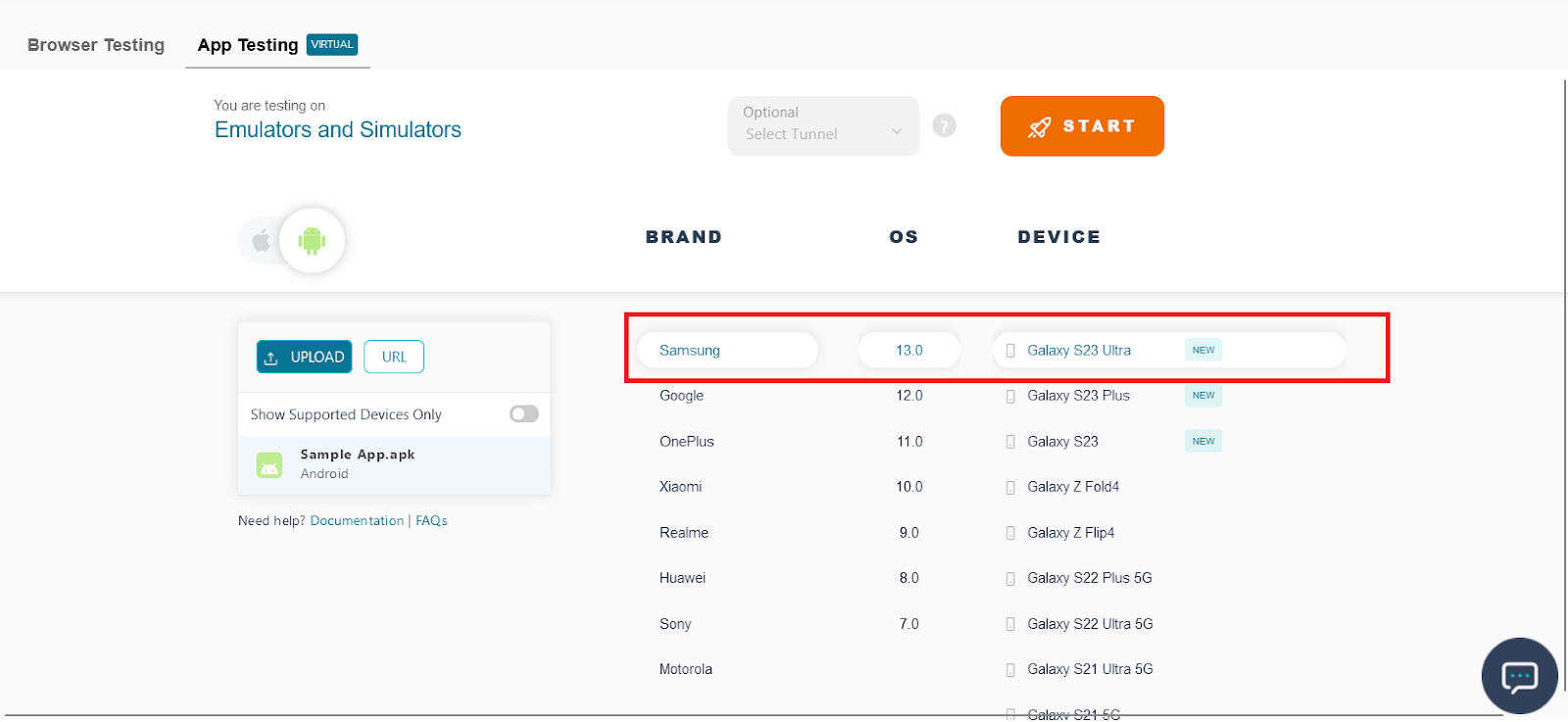
TestMu AI is an AI-native test orchestration platform offering real and virtual devices (Emulator and Simulator) for mobile app testing. Here are the steps for testing on TestMu AI Real Device cloud.
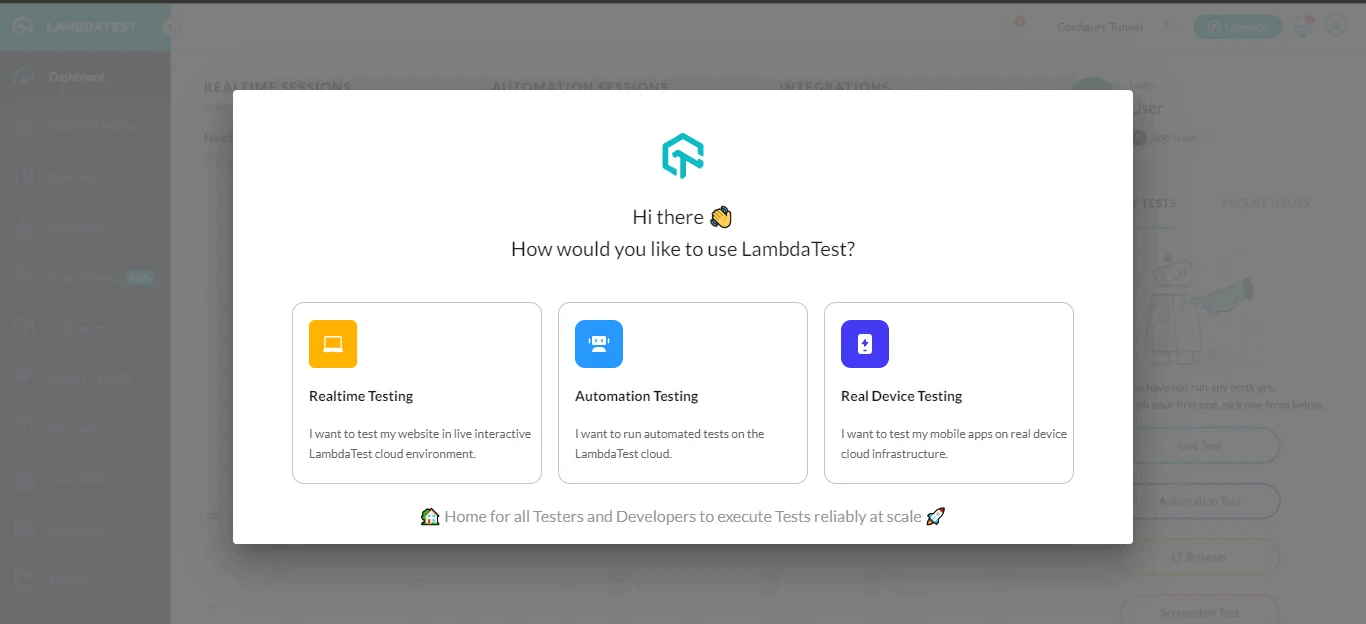
- Create an account for free on TestMu AI & you will have a pop-up box with 3 options: Automation testing, Realtime testing, and real-device testing.
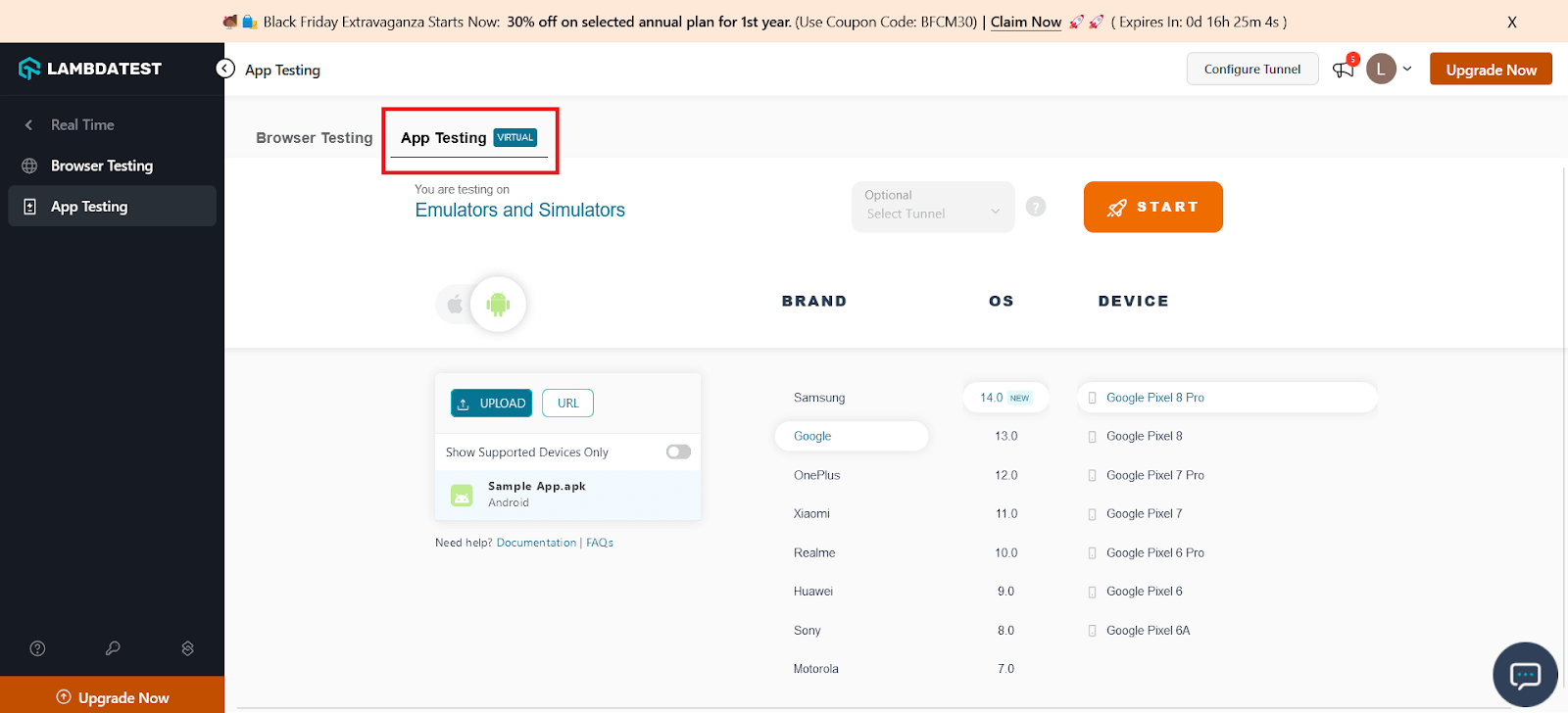
- Select the Realtime Testing option and navigate to the App Testing section as shown below.
- Upload an app in apk format to test from the local computer or a public cloud link.
- Select a device from the wide range of Android & iOS emulators or simulators to test the mobile apps.
- To end the test session, click the End Session icon in the left panel. It will terminate the ongoing test session
Conclusion
While Appium remains a top mobile automation framework, competitors offer features like simple APIs, concurrent testing, and cross-platform capabilities.
This article curated 14 best Appium alternatives available for 2026. Learn more in our detailed comparison of Appium vs Selenium to choose the best automation tool.
Frequently Asked Questions


Frequently asked questions
Did you find this page helpful?
More Related Hubs
TestMu AI forEnterprise
Get access to solutions built on Enterprise
grade security, privacy, & compliance
- Advanced access controls
- Advanced data retention rules
- Advanced Local Testing
- Premium Support options
- Early access to beta features
- Private Slack Channel
- Unlimited Manual Accessibility DevTools Tests