
Automated Visual Testing That Blocks a Bad Deploy in CI
Automated visual testing runs screenshot comparisons on every commit inside your CI pipeline. SmartUI compares each build against its baseline and posts a pass or fail status check to the pull request, so a layout regression is blocked before it reaches main.


Trusted by 3M+ users globally at




"We have tripled our tests and are now executing tests in less than 2 hours with 78% Faster Test Execution"


"We figured out a more efficient way to monitor system health and resolve failures earlier in lower environments."





"TestMu AI has significantly boosted our testing speed, is easy to implement, and provides exceptional support."


"With 70% faster test execution, TestMu AI helped us achieve faster time-to-market and enhanced CX."



Automated Visual Testing Built for the CI Pipeline, Not the Dashboard
Every check here runs unattended inside your pipeline job, with the same root cause analysis and noise filtering as a manual run.
Run Visual Checks in Parallel Inside Your CI Job
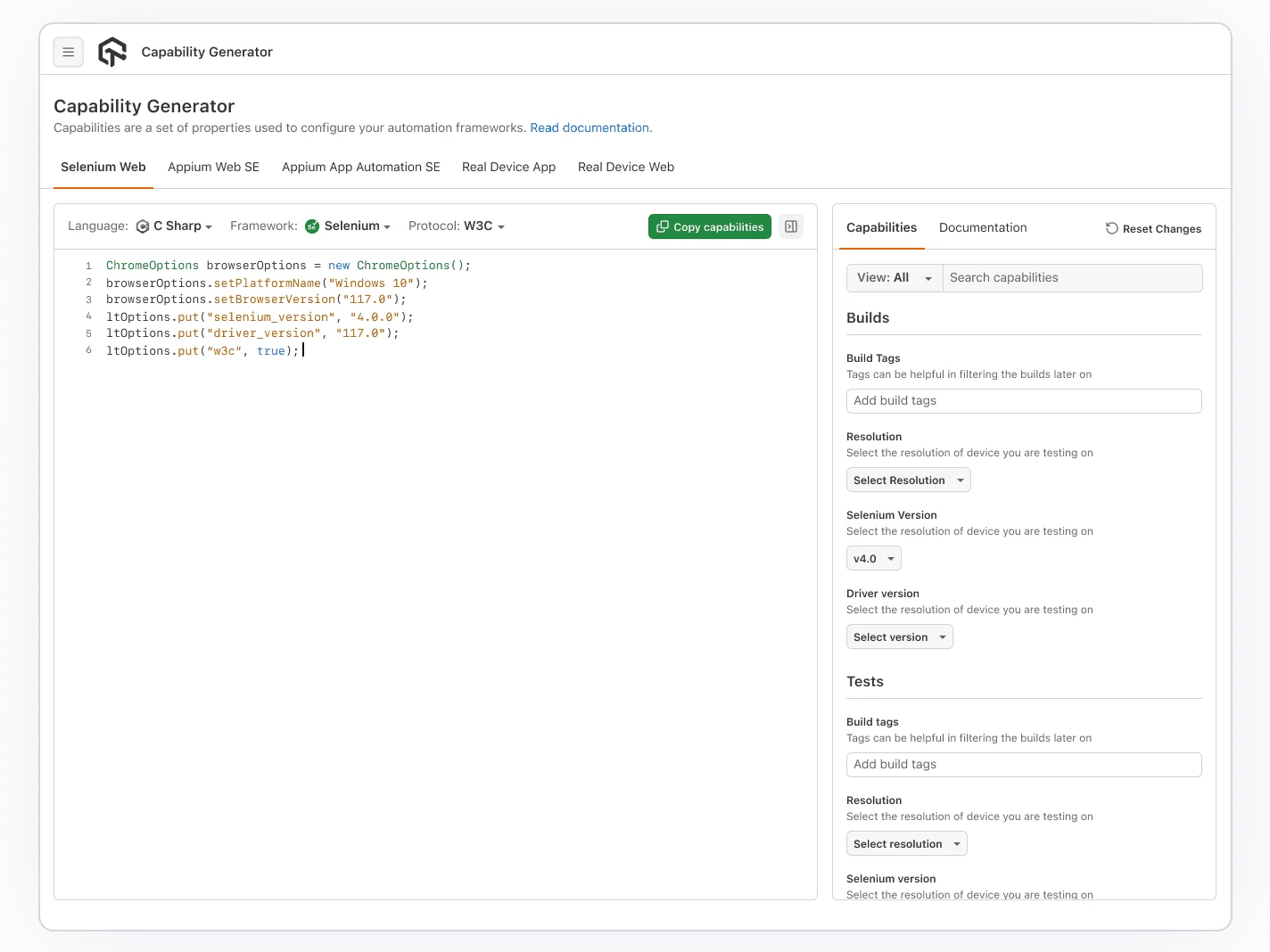
Screenshots capture in parallel across browsers, so the check adds seconds to a pipeline run, not minutes.
Get Started For Free
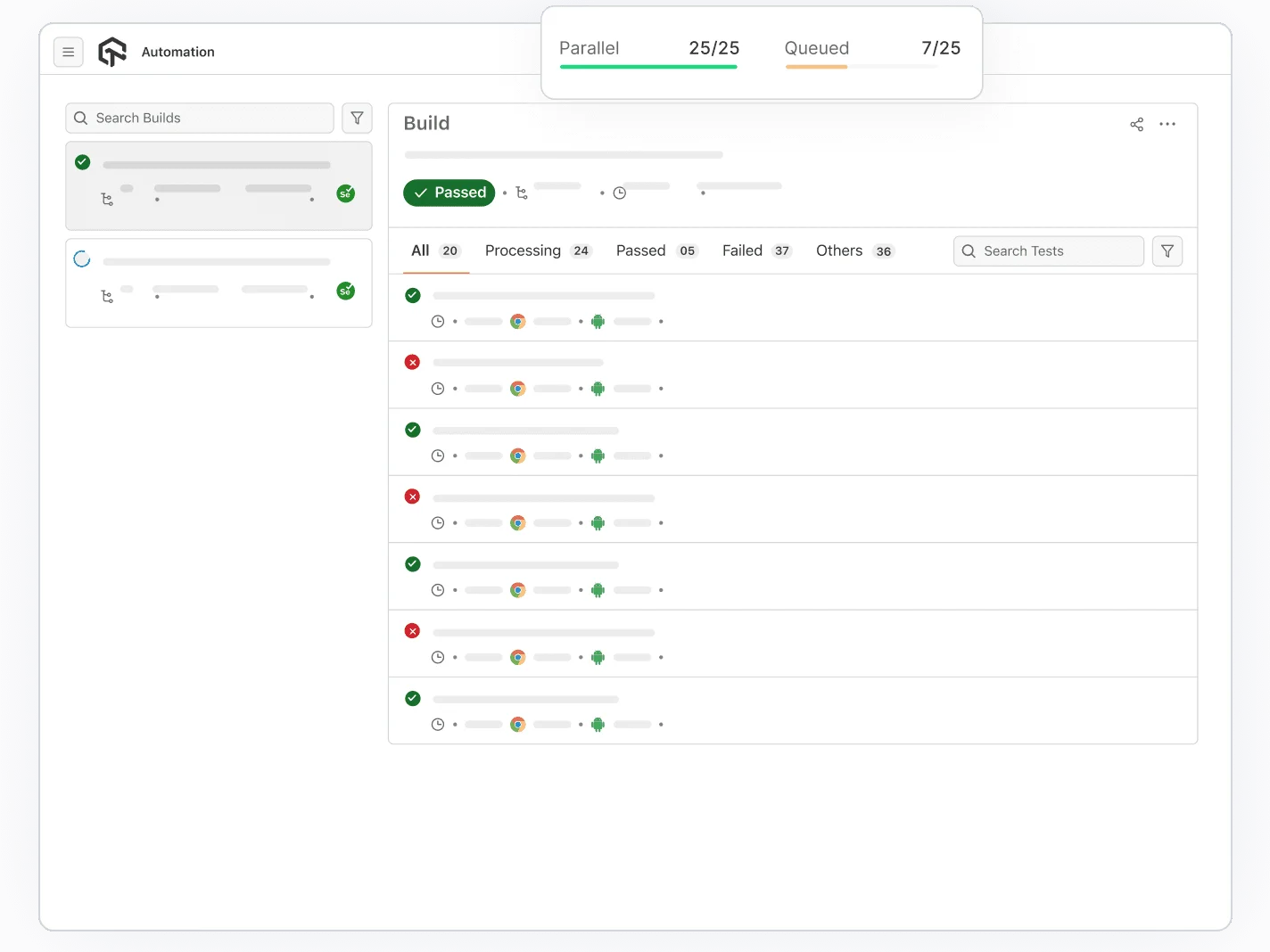
A Failing Check Blocks the Merge, Not Just a Slack Ping
SmartUI posts pass or fail to the PR, the same status check slot as your unit tests.
Get Started For Free- Required checks stop a merge until the diff is approved
- Reviewers see the diff inline, no dashboard visit needed
- Works with GitHub, GitLab, Bitbucket, and Azure checks

CI Runners Render Differently. Smart Ignore Adjusts.
Headless CI runners anti-alias fonts differently than a laptop. Smart Ignore filters that noise.
Get Started For Free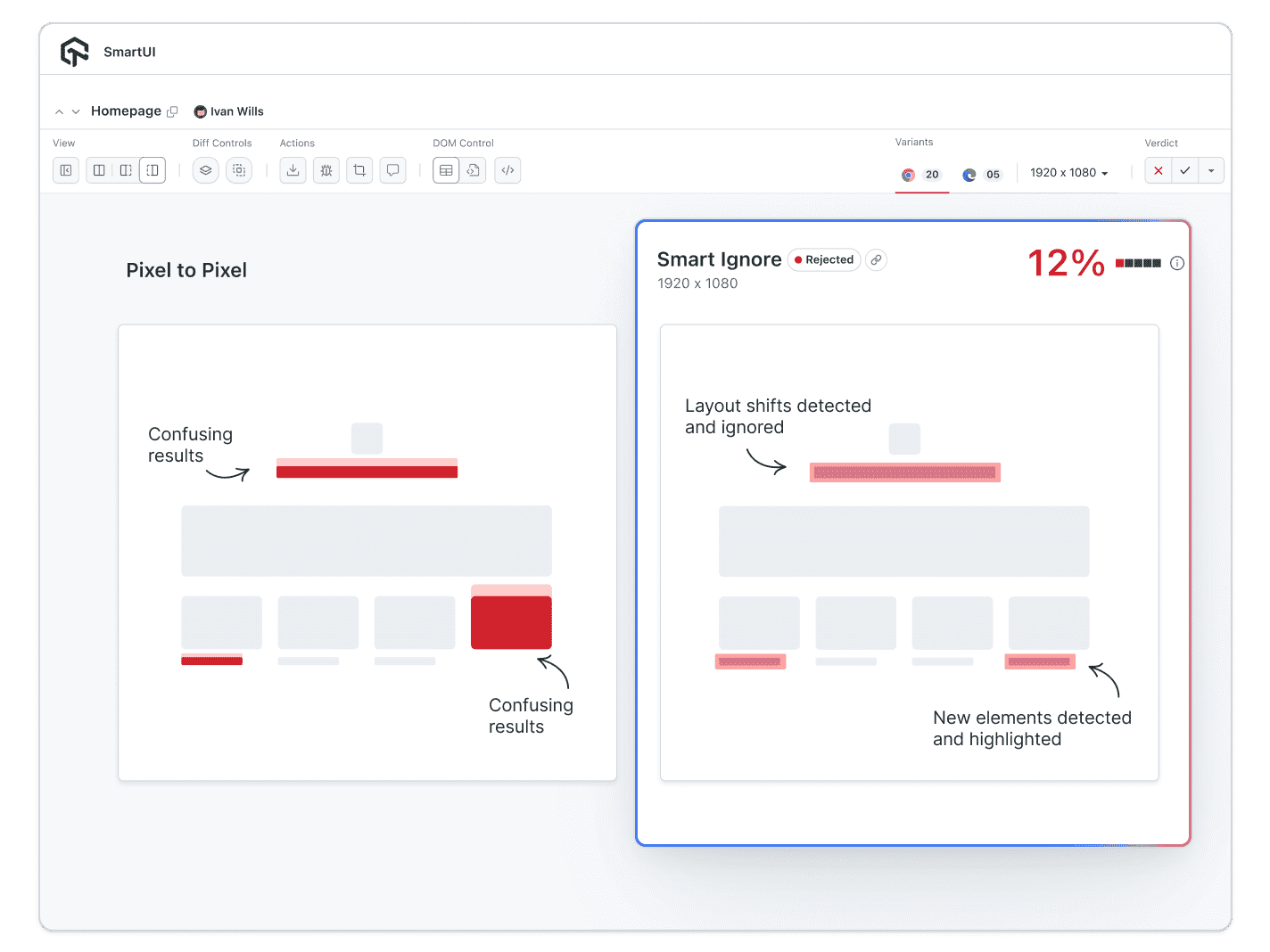
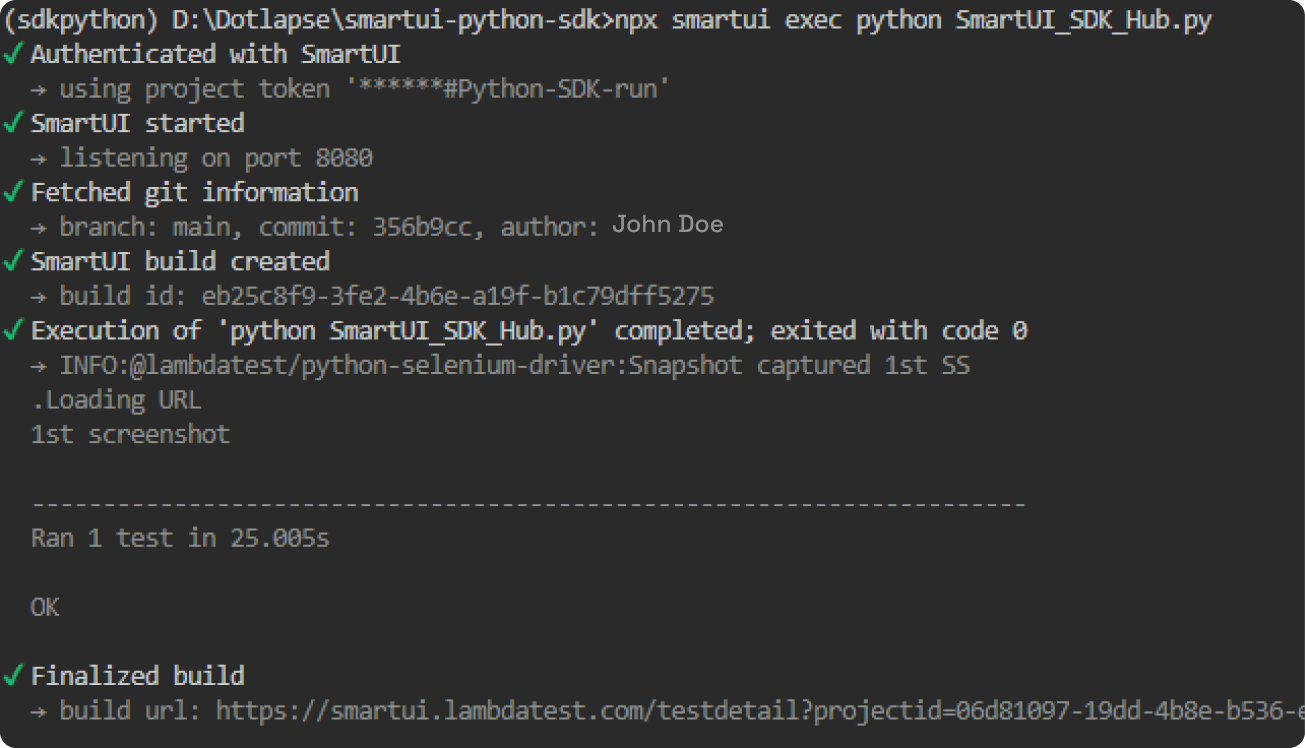
Trigger From a CLI Command, Not a Manual Click
One CLI call in your pipeline script captures, compares, and reports the diff.
Get Started For Free- Baselines follow the feature branch, not just main
- Approve a new baseline from the CLI or the dashboard
- Same command works locally and inside the CI runner
Automated Visual Testing vs. Manual Review vs. Diff Scripts

Top Choice
Features

Manual Review
Generic Diff Scripts
Runs as a PR status check
False positive filtering
Branch-aware baselines
Root cause on failure
Time per PR
CI platform support


"From a value perspective, the cost difference compared to our previous visual testing platform is substantial, offering the same functionality with better ROI."
Kareem Shammout, Senior Test Automation Engineer, Atypon
Read the Atypon story
Success Stories of TestMu AI (Formerly LambdaTest)

50%
reduction in test execution time
“HyperExecute is a highly reliable test execution platform and has excellent customer support.”
Sagar Uday Kumar
Sr. Engineering Manager
Frequently asked questions
TestMu AI for Enterprise
Get access to solutions built on enterprise-grade
security, privacy, & compliance
- Advanced access controls
- Advanced data retention rules
- Advanced Local Testing
- Premium Support options
- Early access to beta features
- Private Slack Channel
- Unlimited Manual Accessibility DevTools Tests