

Test on macOS El Capitan: Hardware Diagnostics & Browser Testing Online
Run Apple Hardware Test on an El Capitan Mac, or skip the old hardware and test your website on real El Capitan browsers online, including Safari 11, for free.

Trusted by 3M+ users globally at




"We have tripled our tests and are now executing tests in less than 2 hours with 78% Faster Test Execution"


"We figured out a more efficient way to monitor system health and resolve failures earlier in lower environments."





"TestMu AI has significantly boosted our testing speed, is easy to implement, and provides exceptional support."


"With 70% faster test execution, TestMu AI helped us achieve faster time-to-market and enhanced CX."



Hardware Diagnostics
How to Run Apple Hardware Test (AHT) on macOS El Capitan
If your El Capitan Mac is misbehaving, first rule out a hardware fault with Apple's built-in diagnostics. Macs introduced in June 2013 or later run Apple Diagnostics; older Intel Macs run Apple Hardware Test. The startup steps are the same:
- Disconnect all external devices except the keyboard, mouse, display, Ethernet cable, and power adapter.
- Shut the Mac down completely, then press the power button.
- Immediately press and hold the D key until the diagnostics screen or a language selection appears.
- To run the internet-based version instead, hold Option + D. The Mac loads diagnostics from Apple's servers over Wi-Fi or Ethernet.
- Run the test and note any reference codes it reports. Codes point to specific components such as the logic board, RAM, or storage.
Troubleshooting
Apple Diagnostics on Older Intel Macs
On the 2009-2012 Intel Macs that commonly run El Capitan, the D key shortcut sometimes does nothing. Work through these fixes:
- Use the original install media. Macs from around 2010 or earlier shipped with Apple Hardware Test on the gray Applications Install Disc 2. Insert that disc, restart, and hold D to launch AHT from the disc.
- Check the network for Option + D. The internet-based version needs a working Wi-Fi or Ethernet connection at boot. Prefer wired Ethernet on older Macs, since some Wi-Fi security modes are not supported before macOS loads.
- Use a wired keyboard. Third-party wireless keyboards may not register startup key combinations. A wired Apple keyboard is the most reliable way to send the D key at boot.
- Remove a firmware password. Startup key combinations, including diagnostics, are blocked while a firmware password is enabled. Disable it in Recovery first.
Legacy Coverage
Is macOS El Capitan Still Usable for Web Testing?
Not as a daily machine. OS X 10.11 stopped receiving Apple security updates years ago, Safari is frozen at version 11, and current releases of Chrome and Firefox no longer support it. Modern JavaScript and CSS features frequently break on it, which is exactly why teams still need to check their sites against it.
You do not need to keep a decade-old Mac alive for that. TestMu AI gives you on-demand cloud machines running El Capitan-era Safari alongside 10,000+ current browser, OS, and real device combinations, so one platform covers both your legacy checks and your modern coverage.
Test on El Capitan Browsers Online
Live sessions on real El Capitan machines running Safari 11, Chrome, Firefox, and Opera, plus tunnel access for local builds.
 LIVE TESTING
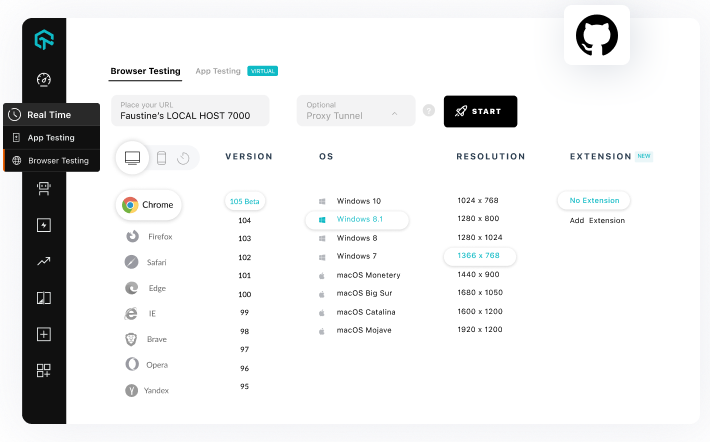
Live Testing in the Cloud
Spin up a real macOS El Capitan machine in your browser and interact with your site the way users did on legacy Chrome, Firefox, Opera, and Safari.
Start a Free Live Session
- Real El Capitan machines, streamed to your browser
- Legacy and latest browser versions side by side
- Mark bugs to Jira, Asana, Trello, or Slack mid-session

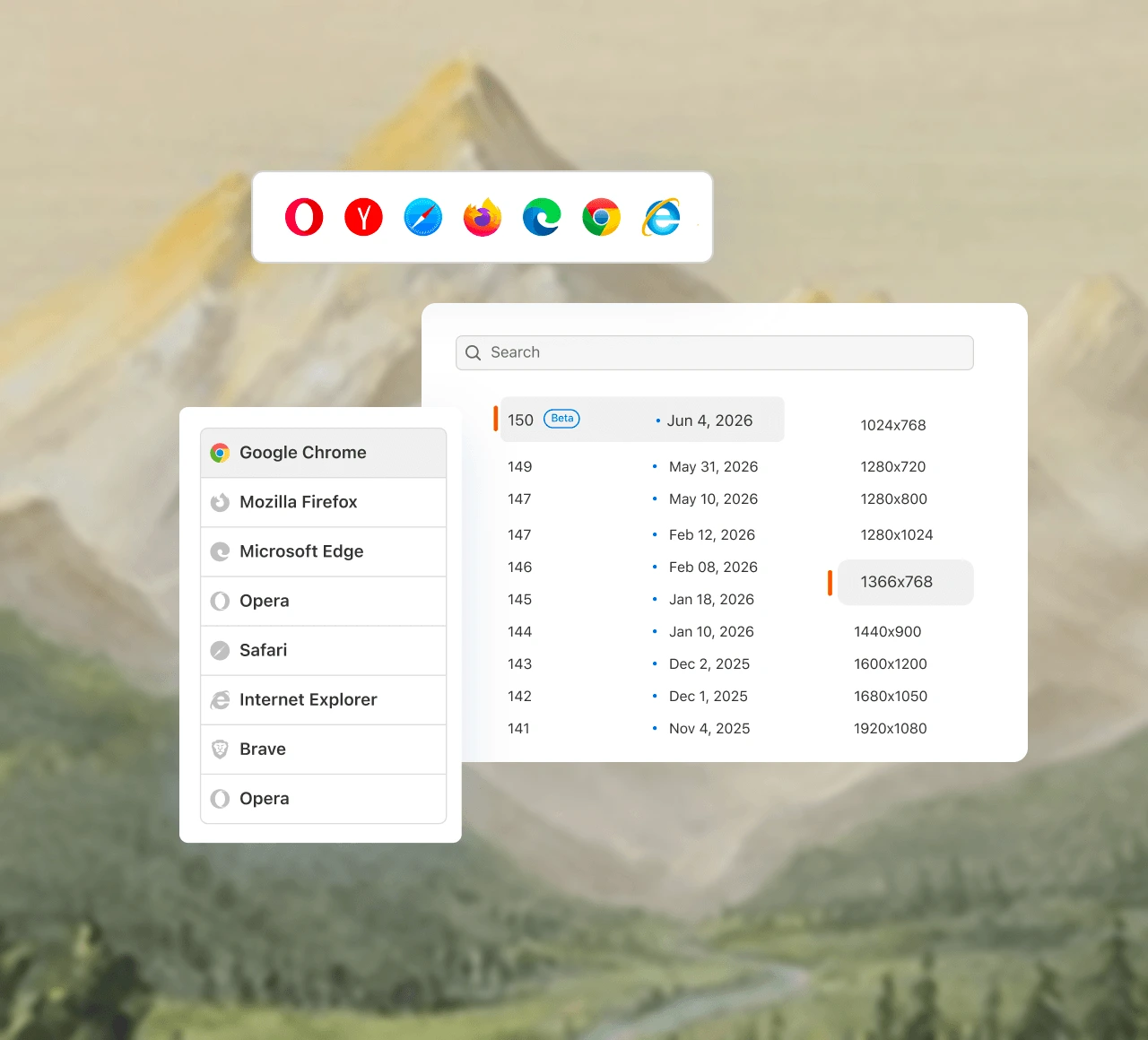
 SAFARI 11
Test on Safari 11
Safari 11 is the last Safari on El Capitan and the trickiest browser of its era. Verify layouts and JavaScript against it without keeping an old Mac alive.
Test on Safari 11- The exact WebKit build your legacy visitors use
- Compare against modern Safari on newer macOS
- Screenshots and video logs for every session
 LOCAL TESTING
Tunnel to Localhost
Test locally or privately hosted builds on El Capitan cloud machines through the TestMu AI Tunnel over secure shell, before anything reaches production.
Read the Tunnel Docs- Secure shell tunnel from your machine to the cloud
- Works for plain HTML, CSS, PHP, or Python files
- Same tunnel powers CI runs via GitHub Actions
Success Stories of TestMu AI (Formerly LambdaTest)

50%
reduction in test execution time
“HyperExecute is a highly reliable test execution platform and has excellent customer support.”
Sagar Uday Kumar
Sr. Engineering Manager
Some Love from our Customers
As Best Egg expanded its product offerings and entered new markets, we knew our old testing infrastructure couldn’t keep up.
With support from Tenny Agustin, our Engineering Operations Lead, we modernized our approach with
TestMu AI

Best Egg
best-egg

Excited to Share My Learning Journey with Kane AI & Lambda Tool!
I'm pleased to announce that I've recently gained hands-on experience exploring Kane AI through the Lambda Tool and it’s been a fantastic journey of upskilling!
KaneAI

Suryateja Goud
suryateja-goud

See how is #Futureready to enable blazing-fast test orchestration seamlessly integrated with organizations' existing CI/CD platforms, using #Microsoft Azure.
TestMu AI

Microsoft India
MicrosoftIndia
More Reasons to LoveTestMu AI (formerly LambdaTest)
See how TestMu AI improves your testing with seamless integration, quicker results, and unmatched accuracy.
Users
3M+
Tests
1.5B+
Enterprises
18K+
Countries
132
TestMu AI Named a Challenger in the 2025 Gartner® Magic Quadrant™
Read ReportTestMu AI recognized in The Forrester Wave™: Autonomous Testing Platforms, Q4 2025
Read ReportWall of Fame
TestMu AI is the #1 choice for SMBs and enterprises across the globe.

Enterprise-Grade Security
We safeguard your data and AI systems with global security, privacy, responsible AI, and ESG standards.

Integrations
Works where you work, 120+ integrations with the tools your team relies on.




As Seen On
Frequently asked questions
TestMu AI forEnterprise
Get access to solutions built on enterprise-grade
security, privacy, & compliance
- Advanced access controls
- Advanced data retention rules
- Advanced Local Testing
- Premium Support options
- Early access to beta features
- Private Slack Channel
- Unlimited Manual Accessibility DevTools Tests