
Run Tests On Cloud Selenium Grid With Nightwatch JS Scripts
Leverage TestMu AI automation with Nightwatch JS and run tests over 3000+ real browsers online.
Test On TestMu AI Real Device Cloud
Get instant access to real Desktop and Mobile devices. Say No to Emulators and Simulators! Find bugs earlier by testing your websites and web apps on a
wide range of real Android and iOS devices. Ensure a seamless user experience and timely delivery on every release.
Online Selenium Grid For Parallel Testing With Nightwatch JS
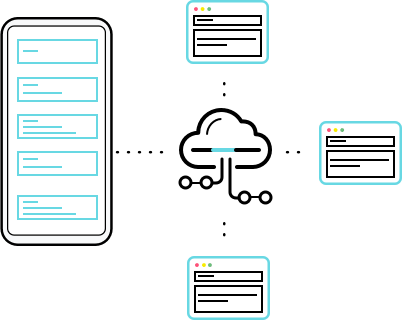
Get more of the cloud selenium grid by running multiple test environments in parallel with TestMu AI. Spin up your Nightwatch JS tests on different browser and OS combinations together and reduce build time.
Run Nightwatchjs on TestMu AIExecute Geolocation Tests With Nightwatch JS Scripts
Having issues with your web application when accessed from different locations? TestMu AI Selenium Grid enables you to perform geolocation testing using Nighwatch JS framework on 27+ countries on cloud.
START TESTING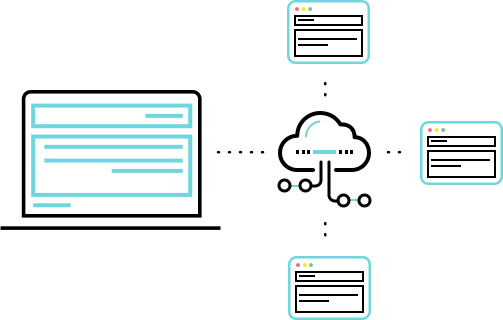
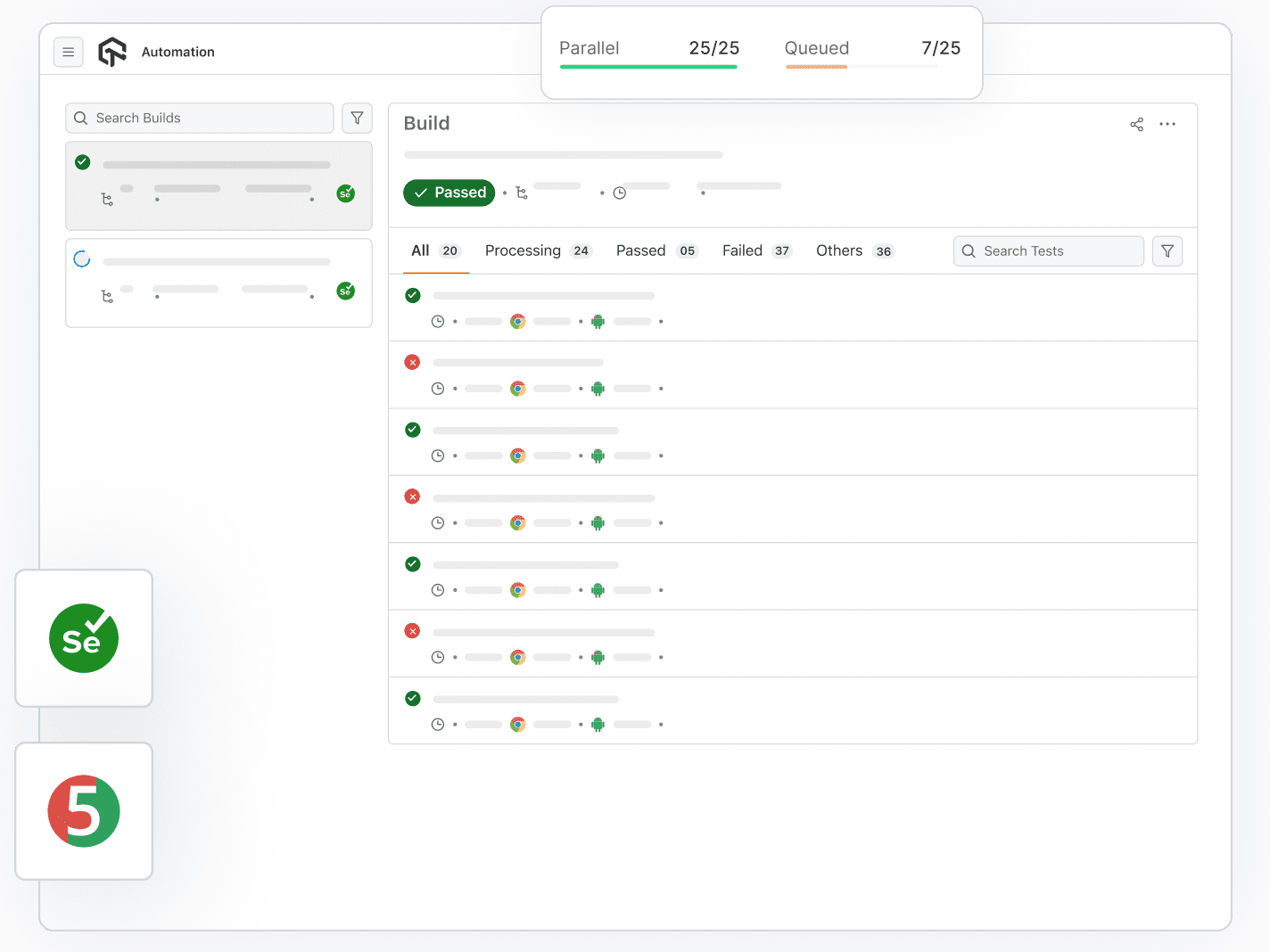
Easy Shifting To TestMu AI Cloud Selenium Grid
Are you still performing Nightwatch JS Tests on your locally hosted Selenium grid? Easily shift to TestMu AI online Selenium grid and scale faster with added integrations, multiple frameworks like Nightwatch JS and an updated cloud grid.
CHECK GITHUB REPO
 API
APIRestful API to fully automate your continuous testing workflow. Fetch test details such as test status, metadata, Selenium logs, video logs, and more, to build robust test reports.API Docs 
 Low Test Flakiness
We make sure you say Goodbye to flaky Selenium tests by providing a reliable Selenium Grid online which has little or no flakiness while executing your Selenium automation scripts.Start testing
 Debugging & Logs
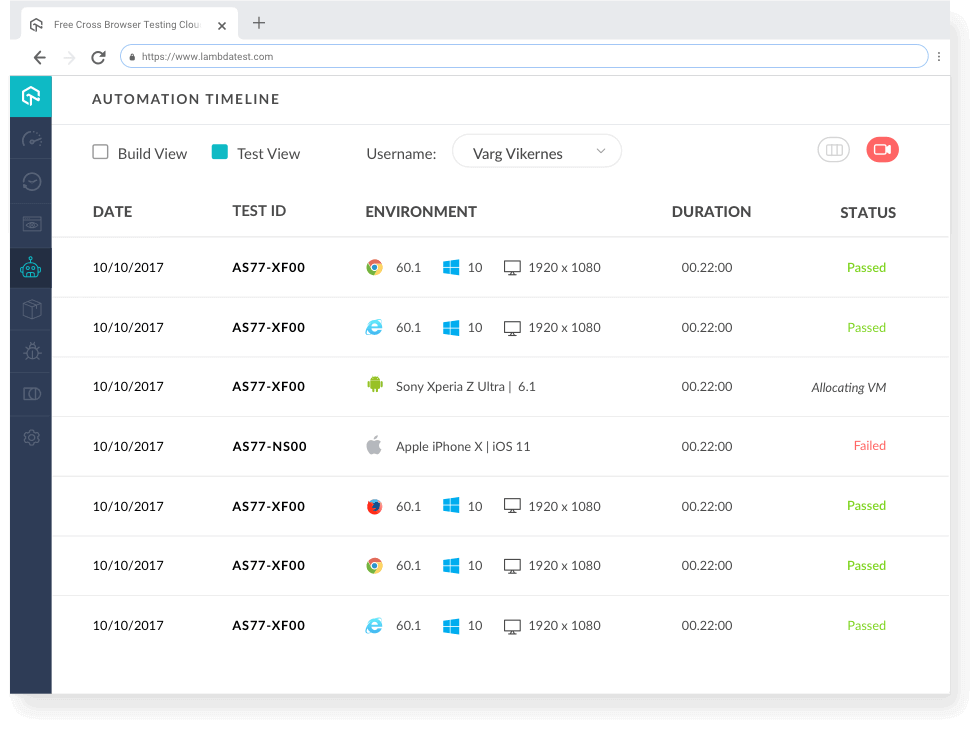
Debug your Selenium testing results through metadata, network logs, command logs, exception logs, raw Selenium logs, and Video recordings of the entire test execution.Start testing
 CI/CD Tools
Integrate TestMu AI Selenium testing cloud with your choice of continuous integration tools using our native plugins for Jenkins, CircleCI, Travis CI, and more.TestMu AI CI/CD Integrations
 Privately Or Locally Hosted Pages
With Lambda Tunnel you can run Selenium tests on your locally or privately hosted pages. Ensure cross browser compatibility of your web-app, even before its launch.Local Page Testing
Automate Accessibility Testing Effortlessly
Ensure web accessibility and achieve compliance with automated tests using TestMu AI Accessibility Automation.
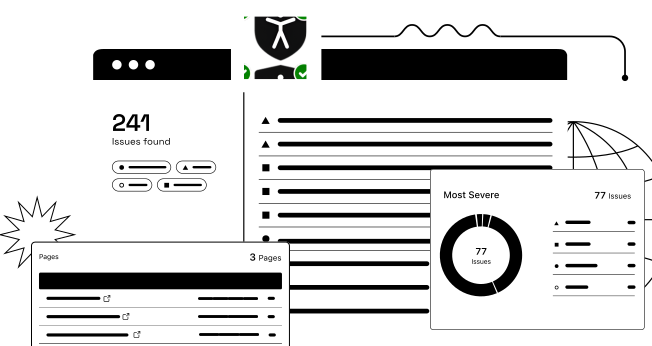
Automation Analytics Of NightwatchJS-Selenium Tests
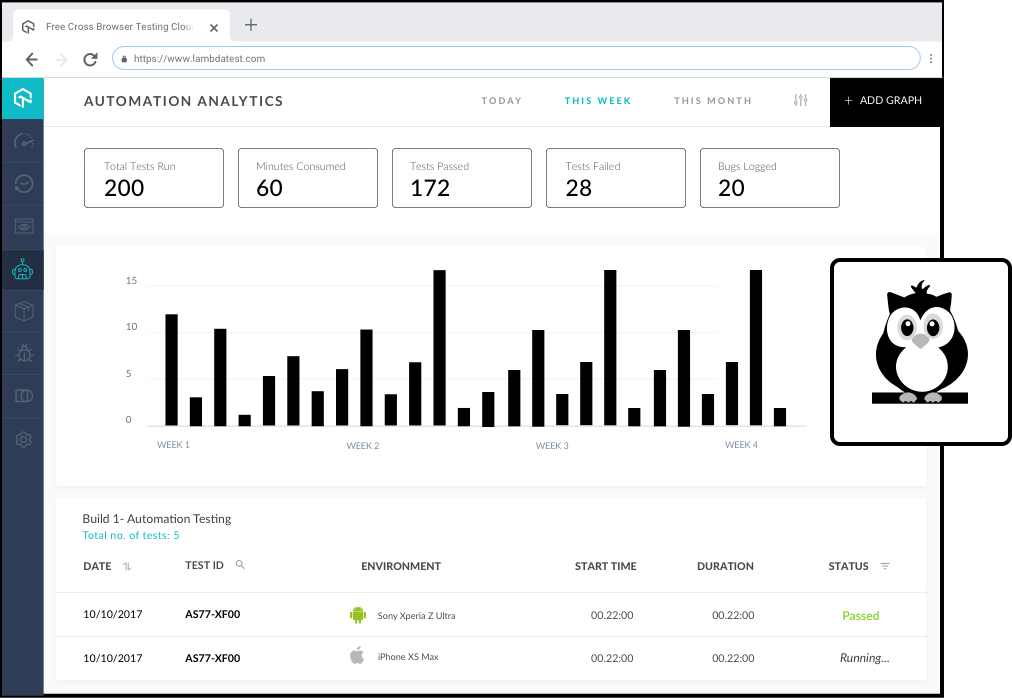
With TestMu AI Automation, you can also capture detailed Statistics of Total Tests Run, Minutes Consumed, Tests Passed, Tests Failed and many more metrics along with Timeline charts and Automation logs.
START TESTINGSupports all frameworks and languages


24/7 Support From Our Tech Experts
You can get in touch with us by filling up the contact form, messaging in-app, or through call. You can write us at support@testmuai.com and we'll get back to you in no time.
Give us a ShoutDIGGING DEEPER INTO Nightwatch JS


FREQUENTLY ASKED QUESTIONS
Have a specific question? Check out our Support Center.
What is Nightwatch JS?
JNightwatch.js is an open-source, node.js powered, automated browser testing framework. It was developed in Amsterdam & derives its name from the famous painting ‘The Night Watch’ by Dutch 17th century artist Rembrandt van Rijn.
How do I run Nightwatch.js tests on a cloud Selenium Grid?
Point your Nightwatch.js WebDriver setup at the TestMu AI remote hub instead of a local driver, then pass your username and access key along with the browser, browser version and operating system you want in the desired capabilities. Your JavaScript project structure, step definitions and assertions stay exactly as they are - only the driver configuration changes.
Can I run Nightwatch.js tests in parallel?
Yes. Nightwatch.js tests run in parallel across the cloud grid, and every test gets its own clean browser session so runs stay isolated. How many execute at the same time depends on the number of concurrent sessions in your plan, which is what turns a suite that takes hours locally into one that finishes in minutes.
Which browsers and operating systems can I run Nightwatch.js tests on?
Nightwatch.js scripts run across 3000+ browsers and operating system combinations, including Chrome, Firefox, Safari, Edge and Opera on Windows and macOS, plus 10,000+ real mobile devices. You select the combination per test through desired capabilities, so a single Nightwatch.js suite can cover many environments without duplicating code.
Do I need to rewrite my Nightwatch.js tests to move them to the cloud?
No. Existing Nightwatch.js tests move across as they are - the same JavaScript code, the same reporting and the same CI setup. The only change is swapping the local WebDriver instance for a remote one that points at the TestMu AI hub, which is usually a few lines in your driver or configuration file.
How do I debug a failed Nightwatch.js test?
Every Nightwatch.js run is recorded, so you get a video of the session together with Selenium command logs, network logs and console logs. When a Nightwatch.js assertion fails you can replay the exact session and read the command that broke, instead of trying to reproduce an intermittent failure on your own machine.
READY TO TEST NIGHTWATCH JS SCRIPTS ONLINE?
Signup to use TestMu AI, it's completely
free to get started with
- No Credit Card Needed
- Free Sign Up
- 24/7 Support