
TestMu AI Chrome Extension
Generate Multiple Screenshots of your web pages using TestMu AI Chrome Extension
Download ExtensionPH35
Get 35% Discount on all yearly plans. Paste the exclusive coupon code while upgrading the plan
Enterprise Plan (25+ Concurrent Sessions)
- Unlimited Browser Automation Testing
- Unlimited Screenshot Testing
- Unlimited Realtime Browser Testing
- Unlimited Responsive Testing
- 24*7 expert tech support
- Unlimited Access to LT Browser
- 3rd Party App Integrations
- Dedicated account manager
Live Interactive Cross Browser Testing
Perform live interactive browser compatibility testing of your public or locally hosted websites and web apps on 3000+ real mobile and desktop browsers running on real operating system. Debug in realtime on both desktop and mobile browsers with integrated debugging tools.
All FeaturesAutomated Screenshots for Accelerated Web Layout Testing
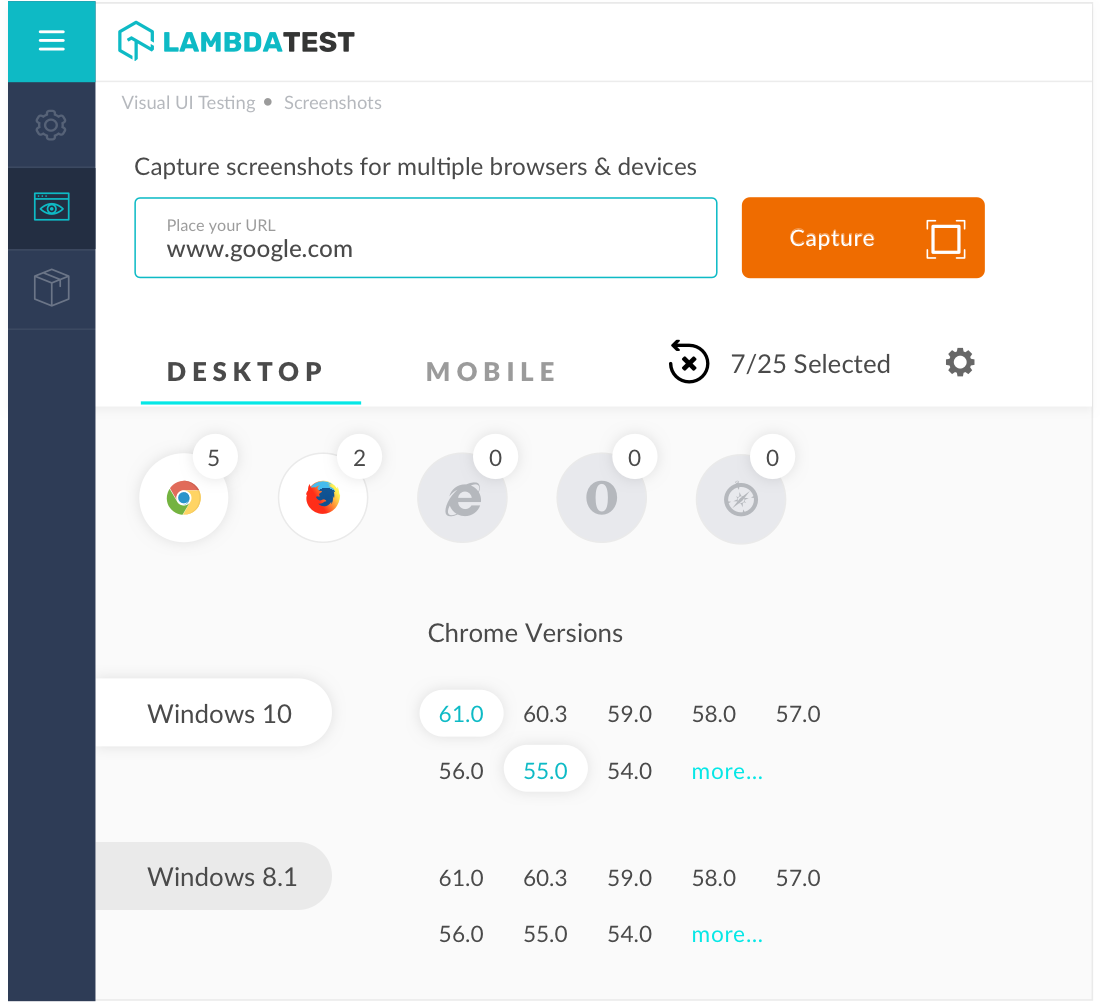
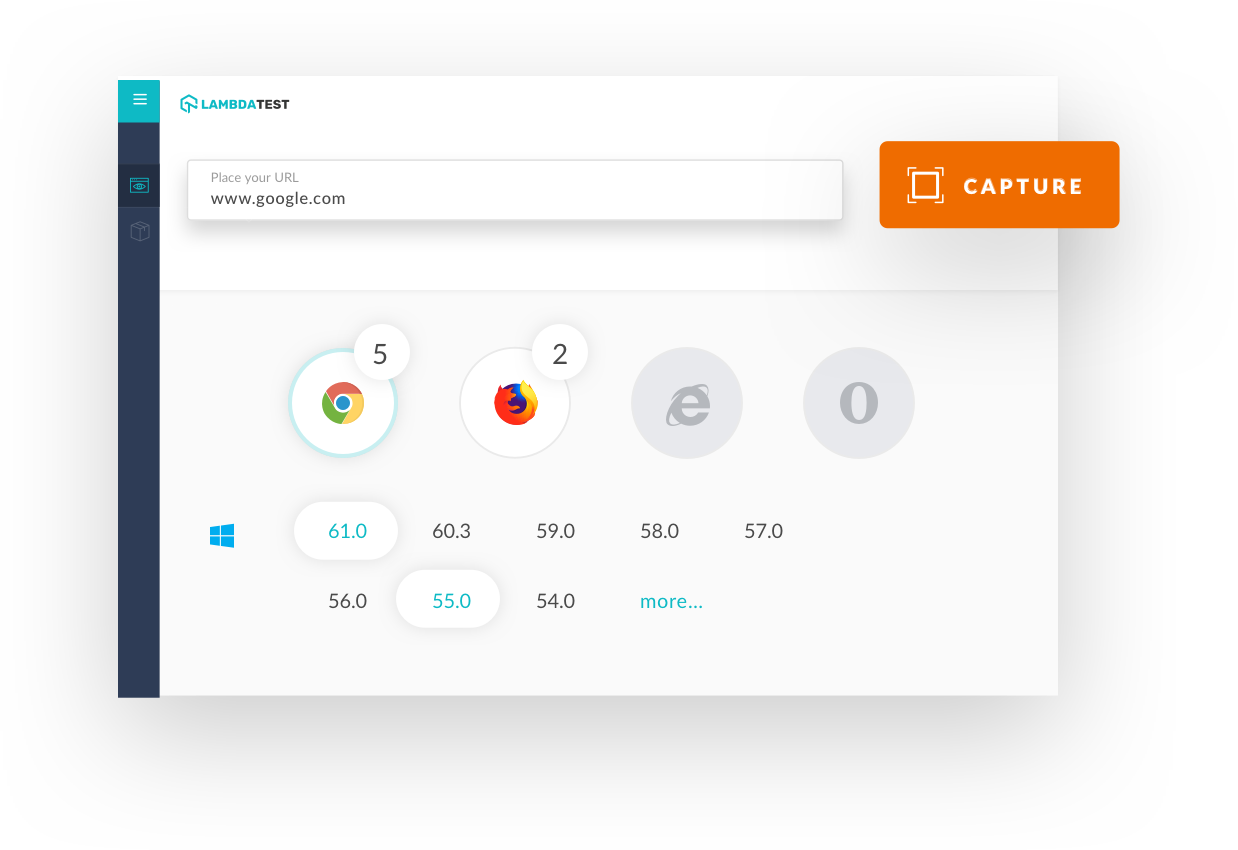
Auto-generate full-paged screenshots of your webpages across multiple devices, operating systems, browsers, and resolutions in a single click.
Automated Screenshot Testing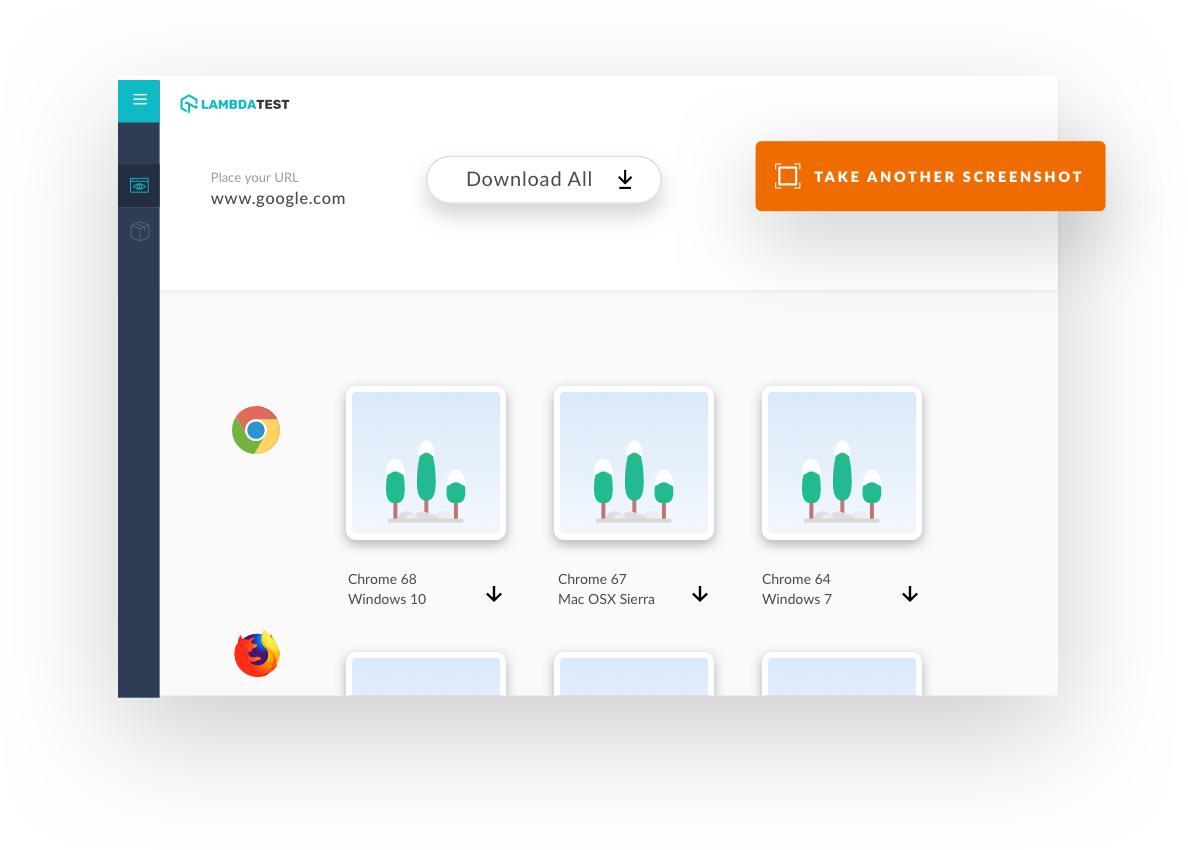
What Our Users Say About Us
TestMu AI for Enterprise
Get access to solutions built on enterprise-grade
security, privacy, & compliance
- Advanced access controls
- Advanced data retention rules
- Advanced Local Testing
- Premium Support options
- Early access to beta features
- Private Slack Channel
- Unlimited Manual Accessibility DevTools Tests