

Power Your Software Testing with AI Agents and Cloud
The Native AI-Agentic Cloud Platform to Supercharge Quality Engineering. Test Intelligently and Ship Faster.


- TestMu AI (Formerly LambdaTest)
- /
- Blog
- /
- Check the UI Before You Open the PR
Code that compiles and passes green tests can still ship a UI bug, like a redirect that 404s or a form that never validates, because nobody clicked through the flow first. Kane CLI plays that flow out in Chrome like a real user and attaches a recorded run with a step-by-step trace to the PR, Slack, or Jira ticket.
The Manual Click-Through Is the Step That Keeps Getting Skipped
Walking the real flow by hand takes time you do not have on a deadline. So the PR goes up unverified, and the reviewer reads the diff instead of running the app. The code can be correct and the rendered result still be wrong: a button wired to the wrong call, a redirect that 404s, a form that does not validate.
Nobody decided to skip verification. It just loses to the clock, every time.
Run the Flow in a Real Browser in About a Minute
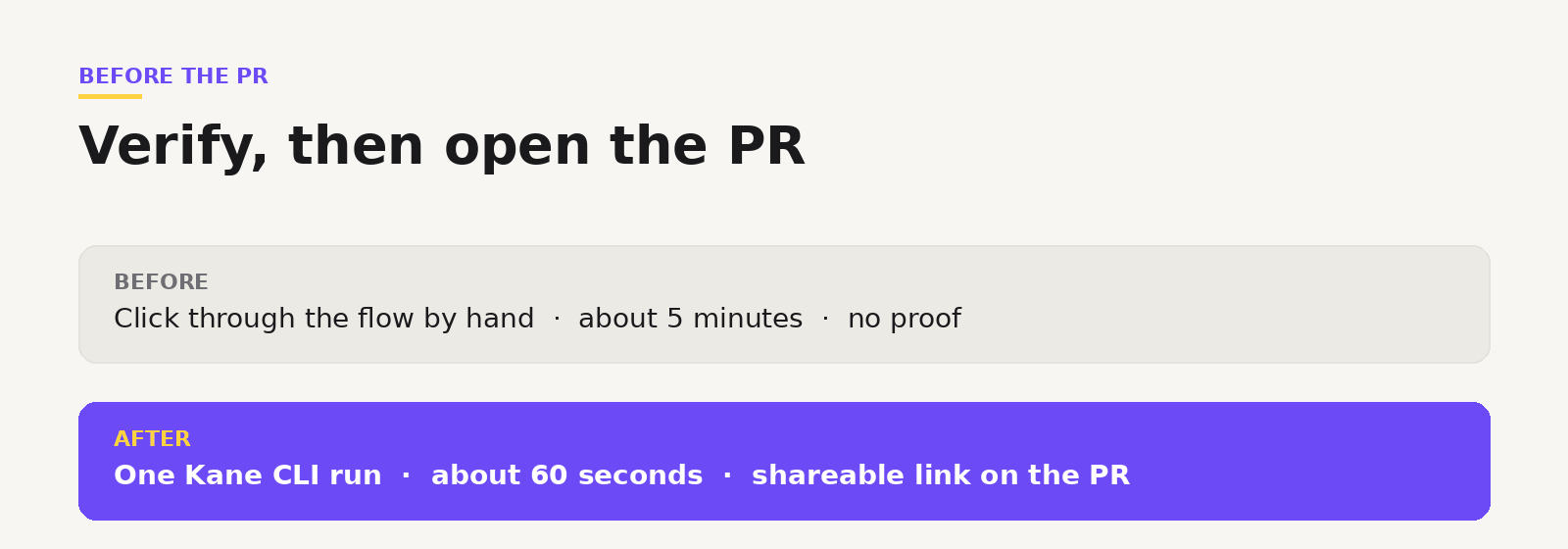
Describe the flow in plain English. Kane CLI opens a real Chrome browser, runs it like a user, and returns pass or fail.
kane-cli run "go to http://localhost:3000, log in, add an item to the cart, assert the total shows '$29.99'"The five minutes you used to spend clicking becomes about sixty seconds, and you get a result instead of a vibe.

Note: Want to verify before your next PR? Start free. Try Kane CLI
Drop the Proof Straight onto the PR
Every run produces a shareable link with a video and a step trace. Paste it into the PR description or a comment. Now the reviewer is not taking your word for it. They can see the flow ran and passed, with evidence attached.
The same link works in Slack or a Jira ticket. Wherever the conversation about the change happens, the proof goes with it.
Note: Want to see how to write these checks and share the results? Read the Kane CLI docs. Read the docs
Make It the Last Thing Before You Push
The habit is simple. Write the feature, run the flow through Kane CLI, attach the link, then open the PR. If you build with an AI agent, it can run the same check in its own loop and only surface a PR once the flow passes.
Note: Wiring this into your agent? Grab the examples in the repo. Open the repo
The diff tells reviewers what changed. A Kane CLI run tells them it works. Open the PR with both.
Author

Bhawana
Blogs: 77


Bhawana is a Community Evangelist at TestMu AI with over 3 years of experience creating technically accurate, strategy-driven content in software testing. She has authored 50+ blogs on test automation, cross-browser testing, mobile testing, and real device testing. She also serves as Product Marketing Manager for Kane CLI, the command-line tool that runs browser automation from the terminal using natural-language flows in a real Chrome browser. Bhawana is certified in KaneAI, Selenium, Appium, Playwright, and Cypress, reflecting her hands-on knowledge of modern automation practices. On LinkedIn, she is followed by 6000+ QA engineers, testers, AI automation testers, and tech leaders.


Did you find this page helpful?
More Related Blogs
TestMu AI forEnterprise
Get access to solutions built on Enterprise
grade security, privacy, & compliance
- Advanced access controls
- Advanced data retention rules
- Advanced Local Testing
- Premium Support options
- Early access to beta features
- Private Slack Channel
- Unlimited Manual Accessibility DevTools Tests